
Learn / DaVinci Resolve
DaVinci Resolve
Evergreen, step-by-step DaVinci Resolve tutorials and reference: export settings, color grading, audio, and the workflows working editors actually use. Written by the team behind Uncle, the on-screen assistant that teaches Resolve on your own screen.
 FixesOct 10, 202631 min read
DaVinci Resolve Audio Disappears After Reopening Project? Fix It
Fix DaVinci Resolve audio that disappears after reopening a project. Diagnose missing media, moved drives, bins, proxies, timelines, and playback routing.
 GuidesOct 10, 202623 min read
DaVinci Resolve: Change Clip Speed Without Changing Audio Pitch
Change a clip's speed in DaVinci Resolve while keeping its audio pitch steady. Learn the Pitch Correction setting, linked audio steps, and fixes.
 ComparisonsOct 10, 202632 min read
DaVinci Resolve App That Explains Buttons on Screen
Compare an on-screen Resolve assistant with official training, tutorials, chatbots, and editing agents. Find the right help for the control in front of you.
 GuidesOct 8, 202638 min read
How to Practice DaVinci Resolve After Training
Learn how to practice DaVinci Resolve after training with a repeatable project system for editing, color, Fairlight, Fusion, feedback, and retention.
 GuidesOct 7, 202619 min read
How to Learn DaVinci Resolve Without Long Tutorials
Learn DaVinci Resolve without long tutorials using short questions, focused practice, real projects, and help that matches your screen.
 GuidesOct 7, 202622 min read
Finished DaVinci Resolve Training but Still Feel Lost?
Finished DaVinci Resolve training but still feel lost? Diagnose the gap, rebuild recall, and use a practical seven-day plan to edit alone.
 ComparisonsOct 7, 202634 min read
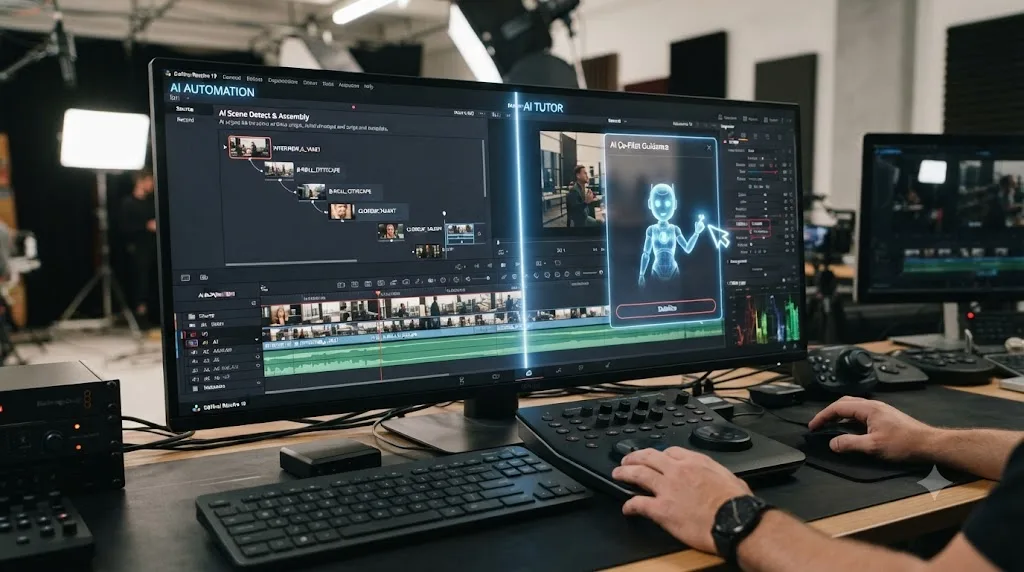
AI Tutor vs AI Editor DaVinci Resolve: Which Should You Use?
AI tutor vs AI editor DaVinci Resolve explained for 2026. Compare live instruction, automated editing, official training, and the right workflow.
 ComparisonsOct 6, 202634 min read
AI Assistant for Fusion in DaVinci Resolve: 2026 Guide
Compare AI assistants for Fusion in DaVinci Resolve 21.1, from native Resolve tools to screen-aware help.
 ComparisonsOct 6, 202644 min read
CutAgent Alternatives for DaVinci Resolve: What Actually Fits
Compare CutAgent alternatives for DaVinci Resolve, including Sottocut, Eddie AI, official training, and TryUncle, by task, platform, and risk.
 FixesOct 6, 202639 min read
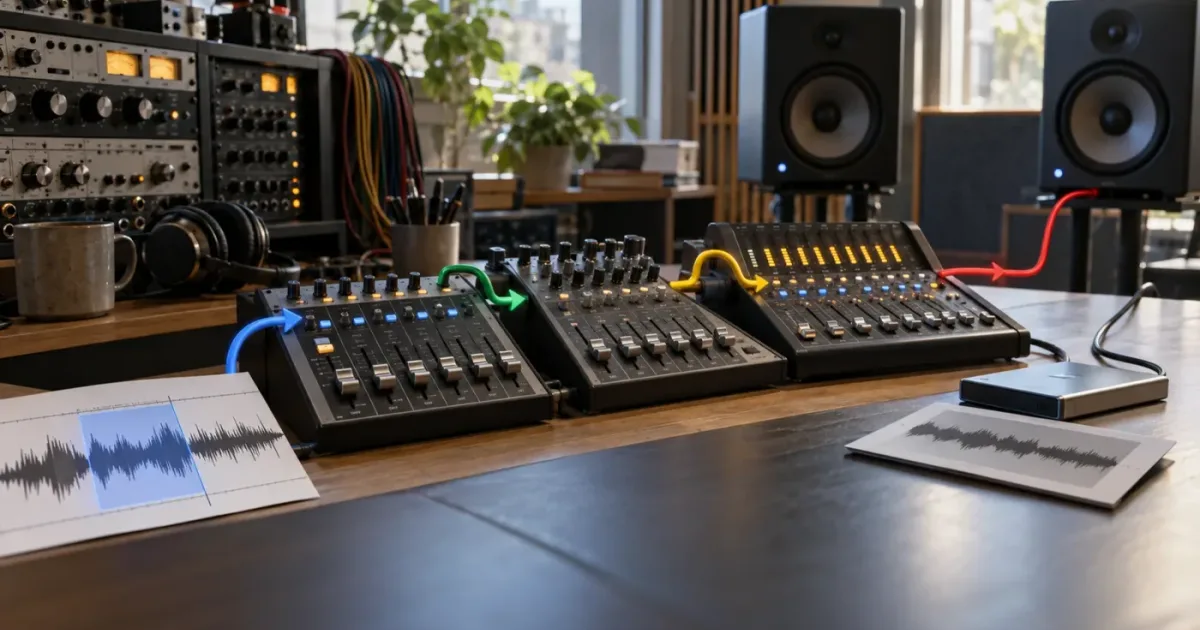
DaVinci Resolve Audio Bus Routing Not Working? Fix It
DaVinci Resolve audio bus routing not working? Trace the signal from track to bus to monitor, then fix FlexBus, mute, mapping, and render problems.
 FixesOct 6, 202615 min read
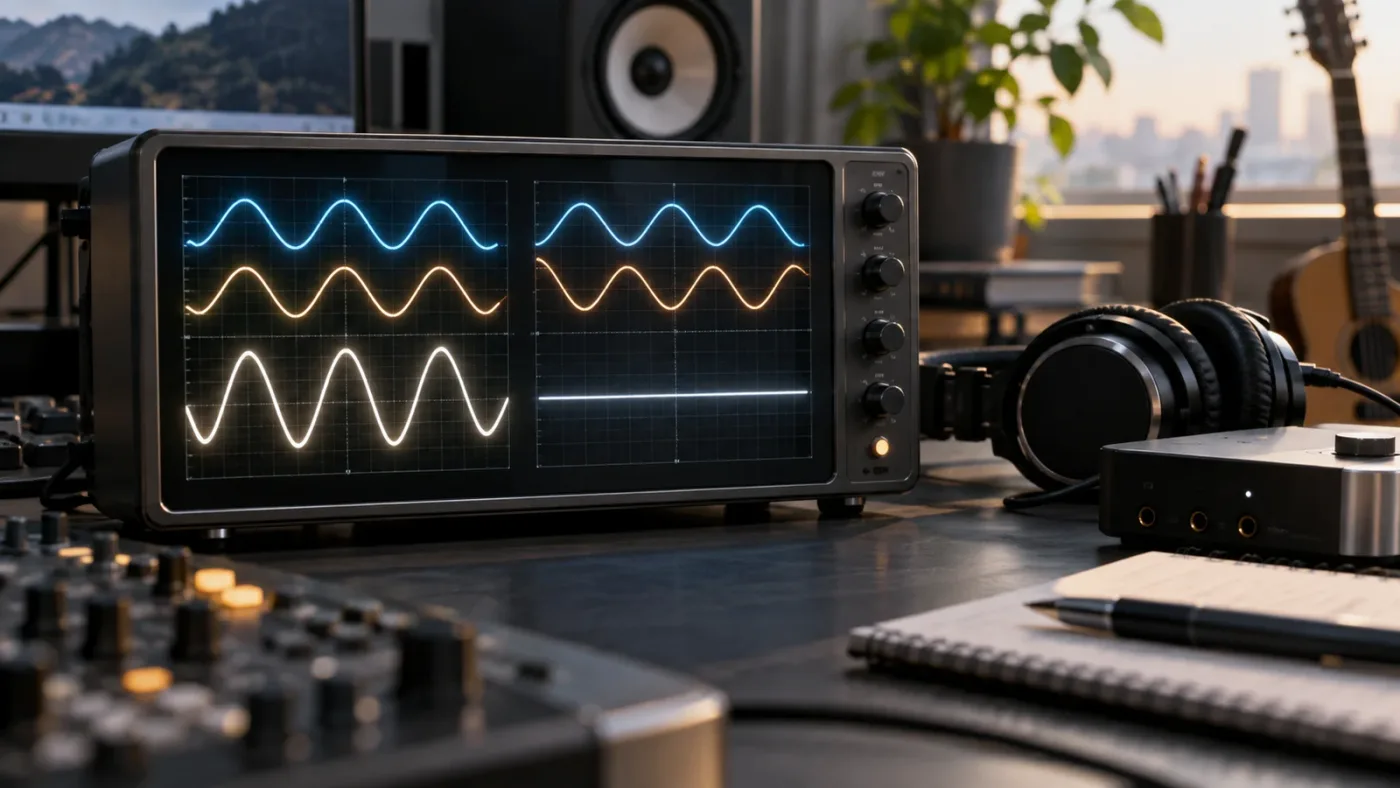
DaVinci Resolve Audio Phase Cancellation Fix: A Practical Test
Fix thin, hollow, or disappearing audio in DaVinci Resolve by testing polarity, mono compatibility, timing, routing, and microphone alignment.
 FixesOct 6, 202618 min read
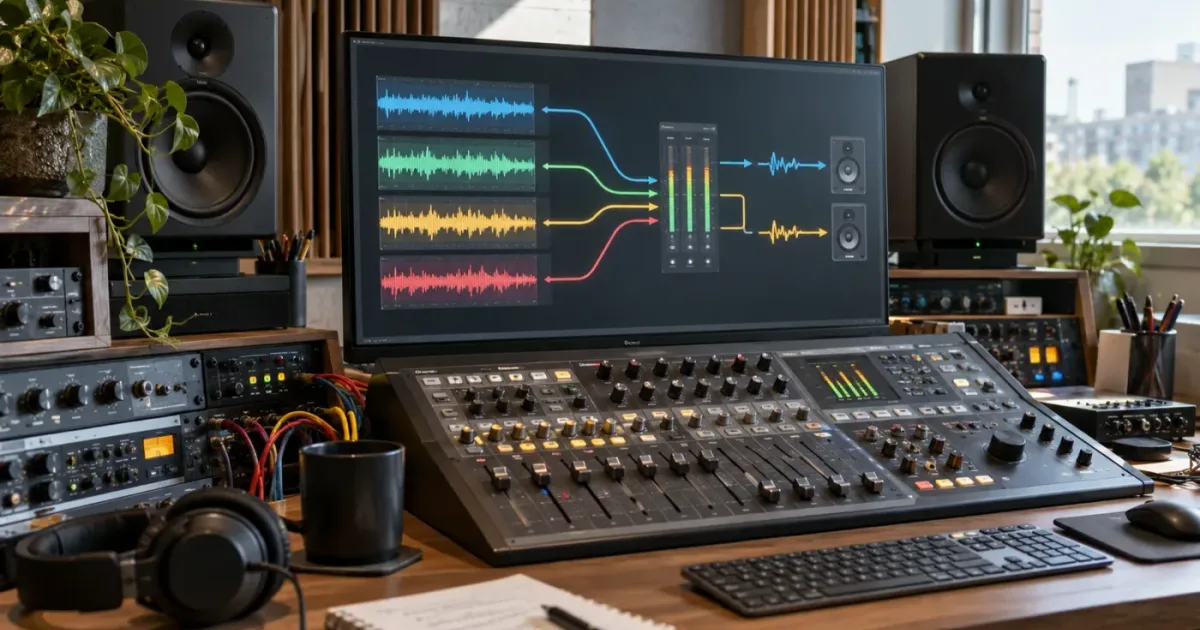
DaVinci Resolve Audio Track Not Routed to Bus? Fix It
Fix a DaVinci Resolve audio track not routed to bus problem by tracing Bus Outputs, Bus Assign, FlexBus, monitoring, and track format.
 GuidesOct 6, 202620 min read
DaVinci Resolve Beginner Project With Phone Footage
Build a finished DaVinci Resolve beginner project with phone footage. Follow a simple shoot, edit, audio, color, and export workflow.
 GuidesOct 5, 202617 min read
Can TryUncle Explain DaVinci Resolve Errors? A 2026 Guide
Can TryUncle explain DaVinci Resolve errors? Learn what an on-screen tutor can do, how to triage common errors, and when official support is better.
 ComparisonsOct 5, 202617 min read
CutAgent vs Sottocut for DaVinci Resolve: Which Wins?
CutAgent vs Sottocut for DaVinci Resolve compared by editing automation, platform, privacy, pricing, and learning value, with an honest 2026 verdict.
 FixesOct 5, 202619 min read
DaVinci Resolve Audio Clip Sounds Hollow? Fix It
Does a DaVinci Resolve audio clip sound hollow? Find the phase, stereo, channel, EQ, and monitoring causes, then fix the right one.
 FixesOct 5, 202635 min read
DaVinci Resolve Keyframe Easing Not Working? Fix It
DaVinci Resolve keyframe easing not working? Find the cause, fix Ease In and Ease Out, and use the Curve Editor correctly in Resolve 21.
 FixesOct 5, 202631 min read
DaVinci Resolve Linked Selection Not Working? Fix It
DaVinci Resolve linked selection not working? Turn on the chain button, check clip links and track targeting, then fix the common override shortcuts.
 GuidesOct 5, 202636 min read
How to Create Subclips in DaVinci Resolve
Learn how to create, name, organize, edit, and troubleshoot subclips in DaVinci Resolve 21, including Source Viewer, Media Pool, and timeline workflows.
 FixesOct 3, 202616 min read
DaVinci Resolve Stereo Clip One Channel Silent: Fix It Fast
Fix a DaVinci Resolve stereo clip with one silent channel. Map the good source channel, repair the track format, and diagnose one-sided audio.
 GuidesOct 3, 202619 min read
DaVinci Resolve Subtitle Timing: Offset All Captions
Fix DaVinci Resolve subtitle timing by shifting all captions together, retiming words in Resolve 21.1, and diagnosing frame-rate drift.
 FixesOct 3, 202618 min read
DaVinci Resolve Subtitles Out of Sync With Audio? Fix It
Fix DaVinci Resolve subtitles out of sync with audio by identifying a fixed offset, timeline edit, frame-rate drift, or bad source timing.
 GuidesOct 3, 202638 min read
How to Learn DaVinci Resolve After Watching Beginner Tutorials
Finished beginner tutorials but still feel stuck? Use this project-based DaVinci Resolve practice plan to turn watching into real editing skill.
 GuidesOct 3, 202642 min read
How to Learn DaVinci Resolve by Making One Real Project
Learn DaVinci Resolve by finishing one short real project from media import to delivery, with a practical curriculum for Resolve 21.
 GuidesOct 3, 202639 min read
How to Make a Fusion Composition Reusable in DaVinci Resolve
Learn how to make a Fusion composition reusable in DaVinci Resolve with macros, templates, exposed controls, reference compositions, folder paths, and testing steps.
 GuidesSep 30, 202619 min read
DaVinci Resolve Practice Project After a Beginner Course
Finished a DaVinci Resolve beginner course? Build a focused practice project, review it, and repeat with a plan that turns lessons into editing skill.
 FixesSep 30, 202619 min read
DaVinci Resolve Render Range Only Exports Part Timeline? Fix It
DaVinci Resolve render range only exports part timeline? Clear stale In and Out points, choose the right range, and rebuild the render job.
 FixesSep 30, 202617 min read
DaVinci Resolve Snapping Not Working? Fix It in 2026
DaVinci Resolve snapping not working? Turn on the timeline magnet, restore N, and fix the playhead, viewer guide, and shortcut problems that look similar.
 GuidesSep 30, 202638 min read
How to Create New Timeline From Selected Clips in DaVinci Resolve
Learn how to create a new DaVinci Resolve timeline from selected Media Pool clips, preserve order, use In and Out marks, and fix common mistakes.
 GuidesSep 30, 202643 min read
How to Create a Project Template in DaVinci Resolve
Learn how to create, save, reuse, export, and troubleshoot a DaVinci Resolve project template in Resolve 21.1 on Mac, Windows, or Linux.
 GuidesSep 30, 202638 min read
How to Export a Still Frame as PNG in DaVinci Resolve
Learn how to export a still frame as PNG in DaVinci Resolve 21.1 from the right viewer, with fixes for resolution, color, overlays, and transparency.
 ComparisonsSep 29, 202637 min read
DaVinci Resolve Edit vs Fusion for Basic Tasks
DaVinci Resolve Edit vs Fusion for basic tasks: a practical decision matrix for cutting, titles, transforms, masks, tracking, keying, and simple effects.
 FixesSep 29, 202619 min read
DaVinci Resolve Insert Edit Overwrites Clip? Fix It
Is DaVinci Resolve overwriting your clip instead of inserting it? Use the right edit command, shortcut, overlay, and track targets.
 FixesSep 29, 202621 min read
DaVinci Resolve Media Pool Thumbnails Not Showing: Fix It
DaVinci Resolve Media Pool thumbnails not showing? Restore Thumbnail View, relink offline media, and separate stale previews from render-cache problems.
 FixesSep 29, 202619 min read
DaVinci Resolve Paste Attributes Not Working? Fix It
DaVinci Resolve Paste Attributes not working? Fix the copy shortcut, timeline selection, category checkbox, and clip-type edge cases.
 GuidesSep 29, 202637 min read
How to Compare Two Timelines in DaVinci Resolve
Learn how to compare two timelines in DaVinci Resolve 21.1, review edit changes, compare backups, and choose a fallback when versions do not line up.
 GuidesSep 29, 202644 min read
How to Copy a Timeline to Another Project in DaVinci Resolve
Learn how to copy a timeline to another project in DaVinci Resolve with Dynamic Project Switching, .drt, .drp, and recovery steps.
 GuidesSep 28, 202617 min read
DaVinci Resolve Export Only Selected Clips: The Exact Fix
Learn how to export only selected clips in DaVinci Resolve 21.1 with In/Out, Render This Clip, Single Clip, and Individual Clips.
 FixesSep 28, 202617 min read
DaVinci Resolve Fusion Node Controls Not Showing? Fix It
Fix DaVinci Resolve Fusion node controls not showing by restoring the Inspector, activating the right node, and turning viewer controls back on.
 FixesSep 28, 202621 min read
DaVinci Resolve Insert Edit Not Working? Fix the 7 Causes
DaVinci Resolve insert edit not working? Fix source marks, track targeting, shortcuts, audio selection, locked tracks, and page focus.
 FixesSep 28, 202643 min read
DaVinci Resolve Viewer Zoomed In Too Far? Fix It
Is your DaVinci Resolve viewer zoomed in too far? Reset Fit, separate viewer zoom from clip Transform, and fix crop and aspect-ratio causes.
 ComparisonsSep 28, 202631 min read
Doza Assist vs TryUncle for DaVinci Resolve
Doza Assist vs TryUncle for DaVinci Resolve: compare story editing, live screen guidance, privacy, pricing, platform fit, and the honest choice.
 GuidesSep 28, 202638 min read
How Do I Move the Timeline Up in DaVinci Resolve?
Move the DaVinci Resolve timeline higher, resize its tracks, or move clips up to another track with the right drag and keyboard shortcut.
 FixesSep 27, 202621 min read
DaVinci Resolve Clips Not Snapping to Playhead? Fix It
DaVinci Resolve clips not snapping to the playhead? Check the magnet, N shortcut, page, trim mode, and one-frame edge cases in this fix.
 FixesSep 27, 202620 min read
DaVinci Resolve Controls Not Showing in Inspector? Fix It
DaVinci Resolve controls not showing in Inspector? Use this 21.1 troubleshooting guide to restore clip, effect, Fusion, Color, and audio controls.
 ComparisonsSep 27, 202624 min read
DaVinci Resolve Course With Project Files: 2026 Comparison
Compare DaVinci Resolve courses with project files in 2026, from Blackmagic's free training to paid classes, and choose the right practice path.
 FixesSep 27, 202643 min read
Why DaVinci Resolve Edit and Color Page Look Different
DaVinci Resolve edit and color page look different? Separate normal workspace changes from clip, viewer, color management, and monitor problems.
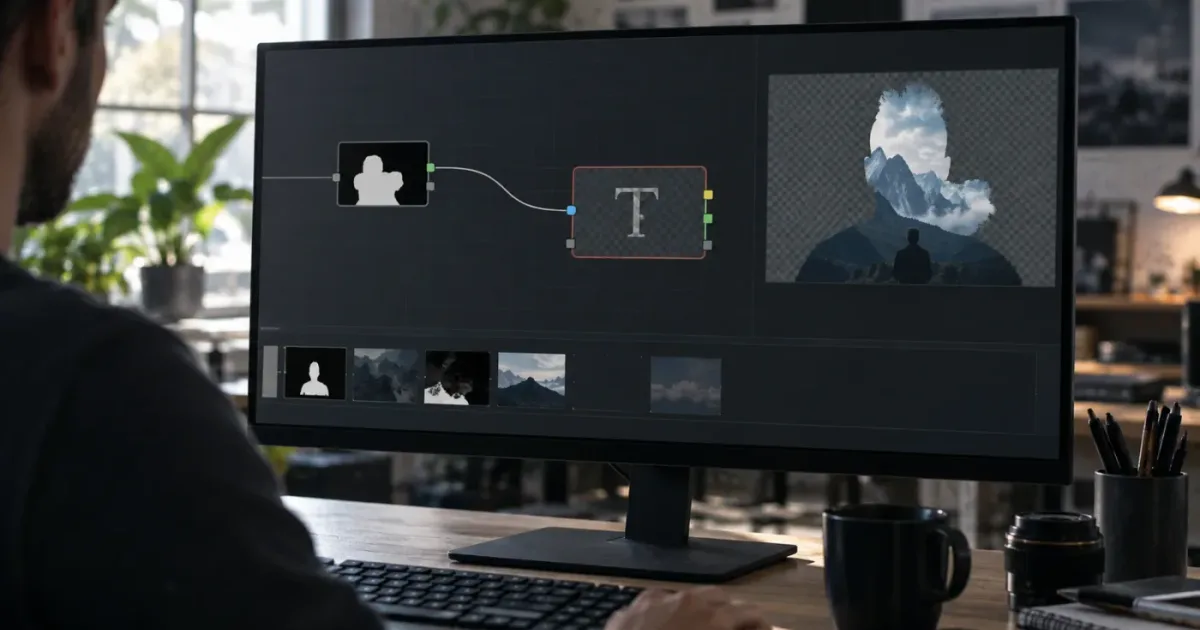 FixesSep 27, 202637 min read
DaVinci Resolve Fusion Mask Not Affecting Text? Fix It
Fix a DaVinci Resolve Fusion mask that is not affecting Text+ or Text 3D. Trace the blue input, alpha, node order, mask settings, and version issues.
 ComparisonsSep 27, 202643 min read
DaVinci Resolve Training PDF vs Video: Which Wins?
DaVinci Resolve training PDF vs video: compare learning speed, practice, version drift, accessibility, and the best hybrid study plan for Resolve 21.1.
 FixesSep 26, 202620 min read
DaVinci Resolve Audio Waveform Not Showing? Fix It
Fix a DaVinci Resolve audio waveform not showing with display, track height, cache, media, and regeneration checks for Resolve 21.1.
 GuidesSep 26, 202619 min read
DaVinci Resolve Change Stereo Audio to Mono: 3 Ways
Learn how to change stereo audio to mono in DaVinci Resolve with Clip Attributes, mono tracks, Stereo Fixer, and a safe export workflow.
 FixesSep 26, 202617 min read
DaVinci Resolve Color Page Node Graph Missing? Fix It
Fix a missing DaVinci Resolve color page node graph in Resolve 21. Restore the layout, recenter nodes, and check Layer List view.
 FixesSep 26, 202638 min read
DaVinci Resolve Media Pool Search Not Finding Clips? Fix It
DaVinci Resolve Media Pool search not finding clips? Fix bin scope, metadata filters, IntelliSearch, offline media, and Resolve 21.1 traps.
 FixesSep 26, 202639 min read
DaVinci Resolve Render Cache Not Updating After Changes: Fix It
DaVinci Resolve render cache not updating after changes? Find the stale cache, clear only what is necessary, and rebuild the right cache layer.
 FixesSep 26, 202639 min read
DaVinci Resolve Smart Bin Not Updating? Fix It
DaVinci Resolve Smart Bin not updating? Find the real cause, repair metadata rules, refresh stale results, and handle Resolve 21 edge cases.
 ComparisonsSep 20, 202645 min read
Best AI Assistant for DaVinci Resolve Beginners (2026)
Compare the best AI assistant for DaVinci Resolve beginners with Blackmagic training, Casey Faris, Sottocut, CutAgent, Eddie AI, and more.
 FixesSep 20, 202625 min read
DaVinci Resolve Adjustment Clip Not Working? Fix It
Fix a DaVinci Resolve adjustment clip that does nothing, skips clips, breaks transparency, or fails in Fusion with this Resolve 21.1 checklist.
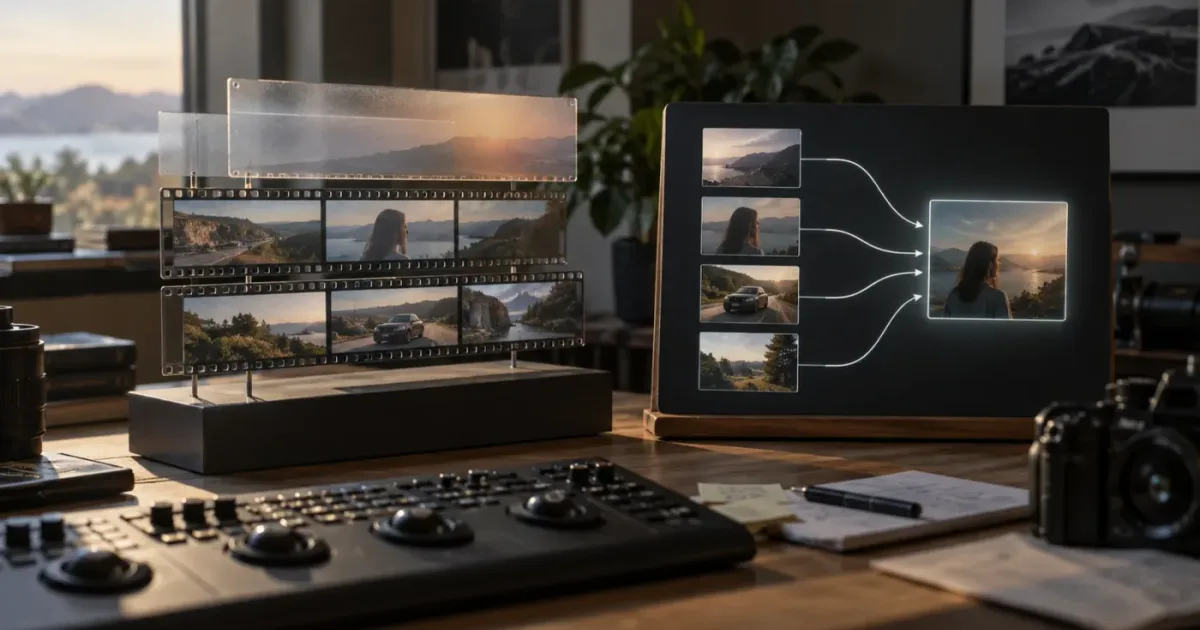 ComparisonsSep 20, 202644 min read
DaVinci Resolve Adjustment Clip vs Fusion Composition
DaVinci Resolve adjustment clip vs Fusion composition explained with a decision matrix, worked examples, limits, and a verdict for Resolve 21.
 FixesSep 20, 202643 min read
DaVinci Resolve Audio Automation Line Not Visible: Fix
DaVinci Resolve audio automation line not visible? Reveal Fairlight automation and fix missing clip or track lines in Resolve 19, 20, or 21.
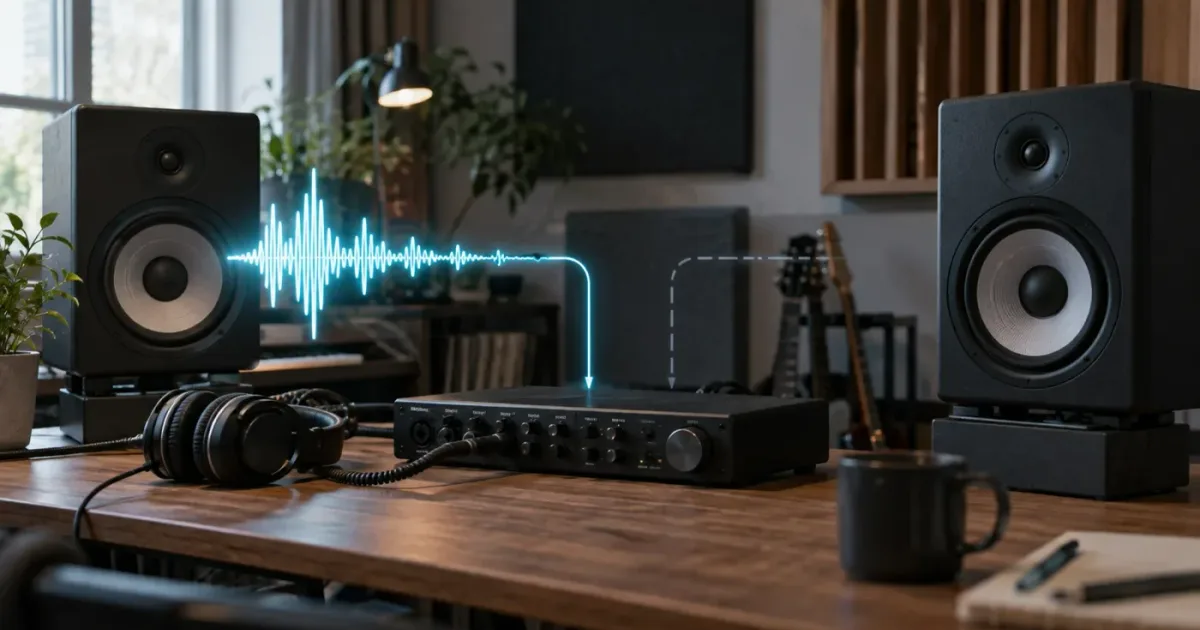 FixesSep 20, 202621 min read
DaVinci Resolve Audio Only Coming From Left Speaker? Fix It
Fix DaVinci Resolve audio only coming from the left speaker by checking clip mapping, track type, pan, bus routing, and system balance.
 FixesSep 20, 202637 min read
DaVinci Resolve Fairlight Automation Not Working? Fix It
Fix DaVinci Resolve Fairlight automation not working by checking the page, mode, enables, Preview, ranges, On Stop behavior, and track target.
 ComparisonsAug 17, 202634 min read
DaVinci Resolve Export Source Timecode vs Timeline
DaVinci Resolve export source timecode vs timeline explained: Single Clip, Individual Clips, Render Timeline Effects, burn-ins, and roundtrip choices.
 ComparisonsAug 17, 202636 min read
DaVinci Resolve Fusion Instance vs Copy Nodes: Which Wins?
DaVinci Resolve Fusion instance vs copy nodes explained: linked controls, independent duplicates, deinstancing, keyframes, and safe reuse patterns.
 ComparisonsAug 17, 202640 min read
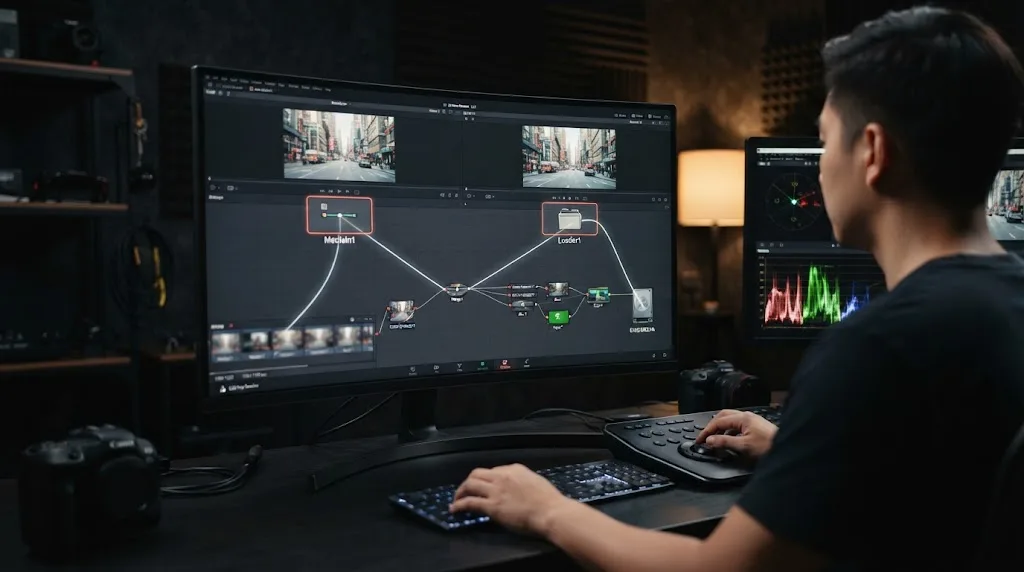
DaVinci Resolve Fusion MediaIn vs Loader: Which Wins?
DaVinci Resolve Fusion MediaIn vs Loader explained with frame ranges, caching, project media, portability, and a practical decision matrix.
 ComparisonsAug 12, 202648 min read
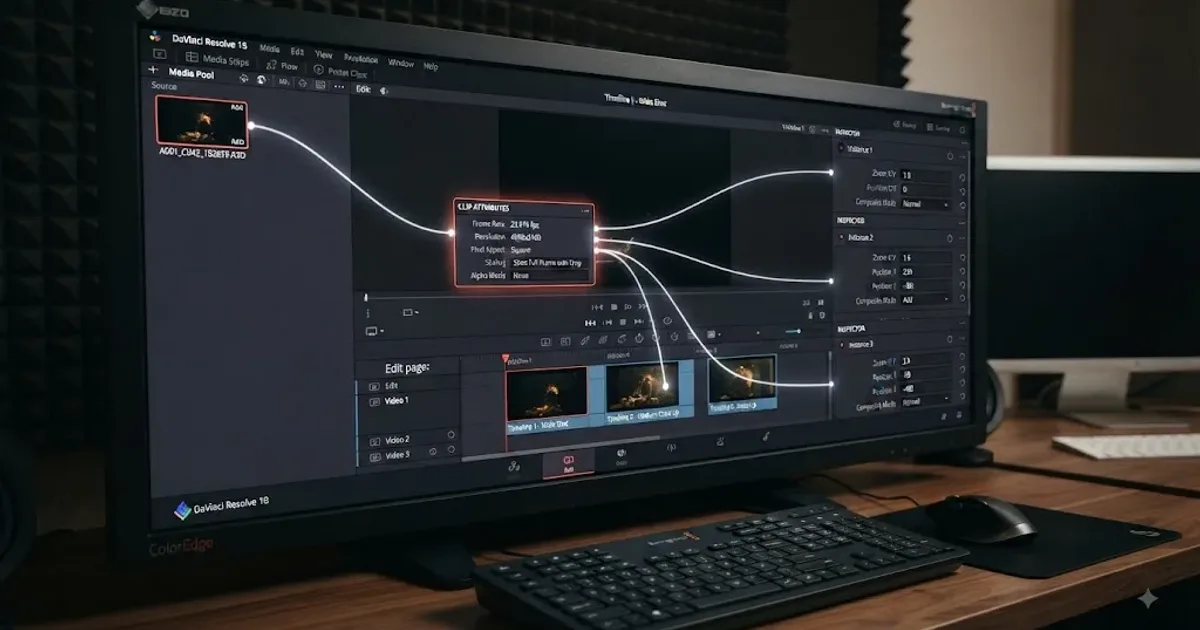
DaVinci Resolve Inspector vs Clip Attributes: What's Different?
DaVinci Resolve Inspector vs Clip Attributes explained: source vs timeline scope, frame rate, audio mapping, data levels, transforms, and common traps.
 GuidesAug 12, 202642 min read
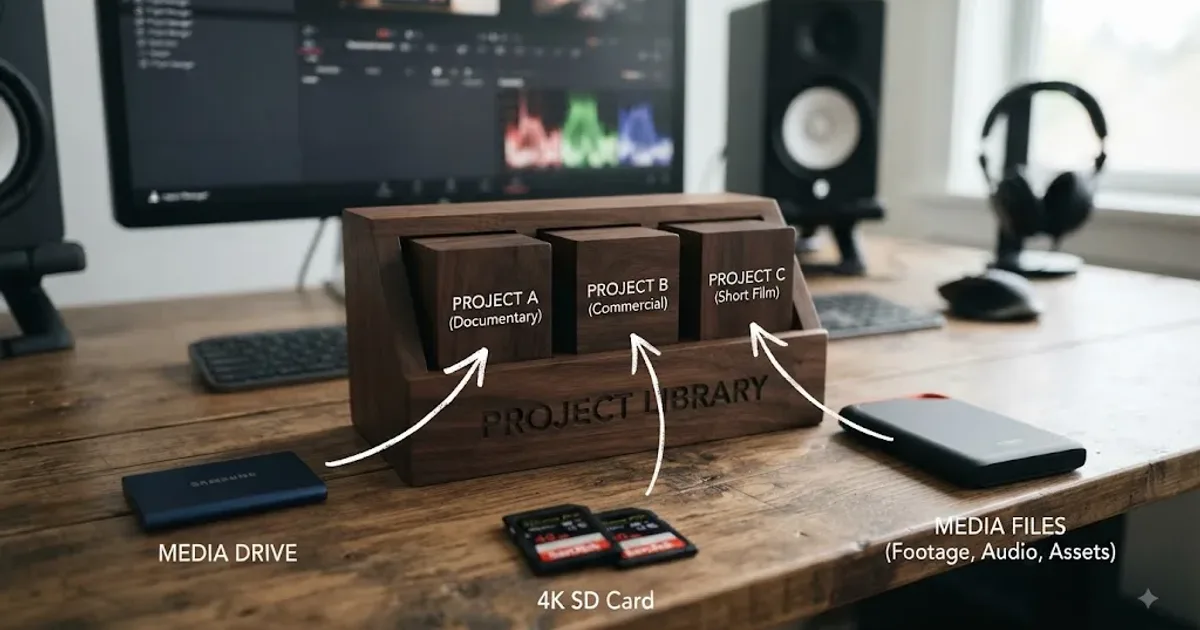
DaVinci Resolve Project Library vs Database: What's Different?
DaVinci Resolve Project Library vs database explained: old vs new terms, storage types, projects, media, backups, collaboration, and migration.
 ComparisonsAug 12, 202643 min read
DaVinci Resolve Single Clip vs Individual Clips: Which to Use?
DaVinci Resolve Single Clip vs Individual Clips explained: timecode, handles, filenames, source resolution, effects, audio, VFX, and grading.
 GuidesAug 12, 202644 min read
DaVinci Resolve Slip vs Slide Edit: What's the Difference?
DaVinci Resolve slip vs slide edit explained with frame-accurate examples, workflows, trim limits, shortcuts, and a clear decision table.
 ComparisonsAug 12, 202655 min read
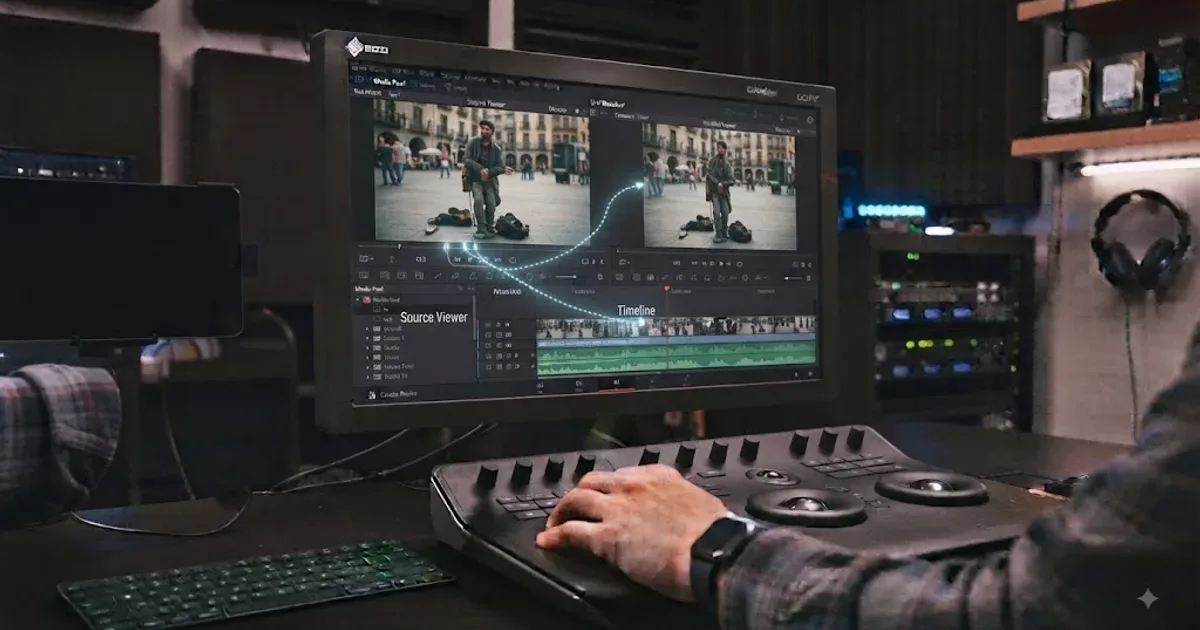
DaVinci Resolve Source Viewer vs Timeline Viewer: The Difference
DaVinci Resolve source viewer vs timeline viewer explained: what each shows, how playheads differ, and when to use Match Frame, I/O points, and Q.
 ComparisonsAug 12, 202642 min read
TryUncle vs Blackmagic DaVinci Resolve Training: Which Wins?
TryUncle vs Blackmagic DaVinci Resolve training compared on cost, curriculum, live help, platforms, certification, Resolve 21, and who each fits.
 GuidesAug 2, 202641 min read
DaVinci Resolve Export Settings for Twitter (X) in 2026
DaVinci Resolve export settings for Twitter (X): codec, resolution, bitrate, and file size limits for posts, ads, and Premium 4K uploads.
 GuidesAug 2, 202640 min read
DaVinci Resolve Fusion 3D Text Tutorial: The Full Node Recipe
Build extruded, lit 3D text in DaVinci Resolve Fusion: the full Text3D, Merge3D, and Renderer3D node recipe, plus lighting, materials, and fixes.
 GuidesAug 2, 202641 min read
DaVinci Resolve Workflow for Corporate Training Videos
The DaVinci Resolve workflow for corporate training videos: SME capture, ADA/508 captions, microlearning edits, SCORM packaging, and LMS delivery.
 GuidesAug 2, 202642 min read
DaVinci Resolve Day for Night Color Grading Tutorial
The exact node recipe for a day for night grade in DaVinci Resolve: contrast, color balance, HSL qualifiers, power windows, and troubleshooting.
 GuidesAug 2, 202640 min read
DaVinci Resolve for Nonprofit and Fundraising Video Editing
DaVinci Resolve for nonprofit and fundraising video editing: free vs Studio, donor story workflow, captions, branding, and export settings for 2026.
 GuidesAug 2, 202641 min read
How to Create a Photo Slideshow With Ken Burns in DaVinci Resolve
How to build a Ken Burns photo slideshow in DaVinci Resolve: Dynamic Zoom, manual keyframes, batch methods, export settings, and the zoom limits that avoid soft pixels.
 GuidesAug 2, 202636 min read
The DaVinci Resolve Learning Plan for Night Shift Workers
A DaVinci Resolve learning plan built around night shift sleep science: when to practice, what to skip near the circadian low, and how to protect sleep.
 GuidesAug 2, 202637 min read
Best External SSD for DaVinci Resolve in 2026: 6 Compared
Best external SSD for DaVinci Resolve in 2026: Samsung T9, SanDisk Extreme Pro V2, Crucial X9/X10 Pro, OWC Envoy Pro FX, LaCie Rugged SSD Pro compared.
 GuidesAug 2, 202639 min read
DaVinci Resolve Bit Rate vs Bit Depth Explained
What bit rate and bit depth actually control in DaVinci Resolve, why raising one never fixes the other, and which settings to use for delivery.
 GuidesAug 2, 202634 min read
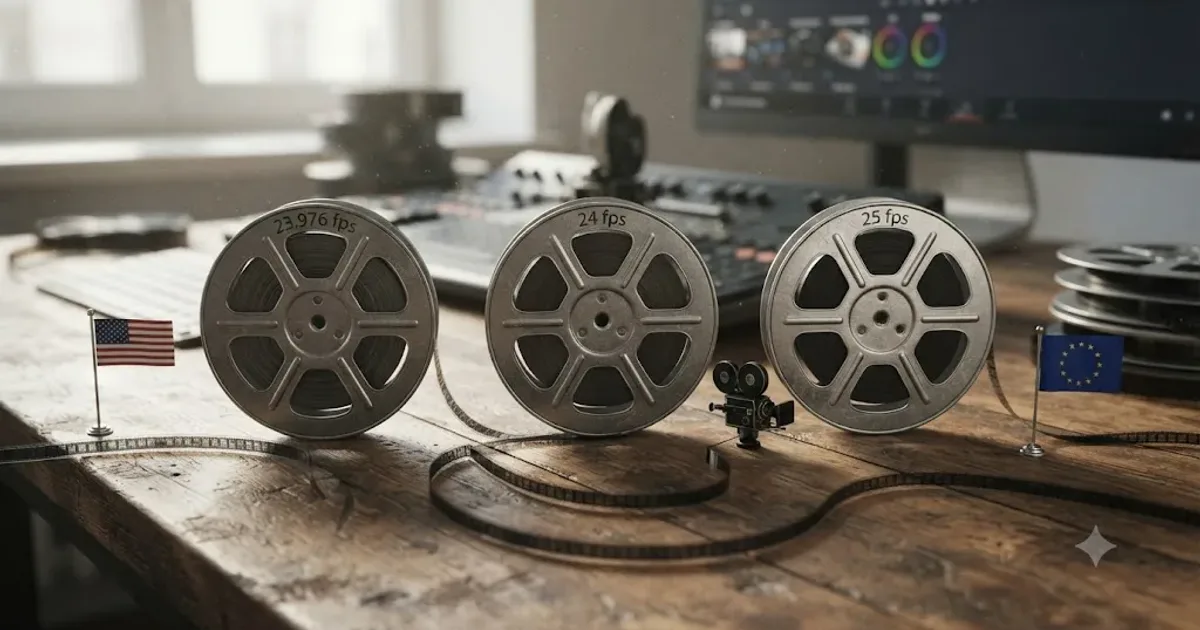
DaVinci Resolve Frame Rate: 23.976 vs 24 vs 25 Explained
23.976, 24, and 25 fps explained for DaVinci Resolve: where each rate comes from, which to pick for US, European, or cinema delivery, and how to convert.
 ComparisonsAug 2, 202630 min read
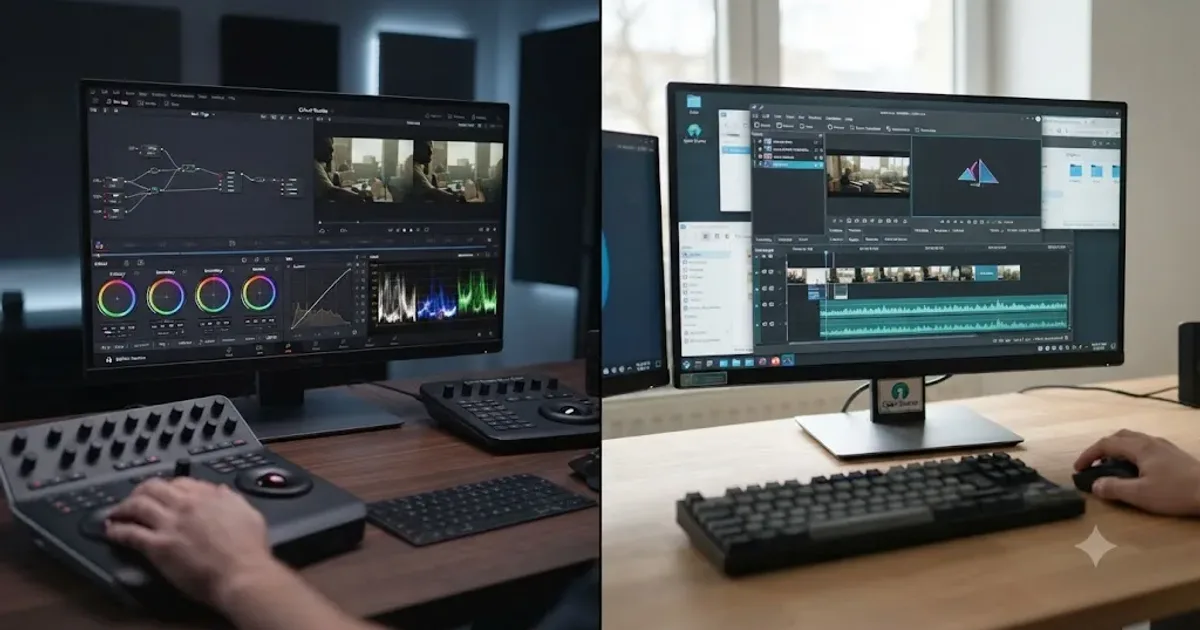
DaVinci Resolve vs Kdenlive: The Honest 2026 Comparison
DaVinci Resolve vs Kdenlive compared honestly: real pricing, color tools, audio, system requirements, stability, and which free editor fits your work.
 GuidesAug 2, 202638 min read
DaVinci Resolve Workflow for True Crime Documentary Videos
A complete DaVinci Resolve workflow for true crime documentaries: mixed footage, archival restoration, redaction, legal risk, pacing, and delivery.
 GuidesAug 2, 202638 min read
Does DaVinci Resolve Support AV1 Export?
Yes, on Windows and Linux with a compatible GPU since Resolve 18.1. macOS can't encode AV1 at all. Full version, GPU, and Studio breakdown for 2026.
 GuidesAug 2, 202638 min read
Does DaVinci Resolve Support Dolby Vision?
DaVinci Resolve Studio has graded and rendered Dolby Vision natively since 2018. Here's H.265 and IMF export paths, and what the free edition can't do.
 ComparisonsAug 1, 202640 min read
DaVinci Resolve vs Submagic for Auto Captions and Clips
Submagic auto-generates captions and finds viral clips from long video for $19-$69/month. DaVinci Resolve captions only in Studio and has no clip-finder.
 ComparisonsAug 1, 202640 min read
DaVinci Resolve vs Vrew for Auto Subtitle Editing (2026)
DaVinci Resolve's auto-subtitles need a $295 one-time Studio license. Vrew is a $0-$36/month editor with credit-metered captions. Full comparison.
 GuidesAug 1, 202642 min read
DaVinci Resolve Workflow for Stand-Up Comedy Specials
The full DaVinci Resolve workflow for editing a stand-up comedy special: multicam sync, cutting for laughs, Fairlight audio, color, and export.
 GuidesAug 1, 202635 min read
DaVinci Resolve Internship Opportunities: How to Find One in 2026
How to find real video editing internships in 2026: job boards, ACE and Editors Guild programs, unpaid internship law, and what actually gets you hired.
 GuidesAug 1, 202640 min read
The DaVinci Resolve Learning Plan for Homeschool Teenagers
A homeschool DaVinci Resolve learning plan: an 18-week schedule, transcript credit hours, hardware specs, and honest screen-time guidance for teens.
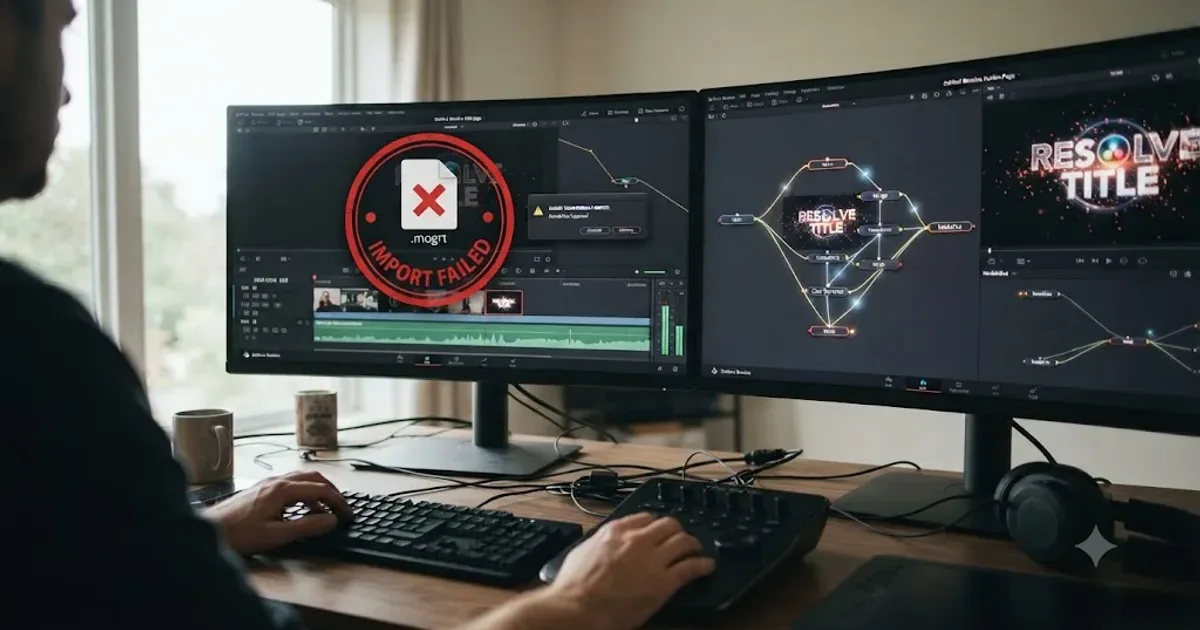 FixesJul 31, 202625 min read
DaVinci Resolve MOGRT Import: Why It Fails, 3 Real Fixes
DaVinci Resolve can't open .mogrt files from After Effects or Premiere Pro. Here's why, plus the render-to-video and Fusion template fixes that work.
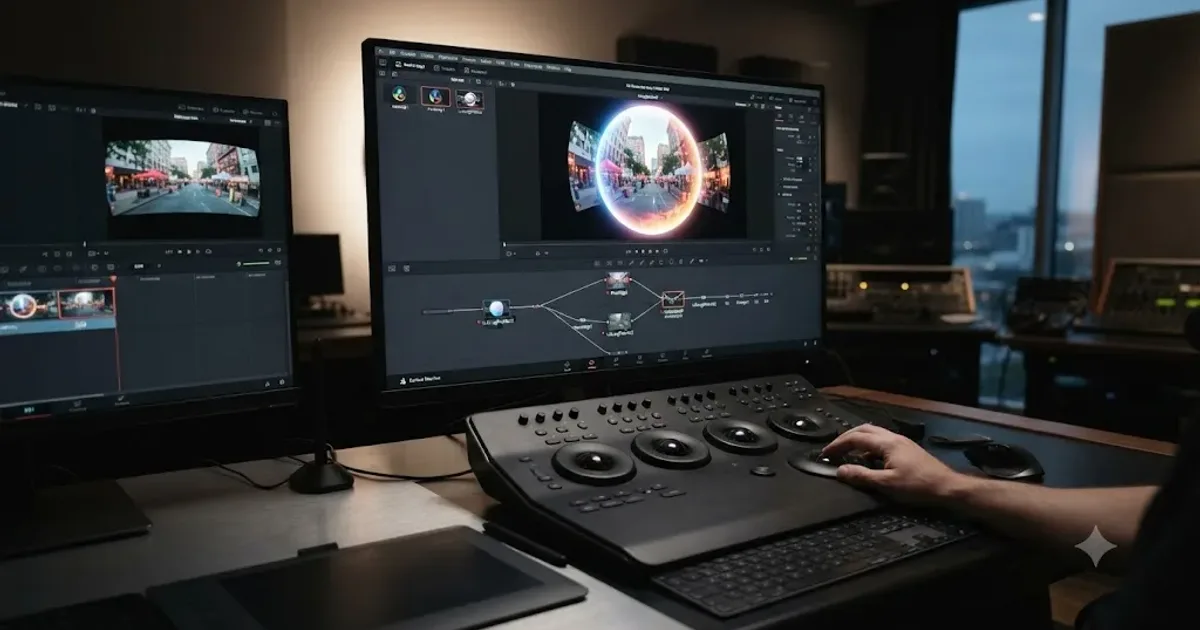 GuidesJul 31, 202641 min read
DaVinci Resolve 360 Video Editing Tutorial (Complete 2026 Guide)
Stitch, edit, reframe, and export 360 video in DaVinci Resolve. Covers Fusion's VR nodes, Resolve 21's new VR180/VR360 timeline, stitching fixes, and delivery.
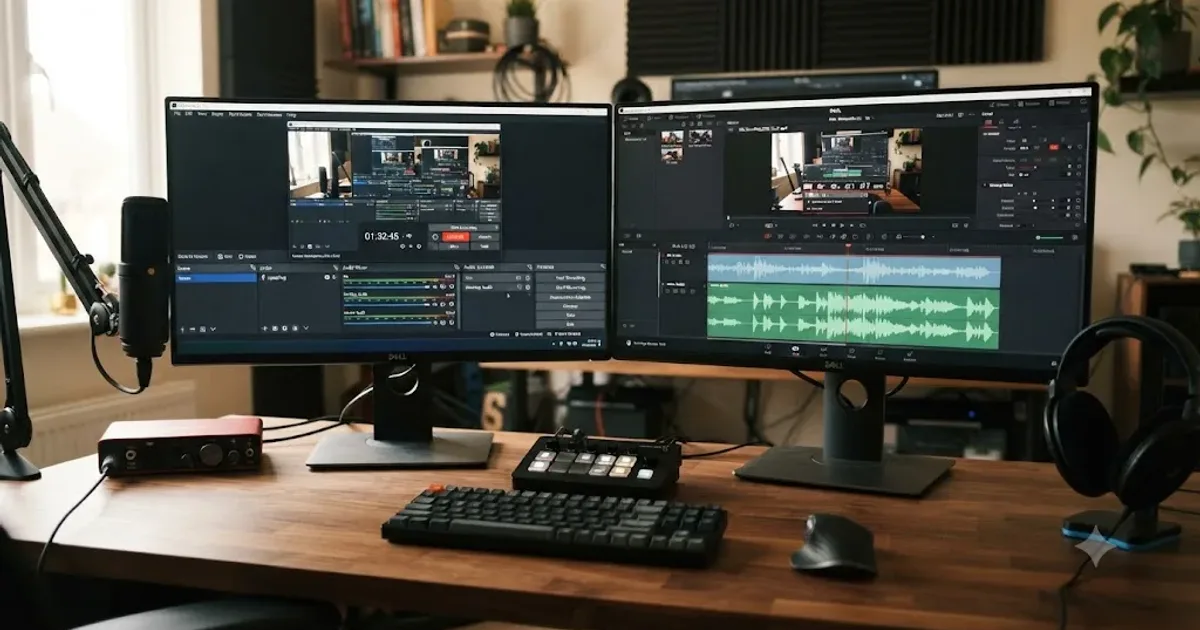 GuidesJul 31, 202638 min read
DaVinci Resolve Workflow for Editing OBS Stream Recordings
The complete DaVinci Resolve workflow for editing OBS stream recordings: settings, audio track splitting, frame rate fixes, and export, in the right order.
 GuidesJul 31, 202631 min read
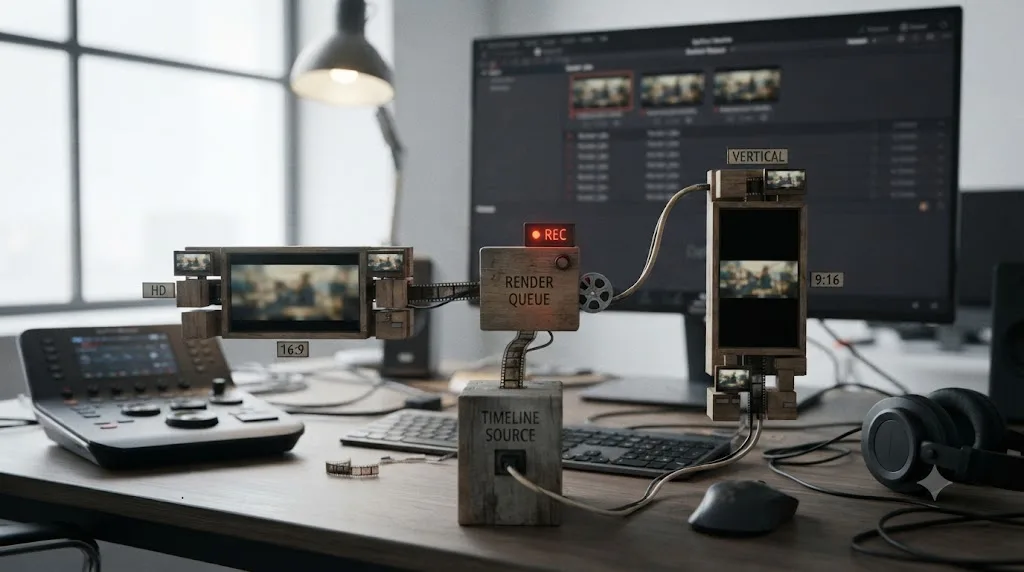
Deliver Both 16:9 and 9:16 From One DaVinci Resolve Timeline
DaVinci Resolve can't render two aspect ratios from one timeline. Here's the duplicate-and-reframe workflow that actually delivers 16:9 and 9:16 fast.
 GuidesJul 31, 202642 min read
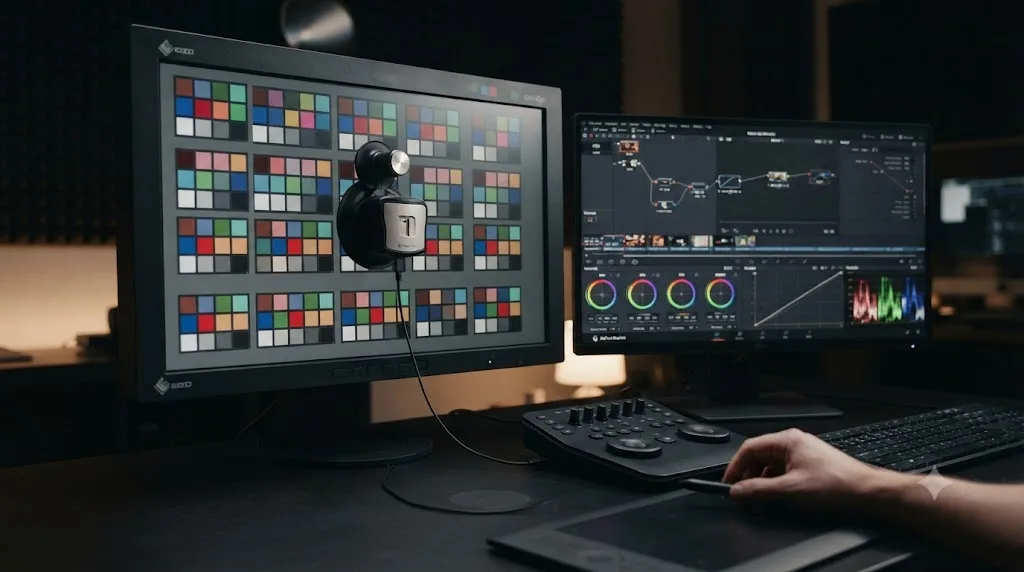
How to Calibrate Your Monitor for DaVinci Resolve Color Grading
Calibrate your monitor for DaVinci Resolve with a hardware colorimeter, D65 white point, gamma 2.4, and Color Management settings that actually match it.
 GuidesJul 31, 202634 min read
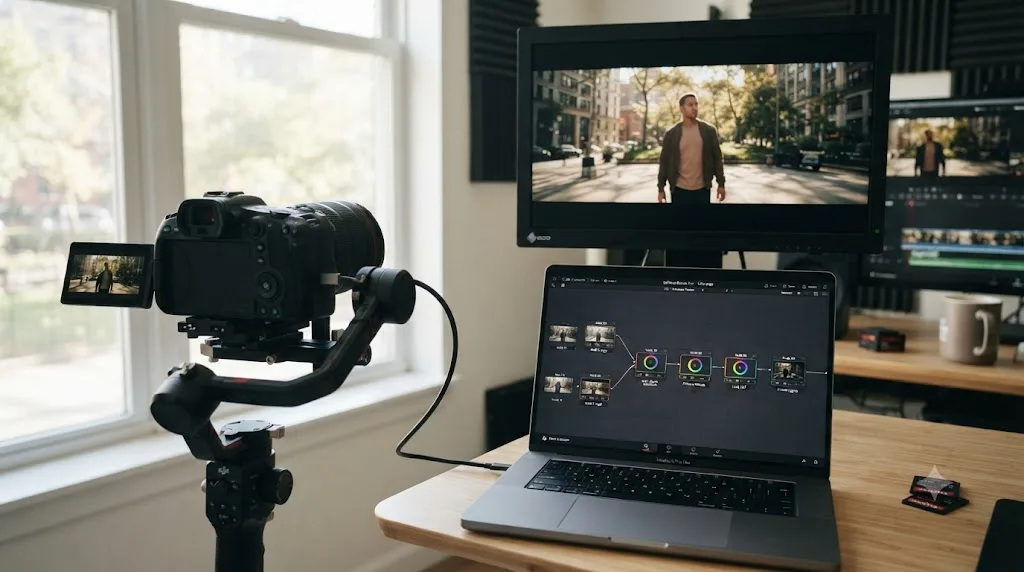
Canon C70 Cinema RAW Light DaVinci Resolve Workflow Guide
How to grade Canon C70 Cinema RAW Light in DaVinci Resolve: no plugin needed, the default Log 2/Cinema Gamut color tag to check, HQ/ST/LT presets, and node setup.
 ComparisonsJul 31, 202625 min read
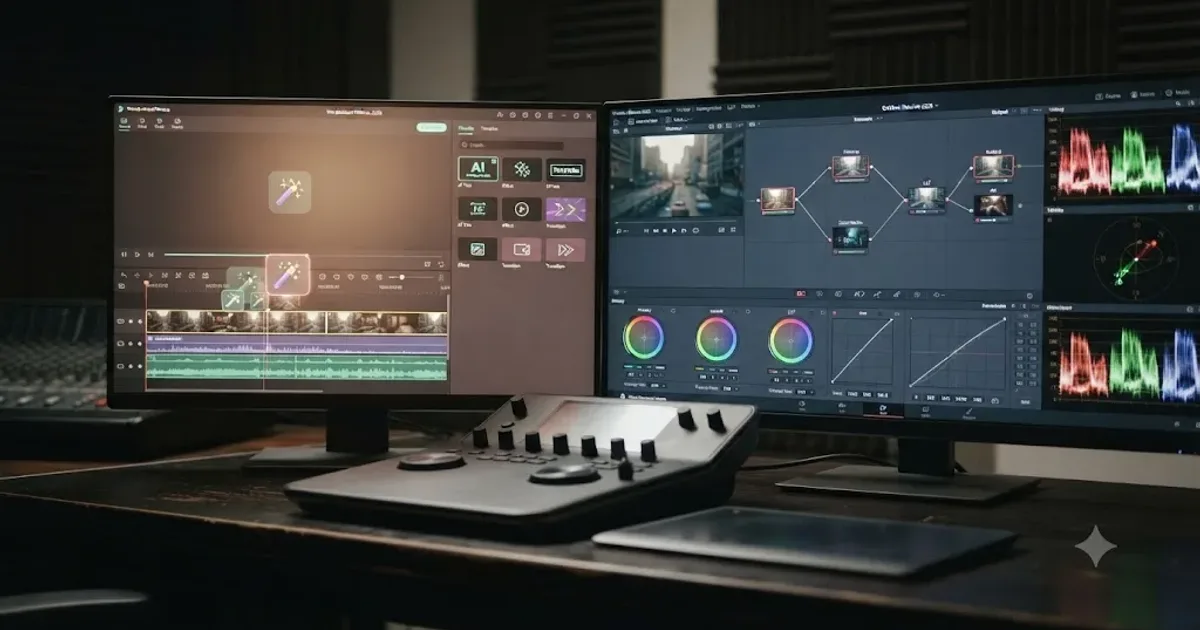
DaVinci Resolve vs Wondershare Filmora 2026: Full Comparison
DaVinci Resolve vs Wondershare Filmora compared for 2026: pricing, color grading, audio, AI tools, specs, and an honest verdict on which to use.
 FixesJul 31, 202627 min read
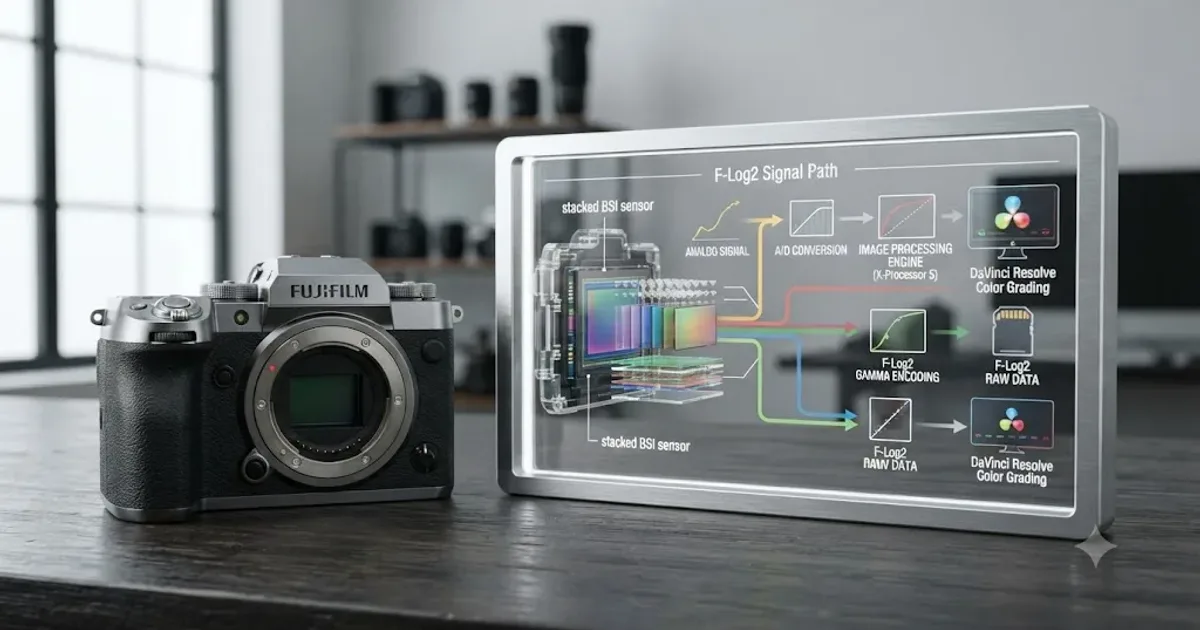
Fujifilm X-H2S F-Log2 Color Grading in DaVinci Resolve
How to color grade Fujifilm X-H2S F-Log2 footage in DaVinci Resolve: CST settings, the free LUT, exposure tips, and desaturation fixes.
 FixesJul 31, 202629 min read
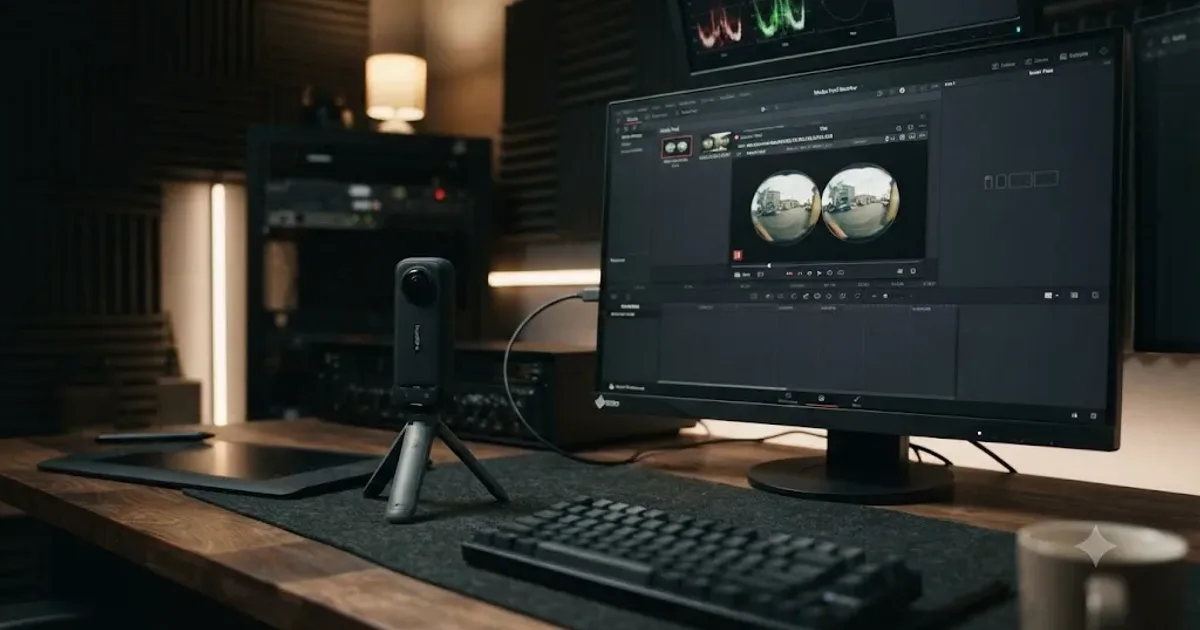
Insta360 X4 Footage Import DaVinci Resolve Settings: The Fix
Insta360 X4 footage won't import into DaVinci Resolve? Raw .insv files are unstitched dual-fisheye video. Here's the exact stitch and import fix.
 GuidesJul 31, 202637 min read
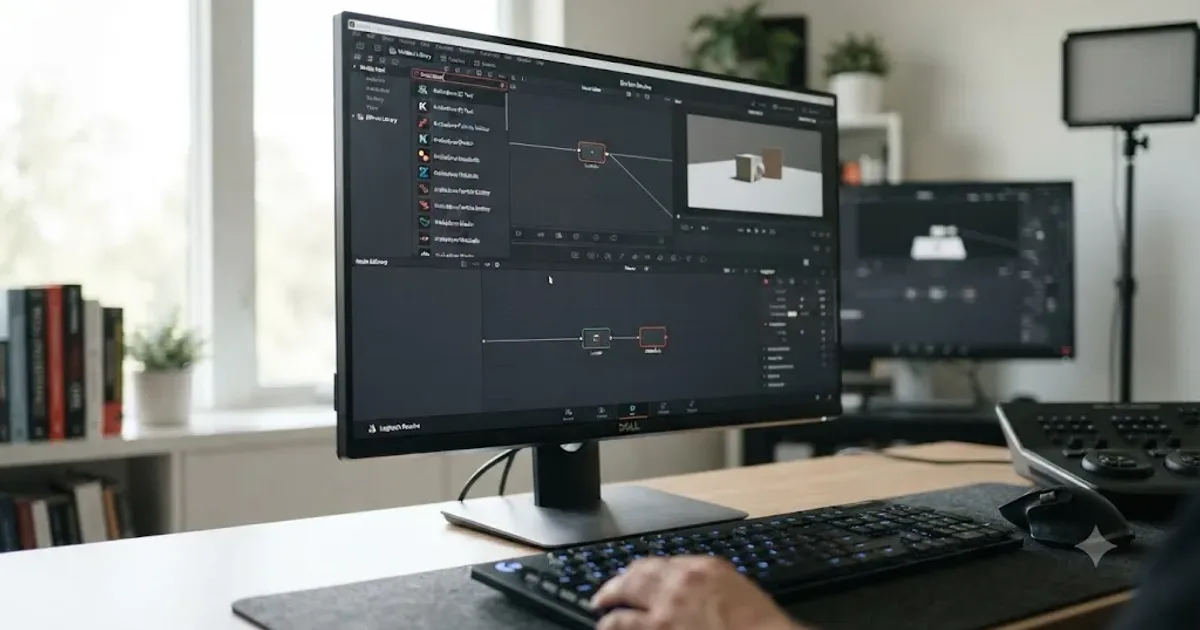
What Is Krokodove in DaVinci Resolve, and How Do You Use It?
Krokodove is Raf Schoenmaekers' 20-year Fusion toolset, now built into DaVinci Resolve 21. What it is, who made it, and how to use it.
 FixesJul 30, 202626 min read
Why Does Color Space Transform Desaturate My Footage in DaVinci Resolve?
DaVinci Resolve's Color Space Transform desaturates footage when its Tone Mapping or Gamut Mapping settings pull out-of-range color inside a smaller gamut.
 GuidesJul 30, 202639 min read
Best AI Voice Generator for DaVinci Resolve Voiceovers (2026)
ElevenLabs, Murf, WellSaid Labs, Descript, and DaVinci Resolve's own Speech Generator compared honestly, with real pricing and a buying verdict.
 ReviewsJul 30, 202634 min read
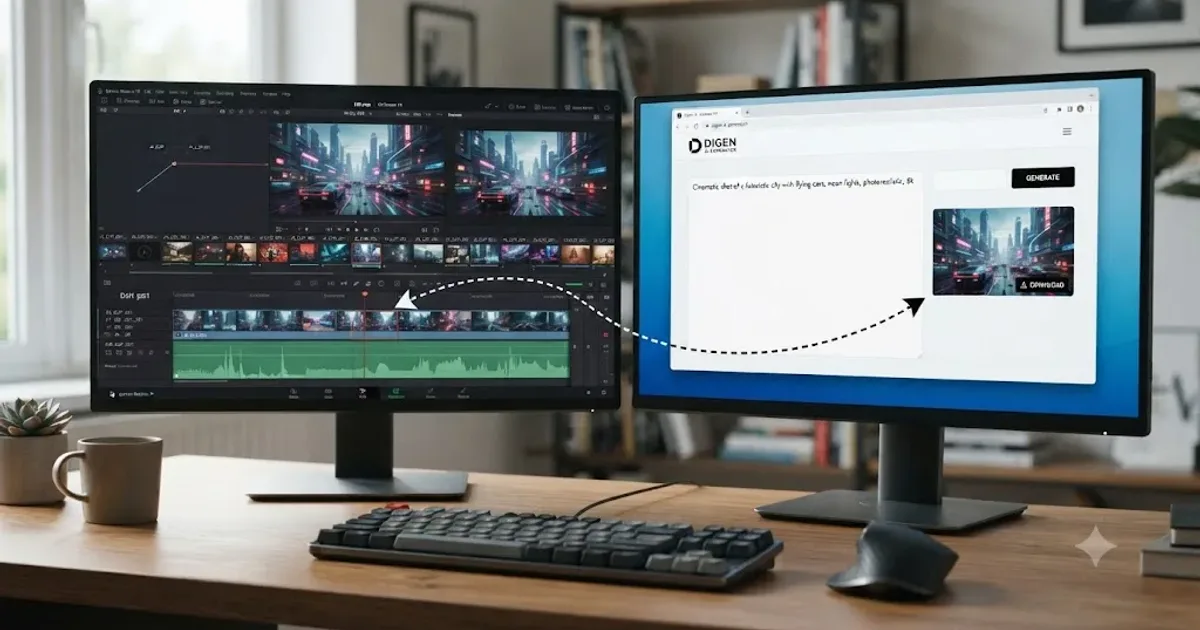
Digen AI DaVinci Resolve Review: Real Plugin or Not? (2026)
Is Digen AI a real DaVinci Resolve plugin or just an AI video generator? Full review of pricing, models, legitimacy, and how it fits a Resolve workflow.
 ComparisonsJul 30, 202637 min read
DaVinci Resolve vs Movavi Video Editor: Which Wins in 2026?
Movavi edits fast with one-click AI; DaVinci Resolve grades, mixes, and composites deeper, for free. The honest 2026 comparison and switch guide.
 GuidesJul 30, 202638 min read
How to Duck Background Music Under Dialogue in DaVinci Resolve
Duck background music under dialogue in DaVinci Resolve with Ducker, a Fairlight sidechain compressor, or manual keyframes, plus exact settings.
 ReviewsJul 30, 202642 min read
Is Ripple Training's DaVinci Resolve Course Worth It in 2026?
Ripple Training's DaVinci Resolve courses reviewed: pricing, refund terms, instructor credentials, and Resolve 20 vs. 21 currency.
 ReviewsJul 30, 202639 min read
Is Coursera's DaVinci Resolve Specialization Worth It in 2026?
A sourced review of Coursera's DaVinci Resolve Specialization by Adi Singh: real pricing, syllabus, ratings, Studio requirements, and who it actually fits.
 FixesJul 30, 202627 min read
DaVinci Resolve Image Sequence Missing Frames After Import
DaVinci Resolve image sequence missing frames after import? Usually a numbering gap or wrong Frame Display Mode, not real data loss. Every fix here.
 ComparisonsJul 30, 202638 min read
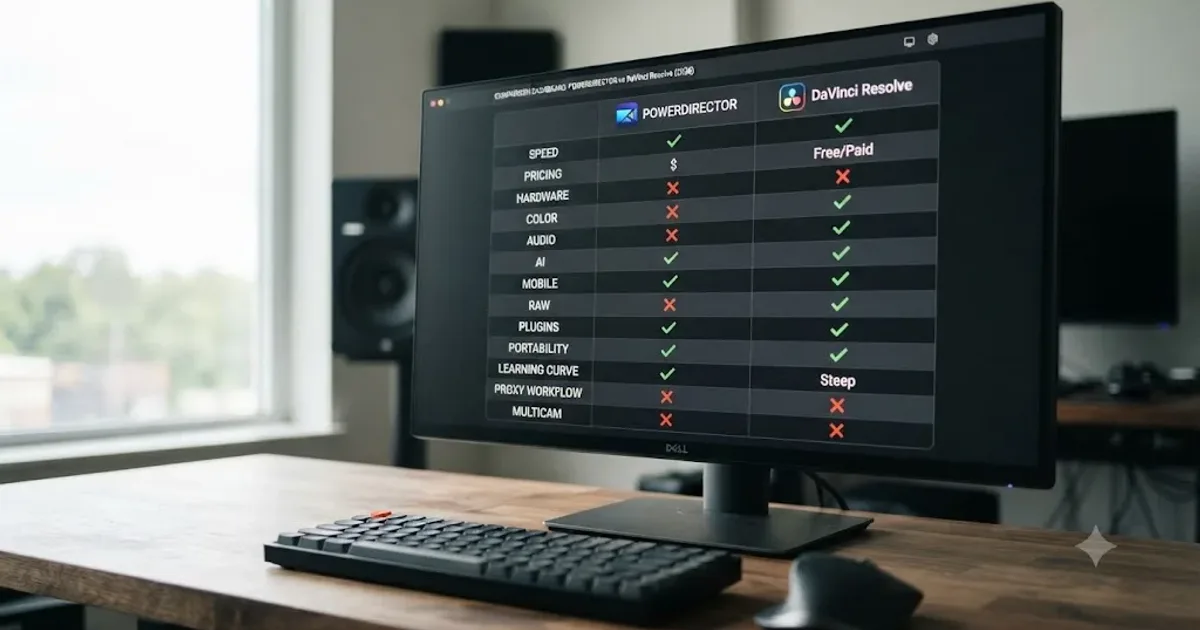
DaVinci Resolve vs PowerDirector: The Full 2026 Comparison
DaVinci Resolve vs PowerDirector compared: real pricing, AI tools, color grading, audio, system requirements, and who should actually switch.
 FixesJul 30, 202627 min read
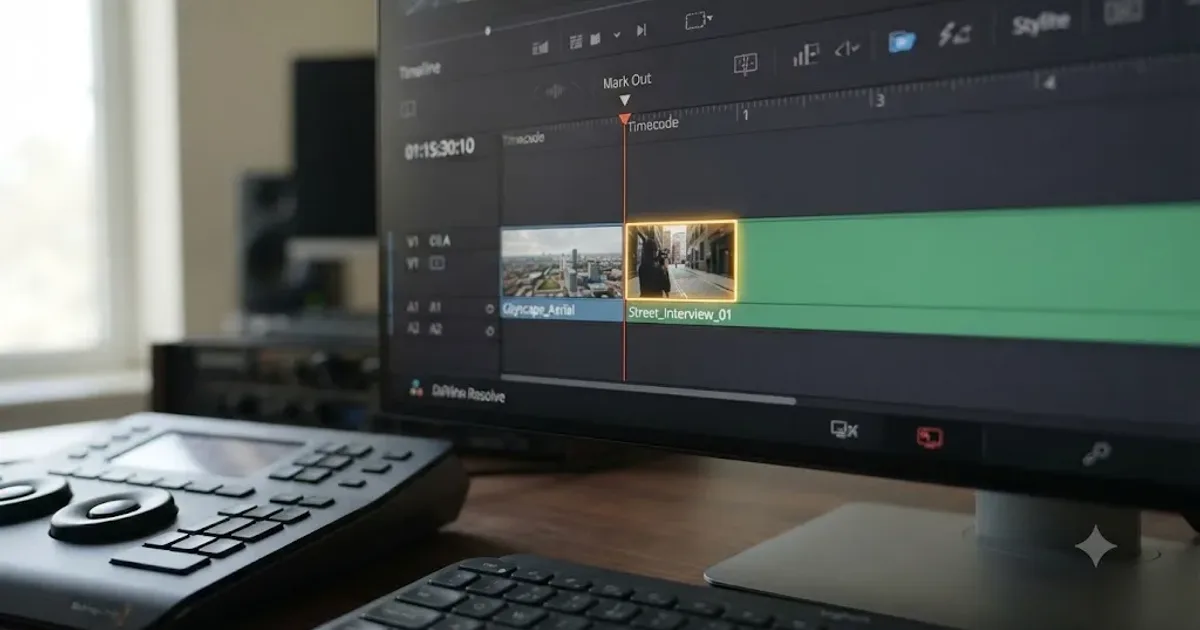
Why Does DaVinci Resolve Include the Next Clip When Marking Out?
DaVinci Resolve grabs the next clip when you mark out because out points are inclusive and the playhead lands on the wrong frame. Here's the fix.
 GuidesJul 29, 202642 min read
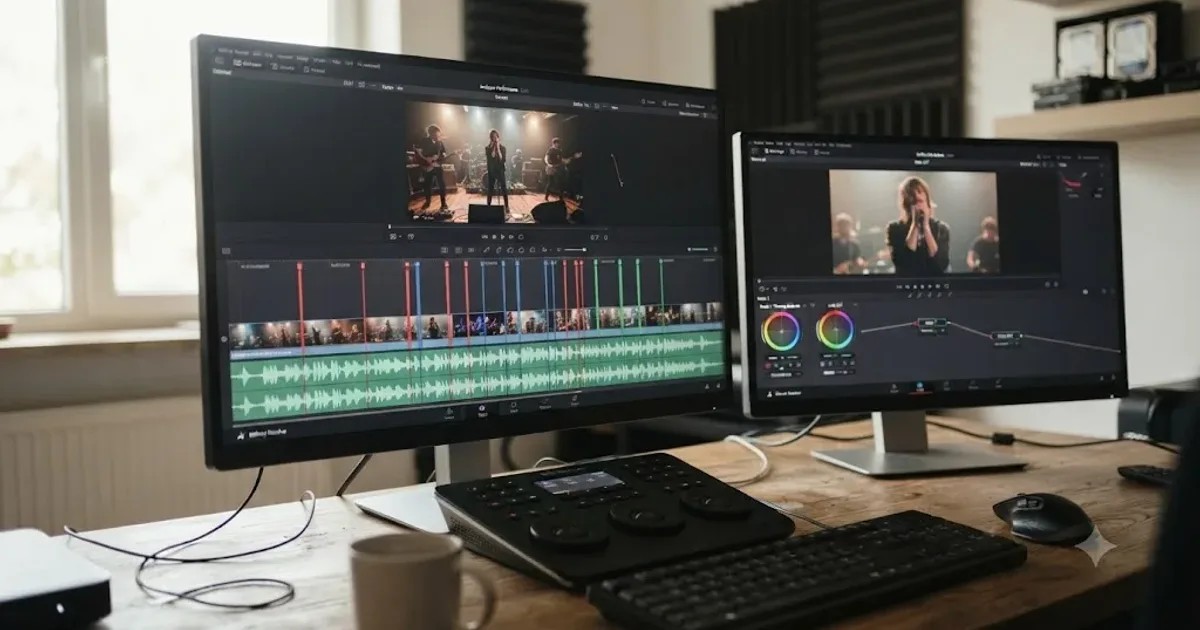
DaVinci Resolve Music Video Editing and Color Workflow
The full DaVinci Resolve workflow for music videos: syncing to the beat, multicam performance shoots, speed ramps, and color grading, start to finish.
 GuidesJul 29, 202640 min read
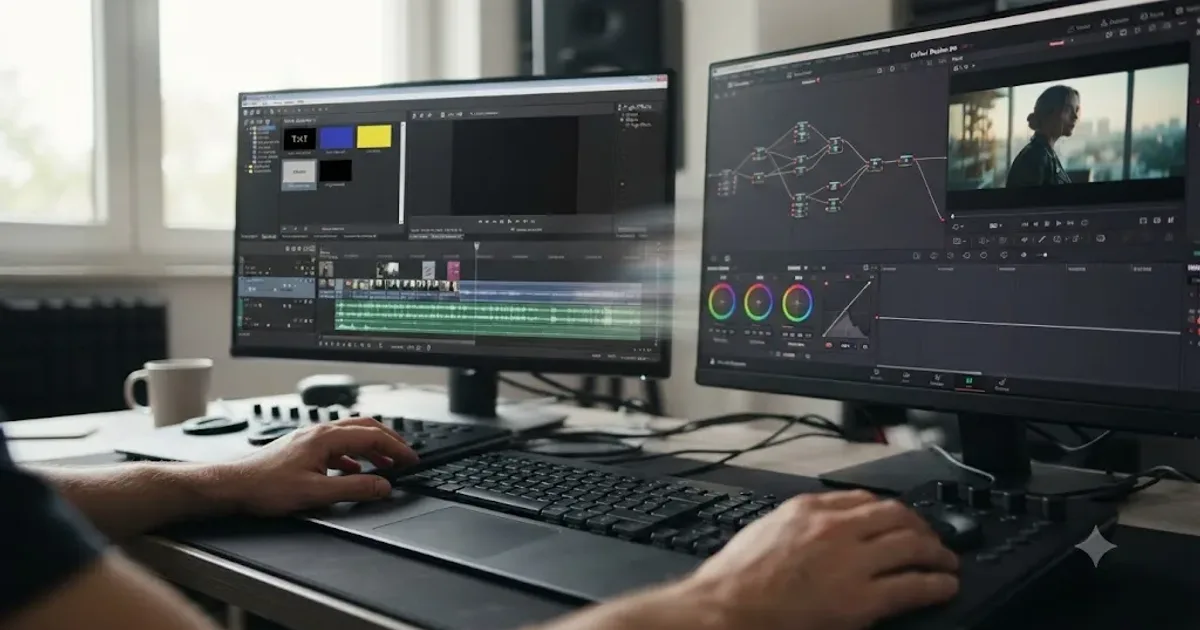
Switching From Sony Vegas Pro to DaVinci Resolve: Full Guide
How to switch from Sony Vegas Pro to DaVinci Resolve: Boris FX's 2026 acquisition, project import, terminology, color, audio, and a step-by-step plan.
 GuidesJul 29, 202638 min read
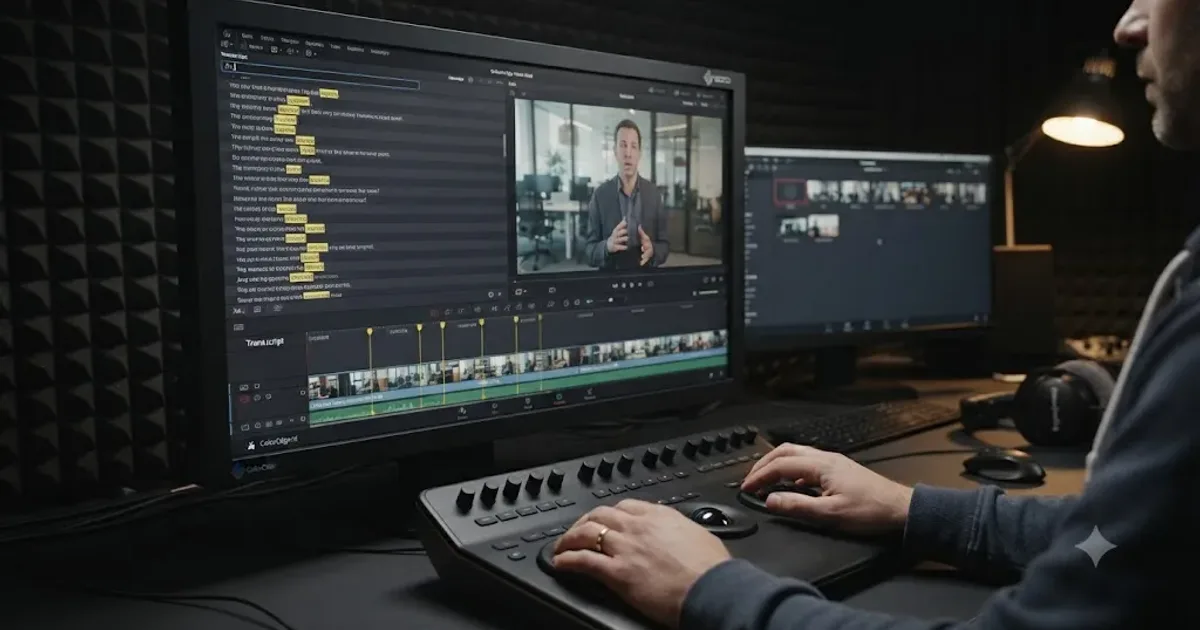
DaVinci Resolve Text-Based Editing: Search Spoken Words
How to use DaVinci Resolve's text-based editing and IntelliSearch to search footage by spoken words, transcribe interviews, and find any line fast.
 GuidesJul 29, 202640 min read
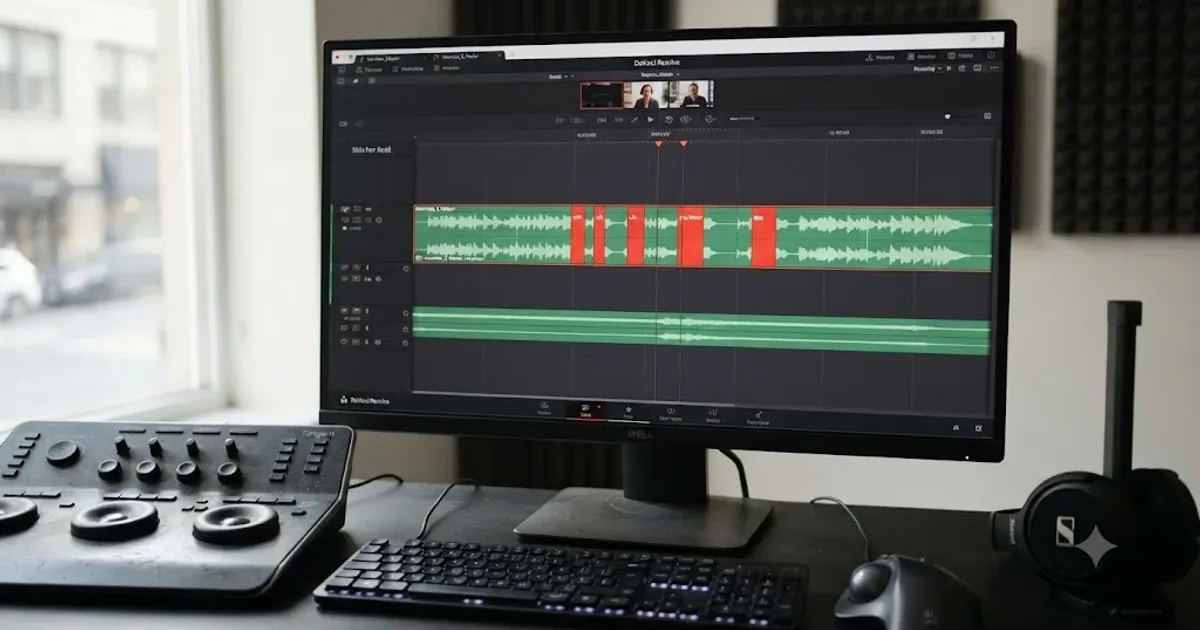
How to Edit Out Filler Words and Pauses in DaVinci Resolve
How to edit out filler words and pauses in DaVinci Resolve: ripple delete, Text-Based Editing, Fairlight Remove Silence, and Smooth Cut to hide jump cuts.
 GuidesJul 29, 202636 min read
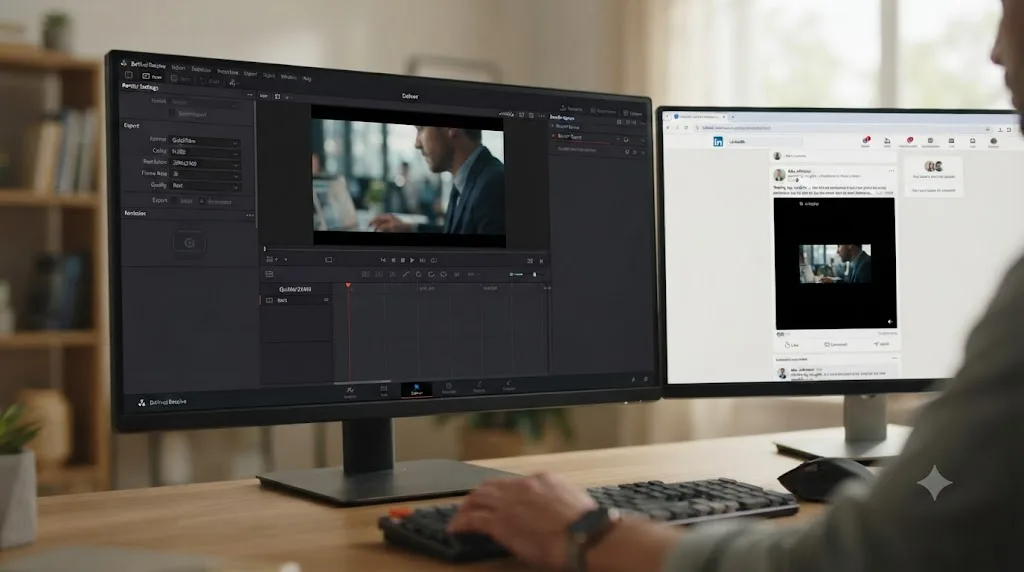
DaVinci Resolve Export Settings for LinkedIn Video (2026)
DaVinci Resolve export settings for LinkedIn video: codec, resolution, bitrate, and file size limits for posts and video ads, plus the Deliver page steps.
 GuidesJul 29, 202640 min read
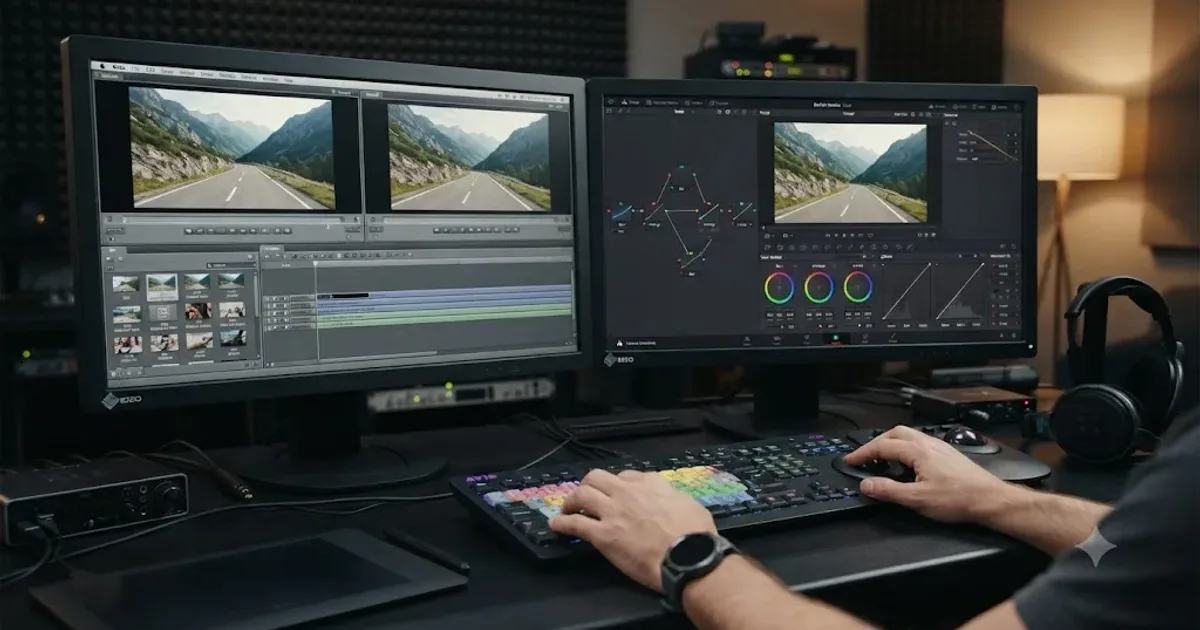
Switching From Avid Media Composer to DaVinci Resolve: Full Guide
A complete guide to switching from Avid Media Composer to DaVinci Resolve: AAF export, timecode gotchas, keyboard presets, and what breaks in the move.
 GuidesJul 29, 202639 min read
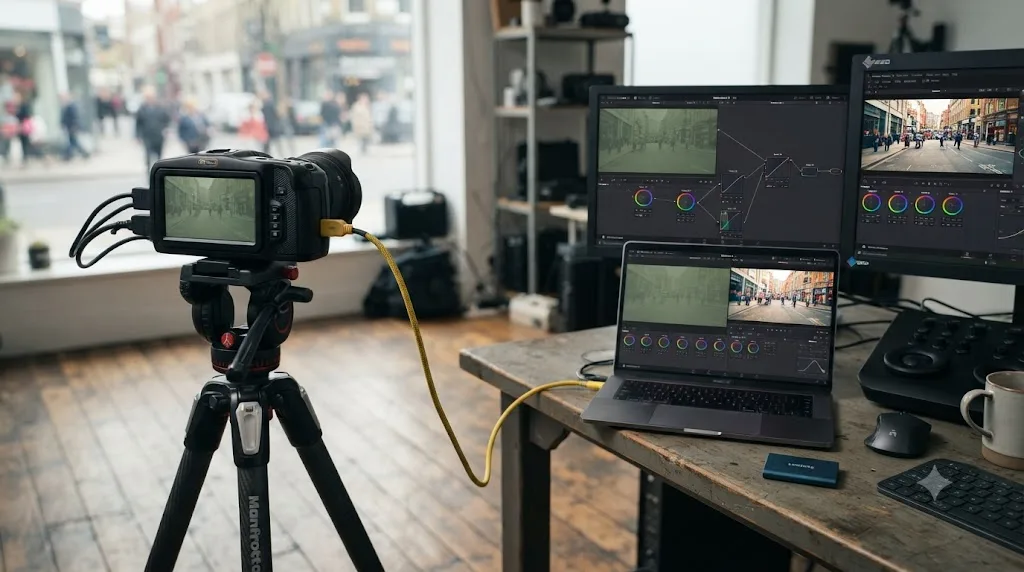
Blackmagic Pocket Cinema Camera Color Grading in DaVinci Resolve
How to color grade Blackmagic Pocket Cinema Camera footage in DaVinci Resolve: project settings, Camera Raw decoding, Gen 4 vs Gen 5, and node setup.
 GuidesJul 29, 202628 min read
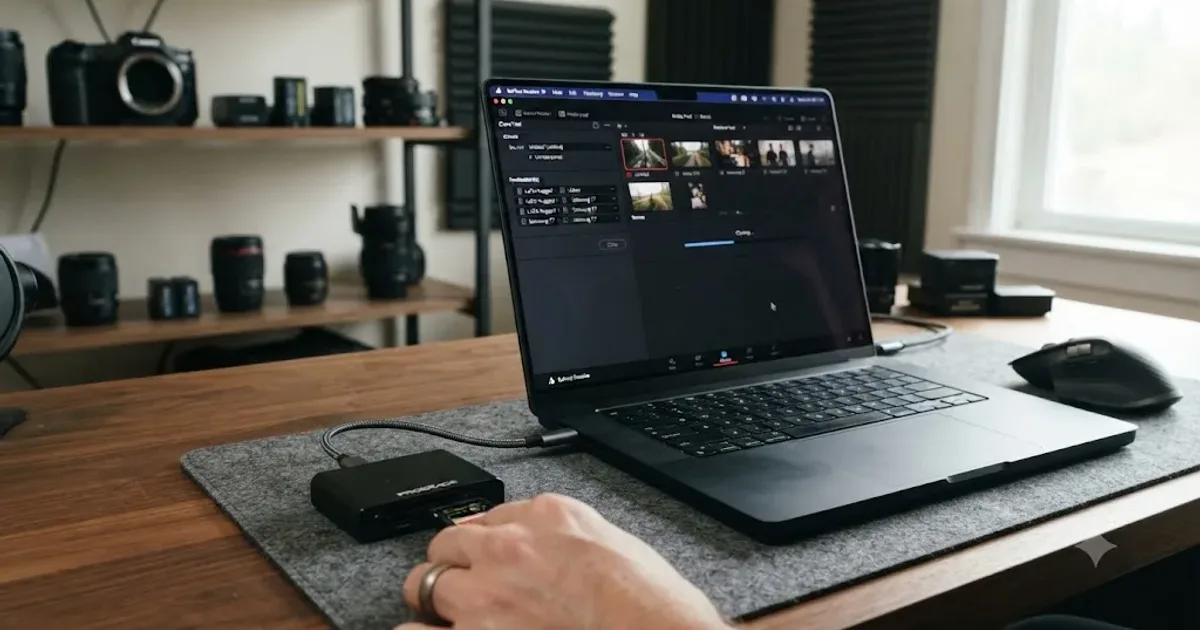
DaVinci Resolve Clone Tool Backup Workflow for Camera Cards
How to build a camera card backup workflow around DaVinci Resolve's Clone Tool: checksum settings, folder structure, drive counts, and when you need more.
 GuidesJul 29, 202646 min read
DaVinci Resolve Workflow for Church and Worship Service Videos
A complete DaVinci Resolve workflow for church and worship service videos: multicam capture, syncing, live cutting, CCLI licensing, sermon clips, and delivery.
 GuidesJul 29, 202637 min read
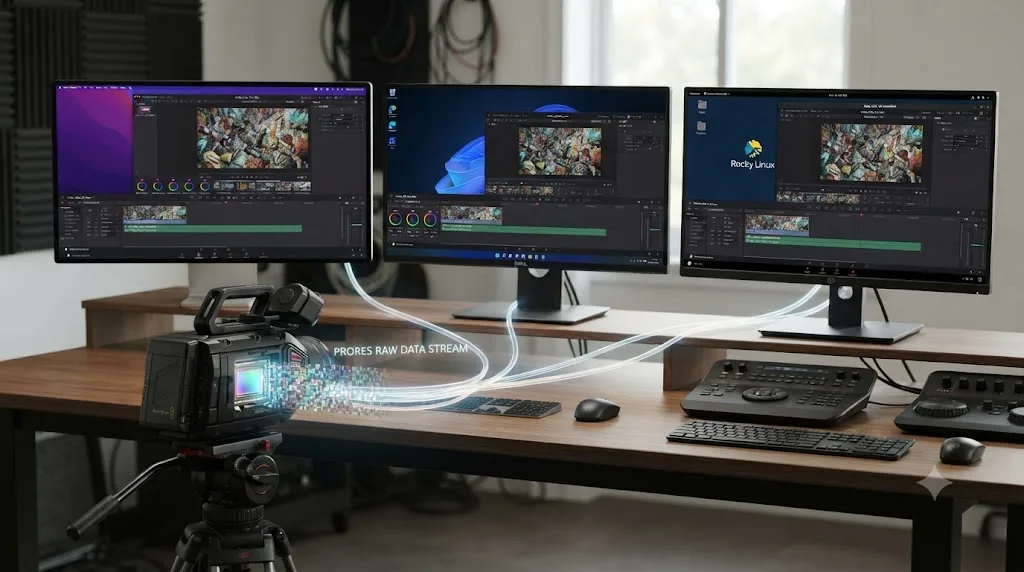
Does DaVinci Resolve Support ProRes RAW Footage?
Yes, since Resolve 20.2 (Sept 2025). Full platform table: macOS, Windows, Linux, free vs Studio, plus how it compares to Final Cut Pro and Premiere Pro.
 GuidesJul 29, 202637 min read
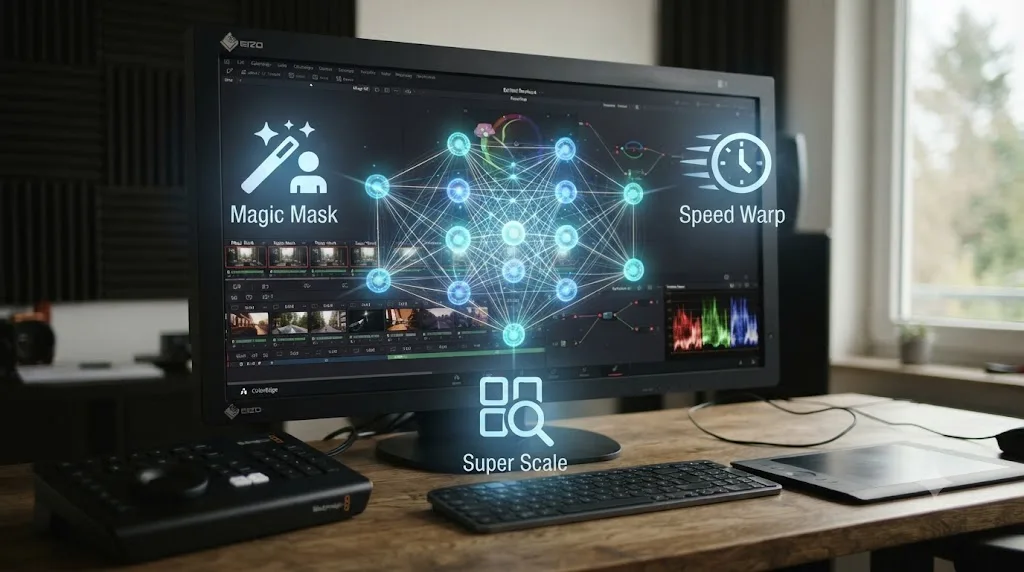
What Is the Neural Engine in DaVinci Resolve? Explained Simply
What the DaVinci Neural Engine is, which AI tools it powers, whether you need Resolve Studio, and how it differs from Apple's Neural Engine chip.
 GuidesJul 28, 202629 min read
DaVinci Resolve Free vs Studio for YouTube Automation Channels
DaVinci Resolve free vs Studio for YouTube automation channels: what's different, what outsourced editing pipelines need, and when Studio pays for itself.
 ComparisonsJul 28, 202637 min read
DaVinci Resolve Fusion vs After Effects for Motion Graphics
Fusion is free and better for single-shot VFX. After Effects wins on templates, plugins, and tutorials. Full 2026 comparison with real numbers.
 ComparisonsJul 28, 202641 min read
DaVinci Resolve vs Adobe Express for Beginners: Which First?
Adobe Express edits quick clips free in a browser. DaVinci Resolve's free edition adds real color grading and multi-track audio.
 ComparisonsJul 28, 202643 min read
DaVinci Resolve vs Pinnacle Studio: The Full 2026 Comparison
DaVinci Resolve vs Pinnacle Studio: real pricing, platform support, color grading, audio, masking, and multicam compared, with one clear verdict for 2026.
 ComparisonsJul 28, 202638 min read
Topaz Video AI vs DaVinci Resolve Super Scale Upscaling
Topaz Video AI recovers more detail on soft or archival footage. DaVinci Resolve's Super Scale stays inside your timeline. Here's the honest breakdown.
 ComparisonsJul 28, 202639 min read
DaVinci Resolve vs InVideo AI: The Full 2026 Comparison
DaVinci Resolve is a free editor you control by hand. InVideo AI turns a prompt into a finished video automatically. Costs, limits, and which to pick.
 GuidesJul 28, 202640 min read
DaVinci Resolve for College Film Students: The Complete Guide
DaVinci Resolve for college film students: free vs Studio, lab specs, thesis workflows, DCP exports, and building a portfolio before graduation.
 GuidesJul 28, 202641 min read
DaVinci Resolve Glossary of Common Video Editing Terms (2026)
A DaVinci Resolve glossary of common video editing terms, from nodes and Power Windows to conform and ACES, defined and sourced for July 2026.
 ComparisonsJul 28, 202631 min read
DaVinci Resolve vs Adobe Premiere Rush for Beginners (2026)
Adobe is discontinuing Premiere Rush in 2026. Here's how it actually compared to DaVinci Resolve for beginners, and what to use instead now.
 ComparisonsJul 28, 202636 min read
DaVinci Resolve vs Microsoft Clipchamp for Windows Users (2026)
Clipchamp comes free on every Windows PC. Here's when that's enough, when DaVinci Resolve wins, and the real pricing, specs, and features behind both.
 ComparisonsJul 26, 202638 min read
DaVinci Resolve vs Blender's Video Sequencer: Which to Use?
Blender's Video Sequencer added HDR finishing in 5.2 LTS, proven on the film Singularity. Here's whether it can replace DaVinci Resolve, or just feed it.
 GuidesJul 26, 202635 min read
DaVinci Resolve for Gaming and Streaming Creators: Where to Start
Where to start with DaVinci Resolve as a gaming or streaming creator: capture settings, OBS sync fixes, mixing mic over game audio, and highlight clipping.
 ReviewsJul 26, 202637 min read
Is Sottocut Worth It for DaVinci Resolve? The 2026 Verdict
Sottocut costs $15-$119/month, needs an Apple Silicon Mac and DaVinci Resolve Studio 21, and asks before editing. Here's the honest worth-it verdict.
 GuidesJul 26, 202643 min read
DaVinci Resolve for Real Estate Video Editing: Where to Start
Where to start with DaVinci Resolve for real estate video editing: project settings, gimbal footage, drone clips, MLS exports, and more.
 GuidesJul 26, 202641 min read
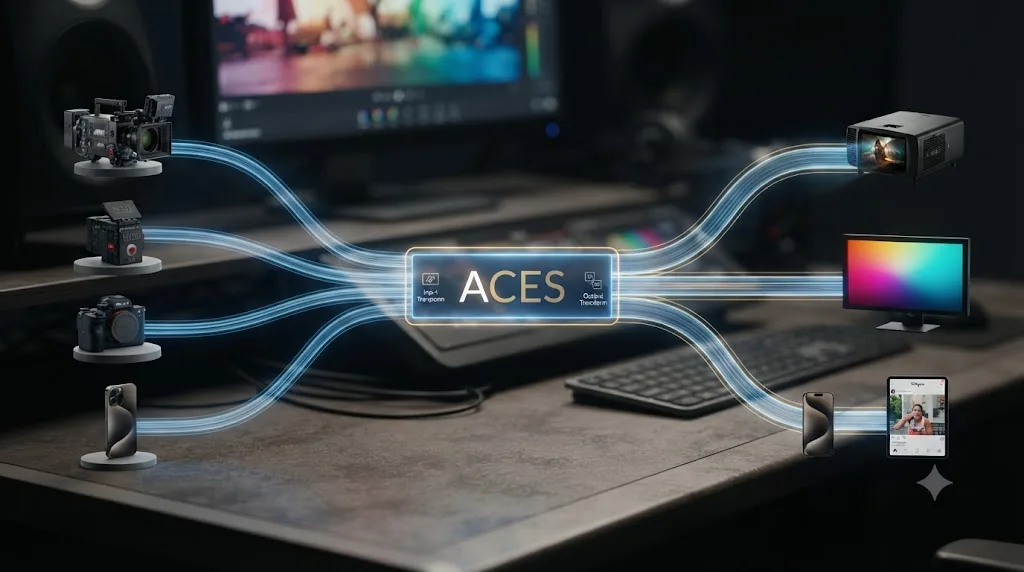
What Is ACES Color Management? Explained Simply
ACES color management explained simply: what it is, who built it, what IDT, RRT, and ODT mean, and whether you need it in DaVinci Resolve.
 GuidesJul 26, 202639 min read
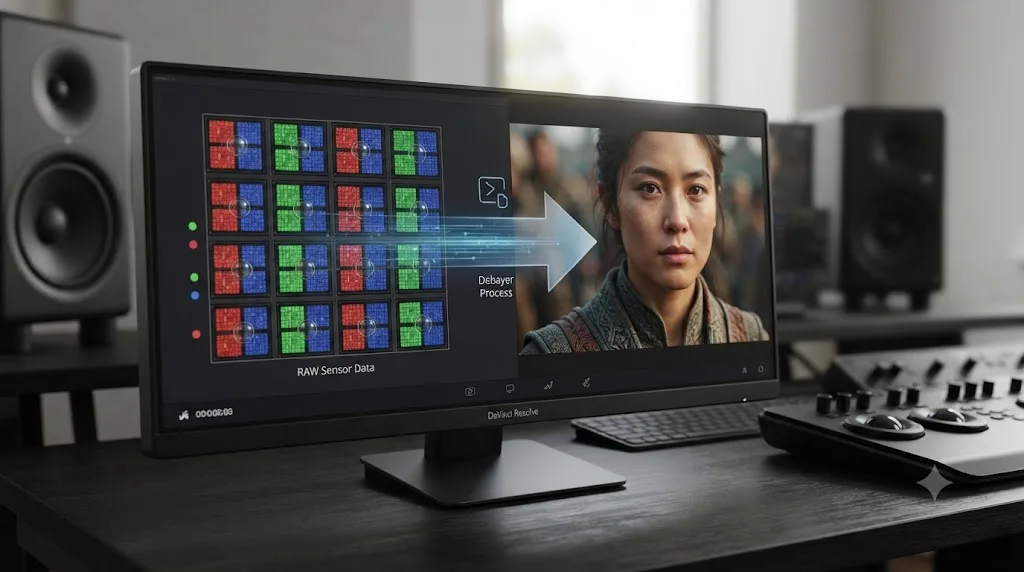
What Is Debayering in DaVinci Resolve? RAW Decoding Explained
What debayering means in DaVinci Resolve, where to control decode quality, and why RAW footage plays back slower than ProRes or H.264.
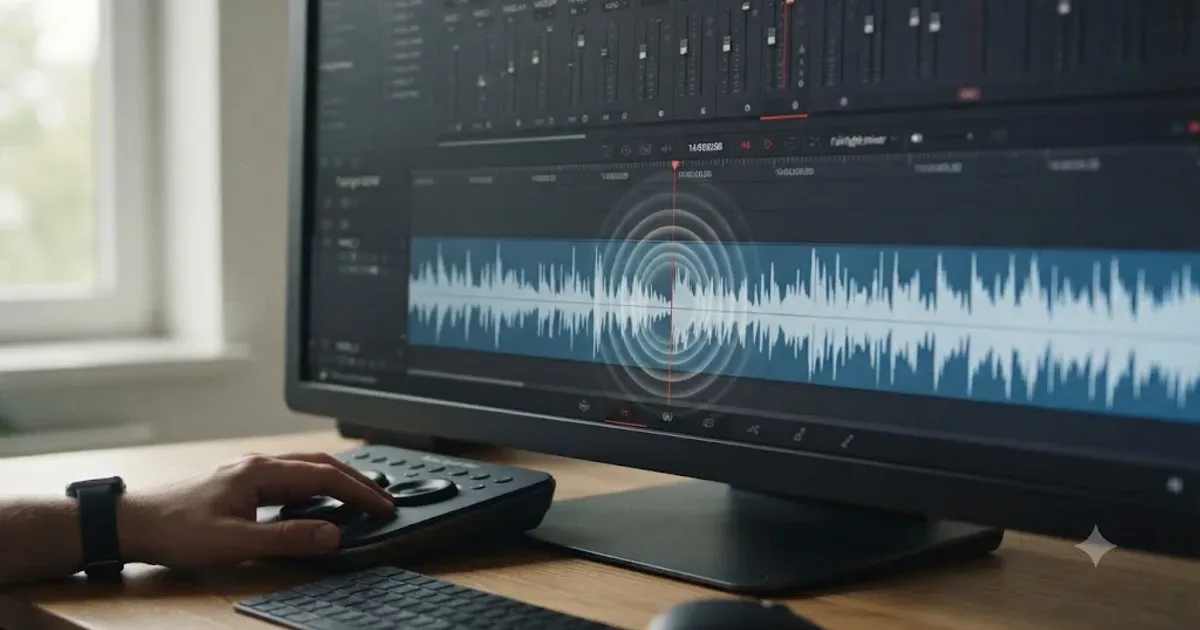 GuidesJul 25, 202633 min read
DaVinci Resolve Fairlight Audio Scrub Mode Tutorial (Full Guide)
Turn on Fairlight audio scrub mode in DaVinci Resolve with Shift-S, use JKL and Loop Jog to hear audio while scrubbing, and fix it when it goes silent.
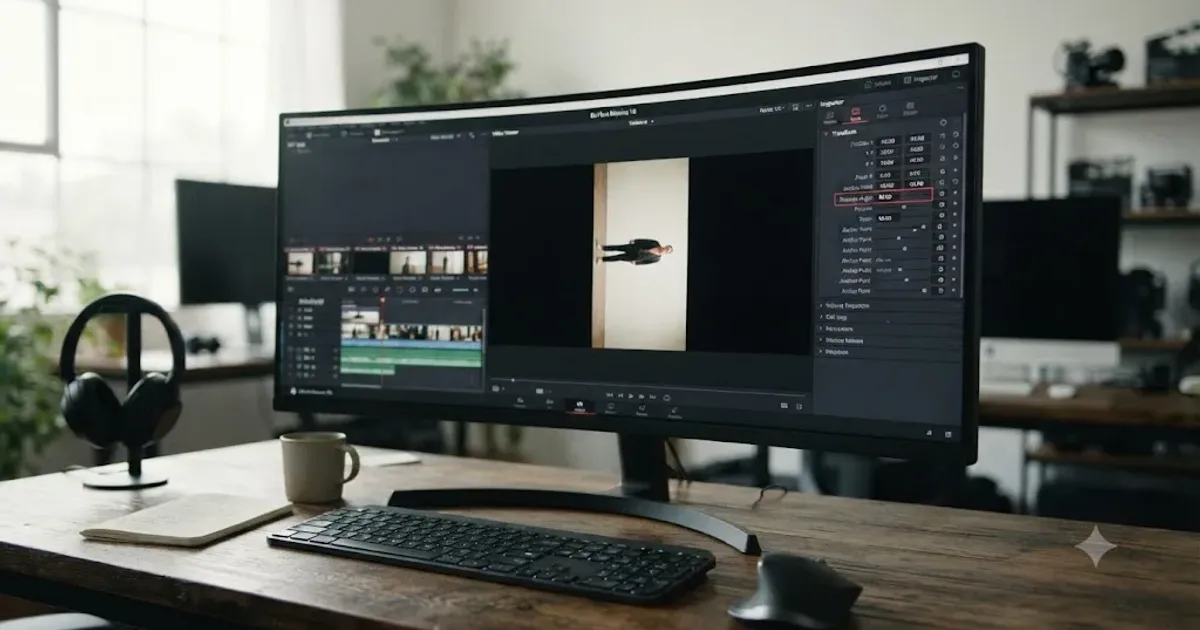 GuidesJul 25, 202638 min read
How to Rotate a Clip 90 Degrees in DaVinci Resolve
Rotate a clip 90 degrees in DaVinci Resolve with Transform, Clip Attributes, the Photo page, or Fusion, and fix the black bars it leaves behind.
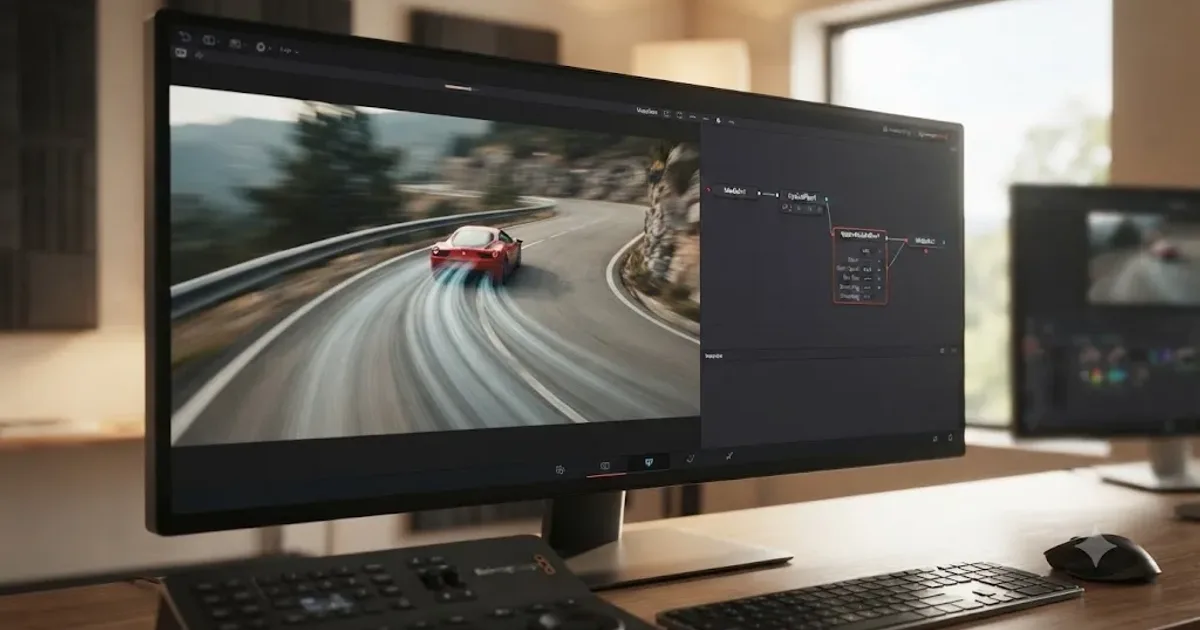 GuidesJul 25, 202638 min read
DaVinci Resolve Fusion Vector Motion Blur Tutorial: The Full Guide
How to use DaVinci Resolve's Fusion Vector Motion Blur node with Optical Flow for real footage and 3D renders, every setting explained, and every common failure fixed.
 ComparisonsJul 25, 202642 min read
DaVinci Resolve vs Kapwing for Beginners: Which One First?
Kapwing edits fast in a browser tab with AI captions and no install. DaVinci Resolve is free forever and teaches real editing. A sourced, honest comparison for total beginners.
 GuidesJul 25, 202634 min read
How to Export a GIF From DaVinci Resolve (Every Version)
The exact DaVinci Resolve steps to export a GIF: the version cutoff, resolution and loop settings, and fixes for oversized or blocky exports.
 GuidesJul 25, 202634 min read
How to Use Match Frame in DaVinci Resolve: The Complete Guide
Match Frame in DaVinci Resolve explained: the F shortcut, Match Frame to Source Clip, multicam audio limits, Cut page quirks, and what to do when F does nothing.
 GuidesJul 25, 202641 min read
Switching From Final Cut Pro to DaVinci Resolve: Full Guide
A complete guide to switching from Final Cut Pro to DaVinci Resolve: FCPXML export, timecode gotchas, keyboard presets, and what breaks in the move.
 GuidesJul 25, 202641 min read
Best Mouse for DaVinci Resolve Editing in 2026
The best mouse for DaVinci Resolve editing compared: Logitech MX Master 3S, vertical mice, trackballs, gaming mice, Wacom tablets, and Blackmagic panels.
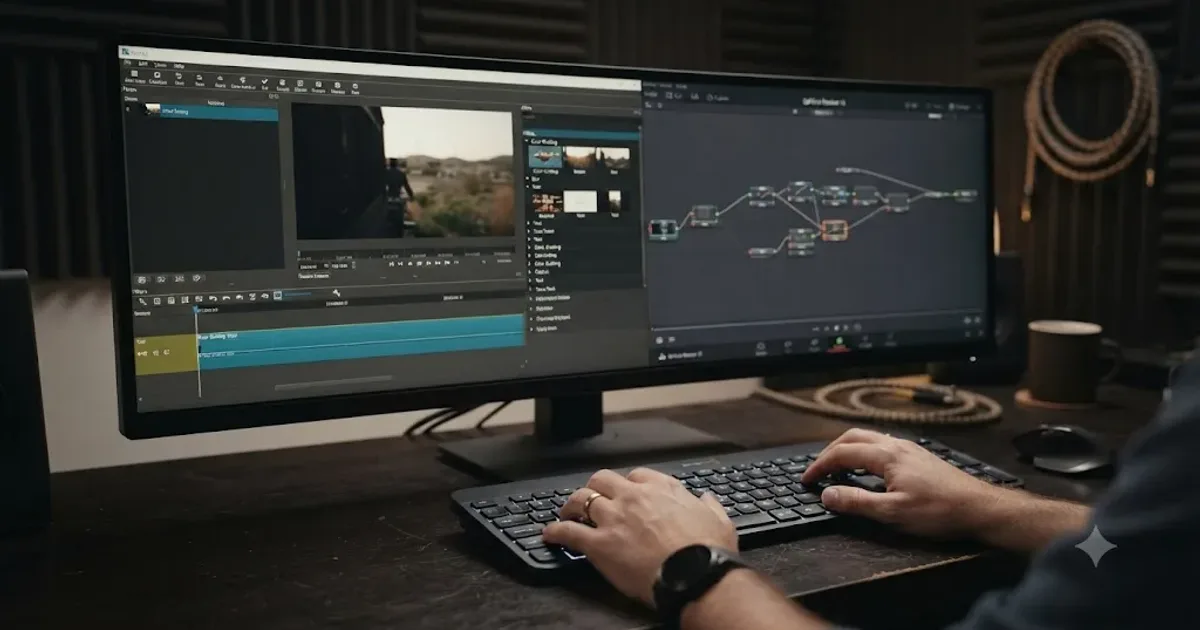 GuidesJul 25, 202642 min read
Switching From Shotcut to DaVinci Resolve: The Complete Guide
A complete guide to switching from Shotcut to DaVinci Resolve: EDL import limits, terminology mapping, what transfers, page comparisons, and a step plan.
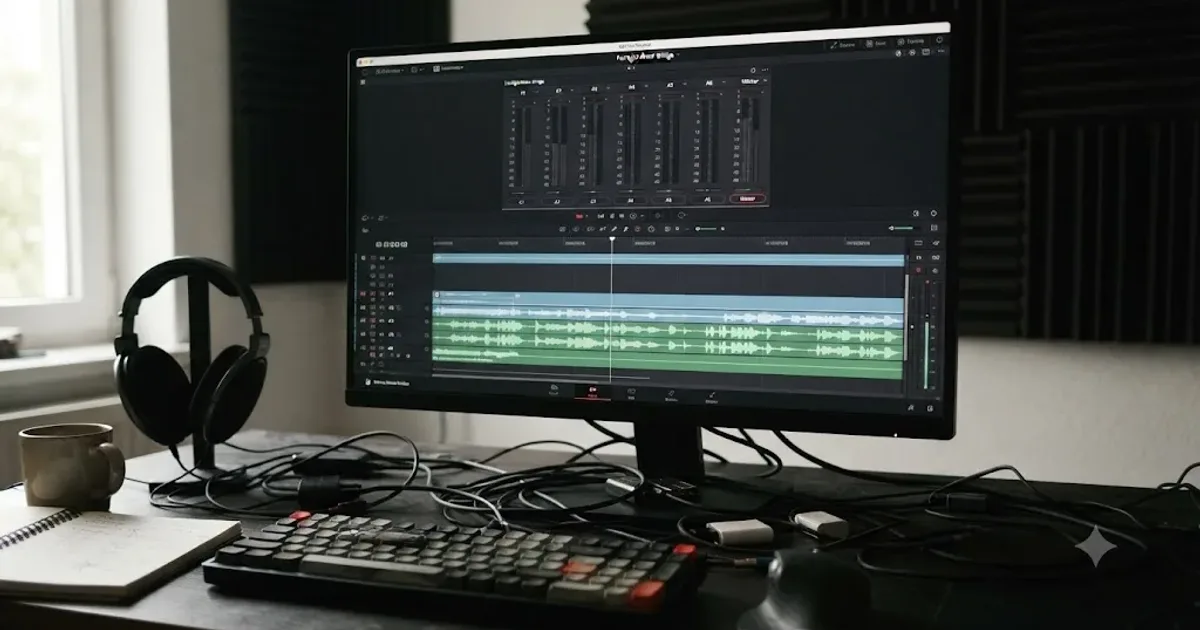 FixesJul 25, 202627 min read
DaVinci Resolve Audio Meters Not Moving: Every Fix
DaVinci Resolve's audio meters frozen or flat during playback? Here's every real cause, in check order: routing, patching, mute, and monitor style.
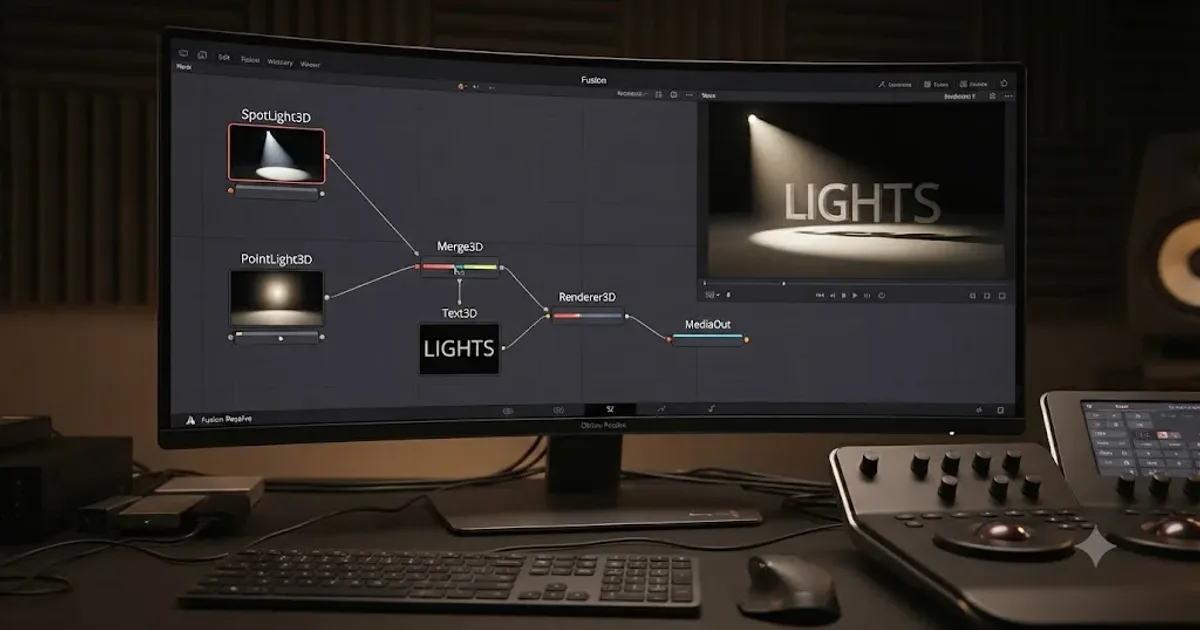 GuidesJul 25, 202647 min read
DaVinci Resolve Fusion Light Node Tutorial: The Full Guide
How to use DaVinci Resolve Fusion's Light node: Ambient, Directional, Point, and Spot lights, shadows, materials, and why your 3D scene turns black.
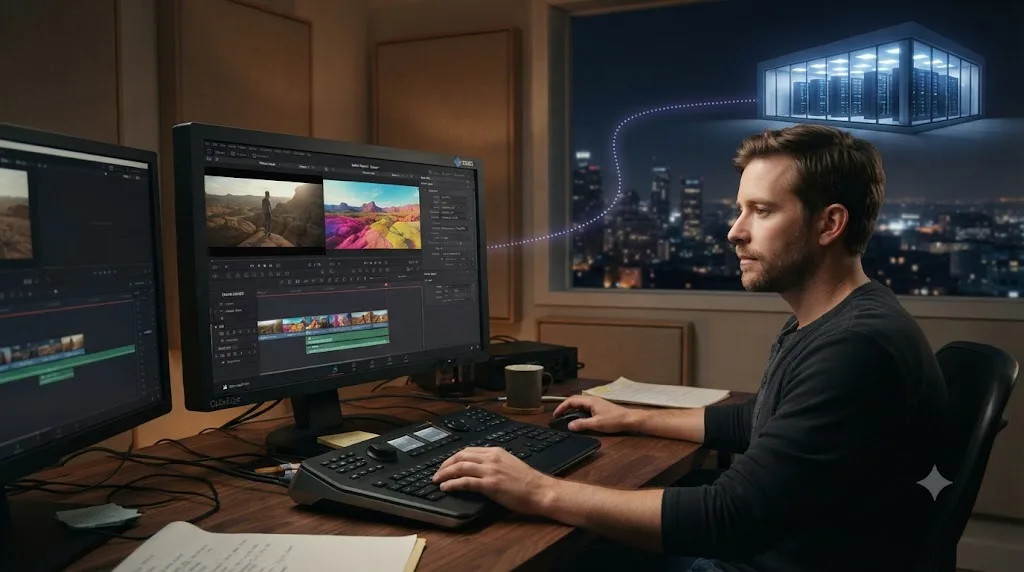 GuidesJul 25, 202629 min read
DaVinci Resolve Render Farm Service Recommendations for 2026
Real render farm and cloud GPU rendering options for DaVinci Resolve in 2026, compared honestly with pricing, setup steps, and freelancer decision math.
 GuidesJul 25, 202637 min read
Switching From OpenShot to DaVinci Resolve: The Complete Guide
A guide to switching from OpenShot to DaVinci Resolve: what XML and EDL export actually carries over, terminology mapping, and a step plan.
 GuidesJul 25, 202630 min read
DaVinci Resolve Editing Challenges and Competitions to Join
DaVinci Resolve editing challenges and competitions for 2026: Editfest, the 48 Hour Film Project, ACE, Student Academy Awards, AMV contests, and more.
 GuidesJul 25, 202637 min read
DaVinci Resolve Fairlight Foley Workflow Tutorial
Build a real foley workflow in DaVinci Resolve's Fairlight page: patching, spotting lists, the Foley Sampler, Elastic Wave sync, layering, and mixing.
 FixesJul 25, 202625 min read
DaVinci Resolve Fusion Out of Memory Error: The Real Fix
Why DaVinci Resolve's Fusion page throws an out of memory error even when your timeline runs fine, and the RAM, VRAM, and cache settings that stop it.
 FixesJul 25, 202626 min read
DaVinci Resolve Grade Disappears After Render: The Fix
DaVinci Resolve's grade vanishing after render is almost always Enable Flat Pass, a Monitor-only LUT, a global bypass, or a stale cache, not lost work.
 FixesJul 25, 202629 min read
DaVinci Resolve Not Responding After Render: The Real Fix
DaVinci Resolve not responding after render is almost never a crash. It's background caching, a database write, a GPU driver reset, or a plugin. Here's how to tell them apart.
 FixesJul 25, 202629 min read
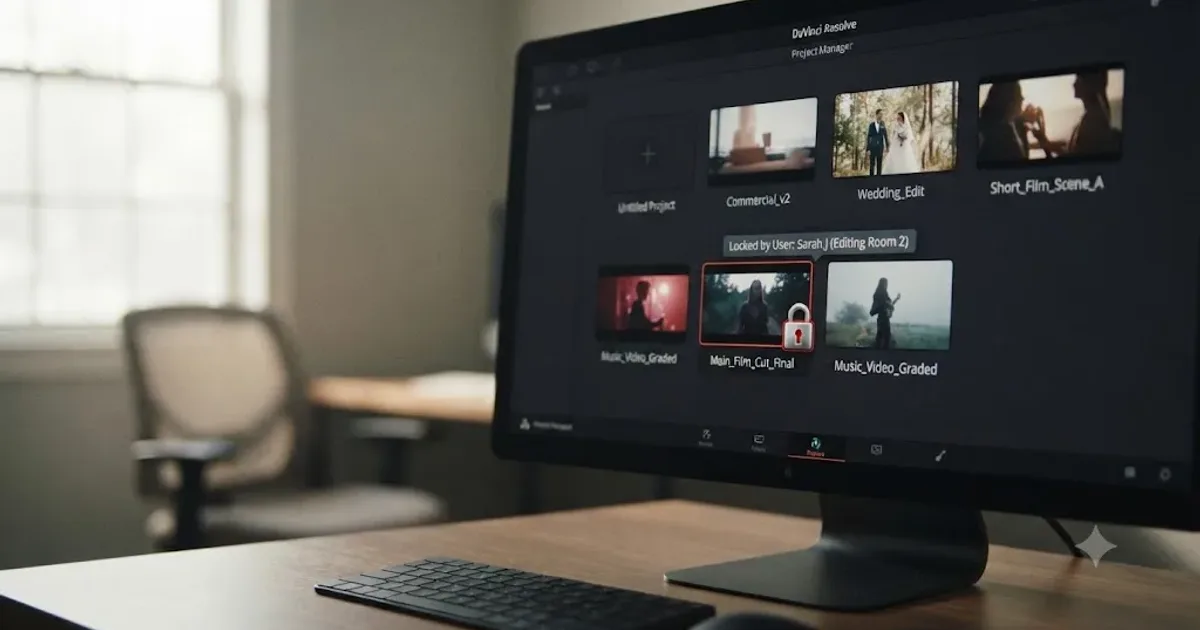
DaVinci Resolve Project Locked by Another User Error: The Fix
Why DaVinci Resolve shows 'project locked by another user' and the exact steps to unlock it on Disk Database and PostgreSQL Project Server setups.
 FixesJul 25, 202629 min read
DaVinci Resolve Scopes Not Updating: The Real Fix
DaVinci Resolve's scopes freeze, go blank, or show wrong values for six distinct reasons. Here's the GPU, playback, proxy, and UI fix for each one.
 GuidesJul 25, 202635 min read
DaVinci Resolve Workflow for Live Event Highlight Recaps
A fast-turnaround DaVinci Resolve workflow for live event highlight recaps, from shoot-day capture through same-day multicam delivery.
 GuidesJul 25, 202640 min read
Compare Before/After Grades: Split Screen Wipe in DaVinci Resolve
Compare before and after grades in DaVinci Resolve using split screen wipe: Gallery stills, Timeline Wipe, wipe styles, and the shortcuts that speed it up.
 GuidesJul 25, 202641 min read
How to Get Feedback on Your DaVinci Resolve Edits Online
Where to actually post a DaVinci Resolve edit for feedback: r/editors, r/VideoEditing, Discord, a 99,000-member Facebook group, and paid critique.
 GuidesJul 25, 202635 min read
What Does Conform Mean in Video Editing? The Real Answer
Conform means two things: rebuilding an offline edit with camera-original files, and Resolve's own frame-rate conform setting. Both explained.
 GuidesJul 24, 202639 min read
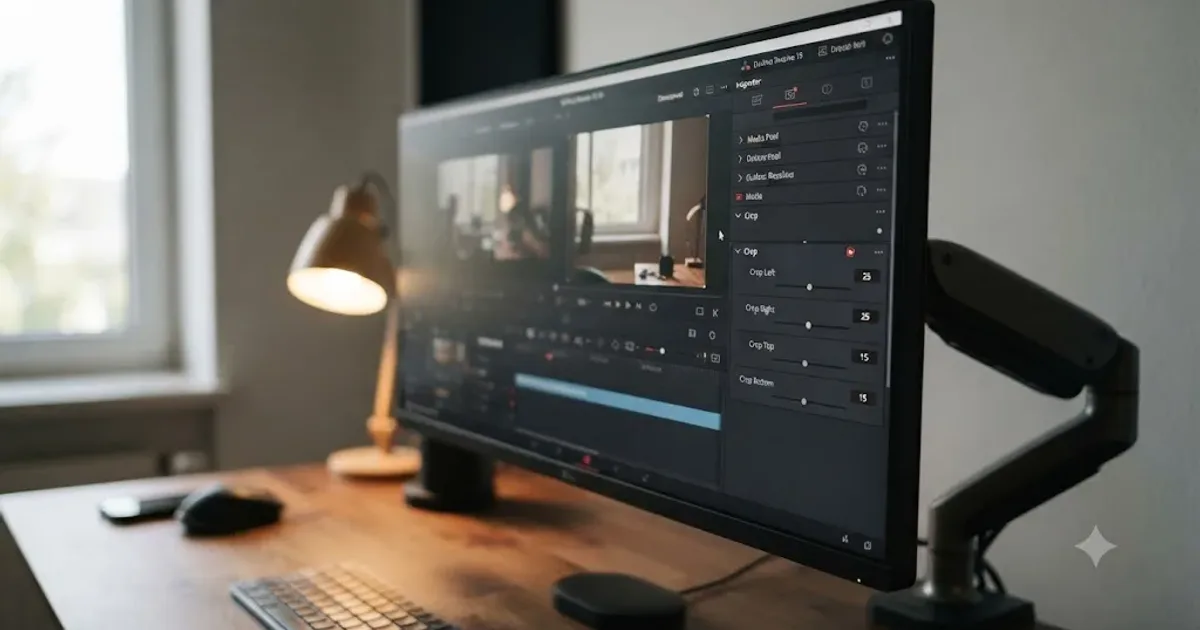
How to Crop a Video in DaVinci Resolve (Every Method)
How to crop a video in DaVinci Resolve: Inspector crop sliders, onscreen handles, Color page sizing, Fusion, keyframing, and crop vs zoom explained.
 ComparisonsJul 24, 202638 min read
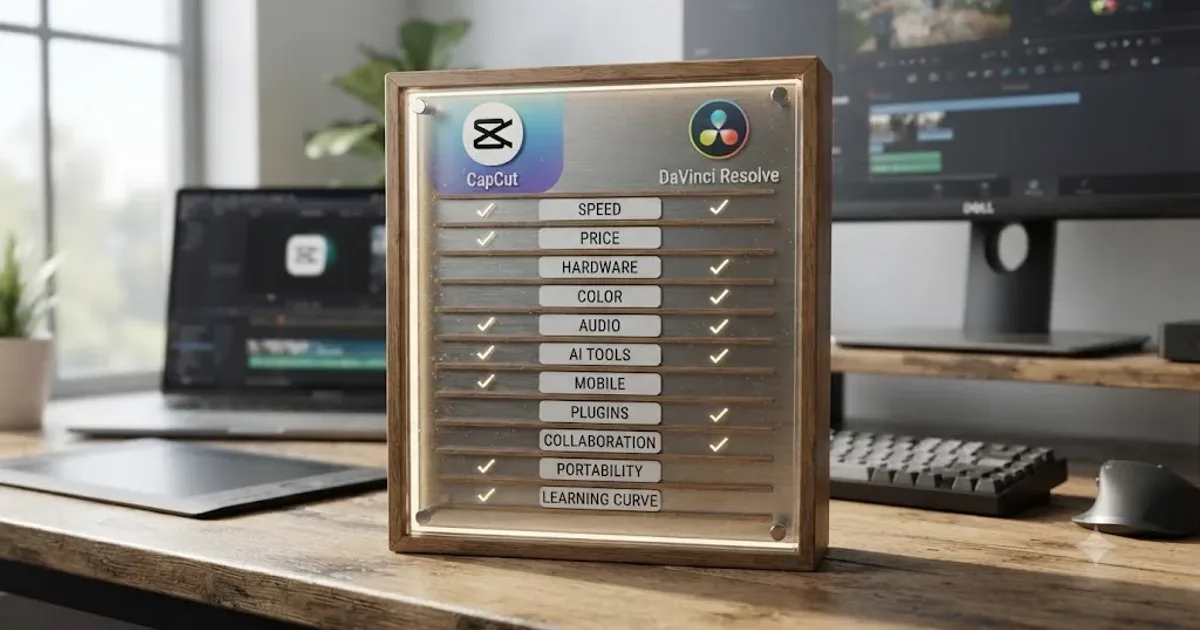
CapCut vs DaVinci Resolve: The Full 2026 Comparison
CapCut vs DaVinci Resolve compared: real pricing, exports, color tools, audio, AI features, system specs, and who should actually switch.
 FixesJul 24, 202622 min read
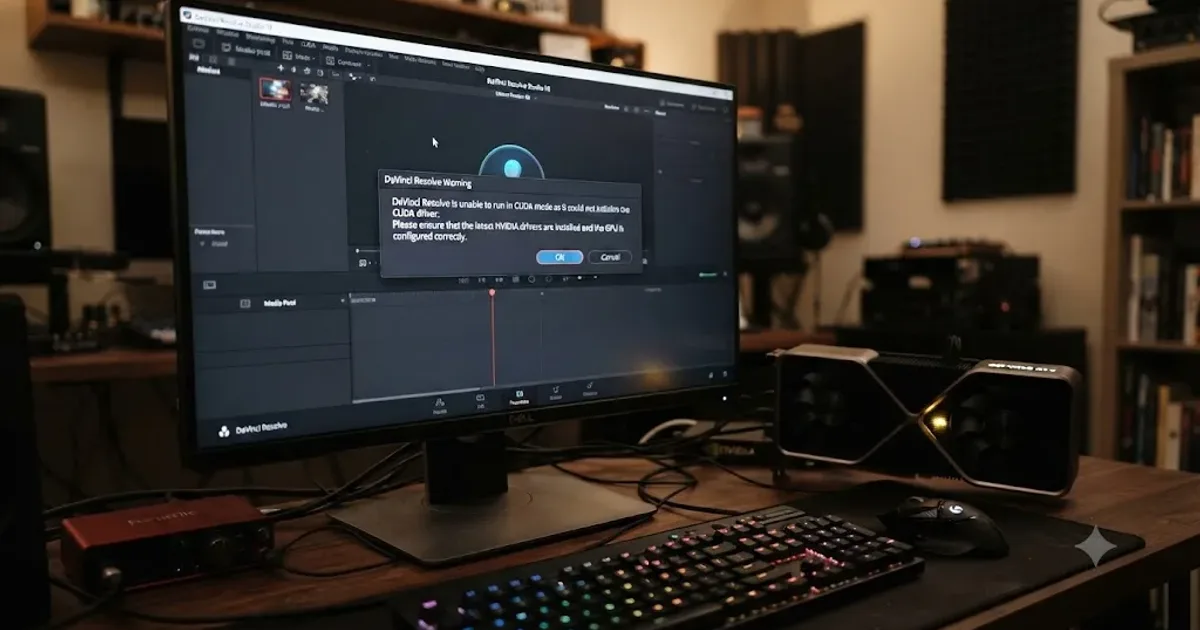
DaVinci Resolve Is Unable to Run in CUDA Mode: The Fix
DaVinci Resolve's "unable to run in CUDA mode" error means a driver, CUDA level, or GPU selection mismatch. Here's the exact fix for Windows and Linux.
 GuidesJul 24, 202640 min read
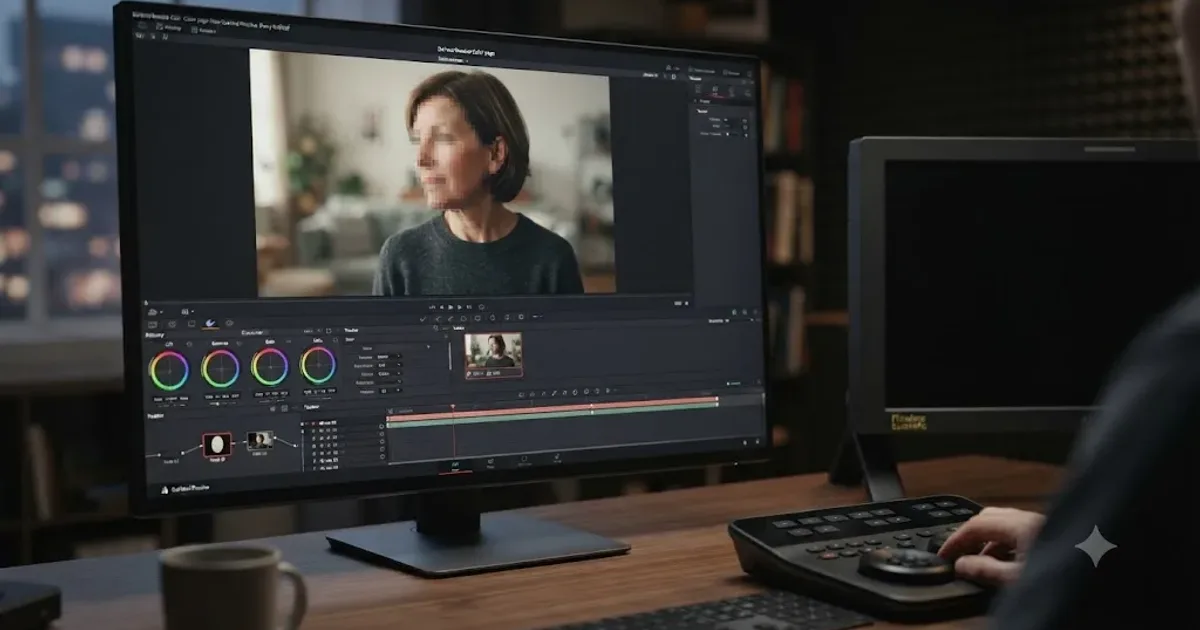
How to Blur a Face in DaVinci Resolve: Every Method
How to blur a face in DaVinci Resolve: Power Window plus Mosaic Blur, tracking a moving face, Magic Mask, and how to keep it in your export.
 GuidesJul 24, 202639 min read
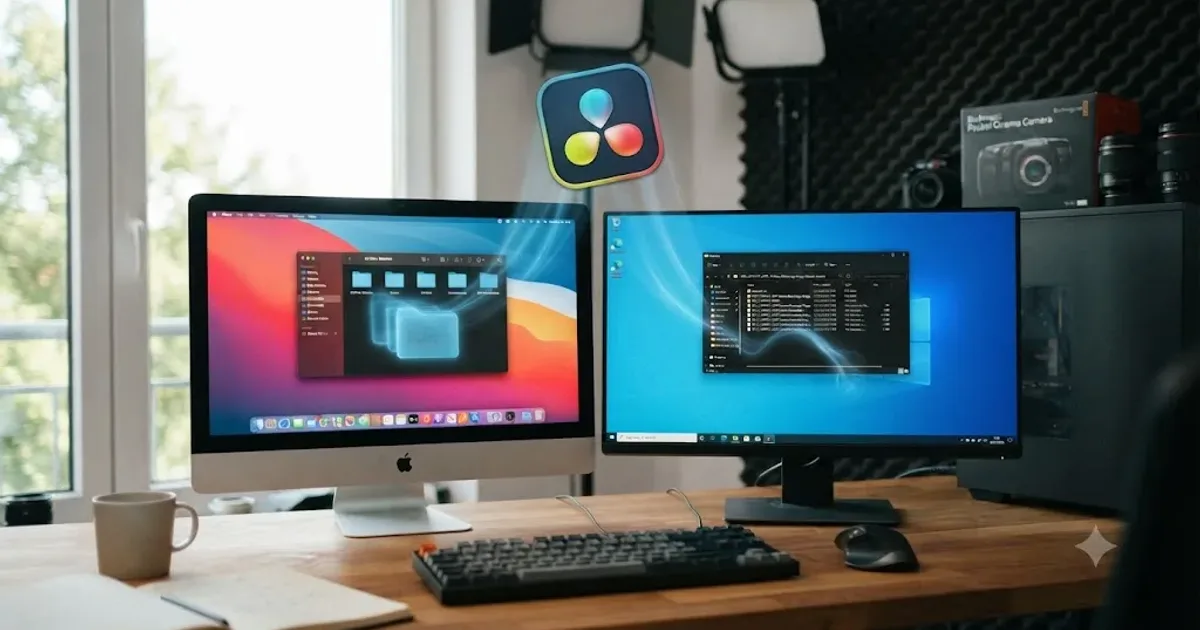
How to Uninstall DaVinci Resolve Completely (Mac and Windows)
Every file, folder, and registry key DaVinci Resolve leaves behind after you uninstall it, and the exact steps to remove all of it on Mac and Windows.
 GuidesJul 24, 202637 min read
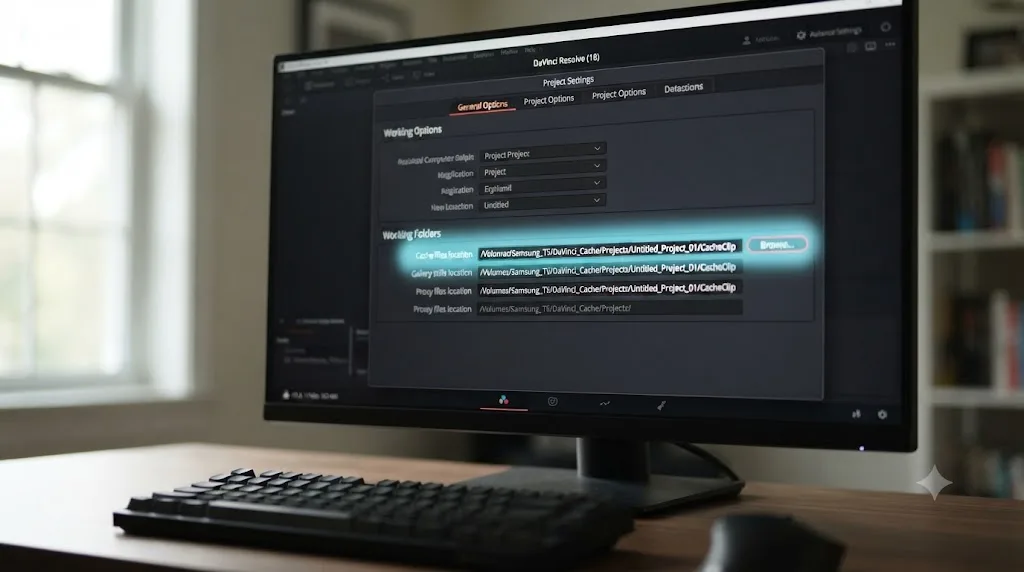
Where to Find DaVinci Resolve Cache Files on Mac and Windows
DaVinci Resolve's cache isn't at one fixed path. Here's exactly where to find it on Mac and Windows, how to change it, and what's safe to delete.
 GuidesJul 23, 202635 min read
Can You Learn DaVinci Resolve on a Chromebook?
DaVinci Resolve has no ChromeOS build and Crostini can't handle its GPU load. Here's what actually works on a Chromebook, and what doesn't, in 2026.
 ComparisonsJul 23, 202637 min read
TryUncle vs Clicky vs YouTube Tutorials for DaVinci Resolve
TryUncle, Clicky, and YouTube tutorials compared for learning DaVinci Resolve: an honest table on price, platform, and what each one actually does.
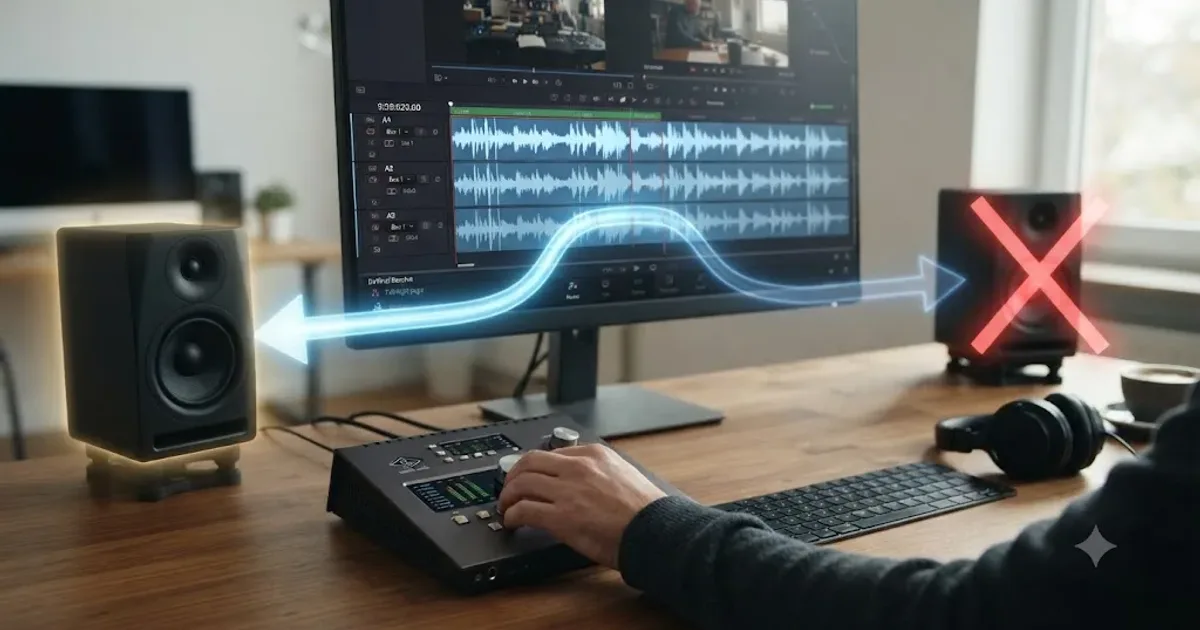 FixesJul 23, 202623 min read
DaVinci Resolve Audio Going to the Wrong Output Device: The Fix
DaVinci Resolve sending sound to the wrong speakers, headphones, or HDMI monitor? Here's every setting that controls output routing, and the exact fix.
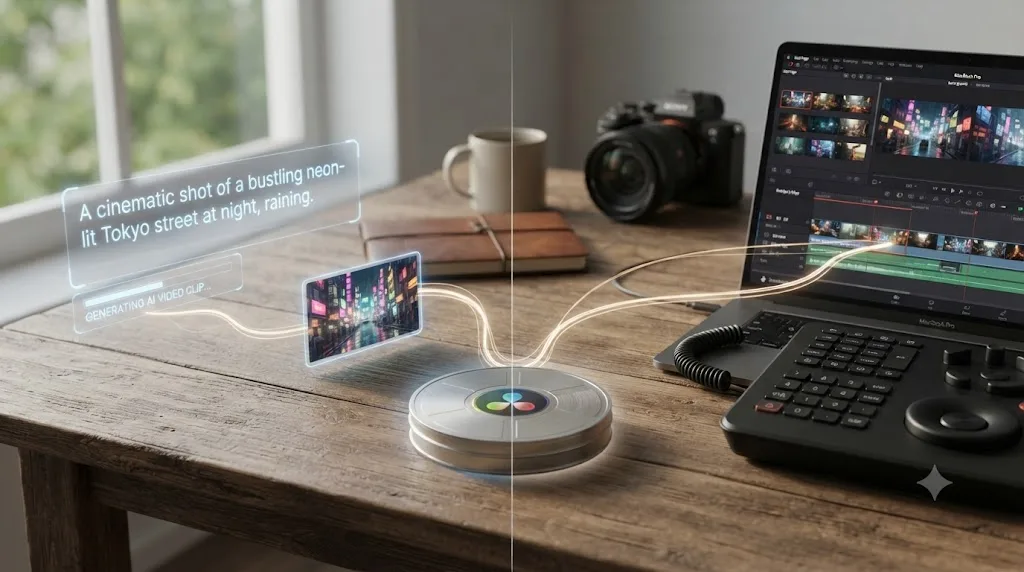 ComparisonsJul 23, 202639 min read
Runway ML vs DaVinci Resolve: Do They Even Compete?
Runway ML generates AI video from text. DaVinci Resolve edits footage you already shot. Here's how to use both together.
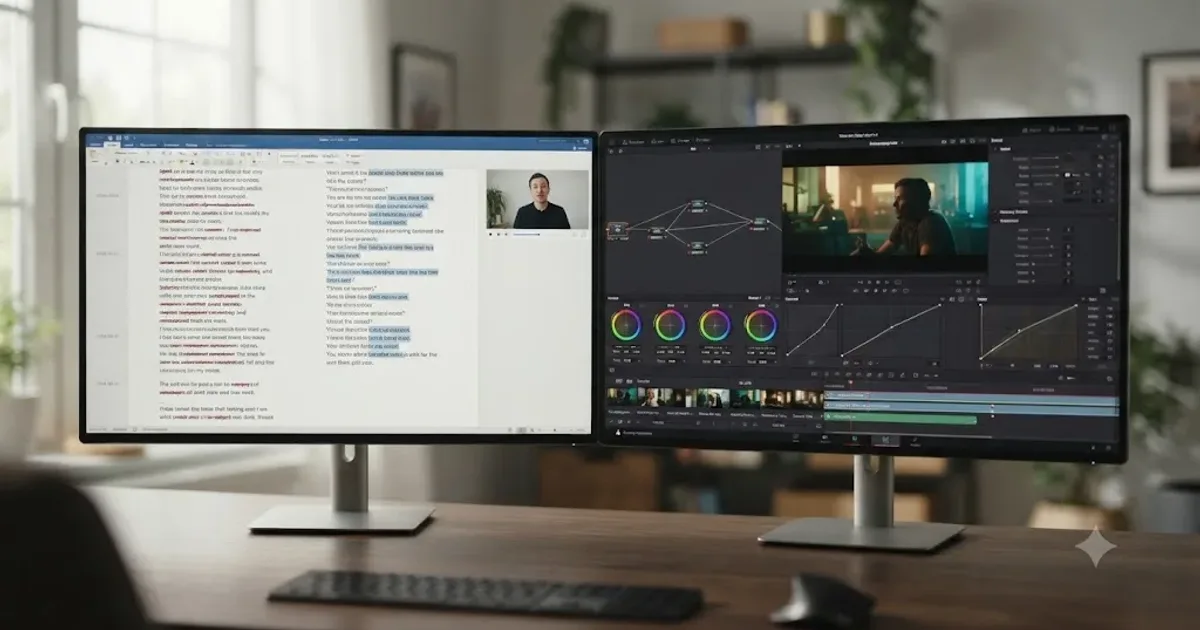 ComparisonsJul 23, 202631 min read
DaVinci Resolve vs Descript for Beginners: The Honest Verdict
Pricing, transcript editing, color grading, and podcast workflows compared honestly, so first-time editors pick the right tool for their first project.
 GuidesJul 23, 202629 min read
Do You Need to Know Photography to Learn DaVinci Resolve?
DaVinci Resolve doesn't require photography knowledge. What actually transfers from photography, what Resolve teaches as you go, and where it helps.
 ComparisonsJul 23, 202639 min read
DaVinci Resolve vs Canva Video Editor for Beginners
Canva edits fast for social clips but skips color grading and multi-track audio. DaVinci Resolve does both free. Full comparison with real pricing.
 FixesJul 23, 202625 min read
DaVinci Resolve Export File Size Too Large? Here's the Fix
Why a DaVinci Resolve export balloons past your source footage, and the exact Quality, codec, and bitrate settings that shrink it without hurting quality.
 ComparisonsJul 23, 202641 min read
DaVinci Resolve vs Veed.io for Beginners: Which One First?
Veed.io edits in a browser tab in minutes. DaVinci Resolve is free forever and teaches real editing. A sourced, honest comparison for total beginners.
 ReviewsJul 23, 202636 min read
Mograph Monday Review: Should You Learn Fusion From It?
An honest review of PeeJ's Mograph Monday DaVinci Resolve Fusion series: what it covers, best episodes to start with, and its real limits.
 GuidesJul 22, 202641 min read
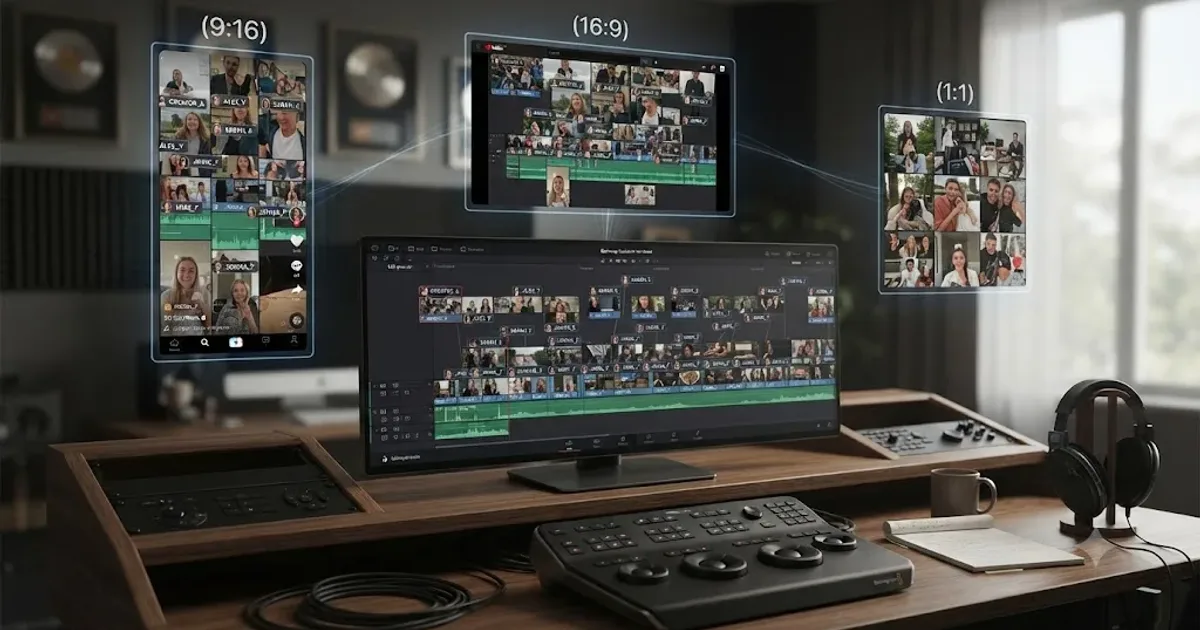
DaVinci Resolve Workflow for UGC Ad Content Creators
DaVinci Resolve workflow for UGC ad creators: bin footage by brand, fix phone audio, cut once and swap hooks, caption, then export for every platform.
 ComparisonsJul 22, 202637 min read
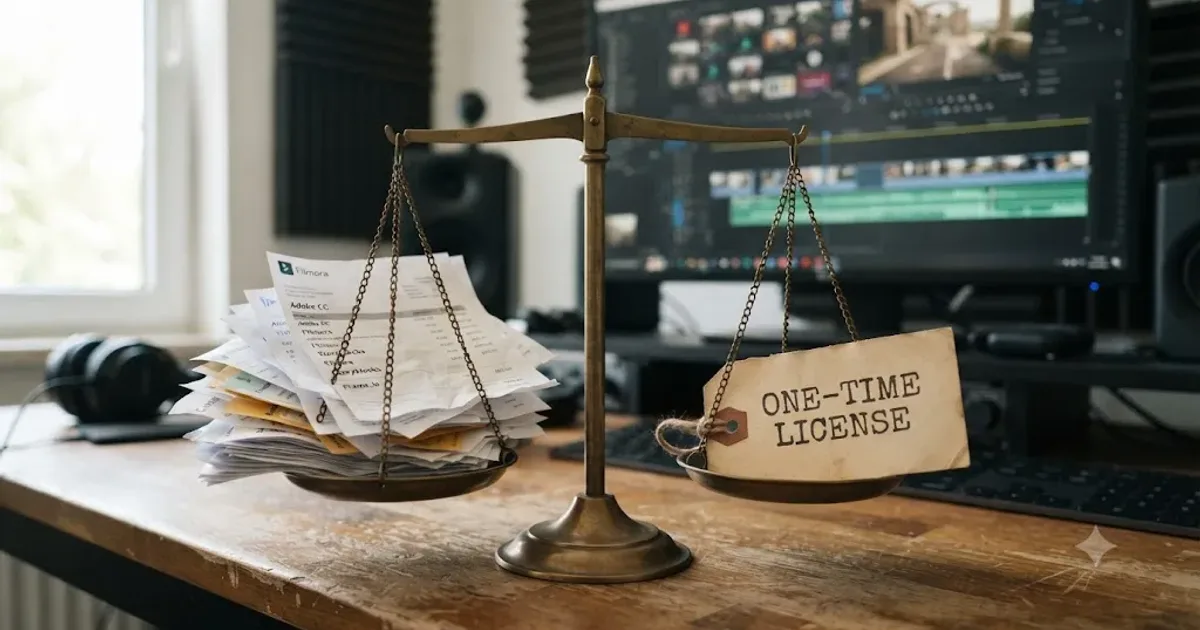
Subscription vs One-Time Purchase Video Editors: Which Wins?
DaVinci Resolve's free-plus-$295 model versus Adobe's subscription, Final Cut's new bundle, and four other editors. Real prices, a $150M settlement, and one honest verdict.
 ComparisonsJul 22, 202641 min read
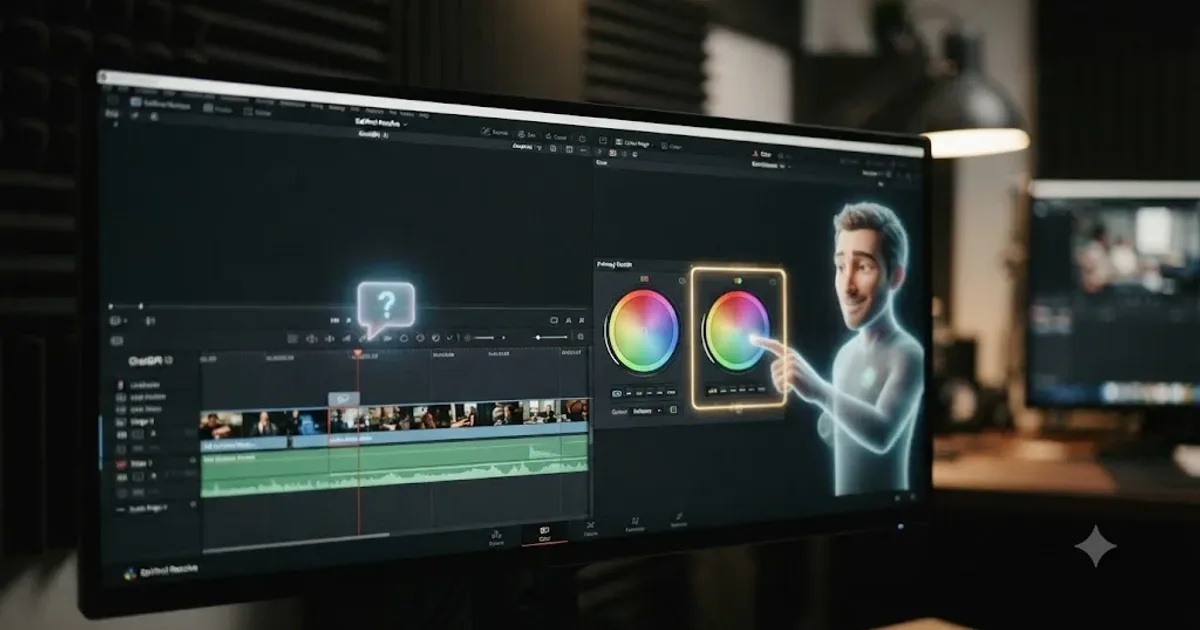
TryUncle vs ChatGPT for Learning DaVinci Resolve
ChatGPT can explain DaVinci Resolve. It can't watch you use it. An honest comparison of what each actually does, costs, and gets wrong.
 ComparisonsJul 22, 202624 min read
Is Class Central a Good Place to Find a DaVinci Resolve Course?
A neutral review of Class Central's DaVinci Resolve course catalog: what a course aggregator can and can't tell you, and when to look elsewhere.
 GuidesJul 22, 202636 min read
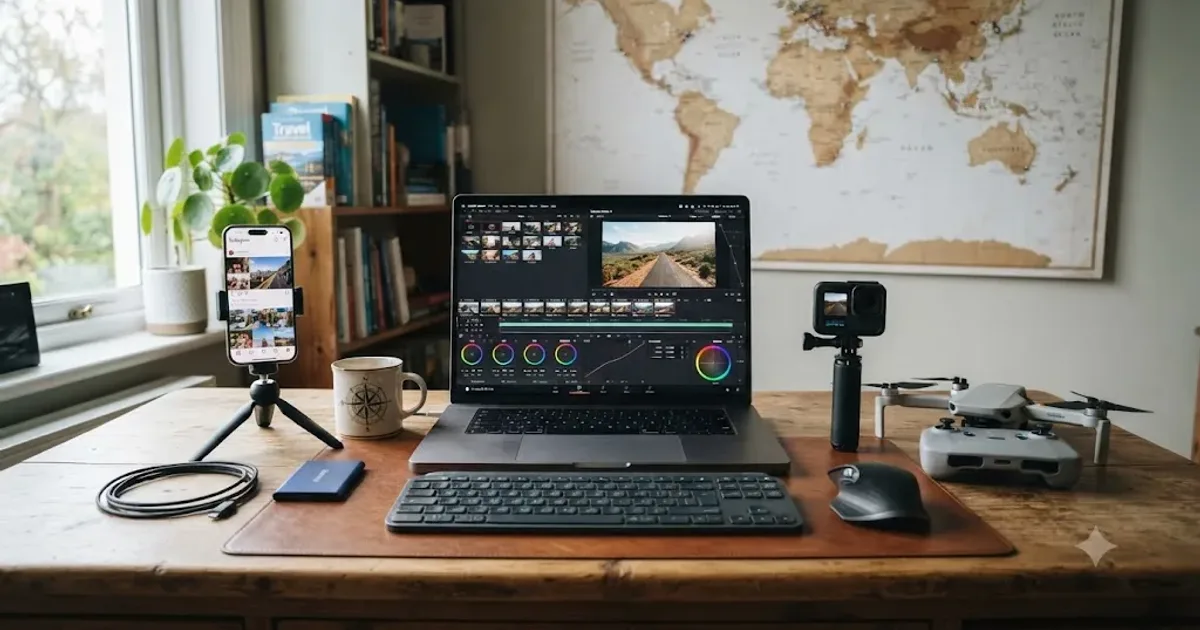
DaVinci Resolve for Travel and Vlog Creators: Where to Start
Where to start with DaVinci Resolve as a travel or vlog creator: project settings for mixed cameras, syncing audio, fixing GoPro and DJI imports, and more.
 GuidesJul 22, 202638 min read
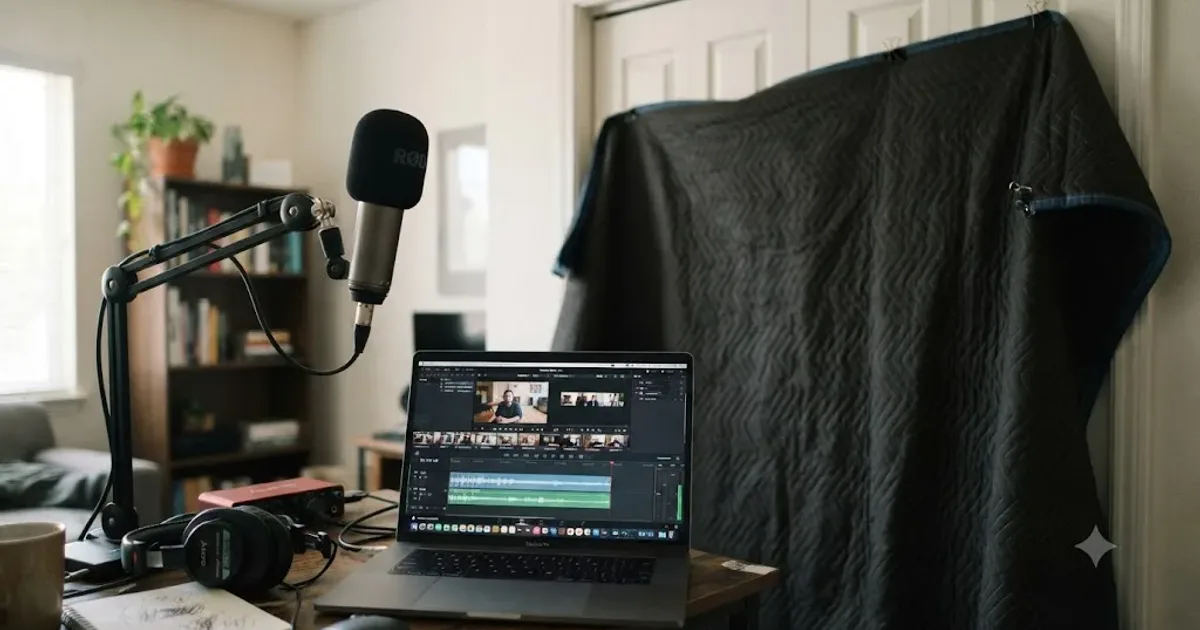
How to Soundproof a Room for Video Editing Voiceovers
A practical guide to soundproofing a room for clean voiceover recordings before editing in DaVinci Resolve, from free fixes to real acoustic panels.
 GuidesJul 22, 202636 min read
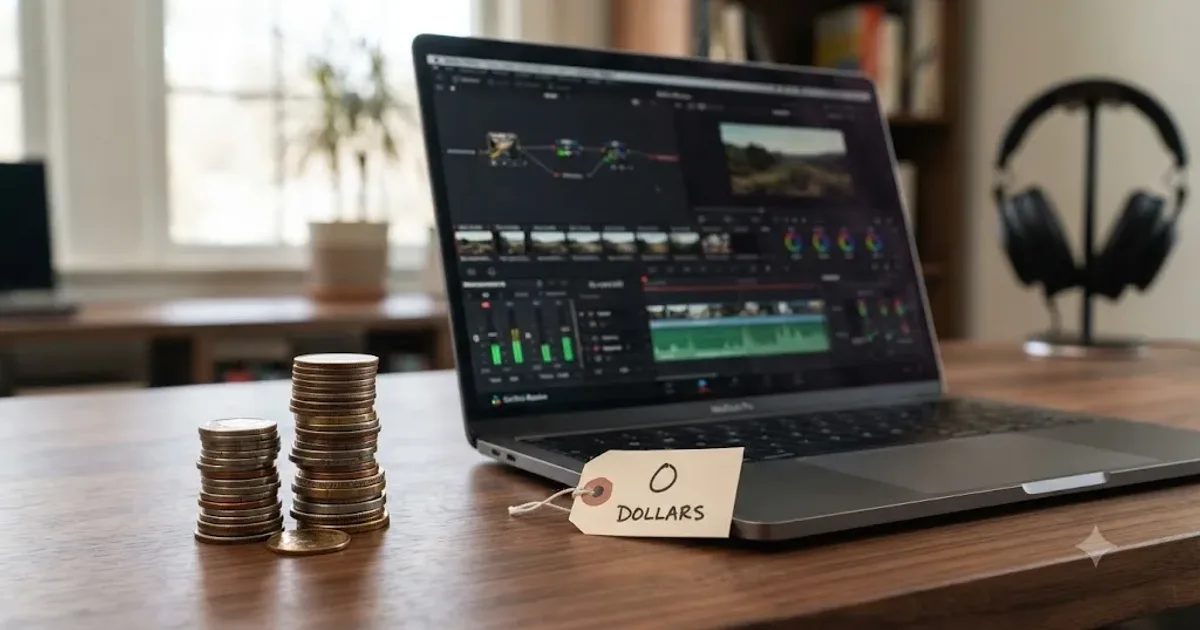
The Cheapest Way to Learn DaVinci Resolve in 2026
DaVinci Resolve, official training, and YouTube cost $0. Here's a full cost breakdown of every free and paid way to learn it, ranked by real price.
 ComparisonsJul 22, 202641 min read
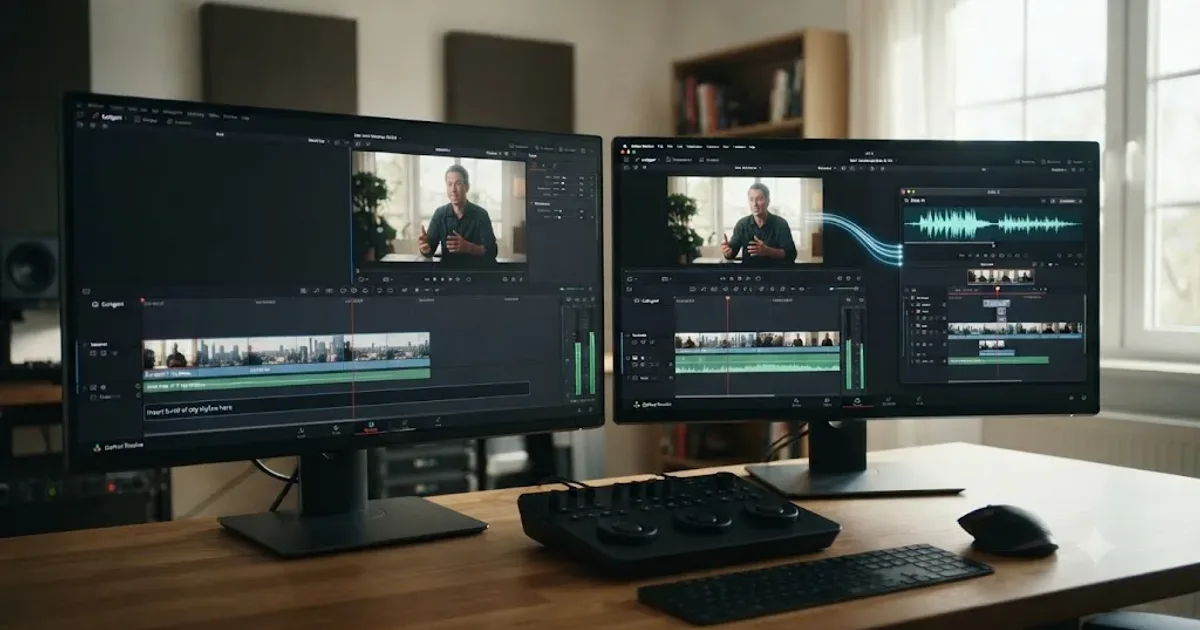
CutAgent vs Eddie AI for DaVinci Resolve: Which One Fits?
CutAgent and Eddie AI both put an AI agent inside your DaVinci Resolve edit. Here's the real feature, platform, and pricing breakdown, no vendor spin.
 FixesJul 22, 202624 min read
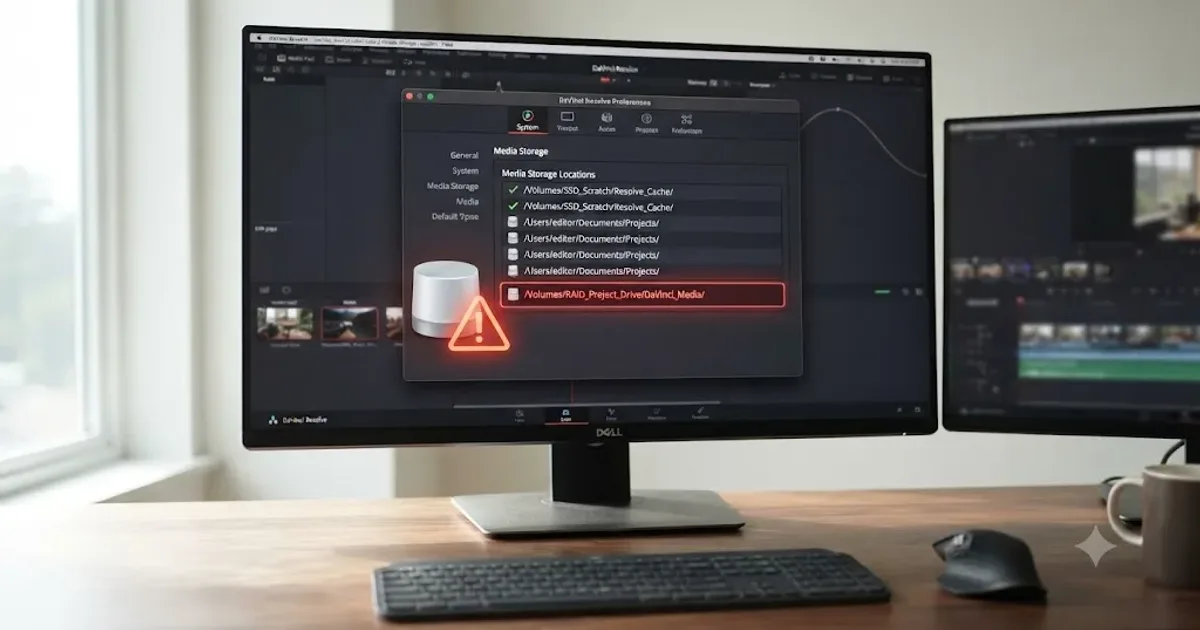
DaVinci Resolve Unable to Find Media Storage Location, Fixed
DaVinci Resolve's Unable to Find Media Storage Location error means a path in Preferences no longer exists or is unreachable. Here's the full fix.
 FixesJul 21, 202628 min read
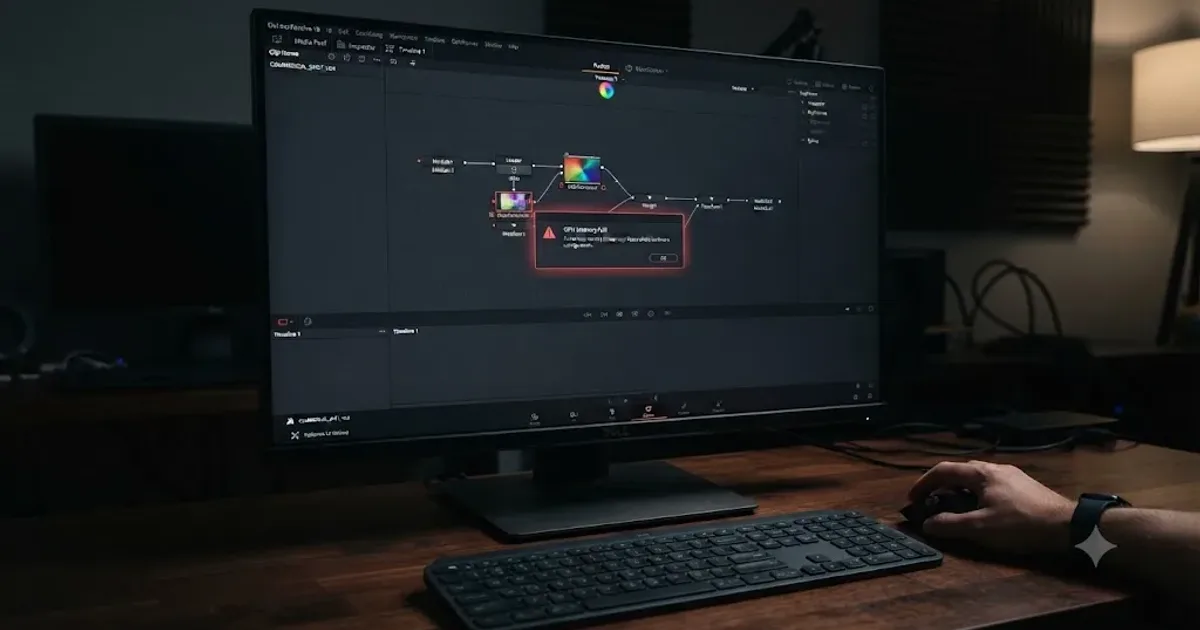
DaVinci Resolve Crashes When Opening Fusion Page: The Real Fix
Why DaVinci Resolve crashes the instant you click the Fusion tab, and the GPU memory, RAM, cache, and driver fixes that actually stop it in 2026.
 GuidesJul 20, 202636 min read
How to Build a Reel for Instagram From Long-Form Content
Safe zones, covers, trending audio, captions, and cross-posting: how to package a long-form clip into an Instagram Reel after it's cut in DaVinci Resolve.
 ComparisonsJul 20, 202639 min read
Video Editing Degree vs. Learning DaVinci Resolve Yourself
A cost, hiring, and job-market comparison of a video editing degree against teaching yourself DaVinci Resolve, with real tuition, debt, and salary numbers.
 GuidesJul 20, 202636 min read
How to Build a Reusable B-Roll Library for Client Work
A system for organizing, tagging, and legally reusing B-roll across client projects in DaVinci Resolve: folders, Smart Bins, backups, and rights.
 ComparisonsJul 20, 202637 min read
DaVinci Resolve vs Opus Clip for Short-Form Repurposing
DaVinci Resolve edits video. Opus Clip finds and cuts short clips automatically. What each does, what it costs, and which fits your workflow.
 FixesJul 20, 202625 min read
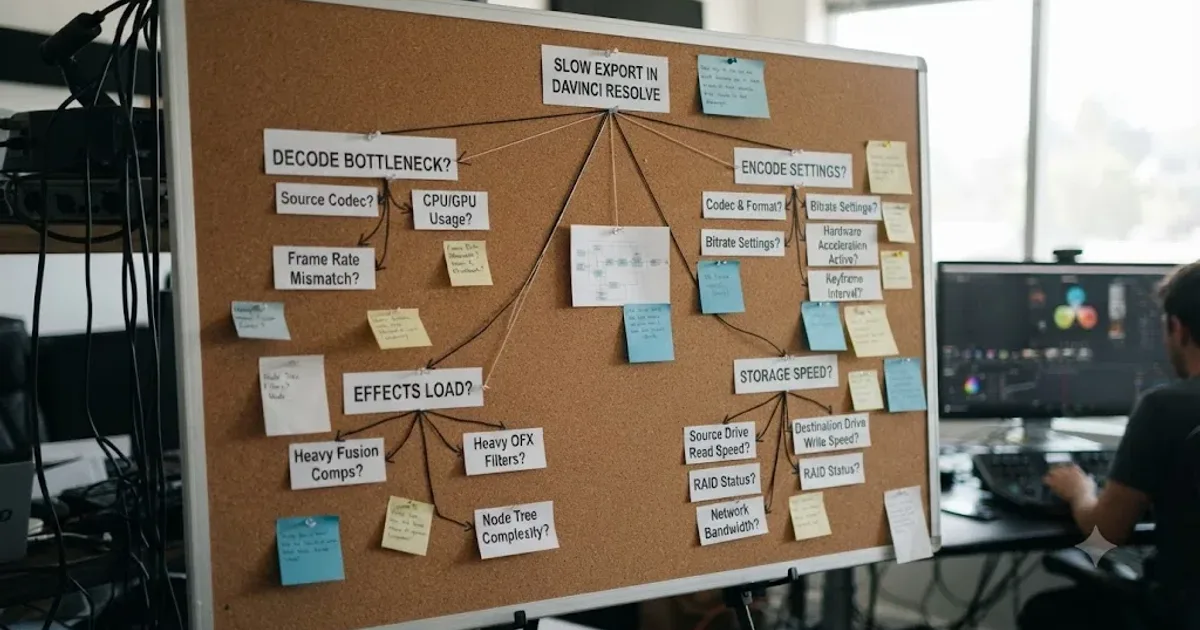
DaVinci Resolve Export Takes Forever? How to Speed It Up
A DaVinci Resolve export that takes forever usually comes down to one of six fixes: render speed, background load, encoding, storage, cache, or bitrate.
 ReviewsJul 20, 202632 min read
Is DaVinci Resolve Certification Worth It for a Resume in 2026?
An honest, sourced look at Blackmagic Design's free DaVinci Resolve certification: how the exam works, what hiring managers actually say, and when it helps.
 ReviewsJul 20, 202637 min read
Is a DaVinci Resolve Certificate Worth It for a Resume in 2026?
A sourced look at Blackmagic's free DaVinci Resolve certificate, Coursera's Specialization, and Miracamp's bootcamp, and what actually helps a resume.
 GuidesJul 20, 202626 min read
The Best DaVinci Resolve Plugins for Beginners to Buy in 2026
Real prices for the DaVinci Resolve plugins worth buying as a beginner, what to skip, and whether you need one at all before you've finished a project.
 ComparisonsJul 20, 202627 min read
DaVinci Resolve vs Blender for Video Editing: The Full Comparison
Blender's Video Sequence Editor is free forever and built into a 3D suite. DaVinci Resolve is a dedicated NLE with color, audio, and VFX pages. Here's which one to cut in.
 GuidesJul 20, 202638 min read
DaVinci Resolve Keyboard Shortcuts Every Colorist Should Know
Every keyboard shortcut a DaVinci Resolve colorist needs: node commands, bypass and compare keys, gallery stills, and how to customize your own layout.
 GuidesJul 20, 202638 min read
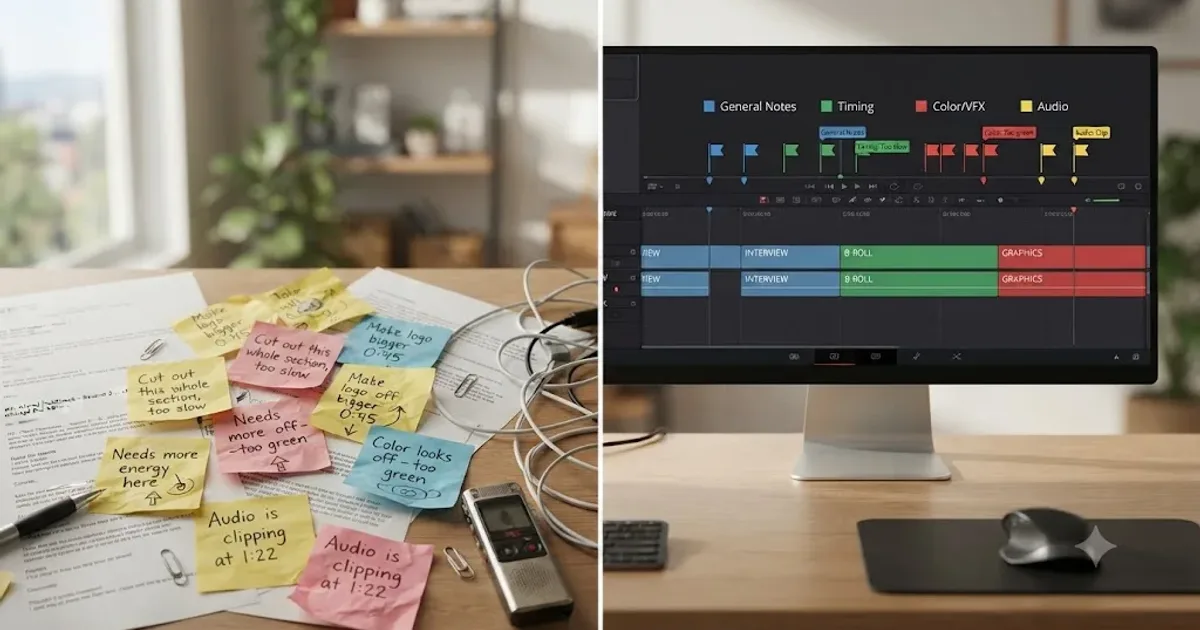
Organize Client Feedback and Revision Rounds in DaVinci Resolve
How to organize client feedback and revision rounds in DaVinci Resolve: round limits, DaVinci Resolve Presentations, marker conventions, and timeline versioning.
 GuidesJul 19, 202638 min read
Is DaVinci Resolve Overkill for Simple Social Media Edits?
A quick TikTok or Reel trim doesn't need DaVinci Resolve's seven pages. Here's when it's overkill, when it isn't, and how it stacks up against CapCut.
 FixesJul 19, 202626 min read
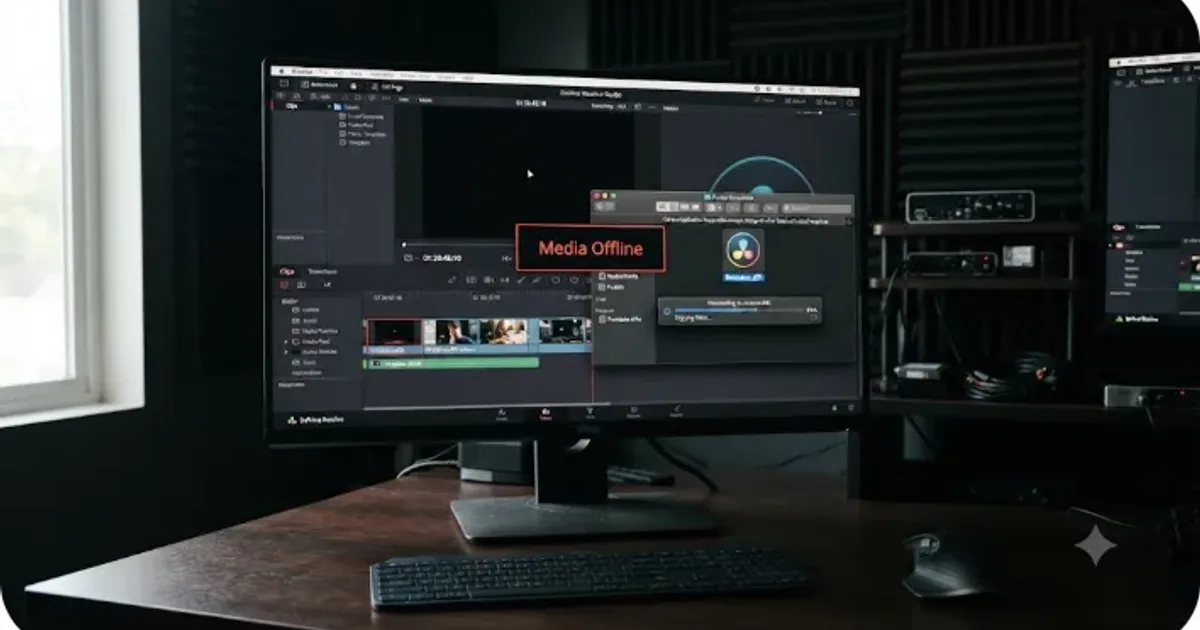
DaVinci Resolve Export Slower Than Realtime? Here's Why
Why DaVinci Resolve exports slower than realtime: RAW debayering, GPU-heavy effects, software encoding, or a hidden render-speed cap.
 FixesJul 19, 202629 min read
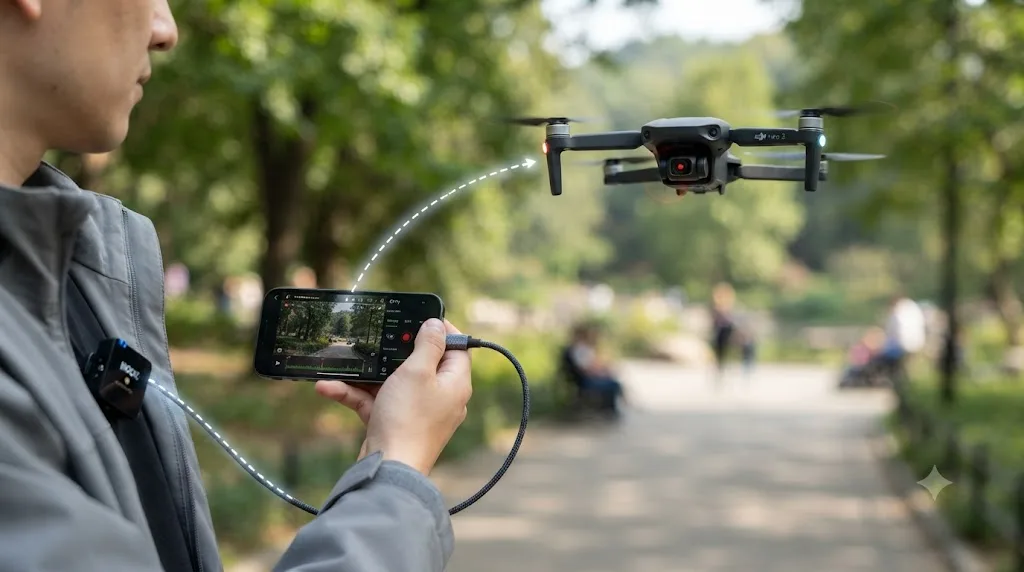
DaVinci Resolve DJI Drone Footage Out of Sync: The Fix
DJI drone footage out of sync in DaVinci Resolve? Most DJI drones have no built-in mic, so drift usually traces to frame rate, 4GB file splits, or DJI Mic drift.
 GuidesJul 19, 202634 min read
DaVinci Resolve Ergonomics: RSI and Wrist Pain Tips for Editors
Ergonomic fixes for DaVinci Resolve editors with wrist pain: mouse and keyboard alternatives, control panels, voice input, and break schedules that stick.
 GuidesJul 19, 202638 min read
DaVinci Resolve Portfolio Tips for Freelance Editors
How freelance editors build a DaVinci Resolve portfolio that lands work: project count, reel length, niches, export settings, hosting, and rates.
 GuidesJul 19, 202640 min read
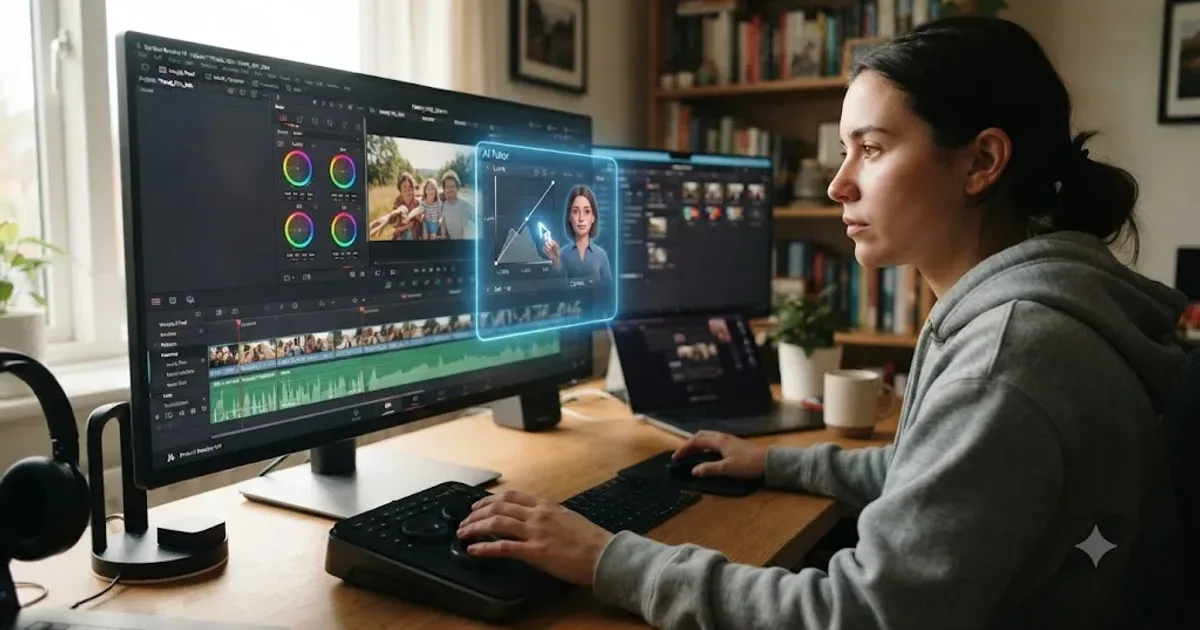
How to Future-Proof Your DaVinci Resolve Skills as AI Improves
Split your DaVinci Resolve skills into durable and perishable layers, use AI for mechanical work, and keep practicing what no update replaces.
 FixesJul 19, 202627 min read
DaVinci Resolve Crashes When Adding a Transition: The Real Fix
Why DaVinci Resolve crashes when you add a transition, and the GPU, driver, version, and Fusion cache fixes that actually stop it for good.
 FixesJul 19, 202633 min read
DaVinci Resolve GoPro Hero 13 Footage Not Importing: The Fix
GoPro Hero 13 footage not importing into DaVinci Resolve? HEVC decode limits, 12GB chapter splits, and corrupt files are the real causes. Every fix here.
 FixesJul 19, 202627 min read
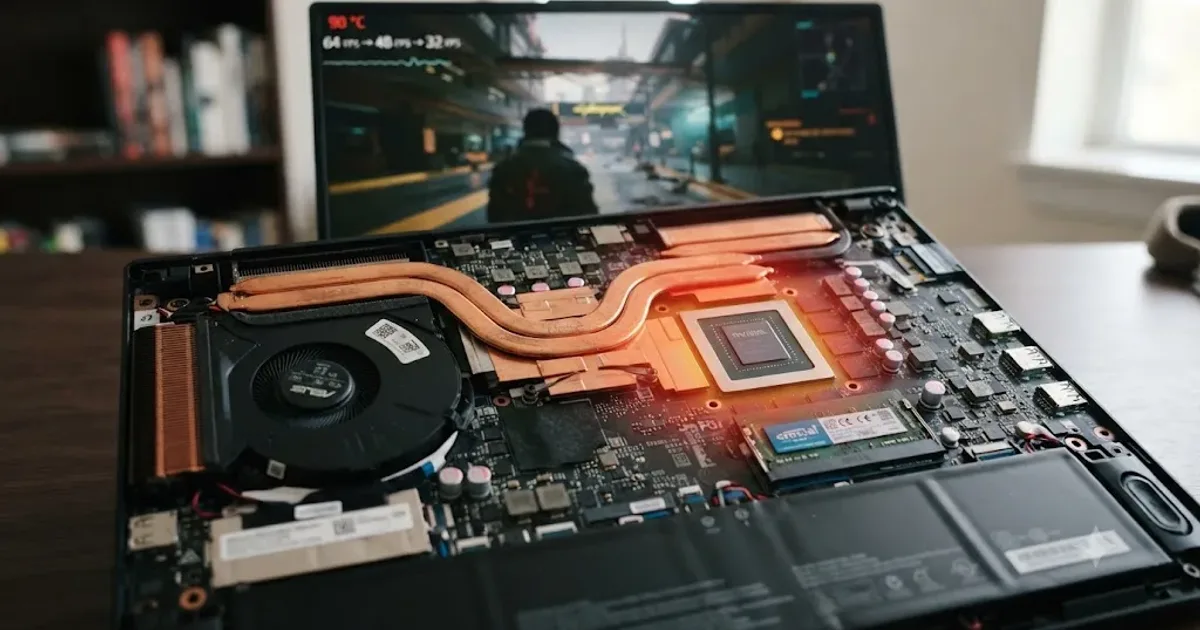
DaVinci Resolve High GPU Usage but Low FPS: The Real Fix
GPU pegged near 100% but DaVinci Resolve still stutters? It's compute-bound work, a decode bottleneck, VRAM pressure, or thermal throttling. Here's how to tell which.
 FixesJul 19, 202626 min read
DaVinci Resolve Preview Window Black, Timeline Still Plays
DaVinci Resolve's preview window turns black while the timeline still plays and audio still runs. Here's the GPU, driver, decode, and monitor fix that works.
 FixesJul 19, 202626 min read
DaVinci Resolve Project Not Showing in Project Manager: Fixed
A DaVinci Resolve project missing from Project Manager is almost always a wrong-library or wrong-user problem, not data loss. The full path checklist, in order.
 GuidesJul 18, 202642 min read
Switching From HitFilm to DaVinci Resolve: The Complete Guide
HitFilm is discontinued. A complete guide to switching to DaVinci Resolve: Composite Shot vs Fusion, project import, color, audio, and a step plan.
 GuidesJul 18, 202640 min read
Switching From Filmora to DaVinci Resolve: The Complete Guide
A complete guide to moving from Filmora to DaVinci Resolve: terminology mapping, what breaks in the switch, page by page comparisons, and a step plan.
 FixesJul 18, 202629 min read
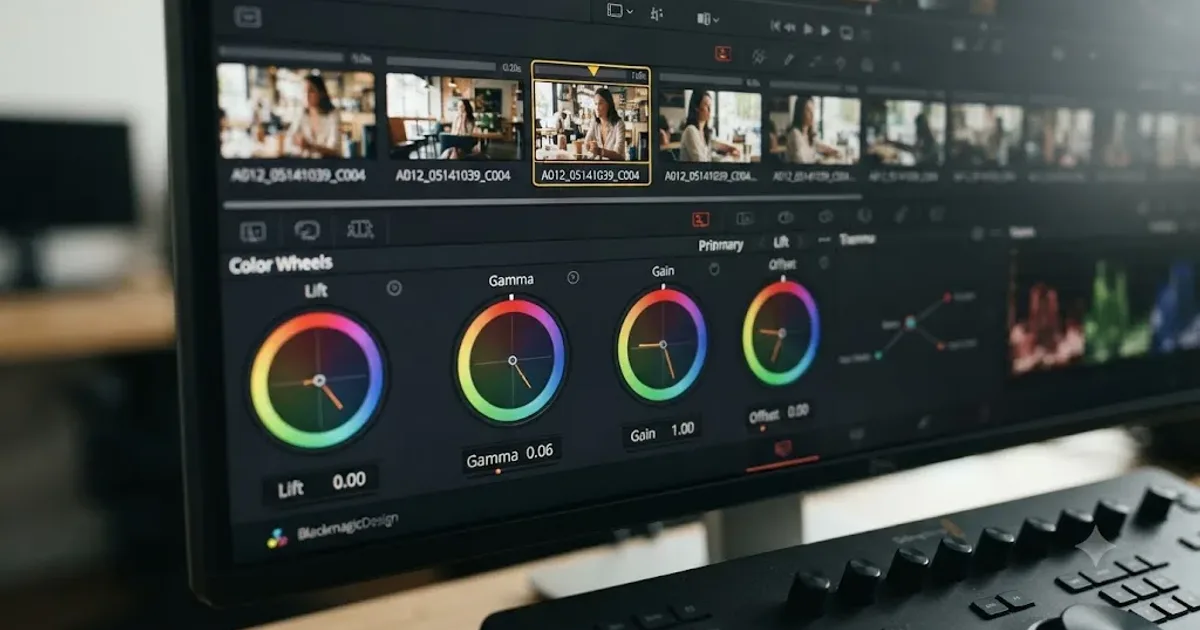
DaVinci Resolve Color Wheels Greyed Out: The Fix
Why DaVinci Resolve's color wheels turn grey and stop responding, and the exact fix: the right clip, the right palette tab, and an enabled node.
 FixesJul 18, 202636 min read
DaVinci Resolve Import Stuck at 0%: Every Real Fix
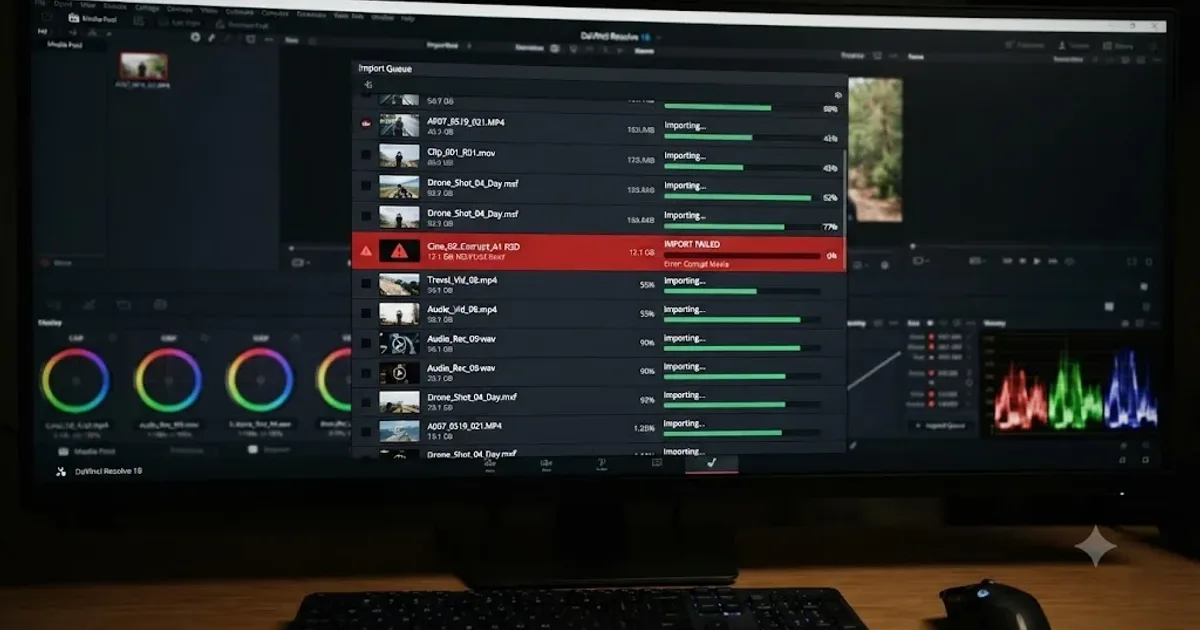
DaVinci Resolve import stuck at 0 percent has a dozen real causes, from cloud placeholders to HEVC decode to a missing scratch disk. Find yours here.
 FixesJul 18, 202623 min read
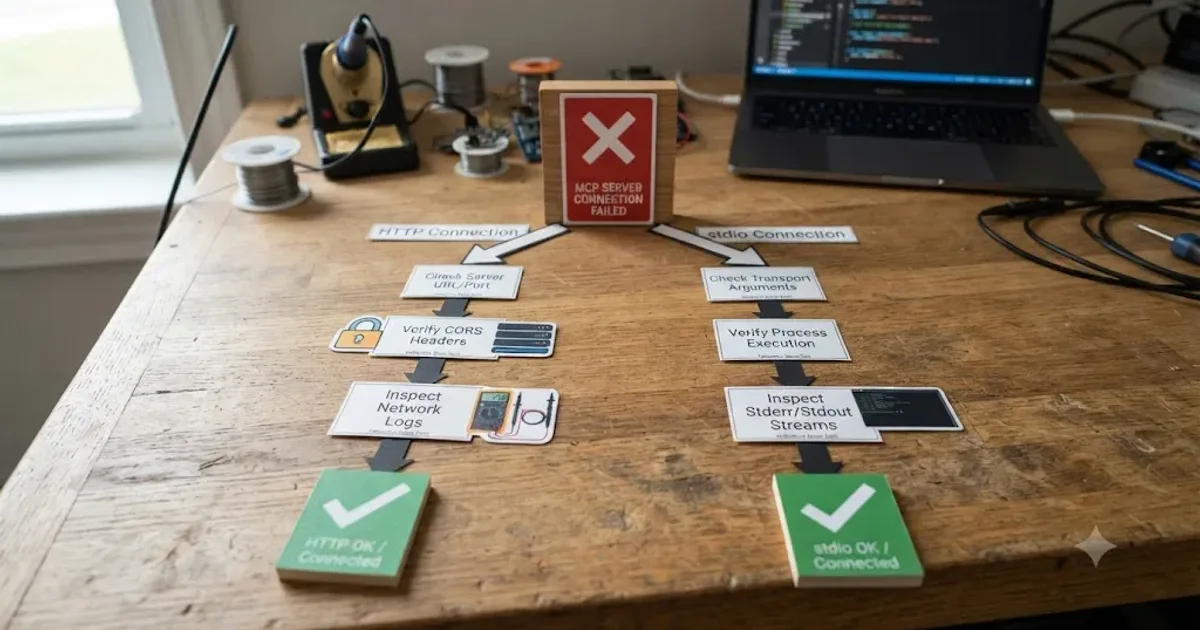
DaVinci Resolve Quits Immediately After Opening on Mac: Fixed
DaVinci Resolve quitting the instant it opens on Mac usually traces to macOS/Gatekeeper, corrupt preferences, or a bad OFX plugin. Every fix branch, in order.
 GuidesJul 18, 202619 min read
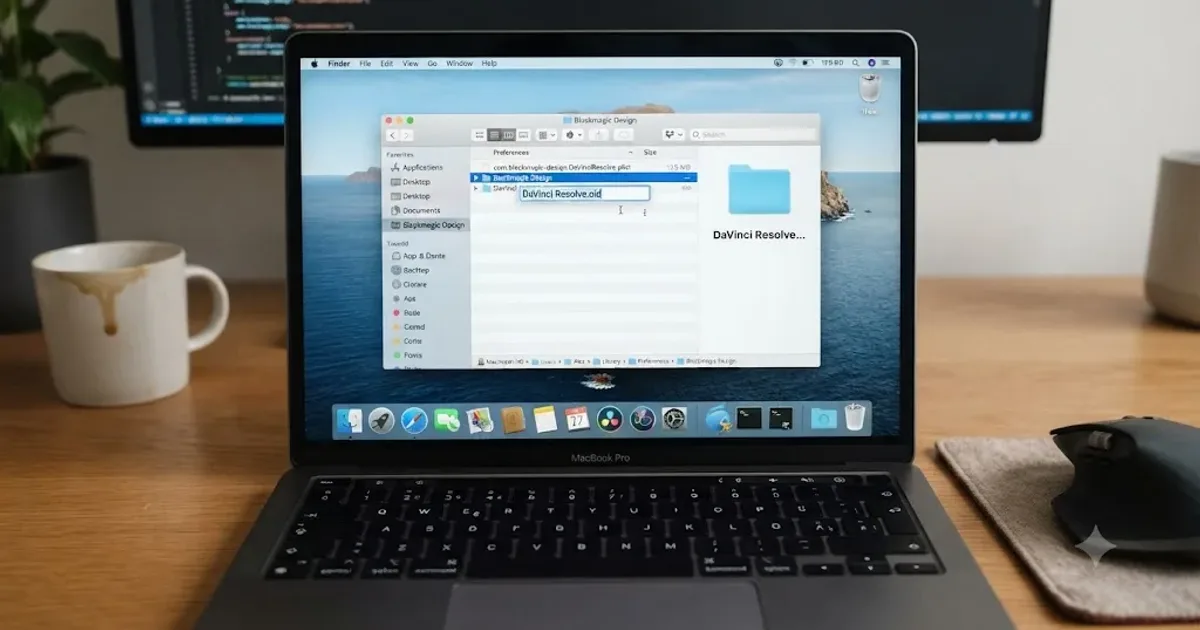
DaVinci Resolve Timeline Marker Color Meaning: The Real Answer
DaVinci Resolve doesn't assign meaning to marker colors. Here's the default, the full 16-color list, real editor conventions, and how to build your own.
 FixesJul 18, 202628 min read
DaVinci Resolve Timeline Won't Play, Only Shows First Frame
DaVinci Resolve's timeline freezes on frame one instead of playing. Here's the render cache, GPU driver, and codec checklist that actually fixes it.
 GuidesJul 17, 202632 min read
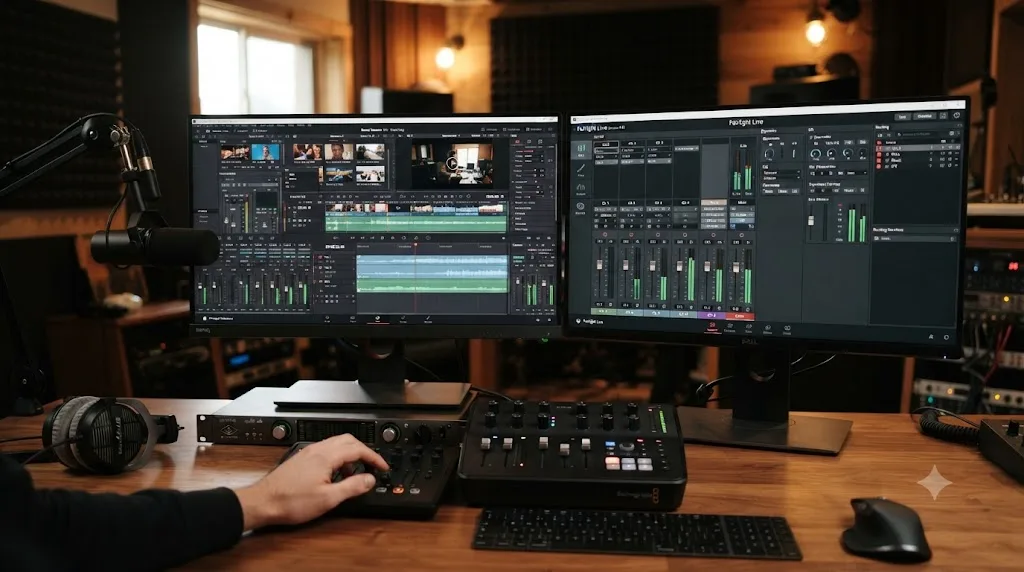
How to Record a Podcast in DaVinci Resolve Using Fairlight
Record a podcast directly inside DaVinci Resolve's Fairlight page: patch mics, arm tracks, set gain and monitoring, capture multi-guest audio, and avoid the common failures.
 GuidesJul 17, 202621 min read
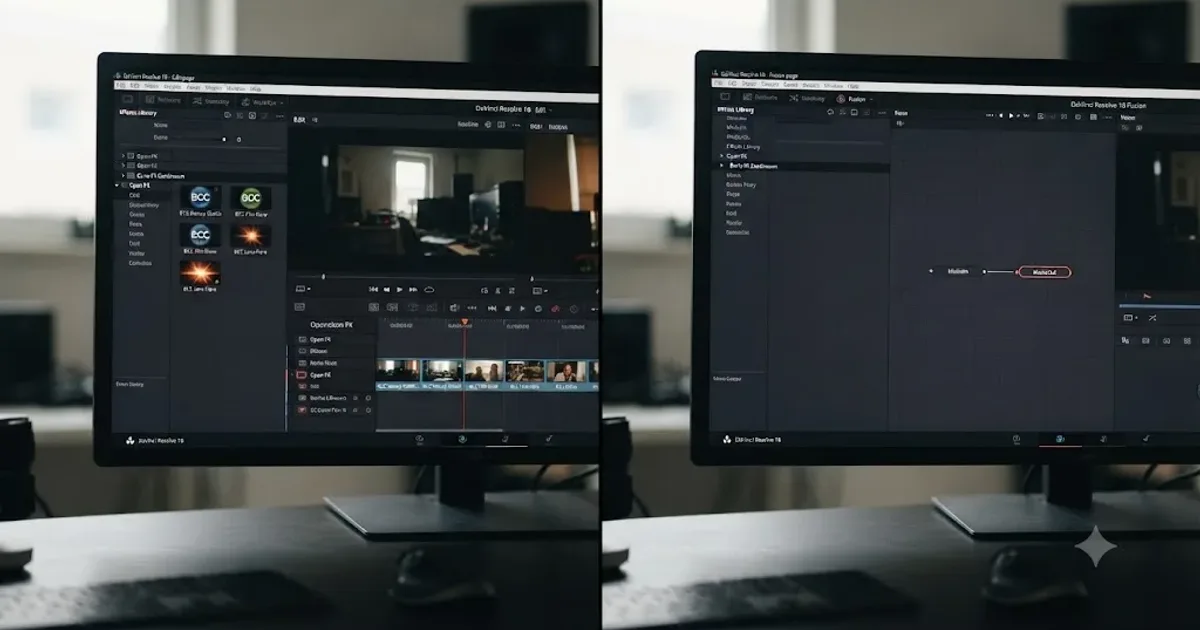
Does DaVinci Resolve Work on iPad? (2026 Guide)
DaVinci Resolve for iPad is real, free to download, and separate from desktop. What it can do, what's missing, pricing, requirements, and how projects sync.
 GuidesJul 17, 202635 min read
Switching From iMovie to DaVinci Resolve: The Complete Guide
A complete guide to moving from iMovie to DaVinci Resolve: terminology mapping, what breaks in the switch, page by page comparisons, and a step plan.
 FixesJul 17, 202631 min read
DaVinci Resolve Plugin Not Found or Missing Effect: The Fix
Why DaVinci Resolve shows a plugin not found or missing effect error, and the install path, cache, and Video Plugins fixes that actually solve it.
 GuidesJul 17, 202627 min read
How to Render Multiple Timelines at Once in DaVinci Resolve
Queue multiple DaVinci Resolve timelines at once from the Media Pool, understand sequential rendering, and avoid the batch-export version gotcha.
 GuidesJul 17, 202635 min read
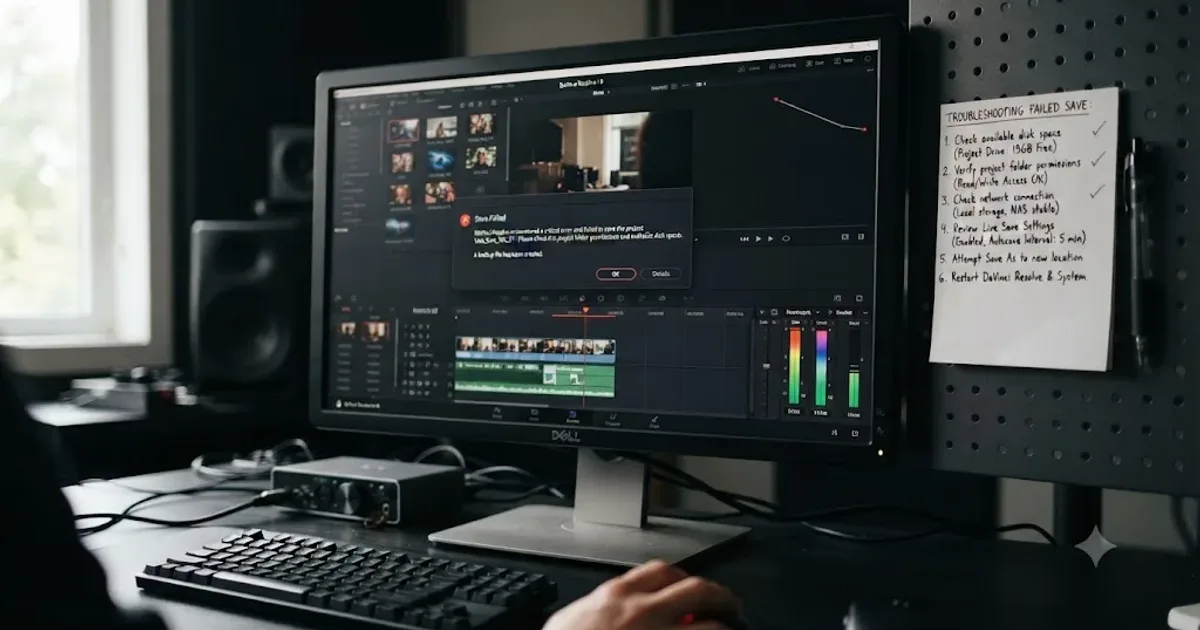
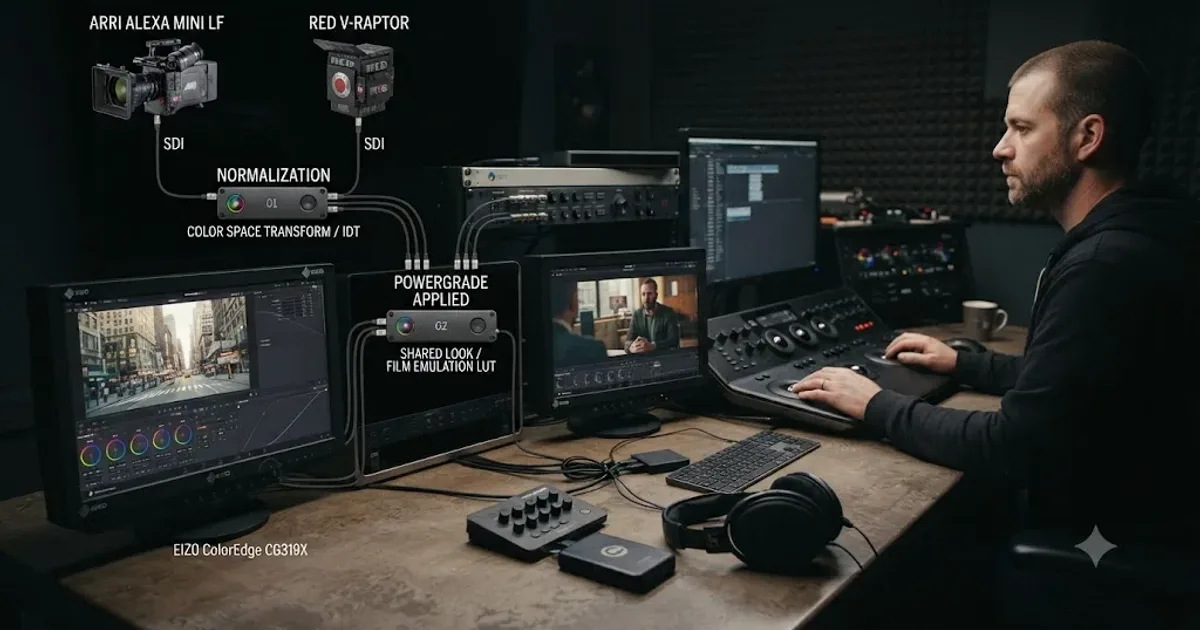
DaVinci Resolve Live Save Settings Explained
What Live Save actually does in DaVinci Resolve, its defaults, how it differs from Project Backups and Timeline Backups, and when to turn it off.
 FixesJul 17, 202627 min read
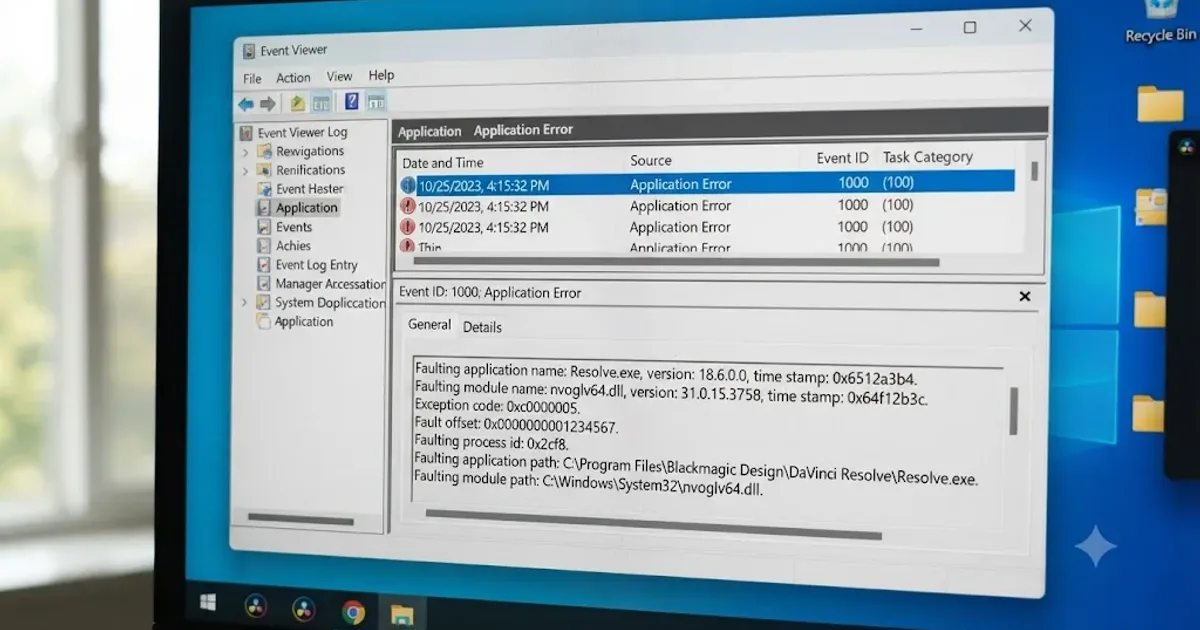
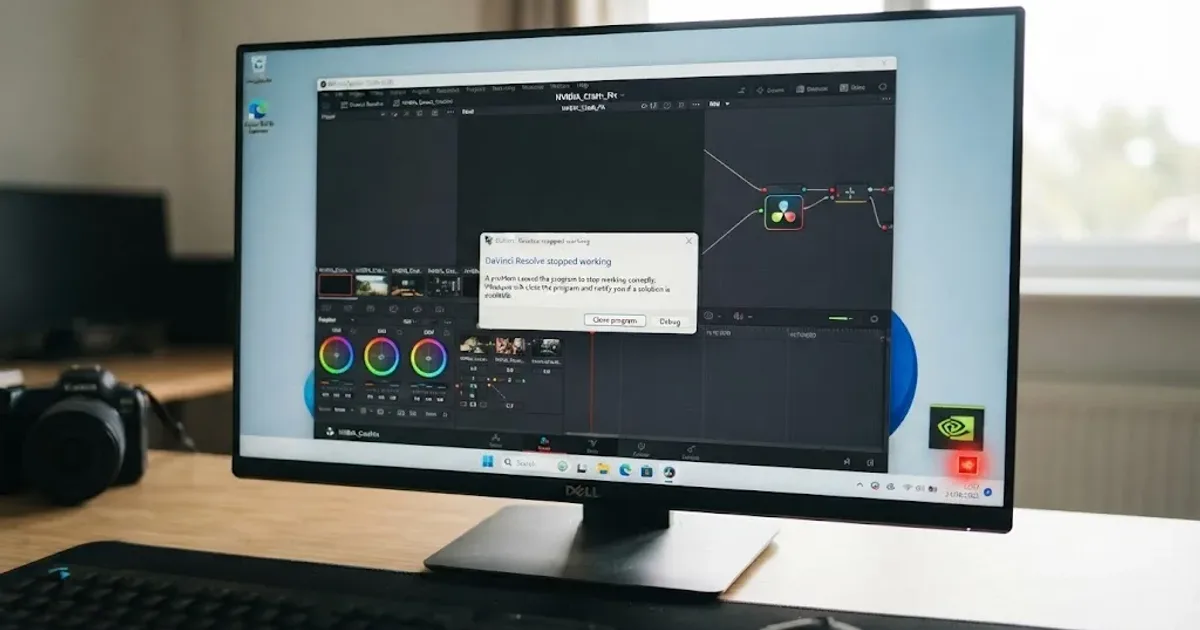
DaVinci Resolve NVIDIA Driver Crash on Windows: The Real Fix
DaVinci Resolve crashing on Windows with an NVIDIA GPU almost always traces to the Game Ready vs Studio Driver split. Here's the diagnosis and every fix branch.
 GuidesJul 16, 202640 min read
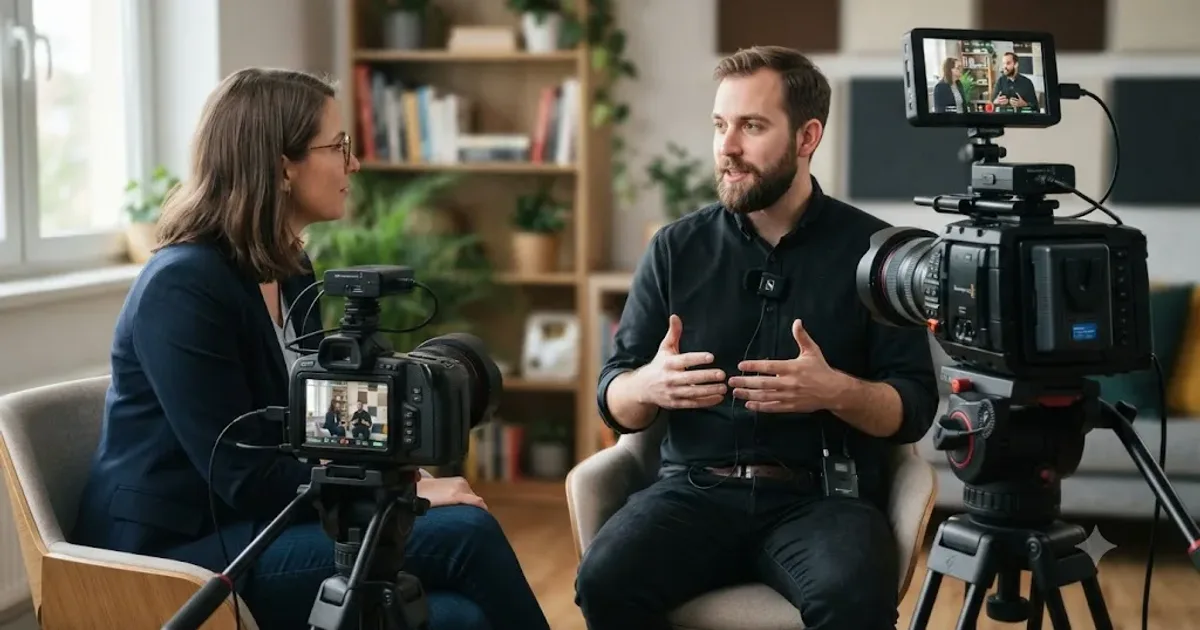
DaVinci Resolve Multicam Editing Workflow for Interviews
A full DaVinci Resolve multicam workflow for interviews: camera and audio setup, syncing, live cutting, keyboard shortcuts, color matching, and fixes.
 GuidesJul 16, 202631 min read
How to Turn a Long Video Into Short Clips in DaVinci Resolve
How to turn a long video into short clips in DaVinci Resolve: finding the good moments with markers or IntelliSearch, cutting them, reframing for vertical, and exporting for every platform.
 GuidesJul 16, 202636 min read
How to Switch From Premiere Pro to DaVinci Resolve (Full Guide)
A complete walkthrough for editors moving from Premiere Pro to DaVinci Resolve: project import, keyboard presets, page layout, color, audio, Fusion, and export.
 GuidesJul 16, 202635 min read
DaVinci Resolve Editing Workflow for YouTube Creators
The complete DaVinci Resolve workflow for YouTube: project setup, organizing footage, rough cut, audio, color, chapters, and export, in the right order.
 ComparisonsJul 16, 202638 min read
The Best YouTube Channels to Learn DaVinci Resolve in 2026
Casey Faris, Cullen Kelly, Darren Mostyn, Joris Hermans, and JayAreTV compared honestly for DaVinci Resolve, plus where an assistant fits in.
 GuidesJul 16, 202645 min read
DaVinci Resolve Wedding Video Editing Workflow: Tips That Work
A practical DaVinci Resolve workflow for wedding editors: multicam sync, vow audio cleanup, camera color matching, delivery, and backup.
 FixesJul 16, 202630 min read
How to Prevent DaVinci Resolve Project Corruption
The real causes of DaVinci Resolve project corruption, from cloud-synced databases to power loss, and the exact habits that prevent it in 2026.
 ComparisonsJul 15, 202634 min read
Eddie AI vs TryUncle for DaVinci Resolve: Which Do You Need?
Eddie AI automates DaVinci Resolve rough cuts by chat, from free to $1,250/month. TryUncle is a $34.99/month assistant that points at controls live.
 ComparisonsJul 15, 202638 min read
CutAgent vs TryUncle: AI Editing Agent or DaVinci Resolve Tutor?
CutAgent edits your DaVinci Resolve timeline from a prompt. TryUncle points at the control and lets you click it. The real difference, priced out.
 ComparisonsJul 15, 202628 min read
DaVinci Resolve vs Final Cut Pro in 2026: The Full Comparison
Pricing, ACES color, Fairlight vs Final Cut audio, Fusion vs Motion, collaboration, and 2026 Apple Silicon benchmarks, compared with real sources and one clear verdict.
 ReviewsJul 15, 202640 min read
Is the Skillshare DaVinci Resolve Masterclass Worth It in 2026?
A sourced review of Adi Singh's Skillshare DaVinci Resolve Masterclass: real pricing across platforms, refund terms, ratings, and who it actually fits.
 ReviewsJul 15, 202639 min read
Is Casey Faris's DaVinci Resolve Course Worth It in 2026?
An honest, sourced review of Casey Faris's DaVinci Resolve courses on CreativeLive and Ground Control: what's inside, real prices, refund terms, and who they fit.
 ComparisonsJul 15, 202634 min read
DavinciClaude vs TryUncle: Editing Agent or Assistant?
DavinciClaude runs Claude commands on your DaVinci Resolve timeline. TryUncle watches your screen and teaches you the control live. Full comparison, honest sourced.
 GuidesJul 15, 202638 min read
How to Edit Faster in DaVinci Resolve: A Workflow Guide
The workflow fixes that actually speed up DaVinci Resolve editing: proxy media, render cache, GPU/decode settings, hardware controllers, batch tools, and where AI helps.
 GuidesJul 15, 202639 min read
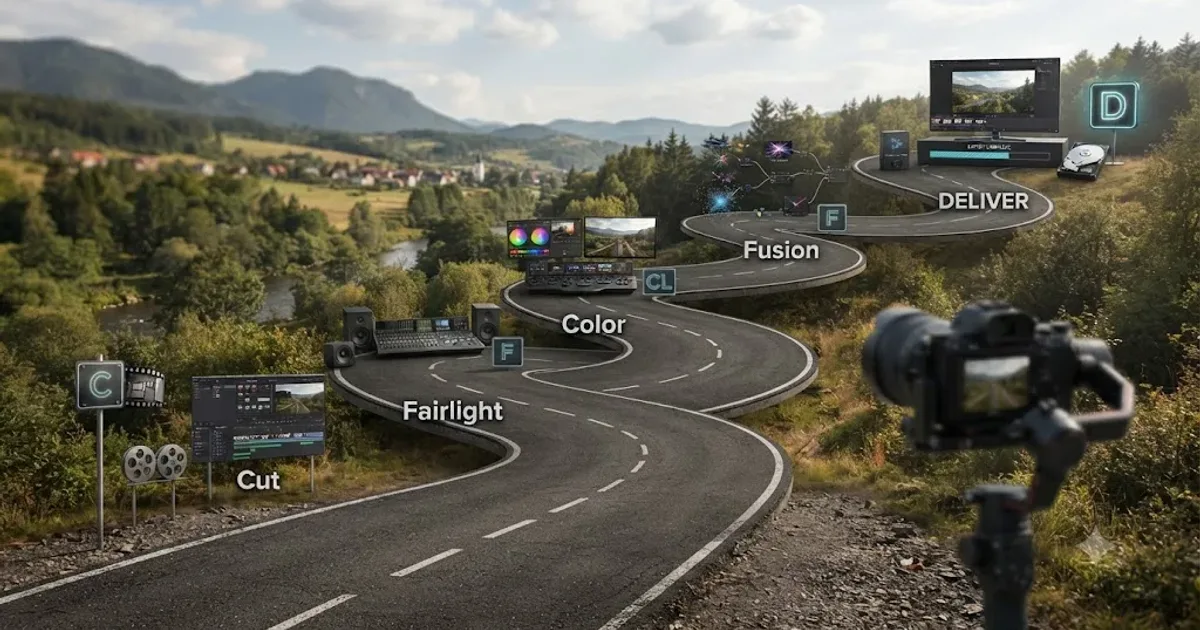
The DaVinci Resolve Learning Roadmap for Beginners
The right order to learn DaVinci Resolve: Cut or Edit, then Fairlight, Color, and Fusion, checked against Blackmagic and Ripple Training's own paths.
 GuidesJul 15, 202640 min read
10 DaVinci Resolve Practice Exercises for Beginners
Ten DaVinci Resolve practice exercises for beginners, each targeting one skill, with real sources and a 14-day plan to string them together.
 ComparisonsJul 13, 202633 min read
TryUncle vs YouTube Tutorials for DaVinci Resolve
YouTube's DaVinci Resolve tutorials are free and everywhere. TryUncle is a paid assistant that watches your live project. Here's an honest comparison.
 GuidesJul 13, 202635 min read
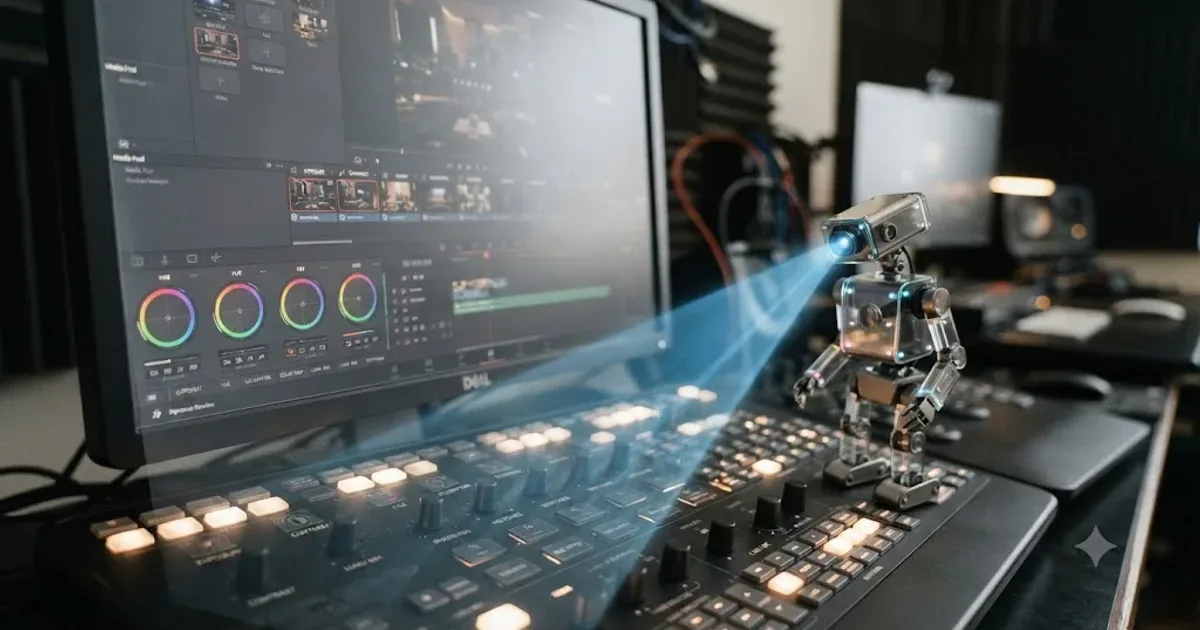
How Does TryUncle Work? Inside the Screen-to-Answer Loop
A step-by-step technical walkthrough of how TryUncle's Uncle reads your DaVinci Resolve screen, reasons in the cloud, and points at the exact control.
 ReviewsJul 13, 202628 min read
Is TryUncle Worth It? The Honest Cost and ROI Verdict
TryUncle costs $34.99/month. Here's the real ROI math against freelance colorist rates, refund terms, and who it's actually worth it for.
 GuidesJul 13, 202645 min read
TryUncle for Complete DaVinci Resolve Beginners: A Full Guide
How TryUncle helps a complete DaVinci Resolve beginner with the four-page layout, node-based color grading, and timeline basics, live inside the app.
 GuidesJul 13, 202614 min read
TryUncle Pricing Plans: What It Actually Costs
TryUncle costs $34.99/month, one plan, cancel anytime, with a 14-day refund. Here's what's included, the refund policy, and how it compares.
 ComparisonsJul 13, 202636 min read
TryUncle vs Udemy for DaVinci Resolve: Which Actually Teaches You?
TryUncle's live assistant and Udemy's video bootcamps solve different problems. Here's an honest, sourced comparison of cost, completion, and what each is good for.
 ReviewsJul 13, 202631 min read
Is TryUncle Legit? A Trust and Safety Check
Is TryUncle legit? Yes, with facts you can verify yourself: a named founder, a public privacy policy, a 14-day refund, and a VC-backed billing partner.
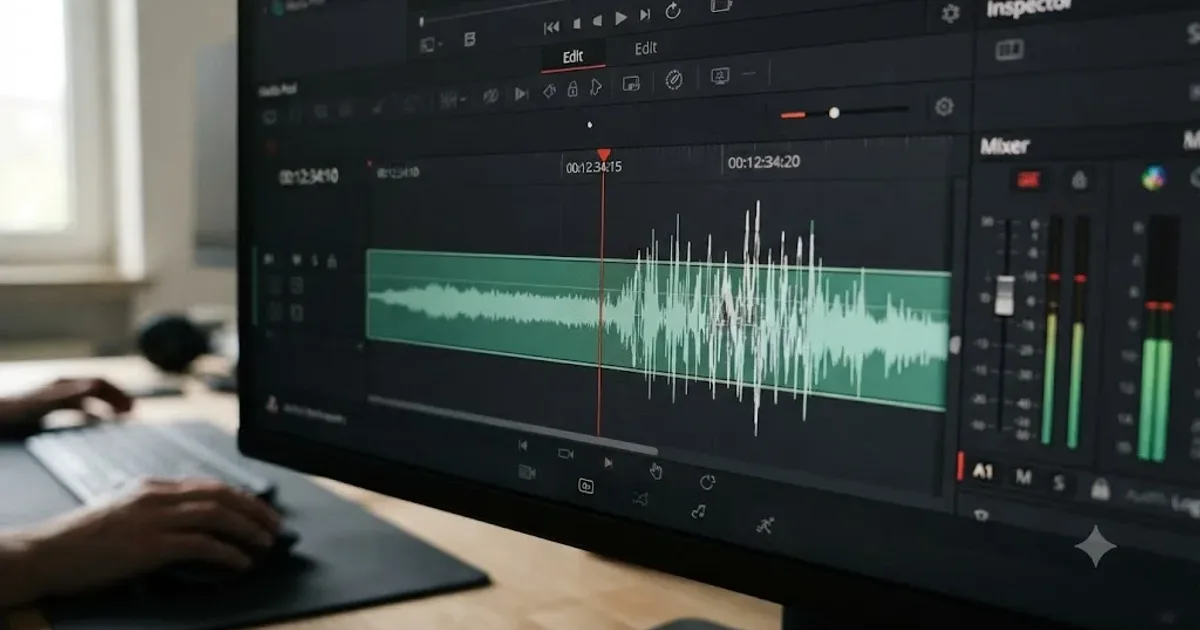 FixesJul 12, 202632 min read
DaVinci Resolve Audio Crackling and Popping During Playback: Every Fix
DaVinci Resolve audio crackling or popping during playback? The real causes, in the order to check them: sample rate, buffer size, ASIO, frame rate, GPU, and hardware.
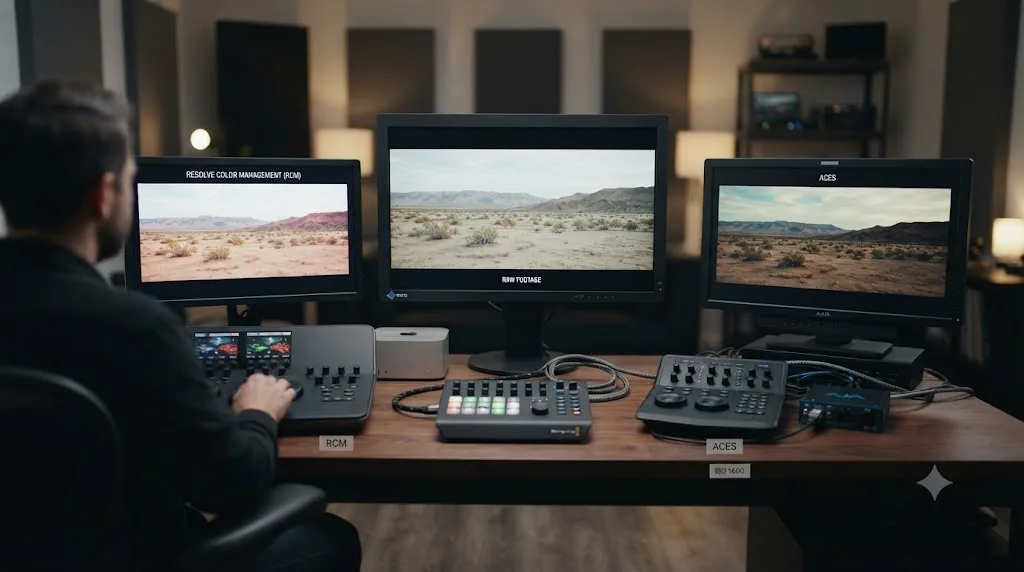 ComparisonsJul 12, 202630 min read
Resolve Color Management vs. ACES: Which Should You Use?
DaVinci Resolve Color Management and ACES both fix scene-referred color, but they solve different problems. Here's which one fits your project.
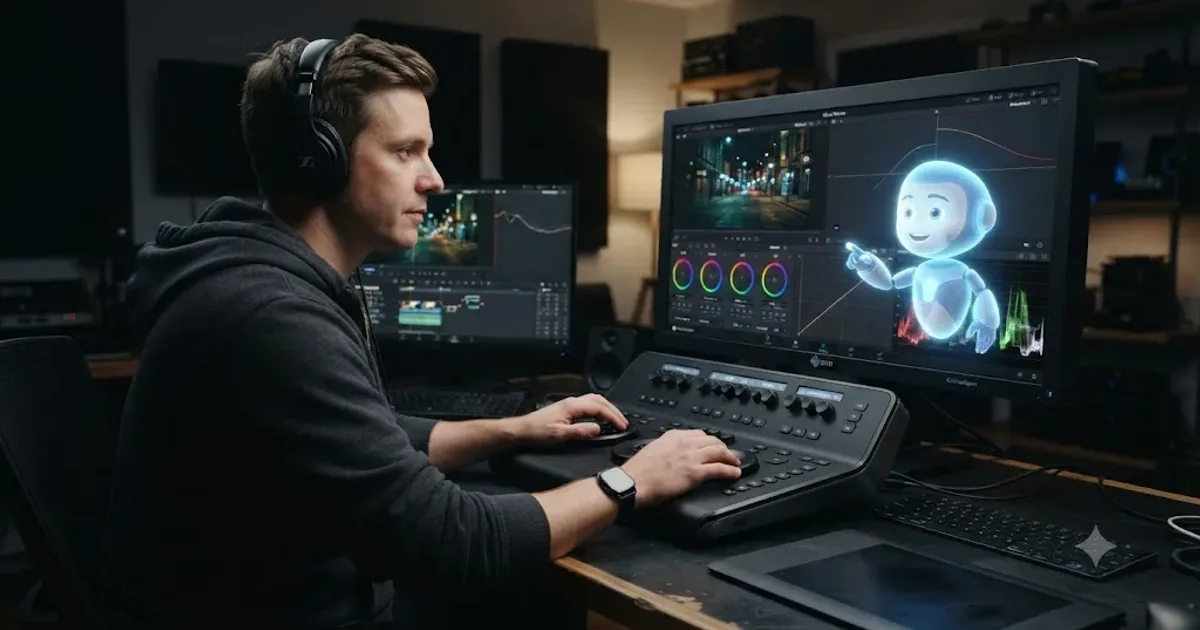 GuidesJul 12, 202637 min read
What Is TryUncle? The Assistant Built Into DaVinci Resolve
TryUncle is a macOS assistant that watches your DaVinci Resolve screen and points at the exact control live, so you learn by doing, not watching.
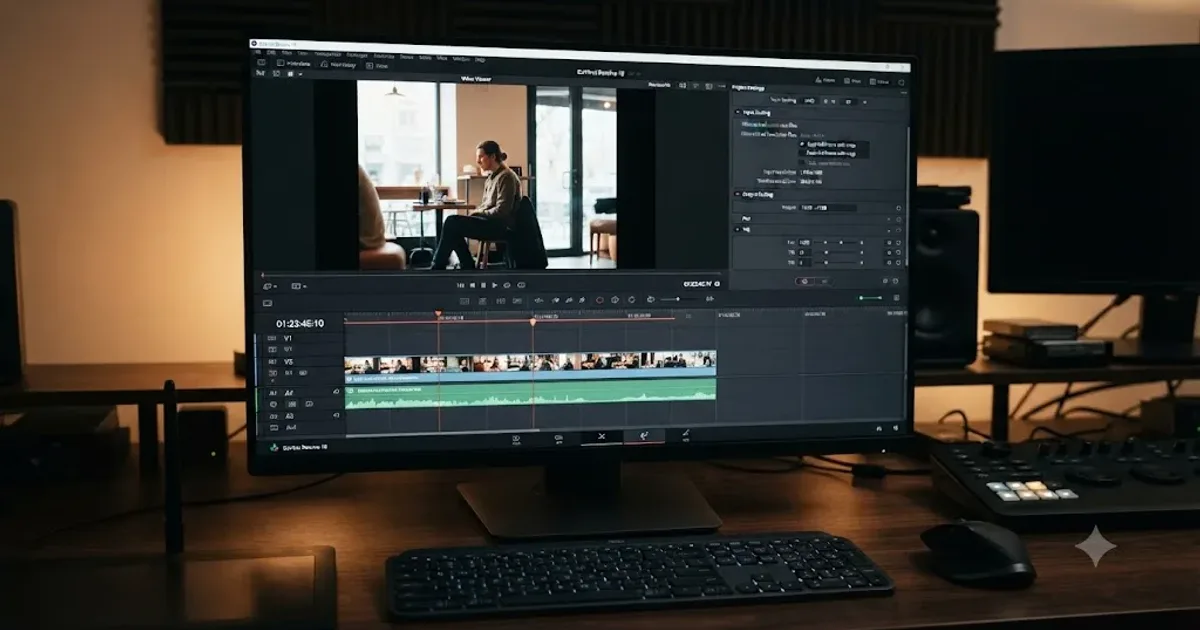 GuidesJul 12, 202630 min read
DaVinci Resolve Black Bars: Every Wrong Aspect Ratio Fix
Why DaVinci Resolve shows black bars around your footage, the Timeline Resolution vs Input Scaling mixup behind it, and the exact settings that fix it.
 GuidesJul 12, 202641 min read
The Best Way to Learn DaVinci Resolve (What the Research Says)
Guided, hands-on practice inside DaVinci Resolve beats video courses and MOOCs. Here's the learning-science research behind why, and how to apply it.
 FixesJul 12, 202629 min read
DaVinci Resolve Mixed Frame Rate Timeline Jittery: The Fix
DaVinci Resolve timeline jitters when clips have mixed frame rates. Here's why it happens, the setting that locks after import, and every real fix.
 GuidesJul 12, 202638 min read
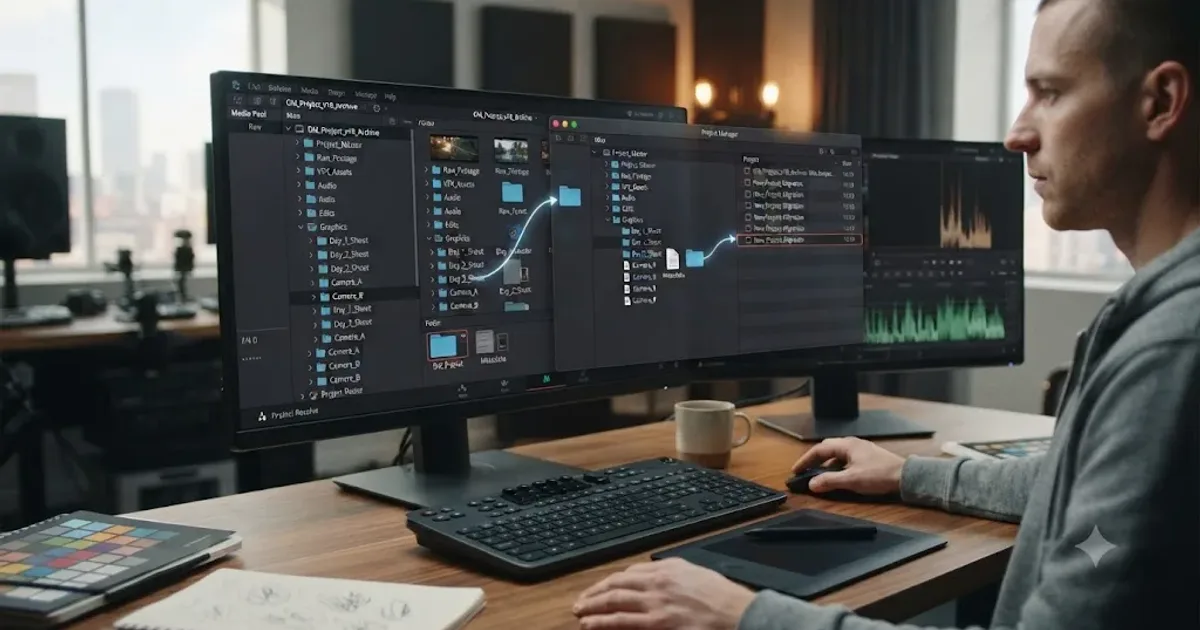
How to Archive a DaVinci Resolve Project Without Losing Media
The right way to archive a DaVinci Resolve project so every clip travels with it: Export Project Archive vs Media Management vs Backups, compared.
 GuidesJul 11, 202635 min read
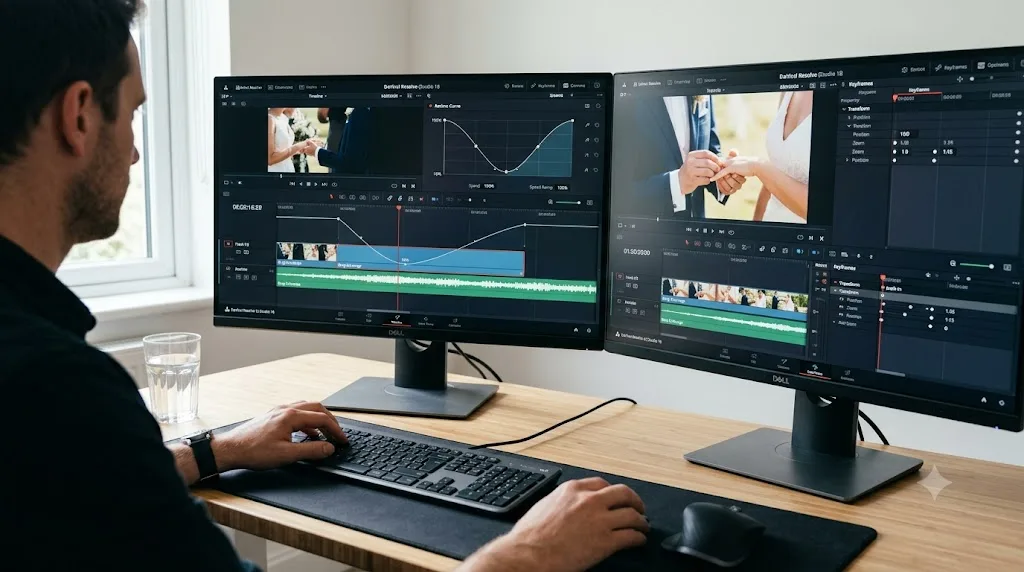
How to Speed Ramp in DaVinci Resolve: The Complete Guide
Every way to speed ramp in DaVinci Resolve: Retime Controls, speed points, the Retime Curve, Optical Flow vs Speed Warp, and what changed in Resolve 21.
 ComparisonsJul 11, 202626 min read
The Best AI Tools to Learn DaVinci Resolve in 2026
ChatGPT, Claude, Blackmagic's free training, Recut, and Resolve's Neural Engine compared for learning DaVinci Resolve, and the gap none of them close.
 FixesJul 11, 202628 min read
DaVinci Resolve Collaboration Mode Timeline Locked: The Fix
Why DaVinci Resolve locks a timeline, or a whole bin of them, in Multi-User Collaboration, and the fix: give each active timeline its own bin.
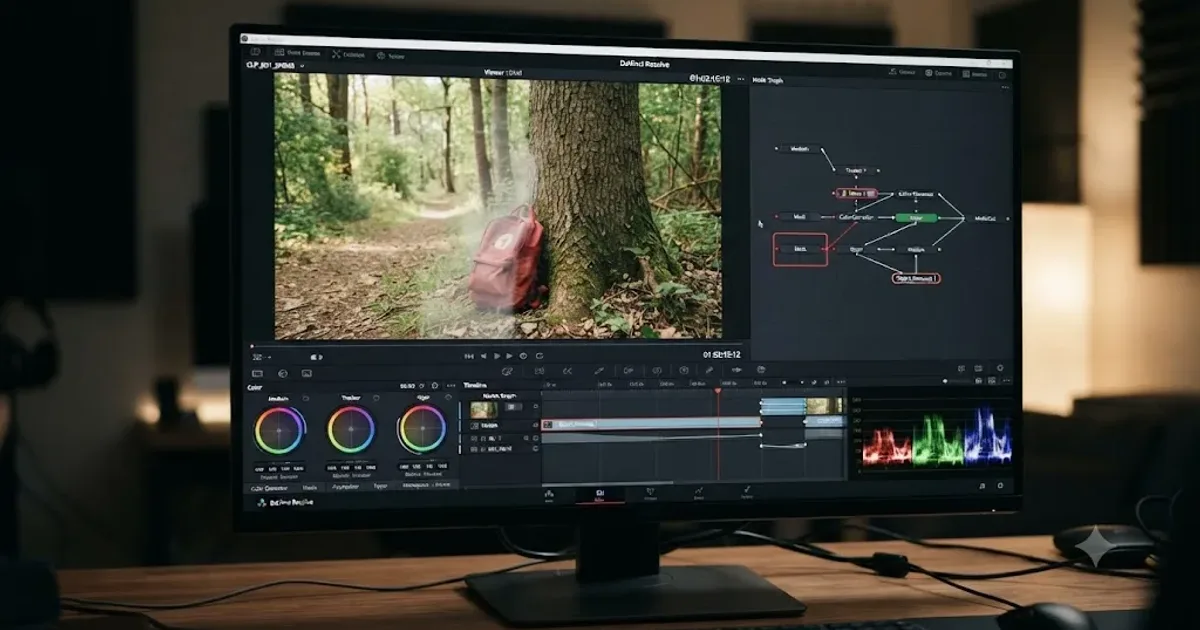 GuidesJul 11, 202641 min read
How to Remove an Object From a Video in DaVinci Resolve
Three real ways to remove an unwanted object from a video in DaVinci Resolve: Patch Replacer, Fusion Paint, and the Studio Object Removal tool, compared.
 FixesJul 10, 202627 min read
Fusion Merge Node Backwards? Fix Swapped Background/Foreground
Composite looks upside down in DaVinci Resolve Fusion? A Merge node's Background and Foreground inputs got swapped. Here's the exact fix, every time.
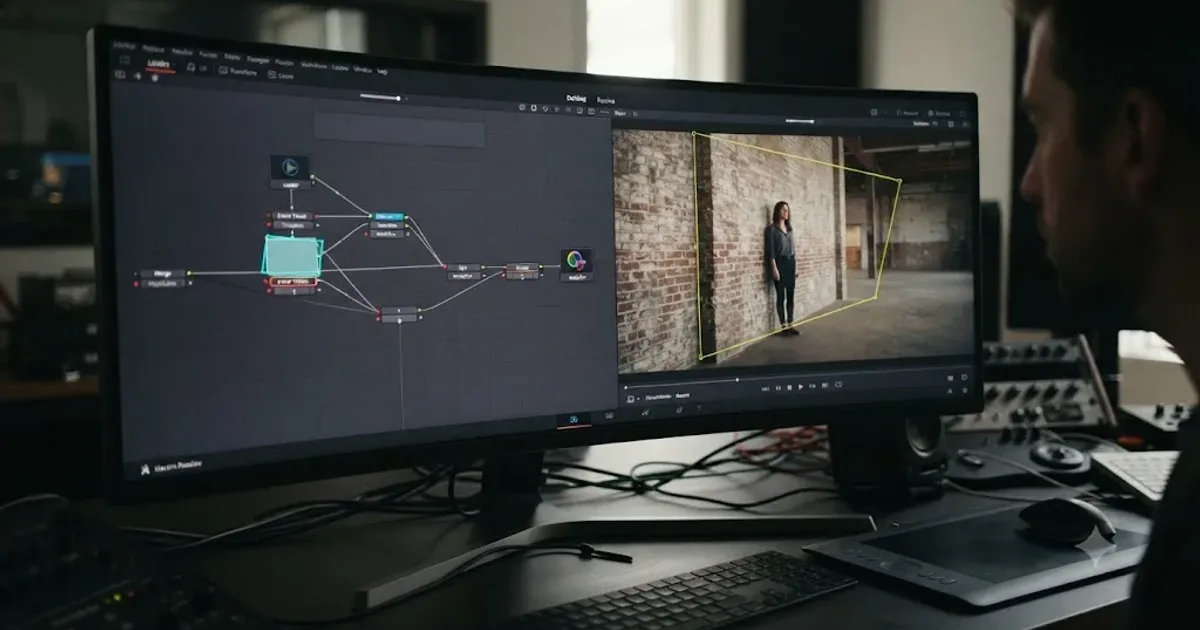 GuidesJul 10, 202637 min read
DaVinci Resolve Fusion Planar Tracker Not Tracking: Every Fix
Why DaVinci Resolve's Fusion Planar Tracker won't move, drifts, or loses lock, and the reference frame, tracker type, and mask fixes that solve it.
 FixesJul 10, 202628 min read
DaVinci Resolve Power Window Keeps Losing Tracking: The Fix
Power Window tracker in DaVinci Resolve drifting, breaking, or losing your subject mid-clip? Here's every real cause, in order, and the exact fix for each.
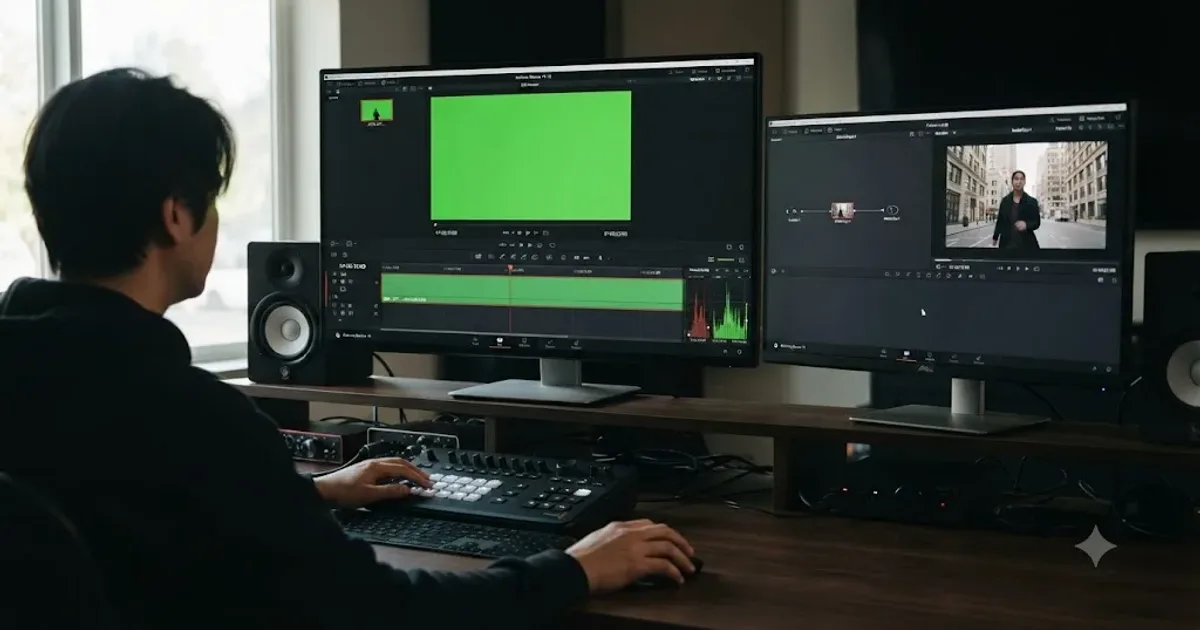 GuidesJul 9, 202636 min read
DaVinci Resolve Green Screen Not Working: Every Real Fix
Why a DaVinci Resolve green screen key works in Fusion but not on the timeline, and the Alpha Output, keyer, and export fixes that solve it.
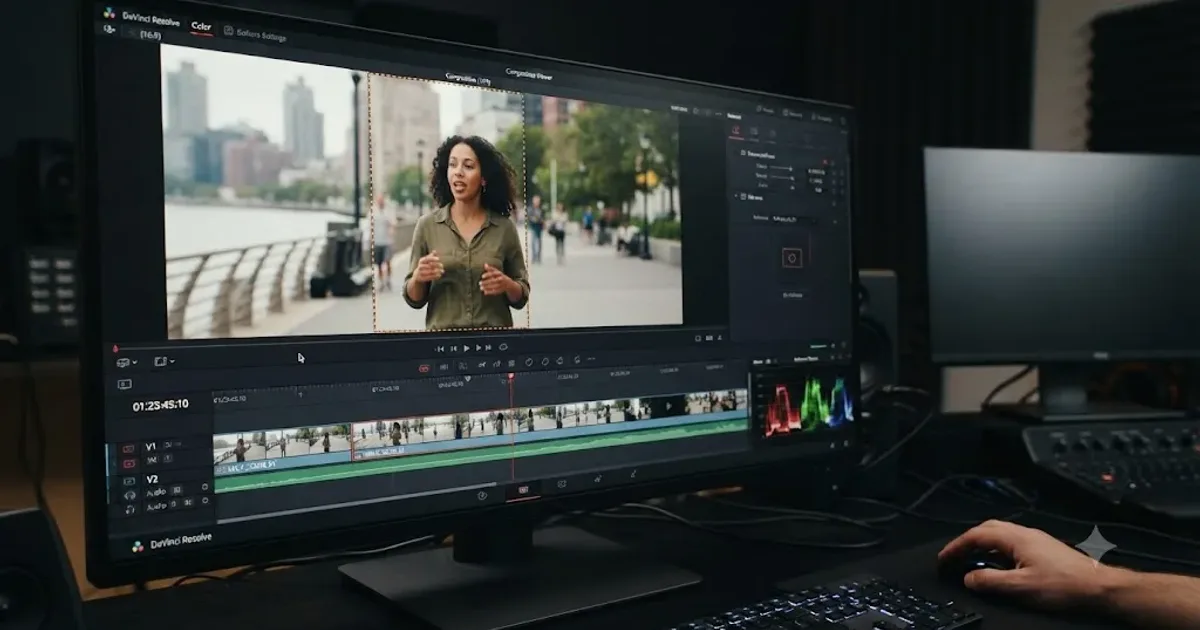 GuidesJul 9, 202638 min read
DaVinci Resolve Smart Reframe Not Working: Every Fix
Why DaVinci Resolve's Smart Reframe does nothing, drifts off the subject, or fights your timeline, and the proxy, resolution, and GPU fixes that solve it.
 GuidesJul 9, 202636 min read
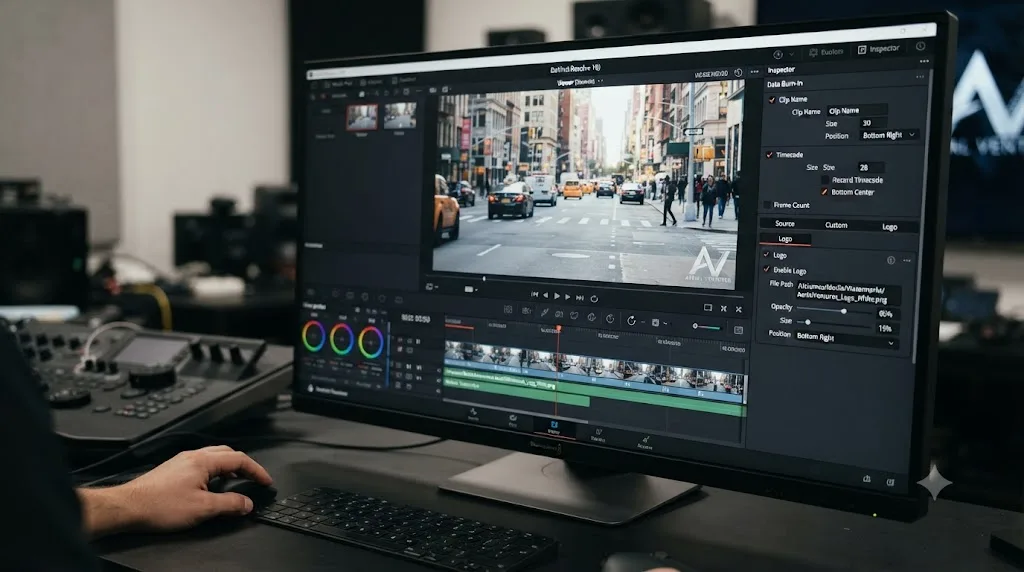
How to Add a Watermark in DaVinci Resolve
How to add a watermark in DaVinci Resolve: Data Burn-in, timeline overlays, and why free exports sometimes show one you didn't add.
 GuidesJul 9, 202634 min read
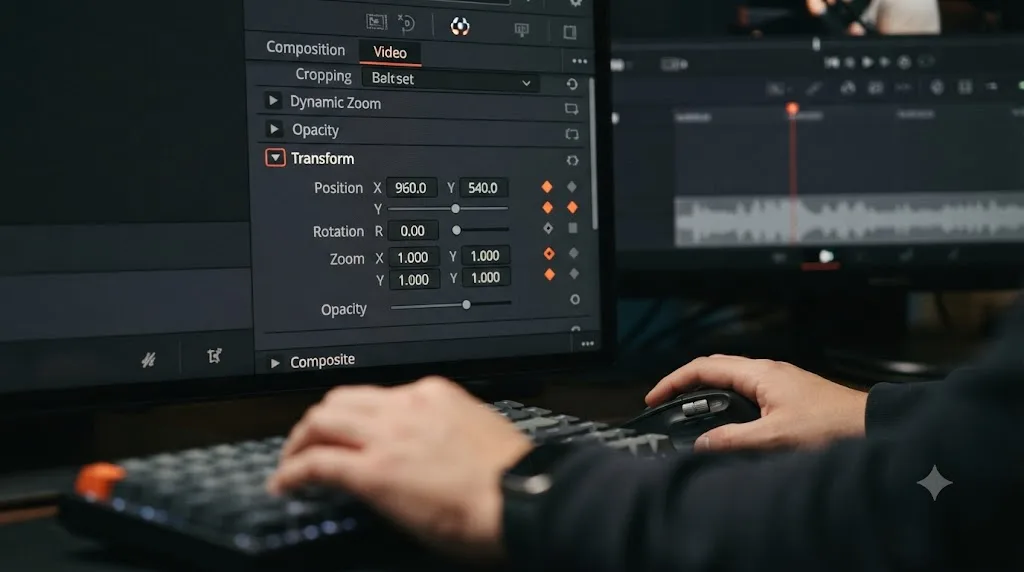
How to Keyframe Effects in DaVinci Resolve: The Complete Guide
Every way to keyframe effects in DaVinci Resolve: Inspector diamonds, the Keyframe Editor, ease curves, Fusion splines, and what changed in Resolve 21.
 GuidesJul 8, 202639 min read
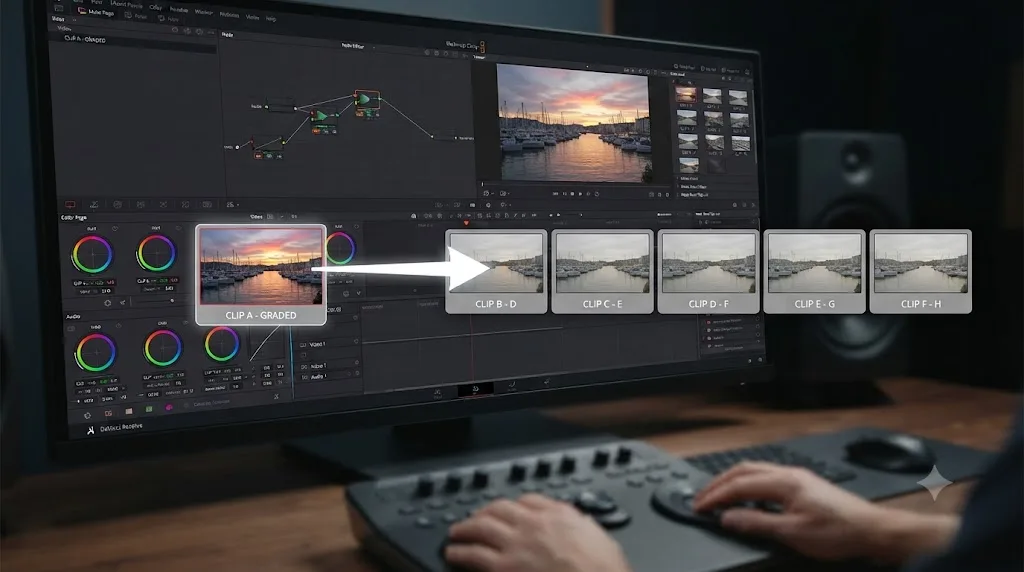
How to Copy a Color Grade to Multiple Clips in DaVinci Resolve
Every way to copy a DaVinci Resolve color grade to multiple clips: copy/paste, middle-click, Gallery stills, PowerGrades, Color Groups, and more.
 GuidesJul 8, 202633 min read
DaVinci Resolve Color Tab Not Showing Footage: Every Fix
Why DaVinci Resolve's Color page shows an empty timeline instead of your footage, and the exact filter, track, timeline, and cache fixes that solve it.
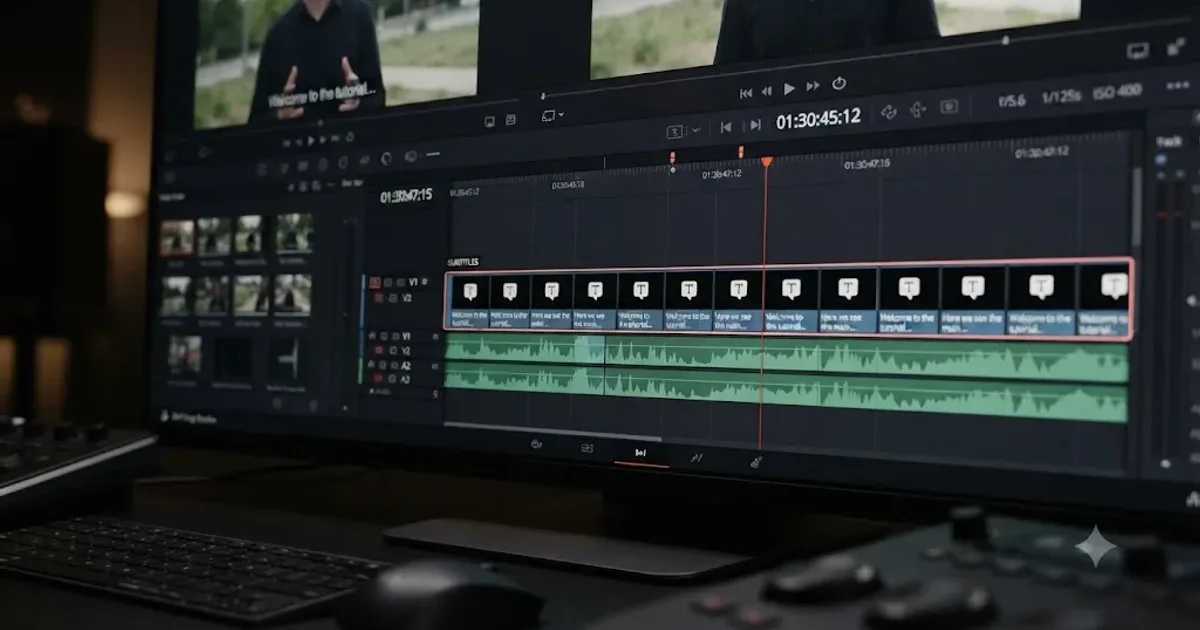 GuidesJul 8, 202638 min read
How to Add Subtitles in DaVinci Resolve (Manual and AI)
How to add subtitles in DaVinci Resolve: manual typing, AI auto-captions, styling, multi-language tracks, and exporting for YouTube or broadcast delivery.
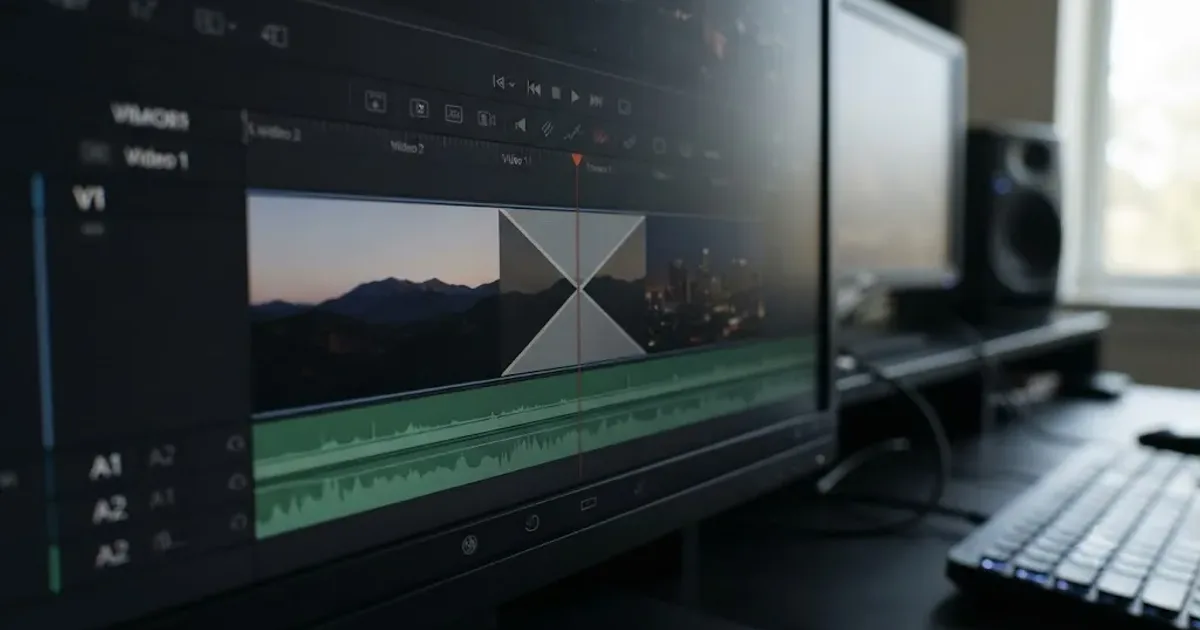 GuidesJul 8, 202636 min read
How to Add Transitions in DaVinci Resolve: The Complete Guide
How to add, resize, and troubleshoot transitions in DaVinci Resolve: shortcuts, duration, alignment, Fusion transitions, and the handles error fix.
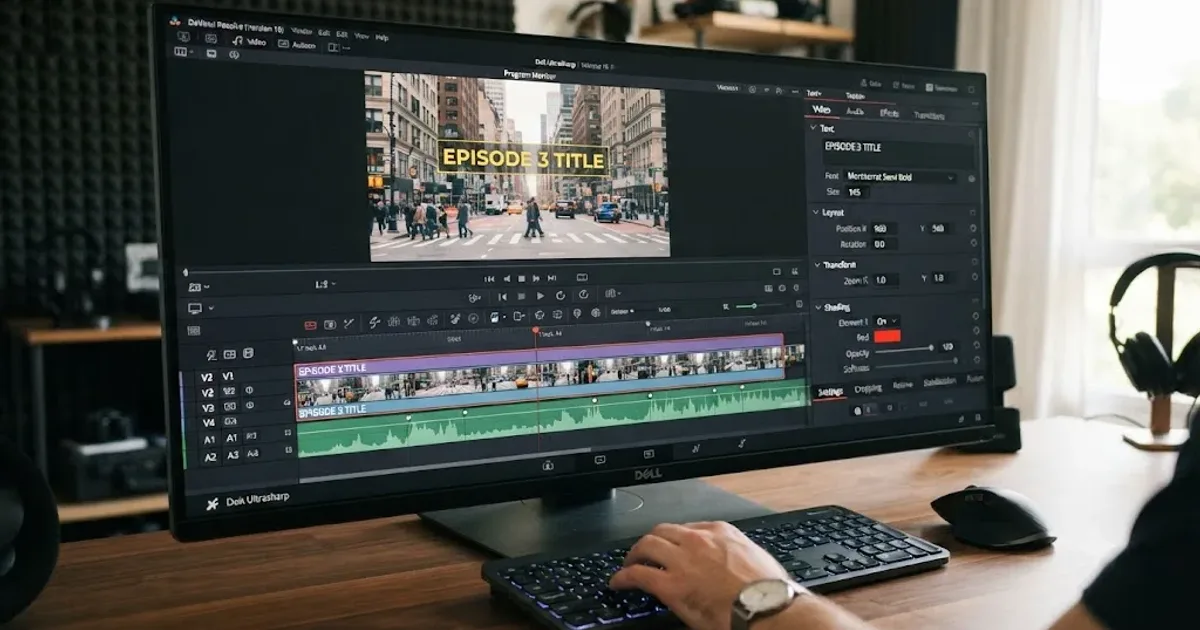 GuidesJul 8, 202639 min read
How to Add Text and Titles in DaVinci Resolve
Every way to add text in DaVinci Resolve: Text, Text+, MultiText, and Fusion Titles, plus subtitles, safe area, fonts, and export, for free and Studio.
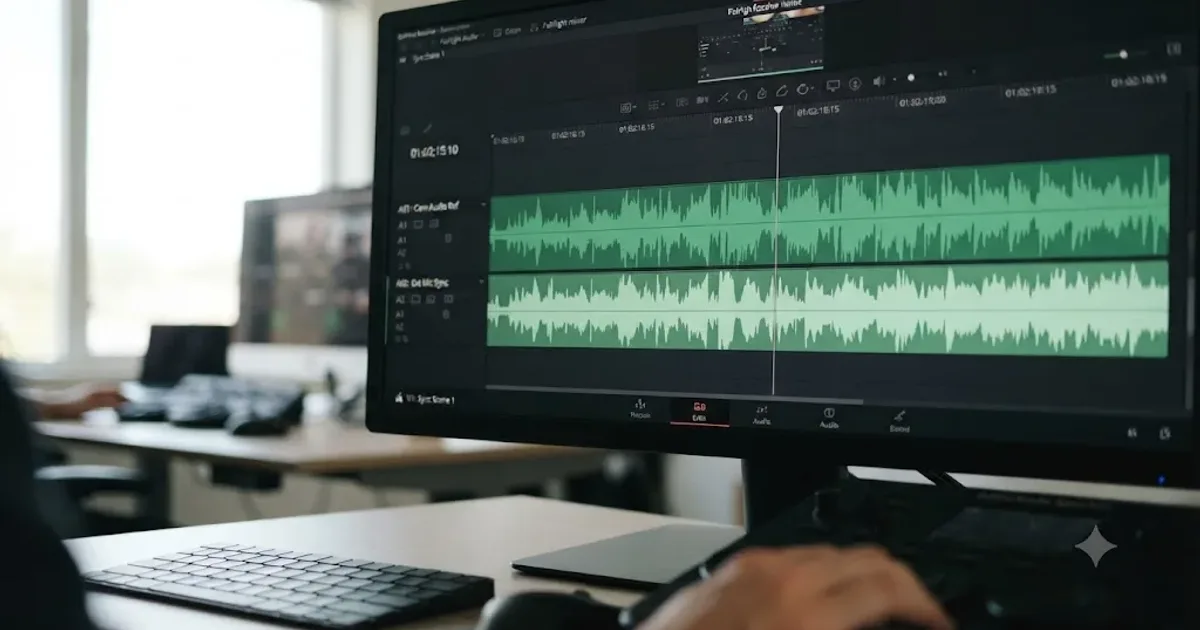 GuidesJul 8, 202639 min read
How to Sync Audio in DaVinci Resolve, Every Method
Sync audio and video in DaVinci Resolve with Auto Sync Audio, timecode, the Sync Bin, or a manual clap, plus fixes for drift and failed matches.
 GuidesJul 7, 202632 min read
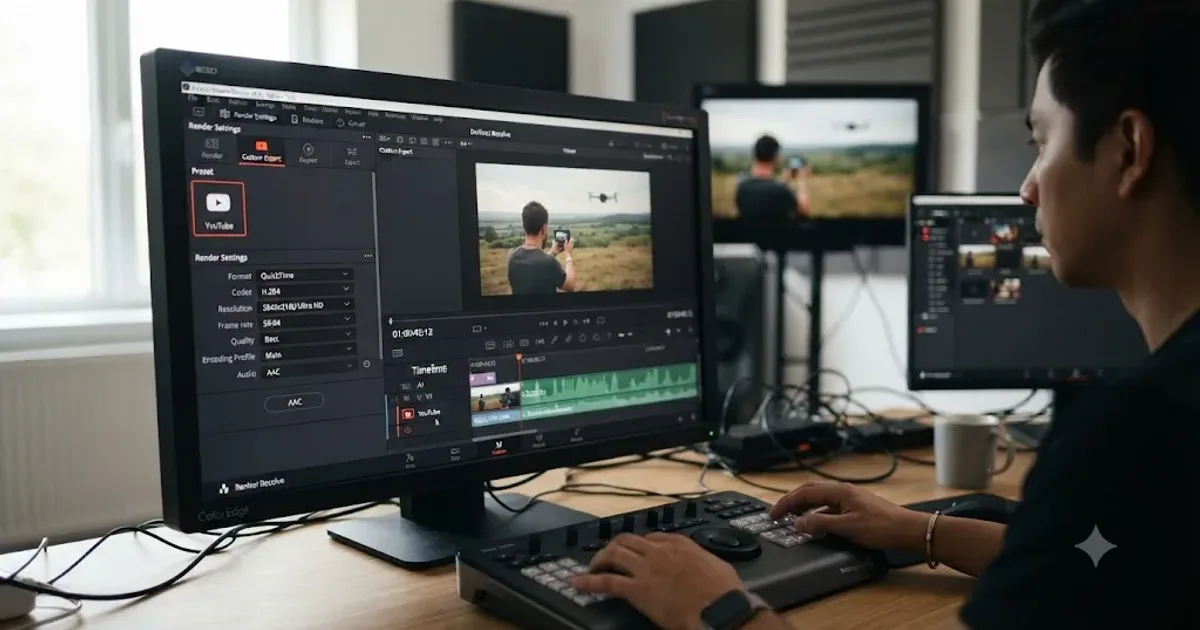
DaVinci Resolve Export Settings for YouTube (Copy These Exactly)
The exact DaVinci Resolve export settings YouTube recommends: codec, bitrate, resolution, audio, and the Deliver page steps that avoid soft uploads.
Learn by doing, not watching
Stop translating tutorials to your timeline.
TryUncle stays beside Resolve on Mac and Windows. When you ask, Uncle sees your screen and points at the exact control you need. No hunting through tabs, timestamps, or mismatched tutorials.
Meet TryUncle