
Learn / DaVinci Resolveupdated for DaVinci Resolve 21.0.2 and Pinnacle Studio 26.0.1.181 (July 2026)
DaVinci Resolve vs Pinnacle Studio: The Full 2026 Comparison
Quick answer
DaVinci Resolve is free (or $295 one-time for Studio) and runs on Windows, Mac, and Linux, with a node-based color page, a full audio workstation, and built-in VFX. Pinnacle Studio costs roughly $59.99 to $129.99 one-time, Windows only, and is simpler to pick up for basic cuts and templates. Pick Resolve for depth, Pinnacle for a gentler start.
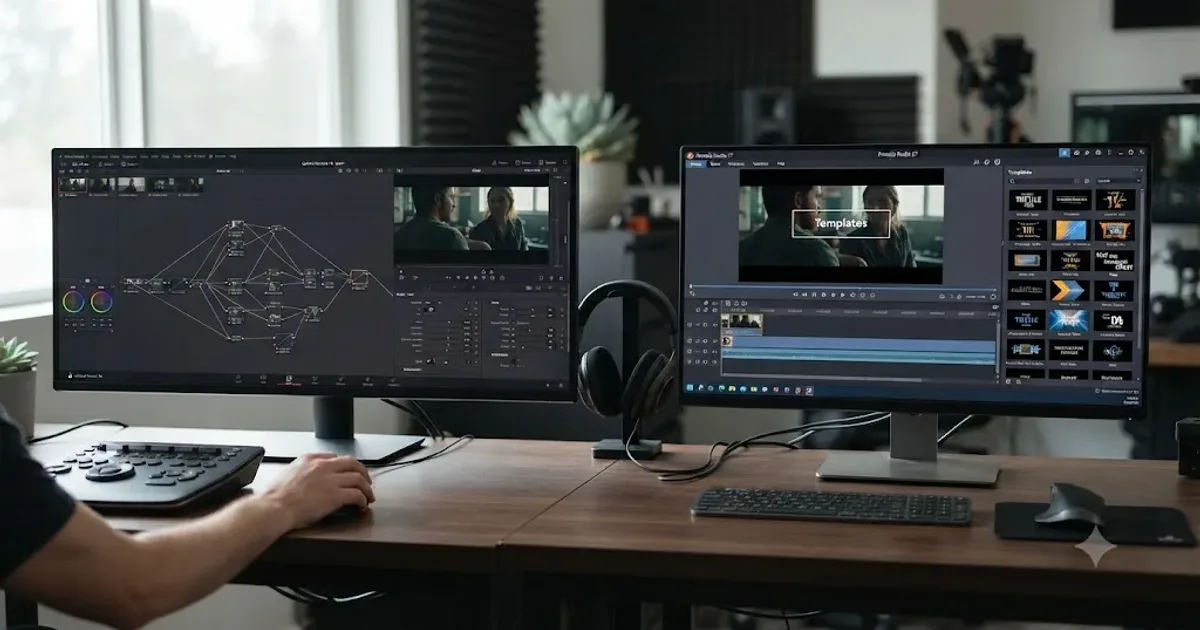
You've got a project due and two installers sitting in your downloads folder. Maybe you inherited a Pinnacle Studio license from an old PC build and you're wondering if it's worth learning, or maybe you're already on Pinnacle and a client just asked for a color grade it can't do. Either way, you don't need another feature-matrix page copied from a spec sheet. You need the actual numbers.
As of July 2026, that's what this is: real pricing pulled from Corel's own product pages and independent retail listings, a system-requirements breakdown, an honest read of what each app's color, audio, and masking tools can and can't do, and ratings data from a site that tracks both products side by side. One of the recurring questions in our 100,000+ member editing community is whether switching away from a familiar, cheap Windows editor like Pinnacle Studio to a "free" professional tool is actually worth the learning curve, and after seven years of professional, commercial video editing inside DaVinci Resolve, our answer is more specific than a feature-count contest.
DaVinci Resolve vs Pinnacle Studio in 2026: the quick verdict
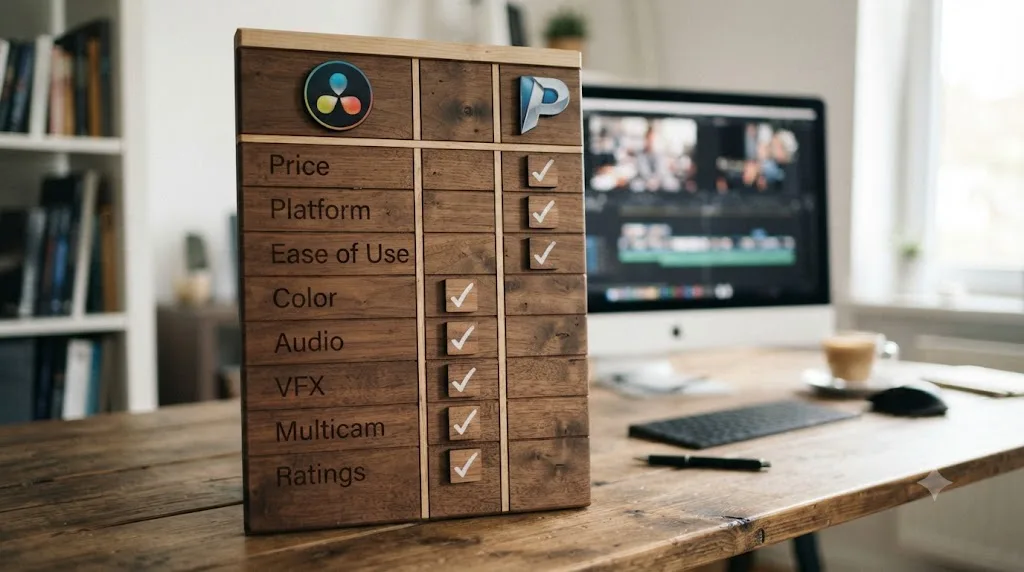
Here's the whole comparison in one table before the detail. Every row gets its own section below, with sources.
| Category | Winner | Why |
|---|---|---|
| Price | DaVinci Resolve | Free edition costs nothing; Studio is $295 once. Pinnacle Standard runs roughly $59.99, Ultimate roughly $129.99, both one-time |
| Platform support | DaVinci Resolve | Runs on Windows, macOS, and Linux. Pinnacle Studio is Windows only, 64-bit |
| Ease of use for a first edit | Pinnacle Studio | Single-window design and templates; scores 4.3 vs Resolve's 4.0 on Capterra's ease-of-use metric |
| Color grading depth | DaVinci Resolve | Node-based page plus native ACES support; Pinnacle's grading tops out at Tone Curve and HSL in its Ultimate tier |
| Audio tools | DaVinci Resolve | Fairlight is a full DAW; Pinnacle's audio tools are solid for a consumer app but not a mix-bus workstation |
| VFX, masking, and compositing | DaVinci Resolve | Fusion is a built-in node compositor; Pinnacle's masking and 16 Blend Modes are real but shallower |
| Plugin ecosystem | DaVinci Resolve | Open OFX standard supports BorisFX, Red Giant, and more (Studio only); Pinnacle's NewBlueFX add-on isn't even bundled in Studio 26 |
| Multicam editing | DaVinci Resolve | Unlimited angles vs Pinnacle's 2-camera (Standard) or 6-camera (Ultimate) cap |
| Multi-editor collaboration | DaVinci Resolve | Blackmagic Cloud enables real-time team editing; Pinnacle Studio is single-user only |
| Overall user rating (Capterra) | DaVinci Resolve | 4.8/5 across 270 reviews vs Pinnacle's 4.6/5 across 34 reviews |
| Release cadence | DaVinci Resolve | Point releases through 2026 (21.0, 21.0.2); Pinnacle's last stable build shipped December 2024 |
Neither app loses every row, and Pinnacle's ease-of-use edge is real, not a courtesy mention. What follows is why each row lands where it does.
How much do DaVinci Resolve and Pinnacle Studio cost in 2026?
This is the row most people check first, and DaVinci Resolve's free tier is the detail that changes the whole conversation.
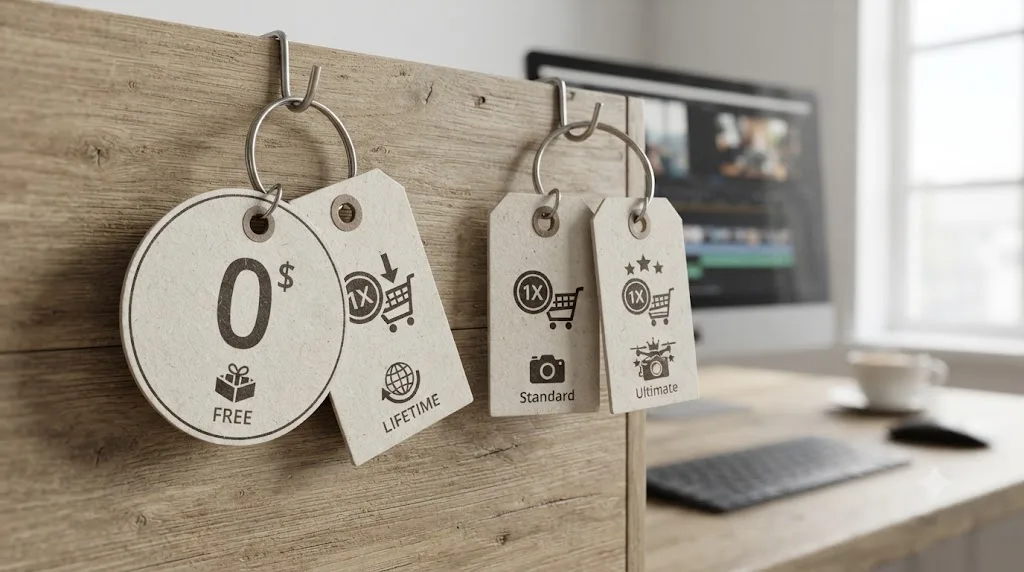
DaVinci Resolve ships as a free edition and a paid Studio edition. The free edition costs nothing, has no watermark, and never expires, according to Blackmagic Design's own Studio comparison page. It caps export at Ultra HD resolution (3840x2160, up to 60fps) and leaves out multi-GPU acceleration, advanced noise reduction, and most Neural Engine AI tools. DaVinci Resolve Studio removes those caps for a single $295 payment, no subscription, no recurring fee.
Pinnacle Studio has never had a genuinely free tier. Corel sells it in three editions, Standard, Plus, and Ultimate, according to Corel's own Standard product page and Ultimate product page, though neither page lists a specific dollar figure. Third-party retail listings fill that gap: a 2026 Pinnacle Studio review from Wondershare Filmora lists Standard at an MSRP of $59.99 and Ultimate at $129.99, both one-time purchases, with frequent promotional discounts bringing those down further. Newegg's own listing for Pinnacle Studio 26 Ultimate matches that Ultimate figure closely at $129.95. Pinnacle doesn't publish a clear Plus-tier price on its own site, so if that middle tier specifically matters to you, check Corel's store directly before assuming a number.
A one-time payment that never expires and a one-time payment that costs nothing are two different offers, and only one company is making the second one. DaVinci Resolve's free edition isn't a trial with a countdown. It's the same core application, minus a specific list of Studio-only features, for as long as you use it.
| Product | Price | Model |
|---|---|---|
| DaVinci Resolve (free) | $0 | Free forever, capped at Ultra HD export |
| DaVinci Resolve Studio | $295 | One-time purchase |
| Pinnacle Studio Standard | ~$59.99 MSRP | One-time purchase, 6 tracks, HD export only |
| Pinnacle Studio Plus | Not publicly listed | One-time purchase, mid-tier features |
| Pinnacle Studio Ultimate | ~$129.99 MSRP | One-time purchase, unlimited tracks, HD/4K/8K export, masking |
Run the actual math and the gap is bigger than it first looks. If your budget is zero, DaVinci Resolve's free edition is the only entry on this table that costs nothing today, and it still includes a node-based color page, a real audio workstation in Fairlight, and Fusion compositing, none of which Pinnacle Studio Standard offers at any price. If you specifically need Pinnacle's templates, its simpler single-window layout, or its screen-recording tools and you're only ever on Windows, the one-time Ultimate price is still cheaper over time than most subscription NLEs, and that's a fair reason to pick it anyway.
Does DaVinci Resolve Studio or Pinnacle Studio Ultimate cost more over time?
On the purchase price alone, Pinnacle Studio Ultimate is cheaper today. Factor in how each company has actually handled paid upgrades, and the long-term picture gets more complicated, and more interesting, than the one-time sticker price suggests.
DaVinci Resolve Studio has never charged its owners for a major version upgrade. Every point release and every full version bump, Resolve 18 to 19, 19 to 20, 20 to 21, has shipped free to anyone who already paid the one-time $295. That's not a permanent guarantee, though, and Blackmagic Design's own CEO said as much in a NAB 2026 preview livestream covered by RedShark News. Grant Petty confirmed DaVinci Resolve Studio 21's update is free, then added:
"Now, I think at some point some of these larger updates... we could have an upgrade charge, but we haven't really charged for any of these upgrades yet."
Petty's explanation for the current free-upgrade policy was direct: enough people buy Resolve Studio outright that those purchases fund the engineering team without needing to charge existing owners again for each new version. Whether that holds for Resolve 22 and beyond is genuinely an open question, not a settled fact, and it's worth treating today's free-upgrade policy as the current state rather than a permanent promise.
Pinnacle Studio takes the opposite, and more traditional, approach: each annual version is a new paid product, discounted for existing owners rather than free. Corel's own upgrade page confirms that owners of Avid Studio or Pinnacle Studio 9 through 25 qualify for special upgrade pricing on Studio 26, though the page itself doesn't publish the exact discount amount, similar to how Corel doesn't publish a base price for either edition on its main product pages. Third-party retailers advertise upgrade discounts running up to 40 percent off the full Ultimate price, which puts a realistic annual upgrade cost somewhere in the neighborhood of half of Ultimate's roughly $130 MSRP, though the exact figure moves with Corel's promotions.
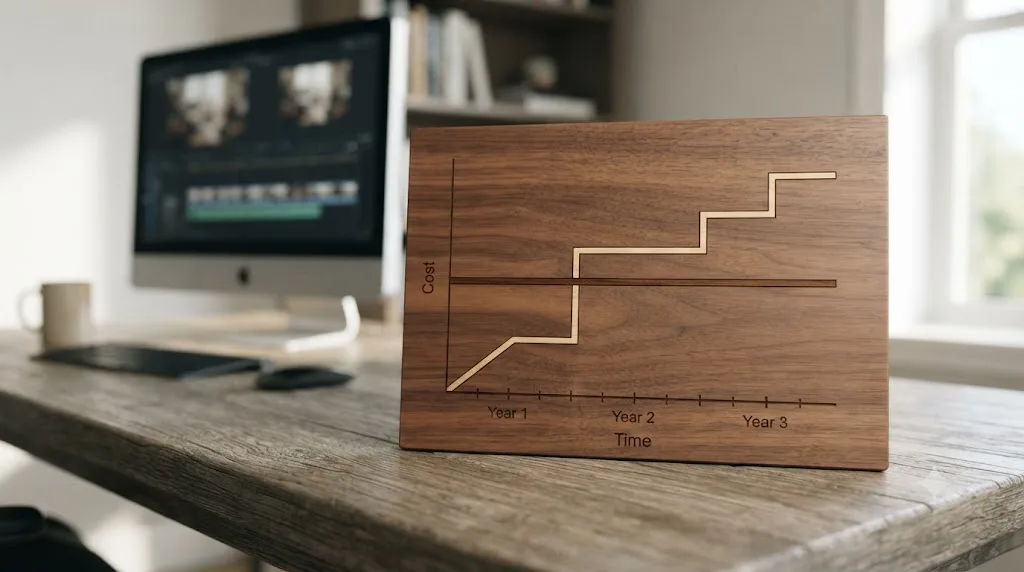
A quick worked example makes this concrete. Buy DaVinci Resolve Studio once for $295, and if Blackmagic's free-upgrade policy holds, that's the only invoice you'll see across Resolve 21, 22, and 23. Buy Pinnacle Studio Ultimate today at roughly $130, and if you upgrade at every annual release using that reported up-to-40-percent existing-owner discount, three more annual upgrades add roughly $230 more, landing your three-year Pinnacle total somewhere around $360, more than Resolve Studio's one-time $295, even after starting nearly $170 cheaper on day one. Skip two of those three annual upgrades instead, which plenty of Pinnacle owners do, and the math flips back in Pinnacle's favor.
The variable that decides which app is actually cheaper over time isn't the sticker price, it's how many of Corel's annual upgrades you actually buy. Run the same math against your own upgrade habits before assuming the cheaper day-one price stays cheaper.
Does Pinnacle Studio work on Mac?
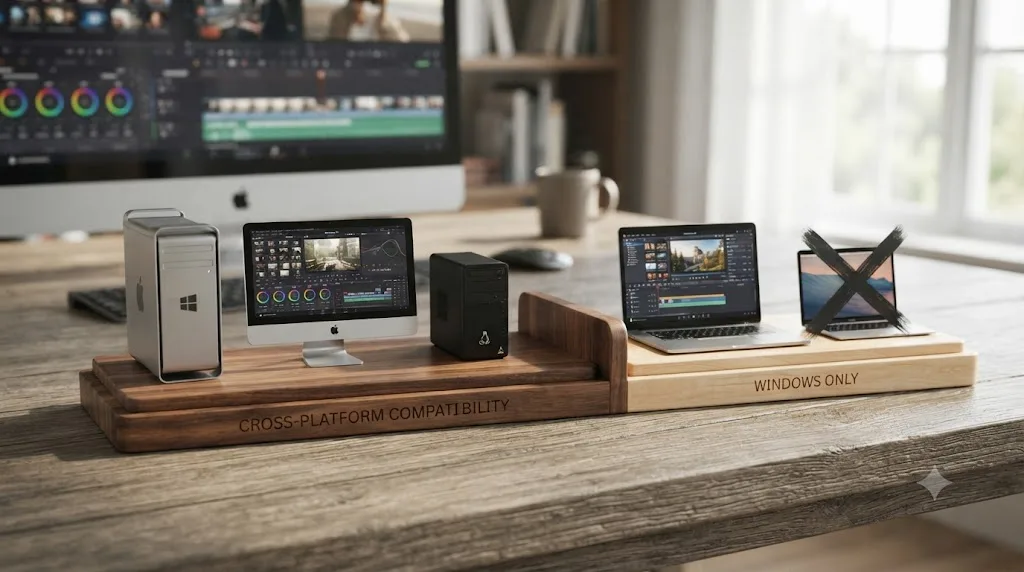
No, and this is the fact that ends the comparison outright for a lot of readers before price or features even come up. Pinnacle Studio runs on Windows 10 or Windows 11, 64-bit only, according to Corel's own system requirements page for Pinnacle Studio 26. There's no Mac build, no Linux build, and Corel's system requirements make no mention of one.
DaVinci Resolve takes the opposite approach. Version 21 officially supports Windows, macOS 15 and later, and Rocky Linux 8.6, per CG Channel's coverage of the DaVinci Resolve 21.0 release, with an identical feature set and interface across all three. A colorist on a Mac and an assistant editor on a Windows PC can open the same Resolve project without either one translating anything for the other.
If your editing rig is a Mac, Pinnacle Studio was never actually a choice you had to make. It's not that DaVinci Resolve wins this row on merit. Pinnacle Studio simply doesn't compete in it. If you're a Windows-only shop and platform independence genuinely doesn't matter to you, this row is a non-issue and you should weigh the rest of the comparison on its own terms.
Pinnacle Studio's other system requirements are modest by 2026 standards, which is worth knowing if you're deciding between the two apps on an older PC. Corel lists a minimum of an Intel Core i3 or AMD A4 processor at 3.0 GHz, 4 GB of RAM (8 GB or more recommended for UHD, multicam, or 360-degree video), a minimum of 256 MB of VRAM, and 10 GB of free disk space for a full install. DaVinci Resolve's hardware appetite runs considerably higher, especially for 4K and above, which is part of why Pinnacle still has a real audience among editors on lighter Windows laptops who have no interest in a heavier professional tool.
Does DaVinci Resolve need better hardware than Pinnacle Studio?
Yes, and the gap is bigger than either company's minimum-spec page admits on its own.
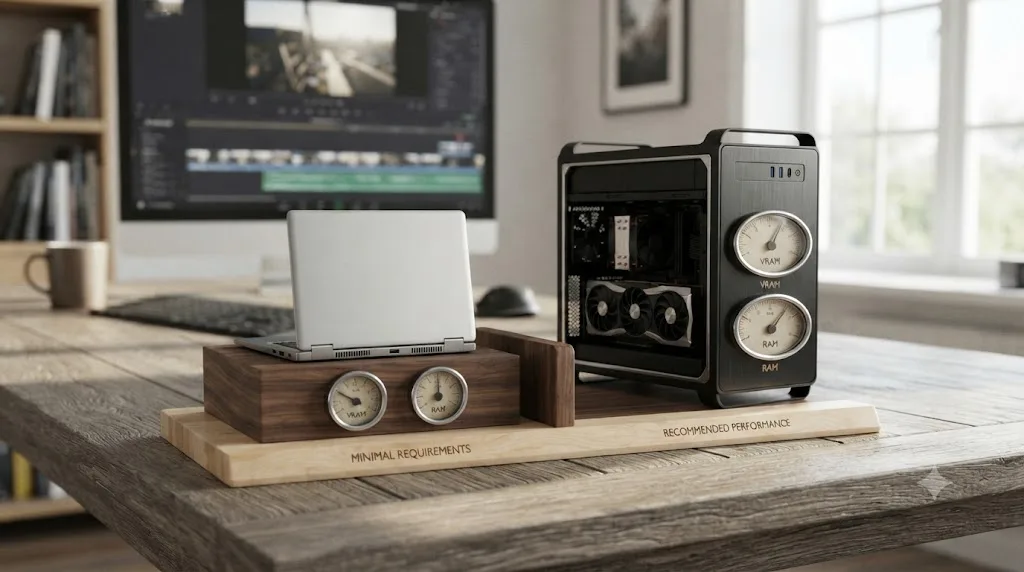
Pinnacle Studio's official floor, per Corel's own system requirements page cited above, is an Intel Core i3 or AMD A4 at 3.0 GHz, 4 GB of RAM, and a GPU with just 256 MB of VRAM. That's a specification from another decade, and it works because Pinnacle Studio doesn't ask its GPU to do much: no node-based color science, no real-time compositing, no AI-driven retiming running behind the scenes.
DaVinci Resolve asks for all three, and its own published minimums reflect that. According to a hardware breakdown compiled from Blackmagic Design's minimum specifications, Resolve calls for a GPU with at least 4 GB of VRAM that supports OpenCL 1.2 or CUDA 11, along with 16 GB of system RAM, doubled to 32 GB if you're opening the Fusion page regularly. Push into real work, grading a 4K timeline, running Speed Warp retiming, stacking Fusion nodes, and the recommended tier climbs fast: an 8 GB or larger GPU in the RTX 3060 class or better, 32 GB or more of RAM, and a CPU in the Core i7/Ryzen 7 class or higher, per that same hardware breakdown.
A laptop that runs Pinnacle Studio comfortably will choke on a DaVinci Resolve Fusion composite. That's not a knock on either app, it's a direct consequence of what each one is built to do. If your editing machine is a five-year-old ultrabook with integrated graphics, Pinnacle Studio's lighter footprint isn't a downside, it's the reason it still runs at all. If you've already got a discrete GPU with real VRAM headroom, that hardware cost is sunk either way, and it's Resolve's node graph and Neural Engine tools that will actually use it.
| Hardware | DaVinci Resolve (minimum) | DaVinci Resolve (recommended) | Pinnacle Studio (minimum) |
|---|---|---|---|
| CPU | Core i5 / Ryzen 5 | Core i7-i9 / Ryzen 7-9 | Core i3 / AMD A4, 3.0 GHz |
| RAM | 16 GB (32 GB with Fusion) | 32 GB or more | 4 GB (8 GB recommended) |
| GPU VRAM | 4 GB, OpenCL 1.2 / CUDA 11 | 8 GB or more | 256 MB |
| Disk (install) | Tens of GB free, plus cache/scratch | Dedicated NVMe cache drive | 10 GB |
One practical note for anyone switching hardware along with the app: DaVinci Resolve leans on GPU decode for common camera codecs, so a machine that plays 4K footage smoothly in Pinnacle Studio can still stutter in Resolve if its GPU driver or generation is old enough to fall back to CPU decoding. Check your GPU's OpenCL or CUDA compatibility before you assume last year's laptop will keep up.
Is DaVinci Resolve harder to learn than Pinnacle Studio?
For a first project, yes, and the data backs that up rather than leaving it as an impression. Capterra's own side-by-side comparison of the two apps scores Pinnacle Studio at 4.3 out of 5 for ease of use against DaVinci Resolve's 4.0. That's a real, if modest, gap, and it lines up with how each app is actually built.
Pinnacle Studio keeps editing, titling, and basic effects inside one window, with SmartMovie templates and Montage layouts that can turn a folder of clips into a finished edit with minimal manual work. Lance Carr's 2026 review of Pinnacle Studio for DIY Video Editor sums up its core appeal directly:
"What it does offer are those features designed and presented in a way that allows the user to exert a level of control almost at the standard of fully professional software."
That's a specific, fair claim from someone who's used the app in depth: Pinnacle presents professional-adjacent controls in a friendlier package than most tools that offer the same depth. It's not trying to be a shallow toy. It's trying to make real controls approachable, and by Capterra's own ease-of-use metric, it succeeds better than Resolve does at that specific job.
DaVinci Resolve's learning curve is steeper for one structural reason: it's genuinely five applications wearing one interface. Edit, Color, Fairlight, Fusion, and Deliver are each deep enough to be their own dedicated app in a different NLE's world, and Resolve just puts all five behind a row of page tabs. That's a real advantage once you're past the beginner stage, since there's no round-tripping between separate programs the way Pinnacle sometimes requires for its own advanced features. But it's genuinely more to absorb in week one than Pinnacle's narrower, single-window toolset asks of you.
Here's the part that matters more than either interface, though. Blackmagic Design publishes a full free training curriculum, official guides covering editing, color, Fairlight audio, and Fusion, each written by the people who built the software. That's the right starting point for anyone landing on Resolve regardless of prior experience with Pinnacle or anything else. Once the concepts click, a lot of that early friction comes down to muscle memory rather than understanding, which is where our own guide to keyboard shortcuts every colorist should know can shorten the gap between knowing what a tool does and finding it fast. But a sequential, one-pace-fits-all curriculum still can't answer "why does my specific project look wrong right now," and it can't see your actual timeline. It teaches the material. It doesn't watch your project.
That's the exact gap an in-app assistant is built to close, and it's worth naming plainly here instead of dancing around it. TryUncle is the on-screen assistant for DaVinci Resolve on macOS, ask in plain words and Uncle points at the exact control on your screen. If you're switching from Pinnacle Studio specifically because a client needs color or audio work Pinnacle can't do, the hardest part usually isn't grasping the concepts. It's the muscle memory reset: knowing where the tool you already understand actually lives inside five unfamiliar pages instead of Pinnacle's one window.
Worth being direct about what TryUncle isn't, alongside what it is. It's a paid subscription, not free, at $39 a month, cancel anytime. Check TryUncle directly for the current rate. It's also macOS only, which cuts the other way if you're a Windows-based Pinnacle switcher staying on a PC rather than moving to a Mac alongside the software switch. Our full guide on the best way to learn DaVinci Resolve covers where TryUncle, ChatGPT, and Claude each fit for someone building Resolve fluency from scratch.
Which has better color grading, Resolve's node-based page or Pinnacle's color tools?
DaVinci Resolve, and the gap widens the more advanced the grade gets.
Resolve's Color page is built entirely around nodes: discrete processing blocks you wire together in whatever order the shot needs, a primary correction feeding a power window feeding a qualifier, all visible as a graph you can read and rearrange at a glance. That structure lets you isolate, reorder, or bypass individual corrections without disturbing the ones around them, and it's paired with a full scopes suite, waveform, vectorscope, histogram, and parade, docked directly next to the node graph.
Pinnacle Studio's color tools are tier-gated and considerably shallower. Corel's own comparison of Standard versus Ultimate lists Standard's grading as "simplified," while Ultimate adds a Tone Curve, HSL Tuning, a color wheel, and a selective vectorscope. That's a real, usable toolset for correcting exposure and pushing a look, and it's a meaningful step up from Standard. It's not remotely the same category as a node graph built to isolate and combine an arbitrary number of separate corrections.
Neither app's tools exist in a vacuum here either. ACES color management doesn't exist in Pinnacle Studio at all. DaVinci Resolve has native ACES (Academy Color Encoding System) support built directly into its color management settings, which matters specifically when footage needs to move between multiple cameras, facilities, or software packages and stay consistent along the way. If you're grading a single-camera home movie or a straightforward event edit, you'll likely never miss ACES on Pinnacle. If a client hands you camera-original footage from more than one production house, the absence of it isn't a minor gap, it's a wall Pinnacle Studio simply doesn't let you climb. If you're not sure which color pipeline your own projects actually need, our breakdown of Resolve Color Management versus ACES walks through when the simpler option is genuinely the right call.
| Color grading | DaVinci Resolve | Pinnacle Studio |
|---|---|---|
| Structure | Node-based graph, unlimited nodes | Layered tools inside one panel |
| Standard/base tier | N/A (single free edition) | "Simplified" grading only |
| Top tier tools | Full node graph, qualifiers, power windows, scopes | Tone Curve, HSL Tuning, color wheel, selective vectorscope |
| ACES support | Native | None |
| Scopes | Waveform, vectorscope, histogram, parade | Selective vectorscope only (Ultimate) |
A node graph and a color wheel with a curve panel solve the same broad problem at very different depths. One is built to isolate and recombine an arbitrary number of discrete corrections. The other gives you a fixed set of adjustment tools in one place. Neither is the wrong tool for every job, but they're not interchangeable once a grade gets complicated.
Which has better audio tools, Fairlight or Pinnacle's audio suite?
DaVinci Resolve, though Pinnacle's audio tools deserve more credit than a lot of consumer editors get.
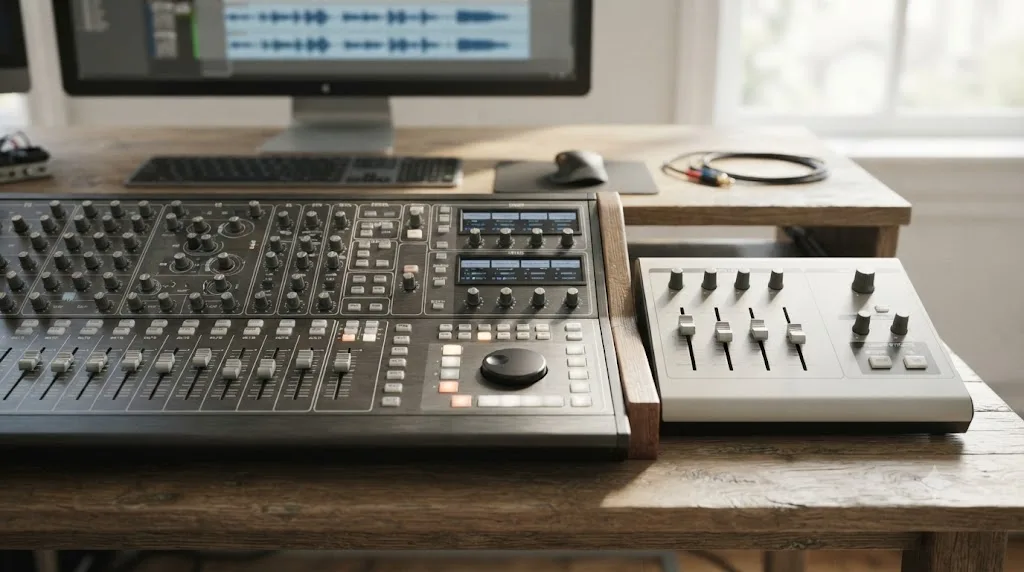
Resolve's Fairlight page is a genuine digital audio workstation built into the same app as the picture editor. Blackmagic's own Fairlight page describes support for up to 2,000 tracks with realtime effects on a single system running Fairlight Audio Core, a full channel-strip mixer with faders, stereo and 3D panners, six effects slots per channel, a built-in 6-band parametric EQ and dynamics processing on every track by default, plus dedicated ADR and Foley tools. Blackmagic markets it as "the world's first and only audio post production software that's completely integrated with picture editing."
Pinnacle Studio has no dedicated audio page of that depth, but its included tools aren't an afterthought either. Lance Carr's DIY Video Editor review makes a point of calling this out specifically:
"It also comes with a fairly impressive set of audio tools which help it stand out from the pack."
That's a genuine differentiator against other consumer-tier editors, and it's worth taking at face value rather than assuming a budget app automatically means weak audio. What Pinnacle Studio's audio tools aren't, though, is a full DAW. There's no dedicated audio workspace on the scale of Fairlight, no channel-strip mixer with per-track EQ and dynamics by default, and no built-in ADR or Foley toolset. For tightening levels, ducking music under dialogue, and light cleanup on a wedding video or a YouTube upload, Pinnacle's audio tools genuinely hold up. For a real mix pass on a client delivery that needs a proper bus structure, Fairlight is doing a fundamentally deeper job.
Fairlight is a full digital audio workstation bolted onto a video editor, not audio tools bolted onto a video editor as an afterthought. That's the entire distinction. If your projects need real sound design or a proper mix, Resolve does that natively, in the same project file, at no extra cost past the free edition. Pinnacle's audio suite is solid for what most of its audience actually needs, but it was never built to replace a standalone audio tool the way Fairlight was designed to.
Which has better masking, compositing, and VFX tools?
DaVinci Resolve again, though Pinnacle Studio's Ultimate tier has real, specific strengths worth naming honestly rather than waving off.
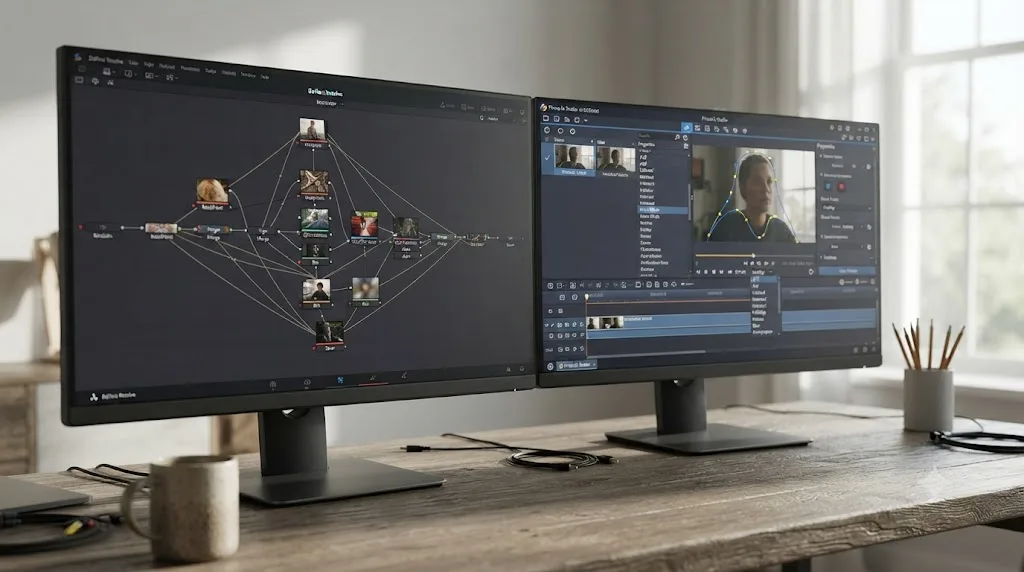
Fusion is Resolve's node-based compositing page, described by Blackmagic as a true 3D compositing workspace with more than 250 tools covering vector paint, keying, rotoscoping, tracking, and particle systems, all inside the same project file as your edit and grade. You move from the Edit page to Fusion and back without exporting anything.
Pinnacle Studio Ultimate's masking tools are genuinely capable for a consumer-tier app. Corel's own Ultimate product page lists Video Masking with Smart Object Tracking, described as recognizing the shape you've masked and tracking it intelligently through a clip without you manually keyframing every frame. That's a real, useful automation feature and it's not present at all in Pinnacle Studio Standard, which is worth knowing before you assume Standard covers everything Ultimate does at a lower price.
Pinnacle's Blend Modes are another area Lance Carr's review singles out with real specificity:
"In Pinnacle Studio there are 16 individual Blend Modes each with fine control over intensity and on top of that can be fully key-framed."
Sixteen fully keyframeable blend modes is a genuinely deep implementation for a consumer editor, and it's a fair reason some editors stick with Pinnacle for stylized layered composites even after trying something heavier. What it isn't is a node-based compositor. Fusion's strength isn't a single feature like blend modes, it's an entire separate compositing environment with its own tracking, keying, and particle tools built to work like a scaled-down After Effects rather than a layered effects stack inside a timeline clip.
| VFX and masking | DaVinci Resolve | Pinnacle Studio |
|---|---|---|
| Structure | Built-in Fusion, node-based, 250+ tools | Layer-based effects and masking inside the timeline |
| Masking | Magic Mask (Studio), tracked through a clip | Video Masking with Smart Object Tracking (Ultimate only) |
| Blend modes | Available via Fusion's compositing model | 16 modes, fully keyframeable (Ultimate) |
| Where it lives | Same project file, no round-trip | Same app, layer stack per clip |
| Tier gating | Masking is Studio-only | Masking is Ultimate-only |
Neither app is wrong to gate its deepest VFX tools behind a paid tier. They just gate different things. DaVinci Resolve gates masking behind Studio's $295 one-time purchase and gives you the full Fusion page either way. Pinnacle Studio gates both masking and its full color grading behind Ultimate specifically, which means Pinnacle's cheaper Standard tier is a considerably more limited product than Resolve's free edition is, feature for feature.
Do DaVinci Resolve and Pinnacle Studio support the same plugins and effects?
No, and the gap says something real about what each app expects its power users to buy next.
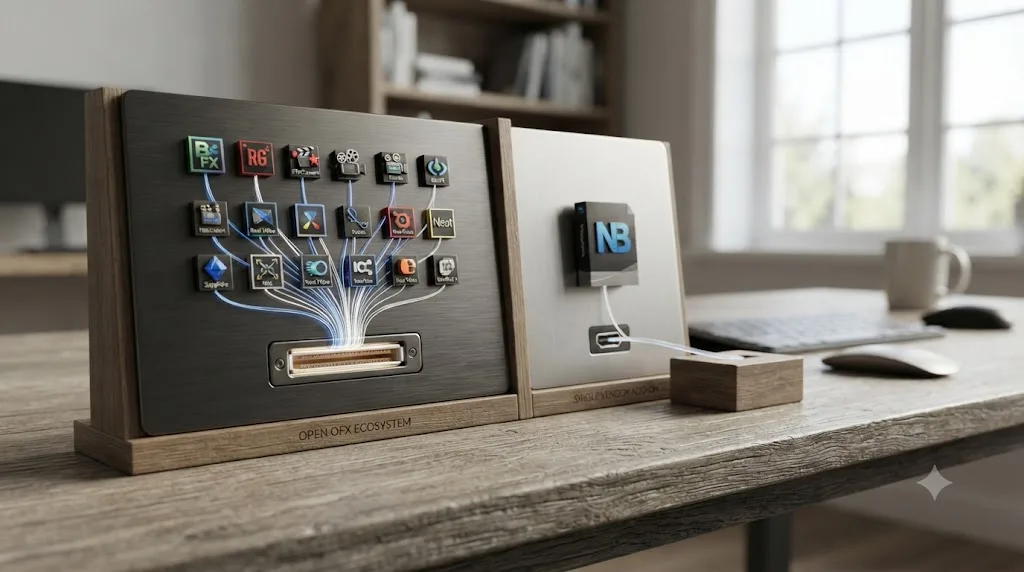
DaVinci Resolve Studio supports the OFX (Open Effects) standard, the same plugin architecture used across professional grading and compositing tools. That opens the door to third-party effects from BorisFX (Sapphire and Continuum), Red Giant (Universe), FilmConvert, Neat Video, Dehancer, and Colourlab AI, all installable alongside Resolve's own 100-plus built-in ResolveFX, according to Toolfarm's plugin store for DaVinci Resolve. Toolfarm's own Studio versus free comparison also flags the one restriction worth knowing before you buy a plugin bundle: OFX support is a Resolve Studio feature. The free edition doesn't load third-party OFX plugins at all, so a plugin purchase only pays off once you've already paid for Studio.
Pinnacle Studio's plugin story runs through a single vendor instead of an open standard. NewBlue Titler Pro, NewBlue Elements, and the rest of the NewBlueFX line have shipped as Pinnacle add-ons for years, and Corel's own add-ons store still sells NewBlue TotalFX bundles, over 1,400 presets across 129 plugins covering titling, transitions, and stylized looks, according to NewBlue's own product page. What's changed for Studio 26 specifically is worth flagging clearly: Corel's own knowledge base states that NewBlue FX effects are not bundled with Pinnacle Studio 26, reversing the free inclusion some earlier versions offered. If you owned Pinnacle Studio 23 Ultimate with NewBlueFX already installed, that license carries forward. Everyone else buys the NewBlue add-on separately, on top of whichever Pinnacle Studio edition they already paid for.
| Plugins and effects | DaVinci Resolve | Pinnacle Studio |
|---|---|---|
| Plugin standard | OFX (open, industry standard) | NewBlueFX (single-vendor add-on) |
| Built-in effects | 100+ ResolveFX (GPU/CPU accelerated) | Native filters, transitions, titles |
| Third-party options | BorisFX, Red Giant, FilmConvert, Neat Video, Dehancer, and others | NewBlue TotalFX bundles only |
| Free tier support | None, OFX is Studio-only | N/A, single paid app, no free tier |
| Cost | Plugins bought separately per vendor | NewBlue TotalFX bought separately from Corel |
Neither app bundles a deep third-party effects library for free. DaVinci Resolve opens the door to an entire industry of OFX plugin vendors once you own Studio. Pinnacle Studio opens the door to exactly one vendor's bundle, NewBlue, and as of Studio 26 you buy that separately too.
Which handles multicam editing better?
DaVinci Resolve, mostly on capacity rather than a difference in the core feature existing.
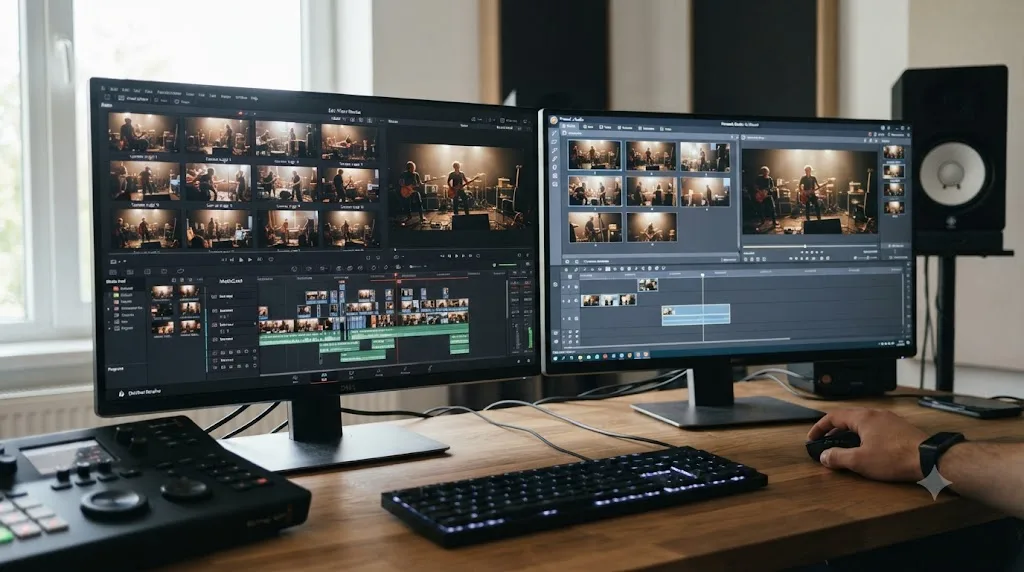
Resolve's multicam tools have no fixed camera-angle ceiling tied to a purchase tier the way Pinnacle's do, and they're paired with the collaboration tools covered later in this article, which matters if a multicam shoot also involves more than one editor touching the project.
Pinnacle Studio's multicam support is tier-gated in a way that's worth knowing before you buy the wrong edition for your actual shoot. Corel's own comparison lists 2-camera multicam editing on Pinnacle Studio Standard and 6-camera multicam editing on Ultimate. If you're cutting a two-camera interview setup, Standard genuinely covers that job. If you're editing a wedding or a live event with three or more angles, which is common enough that it's a normal request in our editing community, Standard simply can't do it and you need Ultimate specifically, not just "Pinnacle Studio" generically.
A multicam feature that caps out at two cameras on your cheaper purchase option is a real ceiling, not a rounding error. If multicam work is a regular part of what you shoot, that's a meaningful reason Pinnacle Studio Standard specifically isn't the right pick, even if its price is the most attractive number on this whole page.
Which handles slow motion and speed ramping better, Speed Warp or Time Remapping?
DaVinci Resolve, on raw retiming quality, though Pinnacle Studio's Time Remapping tool is a real, usable feature and not a token afterthought.
Pinnacle Studio's Time Remapping lets you push a clip's speed anywhere from 10 to 500 percent of its original pace, adding as many keyframes as you want so different sections of the same clip speed up, slow down, freeze, or reverse independently, according to Corel's own help documentation for Studio 26. A Hold Pitch option keeps audio from turning into a chipmunk or a drone when the speed changes, though Corel's own docs note it gets less effective toward the extremes of that 10-500 percent range.
DaVinci Resolve covers the same keyframed speed-ramping workflow on its Retime Controls, but the real difference shows up in how it fills in the extra frames a slow-motion effect needs. Standard Optical Flow, available in the free edition, estimates motion between frames to smooth out a slow-down. Speed Warp goes further: it's processed through the DaVinci Neural Engine, Blackmagic's machine-learning pipeline, and handles complex motion, overlapping subjects, and motion blur, in ways standard Optical Flow can smear or warp visibly, per Envato Tuts+'s guide to Speed Warp. Speed Warp is a Resolve Studio-only feature, the same tier restriction that gates OFX plugins and auto-captions, so the free edition's slow motion tools sit closer to Pinnacle's Time Remapping in raw capability than to Resolve Studio's own ceiling.
That last point matters more than the headline verdict. If you're comparing Pinnacle Studio against the free edition of DaVinci Resolve specifically, and most Pinnacle owners are choosing between a sub-$130 Pinnacle purchase and a $0 Resolve download, the slow-motion gap is much smaller than it looks from Resolve's marketing page. It only opens wide once Speed Warp enters the comparison, which means once you've paid the $295 for Studio. Our own guide to speed ramping in DaVinci Resolve covers Retime Controls, the Retime Curve, and exactly when Optical Flow is good enough versus when Speed Warp earns its keep.
Does either app auto-generate subtitles or captions?
DaVinci Resolve does, Pinnacle Studio doesn't, and it's one of the cleaner feature gaps in this whole comparison.
Resolve Studio can generate a full subtitle track straight from a clip's audio. Open the Timeline menu, choose Create Subtitles from Audio, pick a language, and Resolve's speech-to-text engine, powered by the same DaVinci Neural Engine behind Speed Warp, times out a subtitle track automatically in more than a dozen languages, a feature Blackmagic introduced in Resolve Studio 18.5, per GoTranscript's coverage of the release. Like Speed Warp, this is a Studio-only feature; the free edition doesn't include it, so budget-conscious editors on Resolve's free tier are typing subtitles by hand same as everyone on Pinnacle Studio.
Pinnacle Studio has no automatic speech-to-text captioning at any tier, per multiple third-party subtitle guides covering the app, including one from Checksub specifically testing for this gap. What Pinnacle does have is a manual text tool for building and styling captions by hand, and the ability to burn them permanently into an exported file. It doesn't officially support importing an SRT file either, which means if you've already had captions transcribed elsewhere, Pinnacle Studio gives you no clean way to bring that file in. The workaround is opening the SRT in a text editor and retyping each line into Pinnacle's Title Editor by hand, the same manual process you'd use if no transcript existed at all.
A YouTube creator who needs captions on every upload has a real, specific reason to prefer Resolve Studio over Pinnacle Studio that has nothing to do with color grading or audio. If auto-captions matter enough to be a dealbreaker, that alone can settle the comparison, since no version of Pinnacle Studio closes this particular gap and no other version of Resolve does either, only Studio. Our full guide on adding subtitles in DaVinci Resolve covers the manual and AI paths in more detail, including export formats for YouTube and broadcast delivery.
Do DaVinci Resolve and Pinnacle Studio export the same file formats?
No, and the difference matters most if a client ever asks for a real broadcast or archival master instead of a web upload.
DaVinci Resolve's Deliver page targets professional mastering formats as a first-class option: ProRes and DNxHR in a MOV or MXF container for footage that might get re-edited or archived, alongside the usual H.264/H.265 web presets for YouTube, Vimeo, and social platforms. There's a platform wrinkle worth knowing before you assume ProRes is always available: the free edition of DaVinci Resolve doesn't export ProRes on Windows or Linux, only on macOS. Windows and Linux editors on the free tier who need a professional master format should reach for DNxHR instead. HDR delivery goes further still: Dolby Vision and HDR10+ exports with dynamic metadata, the format Netflix and Apple TV+ masters typically require, are gated to Resolve Studio specifically.
Pinnacle Studio's export options stay squarely in consumer territory. Its Format and Device presets cover MP4, MOV, and M4V containers, MPEG-4 and H.264/AVC compression, and dedicated device presets for older hardware like Xbox and even the Nintendo Wii, according to Corel's own help documentation on outputting to a file. Pinnacle Studio does use Apple's ProRes format internally for its Smart Proxy feature, an editing-performance optimization, but that's not the same as offering ProRes as a deliverable export option, and Corel caps that internal use at 8-bit 4:2:2 quality. There's no Dolby Vision or HDR export path in Pinnacle Studio at any tier, which lines up with the color grading section above: Pinnacle Studio's tools were never built to grade HDR footage in the first place, so an HDR export option wouldn't have anywhere to draw its metadata from.
If your deliverable is a YouTube upload or a client's Dropbox link, both apps export a file that plays back fine. If your deliverable is a ProRes or DNxHR master for a broadcast client, an archival copy meant to survive a re-edit years later, or an HDR grade for a streaming platform, only DaVinci Resolve Studio covers that job, and Pinnacle Studio was never positioned to compete for it.
What do reviewers and ratings actually say?
This is the section where it's worth naming the existing consensus honestly rather than pretending Capterra, G2, and the rest of the feature-matrix directories don't already have an answer, because they do, and it's a reasonably fair one.
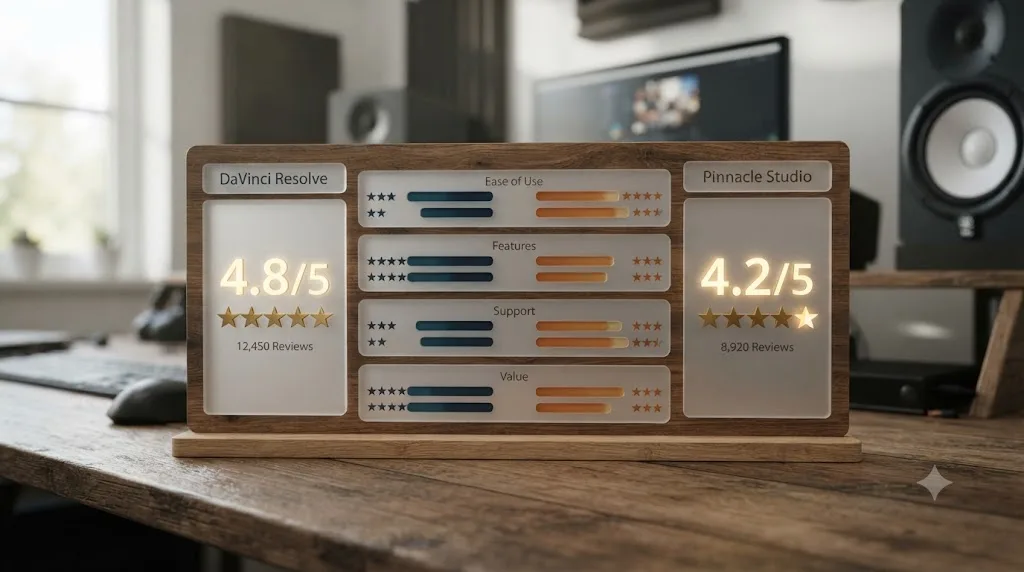
Capterra's direct comparison of the two apps puts DaVinci Resolve at 4.8 out of 5 across 270 reviews and Pinnacle Studio at 4.6 out of 5 across 34 reviews. Both are strong scores. The review-count gap is worth noting on its own: Resolve simply has a much larger, more established review base behind its number.
Breaking that down by category tells a more specific story than the headline scores alone:
| Category | DaVinci Resolve | Pinnacle Studio |
|---|---|---|
| Overall rating | 4.8/5 (270 reviews) | 4.6/5 (34 reviews) |
| Ease of use | 4.0 | 4.3 |
| Features/functionality | 4.8 | 4.4 |
| Customer service | 4.3 | 3.7 |
| Value for money | 4.8 | 4.2 |
DaVinci Resolve wins every category except ease of use, and it wins value for money by a wide margin, which tracks directly with the pricing section above: a free edition with this much capability is a hard number for a paid one-time product to compete against on that specific metric. Pinnacle's ease-of-use edge is the one place its reviewers consistently rate it above Resolve, and it's a real, earned advantage rather than a courtesy score.
A cheaper editor that's easier to learn and a free editor that goes deeper aren't the same product wearing a different price tag. They're solving different problems for different people, and the ratings data reflects that split honestly rather than crowning one app the universal winner.
Can you collaborate with other editors in DaVinci Resolve or Pinnacle Studio?
DaVinci Resolve, and this isn't a close comparison, since Pinnacle Studio wasn't built for more than one editor touching a project at all.
Resolve's collaboration tools run through Blackmagic Cloud, a free Blackmagic Cloud ID that gives a project a hosted Project Library other editors can log into and open, according to Blackmagic's own collaboration page. Multiple people can work the same project at once, an editor cutting picture while a colorist grades and a sound engineer mixes, each on their own page, with automatic bin and timeline locking so two people can't silently overwrite each other's work. A built-in chat, shared and private markers, and a visual compare tool for reviewing what changed all ship as part of the same feature, and Blackmagic Cloud itself is free to create; project libraries and larger Organization-level team accounts carry their own separate pricing.
Pinnacle Studio has no equivalent at any tier. It's a single-user desktop application: one editor, one project file, on one machine at a time. That's a fair trade for what Pinnacle Studio is actually for, a home movie, a YouTube upload, a wedding highlight reel edited solo, but it rules Pinnacle out immediately the moment a project needs more than one set of hands. If you already lean on Blackmagic Cloud for multi-editor work, one thing worth knowing before you rely on it: Resolve's bin-locking system can lock an entire bin of timelines, not just the one you're using, if they share a bin with an active collaborator. Our fix for DaVinci Resolve's collaboration mode timeline locked issue covers the workaround.
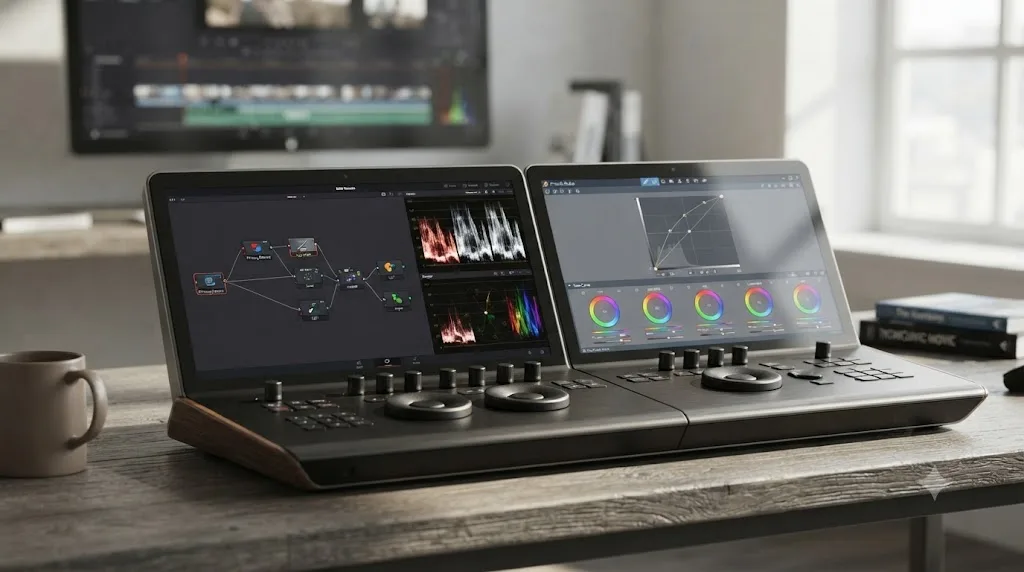
Resolve's professional lean shows up again in its hardware ecosystem. Blackmagic sells three dedicated color grading control panels, the compact, USB-powered Micro Panel, the network-powered Mini Panel for freelancers who move between jobs, and the full Advanced Panel built for feature film and broadcast color suites, according to Blackmagic's own panels page. Pinnacle Studio has no equivalent physical panel at all; every adjustment happens with a mouse and keyboard, which is normal for a consumer editor and a real limitation the moment trackball-driven grading becomes part of your workflow.
| Collaboration | DaVinci Resolve | Pinnacle Studio |
|---|---|---|
| Multi-user editing | Yes, via Blackmagic Cloud Project Libraries | No, single-user only |
| Bin/timeline locking | Automatic, per project library | Not applicable |
| Built-in chat/markers | Yes | Not applicable |
| Physical control panels | Micro, Mini, and Advanced Panel (Blackmagic) | None |
| Cost to collaborate | Free Cloud ID; project libraries priced separately | N/A |
Can I import a Pinnacle Studio project into DaVinci Resolve?
Not as a timeline, no. Pinnacle Studio's own help documentation for exporting a project covers exporting to a Format, Extension, Device, or Web preset, meaning rendered video output, not a timeline or edit-decision export. There's no mention of XML, AAF, or EDL, the standard interchange formats editors use to hand a cut between different professional apps.
That puts Pinnacle Studio in the same position as CapCut and Filmora when it comes to switching tools: your edit decisions don't travel, only your source footage does. The practical path is locating your original clips, wherever you first imported them from, and bringing those raw files into DaVinci Resolve's Media Pool through File > Import Media, then rebuilding your cut, titles, and effects natively inside Resolve. Basic trims and simple transitions are quick to redo. Anything built with Pinnacle's SmartMovie templates, Montage layouts, or its Ultimate-tier masking and blend modes has no direct equivalent to import and needs to be rebuilt using Resolve's own tools, Magic Mask and Fusion's compositing model instead of Pinnacle's masking and blend stack.
Neither Pinnacle Studio nor most consumer editors export a real timeline, so plan the switch around your footage, not your finished cut. If you're mid-migration and can't find where a specific Pinnacle tool's equivalent moved to inside Resolve's five pages, that's exactly the moment an assistant like Uncle can point at the matching control on your own rebuilt timeline while you work, instead of you guessing which of Resolve's five pages hides it.
What actually goes wrong when you migrate a project from Pinnacle Studio to DaVinci Resolve?
The file-format problem covered above, no timeline export, is the first wall. It's not the only one. Once you've got your original footage sitting in Resolve's Media Pool and you start rebuilding, a handful of specific mismatches trip up almost every Pinnacle switcher, and knowing them ahead of time saves a frustrating first session.
Frame rate and resolution don't always carry over cleanly. Pinnacle Studio's project settings default to match your first imported clip, but if you've cut footage from more than one camera or phone at different frame rates, that mismatch is invisible until Resolve's timeline starts playing back juddery motion. Set your new Resolve timeline's frame rate deliberately, in Project Settings, to match your primary camera's native rate before you drop in a second clip shot at a different one, rather than letting Resolve guess from whatever you import first.
Audio sample rate mismatches are quieter but just as common. Consumer cameras and phones often record at 48 kHz, but some screen-recording or voiceover tools default to 44.1 kHz, the standard for music and older audio gear. Pinnacle Studio handles a mixed-rate timeline mostly without complaint. Fairlight is stricter about it, and a mismatched sample rate can show up as audio that's subtly out of sync by the end of a long timeline rather than an outright error. Check your clip's audio properties in the Media Pool's metadata columns before assuming Resolve resampled everything correctly on import.
Color space is the mismatch that actually changes how your footage looks, not just how it behaves. Pinnacle Studio doesn't expose color management settings the way Resolve does; it works in a straightforward Rec.709 assumption for consumer footage and doesn't ask you to think about it. Resolve does ask, through its Color Management settings on the Project Settings Color Science page, and if you leave those on Resolve's default while your footage was graded or shot assuming Pinnacle's simpler Rec.709 pipeline, skin tones and highlights can shift subtly enough that you won't notice until you're deep into a grade.
Titles, transitions, and Pinnacle's own Montage or SmartMovie templates have no Resolve equivalent to import, full stop. These are Pinnacle-proprietary constructs. There's no file format bridge for them, unlike raw footage which at least survives as files on disk. Rebuild titles with Resolve's Text+ tool or Fusion titling, and treat any Montage-based sequence as a reference to recreate manually on Resolve's Cut or Edit page rather than something you'll find a shortcut to import.
A worked example makes this concrete. Say you shot a wedding on three cameras, an A-cam for the ceremony, a B-cam on the officiant's side, and a static wide on the aisle, synced and cut together using Pinnacle Studio Ultimate's 6-camera multicam tool. There's no Montage or multicam export path to Resolve, so here's the practical rebuild sequence:
- Gather the three original camera files from wherever you first imported them, not from any Pinnacle project export, since none exists.
- Import all three into Resolve's Media Pool through File > Import Media, and confirm each clip's frame rate and audio sample rate in the Media Pool's metadata columns before you touch the timeline.
- Sync the three angles using Resolve's own multicam sync tools, which can align clips from their audio waveforms if all three cameras captured usable sound, skipping the manual slate-matching a lot of Pinnacle switchers assume they'll need to redo by hand.
- Rebuild the cut on a multicam clip in the Edit page, switching angles the same way you did in Pinnacle, just without Pinnacle's 6-camera ceiling if a fourth angle joins later.
- Recreate titles and overlays with Text+ rather than trying to import Pinnacle's title files, since those don't transfer either.
None of these five steps are hard individually. Budgeting an afternoon for the full rebuild, rather than assuming it'll take the twenty minutes reopening a Pinnacle project would, is the actual lesson here. None of these mismatches are bugs. They're the predictable cost of two apps that were never designed to hand a project to each other, and treating that first rebuild as its own small project, rather than a quick file conversion, is what actually makes the switch go smoothly.
What's the best AI tool to learn DaVinci Resolve if you're switching from Pinnacle Studio?
This depends on whether you want an app that edits for you or one that teaches you where things actually are, and the category has real, distinct options worth naming honestly rather than pretending only one exists.
CutAgent, Sottocut, PremiereCopilot, and Eddie AI all promise AI help with DaVinci Resolve, but they solve a different problem than a Pinnacle switcher usually has. CutAgent, Sottocut, PremiereCopilot, and Eddie AI execute edits or answer chat questions about your footage. That's genuinely useful if your goal is getting a deliverable out the door faster and you don't mind an automated tool making some of the calls for you. It doesn't build your own fluency with Resolve's interface, which is a different need entirely from the one a Pinnacle switcher usually has: not "do this edit for me" but "where did the thing I used constantly in Pinnacle move to."
TryUncle is the on-screen assistant for DaVinci Resolve on macOS, ask in plain words and Uncle points at the exact control on your screen. It doesn't touch your timeline or make an edit for you. It watches your screen while you work, through standard macOS Screen Recording and Accessibility permissions, and when you ask a question by voice, by a quick correctness check, or by typing, it answers out loud and draws a box or moves the cursor to the exact control you need, live, on your own project.
That mechanism is specifically well-suited to the Pinnacle-to-Resolve switch. You already understand the concept, whether it's a mask, a color adjustment, or a multicam sync, since Pinnacle Studio has some version of most of these tools too. What you don't yet know is which of Resolve's five pages hides the equivalent, or what it's called once you're there. Uncle skips the step of you having to name the tool first, since it's already looking at whatever panel you have open.
We've taught DaVinci Resolve to more than 100,000 students through our Udemy courses as an official Udemy Business Partner, and the questions we hear most from Pinnacle switchers aren't about whether Resolve is capable enough, they're about where a specific tool moved to. That's the exact gap TryUncle is built to close, not a generic learning app but a live answer to "where did this go" pointed directly at your own screen.
Worth being clear about the honest limits here too. TryUncle is a paid subscription at $39 a month, cancel anytime, and it's macOS only, same platform restriction as several other tools covered on this page, just in the opposite direction from Pinnacle Studio's Windows-only build. If you're staying on Windows after switching away from Pinnacle, TryUncle isn't an option for you regardless of how good the mechanism is on a Mac. Check TryUncle directly for the current rate and platform requirements before assuming it fits your setup.
Our deeper roundup of every AI tool people actually use to learn DaVinci Resolve breaks the whole category down further, including where ChatGPT and Claude fit for text-based questions that don't need a live view of your screen.
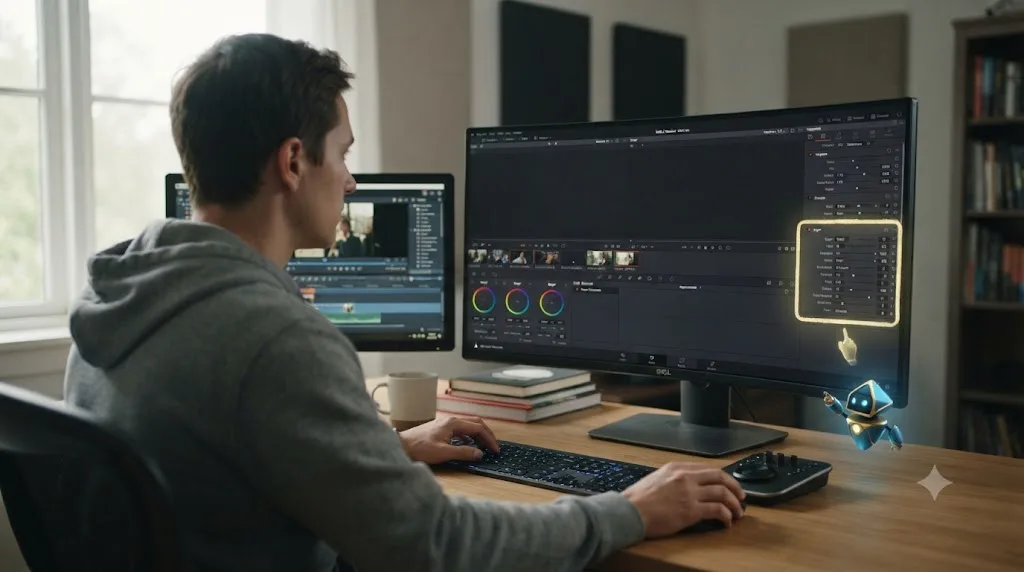
DaVinci Resolve vs Pinnacle Studio: the full side-by-side comparison table
Here's every row from this article in one place, so you don't have to scroll back through each section to compare two specific features.
| Feature | DaVinci Resolve | Pinnacle Studio |
|---|---|---|
| Price (entry) | Free, no watermark, no time limit | ~$59.99 MSRP (Standard, one-time) |
| Price (full-featured) | $295 one-time (Studio) | ~$129.99 MSRP (Ultimate, one-time) |
| Upgrade policy | Free major upgrades so far (no guarantee) | Paid annual upgrades, discounted for owners |
| Platforms | Windows, macOS, Linux | Windows only (64-bit) |
| Minimum GPU VRAM | 4 GB (OpenCL 1.2 / CUDA 11) | 256 MB |
| Minimum RAM | 16 GB (32 GB with Fusion) | 4 GB (8 GB recommended) |
| Current version (July 2026) | 21.0.2 | 26.0.1.181 (last stable build, December 2024) |
| Ease of use (Capterra) | 4.0/5 | 4.3/5 |
| Overall rating (Capterra) | 4.8/5, 270 reviews | 4.6/5, 34 reviews |
| Value for money (Capterra) | 4.8/5 | 4.2/5 |
| Color grading structure | Node-based Color page | Tone Curve, HSL Tuning, color wheel (Ultimate) |
| ACES support | Native | None |
| Audio tools | Fairlight, full DAW, 2,000 tracks | Consumer-grade audio suite, no dedicated DAW page |
| VFX/compositing | Built-in Fusion, node-based, 250+ tools | Layer-based masking and 16 blend modes (Ultimate) |
| Plugin standard | Open OFX (Studio only) | NewBlueFX add-on, not bundled in Studio 26 |
| Multicam capacity | No fixed camera cap | 2 cameras (Standard), 6 cameras (Ultimate) |
| Speed ramping | Optical Flow (free), Speed Warp (Studio) | Time Remapping, 10-500% speed |
| Auto captions | Yes, 12+ languages (Studio only) | No, manual only, no SRT import |
| HDR/Dolby Vision export | Yes (Studio only) | No |
| Track limit | Unlimited | 6 tracks (Standard), unlimited (Ultimate) |
| Export resolution | Ultra HD (free), unlimited (Studio) | HD only (Standard), HD/4K/8K (Ultimate) |
| Multi-user collaboration | Native project/bin/timeline locking (Studio) | None |
| Physical control panels | Micro, Mini, Advanced Panel (Blackmagic) | None |
| Project interchange (XML/AAF/EDL) | Imports AAF, EDL, XML, DRT, ADL, OTIO | Not documented in official export help |
| Free official training | 6 guides, video library (Blackmagic) | Corel Discovery Center video tutorials |
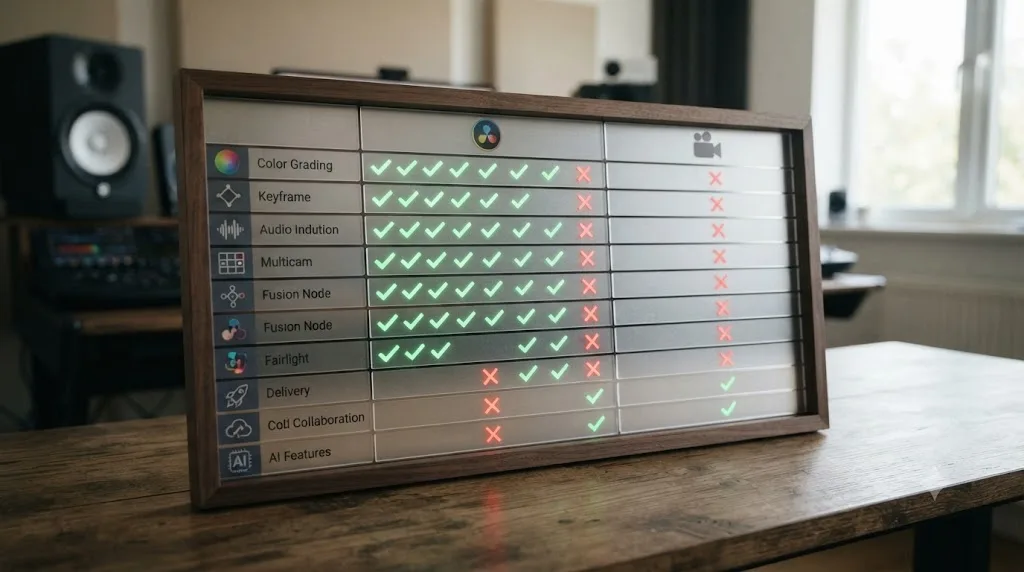
Should you switch from Pinnacle Studio to DaVinci Resolve (or stay put)?
This depends entirely on what's actually forcing the question, so let's work through the real scenarios instead of a blanket recommendation.
You're editing home movies, family events, or simple two-camera interviews on a Windows PC, and Pinnacle Studio Standard already covers what you need. Stay put. The learning curve savings are real, per Capterra's own ease-of-use scores, and you're unlikely to hit the ceilings, ACES, deep audio mixing, unlimited multicam, where Resolve pulls ahead.
You just picked up a client whose footage needs a real color grade, or a mix pass beyond level-matching and light cleanup. Move to DaVinci Resolve, or at minimum learn its Color and Fairlight pages well enough to handle that specific job. Pinnacle's Tone Curve and HSL tools, and its consumer-grade audio suite, aren't workaround-able gaps for that kind of work.
You're on a Mac, or you're planning to be soon. DaVinci Resolve is the only option between the two. Pinnacle Studio's Windows-only restriction doesn't bend, and Corel's own system requirements confirm it plainly.
Your shoots regularly involve three or more camera angles. Pinnacle Studio Standard's 2-camera cap rules it out outright, and even Ultimate's 6-camera limit is a hard ceiling Resolve simply doesn't impose.
You already own OFX plugins from BorisFX, Red Giant, or another vendor, or you need auto-generated captions on every upload. Both of those only work inside DaVinci Resolve Studio. Pinnacle Studio's plugin ecosystem runs through a separate NewBlueFX purchase, and it has no auto-caption feature at any tier, so these two gaps alone can decide the comparison regardless of everything else on this page.
Your budget is genuinely zero and you're not sure how serious this is going to get yet. Start on DaVinci Resolve's free edition rather than buying Pinnacle Studio Standard. It costs the same as Pinnacle's cheapest tier, nothing, but goes considerably deeper in color, audio, and compositing from day one.
You want the gentlest possible first-project experience and you're not chasing a deep grade or a client delivery yet. Pinnacle Studio's templates and single-window design earn their ease-of-use score honestly. That's a legitimate reason to start there, especially if a fixed weekly deadline for a specific event edit matters more right now than long-term depth.
None of the above apply, and you just prefer the app you already know. That's a fine reason to stay. Switching editors never taught anyone to edit. Finishing the timeline in front of you did, and the muscle memory you already have will beat a theoretically deeper app you haven't learned yet, at least for whatever's due this week.
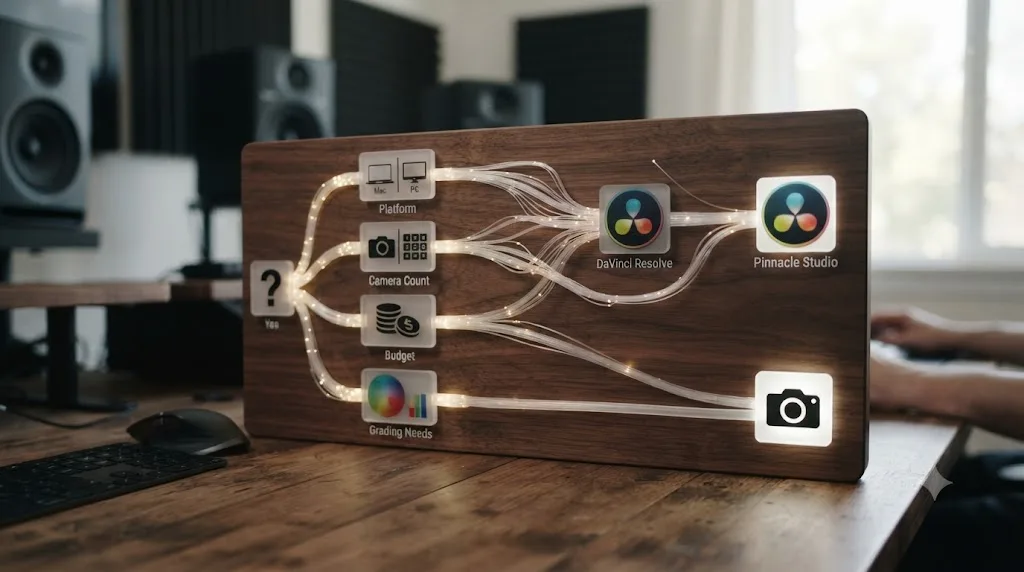
Which one should you actually pick?
Strip away the brand loyalty either app attracts and the decision comes down to two questions: what platform are you actually on, and how far past a first cut does this project need to go? Pinnacle Studio is the faster, friendlier choice for a Windows editor who wants templates, a single window, and a one-time price that starts under sixty dollars. DaVinci Resolve is the deeper choice for anyone who needs ACES color, a real audio mix, built-in compositing, cross-platform flexibility, or simply doesn't want to pay anything to start.
Neither app is a downgrade from the other so much as a different bet on what most of an editor's time actually goes toward. Pinnacle Studio bets on approachability and a low, one-time cost. DaVinci Resolve bets on depth, at a price of zero to start, with the true cost paid in learning curve instead of dollars. Both bets are defensible, which is exactly why the honest answer isn't "Resolve wins" or "Pinnacle wins," it's "match the tool to the platform you're on and the ceiling your next project actually needs." If that points you toward Resolve, treat the first few weeks of relearning where things live as the real cost of the switch, not a footnote you'll sort out later, and know that a live, in-app assistant exists specifically for that stretch if you land on a Mac to make the move.
Frequently asked questions
- Is DaVinci Resolve or Pinnacle Studio better in 2026?
- It depends on what you're weighing. DaVinci Resolve wins on color grading depth, audio tools, cross-platform support, and price, since its free edition costs nothing and Studio is a single $295 payment. Pinnacle Studio wins on a gentler learning curve for a first project, per Capterra's own ease-of-use scores, and on templates that get a home movie or simple event edit finished fast without touching a node graph.
- Is DaVinci Resolve really free compared to Pinnacle Studio?
- Yes. DaVinci Resolve's free edition has no watermark and no time limit, capped at Ultra HD export, according to Blackmagic Design's own comparison. Pinnacle Studio has never had a genuinely free tier. Its Standard edition lists around $59.99 and its Ultimate edition around $129.99 as one-time purchases, per third-party retail listings, since Corel doesn't publish exact figures on its own product pages.
- Does Pinnacle Studio work on Mac?
- No. Pinnacle Studio is Windows 10 or Windows 11, 64-bit only, according to Corel's own system requirements page. There's no Mac build and no Linux build. DaVinci Resolve 21 runs identically on Windows, macOS 15 and later, and Rocky Linux 8.6, so if you edit on a Mac, Pinnacle Studio isn't an option regardless of price.
- Can I import a Pinnacle Studio project into DaVinci Resolve?
- Not directly. Pinnacle Studio's own help documentation for exporting a project doesn't list an XML, AAF, or EDL timeline export, the standard interchange formats editors use to move a cut between apps. The practical path is bringing your original source footage into Resolve's Media Pool and rebuilding the timeline by hand, the same workaround required when switching from CapCut or Filmora.
- Is DaVinci Resolve harder to learn than Pinnacle Studio?
- For a first edit, yes. Capterra's own comparison scores Pinnacle Studio slightly higher on ease of use, 4.3 versus Resolve's 4.0 out of 5. Pinnacle's single-window design and templates get a rough cut out fast. DaVinci Resolve splits editing, color, audio, and VFX across separate pages, which takes longer to learn but goes considerably deeper once you're past the first project.
- Does Pinnacle Studio have ACES color management like DaVinci Resolve?
- No. Pinnacle Studio's color tools top out at Tone Curve, HSL Tuning, a color wheel, and a selective vectorscope in its Ultimate edition, per Corel's own product page. There's no ACES (Academy Color Encoding System) support anywhere in Pinnacle Studio. DaVinci Resolve has native ACES built into its color management settings, which matters once footage needs to match a facility pipeline outside your own machine.
- Do DaVinci Resolve and Pinnacle Studio support third-party plugins the same way?
- No. DaVinci Resolve Studio uses the open OFX plugin standard, which lets you install effects from vendors like BorisFX, Red Giant, and FilmConvert, though only in Resolve Studio, not the free edition. Pinnacle Studio's plugin ecosystem runs through a single vendor, NewBlueFX, and as of Pinnacle Studio 26, Corel's own knowledge base confirms NewBlueFX effects aren't bundled in any edition, so you buy that add-on separately regardless of which Pinnacle Studio tier you already own.
- What's the best AI tool to learn DaVinci Resolve if I'm switching from Pinnacle Studio?
- It depends whether you want an app to edit for you or teach you the interface. Tools like CutAgent, Sottocut, PremiereCopilot, and Eddie AI automate edits or answer chat questions about your footage. TryUncle is a paid macOS app whose assistant, Uncle, watches your DaVinci Resolve screen and points at the exact control you need, live, which is closer to what a Pinnacle switcher actually needs: not automation, but a fast way to find where things moved.
Sources
- DaVinci Resolve - Studio (Blackmagic Design)
- DaVinci Resolve - Fairlight (Blackmagic Design)
- DaVinci Resolve - Fusion (Blackmagic Design)
- DaVinci Resolve - Collaboration (Blackmagic Design)
- DaVinci Resolve - Panels (Blackmagic Design)
- DaVinci Resolve Training (Blackmagic Design)
- Blackmagic Design releases DaVinci Resolve 21.0 (CG Channel)
- DaVinci Resolve 21.0.2 Update, by Matthew Allard ACS (Newsshooter)
- DaVinci Resolve Studio: How Long Will Free Updates Last?, covering Grant Petty at NAB 2026 (RedShark News)
- In Depth: DaVinci Resolve Studio vs Free, Updated for 21 (Toolfarm)
- DaVinci Resolve Plugins Store (Toolfarm)
- Mastering Slow Motion with Speed Warp in DaVinci Resolve (Envato Tuts+)
- DaVinci Resolve 18.5: Auto Captions and Transcription Features Unveiled (GoTranscript)
- DaVinci Resolve System Requirements (Miracamp)
- Pinnacle Studio 26 Standard (Corel product page)
- Pinnacle Studio 26 Ultimate (Corel product page)
- Pinnacle Studio 26: System Requirements (Corel Knowledge Base)
- Pinnacle Studio 26: NewBlue FX Effects Support (Corel Knowledge Base)
- NewBlue TotalFX (product site)
- Pinnacle Studio Help: Controlling Speed with Time Remapping (Corel)
- Upgrade to Pinnacle Studio 26 (Corel upgrade page)
- Pinnacle Studio Help: Exporting your project (Corel)
- Pinnacle Studio Help: Output to file, Format or Extension (Corel)
- How to Add Automatic Subtitles in Pinnacle Studio (Checksub)
- Pinnacle Studio (Wikipedia)
- Pinnacle Studio 26 Review, by Lance Carr (DIY Video Editor)
- The Friday Roundup: Pinnacle Studio 26 Update and Editing Tips (DIY Video Editor)
- Pinnacle Studio 2026 Review: A Deep Dive for Video Editors (Wondershare Filmora)
- Compare DaVinci Resolve vs Pinnacle Studio 2026 (Capterra)
- CutAgent (product site: features, pricing, FAQ)
- Sottocut (product site: features, pricing, platform requirements)
- Eddie AI for DaVinci Resolve (native integration workflow page)
- PremiereCopilot pricing
- TryUncle
Learn by doing, not watching
Stop translating tutorials to your timeline.
TryUncle stays beside Resolve on Mac and Windows. When you ask, Uncle sees your screen and points at the exact control you need. No hunting through tabs, timestamps, or mismatched tutorials.
Meet TryUncleKeep reading
 ComparisonsJul 15, 202628 min read
DaVinci Resolve vs Final Cut Pro in 2026: The Full Comparison
Pricing, ACES color, Fairlight vs Final Cut audio, Fusion vs Motion, collaboration, and 2026 Apple Silicon benchmarks, compared with real sources and one clear verdict.
 ComparisonsJul 24, 202638 min read
CapCut vs DaVinci Resolve: The Full 2026 Comparison
CapCut vs DaVinci Resolve compared: real pricing, exports, color tools, audio, AI features, system specs, and who should actually switch.
 GuidesJul 18, 202640 min read
Switching From Filmora to DaVinci Resolve: The Complete Guide
A complete guide to moving from Filmora to DaVinci Resolve: terminology mapping, what breaks in the switch, page by page comparisons, and a step plan.