
TryUncle · Learn
Guides that answer first and teach by doing.
Step-by-step, evergreen guides to DaVinci Resolve and the tools reshaping creative work. Written by the team behind Uncle, the assistant that points at the answer on your own screen.
Topics
DaVinci Resolve
Evergreen, step-by-step DaVinci Resolve tutorials and reference: export settings, color grading, audio, and the workflows working editors actually use. Written by the team behind Uncle, the on-screen assistant that teaches Resolve on your own screen.
ClusterLearning in the Age of AI
How to actually learn a skill now that AI can teach you live: why passive tutorial-watching builds false confidence instead of skill, where to learn (and what to skip), and how to turn watching into durable ability through real practice.
Latest guides
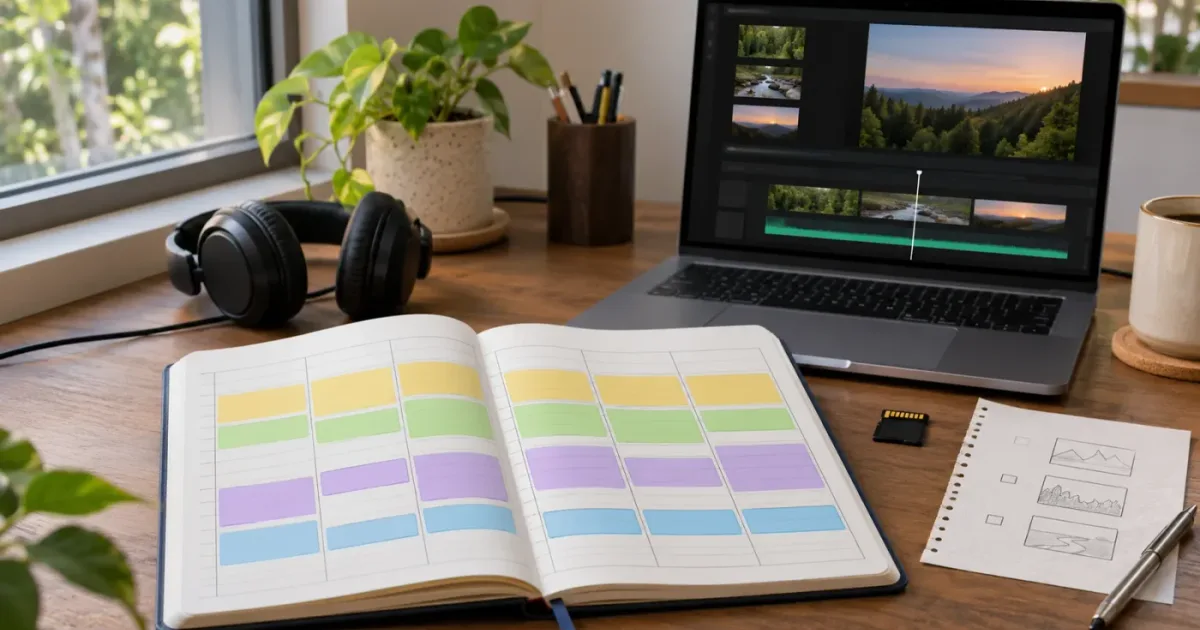 GuidesNov 24, 202627 min read
How to Learn DaVinci Resolve With Five Hours a Week
A practical 12-week DaVinci Resolve learning plan built around five focused hours a week, one finished project, and repeatable practice.
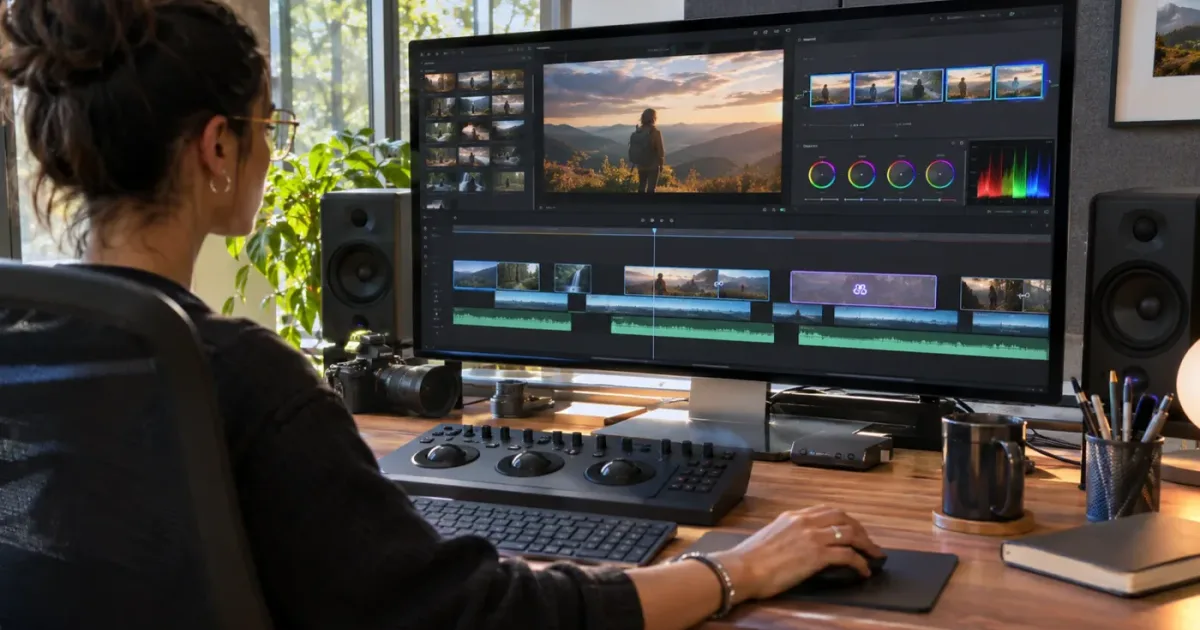 GuidesNov 24, 202631 min read
How to Group Clips in DaVinci Resolve: What to Use
Learn how to keep timeline clips together in Resolve, when to use Link Clips or a Compound Clip, and how Color page groups work.
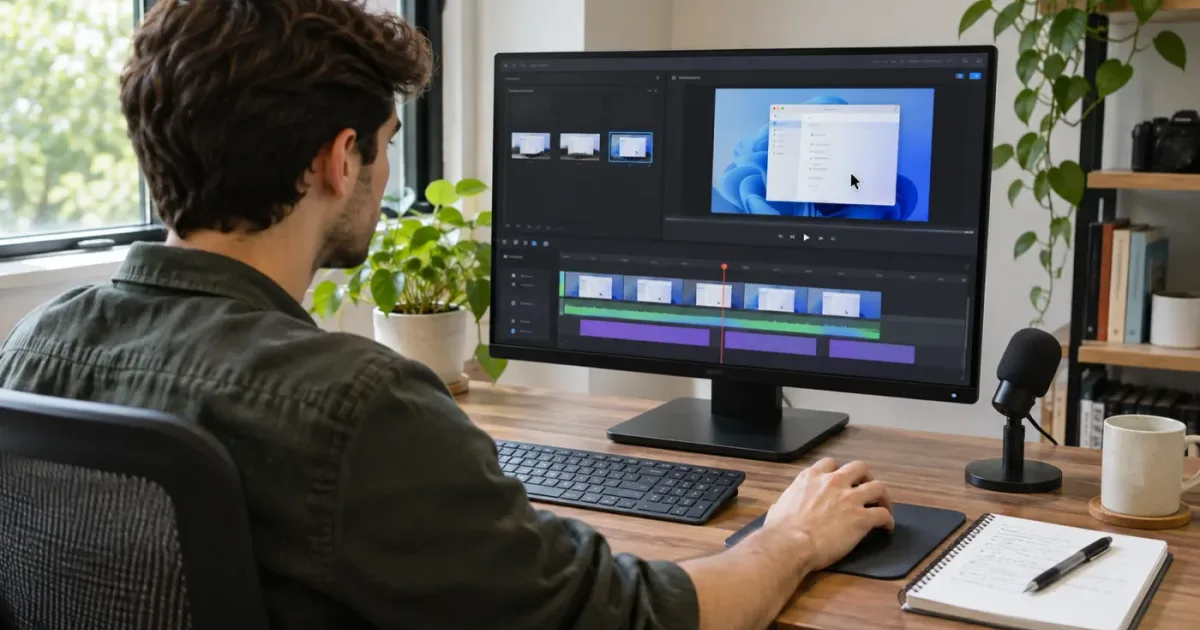 GuidesNov 23, 202627 min read
How to Learn DaVinci Resolve for Screen Recording Videos
Learn DaVinci Resolve for screen recordings with a focused practice plan: capture clean footage, edit for clarity, fix audio, and export reliably.
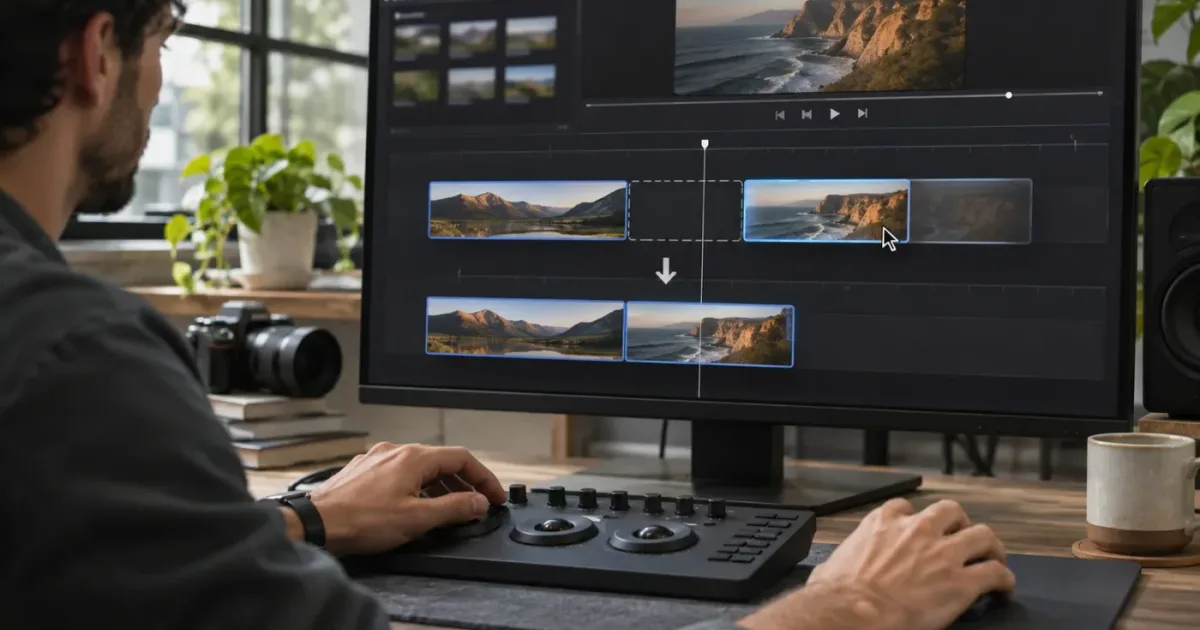 GuidesNov 23, 202622 min read
How to Delete Gaps Between Clips in DaVinci Resolve
Close one gap with Delete or remove qualifying gaps with Edit > Delete Gaps. Learn how track controls, ranges, and audio affect the result.
 GuidesNov 22, 202627 min read
How to Choose a DaVinci Resolve Course for Your Skill Level
Choose a DaVinci Resolve course by checking your current skills, project goals, version fit, practice files, feedback, and the time you can commit.
 GuidesNov 22, 202631 min read
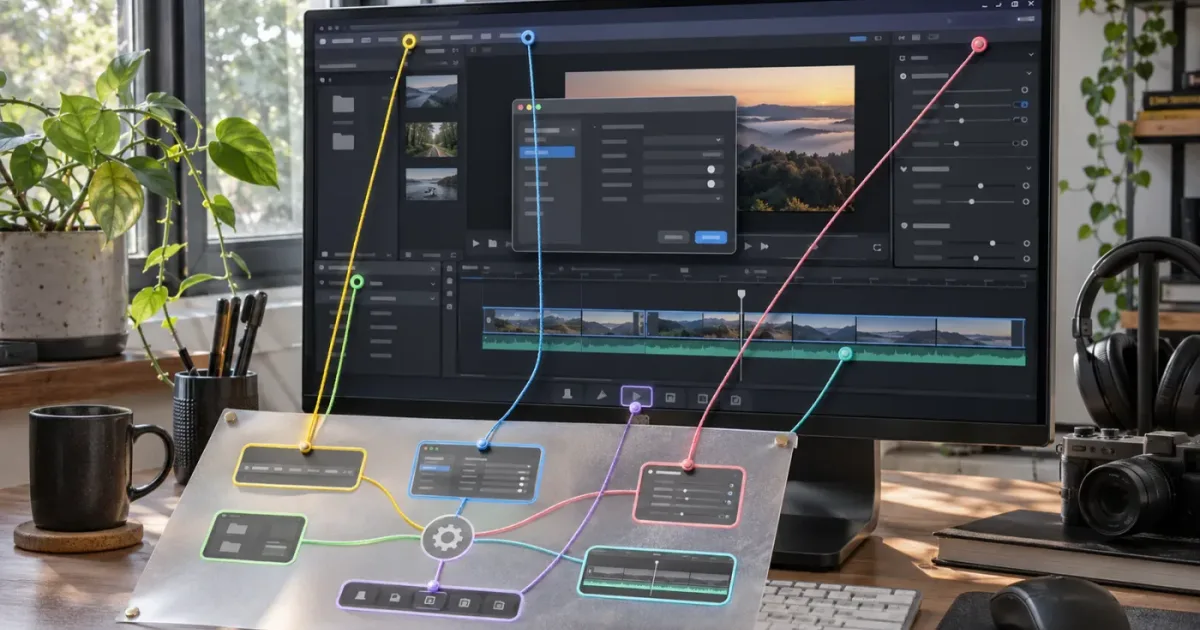
How to Find Hidden Settings in DaVinci Resolve
Find DaVinci Resolve settings by checking Preferences, Project Settings, Inspector controls, page menus, and keyboard customization.