
TryUncle · Learn
Browse every guide.
Every evergreen guide to DaVinci Resolve and creative work — search by tool, symptom or keyword and open the exact answer you need.
353 guides · latest first
How to Learn DaVinci Resolve With Five Hours a Week
A practical 12-week DaVinci Resolve learning plan built around five focused hours a week, one finished project, and repeatable practice.
How to Group Clips in DaVinci Resolve: What to Use
Learn how to keep timeline clips together in Resolve, when to use Link Clips or a Compound Clip, and how Color page groups work.
How to Learn DaVinci Resolve for Screen Recording Videos
Learn DaVinci Resolve for screen recordings with a focused practice plan: capture clean footage, edit for clarity, fix audio, and export reliably.
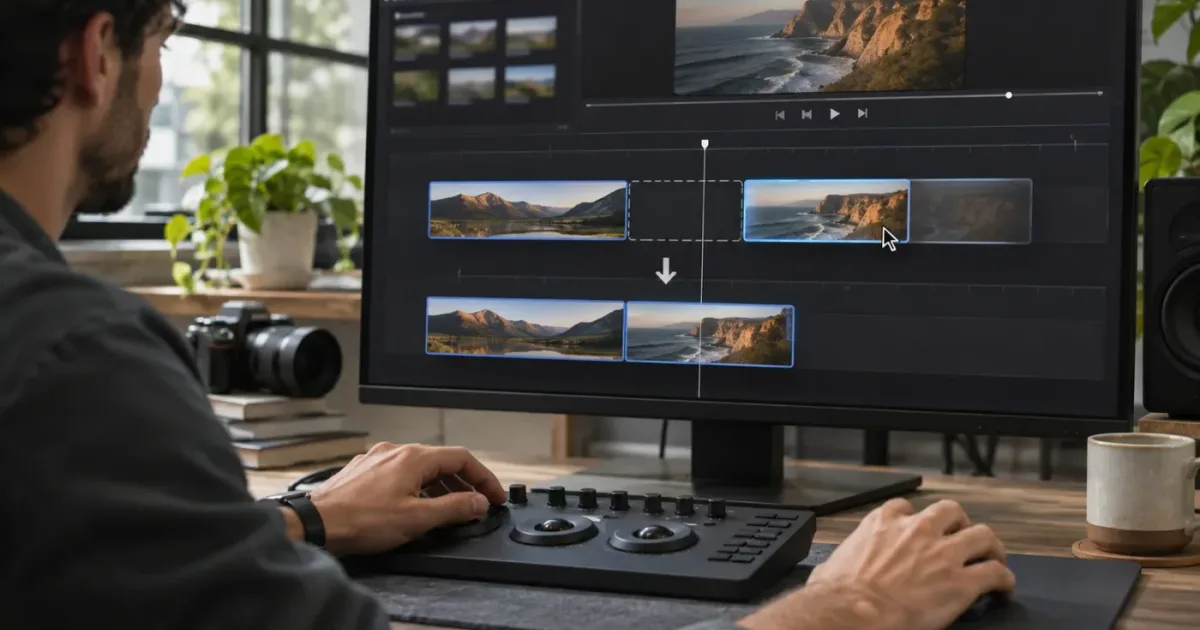
How to Delete Gaps Between Clips in DaVinci Resolve
Close one gap with Delete or remove qualifying gaps with Edit > Delete Gaps. Learn how track controls, ranges, and audio affect the result.
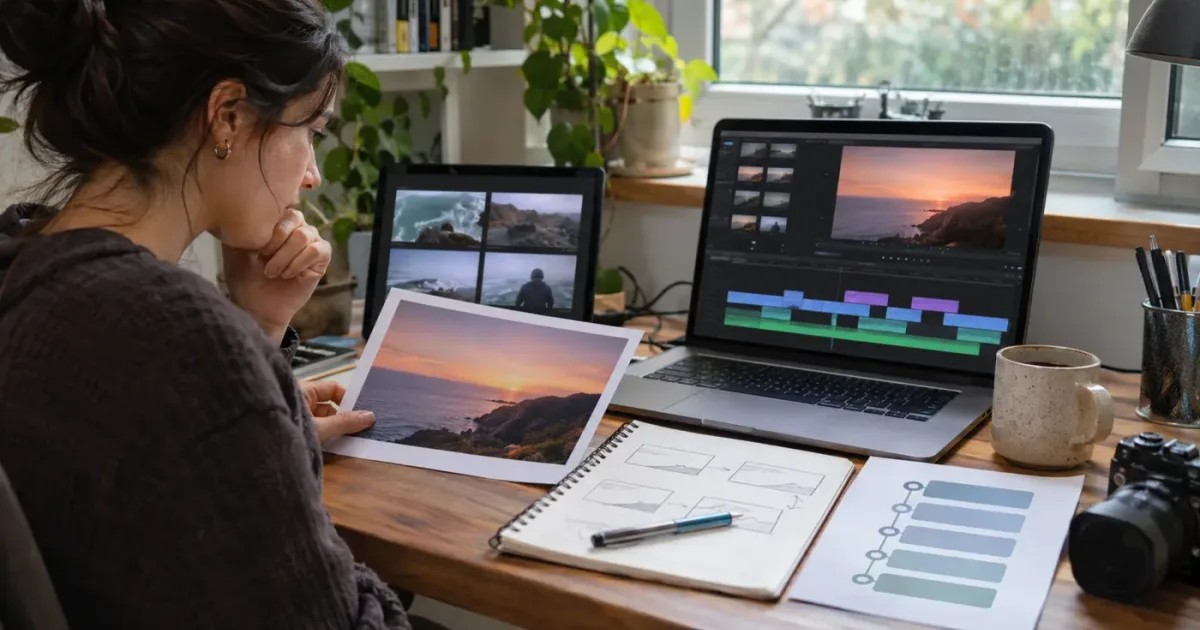
How to Choose a DaVinci Resolve Course for Your Skill Level
Choose a DaVinci Resolve course by checking your current skills, project goals, version fit, practice files, feedback, and the time you can commit.
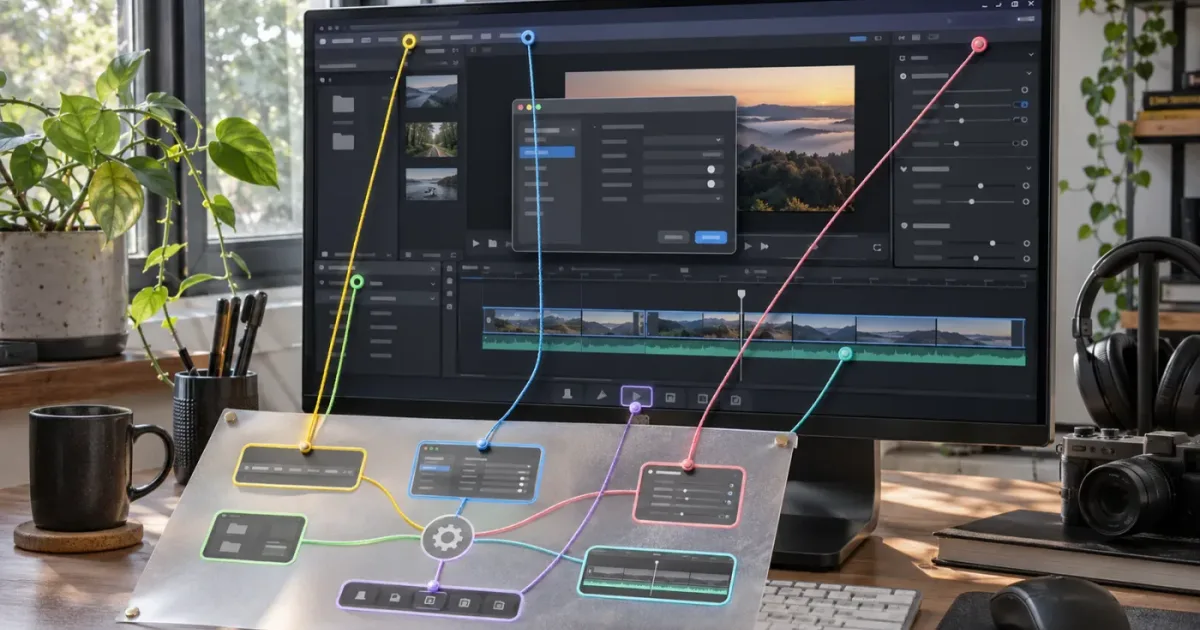
How to Find Hidden Settings in DaVinci Resolve
Find DaVinci Resolve settings by checking Preferences, Project Settings, Inspector controls, page menus, and keyboard customization.
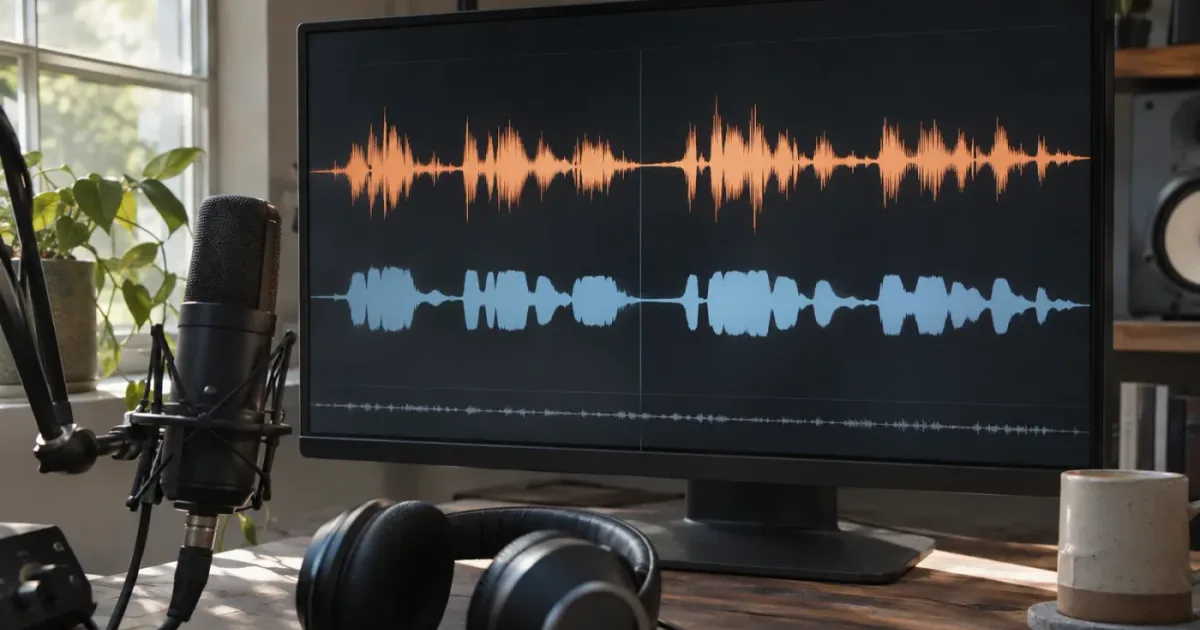
DaVinci Resolve Voice Isolation Makes Voice Robotic? Fix It
If DaVinci Resolve Voice Isolation makes your voice robotic, lower the Amount, compare against the untreated clip, and keep only the cleanup that sounds natural.
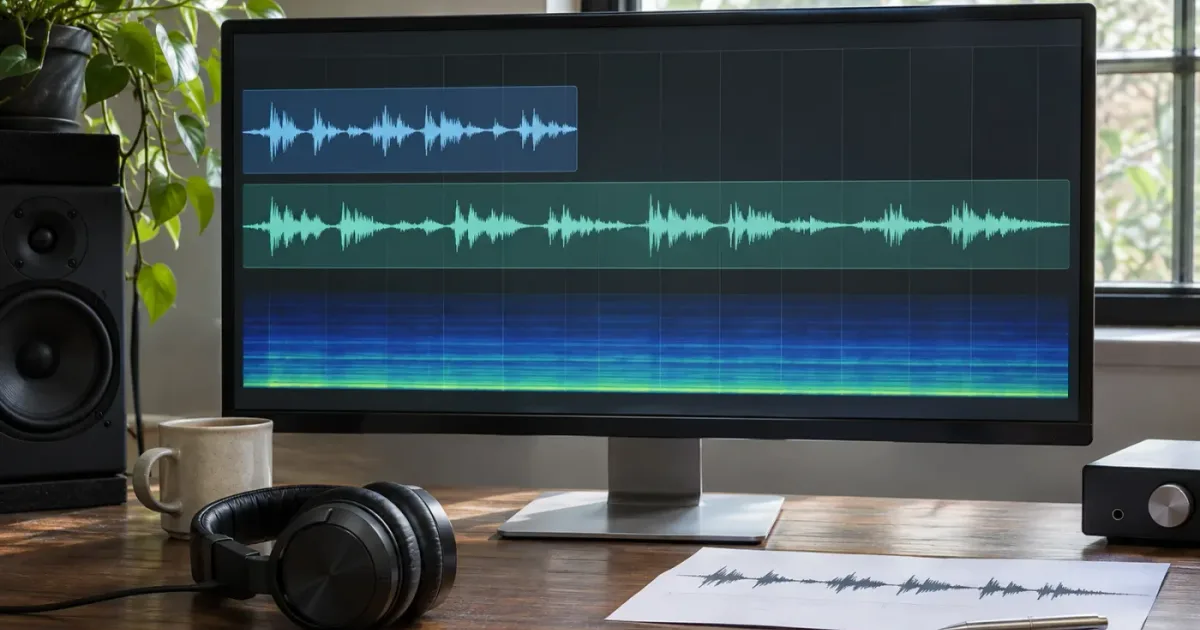
How to Change Clip Speed Without Changing Pitch in DaVinci Resolve
Change clip speed in DaVinci Resolve while keeping dialogue pitch natural. Learn the Pitch Correction setting, retiming options, and fixes for common audio problems.
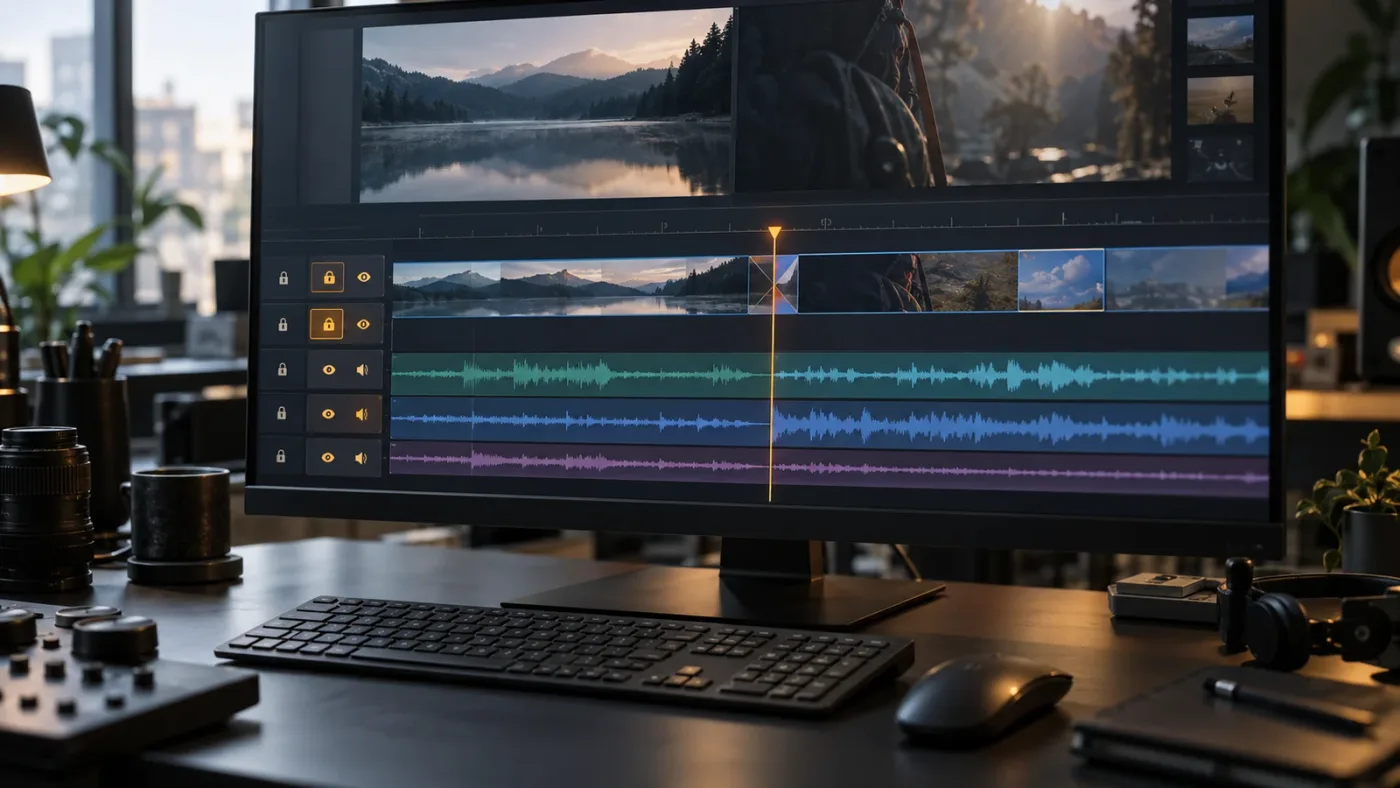
DaVinci Resolve Trim Edit Moves Wrong Tracks? Fix It
Stop DaVinci Resolve trim edits from moving the wrong tracks. Check trim mode, track selection, Sync Lock, linked selection, and ripple settings.
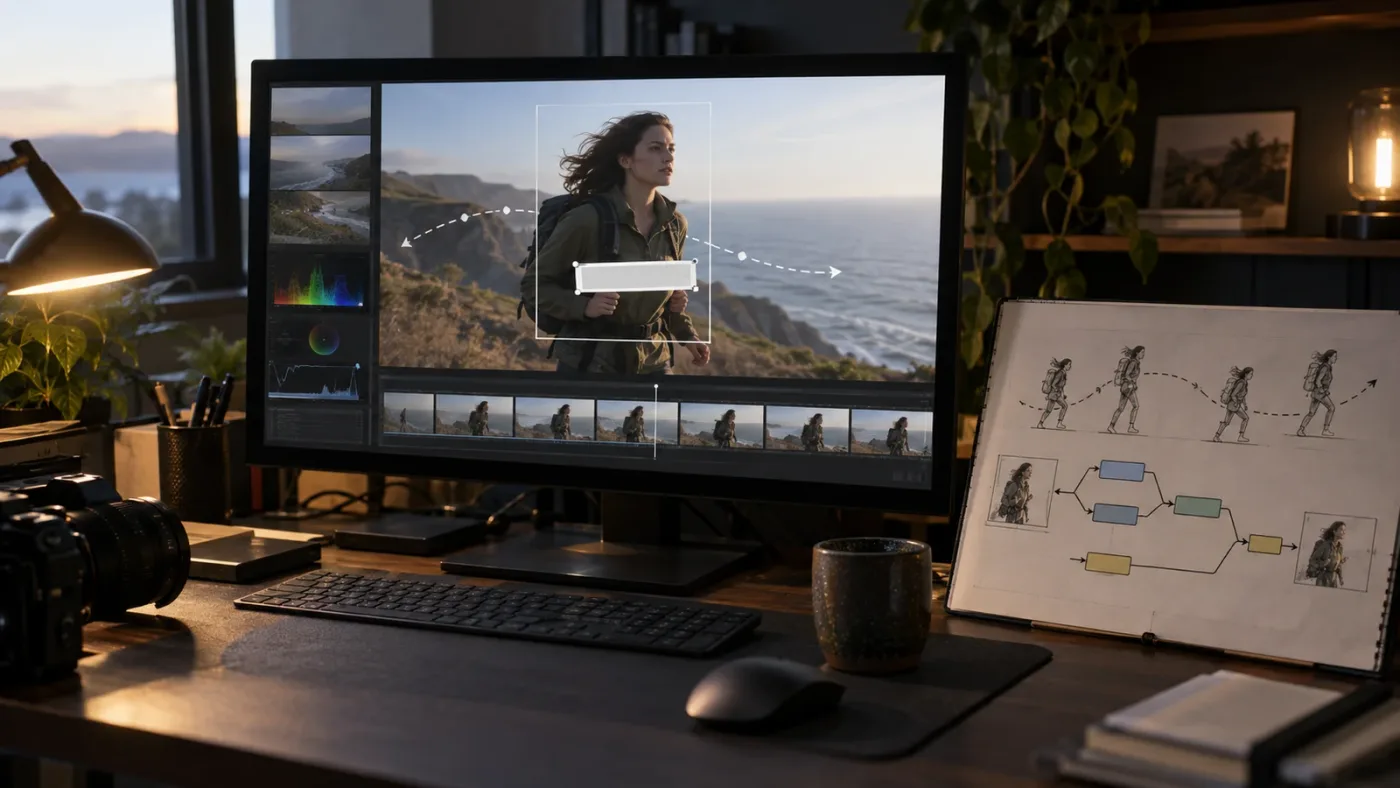
DaVinci Resolve: Track a Title to a Moving Object
Track a DaVinci Resolve title to a moving object in Fusion. Choose a point or planar tracker, attach Text+, and fix drift, occlusion, and perspective.