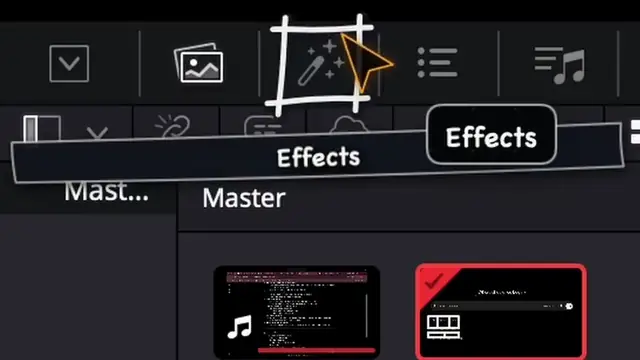
 018 min
Module 1 · Project & media
Set up your studio: first project and import
 Uncle · in DaVinci Resolve
Learn it by doing it. An expert AI tutor watches your screen and shows you every step, until you’ve made the thing.
Programmes
Eight paths. One expert tutor, on call 24/7.Monthly offer ends in--d--h--m--s$50$39/moStart learning
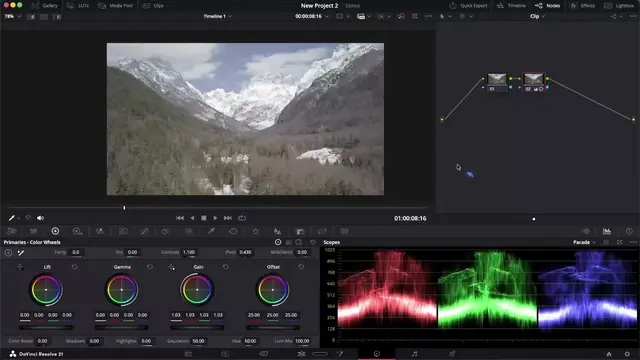
All eight are open and included in one membership. Video editing has 15 hand-built lessons; on the others, Uncle guides you in your own app.
VID 101Open now
From your first import to an exported film, in DaVinci Resolve. Edit, trim, animate a title, grade your weakest shot, balance the sound, ship it.
018 minModule 1 · Project & media
Uncle · in DaVinci Resolve
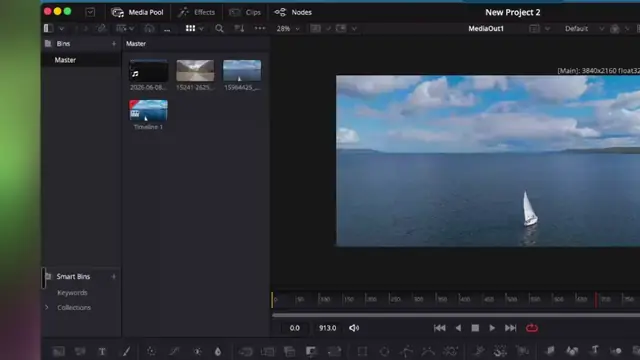 027 min
Module 1 · Project & media
Uncle · in DaVinci Resolve
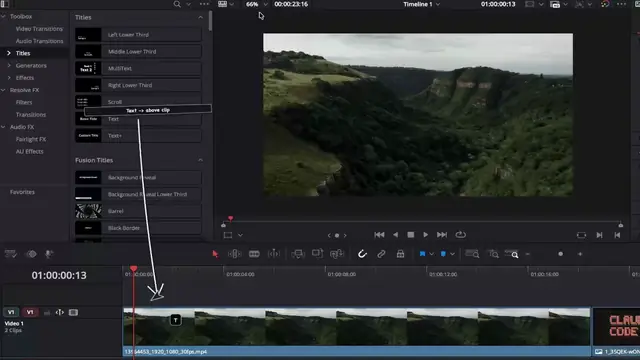 038 min
Module 2 · First edit
Uncle · in DaVinci Resolve
 048 min
Module 2 · First edit
Uncle · in DaVinci Resolve
 058 min
Module 2 · First edit
Uncle · in DaVinci Resolve
 067 min
Module 2 · First edit
Uncle · in DaVinci Resolve
 078 min
Module 3 · Motion
Uncle · in DaVinci Resolve
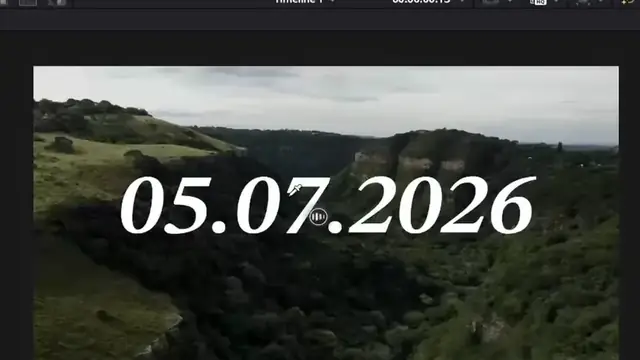 086 min
Module 3 · Motion
Uncle · in DaVinci Resolve
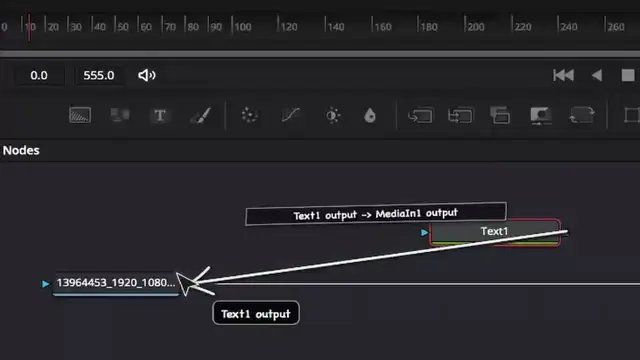 099 min
Module 4 · Fusion intro
Uncle · in DaVinci Resolve
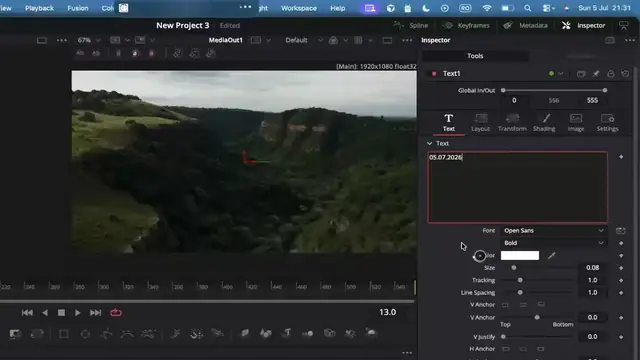 108 min
Module 4 · Fusion intro
Uncle · in DaVinci Resolve
116 minModule 5 · Colour intro
Uncle · in DaVinci Resolve
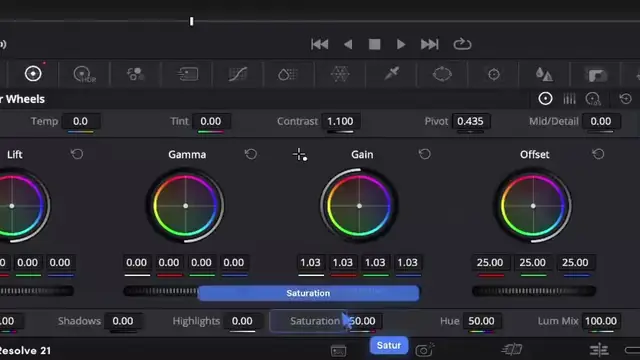 1210 min
Module 5 · Colour intro
Uncle · in DaVinci Resolve
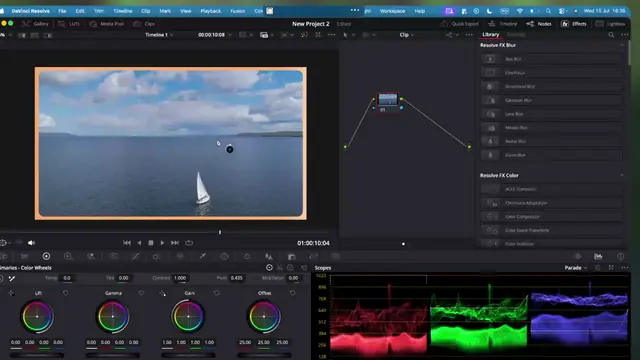 138 min
Module 5 · Colour intro
Uncle · in DaVinci Resolve
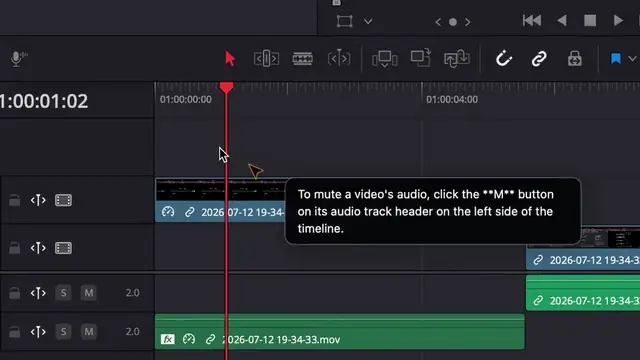 148 min
Module 6 · Sound & ship
Uncle · in DaVinci Resolve
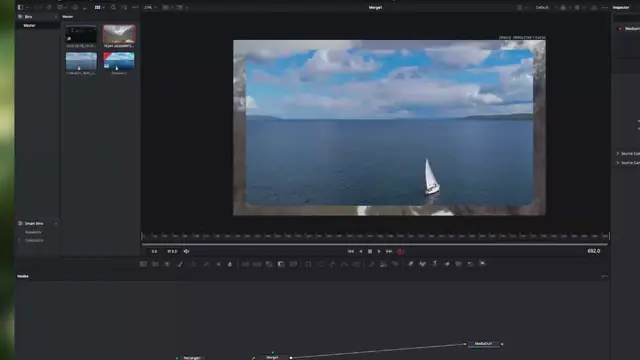 158 min
Module 6 · Sound & ship
Uncle · in DaVinci Resolve
No mock-up here: this is Uncle in a real DaVinci Resolve session. He labels the next control on the screen, and the editor makes the change.
Hold Shift and fnHold Ctrl and Shift, say what you’re stuck on, let go. Or type it.
Uncle sees your screen at that moment, works out where you are, and what comes next.
His dart lands on the exact control. You make the change, so the skill stays in your hands.
You “Teach me video editing.”
Uncle runs a learning path: one project at a time, practice on your own clips, and he remembers where you left off.
Lesson 7 of 15Make your title fly: your first keyframes
You “Can you help me with some color grading here?”
Bring your own project. Ask about whatever is in front of you, and Uncle answers and points at the control.
Uncle Let’s use the Color Wheels to adjust the contrast and saturation. Start by dragging the Contrast slider to the right…
Every programme is a sequence of achievable projects, with feedback on each one. Uncle keeps the record, so you always know what you can do now and what comes next.
VID 101 · Video editing
Up next: Smooth moves: easing the animation
7 of 15 lessons · about 1 h to go

Your instructor, in every programme
Course sites give you a different instructor for every subject, each on their own screen. Uncle is one tutor for all of it, and he works on yours: he sees your screen when you ask, points at the next click, and remembers where you left off. Ask the “stupid” question. He never sighs.
The price is $39 a month. The cost of not starting is another year of “I’ve always wanted to learn that.”
What learning software usually costs
First month$1,280
Typical rates, rounded. Yours may be higher or lower.
Monthly offer ends in
$50$39/mo
Every path, and a tutor on your screen whenever you’re learning.
Install in two minutes. Lesson one takes eight. Cancel anytime.
The Unstuck Guarantee. Unstuck in your first week, or every dollar back. Email mariusmanola@gmail.com: full refund, no forms.
Uncle only looks at your screen when you ask him something, or while he’s guiding you through a step. The rest of the time, he doesn’t see it.
Something else? Email us. A person answers.
All eight paths are open now: Video editing, Photography, AI skills, 3D design, Coding, Writing, CAD and Any software, and every one is included in your membership. Video editing comes with 15 hand-built lessons in DaVinci Resolve. For the other paths there is no pre-built lesson set yet: Uncle guides you in your own app, from what he knows about the software and what is on your screen. Pick one, open your software and tell Uncle what you want to make.
No. There is nothing to sit and watch. You learn inside your own software, on your own project, and Uncle points at the next step on your screen. You do the clicking, so the skill stays in your hands.
If it is publicly available, usually yes. Pick the Any software path, open the app and tell Uncle what you want to make. There is no pre-built course: Uncle works from what AI already knows about the app and what is on your screen, so the better known the app, the better he knows it. Private or in-house company tools aren’t covered. If it doesn’t help, the Unstuck Guarantee covers you.
Because Uncle is software. A human tutor can only sit with one person at a time, so they charge by the hour. Uncle sits with everyone at once, so a whole month costs less than a single tutoring session usually does.
Every programme, both ways of learning (“Teach me” and “Help me with this”), and every new programme as it opens. Cancel anytime.
Then you don’t pay. The Unstuck Guarantee: unstuck in your first week, or every dollar back. Email mariusmanola@gmail.com for a full refund, no forms. Uncle is an AI and it isn’t perfect, and we won’t pretend otherwise. That’s what the guarantee is for.
No. Every programme starts from zero and builds toward a first project you can actually finish. If you already know the basics, skip ahead or bring your own project.
Both. The guided video-editing lessons run in TryUncle for Mac today. On Windows, Uncle helps with your own projects (“Help me with this”) while the guided lessons come across.
Only what is on your screen at the moment you ask him something, or while he is guiding you through a step, so he can see where you are and work out the answer. The rest of the time he doesn’t see your screen, and he never changes anything in your project. The details are in our privacy policy.
Optional cookies for analytics and ads. Details