
Manual Photopea practice
Photopea title card: editable PSD and PNG practice files

Make a small title card, then keep a version you can change later. This practice project uses a 1280 × 720 canvas, a background, a circle and one line of text.
Get the practice files
- Starter SVG: the title reads “Public practice board”. Keep an untouched copy.
- Completed PNG: the finished image with “A SMALL START”.
- Completed editable PSD: the reference has three layers and the title “A SMALL START”.
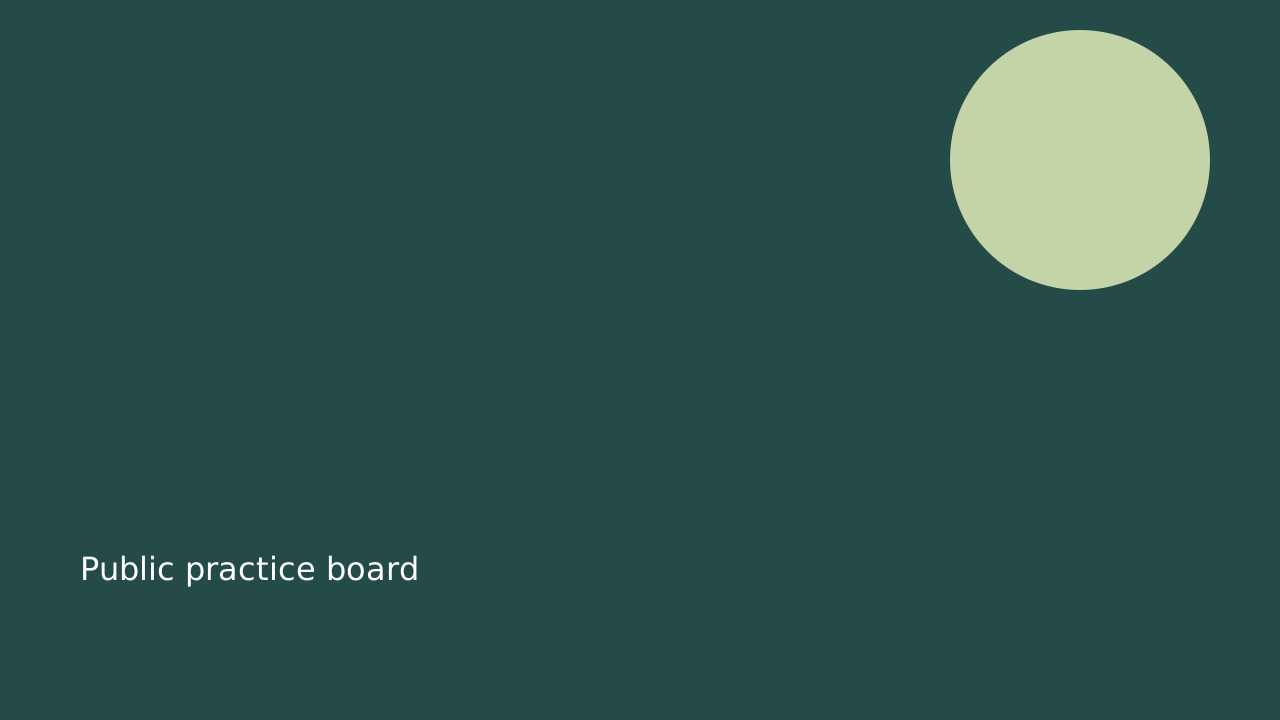
The PSD is the editable reference, and the PNG is the finished image. Start with the SVG if you want to do the text change yourself.
Change the title
- Open Photopea and choose File → Open to load the starter SVG.
- Choose the Type tool, then click the existing words. Select the text and replace it with A SMALL START.
- Confirm the edit with the checkmark in the top bar. Check that there is one title in the lower-left area and that the circle remains visible.
Photopea stores editable text in Type layers, marked with a T. Its text guide explains entering and confirming a text edit.
Keep the editable version
Choose File → Save as PSD. Give this working copy a clear name, such as my-title-card.psd.
Export the image
Choose File → Export as → PNG. In the export window, keep 1280 × 720, name the image, and choose Save. Open the downloaded PNG and inspect the whole card for spelling and cropping.
Photopea documents PSD saving and image export. A PSD keeps document structure; a PNG is a flat image for sharing. Keep both files.
Check your result
The image should show A SMALL START, one circle and the complete background. Reopen your saved PSD and check that the title is still a Type layer you can edit. If the words are only pixels, return to the editable reference rather than trying to recover its layers from the PNG.
This is a manual Photopea practice resource. Photopea and TryUncle are separate products.