
Learn / DaVinci Resolveupdated for DaVinci Resolve 21.1 (September 2026)
Doza Assist vs TryUncle for DaVinci Resolve
Quick answer
For doza assist vs tryuncle for davinci resolve, choose Doza Assist when you want local transcription, story analysis, selects, and a timeline delivered into Resolve. Choose TryUncle when you are already editing and need an on-screen assistant to explain the next control in your own project. They solve different bottlenecks.

I’ve spent enough time around editing software to know that “AI assistant” can mean almost anything. Sometimes it means a tool that finds a story in hours of interviews. Sometimes it means a pointer that helps you locate one buried control. Those are not the same job.
TryUncle is the on-screen assistant for DaVinci Resolve on Mac and Windows - ask in plain words and Uncle points at the exact control on your screen.
This comparison is written for the decision behind the search, not for a feature-count contest. We run a 100,000+ member professional video-editing community, have 7+ years of professional, commercial video editing experience, have taught 100,000+ students on Udemy as an official Udemy Business Partner, and have taught and worked with Fortune 500 companies. That gives us useful context for the difference between a rough cut problem and a stuck-in-the-interface problem, but it doesn’t make either product right for every editor.
As of September 2026, DaVinci Resolve 21.1 is the current release discussed in Blackmagic Design’s announcement. The decision below applies to Resolve 21.1 unless a section names a different version or edition.

What is the short answer to doza assist vs tryuncle for davinci resolve?
Doza Assist is the better fit when your problem starts with footage. It transcribes interviews locally, labels speakers, helps you find story moments, builds selects, and exports a timeline that you can continue editing in DaVinci Resolve.
TryUncle is the better fit when your problem starts with a control. You already have DaVinci Resolve open, you know what you want to do, and you need help locating or understanding the button, slider, node, page, or setting in the project in front of you.
That is the honest verdict. Doza Assist helps you get from recorded conversations to a first assembly. TryUncle helps you get from “I know the result I want” to “I know what to click next.” One is primarily a story and preparation tool. The other is primarily a live learning and navigation tool.
If you are choosing between them because both contain the word assistant, start by naming the bottleneck in one sentence:
- “I have too much interview footage and need to find the story.” Choose Doza Assist.
- “I’m in Resolve and can’t find the control that changes this.” Choose TryUncle.
- “I want software to make the rough cut for me.” Look at editing agents such as CutAgent or rough-cut tools such as Eddie AI, not a live pointer.
- “I need a complete Resolve curriculum.” Start with Blackmagic Design’s official training, a structured course, or a strong long-form instructor.
The products can also be complementary. Doza Assist can prepare a stringout. DaVinci Resolve can become the place where you refine it. TryUncle can help when the refinement gets technical.
Doza Assist finds and assembles story material; TryUncle teaches the next Resolve action on the screen in front of you.
What does Doza Assist actually do for DaVinci Resolve?
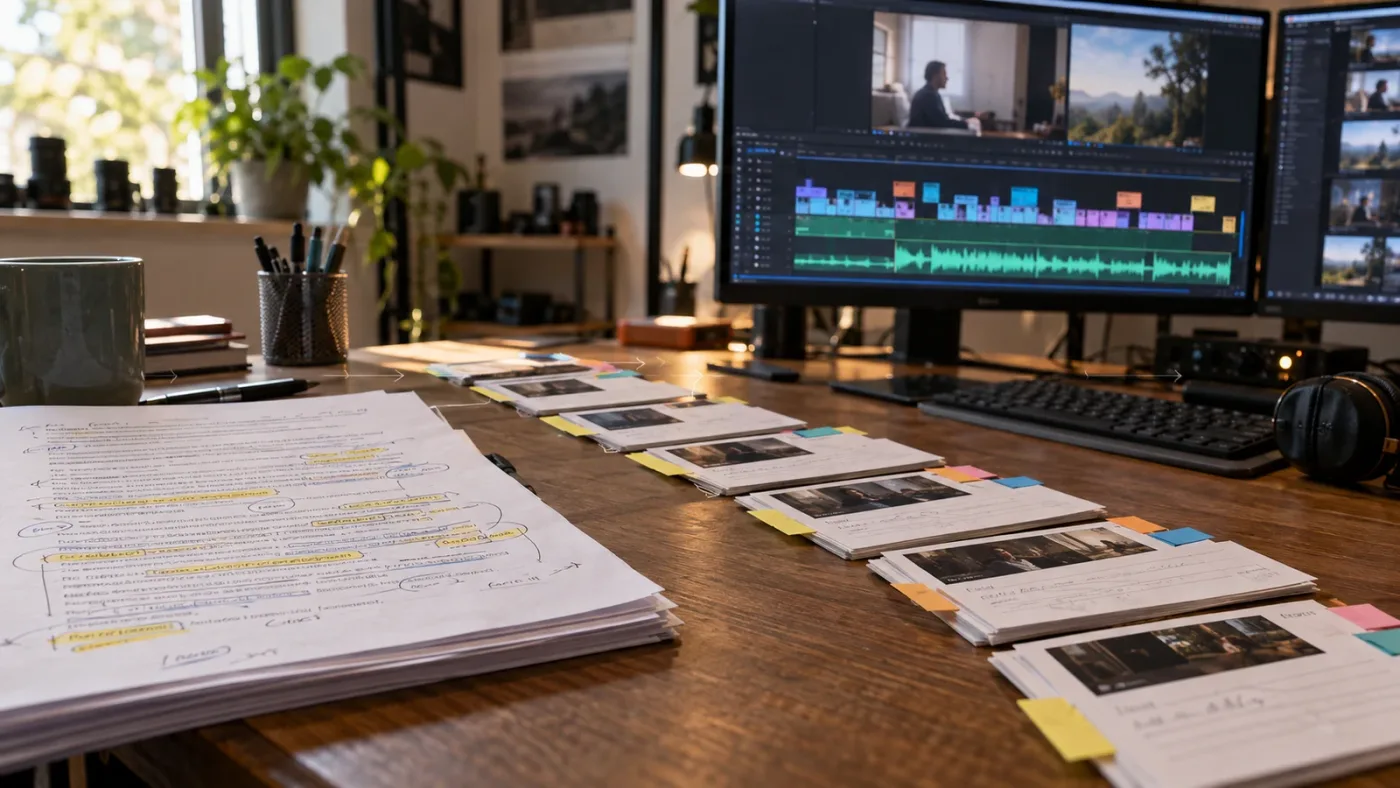
Doza Assist is a local-first story-editing companion for interview-driven work. Its published workflow is transcript first, analysis second, selects and story building next, then export to an NLE such as DaVinci Resolve.
The distinction matters because Doza Assist does not begin by teaching you where the Inspector lives. It begins by helping you answer editorial questions such as these:
- Which part of this interview explains the central problem?
- Which answers are strongest for a short documentary scene?
- Which clips belong in a stringout?
- Can I build a three-minute story from this conversation?
- Which moments should I review before I start cutting?
The Doza Assist User Guide describes two editions. Doza Assist is a one-time purchase listed at $199, while Doza Assist Studio is listed at $299 per year or $29 per month. The guide says the core app works in both editions, with Studio adding hosted Share features. Those prices are product information from the guide, not a promise that a temporary promotion will still be available when you read this.
The same guide says Doza Assist 1.1.1 and Doza Assist Studio 1.1 can import an FCPXML file from Resolve, read the timeline structure, and send an FCPXML timeline back. It also documents Resolve exports from FCPXML versions 1.8 through 1.11. That is useful to an editor who already has organized material and wants a round-trip instead of starting from raw media again.
The DaVinci Resolve workflow published by Doza Assist has five practical stages:
- Bring in camera files or an FCPXML export from Resolve.
- Transcribe the material on the Mac.
- Correct speaker names and transcript errors where needed.
- Search, analyze, rank, and assemble selects.
- Export a timeline for the craft edit in Resolve.
The product page says the app supports on-device transcription in more than 100 languages, speaker identification, word-level trimming, and a selects timeline delivered to Resolve. Since that is a vendor description, treat the feature list as a published capability, not as an independent performance benchmark.
Doza Assist is especially interesting for documentary, journalism, podcast, corporate interview, and event workflows. These jobs often have a large amount of spoken material before they have a clear edit. The first useful question is not “which transition should I use?” It is “which words belong in the film?”
That is also where Doza Assist’s limitation becomes clear. It can deliver the structure of a first pass, but the result still needs editorial judgment. You need to listen, watch, check sync, evaluate performance, decide what the scene means, and finish the cut in the NLE.
What does TryUncle actually do inside DaVinci Resolve?
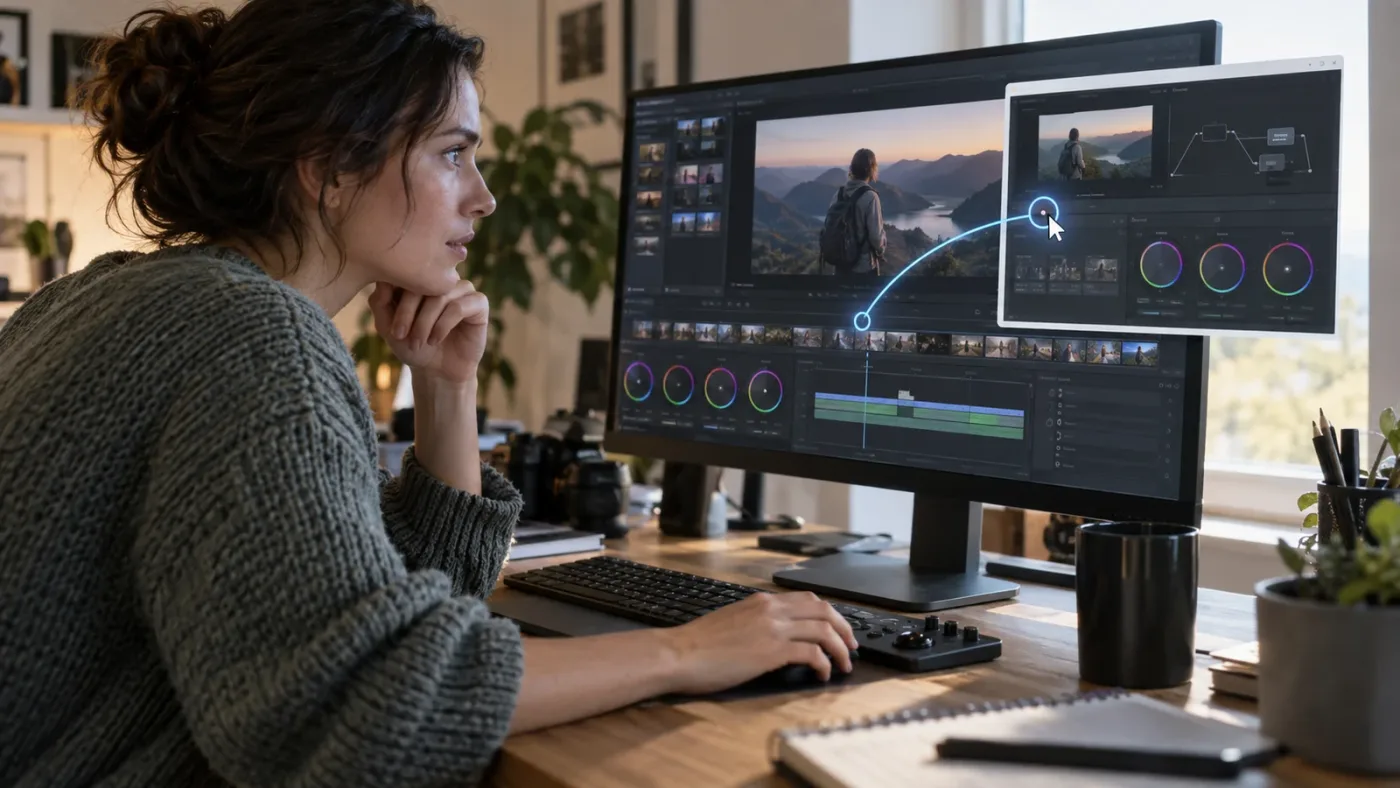
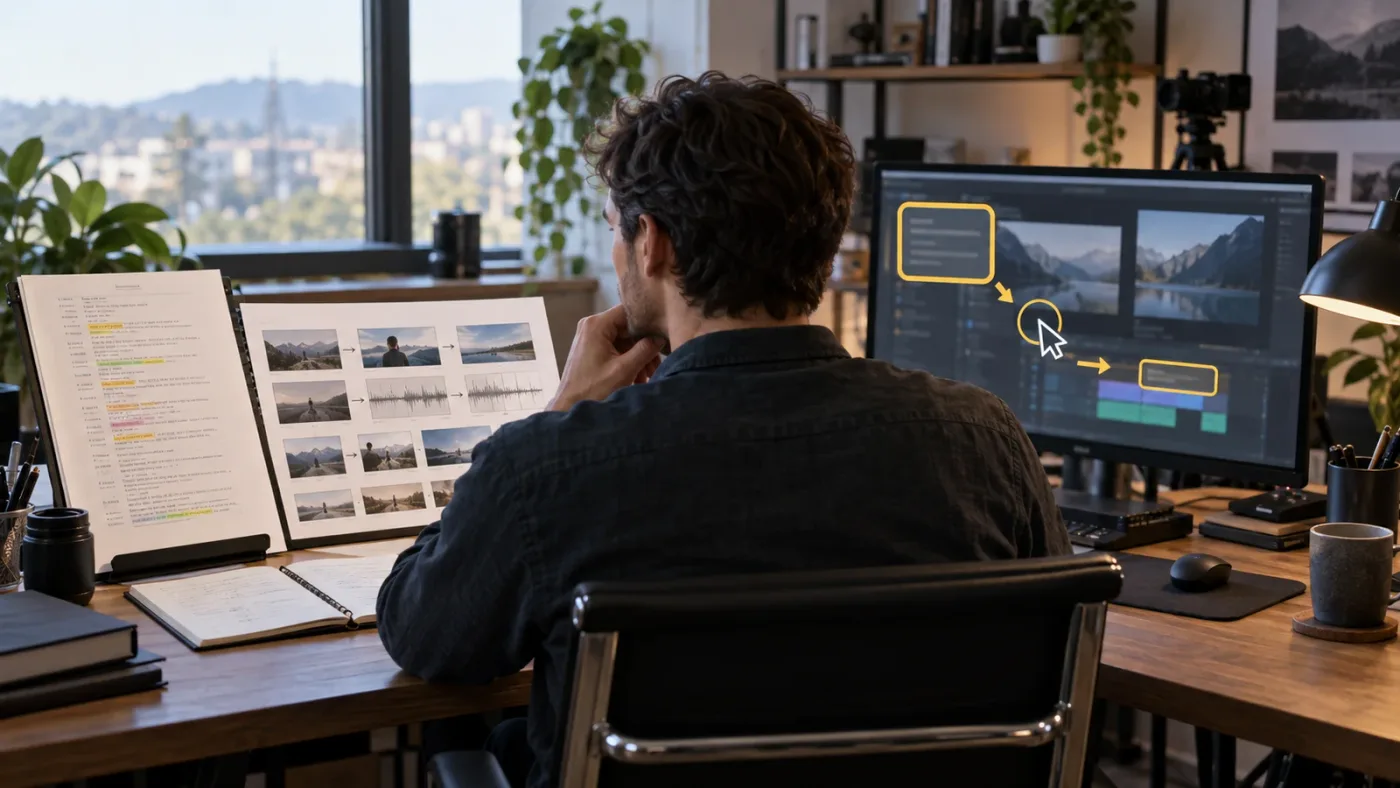
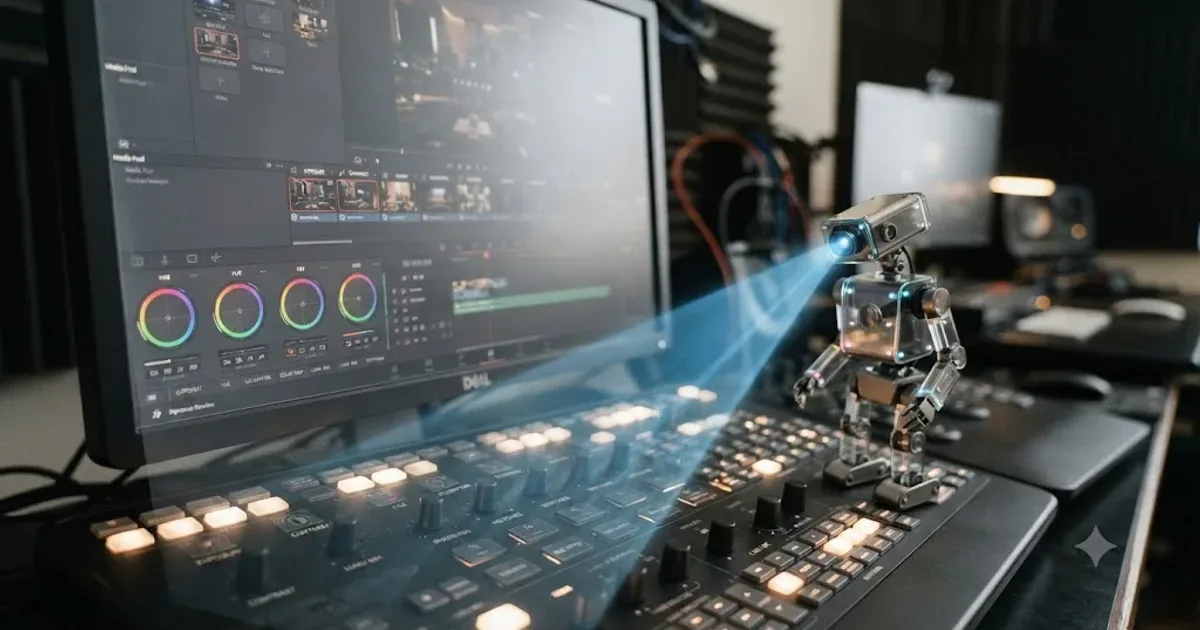
TryUncle is built for the moment after you have a project open and a specific question. Uncle sees the current screen context when you ask, answers in plain language, and points toward the relevant control so you can make the change yourself.
That creates a different learning loop from a transcript editor:
- You reach a real obstacle in your own project.
- You describe the goal or the problem.
- Uncle interprets the Resolve screen in front of you.
- Uncle explains the next action and points at the control.
- You perform the edit, then judge the result.
The official TryUncle FAQ describes three rebindable ways to ask: Shift + Fn for voice, Shift + Option for typed questions, and Shift + Control for a correctness check. It also describes a spoken reply, a hand-drawn box or circle, and a cursor movement toward the control. Those details define the product’s role. Uncle is not an export engine, a transcript logger, or an automatic editor.
Questions that fit TryUncle sound like this:
- “How do I make this title follow the speaker?”
- “Why is my Fusion Merge node showing the wrong layer?”
- “Where do I change the timeline resolution?”
- “Which control turns this clip into a compound clip?”
- “Am I looking at the right node for this correction?”
- “Why does this export look different from the viewer?”
The value is not just the text answer. A menu path can be technically correct and still leave a beginner lost because the panel is collapsed, the wrong page is active, or the user selected a clip instead of a timeline. A screen-aware answer can account for more of the visible state.
The boundary is equally important. TryUncle does not make the creative decision for you. It does not decide whether your cut is emotionally clear, whether the grade fits the story, or whether a transition belongs in the sequence. It points and explains. You remain the editor.
The product also has a cost and privacy boundary. TryUncle is paid, not free, and the current founder price is $29.99 per month. Its published FAQ explains that screen-aware questions require the service to inspect the question context and that the app does not upload the user’s media files or project files. Because a screen can still contain sensitive client information, you should review the current policy and your contract before using any screen-aware service on confidential work.
If you want the technical capture-and-answer details, read How Does TryUncle Work? Inside the Screen-to-Answer Loop. That page covers what Uncle reads, why a screen pointer is different from a generic chat response, and how the answer returns to the editor.

What is the real difference between story editing and live Resolve guidance?
The real difference is where the work begins. Doza Assist begins with media and language. TryUncle begins with an open interface and a question about the next action.
Here is the same interview project seen through both products.
You record a 90-minute conversation with a client. Doza Assist can help transcribe the recording, identify speakers, search the words, pull strong answers, and arrange a first set of selects. That reduces the distance between raw interview material and a sequence you can evaluate.
You then open the resulting timeline in Resolve. You want the lower third to appear only after the speaker says a particular phrase. You cannot remember whether to use a Text+ title, a Fusion Composition, a keyframed opacity change, or an adjustment clip. That is not a story-discovery problem. It is a Resolve workflow problem. TryUncle fits that moment better.
The same distinction appears in color. Doza Assist can help you find what the interview says about the product. It is not the tool you choose because you cannot find the Gamma wheel, a qualifier, a node connection, or a tracker. TryUncle can help you locate those controls, but it is not the tool you choose because you want a two-hour interview reduced to six minutes of story.
The word “assistant” hides three separate jobs:
- A story assistant reduces search and selection work in recorded material.
- An editing agent carries out operations in a timeline.
- A learning assistant explains the interface and helps you perform the operation.
Doza Assist belongs mainly to the first job. CutAgent belongs mainly to the second. TryUncle belongs mainly to the third. Eddie AI overlaps the first and second by producing rough cuts and round-tripping them to an NLE. Sottocut overlaps the second by proposing and verifying changes within Resolve.
That taxonomy keeps the comparison fair. A product can be excellent and still be the wrong answer to your bottleneck.
A rough-cut assistant and an on-screen tutor are adjacent tools, not interchangeable tools.
Doza Assist vs TryUncle: which tool wins on each job?
Doza Assist wins when the work is finding a story in recorded speech. TryUncle wins when the work is understanding and operating DaVinci Resolve in the project you are already editing.
| Decision point | Doza Assist | TryUncle | Better fit |
|---|---|---|---|
| Main starting point | Interview files, transcripts, or an FCPXML timeline | An open Resolve project and a question about the current screen | Depends on the bottleneck |
| First-pass story work | Transcription, speaker labels, analysis, selects, and story building | Not its core job | Doza Assist |
| Finding a buried Resolve control | Exports to Resolve but does not teach the interface live | Explains and points toward the relevant control | TryUncle |
| Making the first rough cut | Builds selects and exports a timeline | Keeps the human in the edit and does not auto-edit | Doza Assist |
| Learning the Edit, Color, or Fusion workflow | Helps indirectly after material arrives in Resolve | Answers questions against the visible Resolve context | TryUncle |
| Offline work | Published as local-first and offline on an Apple Silicon Mac | Online service required for screen-aware answers | Doza Assist |
| Resolve Free support | The published DaVinci Resolve page describes a manual timeline import route | Product scope covers guidance for Mac and Windows in this comparison | Depends on task and platform |
| Resolve Studio scripting | The guide describes automatic import with External Scripting enabled | Does not need to write to the timeline to point at a control | Different jobs |
| Cost shape | $199 one time for Doza Assist, with optional update pricing after the included year; Studio is a separate subscription | $29.99 per month founder pricing supplied for this publication | Depends on usage |
| Privacy question | Local processing is the central published promise, with optional cloud AI keys described separately | Screen context is used to answer a question, so review the current policy | Doza Assist for offline-first workflows |
| Best user | Documentary or interview editor preparing a first pass | Editor or learner stuck in Resolve while making the edit | Depends on user |
The “better fit” column is deliberately not a universal winner column. A monthly subscription is not automatically worse than a one-time purchase. A local workflow is not automatically better if you need help with a visible interface. A rough-cut engine is not automatically better because it changes the timeline.
Cost deserves a closer look. Doza Assist’s one-time price can be easier to justify for someone who runs interview-heavy jobs throughout the year and values local processing. TryUncle’s monthly price can be easier to justify for someone who needs help across many different Resolve tasks and does not want a fixed course syllabus. The value is recurring access to a different kind of help, not ownership of a static tool.
The wrong way to compare them is to ask which one has more AI. The useful question is which one removes the delay that actually stops your work.
Why is Doza Assist better for interview-first editing?
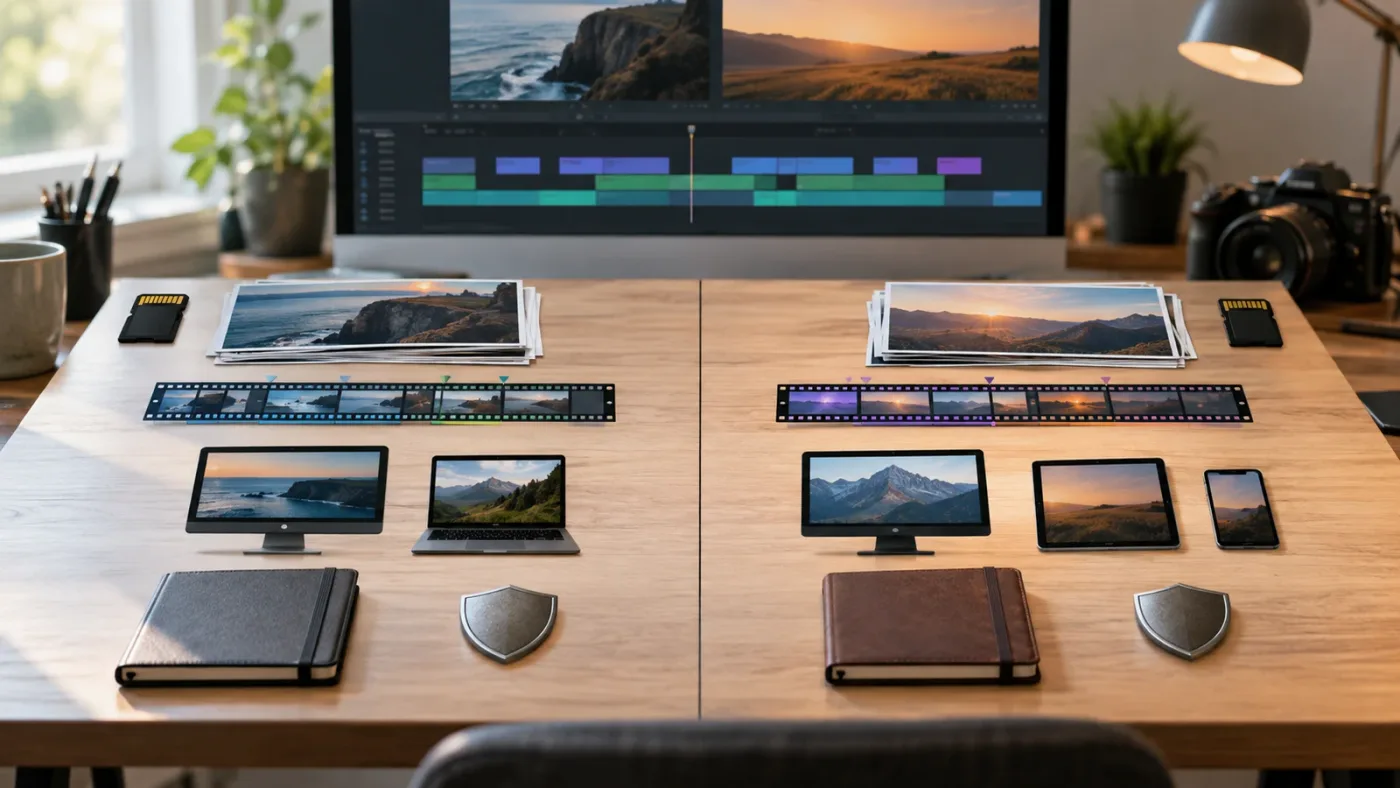
Doza Assist is better for interview-first editing because it turns spoken material into searchable, reviewable editorial building blocks before you spend time polishing the timeline.
That matters in a project where the hard part is not the button work. The hard part is deciding what the film is about. A two-camera interview, a podcast episode, a corporate case study, or a documentary conversation may contain many possible stories. A transcript lets you search the words. Speaker labels keep the voices distinct. Selects and story beats give you something concrete to evaluate.
The Doza Assist page for DaVinci Resolve publishes a workflow built around local transcription, speaker identification, word-level trimming, story analysis, and a timeline delivered to Resolve. It says media stays in place and the app does not require a Resolve Studio license for the core workflow. The same page distinguishes the Studio and Free routes for getting the resulting timeline into Resolve.
That makes Doza Assist a strong choice in four situations.
Do you have more dialogue than decisions?
If the material is mostly speech, search and selection can be the first meaningful cut. You can find every place a subject discusses a topic, pull the strongest answer, and review a sequence made from those moments before refining the rhythm with picture and sound.
The tool does not remove the need to watch the footage. It changes what you watch first. Instead of scrubbing every minute in order, you can begin with a set of candidates and test whether the words work in context.
Do you want to preserve a local-first pipeline?
The published guide says Doza Assist’s bundled transcription engine runs on the Mac and that the app can be used without uploading the media. It also documents optional use of a user’s own Anthropic or OpenAI API key for cloud analysis. That gives the user a choice, but it also means you should distinguish local transcription from optional cloud-assisted writing or analysis.
For a confidential job, “local-first” is not the same as “approved for every client.” Check the contract, the data classification, the app settings, and the exact task. A transcript can contain sensitive information even when the video file stays local.
Do you already work in Resolve and want a handoff, not a replacement?
Doza Assist is not asking you to abandon your NLE. Its FCPXML workflow is designed to bring structure into the editor where you will finish the work. The guide describes output modes such as a pre-cut timeline, cuts with markers, or markers only. That lets you choose whether the assistant should give you a fuller first pass or a set of editorial signposts.
The handoff is still an interchange boundary. Media paths, frame rates, multicam structures, audio tracks, and the exact XML dialect matter. Doza Assist’s guide says Resolve Free users may need to import the timeline manually, while Resolve Studio users can use External Scripting for automatic import. Treat the imported timeline as something to inspect, not a sealed guarantee that every project detail will match your intention.
Do you want a tool that works before the craft edit?
Doza Assist can be useful before the project has a polished visual language. It helps answer whether the material contains a usable story. It is less about whether the third lower-third keyframe is easing correctly and more about which answer belongs in the sequence at all.
That is a valuable separation of labor. Use the transcript and selects to shape the editorial question. Use Resolve to make the visual, audio, and timing decisions. Use a screen-aware assistant only when the application itself becomes the obstacle.
How do I choose if I want to learn DaVinci Resolve fast?
The fastest way to learn DaVinci Resolve is to combine a structured foundation with immediate practice on a real project, then use targeted help at the exact point where your screen stops matching the lesson.
There is no honest shortcut that turns a complex NLE into a three-button app. DaVinci Resolve 21 includes editing, color correction, Fairlight audio, Fusion visual effects, and the Photo page. Blackmagic Design’s official training portal offers training books, lesson files, exercises, videos, and certification materials. That is the right place to build a map of the application.
Blackmagic Design’s own guidance is confident about the learning curve. In the DaVinci Resolve 21 New Features Guide, Grant Petty, CEO of Blackmagic Design, writes:
“DaVinci Resolve is easy to learn, especially if you’re switching from another editor, and has all of the tools you need to create breathtaking, high end work!”
Grant Petty, CEO of Blackmagic Design (source: DaVinci Resolve 21 New Features Guide)
Blackmagic’s own current training catalog still centers several Resolve 20 guides even while Resolve 21.1 is the current release. That version gap does not make the training useless. It does mean you should expect to verify labels and new features against the current manual. The DaVinci Resolve 21 New Features Guide is the useful companion when a lesson and your installation disagree.
Casey Faris’s long beginner course is another reasonable starting point for editors who learn well from a guided video. The published course moves across the Resolve pages in a continuous lesson. YouTube is free and good at giving you a visual tour, but a video still shows another person’s project. You must translate the action to your own timeline.
Reddit’s Resolve community advice often points beginners toward Blackmagic’s official training, the wiki, and clear questions that include the Resolve version, Free or Studio edition, operating system, and footage details. That advice is practical because troubleshooting depends on state. “It doesn’t work” is not enough context. “Resolve 21.1 Free on Windows, H.265 footage, and the Color page shows a black viewer” is a question someone can investigate.
Udemy and Coursera can be useful when you want a syllabus, instructor voice, quizzes, projects, or a completion record. They are not substitutes for the current Resolve manual, and they are not substitutes for practice. A course can teach you what a node is. Your own project teaches you why the node tree you built behaves differently from the example.
The practical learning loop looks like this:
- Learn one concept from a structured source.
- Recreate it in a small project.
- Change one variable on purpose.
- Notice what breaks and why.
- Ask a narrow question about the visible problem.
- Make the change yourself.
- Repeat the task without the guide.
That is where TryUncle can fit. It is not the foundation. It is a bridge between the course and the project. If you want a wider category comparison, read The Best AI Tools to Learn DaVinci Resolve in 2026.
The best way to learn Resolve is structured instruction followed by deliberate work in your own project.
Why is TryUncle better when a tutorial does not match my screen?
TryUncle is better when a tutorial does not match your screen because the question is no longer “what does this feature do?” It is “where is the control in the state I am looking at right now?”
The mismatch can come from several places:
- The tutorial uses a different Resolve version.
- The instructor is on macOS while you are on Windows, or the reverse.
- The page layout has changed.
- A panel is hidden or collapsed.
- The lesson assumes a selected clip, node, track, or timeline that you do not have selected.
- The instructor is describing a Studio-only feature while you use the Free edition.
- Your timeline resolution, color management, or media format changes the available controls.
A search result can give you the right menu name and still leave you hunting. A generic chat response can describe the correct concept while missing the object selected in your timeline. TryUncle’s value is narrower and more concrete: it can use the visible context to help you identify what is on screen and then direct your attention to the relevant control.
Consider a Fusion question. You have a MediaIn node and a Text node. The Merge node is connected, but the title appears behind the footage. A course can teach that the Merge node has a foreground input and a background input. A forum answer can tell you to swap the inputs. TryUncle can help you locate the node and the input on the graph you are looking at, then you make the connection and evaluate the result.
Now consider a Color page question. You want to correct exposure before adding a look. The right answer depends on the clip, the node tree, the scopes, and what you are trying to preserve. TryUncle can point toward a control and explain a possible sequence, but you still need to judge the image. A pointer is not a colorist. It is navigation help.
The same is true on the Edit page. If you ask how to ripple trim a clip without changing the following relationship, the important lesson includes the consequence of the edit. Uncle can help you locate the trim mode or control, but you should still inspect the timeline after the change.
Use a screen-aware assistant with a healthy habit: ask for the control, ask for the consequence, perform the action, then verify. Do not treat confidence as proof. The current TryUncle FAQ acknowledges that the assistant can be wrong and that the user remains responsible for the edit.
If a concrete stuck point is blocking your next step, Uncle can point at the exact button in the Resolve project you are working on.
What happens if I use DaVinci Resolve 21.1 or the Free edition?
DaVinci Resolve 21.1 changes the comparison mainly through version awareness and built-in capability, not by making Doza Assist and TryUncle the same type of product.
Blackmagic Design announced DaVinci Resolve 21.1 on September 8, 2026. The release adds AI assistant integration for tasks such as organizing media and batch rendering, expanded camera support for the Photo page, more than 25 Krokodove tools, and more than 100 new tools and controls according to the company’s release. Those additions matter because a tutorial, a chat answer, or an automation agent can fall behind a moving interface.
Resolve 21 itself introduced the Photo page and other changes. The official new-features guide identifies the product as a complete application for editing, color, Fairlight, Fusion, and still-image work. The right learning tool should therefore be judged by how it handles change:
- Blackmagic’s manuals and training provide the authoritative vocabulary and release documentation.
- Doza Assist’s core job is media analysis and timeline exchange, so its important compatibility questions concern transcription, FCPXML, media paths, frame rates, and import behavior.
- TryUncle’s core job is screen-aware explanation, so its important compatibility question is whether it can recognize the current visible Resolve state on the supported platforms.
The Free and Studio editions also change the decision.
The Doza Assist Resolve page says the app can deliver a timeline to the Free edition through a manual import route, while Resolve Studio can use External Scripting when enabled. That makes Doza Assist useful to a Free user who wants local transcription and story work without buying Studio solely for the assistant workflow.
The Blackmagic training materials are also designed to teach with the free version for many lessons. A beginner should not buy an assistant simply because the Resolve interface feels large. Start with the free training and a small project. Add a specialized tool when you can name the friction it removes.
TryUncle does not replace the difference between Free and Studio. It can explain a visible interface, but it cannot make a Studio-only feature available in the Free edition. When you ask about a feature that is edition-limited, include “Resolve Free” or “Resolve Studio” in the question and verify the answer against Blackmagic’s documentation.
The platform question should be just as explicit. Doza Assist’s published requirement is a Mac with Apple Silicon. TryUncle’s current product scope for this page covers Mac and Windows. DaVinci Resolve itself supports Mac, Windows, and Linux, but an assistant’s own requirements can be narrower than the NLE’s requirements. Always check the assistant’s current product page before purchase.
How do Sottocut, CutAgent, Eddie AI, and PremiereCopilot fit?
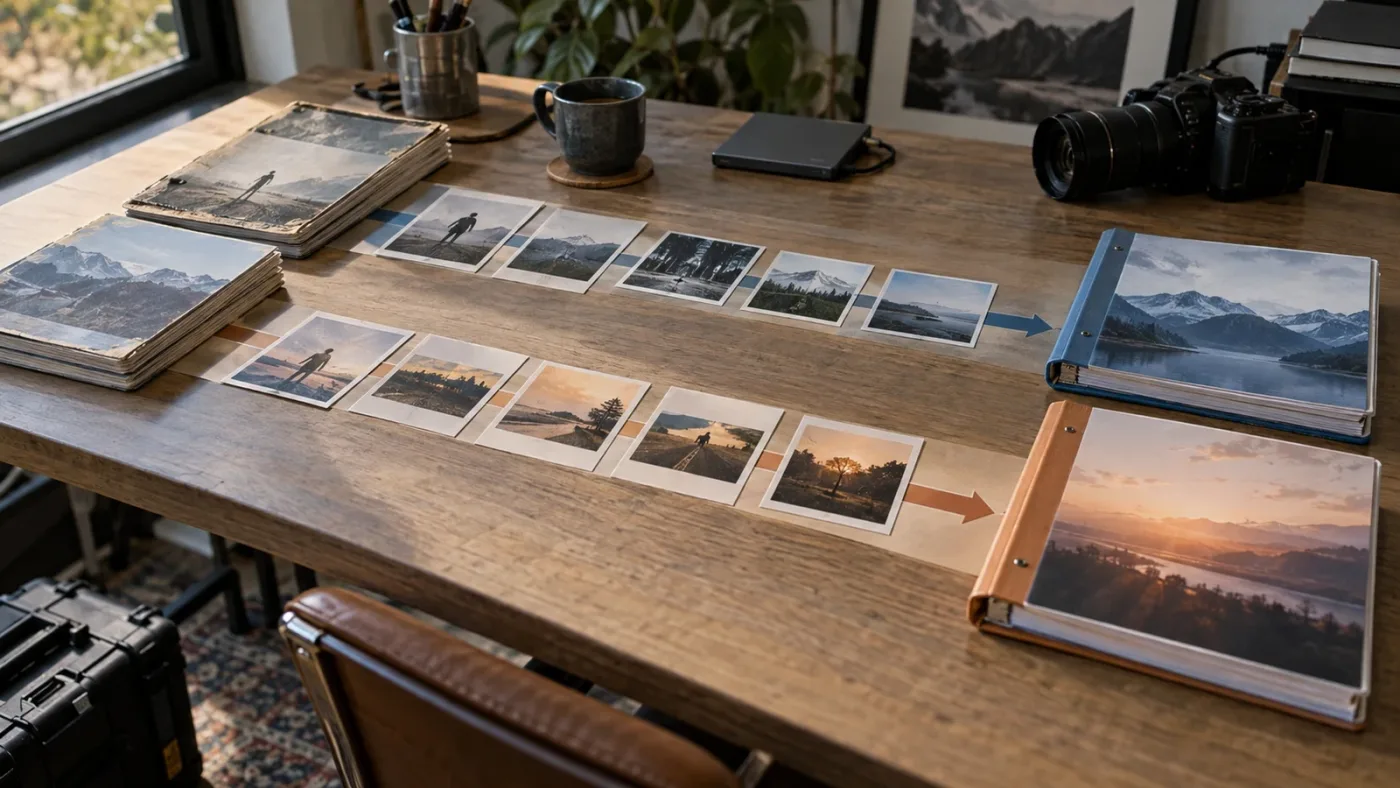
Sottocut, CutAgent, Eddie AI, and PremiereCopilot are useful alternatives to name, but they do not all compete with Doza Assist or TryUncle on the same axis. The important question is whether the tool edits, prepares an edit, or teaches you how to make the edit.
Where does Sottocut fit?
Sottocut is a local-first assistant editor that operates inside an open DaVinci Resolve project. Its official site says it scores footage, proposes a cut, asks for approval before writing, and verifies changes by reading the result back from the timeline. It publishes requirements of an Apple Silicon Mac, macOS 14 or later, and DaVinci Resolve Studio 21.
That places Sottocut closer to an editing agent than to a learning assistant. It can help with story mode, captions, audio sync, deliverables, and other timeline operations according to its published feature description. It is a better question when you want software to carry out a controlled operation in Resolve and show you what changed.
It is not a substitute for TryUncle if your goal is to understand the control and make the change yourself. It is not a substitute for Doza Assist if you want the specific local interview-transcription workflow and FCPXML handoff documented by Doza Assist. There is overlap, but the center of gravity differs.
Where does CutAgent fit?
CutAgent is an AI video-editing agent for DaVinci Resolve. Its site says it works with Resolve 21 or later, supports Free and Studio, and is available on macOS and Windows. It describes natural-language operations that can organize media, sync cameras and microphones, set an aspect ratio, add titles, color grade, and work across Fusion or Fairlight.
That is execution. You describe a goal and the product coordinates Resolve operations. The site also describes a free plan, a Creator plan listed at $15 per month, a Pro plan listed at $49 per month, and a Studio plan listed at $165 per month. Those are published prices that can change, so check the current page before treating them as a buying quote.
CutAgent is the more relevant alternative when the sentence in your head is “make these changes in my timeline.” TryUncle is the more relevant choice when the sentence is “show me how to make these changes.” Doza Assist is the more relevant choice when the sentence is “find the useful moments in this interview and prepare a first pass.”
Where does Eddie AI fit?
Eddie AI focuses on rough-cut and assistant-editor work. Its official site says it can take raw footage toward a structured rough cut, add captions and titles, organize B-roll, add music, and round-trip work to Premiere, Resolve, and Final Cut Pro. Its support documentation describes the sequence or timeline being recreated in the NLE for the editor to finish.
That makes Eddie AI a closer alternative to Doza Assist than to TryUncle when the project starts with raw interview footage. The products still differ in method and workflow, so do not assume their rough cuts will be interchangeable. Compare the supported media, import path, transcript handling, and the amount of editorial control you want before committing a real client project.
Eddie AI also advertises pay-as-you-go credits and a free starting allowance on its current site. That cost model is different from Doza Assist’s published one-time license and different again from TryUncle’s monthly founder pricing. A credit model can make a single project easier to sample, but the right choice depends on how often you work with footage and whether you need ongoing screen help after the rough cut.
Where does PremiereCopilot fit?
PremiereCopilot is the outlier in this group. Its official product page describes a text-to-edit assistant native to Adobe Premiere Pro, with real timeline edits, captions, transitions, markers, sequences, and exports. It supports Premiere Pro 2022 and later on macOS and Windows according to the same page.
It belongs in the comparison because editors often search for “AI tool to learn DaVinci Resolve” after seeing AI editing demos in another NLE. PremiereCopilot is not a DaVinci Resolve tutor. It is a Premiere workflow tool. If you are committed to Resolve, evaluate it as evidence of a different product category, not as a direct answer.
The wider category therefore looks like this:
| Tool category | Example | What the tool mainly does | What it does not replace |
|---|---|---|---|
| Local story assistant | Doza Assist | Transcribes, analyzes, selects, and returns a timeline | Your editorial judgment and finishing pass |
| Screen-aware learning assistant | TryUncle | Explains and points at the control in your current Resolve context | A full curriculum or automatic editing |
| Resolve editing agent | Sottocut or CutAgent | Plans, executes, and verifies supported timeline actions | Your taste and project supervision |
| Rough-cut assistant | Eddie AI | Moves from raw footage toward a structured rough cut | Your final story, picture, sound, and delivery decisions |
| Premiere-native text editor | PremiereCopilot | Performs natural-language operations in Premiere Pro | DaVinci Resolve-specific learning |

What are the privacy, cost, and workflow trade-offs?
Doza Assist has the clearest local-first story for interview media, while TryUncle trades a recurring fee and screen-context service for help across many live Resolve questions. Neither privacy model should be reduced to a slogan.
How does local processing change the decision?
Doza Assist’s published guide says the bundled transcription runs on the Mac and that media stays where it is. Its guide also documents optional cloud AI providers for some analysis. The right interpretation is not “everything is always local.” The right interpretation is that the workflow gives you a local path for the core transcript and an optional cloud path for selected AI operations.
TryUncle’s published FAQ says your video files and project files are not uploaded, but screen context and the question are used to produce an answer. A screen can include a client name, file path, visible notes, timeline content, or a confidential email. That is why “the media file never leaves the computer” is not the same as “there is no sensitive information in the request.”
Before either product touches a client project, ask four questions:
- What exact data does the task need?
- Where does that data go while the answer is being produced?
- Does the client contract allow that workflow?
- Can I use a sanitized test project before the real job?
Those questions are more useful than a generic claim that one product is private and the other is not.
What does the price mean over a year?
The published Doza Assist guide lists $199 once for the core app, with one year of updates included and optional update pricing after that. It lists Doza Assist Studio at $299 per year or $29 per month. TryUncle’s current founder pricing for this publication is $29.99 per month.
At the listed figures, the first-year arithmetic is straightforward:
- Doza Assist core: $199 once, before any optional later update purchase.
- Doza Assist Studio: $29 per month or $299 per year, depending on the selected billing option.
- TryUncle: $29.99 per month, or $359.88 over 12 months if the monthly price stays unchanged.
That arithmetic is not an ROI claim. It says nothing about how much time you save, whether you finish more projects, or whether you would have bought the tool in the first place. It only clarifies the commitment shape.
Choose the one-time model when you need a defined local workflow and expect to keep using the same core capability. Choose the monthly model when the value is ongoing access to help across changing Resolve projects and you can cancel when the need disappears.
Does a free tool always win?
No. Free training can be the right choice for a beginner, but it does not remove the cost of attention. Blackmagic’s official resources are a strong free foundation. YouTube, including Casey Faris’s beginner course, can give you a guided visual path. Reddit can help you debug a specific issue when you provide useful context.
A paid assistant earns a place only when it solves a recurring problem that free resources leave unresolved. If you rarely open Resolve, Doza Assist and TryUncle may both be unnecessary. If you edit interviews every week, Doza Assist may save a type of search work that a course cannot do. If you regularly get stuck in Color, Fusion, or delivery settings, TryUncle may save a different type of context switch.
We build TryUncle, so the honest recommendation has to include the easy no. Do not pay for TryUncle if long tutorials already work for you, if you want the software to edit instead of teach, or if your work cannot include a screen-aware service. Do not pay for Doza Assist if your real problem is finding a control in the interface and you have almost no interview or transcript work.
A free foundation remains the right first choice when the problem is missing fundamentals, not missing software.
How should I test the decision before paying?
Test the bottleneck with a small, non-confidential project and one concrete task. A good trial produces evidence about the workflow you need, not a vague feeling that the product looks impressive.
Test Doza Assist with an interview problem
Use a short interview or a practice file you are allowed to process. Bring it into Doza Assist, check the transcript, correct at least one speaker or wording issue if needed, search for a topic, and make a small set of selects. Export the timeline to Resolve and inspect the result.
Look for these questions:
- Did the transcript make the material easier to search?
- Did the speaker labels and time ranges remain understandable?
- Did the selected clips arrive where you expected?
- Do the media paths and audio tracks behave correctly?
- Would you use the workflow again on the next interview?
Do not judge Doza Assist by asking it to solve a Color page problem. That is outside the job the product is designed to do.
Test TryUncle with a real Resolve obstacle
Open a practice project in Resolve 21.1 and choose a small problem you genuinely cannot locate. Good examples include a title control, a node connection, a trim mode, an export option, or a page-specific setting. Ask a narrow question that names the outcome, the active page, and the edition of Resolve.
Then check:
- Did Uncle identify the right object on screen?
- Did the explanation name the consequence of the change?
- Could you perform the action without handing over control of the edit?
- Can you repeat the task after the first answer?
- Did the experience reduce the search loop enough to justify a subscription?
Try a second question from a different page. If the first answer is vague, narrow the prompt. If the pointer is wrong, correct the context and verify the result. A product trial is not proof that every future answer will be right. It is evidence about whether this style of help fits how you work.
Test the free foundation first
Before buying either product, complete a small task from Blackmagic Design’s official training or a current course. Then attempt the same concept on your own media. If you can complete it with only occasional navigation help, the free foundation may be enough. If you understand the concept but repeatedly lose time finding the control, a screen-aware assistant becomes more relevant.
This test also prevents a common mistake. Beginners sometimes buy an assistant because Resolve feels overwhelming, then discover they needed a curriculum. Doza Assist and TryUncle are not substitutes for learning the basic ideas of bins, timelines, clips, tracks, nodes, scopes, keyframes, and delivery settings.
Which should you choose: Doza Assist or TryUncle?
Choose Doza Assist if your main problem is turning interviews into a searchable set of story options and a first timeline. Choose TryUncle if your main problem is being inside DaVinci Resolve and not knowing what to click, where to look, or how the visible control affects your project.
Choose neither yet if you still need a complete foundation. Start with Blackmagic Design’s free official training, a current beginner course, or a guided video such as Casey Faris’s. Build one small project. Learn the names of the things you are touching. Then decide whether your bottleneck is story search or interface navigation.
Here is the final decision guide:
- Choose Doza Assist for interview transcription, speaker labels, searchable dialogue, story analysis, selects, and a timeline handoff into Resolve.
- Choose TryUncle for live help on the Edit, Color, Fusion, Fairlight, or delivery controls that are visible in your current project.
- Choose Sottocut when you want a local Resolve assistant editor that proposes and verifies timeline changes and its published Mac and Studio requirements fit your setup.
- Choose CutAgent when you want a cross-platform Resolve agent to carry out natural-language editing operations.
- Choose Eddie AI when you want rough-cut and assistant-editor workflows that can round-trip to Resolve.
- Choose PremiereCopilot only when the target application is Premiere Pro, not DaVinci Resolve.
- Choose Blackmagic Design training when you need structure, lesson files, exercises, and official vocabulary before paying for an assistant.
The sharpest way to state the comparison is this: Doza Assist helps you decide what belongs in the cut. TryUncle helps you understand how to make the next move in Resolve. If your work needs both, there is no rule saying you must force one product to replace the other. Use the smallest tool that removes the bottleneck you actually have.
If you want an on-screen Resolve assistant for Mac and Windows that points while you work, check TryUncle for the current rate and platform details. The product is paid, the founder price can change, and the landing page owns the current platform information. The promise is deliberately narrow: Uncle points and explains, while you keep control of the edit.
That is the decision. Start with the work in front of you, name the delay, and buy only the tool that removes it.
Doza Assist solves story selection, while TryUncle solves interface navigation.
Frequently asked questions
- Why is Doza Assist better for interview editing than TryUncle?
- Doza Assist is better for local transcription, interview analysis, selects, and timeline delivery. TryUncle is better for live guidance when you are stuck inside your own Resolve project and need the exact control pointed out.
- How do I get a Doza Assist timeline into DaVinci Resolve?
- Doza Assist exports a timeline through FCPXML and can import it into Resolve Studio with scripting enabled; Resolve Free users import the timeline file manually. It prepares a first pass rather than teaching the Resolve interface live.
- Why doesn't TryUncle replace a DaVinci Resolve course?
- No. TryUncle is an on-screen assistant for questions that arise while you work. Blackmagic Design training, a structured course, or a long-form tutorial is still the better foundation for learning the overall editing system.
- How do I choose between Doza Assist and TryUncle for private footage?
- Doza Assist is designed around local processing on an Apple Silicon Mac, while TryUncle needs screen-aware questions answered through its online service. Check each product's current privacy terms and your client agreement before using either with confidential material.
- Why does Doza Assist not work on Windows while TryUncle does?
- Doza Assist's published requirements are a Mac with Apple Silicon. TryUncle is available on Mac and Windows, with current platform details handled on its main product page.
Sources
- Doza Assist User Guide
- Doza Assist for DaVinci Resolve
- Doza Assist official site
- TryUncle official product page
- TryUncle FAQ
- How Does TryUncle Work?
- Blackmagic Design DaVinci Resolve 21.1 release
- Blackmagic Design DaVinci Resolve training
- DaVinci Resolve 21 New Features Guide
- Sottocut official site
- CutAgent official site
- Eddie AI official site
- PremiereCopilot official site
- Casey Faris beginner course
- TryUncle vs Blackmagic training background
Learn by doing, not watching
Stop translating tutorials to your timeline.
TryUncle stays beside Resolve on Mac and Windows. When you ask, Uncle sees your screen and points at the exact control you need. No hunting through tabs, timestamps, or mismatched tutorials.
Meet TryUncleKeep reading
 ComparisonsJul 11, 202626 min read
The Best AI Tools to Learn DaVinci Resolve in 2026
ChatGPT, Claude, Blackmagic's free training, Recut, and Resolve's Neural Engine compared for learning DaVinci Resolve, and the gap none of them close.
 ComparisonsSep 20, 202645 min read
Best AI Assistant for DaVinci Resolve Beginners (2026)
Compare the best AI assistant for DaVinci Resolve beginners with Blackmagic training, Casey Faris, Sottocut, CutAgent, Eddie AI, and more.
 GuidesJul 13, 202635 min read
How Does TryUncle Work? Inside the Screen-to-Answer Loop
A step-by-step technical walkthrough of how TryUncle's Uncle reads your DaVinci Resolve screen, reasons in the cloud, and points at the exact control.