
Learn / DaVinci Resolveupdated for DaVinci Resolve 21.1 (September 2026)
DaVinci Resolve Course With Project Files: 2026 Comparison
Quick answer
The best DaVinci Resolve course with project files in 2026 is Blackmagic Design's free official training for structured practice. Choose a paid course only if its footage, project archives, version, and feedback match your goal. Use TryUncle when you need live, on-screen help inside your own Resolve project.
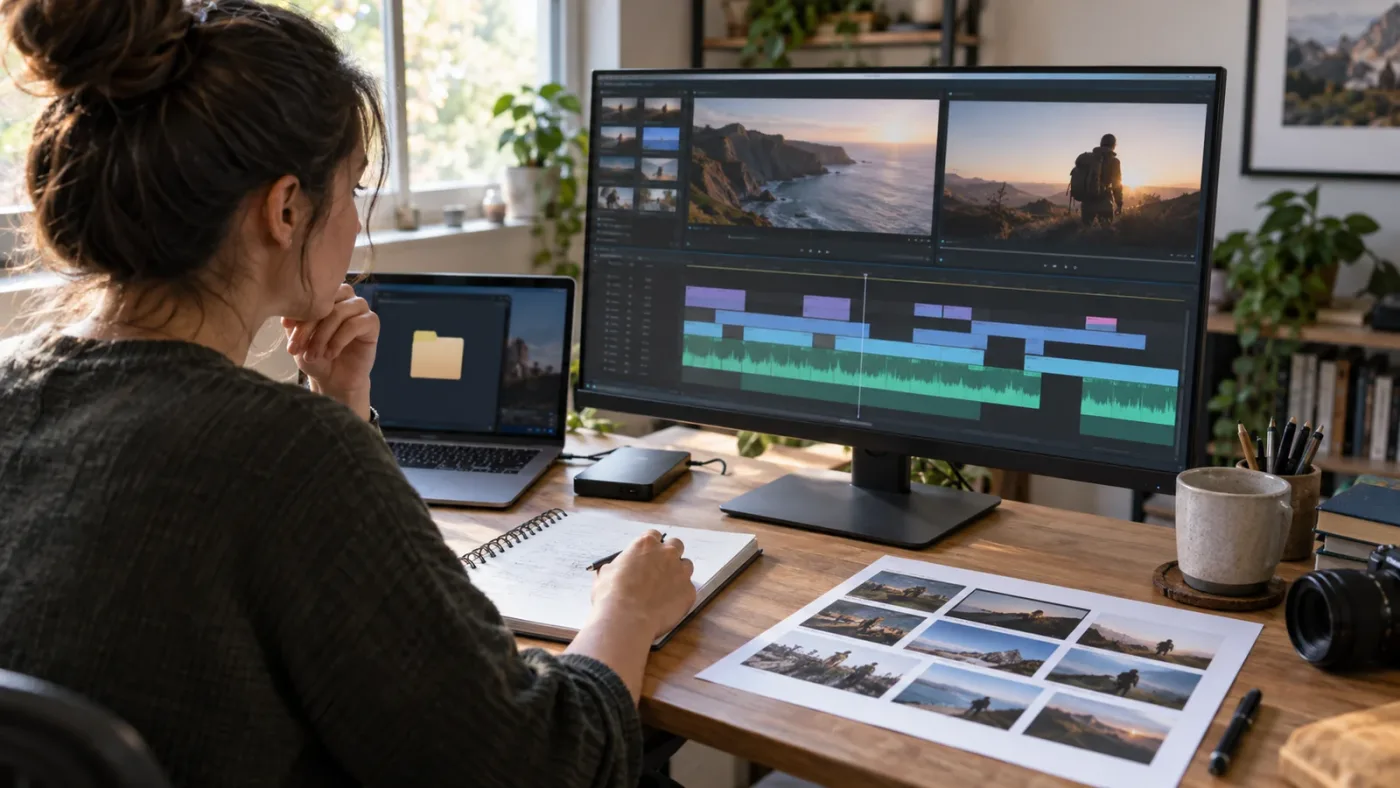
I’ve spent years watching editors buy another course, download another folder, and still freeze when their own timeline behaves differently. We built and run a 100,000+ member professional video-editing community, so we see that gap from both sides: people need good instruction, but they also need a way to turn someone else’s example into their own decisions.
TryUncle is the on-screen assistant for DaVinci Resolve on Mac and Windows - ask in plain words and Uncle points at the exact control on your screen.
As of September 2026, DaVinci Resolve 21.1 is the current release. That date matters because a course can be excellent and still show a menu, tool, or workflow from an older version. This comparison looks for four things: downloadable media, usable project files, version fit, and a practice loop that continues after the video ends.
What is the best DaVinci Resolve course with project files in 2026?
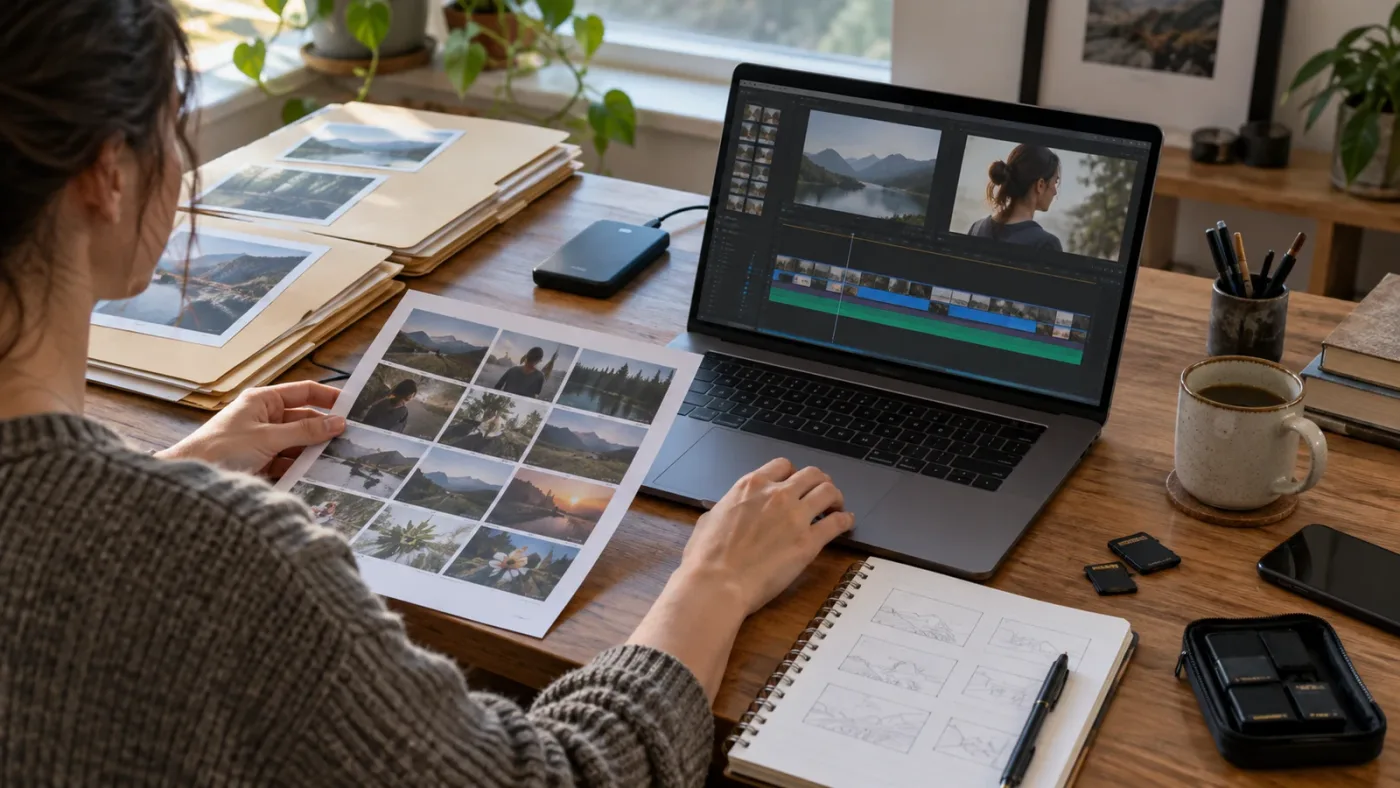
Blackmagic Design’s free official training is the best default for most learners who specifically want project files. It includes training videos, project files for many lessons, downloadable lesson files for its training books, and a curriculum that covers editing, color, Fairlight audio, Fusion, and delivery. Its main weakness is not missing material. It’s that you must supply your own discipline and troubleshooting loop.
The official training page is unusually clear about the difference between watching and doing. Several lessons are marked as available with a “Video Project File,” while the books provide downloadable lesson files. The Beginner’s Guide to DaVinci Resolve 20 also describes a project-based approach across editing, color, sound, and Fusion. That combination gives you something a random tutorial often doesn’t: a known starting state, a known task, and a known result.
Blackmagic Design’s training library is not the newest possible video library in every section. The books listed on the current training page are Resolve 20 books, while the software itself is now Resolve 21.1. That version gap doesn’t make the books useless. It changes what you should expect. Core ideas such as bins, timelines, nodes, keyframes, buses, and delivery presets remain useful, but a course that depends on a 21.1 feature needs a 21.1 lesson or a current reference guide.
Blackmagic Design’s free official training is the strongest starting point for a DaVinci Resolve course with project files.
If you prefer a single, linear video that gets you from an empty project to a finished piece, Casey Faris is the better first click. His current “Making Videos in Resolve 21” course is a free beginner walkthrough published in 2026, and the video description points viewers to downloadable media through his free community. The lesson moves through media management, editing, color management, Fusion, Fairlight, and delivery in one project.
Casey’s teaching has a useful bias toward fundamentals. In the course, he says, “I've been editing videos for almost twenty years, and this is most of it. Get good at this part. Master the basics.” The full course is available on YouTube. The line is worth keeping because it answers the hidden problem behind many course searches. Project files help you start. They don’t make you an editor if you keep skipping the decisions that make a cut work.
If you want a paid, chaptered curriculum, Ripple Training’s DaVinci Resolve 20 Core Training is a serious option. Its published outline covers importing, trimming, sync-bin editing, transitions, titles, effects, audio, social delivery, subtitles, and more. The page also says the course includes media for following along. The trade-off is version fit: the named course is Resolve 20, not Resolve 21.1, so check its update policy before buying for a current feature.
If you want a large course with a project-led workflow, Udemy’s Project-Led Editing in Da Vinci Resolve Beginner to Advanced is a different kind of candidate. The listing reports 107 lectures and 23 hours 18 minutes of content, and its outline includes a project download link plus importing a Resolve archive. The course page says it was last updated in November 2024. That doesn’t make it a bad course. It makes its version check non-optional.
The right answer depends on what you mean by “with project files.” If you mean “I need footage to follow along with today,” Blackmagic, Casey Faris, Ripple Training, and several marketplace courses qualify. If you mean “I need a complete archive that I can open, inspect, relink, and modify,” the shortlist gets smaller. If you mean “I need someone to review my decisions,” downloadable files alone are not enough.
What does “project files” actually mean in a DaVinci Resolve course?
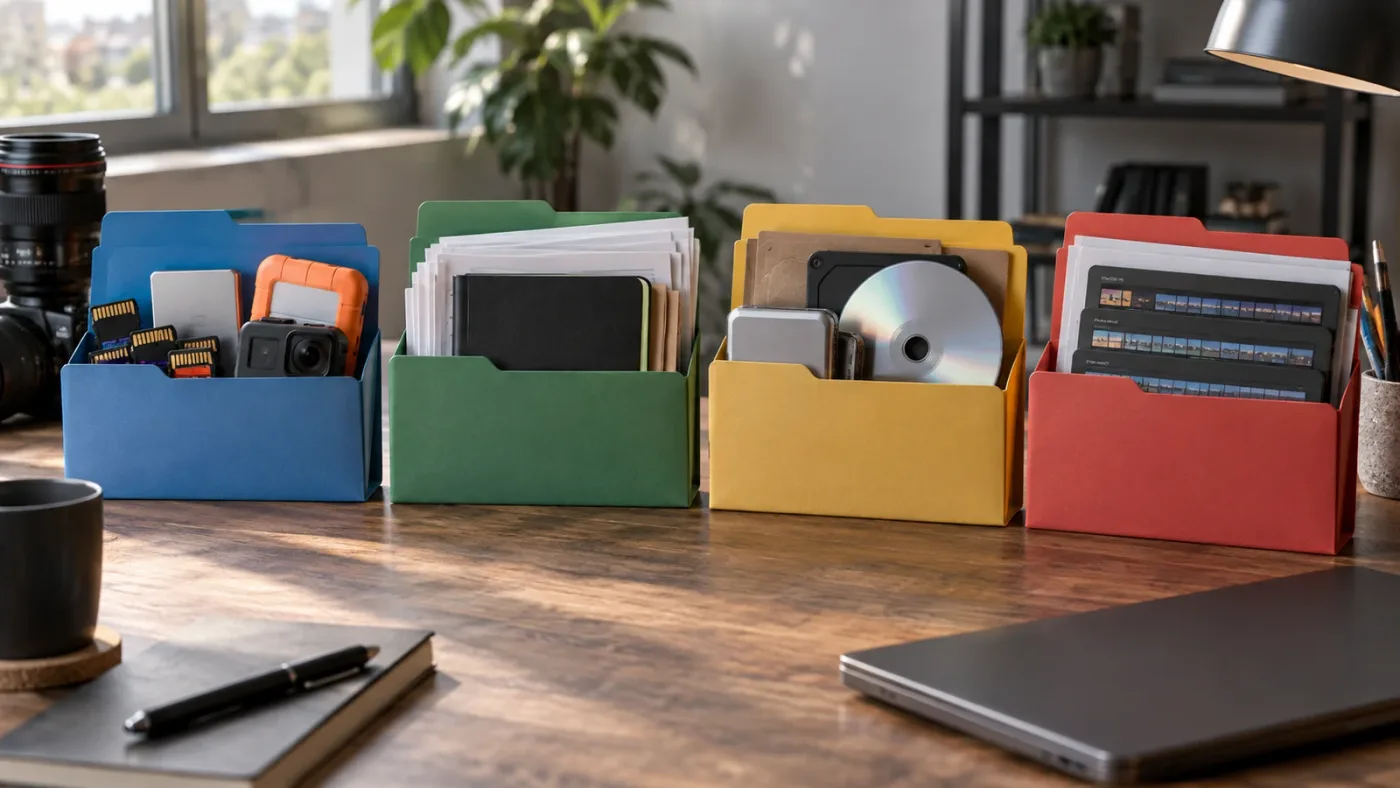
“Project files” can mean anything from a folder of video clips to a complete Resolve archive, so you need to identify the exact file type before you pay. A course that gives you media but no project archive can still be excellent. It simply asks you to build more of the project yourself.
Here’s the practical distinction:
| What the course gives you | What it lets you do | What it does not guarantee |
|---|---|---|
| Raw video, audio, stills, or graphics | Recreate the lesson from a clean starting point | That the instructor’s bins, timelines, or node trees are included |
A .drp project export | Import a Resolve project and inspect its structure | That every external media file is bundled with it |
A .dra project archive | Restore a project with its collected media and project data when the archive was made correctly | That the archive will open unchanged in every future Resolve version |
A .drt timeline file | Import a timeline into another project | That the source media, bins, grades, or effects are included |
| A finished export such as an MP4 | Compare your result with a reference | That you can inspect the editing decisions inside Resolve |
| A project brief or exercise sheet | Make a deliberate version of the task | That you receive any footage or instructor feedback |
The file type matters because Resolve separates project data from media. Blackmagic’s training material explains that archiving is the safer way to move a project and its contents together, while a project file alone may still need media relinked. Blackmagic’s Resolve 21 New Features Guide also documents importing a .drt timeline as a distinct workflow. Those are different learning assets, not interchangeable names for “the files.”
When a course page says “downloadable project files,” ask five questions before you enroll:
- Does the download include footage, or only a project file?
- Is there a Resolve archive, or do you have to rebuild the bins and timelines?
- Which Resolve version was used to create the project?
- Are the files licensed for practice only, or can you use the footage in a portfolio?
- Is there a clean starting project and a finished reference project?
The last question is easy to miss. A finished project is valuable for inspection, but a clean starting project is what lets you practice without first deleting the instructor’s work. The strongest courses provide both, or make the setup steps explicit enough that you can create your own clean copy.
Which DaVinci Resolve courses with project files are worth considering?
The best course is the one whose files match your next editing task. Blackmagic Design wins on cost and official structure, Casey Faris wins on a current linear beginner walkthrough, Ripple Training wins on a paid curriculum organized around Resolve workflows, and marketplace courses vary enough that you must inspect their update date and file description.
| Resource | File evidence | Version signal in September 2026 | Best fit | Main trade-off |
|---|---|---|---|---|
| Blackmagic Design official training | Video project files and downloadable lesson files are listed on the training page | Resolve 20 books, Resolve 21.1 software | Learners who want a structured, free foundation | Less live feedback and some version drift |
| Casey Faris, “Making Videos in Resolve 21” | Downloadable media is offered through the creator’s free community | Resolve 21 course published in 2026 | Beginners who want one end-to-end video | A video and media library are not the same as personal critique |
| Ripple Training, Resolve 20 Core Training | The course page says it includes media for following along | Resolve 20 | Learners who prefer a paid, chaptered curriculum | Paid course with a named version behind 21.1 |
| Udemy, Project-Led Editing | Project download link and Resolve archive workflow appear in the outline | Listing last updated November 2024 | Learners who want long-form project coverage | Check exactly what is downloadable before purchase |
| Skillshare, DaVinci Resolve Essentials | Exercise files and class projects are listed; the page notes 32 GB of video footage | The listing is beginner-focused, but verify the lesson’s Resolve version | Learners who want guided exercises with substantial media | Large download and platform membership model |
| Coursera DaVinci Resolve Specialization | Hands-on projects and assignments are part of the specialization description | Resolve 19 is named | Learners who want a course series and shareable certificate | The listing does not make a complete downloadable Resolve archive the central promise |

The Skillshare listing is a good example of why specificity matters. It says the exercise files contain video footage and can total 32 GB. That is useful information because storage and download time are part of the purchase decision. It also means “has project files” may carry a practical cost that isn’t visible in the course title.
Coursera is a different case. Its specialization listing describes three courses, a beginner level, an estimated four weeks at 10 hours per week, and hands-on projects. Those are real learning signals. But the listing is not a promise of a complete downloadable Resolve archive for every lesson. Choose it for its course structure and assessment path, not because the words hands-on automatically mean a DRA file is waiting for you.
Marketplace ratings can help you find candidates, but they can’t answer the file question. A course can be highly rated because the instructor explains concepts clearly. That’s valuable, but it still leaves you needing to verify whether the current download contains the raw footage, project archives, or only a PDF and a finished export.
A course title can promise project-based learning without promising a complete Resolve archive.
For a buyer, the cleanest shortlist is therefore:
- Choose Blackmagic Design if you want the lowest-cost structured foundation and can work independently.
- Choose Casey Faris if you want a current, friendly, end-to-end video with downloadable media.
- Choose Ripple Training if you want paid, chaptered instruction and can accept a Resolve 20 course.
- Choose Udemy or Skillshare only after checking the exact file list, update date, and storage requirements.
- Choose Coursera if the course series, assignments, and certificate matter more than a full archive.
That last point is not a criticism of Coursera. It is a category distinction. Course assets and feedback systems solve different problems.
How do I verify that a DaVinci Resolve course really includes usable project files?
You verify a DaVinci Resolve course with project files by checking the download contents, version, storage size, and recovery path before paying. If the sales page only says “follow along with included assets,” treat that as incomplete evidence until you see the actual file names or a clear lesson-files page.
Use this quick audit on any course page:
1. Find the exact asset words
“Project files” is not precise enough. Look for “lesson files,” “exercise media,” “practice footage,” “project archive,” “Resolve archive,” .drp, .dra, or .drt. A creator who names the file type is giving you more useful buying information than a creator who uses only a broad promise.
2. Check the starting state
You want to know whether the files open as a blank project, a partially completed lesson, or the instructor’s finished result. A single finished project can be excellent for reverse engineering, but it is awkward for a first pass because you must reconstruct the starting state yourself.
3. Check the media path
If the project references media stored somewhere else, you need relinking instructions. The official Blackmagic books include instructions for acquiring lesson files and working through their folder structure. A paid course should make the equivalent process clear. If it doesn’t, you may spend your first study session solving a file-management problem rather than learning editing.
4. Check the version and edition
DaVinci Resolve 21.1 is the current release as of this article’s September 2026 update. A course built for Resolve 19 or Resolve 20 can still teach durable ideas, but it may not match current menus or new features. Also check whether the lesson assumes Resolve Studio. A project can open in the free edition while a specific effect, codec, or AI tool remains unavailable.
5. Check the storage requirement
Footage is not weightless. Skillshare’s current listing calls out a 32 GB exercise-file download. Blackmagic’s older training documentation also shows that some official lesson-file downloads can be measured in gigabytes. If your laptop has little free space, a “course with files” may be a storage decision as much as a learning decision.
6. Check the reuse rights
Practice footage is usually supplied for practice. That does not mean you can use it in a paid client project, a monetized portfolio, or a public reel. Read the course terms and the asset license. If you can’t find them, assume the files are for learning only and use your own footage for anything public.
7. Check the feedback loop
Some courses include quizzes. Some include peer review. Some include a community. Few included assets automatically give you expert feedback on why your cut feels slow or why your audio mix is muddy. The file gets you into the room. Feedback changes what you notice.
What is the best way to learn DaVinci Resolve fast with project files?
The fastest reliable path is one structured course, one supplied project, and one immediate variation made with your own footage. Watching several courses feels productive, but the useful unit is not another hour of video. It is a completed decision you can repeat without the instructor’s timeline on screen.
Here’s the sequence I recommend:
- Pick one orientation resource. Use Blackmagic Design for a systematic foundation, Casey Faris for a current linear walkthrough, or a paid course if its workflow matches the kind of videos you make.
- Download everything before you start. Confirm that the media, project file, and any fonts or graphics are present. Don’t discover a missing asset halfway through a lesson.
- Follow one small section actively. Pause before the instructor clicks. Predict the next move, then compare your choice with the lesson.
- Save a clean copy. Keep the instructor’s original untouched. Make a working duplicate so you can break things without losing your reference.
- Rebuild one result without watching. Close the video, open the clean project, and recreate the task from your notes.
- Change one variable. Use a different clip, a different title, a different song, or a different delivery frame size. The point is to force a decision the instructor didn’t make for you.
- Export and review outside Resolve. Watch the result once without touching the timeline. Note the first three problems you can actually hear or see.
- Repeat the workflow on your own footage. This is where a course becomes a skill instead of a guided tour.
The supplied project files do an important job: they remove the blank-page problem. They give you media that already contains the kind of problem the lesson is built to explain. But if you never leave the supplied project, you can mistake recognition for recall. You recognize the button because it appears on the instructor’s screen. You haven’t proved that you can find it when the project, clip, page, or error changes.
That is why our best way to learn DaVinci Resolve guide emphasizes guided practice over collecting courses. And if you need a bank of small tasks after the course, the DaVinci Resolve practice exercises for beginners page is a better next step than buying a second beginner overview.
Why do project files still fail to teach some learners?
Project files fail when they encourage imitation without explanation, or when the learner never transfers the exercise to a different timeline. A supplied project can show you what a good result looks like, but it cannot automatically tell you which decision mattered most.
There are four common failure modes.
The project is too finished
If every bin, cut, grade, title, and mix is already in place, you can click around and feel informed without making any decisions. Keep a clean version and rebuild a short section from memory.
The project is too incomplete
Some course files are just raw clips. That can be excellent for learning, but it shifts more setup work onto you. You must create the bins, set the timeline, choose the media, and decide which shots belong together. That is real practice, but it is not the same experience as opening a finished DRA archive.
The version is wrong for the lesson
Resolve 21.1 introduced new features and workflow changes, including expanded Photo page support, enhanced multicam controls, an updated trim editor, and more than 25 new Krokodove shape and 3D tools, according to Blackmagic Design’s September 8, 2026 release. A Resolve 20 lesson can still teach trimming. It may not show the current control or explain the new option.
The media does not match your work
A travel-vlog exercise teaches a different set of choices than a multicam interview, a wedding film, a product ad, or a screen recording. The mechanics may overlap, but the editorial judgment changes. After you finish the supplied exercise, use your own material as soon as possible.
Casey Faris’s quote about mastering the basics is a useful filter here. The basics are not a consolation prize before the interesting work begins. They are the repeated actions that make a complicated project manageable: choosing the right shot, trimming for a reason, keeping dialogue clear, checking the grade, and delivering the right file.
If your project is the part that keeps breaking the lesson, the best AI tools to learn DaVinci Resolve in 2026 explains the difference between a course, a chatbot, a screen-aware assistant, and an editing agent. The point is not to add more software. It is to identify what kind of help you are actually missing.
Is an AI tool to learn DaVinci Resolve better than a course with project files?
An AI tool is better than a course with project files only when your bottleneck is immediate help inside your own project. Courses provide sequence, context, and repeatable exercises. AI assistants can reduce the time between a question and the next useful action, but they vary widely in whether they teach, advise, or edit for you.
| Tool or resource | What it does according to its current product page | Choose it if | Do not choose it if |
|---|---|---|---|
| Blackmagic Design training | Teaches Resolve through official videos, books, exercises, and lesson files | You want a structured foundation at no course fee | You need someone to inspect your project while you work |
| Sottocut | Lives inside an open Resolve project, scores footage, proposes cuts, and asks before changing the timeline | You want a local-first assistant editor that proposes edits | You want a tutor to point at a control while you make every edit yourself |
| CutAgent | Lets you hand off editing tasks to an AI agent and says it works with Resolve 21 or later on macOS and Windows | You already know enough to review automated timeline work | You are trying to build judgment by doing the edits yourself |
| Eddie AI | Pulls clips, multicams, and timelines from Resolve, creates rough cuts, and sends edits back for polishing | You want an AI editor to assemble material quickly | You want the primary learning experience to stay inside manual practice |
| PremiereCopilot | Performs text-to-edit actions inside Adobe Premiere Pro | You use Premiere Pro and want timeline edits from prompts | You specifically need a DaVinci Resolve course or Resolve-native tutor |
| TryUncle | Works as an on-screen assistant that points at the relevant control while you work | You are stuck in your own Resolve project and need location-specific help | You want a course library, a certificate, or automatic editing |
The distinction between Sottocut, CutAgent, Eddie AI, and TryUncle is important. Sottocut, CutAgent, and Eddie AI describe workflows that propose or execute editing operations. PremiereCopilot is built for Premiere Pro, not DaVinci Resolve. Uncle’s job is narrower: help you understand the screen in front of you while you keep control of the edit.
A course teaches a workflow; a screen-aware assistant helps when your workflow stops matching the lesson.
TryUncle is paid, and it is not a replacement for Blackmagic Design’s free training or for a course with good project files. It belongs later in the decision. First choose a useful curriculum. Then notice whether your remaining problem is information, judgment, or location. If you know what you want to do but can’t find the right control in your own project, check TryUncle for the current assistant details.
How should I practice with a DaVinci Resolve course project file?
Practice with a DaVinci Resolve course project file in three passes: follow the lesson, rebuild the task, and transfer the idea to new footage. One pass proves that you can imitate the instructor. Three passes start to prove that you understand the workflow.
Pass one: follow with friction
Keep your hands on the keyboard. Pause before a major command and say what you think is about to happen. If you only watch, the project file becomes a movie prop. If you interact, it becomes a test environment.
Make notes in the language of decisions, not just controls. “Use a dissolve” is a control note. “Use a dissolve because the scene needs a softer transition in time” is a decision note. The second version transfers better to a new project.
Pass two: rebuild from a clean copy
Duplicate the clean project or restore the starting archive. Hide the lesson video. Recreate one section using your notes. When you get stuck, search the official manual, replay the smallest relevant segment, or ask a targeted question. Avoid restarting the entire course from the beginning every time one tool slips your mind.
Pass three: break the recipe
Change the footage, pacing, aspect ratio, sound bed, or delivery target. Do not change everything at once. One variable is enough to make you decide instead of copy.
For a title exercise, use different words and a different length. For a color exercise, choose a shot with a different exposure problem. For an audio exercise, change the dialogue level and listen for whether your music still supports the speech. For a Fusion exercise, replace the source image and inspect which node assumptions no longer hold.
The goal is not to make the variation better than the instructor’s example. The goal is to make the result yours. That is also how you discover which parts of the lesson were principles and which parts were simply settings chosen for one project.
Is a DaVinci Resolve course with project files enough for professional work?
No. A DaVinci Resolve course with project files can give you a controlled practice environment, but professional work adds incomplete information, client constraints, media management, deadlines, revisions, and delivery requirements.
The official Blackmagic training books are useful here because they are organized around real post-production areas rather than a list of flashy effects. The current training page includes separate books for the Beginner’s Guide, Editor’s Guide, Fairlight Audio Guide, Colorist Guide, Visual Effects Guide, and Advanced Visual Effects. That tells you something about the software and the learning problem: editing, color, audio, and Fusion overlap in one application, but they still demand different habits.
Project files help you practice the mechanics. They do not decide whether the client’s voice is clear enough, whether a cut respects the story, whether a skin tone is consistent, whether a graphic is readable on a phone, or whether the delivered file matches the brief. Those judgments develop through feedback and repeated work.
You also need a recovery habit. Save a clean project. Keep the source media organized. Learn how to archive and restore. Export a reference movie when a change matters. If you are moving between computers, confirm that the media travels with the project or that you know how to relink it. A course that teaches only the creative clicks leaves a gap that will show up the first time a project is handed to another editor.
This is where project files become more valuable over time. On the first pass, they help you learn a tool. On the fifth pass, they can become a controlled test set. You can reopen the same project after an update, compare a workflow, or practice a different approach without shooting new footage every time.
Project files are a practice surface, not a substitute for editorial judgment.
Which course should I choose if my goal is different?
Choose the resource by the problem you need to solve, not by the longest runtime or the most impressive course title. A beginner who wants to make a first complete video needs a different path from an editor who needs a color workflow, a certificate, or help inside a broken project.
| Your situation | Best first choice | Why | Add next |
|---|---|---|---|
| You want free structure and official terminology | Blackmagic Design training | It combines a curriculum with lesson files and project-based books | Your own short project and a version-specific reference guide |
| You want one current beginner video | Casey Faris’s Resolve 21 course | It gives you a linear end-to-end path and downloadable media | A second project made without the video |
| You want paid chapters and a broad workflow | Ripple Training Core Training | The published outline covers editing through delivery | A current Resolve 21.1 feature guide |
| You want a long marketplace course | Udemy Project-Led Editing | The listing includes a project download link and archive workflow | Verify the download and update date before purchase |
| You want a large exercise download and class projects | Skillshare Essentials | The listing states that exercise files include 32 GB of video footage | Confirm storage and membership terms |
| You want a series, assignments, and a certificate | Coursera Specialization | The listing frames the learning path as three courses with hands-on projects | Separate practice on your own footage |
| You are stuck inside a real project after studying | TryUncle | It addresses live screen location rather than supplying another fixed lesson | Keep your course notes and make the edit yourself |

There is no shame in choosing the free route. Blackmagic Design’s official materials are strong enough that a paid course must earn its place by improving your experience: better pacing, clearer explanations, a better project, current coverage, feedback, or a workflow that matches your work.
There is also no reason to reject a paid course simply because free material exists. Time, structure, and accountability have value. The buyer’s job is to identify which of those values the course actually supplies instead of paying for a promise that is already available elsewhere.
What should I check before buying a DaVinci Resolve course with project files?
Before buying, check the actual download list, the Resolve version, the project file type, the footage license, the storage requirement, and the feedback mechanism. If a course passes those checks and matches your editing goal, the project files are likely to be useful rather than decorative.
Use this final buying checklist:
- File completeness: Are there raw clips, audio, graphics, fonts, and project data, or just a finished MP4?
- Archive clarity: Does the course explain whether you receive a
.drp,.dra,.drt, or a normal media folder? - Version fit: Is the lesson built for Resolve 21.1, Resolve 21, Resolve 20, or an older release?
- Edition fit: Does the course require DaVinci Resolve Studio for any essential step?
- Storage fit: Can your computer or external drive hold the download? A 32 GB exercise package is not a small commitment.
- Starting state: Do you get a clean project and a finished reference, or only one of them?
- Transfer plan: Does the instructor ask you to use your own footage, or does every exercise end with the supplied media?
- Feedback: Can someone review your decisions, or are you responsible for your own review loop?
- Rights: Are the assets for private practice only, or can you publish work made with them?
- Freshness: Does the creator explain what changed between the course version and your version?
If the page answers those questions, you can make an informed purchase. If it doesn’t, the safest choice is the resource with the clearest public documentation, which is currently Blackmagic Design’s official training page.
So which DaVinci Resolve course with project files should you choose?
Choose Blackmagic Design’s free official training if you want the best all-around starting point. Choose Casey Faris if you want a current, linear beginner walkthrough with downloadable media. Choose Ripple Training if you value a paid chaptered curriculum and accept its Resolve 20 version label. Choose Udemy, Skillshare, or Coursera when the specific teaching format, exercise design, or assessment path fits you, but verify what “project files” means before paying.
Then practice beyond the supplied timeline. Rebuild one task, change one variable, and finish one small piece with your own footage. That is the point where a project file stops being a download and starts becoming training.
If the course has taught you what to do but your own Resolve screen still hides where to do it, Uncle can point at the exact control in your project while you work.
Frequently asked questions
- What is the best DaVinci Resolve course with project files in 2026?
- Blackmagic Design's free official training is the strongest default because it combines a structured curriculum with downloadable lesson files. Casey Faris is a strong free video alternative when you want a single beginner workflow, while paid courses make sense when they offer current media, project archives, and feedback you will actually use.
- How do I know whether a DaVinci Resolve course really includes project files?
- Look for a named download such as lesson files, exercise media, a Resolve archive, or a .drp project, and check the Resolve version, file size, relinking instructions, and reuse rights. The phrase project-based by itself does not prove that files are downloadable.
- Can I learn DaVinci Resolve fast with project files?
- Project files can shorten setup time, but they do not replace active practice. Use the supplied media once, rebuild the same result from memory, then make a variation with your own footage so the skill transfers beyond the instructor's timeline.
- Is there an app that helps me while I am using DaVinci Resolve?
- Yes. TryUncle is an on-screen assistant for DaVinci Resolve that helps you find the control on your own screen while you work. It is a different category from a course library or an editing agent, so it is most useful when a fixed lesson does not match your project.
- Are project files enough if a DaVinci Resolve course does not offer feedback?
- No. Project files let you follow and inspect an example, but feedback helps you identify why your own cut, grade, audio mix, or delivery settings are weak. If feedback is absent, create your own review loop with a checklist, a comparison export, and a second pass on your own footage.
Sources
- DaVinci Resolve Training, Blackmagic Design
- DaVinci Resolve 21.1 release, Blackmagic Design
- DaVinci Resolve 20 Beginner's Guide, Blackmagic Design
- DaVinci Resolve 21 New Features Guide, Blackmagic Design
- Making Videos in Resolve 21, Casey Faris
- Casey Faris on Skool
- DaVinci Resolve 20 Core Training, Ripple Training
- Project-Led Editing in Da Vinci Resolve Beginner to Advanced, Udemy
- DaVinci Resolve Essentials, Skillshare
- DaVinci Resolve Specialization, Coursera
- Sottocut for DaVinci Resolve
- CutAgent for DaVinci Resolve
- Eddie AI for DaVinci Resolve
- PremiereCopilot
- TryUncle FAQ
- TryUncle, What Is TryUncle?
Learn by doing, not watching
Stop translating tutorials to your timeline.
TryUncle stays beside Resolve on Mac and Windows. When you ask, Uncle sees your screen and points at the exact control you need. No hunting through tabs, timestamps, or mismatched tutorials.
Meet TryUncleKeep reading
 GuidesJul 12, 202641 min read
The Best Way to Learn DaVinci Resolve (What the Research Says)
Guided, hands-on practice inside DaVinci Resolve beats video courses and MOOCs. Here's the learning-science research behind why, and how to apply it.
 GuidesJul 15, 202640 min read
10 DaVinci Resolve Practice Exercises for Beginners
Ten DaVinci Resolve practice exercises for beginners, each targeting one skill, with real sources and a 14-day plan to string them together.
 ComparisonsJul 11, 202626 min read
The Best AI Tools to Learn DaVinci Resolve in 2026
ChatGPT, Claude, Blackmagic's free training, Recut, and Resolve's Neural Engine compared for learning DaVinci Resolve, and the gap none of them close.