
Learn / DaVinci Resolveupdated for DaVinci Resolve 21 and TryUncle pricing (July 2026)
Do You Need to Know Photography to Learn DaVinci Resolve?
Quick answer
No. Editing, audio, and exporting in DaVinci Resolve require zero photography knowledge, and even the Color page teaches exposure, white balance, and color theory as you grade. Prior photography experience helps you grade faster, professional colorists confirm it's a real advantage, but it's a head start, not a prerequisite. Blackmagic's own free training assumes no background at all.
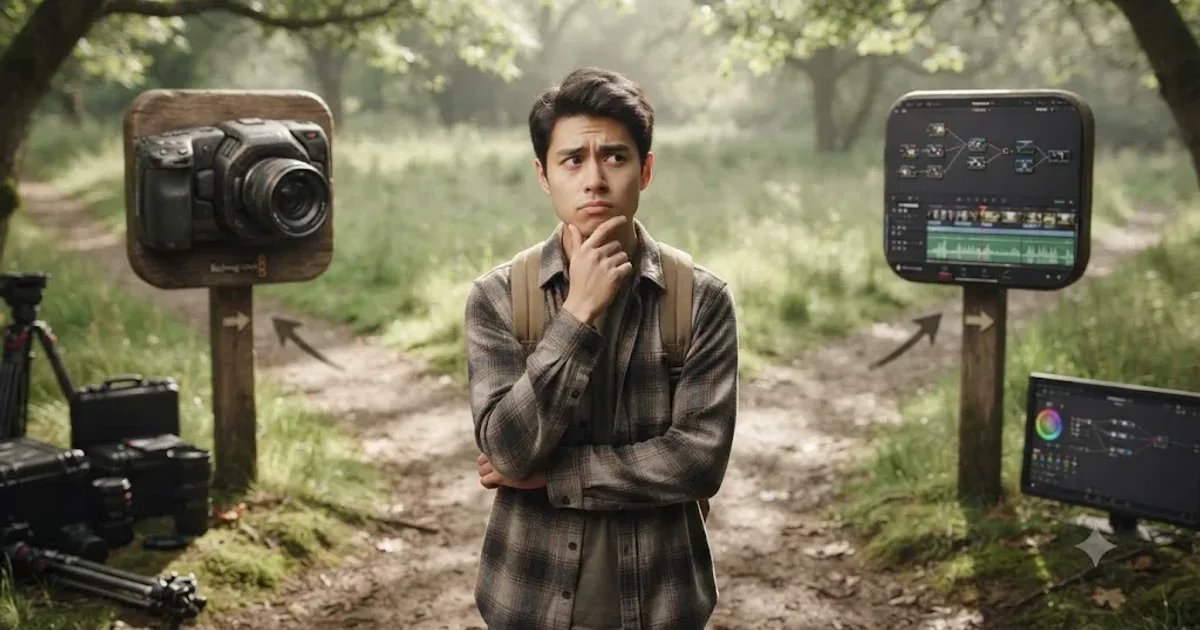
Someone posts this question in the Learning Group almost every week, usually right before they've downloaded DaVinci Resolve and right after they've talked themselves out of opening it. "I've never picked up a camera. Should I learn photography first?" The honest answer is short enough to fit in a Quick Answer panel. The reasons behind it take longer, because the question is really three questions wearing one trench coat: does the software require it, does the Color page require it, and would it help anyway.
Do you need to know photography to learn DaVinci Resolve?
No. Not to install it, not to open a project, not to finish your first edit, and not even to start grading. DaVinci Resolve is built across seven pages, Media, Cut, Edit, Fusion, Color, Fairlight, and Deliver, and photography knowledge is relevant to exactly one of them in any direct way, according to CalArts's 2 Pop technical support page, which lays out the app's left-to-right page structure. Trimming a clip on the Edit page has nothing to do with aperture. Reading a level meter on Fairlight has nothing to do with white balance. Matching your render settings to a delivery spec on the Deliver page has nothing to do with either.
A camera you've never held teaches you nothing about DaVinci Resolve's Edit page, and neither does not having one. That sentence sounds almost too simple to be the answer to a question people agonize over, but it's the actual shape of it. The confusion usually comes from one specific page, Color, where genuine overlap exists between what a photographer already knows and what a colorist does. That overlap is real. It's also smaller, and less of a gate, than it feels from the outside looking in.
Blackmagic Design, the company that builds DaVinci Resolve, publishes its entire free training curriculum, six guides deep covering editing, color, Fairlight audio, and visual effects, without listing a single prerequisite beyond having the software installed, according to Blackmagic's own training page. If photography knowledge were a genuine requirement, the company that makes the software would say so before selling you a professional colorist's tool for free. It doesn't, because it isn't.
What does "knowing photography" actually mean, broken into pieces?
This is where most versions of this question fall apart, because "photography" isn't one skill. It's a bundle of at least four separate things, and they don't all matter equally to DaVinci Resolve, or at all.
| Photography concept | What it actually is | Relevant to DaVinci Resolve? |
|---|---|---|
| The exposure triangle | Aperture, shutter speed, and ISO, the three camera settings that control how much light reaches the sensor, per StudioBinder's breakdown of the exposure triangle | Indirectly, on the Color page, where you're correcting the result of these settings after the shoot, not setting them yourself |
| White balance and color temperature | The camera or software setting that keeps something white from rendering blue or orange under different light sources, measured in Kelvin, per NFI's white balance explainer | Yes, directly, on the Color page's color balance controls |
| Composition (rule of thirds, framing, leading lines) | Where you place a subject in the frame while shooting | Almost never inside Resolve itself, since the framing is already baked into the footage by the time it reaches you, though it resurfaces slightly in Fusion reframing and cropping |
| Lens optics and depth of field | How focal length and aperture affect what's sharp and what's blurred | No, this is entirely a shooting-stage decision that Resolve can't undo or teach |
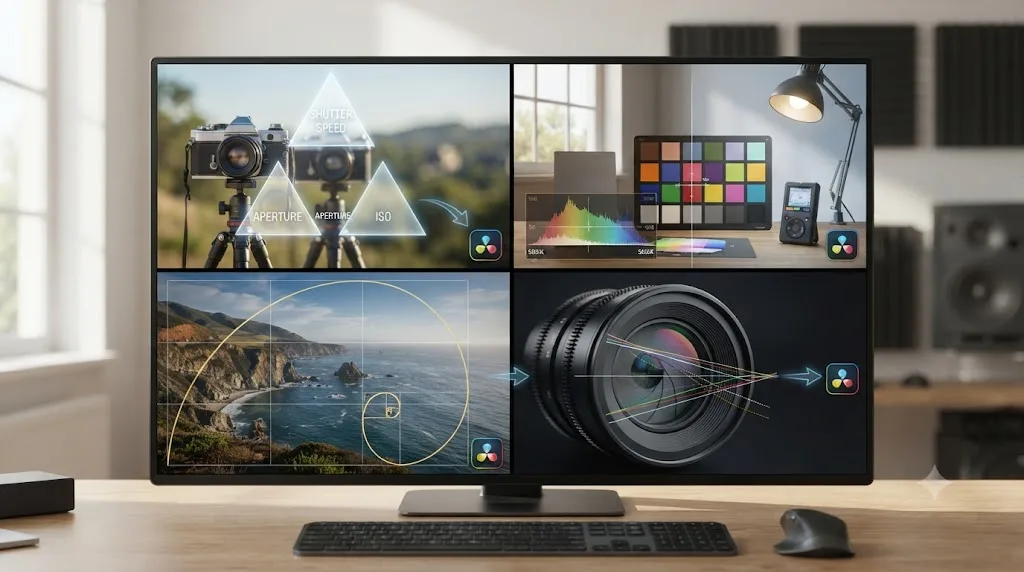
Look at that table and the shape of the real answer appears on its own. Two of the four, composition and lens optics, essentially don't touch DaVinci Resolve at all, because by the time footage reaches the timeline, those decisions are already locked into the pixels. The other two, exposure and white balance, do touch Resolve, specifically on the Color page, and they're also the two concepts the Color page is explicitly built to teach you as you work, through its scopes and its node system, rather than assuming you memorized them somewhere else first.
Which parts of DaVinci Resolve need zero photography knowledge?
Most of it, honestly. Four of the app's seven pages, Cut, Edit, Fairlight, and Deliver, are built around skills that have nothing to do with a camera at all.
The Cut and Edit pages are about assembling a timeline: finding the right in and out point for a clip, trimming without leaving a gap, sequencing shots so a story reads cleanly, adding titles and basic transitions. None of that requires knowing what an f-stop is. Blackmagic describes the Cut page specifically as a speed-focused workflow for editors "under real deadline pressure," per Blackmagic's own Cut page description, which is a description built entirely around trimming and sequencing speed, with zero mention of anything photography-adjacent.
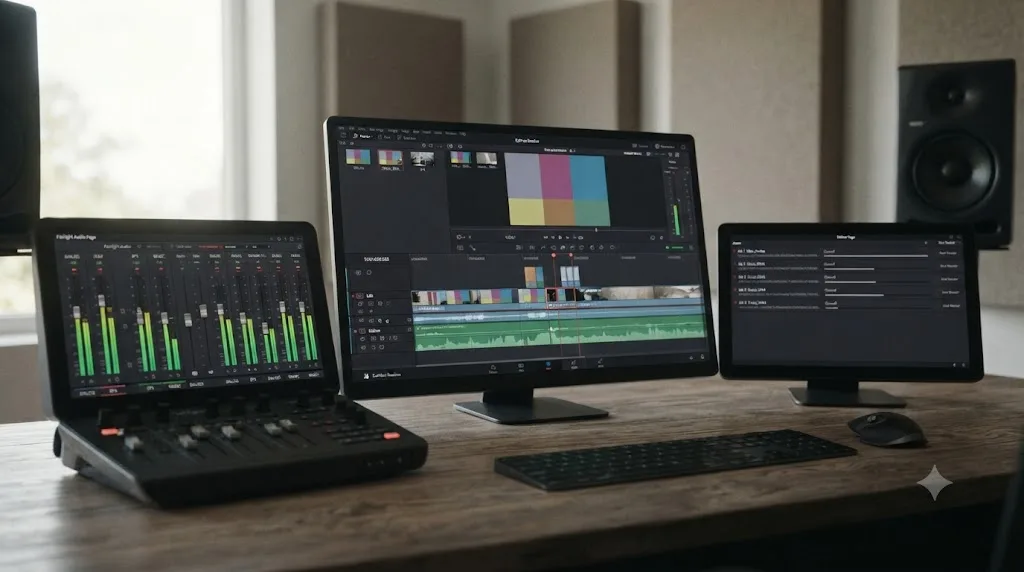
Fairlight, Resolve's audio page, is further still from photography. You're reading a level meter, fixing a clipping track, syncing audio to video. A photographer with fifteen years of exposure and lighting experience has exactly the same starting knowledge here as someone who's never touched a camera, which is to say, none, because audio mixing is its own separate discipline with its own separate vocabulary.
Deliver, the export page, is arguably the least photography-adjacent page in the entire app. You're matching a render preset, a codec, a resolution, and a frame rate to a destination. The most common mistake here isn't a color or exposure error, it's a settings mismatch between your timeline and your export queue, the kind of technical slip a fifteen-year photography veteran makes just as easily as a total beginner.
A camera you've never held has never once been the reason someone's first Resolve timeline fell apart. The actual reasons beginners stall on Cut, Edit, Fairlight, and Deliver, unfamiliar keyboard shortcuts, a render preset mismatch, not knowing where a panel lives, have nothing to do with a hobby they never picked up.
Which parts of DaVinci Resolve actually touch photography concepts?
One page, really: Color. And even there, it's narrower than "you need to know photography" implies.
The Color page's job is to correct and stylize footage using a node-based system, and the two technical concepts it leans on hardest are exposure and white balance, the same two concepts a photographer learns to control in camera. The difference is direction. A photographer sets exposure and white balance before the shutter closes. A colorist corrects them after the fact, on footage that's already been shot, sometimes by someone else entirely, on a camera whose settings you never touched.
That difference matters more than it sounds like it should. A photographer's instinct is often "get it right in camera." A colorist's job assumes the opposite: the footage in front of you is whatever it is, badly white balanced, slightly underexposed, shot on a cloudy afternoon that didn't match the sunny scene before it, and your job is to fix it with tools, not to have prevented it with better camera settings in the first place. Photography teaches you to avoid a problem. Color grading teaches you to solve one that's already sitting in your timeline. Those are related skills, not identical ones, and the second one is what DaVinci Resolve is actually built to teach.
Fusion, Resolve's compositing page, touches photography more lightly, mostly around matching light and shadow direction when you're adding an element to a shot, and it's a skill you pick up while building composites, not a prerequisite for opening the page.
Does DaVinci Resolve teach you color theory and exposure, or do you need to know it first?
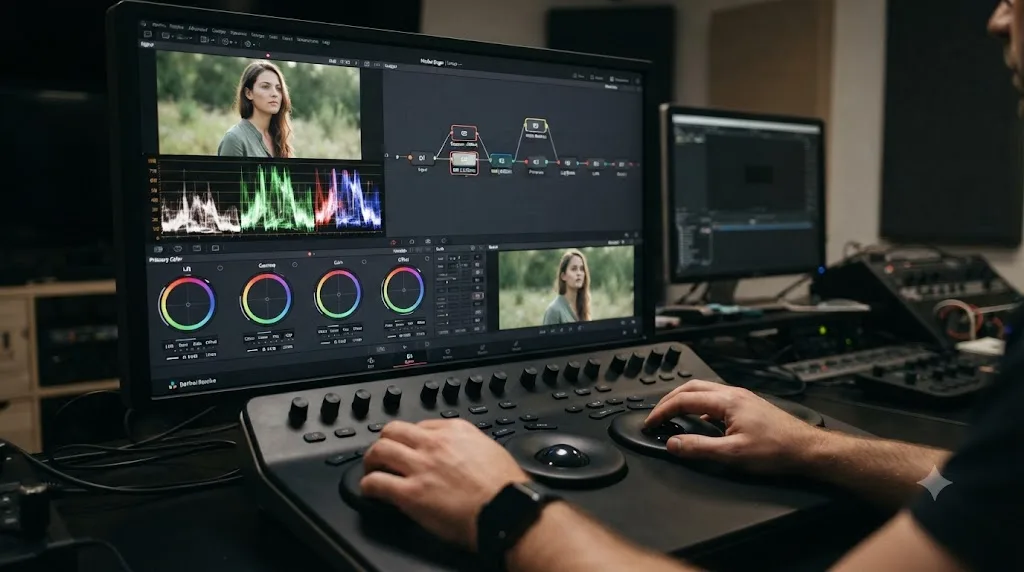
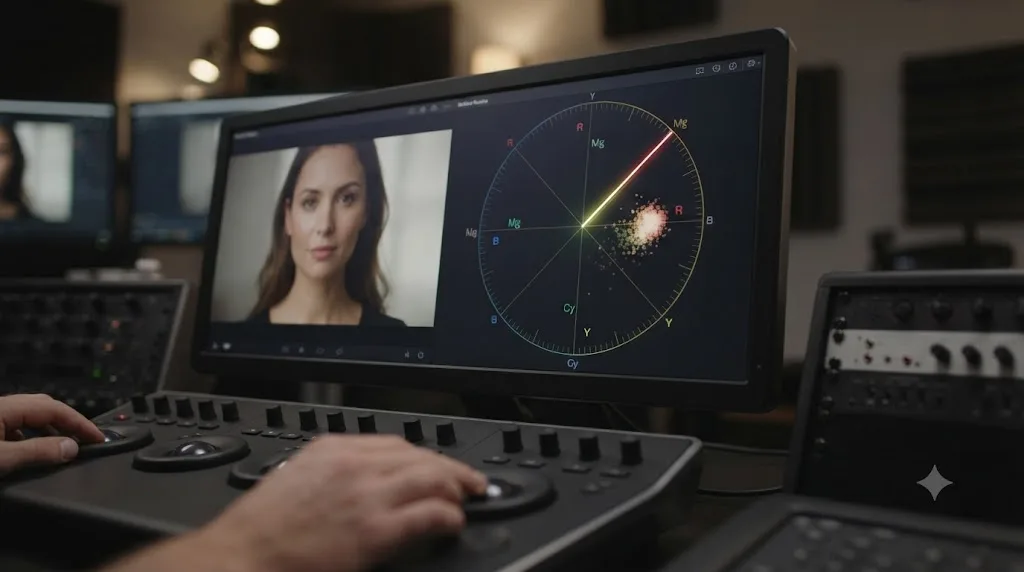
It teaches the mechanics as you go, and that's the part of this question most people miss entirely. DaVinci Resolve's Color page doesn't hand you a blank canvas and assume a trained eye. It hands you a waveform, an RGB parade, a vectorscope, and a histogram, four scopes whose entire purpose is to answer exposure and color questions objectively, in numbers and shapes, instead of asking you to trust your gut the way a photographer trained on a viewfinder might.
The waveform reads exposure directly. The RGB parade reads color balance across the red, green, and blue channels. The vectorscope reads color direction and saturation, including a built-in skin tone indicator line. The histogram reads brightness distribution across the whole frame. Together, according to a practical guide to reading scopes in DaVinci Resolve from Colour Grade Agency, these four scopes exist specifically because "your own eyes adapt to deep shadows or bright highlights," and a monitor's interpretation of an image drifts in ways a trained photographer's eye and a total beginner's eye are equally vulnerable to.
That's the mechanism that makes DaVinci Resolve teachable from zero. You don't need to already know what "underexposed" looks like, because the waveform shows you a numeric reading against broadcast-legal black and white points. You don't need to already know what a color cast looks like, because the vectorscope shows you a trace pulling away from neutral. Blackmagic's own free Colorist Guide, part of its training curriculum, starts from the assumption that you've never opened the Color page before, walking through the node system and scopes from the first lesson, not from an assumed baseline of photography knowledge.
DaVinci Resolve's scopes read your image so you don't need a photographer's trained eye to grade one. That single sentence undercuts most of the anxiety behind this question. The tool most associated with "needing an eye" is specifically designed to substitute an objective reading for one, which is precisely what a beginner without a photography background needs most.
What Resolve's scopes don't teach is taste. Knowing that your blacks sit at broadcast-legal zero doesn't tell you whether a warmer grade serves your specific story better than a neutral one. That judgment call develops the same way it develops for anyone, photographer or not: by grading real footage repeatedly and getting told, specifically, what's working and what isn't. Our deeper research piece on the best way to learn DaVinci Resolve covers why guided practice beats watching tutorials for exactly this kind of judgment, and none of that argument depends on whether you've shot a single photograph before you started.
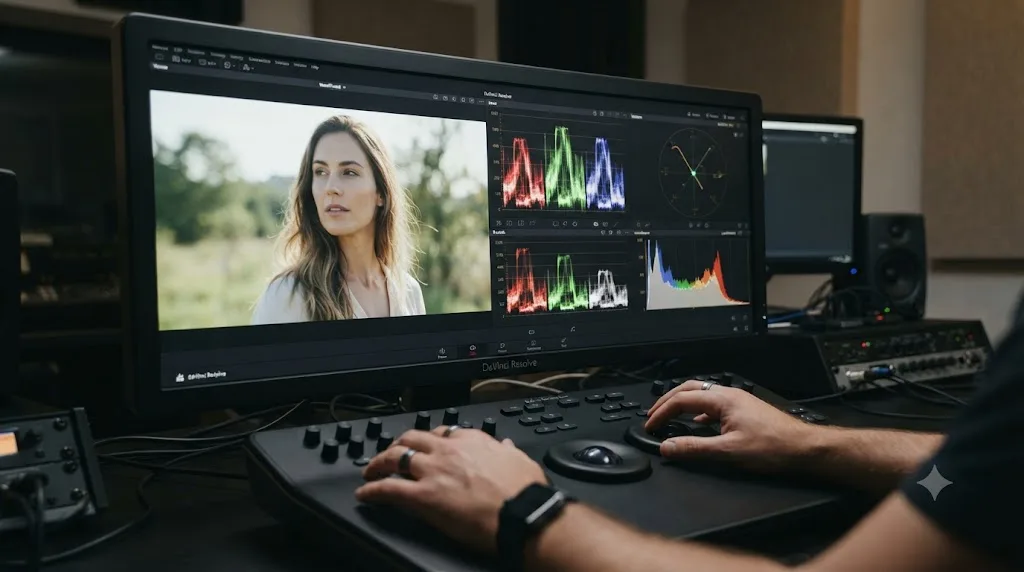
What does a photography background actually buy you?
A head start, and it's worth naming honestly instead of pretending it's nothing, because pretending photography experience is irrelevant would be its own kind of dishonest. Vijey Adithya Mohan Raj, a digital intermediate colorist working in Los Angeles, describes the advantage plainly in an interview with The Interview Portal:
"My background in Cinematography has allowed me to grow rapidly within the industry, having a deep understanding of those technical fundamentals is a significant advantage when elevating an image in the DI suite."
Notice the specific word he reaches for: advantage, not requirement. A "deep understanding of technical fundamentals," the exposure triangle, how light behaves, what a color cast looks like before you've even opened the scopes, means a photographer walking into the Color page for the first time recognizes problems faster than someone seeing them for the first time. They already have a mental model for "this shadow looks crushed" or "this skin tone looks too warm." A total beginner has to build that mental model from scratch, using the scopes as training wheels until pattern recognition kicks in.
But Mohan Raj's own path also reveals the limit of that advantage. He spent three years in dedicated street photography, and in the same interview, describes the transition into professional color work honestly: "I had to unlearn much of what I knew about photography and rebuild my knowledge on a professional foundation." A photography background isn't a shortcut around learning DaVinci Resolve's specific tools, node trees, qualifiers, the language of lift, gamma, and gain. It's a shortcut around recognizing what a shot needs once you already know how to build it. Those are different steps, and the second one still has to be learned inside the software, regardless of how much of the first one you're bringing in.
Photography gives you a head start on the Color page. It doesn't give you a pass on learning the software underneath it. Worked out concretely: a photographer and a total beginner both still need to learn Resolve's node system, still need to learn what a qualifier does, still need to learn how a Merge node combines two inputs on the Fusion page. What differs is how fast each of them recognizes, correctly, whether a specific grading decision actually solved the problem in front of them. That's a real difference. It's a speed difference, not a gatekeeping one.
Do you need a "trained eye" to use DaVinci Resolve's scopes at all?
No, and this is worth separating from the previous section, because "trained eye" and "photography background" get conflated constantly in this conversation. A trained eye is pattern recognition built from repetition. A photography background is one path to building it. It isn't the only path, and DaVinci Resolve's scopes exist specifically to compensate for not having one yet.
Per a practical guide to using DaVinci Resolve scopes from Video Editor London, the scopes turn subjective questions into objective ones. Is a shot clipped? The waveform shows you, in a shape, not a feeling. Is the white balance off? The vectorscope's skin tone indicator line shows you a trace pulling in a direction, not a hunch you're supposed to already have. Our own deeper walkthrough on reading DaVinci Resolve's scopes covers each scope individually if you want the full mechanics, but the point that matters here is simpler: a scope reading doesn't care whether you've shot ten thousand photographs or zero.
Where a trained eye still matters is creative judgment, the taste-level decision about whether a technically correct grade actually serves the story. That's the layer scopes can't touch, and it's the layer that develops from repetition on real footage regardless of where that repetition started. A photographer who's spent years reading light develops that judgment through photography first, then transfers it. A total beginner develops the exact same judgment through grading their own DaVinci Resolve timelines directly, with no detour required.
| Question | Can a scope answer it objectively? | Requires a trained eye or judgment call? |
|---|---|---|
| Is this shot clipped or crushed? | Yes, the waveform shows it directly | No |
| Is the white balance off? | Yes, the vectorscope's skin tone line shows a directional trace | Mostly no, though extreme stylistic choices complicate this |
| Does this grade serve the story better warm or neutral? | No | Yes, this is pure creative judgment |
| Is skin tone oversaturated? | Yes, the vectorscope reads it directly | No |
| Does this cut and grade combination feel intentional or accidental? | No | Yes |
A scope doesn't ask where you learned to see. It just tells you what's actually in the image. That's the entire reason DaVinci Resolve is teachable to someone who's never held a camera, and it's also why a photography background, real as its advantage is, tops out at the same wall a self-taught colorist eventually reaches too: creative judgment, which no scope, no camera background, and no course finishes for you.
What do Blackmagic's own guides, YouTube, and the wider community actually assume about your background?
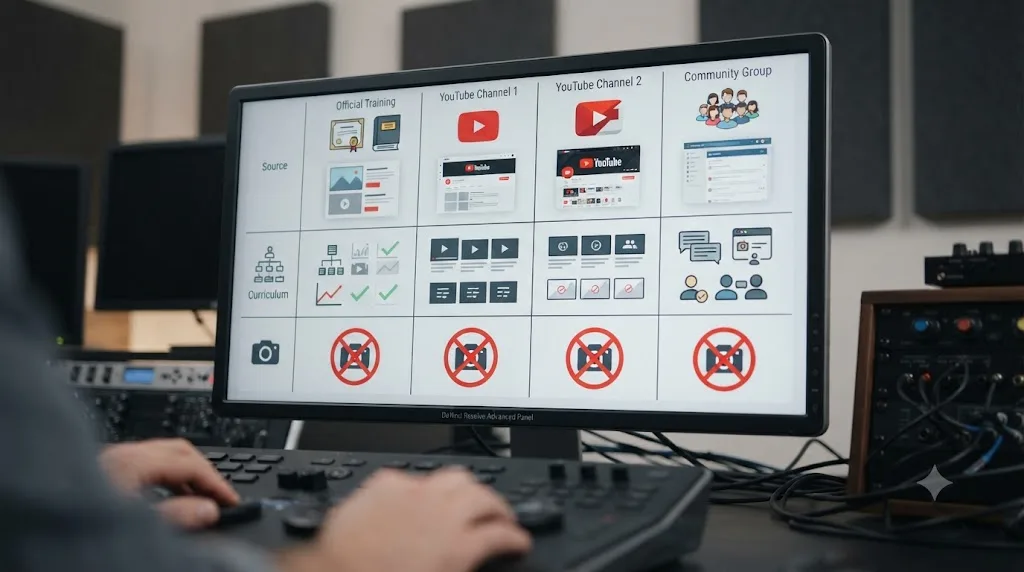
Nothing, and naming that plainly matters more than it might seem, because pretending the existing "best answers" for learning Resolve don't exist would be dishonest. Three resources already dominate how people learn DaVinci Resolve, and none of them treats photography as a prerequisite.
Blackmagic Design's free training is the most authoritative source there is, since it's written by the company that builds the software. According to Blackmagic's own training page, the curriculum runs six free guides deep: a Beginner's Guide, an Editor's Guide, a Fairlight Audio Guide, a Colorist Guide, a Visual Effects Guide, and Advanced Visual Effects, each downloadable as a PDF with project files, plus a free proficiency exam per guide. None of the six guides lists a photography prerequisite. The Beginner's Guide assumes you've never opened the app. The Colorist Guide assumes you've never opened the Color page specifically, not that you've spent years behind a lens.
YouTube channels, most visibly Casey Faris's, teach DaVinci Resolve to a large free audience the same way, starting from the interface and working outward, without gating any lesson behind a photography background. Our own comparison of the best YouTube channels to learn DaVinci Resolve covers where these channels differ, but the shared trait across nearly all of them is that "complete beginner" means beginner to the software, not beginner to photography as a separate discipline.
Forums and community groups converge on the same pattern. In the DaVinci Resolve 21 Learning Group I run on Facebook, now roughly 99,000 members, this question shows up in almost identical wording every few weeks, and the answer the community actually gives, consistently, is some version of "just open it and start on the Edit page." Nobody in a community of that size has ever told a newcomer to go take a photography class first. If photography were a genuine gate, a community that large, answering this exact question weekly for years, would have surfaced that consensus by now. It hasn't, because the gate doesn't exist.
Nobody who built the software, teaches it for free, or has answered this exact question thousands of times in a community thread has ever treated photography as a prerequisite. That's not an opinion. It's the observable behavior of every major resource this guide could check, and it's worth more than any single confident claim to the contrary.
Is it easier to learn photography or DaVinci Resolve first?
Depends entirely on what you're actually trying to make, and the honest answer splits cleanly along one line: do you control the camera, or does someone else?
| Your situation | Learn first | Why |
|---|---|---|
| You shoot and edit your own content (YouTube, vlogging, personal projects) | A little photography, then DaVinci Resolve | Getting exposure and white balance closer to correct in camera saves you real correction time later; you don't need mastery, just the basics |
| You edit footage other people shoot (weddings you don't shoot, corporate video, a channel that isn't yours) | DaVinci Resolve directly | You have zero control over the exposure and white balance decisions made on set; your job starts after those decisions are already locked in |
| You want to become a dedicated colorist | DaVinci Resolve's Color page, with photography as a useful parallel track, not a prerequisite | Per Mohan Raj's account above, a technical background helps you grow faster once you're in the DI suite, but the software's own node system and scopes are what you're actually being hired to know |
| You're a hobbyist who just wants to make something and doesn't know which discipline they'll enjoy more | Whichever one you're more curious about right now | Momentum from genuine interest outperforms a "correct" learning order that kills your motivation in week one |
The case for learning a little photography first is real, but it's narrower than "learn photography, then learn Resolve." If you're the one holding the camera, understanding the exposure triangle well enough to avoid a badly clipped highlight or a magenta color cast under mixed lighting saves you real time on the back end, because as StudioBinder's exposure triangle guide explains, aperture, shutter speed, and ISO all interact, and a mistake in one direction usually costs you detail you can't fully recover in the Color page. That's a practical argument for basic camera literacy if you're shooting your own footage. It's not an argument for a course, a certificate, or months of dedicated study before you're "allowed" to open DaVinci Resolve.
If you're not the one holding the camera, this entire calculation disappears. A wedding editor working with footage shot by a videographer they've never met has no exposure decisions to make in the moment they were captured. Their entire job starts on the Color page, correcting whatever arrived, and photography knowledge about your own shooting habits is irrelevant to a decision someone else already made.
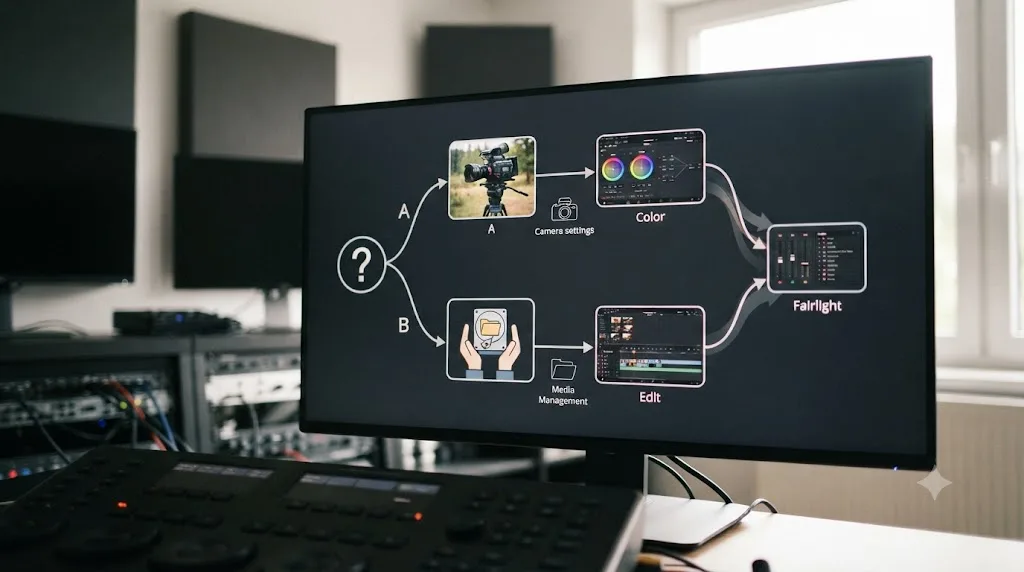
What if you're a complete beginner with zero camera experience at all?
You start exactly where every other complete beginner starts: the Cut or Edit page, trimming your own footage, with no photography detour required. Our full DaVinci Resolve learning roadmap for beginners lays out the five-stage sequence, Cut or Edit, Fairlight, Color, Fusion, Deliver, in the order Blackmagic's own free guides and Ripple Training's paid path both independently converge on, and not one of those five stages opens with "first, learn photography."
What actually derails a complete beginner in week one is almost never a missing camera background. It's playback stuttering because their hardware can't keep up with a high-bitrate codec in real time, or not knowing where the render cache setting lives, or getting lost in an unfamiliar keyboard shortcut scheme. None of that is a photography problem, and treating it like one, "maybe I need to understand exposure better before I try this," sends a beginner looking for a fix in entirely the wrong place.
Here's the practical sequence for someone starting from genuinely nothing, camera or software:
- Install DaVinci Resolve's free version. Nothing in this roadmap needs Studio's paid tier, and nothing needs a camera you don't already own, per Blackmagic's own product page.
- Trim real footage on the Edit page, even footage shot on a phone. The skill being built here is timeline assembly, not photography.
- Learn Fairlight's basic level meter. A few days, not weeks, and entirely unrelated to anything you'd learn in a photography class.
- Reach the Color page and let the scopes do the work a trained eye would otherwise do. This is the one stage where photography concepts genuinely live, and it's also the stage DaVinci Resolve is specifically built to teach from zero, using the waveform and vectorscope as the substitute for experience you don't have yet.
- Move into Fusion once you have a graded shot worth compositing onto. Still no photography requirement, just a node graph and two keyframes to start.
- Finish on Deliver, matching your export settings to wherever the video is actually going.
Nobody has ever failed to finish DaVinci Resolve's Edit page because they'd never held a camera. The people who stall in week one stall on hardware settings, keyboard shortcuts, and unfamiliar terminology, the same obstacles a lifelong photographer runs into with equal frequency the first time they open a timeline-based editor instead of a stills workflow.
What if you're already a photographer switching to video and DaVinci Resolve?
Some of what you know transfers cleanly, and some of it actively needs to be unlearned, which is a more honest answer than "everything carries over." Mohan Raj's own account of moving from street photography into professional color work is specific about this: technical fundamentals, exposure, light, color, "allowed me to grow rapidly," but the transition still required him to "unlearn much of what I knew about photography and rebuild my knowledge on a professional foundation."
What transfers: your instinct for when a shadow looks crushed, when a highlight looks blown, when a color cast looks wrong under mixed lighting. Those are pattern-recognition skills, and pattern recognition doesn't care which medium you built it in.
What doesn't transfer automatically: DaVinci Resolve's specific tools. A photographer used to global adjustments in Lightroom or Capture One has to learn Resolve's node-based system, where corrections chain serially and in parallel instead of stacking as sliders on a single panel. A photographer used to correcting a single frame has to adjust to correcting a moving shot across time, where a grade has to hold up not just on one still but across every frame of a clip, under changing light if the camera moves, which a static photograph never has to account for.
| What a photographer already has | What still needs to be learned inside DaVinci Resolve |
|---|---|
| An instinct for exposure and white balance problems | Resolve's node-based grading system, distinct from a single-panel photo editor |
| Familiarity with color temperature and Kelvin | How a grade has to hold consistently across every frame of a moving shot, not just one still |
| A trained eye for composition and light | Resolve's specific keyboard shortcuts, timeline mechanics, and page-based workflow |
| General color theory | Fusion's node graph, which has no direct equivalent in photo editing software |
The practical move for a photographer starting DaVinci Resolve isn't to skip the Color page's fundamentals, assuming your photography background covers it. It's to spend a day or two mapping what you already know onto Resolve's specific interface, then start grading real, moving footage immediately, since that's the one thing a photography background genuinely can't simulate in advance.
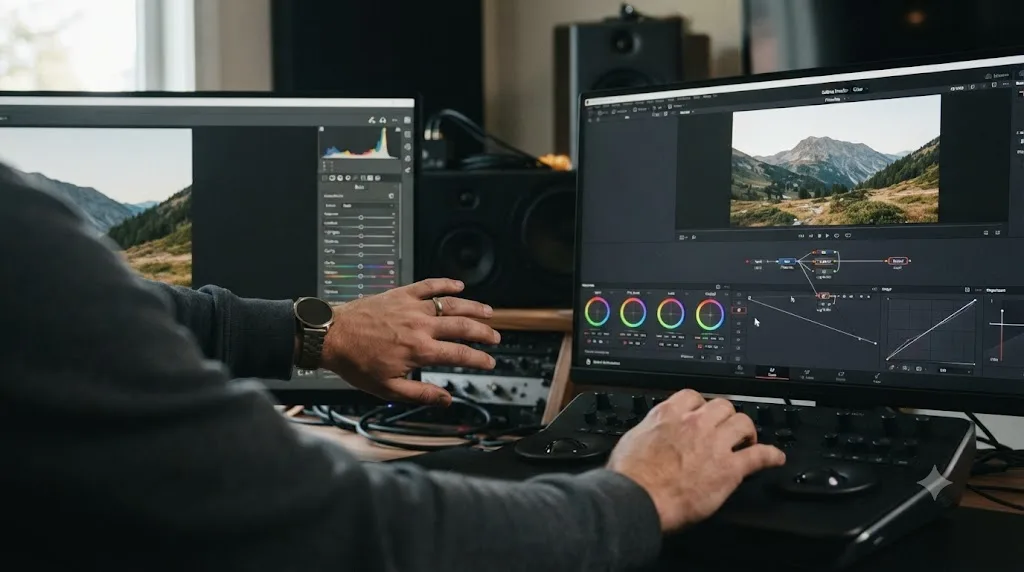
Which photography concepts are worth learning eventually, and when?
Later, not first, and specifically once you've already started grading real footage in DaVinci Resolve and hit a wall the scopes alone can't get you past. This ordering matters more than the concepts themselves. Learning the exposure triangle in the abstract, before you've ever pulled a lift wheel, gives you vocabulary without application. Learning it after you've already tried and failed to fix a badly exposed clip gives you the same vocabulary attached to a real problem you just experienced, which is a stickier way to learn almost anything.
Three concepts are worth deliberately picking up once you're a few weeks into the Color page:
The exposure triangle, specifically so you understand why some footage is unrecoverable. A clip shot so far overexposed that highlight detail is genuinely gone can't be pulled back by any node tree, no matter how skilled the colorist. Understanding aperture, shutter speed, and ISO, per StudioBinder's exposure triangle guide, tells you why that happened and what a shooter could have done differently, which matters if you're ever giving feedback to whoever's holding the camera on your next project.
White balance and color temperature in Kelvin, so you understand what you're actually correcting when you pull a color balance wheel warmer or cooler. Per NFI's white balance explainer, lower Kelvin values render blue, higher values render warm, and knowing that scale gives you a mental anchor for what "too cool" or "too warm" actually means numerically, instead of relying purely on the vectorscope's trace.
Basic composition principles, mostly useful if you ever move into Fusion reframing, cropping, or any decision about where to place text or a graphic element inside a frame you didn't shoot. This is the smallest of the three, and the one most beginners can safely defer the longest.
None of these three concepts needs to be "learned" the way a course markets learning. Reading a single clear explanation of each, once you're already stuck on the specific problem it explains, teaches it faster than a standalone photography curriculum ever would, for the same reason grading your own footage teaches Resolve faster than watching someone else grade theirs, covered in depth in our best way to learn DaVinci Resolve research piece.
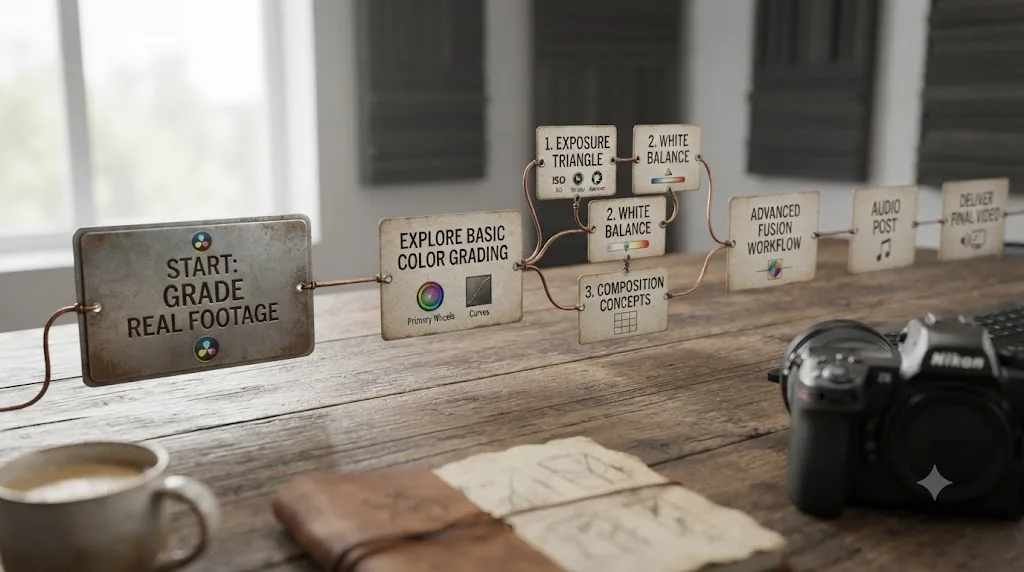
Should you learn photography and DaVinci Resolve at the same time?
If you're genuinely interested in both, yes, and there's no real conflict in running them in parallel rather than sequentially. The mistake isn't learning both. It's treating one as a locked gate in front of the other, which is the exact framing this whole question usually hides inside.
A dual-track approach looks like this in practice: spend your camera time learning to expose and white balance correctly in whatever you're shooting with, phone, mirrorless, whatever's available, and spend your DaVinci Resolve time on the Edit and Cut pages first, since those pages don't touch photography concepts at all and give you an early, motivating win. By the time you reach the Color page in Resolve, you'll already have some camera-side intuition for what a correctly exposed shot looks like, which the scopes then confirm and sharpen rather than replace.
This also solves the sequencing anxiety directly. Nobody has to sit idle "preparing" to learn Resolve by studying photography in isolation first. You're building both skills against real footage and a real timeline the entire time, which is the same guided-practice mechanism that makes any of this stick, whether it's a color grade, a photography exposure decision, or a cut. Running them together beats running them in sequence, mostly because sequence implies a finish line on the first skill before the second one's allowed to start, and that finish line doesn't actually exist for either discipline.
A roadmap tells you what order to attempt things in. It never tells you a hobby you're required to finish before you're allowed to start the next one. If photography genuinely interests you, learn it on its own timeline. Let DaVinci Resolve run on its own timeline too, and let the Color page be where the two genuinely meet, rather than a gate one has to clear before the other opens.
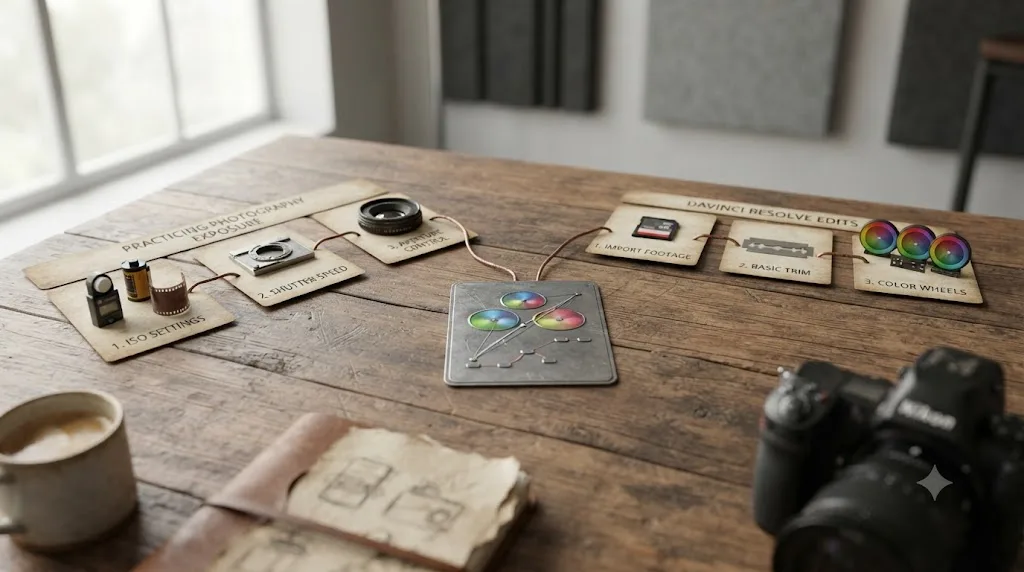
What role does an AI tool play if you don't have a photography background?
A specific and narrow one, and the category matters more than any single product name here, the same way it matters across every learning question this site covers. Not every AI tool built around DaVinci Resolve solves the same problem, and if you're stuck on a term like "clipping" or "lift" with no photography background to fall back on, the tool you reach for should match the specific gap you actually have.
TryUncle is the on-screen assistant for DaVinci Resolve on macOS. Ask in plain words and Uncle points at the exact control on your screen, live, inside the Edit, Color, and Fusion pages. That's a meaningfully different job than a general chatbot, and a different job again from an editing agent that executes changes for you.
CutAgent reads your active timeline and transcripts and executes cuts from a plain-language request. Sottocut and PremiereCopilot automate specific editing tasks the same way. Eddie AI generates rough cuts and suggestions from your source footage inside a native Resolve workflow. All four are genuinely useful tools for a working editor who already knows the software and wants a faster result. None of them teach you what "clipping" or "white balance" means when you're stuck on your own shot without a photography background to draw on, because none of them are built to explain, they're built to execute.
| Tool | What it actually does | Explains a term like "clipping" on your own screen? |
|---|---|---|
| ChatGPT / Claude | Answers a typed question with no view of your project | Partially, generically, without seeing your actual clip |
| CutAgent | Executes edits from typed instructions | No |
| Sottocut | Automates specific editing tasks | No |
| PremiereCopilot | Automates specific editing tasks | No |
| Eddie AI | Generates rough cuts and suggestions | No |
| TryUncle | Watches your screen, points at controls, answers questions live | Yes, on your actual shot, inside the app |
The specific value for someone without a photography background is narrower than "an AI helps you learn faster" in general. It's that the vocabulary gap, not knowing what a colorist means by "crushed blacks" or "a magenta cast," gets closed on your own footage, in the moment you're actually confused, instead of sending you away from the app to search a glossary and lose the thread of what you were doing. TryUncle isn't free. It's a paid subscription at $39 a month, cancel anytime, macOS only, per TryUncle's own site. It's also not a substitute for a photography background you don't have, or for one you already do. It answers the specific "what does this mean, on my specific shot, right now" question that neither a photography course nor an editing agent is built to answer.
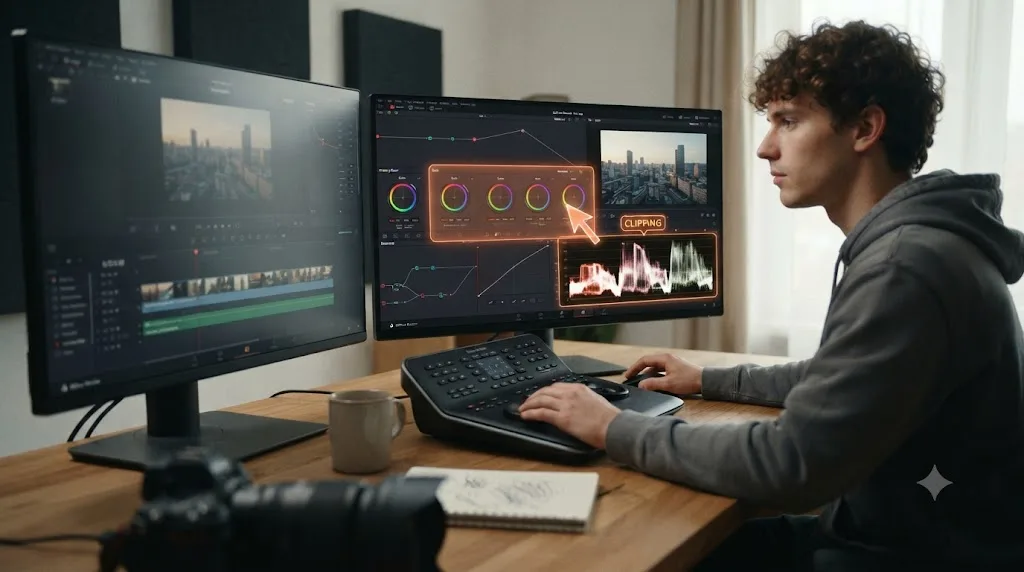
What's the fastest way to learn DaVinci Resolve if you've never touched a camera?
Skip the photography detour entirely and start on real footage today, even if that footage is ten seconds shot on whatever phone is in your pocket. Everything covered above points at the same practical sequence, so here it is stated plainly, worked through end to end.
- Install the free version of DaVinci Resolve. No camera, no photography course, and no Studio purchase required to start.
- Spend your first week on the Edit or Cut page, trimming and assembling real footage. This is the page furthest from anything photography-related, and it gives you a finished result fast enough to build momentum.
- Move to Fairlight for a few days, reading a level meter and fixing a clipping track. Still zero overlap with photography.
- Reach the Color page and lean on the scopes, not your eyes, for your first few grades. Pull up the waveform before you trust your monitor. This is the substitute for a trained eye the software is specifically built to provide.
- The first time you get stuck on a term you don't recognize, "gain," "gamma," "a qualifier," look it up on your own actual shot rather than in the abstract. A short definition attached to a real problem you're staring at sticks faster than a glossary entry does.
- Once you've graded a handful of real clips, go back and read a single clear explanation of the exposure triangle and white balance in Kelvin. You'll understand both faster now that you've already felt the problem they explain.
- Finish a small real project, badly if necessary, cut, graded, exported, and let that finished piece, not a photography credential, be the thing that tells you whether this is working.
That sequence never asks you to prove photography literacy before step one. It asks you to open the software and start, which is the same advice that applies to literally every beginner this site has ever covered, camera background or not. Our fuller DaVinci Resolve learning roadmap for beginners walks through this same sequence in more depth if you want the full stage-by-stage timeline, and our comparison of video editing degrees against teaching yourself DaVinci Resolve covers the same "do I need formal credentials first" anxiety from a different angle, with the same answer underneath it: hiring and skill-building both run on finished work, not on a checklist of things you studied before you were allowed to start.
Guided practice inside Resolve beats waiting until you feel qualified to open it. That's true whether the thing you're waiting to feel qualified in is a film degree, a color theory certificate, or a photography hobby you never quite got around to picking up. The software doesn't check your credentials at the door. It just opens.
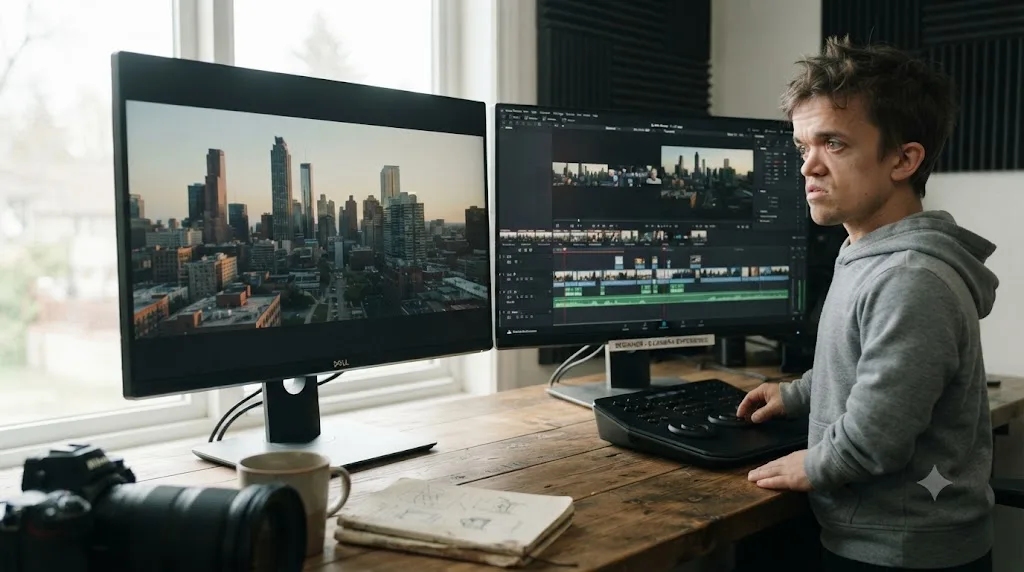
So here's the verdict stated as plainly as the research supports it. You do not need to know photography to learn DaVinci Resolve. Four of the app's seven pages don't touch a single photography concept, and the one page that does, Color, is specifically engineered with scopes and a node system that teach exposure and white balance as you work rather than requiring you to already know them. A photography background is a real, honest advantage on that one page, professional colorists like Vijey Adithya Mohan Raj say so directly, but it's a speed boost to judgment, not a ticket required at the door. Blackmagic's own free training, the largest YouTube channels teaching the software, and a 99,000-member community answering this exact question weekly all agree, by their own consistent behavior, that photography was never the prerequisite this question assumes it is. Open the app. Start on whichever page has nothing to do with a camera. The Color page, and everything it can teach you about exposure and color that you don't already know, will still be there when you reach it.
Frequently asked questions
- Do you need to know photography to learn DaVinci Resolve?
- No. DaVinci Resolve's Cut, Edit, Fairlight, and Deliver pages don't touch a single photography concept, and Blackmagic Design's own free training guides assume zero prior background, in photography or anything else. The Color page is the one place photography knowledge overlaps, and even there, the page's scopes and node system teach you exposure and white balance as you grade, rather than requiring you to already know them.
- What photography concepts actually transfer to DaVinci Resolve?
- Three things carry over cleanly: the exposure triangle (how aperture, shutter speed, and ISO shape brightness and depth of field), white balance and color temperature, and a general eye for composition and light. All three show up on the Color page, where you're correcting exposure and white balance after the fact instead of setting them in camera. None of them show up on the Edit, Fairlight, or Deliver pages.
- Can a complete beginner with no camera experience learn color grading in DaVinci Resolve?
- Yes. DaVinci Resolve's Color page ships with a waveform, RGB parade, vectorscope, and histogram specifically so you don't have to eyeball exposure or white balance the way a trained photographer might. The scopes give you an objective reading of the image, which is exactly the substitute a beginner without a photography background needs, and Blackmagic's own free Colorist Guide teaches the node system from the first page.
- Does DaVinci Resolve teach color theory, or do you need to learn it somewhere else first?
- It teaches the mechanics as you go: how a node changes an image, how the wheels and curves affect lift, gamma, and gain, how a qualifier isolates a color range. What it doesn't teach is taste, when a warmer grade serves a story better than a neutral one, and that judgment develops from grading your own footage repeatedly, not from a photography class you took beforehand.
- Is it easier to learn DaVinci Resolve or photography first?
- Depends on your actual goal. If you want to shoot and edit your own content, learn enough photography to expose and white balance correctly in camera, since fixing a badly exposed shot in post costs more time than getting it right on set. If you're editing footage other people shot, for weddings, corporate work, or a YouTube channel that isn't yours, you can start directly in DaVinci Resolve and pick up exposure and color theory from the Color page itself.
- What is the best way to learn DaVinci Resolve if you don't have a photography background?
- The same as if you did: guided, hands-on practice on your own footage, not a marathon of tutorials. Watch a short orientation video for the page you're on, attempt a small real project, and get corrected on the specific thing you got wrong. A photography background changes how fast the Color page's judgment calls click, not whether the method works.
- Is there an app that helps you while you're using DaVinci Resolve if you don't understand a color or exposure term?
- Yes. TryUncle is the on-screen assistant for DaVinci Resolve on macOS. Ask in plain words and Uncle points at the exact control on your screen, live, inside the Edit, Color, and Fusion pages, so a term like 'clipping' or 'lift' gets answered on your actual shot instead of sending you to a glossary. It's a paid subscription at $39 a month, not a photography course.
- Should I take a photography course before I start learning DaVinci Resolve?
- Not as a prerequisite, no. If photography interests you separately, learn it, it's a legitimate skill with its own value. But treating it as a gate you have to pass before opening DaVinci Resolve delays the thing that actually builds editing skill, which is editing. Open Resolve, start on the Edit or Cut page, and pick up exposure and color theory on the Color page when you get there.
Sources
- DaVinci Resolve Training (Blackmagic Design)
- DaVinci Resolve product page and free vs Studio comparison (Blackmagic Design)
- DaVinci Resolve - Cut (Blackmagic Design)
- DaVinci Resolve Interface and Pages (2 Pop, CalArts)
- DaVinci Resolve: Everything You Need to Know Before You Download, by Alizah Aamir (Firecut)
- Digital Intermediate Colorist Interview: Vijey Adithya Mohan Raj (The Interview Portal)
- How to Use DaVinci Resolve Scopes: A Practical Guide for Accurate Colour and Exposure (Video Editor London)
- A Practical Guide to Reading Scopes in DaVinci Resolve (Colour Grade Agency)
- How to Read DaVinci Resolve Scopes: Waveform, Vectorscope (DaVinci Resolve 21)
- Exposure Triangle Explained (StudioBinder)
- White Balance - Everything You Need to Know (NFI)
- DaVinci Resolve free vs Studio: What's included in each version (Storyblocks)
- MOOC completion rate just 4%, study says (Higher Ed Dive)
- Casey Faris - Instructor page (CreativeLive)
- DaVinci Resolve 21 Learning Group (Facebook)
- CutAgent (product site)
- Sottocut (product site)
- PremiereCopilot pricing
- Eddie AI for DaVinci Resolve (native integration workflow page)
- TryUncle
- TryUncle FAQ
Learn by doing, not watching
Stop translating tutorials to your timeline.
TryUncle stays beside Resolve on Mac and Windows. When you ask, Uncle sees your screen and points at the exact control you need. No hunting through tabs, timestamps, or mismatched tutorials.
Meet TryUncleKeep reading
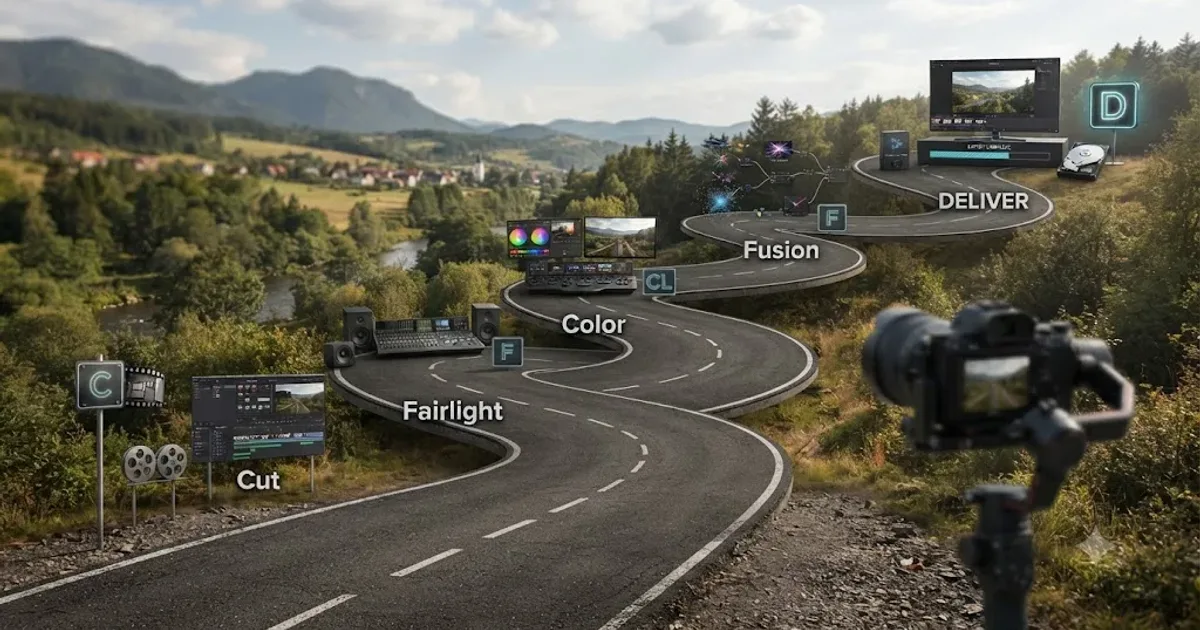 GuidesJul 15, 202639 min read
The DaVinci Resolve Learning Roadmap for Beginners
The right order to learn DaVinci Resolve: Cut or Edit, then Fairlight, Color, and Fusion, checked against Blackmagic and Ripple Training's own paths.
 GuidesJul 12, 202641 min read
The Best Way to Learn DaVinci Resolve (What the Research Says)
Guided, hands-on practice inside DaVinci Resolve beats video courses and MOOCs. Here's the learning-science research behind why, and how to apply it.
 ComparisonsJul 20, 202639 min read
Video Editing Degree vs. Learning DaVinci Resolve Yourself
A cost, hiring, and job-market comparison of a video editing degree against teaching yourself DaVinci Resolve, with real tuition, debt, and salary numbers.