
Learn / DaVinci Resolveupdated for DaVinci Resolve 21.0.2 and Adobe Premiere Rush's end-of-life timeline (July 2026)
DaVinci Resolve vs Adobe Premiere Rush for Beginners (2026)
Quick answer
Adobe Premiere Rush stopped being available for new downloads on September 30, 2025, and shuts down completely on September 30, 2026, replaced by the new Premiere app for iPhone. DaVinci Resolve remains free, permanent, and far deeper (color, audio, VFX). For a beginner choosing today, DaVinci Resolve is the safer long-term pick; Rush is not a viable new start.
You searched for a comparison between DaVinci Resolve and Adobe Premiere Rush, and there's a fact buried in that question that changes the whole answer: one of these two apps is being shut down. Not slowed down, not deprecated in some quiet corner of a release note. Shut down, on a published date, with a replacement app already live and a second one still on the way.
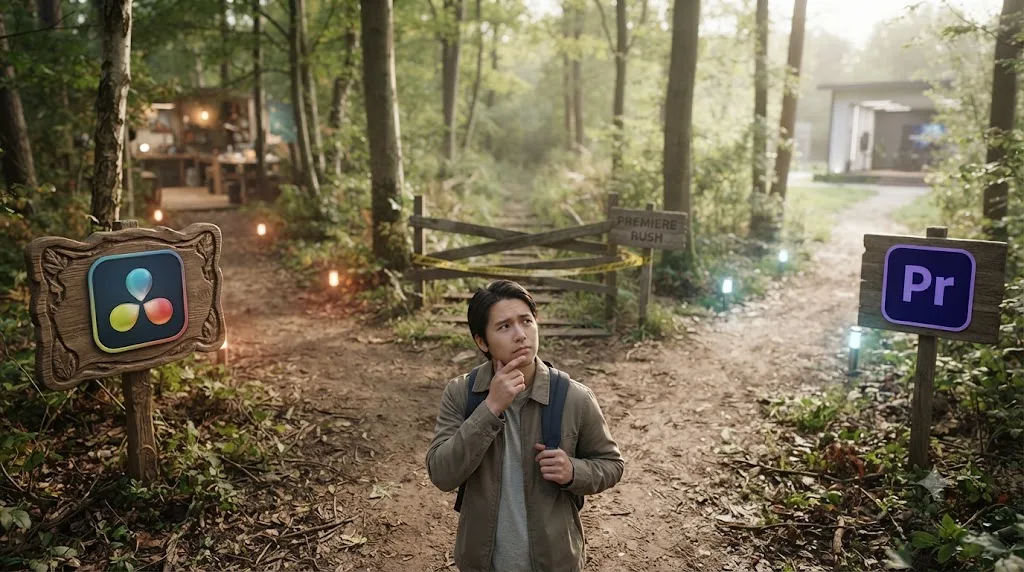
That changes what "which one should a beginner pick" even means here. This isn't a comparison of two ongoing products anymore. It's a comparison between one editor that's permanent and one that's on a countdown clock, and as of July 2026, we're inside that countdown right now.
DaVinci Resolve vs Adobe Premiere Rush for beginners: the quick verdict
Here's the whole comparison in one table before the details. Every row gets its own section below, with sources.
| Category | Winner for beginners | Why |
|---|---|---|
| Still downloadable for new users in 2026 | DaVinci Resolve | Premiere Rush was pulled from Adobe.com and app stores on September 30, 2025 |
| Long-term viability | DaVinci Resolve | Rush shuts down entirely on September 30, 2026; Resolve has no end date |
| Price to start | DaVinci Resolve | Genuinely free, no watermark, no time limit, no subscription |
| Learning curve, week one | Premiere Rush (historically) | Single-window, simplified interface, minimal setup |
| Cross-device editing (phone to desktop) | Neither, cleanly | Rush's cloud sync is being retired; Resolve has no phone app at all |
| Color grading | DaVinci Resolve | Node-based Color page with scopes, qualifiers, power windows |
| Audio mixing | DaVinci Resolve | Fairlight is a full digital audio workstation; Rush's tools were basic |
| VFX and motion graphics | DaVinci Resolve | Fusion is a built-in node compositor; Rush had none |
| Skill that transfers to pro work | DaVinci Resolve | Timeline, node, and scope literacy carries into every professional NLE |
| What Adobe wants you using instead | Adobe's new Premiere app (iPhone, with Android coming) | Free, no subscription for core features, built to replace Rush directly |
The short version: even setting aside every feature comparison below, Premiere Rush fails the most basic test for a beginner tool, will it still be here next year. DaVinci Resolve passes that test easily. What follows explains why, and what to actually do if you've already got Rush projects sitting on your phone.
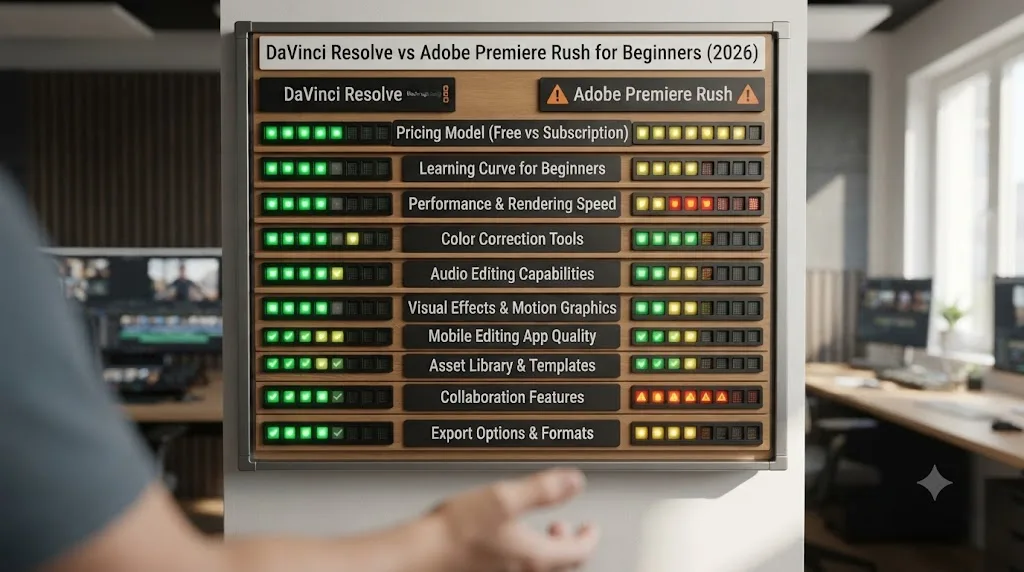
Is Adobe Premiere Rush even still available in 2026?
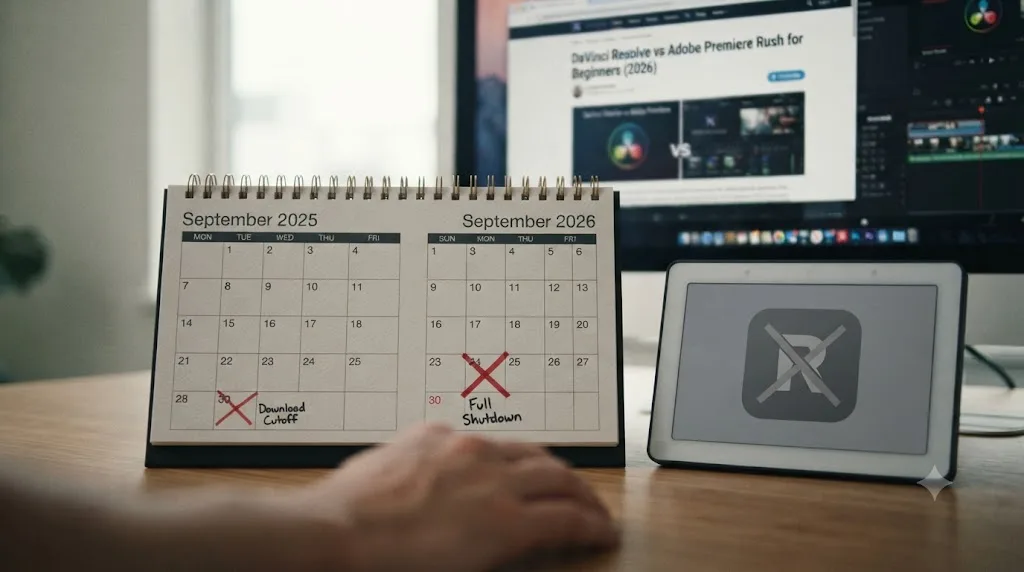
No, not for anyone starting today. Adobe's own end-of-life notice for Premiere Rush confirms the app "will no longer be available for download from Adobe.com or mobile app stores" as of September 30, 2025. If you're reading this in July 2026 and don't already have Rush installed on a device, there is no way to get it. It's gone from the App Store, gone from Google Play, gone from Adobe's own site.
If you already had it installed before that cutoff, you can keep using it, for now. Adobe's notice states existing installations remain usable until the app is discontinued entirely on September 30, 2026, with technical support ending the same day. That leaves a narrow, shrinking window: Rush technically works today, stops working sometime around that September date, and gets zero support from Adobe in between if something breaks.
A tool you cannot download for the first time is not a real option for a beginner, no matter how good its interface used to be. That single fact should end most "DaVinci Resolve vs Premiere Rush" searches immediately, and it's worth saying plainly before anything else in this comparison: if you're picking your first video editor today, Premiere Rush isn't actually one of the choices on the table anymore.
What replaces Premiere Rush now that it's being retired?
Adobe's answer is a new app, simply called Premiere, built for iPhone and iPad first. According to MacRumors' coverage of the launch, Adobe made the new Premiere app available worldwide on the App Store starting September 30, 2025, the exact same day Rush stopped being downloadable, positioning it as a direct one-for-one replacement rather than a parallel product.
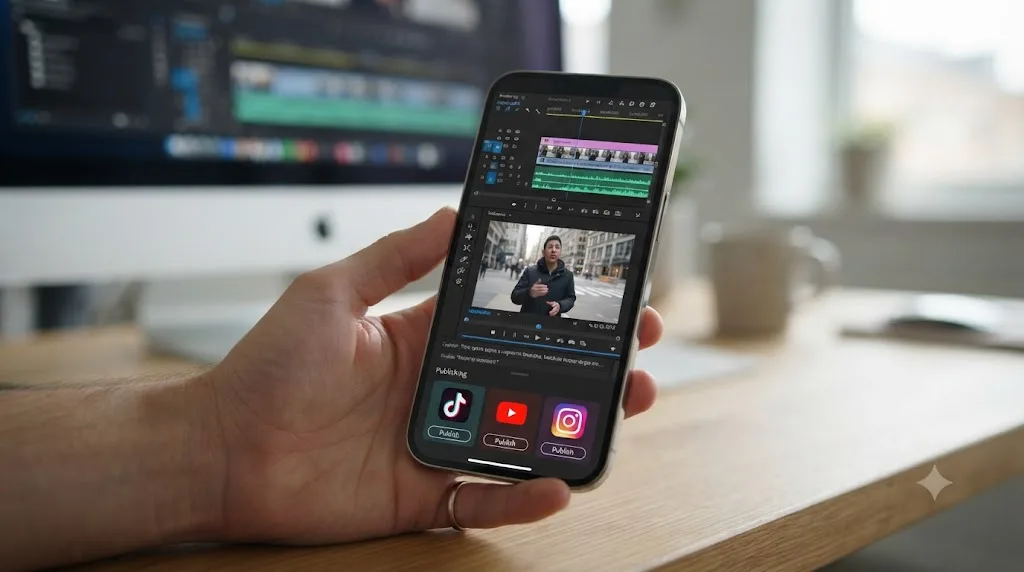
The new app is free to download and use without a subscription for its core editing, a real departure from Premiere Pro's desktop pricing, which starts around $23 a month. According to the same MacRumors report, it includes an unlimited multi-track timeline for video, audio, and text layers, standard clip trimming and audio overlay tools, a speech enhancement tool that isolates voices by removing background noise, automatic stylized captions, 4K HDR export, one-tap publishing to TikTok, YouTube, and Instagram, and Adobe Firefly AI integration for generating sound effects and other creative assets. Finished projects transfer directly into Premiere Pro on desktop with no conversion step, a genuine improvement over Rush, which had no equivalent direct handoff into the full Pro app.
Android users are still waiting. As of 9to5Google's coverage from May 2026, Google confirmed during its Android 17 announcement that Adobe's Premiere app is coming "soon" to Android, with earlier press materials pointing toward a summer 2026 window, but no firm release date has landed as of that report. Early materials suggest the Android version will lean into templates and effects built specifically for YouTube Shorts. If you're on Android and were counting on Rush's replacement being ready the moment Rush shuts down in September 2026, that timing is not guaranteed yet.
Adobe didn't quietly let Premiere Rush fade out. It replaced it on the exact same day, with a named successor app, which is a strong signal about how permanent Adobe considers its own decision. That's worth internalizing before you spend real time learning Rush's interface for anything beyond finishing a project you're already mid-way through.
What is DaVinci Resolve, and why does it keep showing up in this comparison?
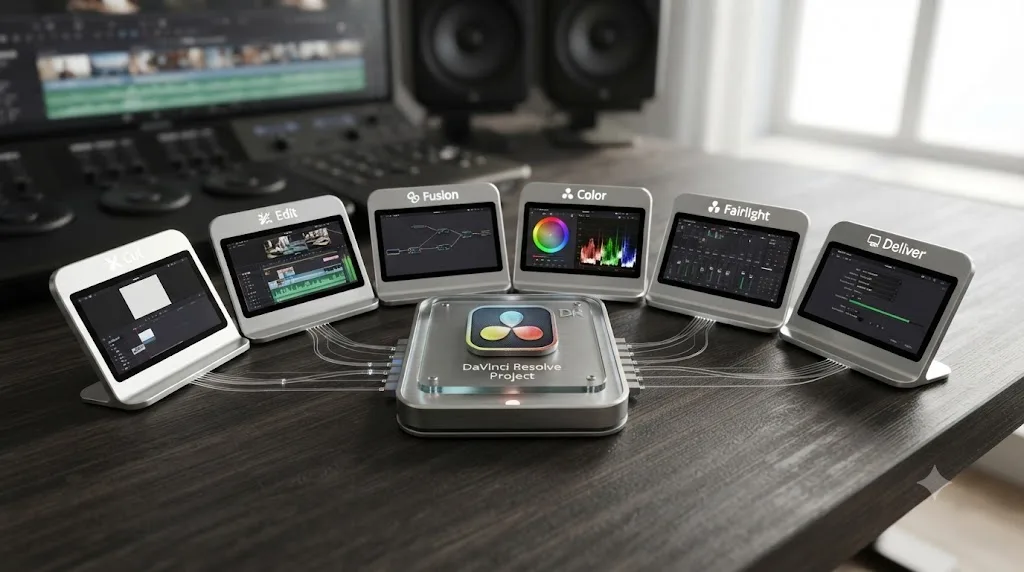
DaVinci Resolve is a professional, timeline-based video editor that also includes a full color-grading suite (Color), a digital audio workstation (Fairlight), a node-based visual effects compositor (Fusion), and a delivery page (Deliver), all inside one application and one project file. Blackmagic Design built it starting from color-grading software before editing was ever added, which is part of why its color tools go so much deeper than a mobile-first app like Rush ever attempted.
Beginners keep getting pointed at Resolve for one concrete reason: its free edition isn't a trial. According to Blackmagic Design's own product page, the free edition exports up to Ultra HD resolution (3840x2160) at up to 60fps, with no time limit and no recurring fee, ever. Toolfarm's detailed breakdown of Free versus Studio confirms there's no watermark either, a genuinely rare combination in professional-grade creative software. DaVinci Resolve Studio, the paid upgrade, adds Neural Engine AI tools, higher resolution and frame rate ceilings, and a handful of advanced Fusion and Fairlight features, for a single $295 payment with no subscription attached, according to the same Blackmagic page.
Blackmagic released DaVinci Resolve 21.0 in June 2026, according to CG Channel's coverage of the release, followed by a 21.0.2 maintenance update on July 1, 2026, per Newsshooter's writeup. That's an app under active, current development, a meaningful contrast to an app whose own maker has already published its shutdown date.
The tradeoff, and it's real, is depth. Resolve is genuinely several applications behind one set of page tabs, and a first-time user needs to learn where things live across all of them before the app feels comfortable, not just the single page a Rush user would have needed for a quick cut.
What was Adobe Premiere Rush actually built for?
Premiere Rush launched in 2018 (as "Project Rush" at first) with a specific pitch: take pieces of Premiere Pro, Audition, and After Effects and combine them into one simplified, cross-device app for online video creators, rather than asking a beginner to learn the full professional suite. The design goal was accessibility over power, a single, welcoming window instead of Premiere Pro's dense, panel-heavy interface.
That design philosophy shows up directly in how people who used both tools describe the split. Ryan Hill, video tech at Lensrentals, compared DaVinci Resolve's mobile editing tools to Premiere Rush directly in a 2023 breakdown on the Lensrentals blog, and put the difference in target audience plainly:
"While Adobe's offering for mobile video editors might not be as powerful as Resolve, or Premiere Pro for that matter, power isn't really the goal here."
Hill also tested Rush's approachability directly, describing how his wife, who had no video editing experience, was able to create content in the app within minutes, including titles and color corrections. He credited that specifically to the interface: "A simple layout and intuitive controls make it easy for anyone to start editing videos right away."
Rush's own free Starter plan reflected that same accessibility-first design right up until the discontinuation announcement. According to Adobe's official FAQ and a breakdown from ProDesignTools, the free tier included unlimited video exports on both mobile and desktop with no watermark, 2GB of cloud storage, a royalty-free audio library, and customizable animated titles, while gating advanced audio tools, Auto Reframe, 4K export, and cross-device project syncing behind a paid plan. Historically, that paid plan ran $9.99 a month standalone, with Adobe later adding a cheaper $4.99-a-month mobile-only tier, according to Creative Bloq's coverage of that pricing change.
Everything about that design, one window, unlimited free exports, a simple layout built for someone editing between errands, was aimed squarely at the person this comparison is written for: a complete beginner who just wants a video posted. That the tool built for exactly that person is the one being shut down is the whole irony this comparison has to sit with honestly.
How much do DaVinci Resolve and Premiere Rush actually cost?
This comparison stopped being close the moment Rush's paid tiers stopped renewing.
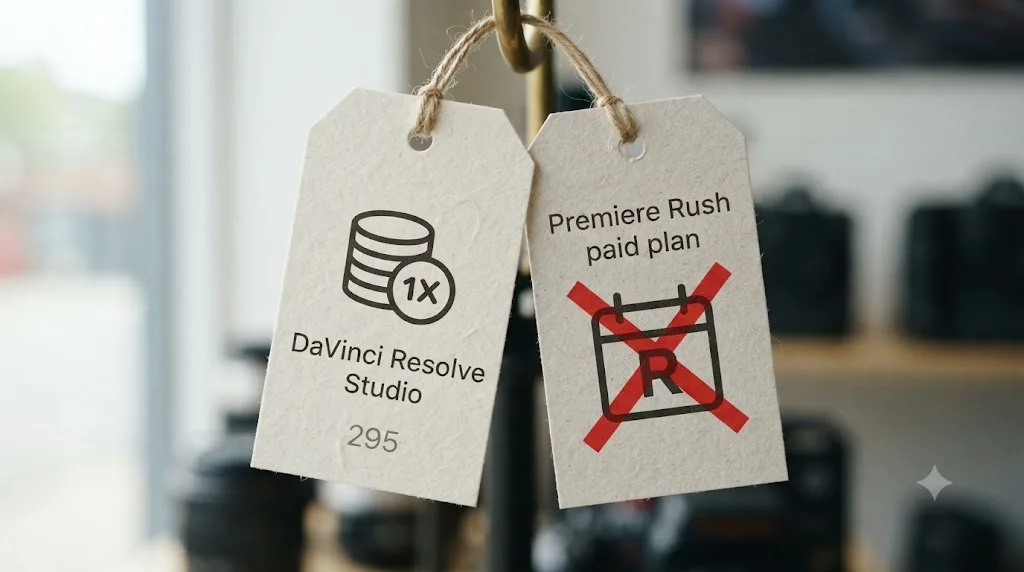
DaVinci Resolve's free edition costs nothing, forever, with the Ultra HD export cap and feature limits described above. DaVinci Resolve Studio removes those limits for a single $295 payment, per Blackmagic's own pricing page. There's no monthly bill at either tier, and no clock counting down to a shutdown date.
Premiere Rush's pricing history, worth knowing even though it's now mostly academic, ran a standard subscription model: $9.99 a month standalone, or bundled into various Creative Cloud plans, with a cheaper $4.99-a-month mobile-only option added later, according to Creative Bloq. But as of the end-of-life announcement, Adobe stopped renewing premium Rush subscriptions in September 2025, meaning every existing user, paid or free, is now running on the free Starter feature set only, whether they're still paying for it or not. There is currently no way to pay Adobe for a better version of an app it has already decided to discontinue.
| Product | Price | Model | Still purchasable? |
|---|---|---|---|
| DaVinci Resolve (free) | $0 | Free forever, Ultra HD export cap, no watermark | Yes |
| DaVinci Resolve Studio | $295 | One-time payment, no subscription | Yes |
| Premiere Rush Starter (free) | $0 | Unlimited exports, 2GB cloud storage, no watermark | Only for existing installs |
| Premiere Rush paid tiers | $4.99-$9.99/mo (historical) | Subscription; stopped renewing September 2025 | No |
| Adobe Premiere (new app, iPhone/iPad) | $0 to start | Free core editing, optional paid AI credits and storage | Yes |
Paying a monthly subscription for a feature set that stopped renewing is not a real financial choice, it's just a bill that never had a matching product behind it anymore. If you're currently subscribed to Premiere Rush's paid tier, that subscription is not buying you anything the free Starter plan doesn't already give you, and it's worth checking your Adobe account to confirm you're not still being charged for a plan Adobe itself has already sunset.
Which one was actually easier to learn as a complete beginner?
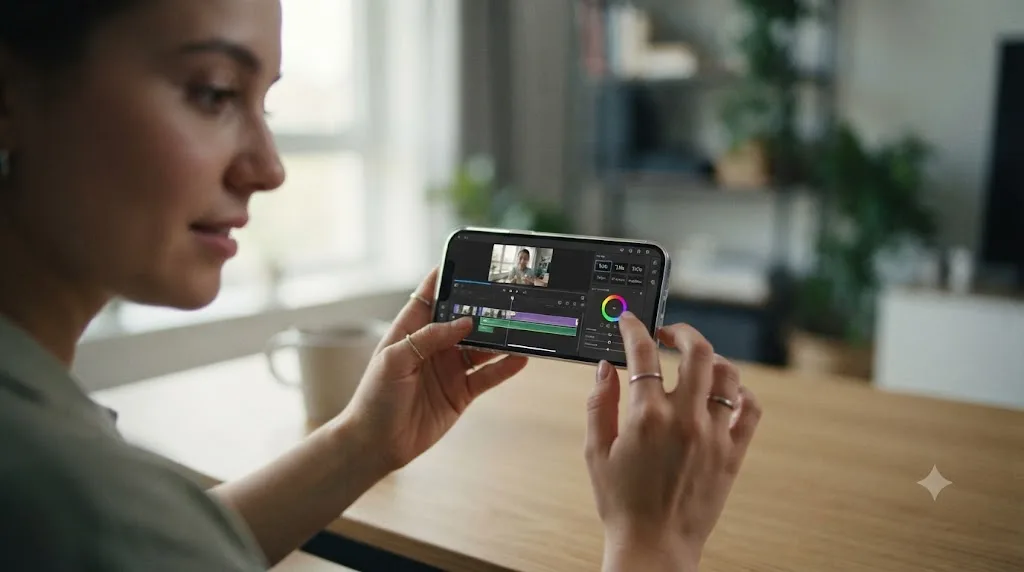
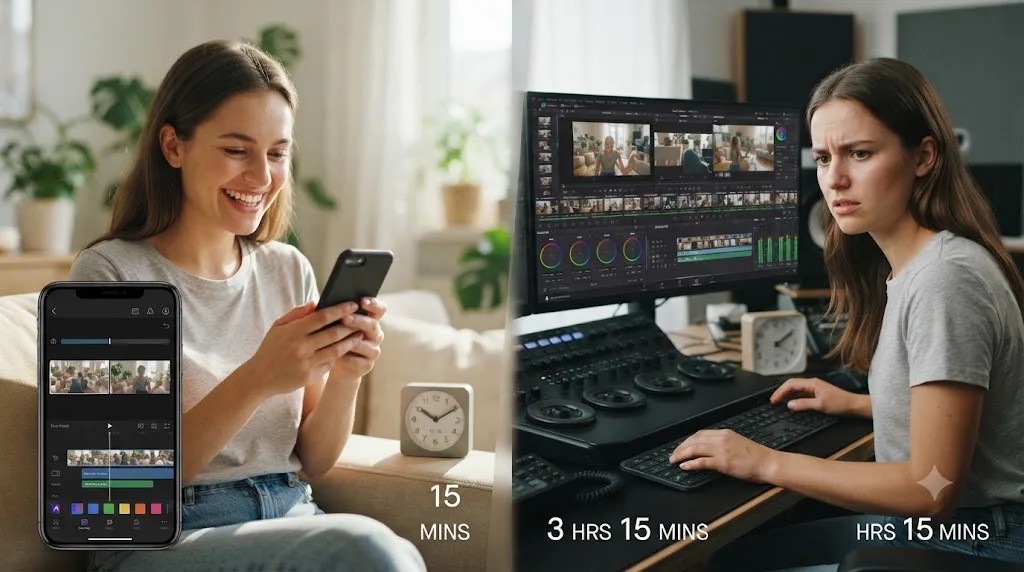
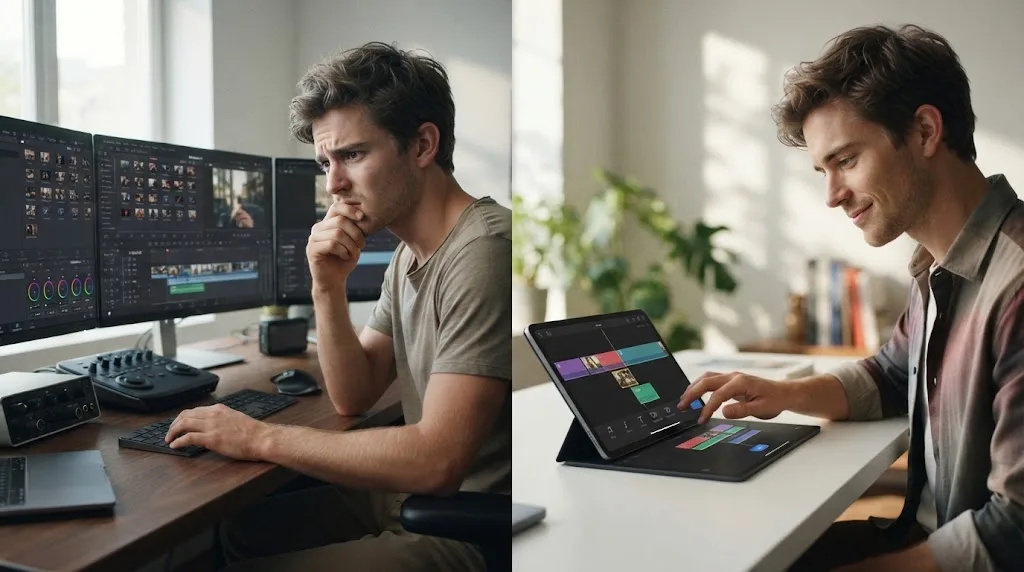
Premiere Rush, and it's not a close call if we're only judging week one against week one. Rush's entire design, described directly above by Ryan Hill's hands-on test, was built to get someone with zero editing background to a finished, titled, color-corrected video in minutes, not hours. A single window, drag-and-drop clip arrangement, and a small, focused toolset meant almost nothing stood between opening the app and posting something.
DaVinci Resolve asks more of a first-time user by design, and it's worth naming that honestly rather than pretending it isn't true. Its interface spans several distinct pages, each deep enough to be its own dedicated app in a different editor's world, and a first-time user has to learn where things live across all of them before the app feels comfortable, not just the one page needed for a simple cut. Blackmagic's own free training program, six official guides covering editing, color, Fairlight, and Fusion with downloadable lesson files, exists specifically because that learning curve is real and Blackmagic knows it.
Here's the part that changes the calculation completely: "easier to learn in week one" and "the right tool to spend your learning time on" are different questions, and for Premiere Rush in 2026, they now have opposite answers. Every hour spent building fluency in an app scheduled to shut down within months is an hour of learning that doesn't compound into anything durable. DaVinci Resolve's steeper first week is the entry fee for skill that keeps paying off for years, because the software it's attached to isn't going anywhere.
Which one is better for editing on your phone right now?
Neither is a clean win here anymore, which is a genuinely awkward answer for a comparison that used to have an obvious one.
Premiere Rush's whole pitch was cross-device continuity: start an edit on your phone, finish it on your desktop, synced through Adobe's cloud. That workflow is being actively wound down along with the rest of the app. Its replacement, the new Premiere app, currently exists for iPhone and iPad only, with Android confirmed as coming but not yet available as of mid-2026 according to 9to5Google's report. If you're on Android and want Adobe's phone-first editing experience today, there is genuinely no current option, Rush is gone from the store and its Android successor hasn't shipped.
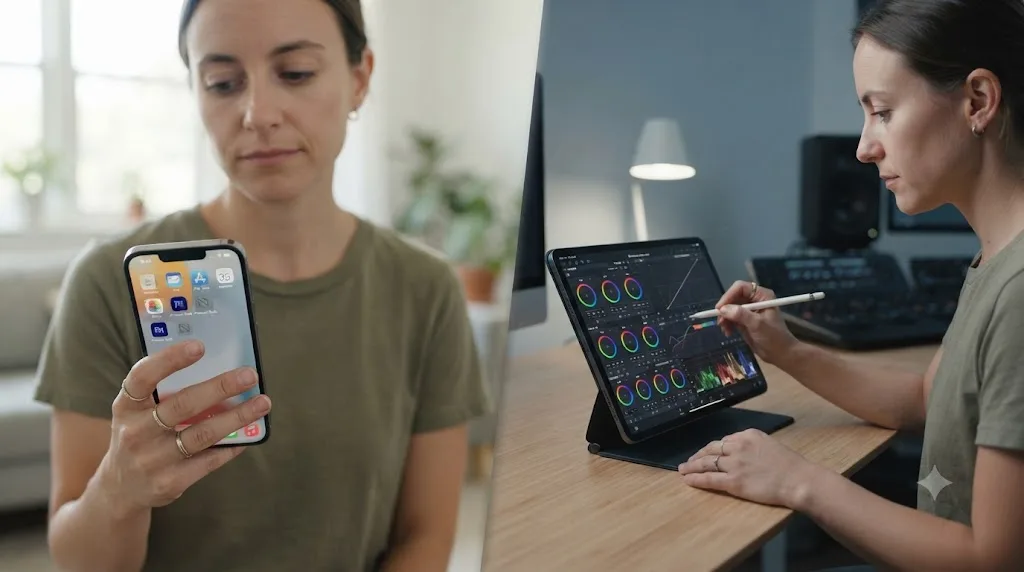
DaVinci Resolve has no phone app for iPhone or Android, and it never has. What it does have is a real, free iPad app with genuine editing and color-grading tools built in, not a stripped-down companion to the desktop app. According to the App Store listing, the base app is free and includes real editing and color correction tools, while a $94.99 in-app Studio upgrade unlocks Neural Engine features like Magic Mask, Smart Reframe, and Voice Isolation. A 2026 rundown of the app's 21.0 update notes it requires iPadOS 16 or later and an M1 chip or newer, adding a new Photo Page for still-image management alongside core editing improvements.
| Adobe (Rush → new Premiere) | DaVinci Resolve | |
|---|---|---|
| iPhone app | New Premiere app, live since September 2025 | No phone app, ever |
| Android app | Rush gone; new Premiere "coming soon," not live as of mid-2026 | No phone app, ever |
| iPad app | Runs the same iPhone app | Yes, free base app, $94.99 Studio in-app purchase |
| Desktop | Premiere Pro (separate app, separate cost) | Full desktop app included, same free tier |
| Cross-device project sync | New Premiere transfers directly into Premiere Pro | No equivalent; iPad and desktop are separate projects |
A phone-to-desktop workflow that's mid-transition between two different apps is not a reliable foundation to build a beginner's habits on right now. If phone-first editing with real desktop continuity matters most to you, Adobe's new Premiere app on iPhone is the honest current answer, not Rush, and Android users are stuck waiting regardless of which editor they'd otherwise prefer.
Does DaVinci Resolve have anything as simple as Rush's one-screen interface?
Not really, and it's worth being direct about that instead of overselling Resolve's beginner-friendliness. Rush's single window, one timeline, one set of contextual panels, one export button, was the entire product, purpose-built for someone who never wants to think about pages, tabs, or node graphs.
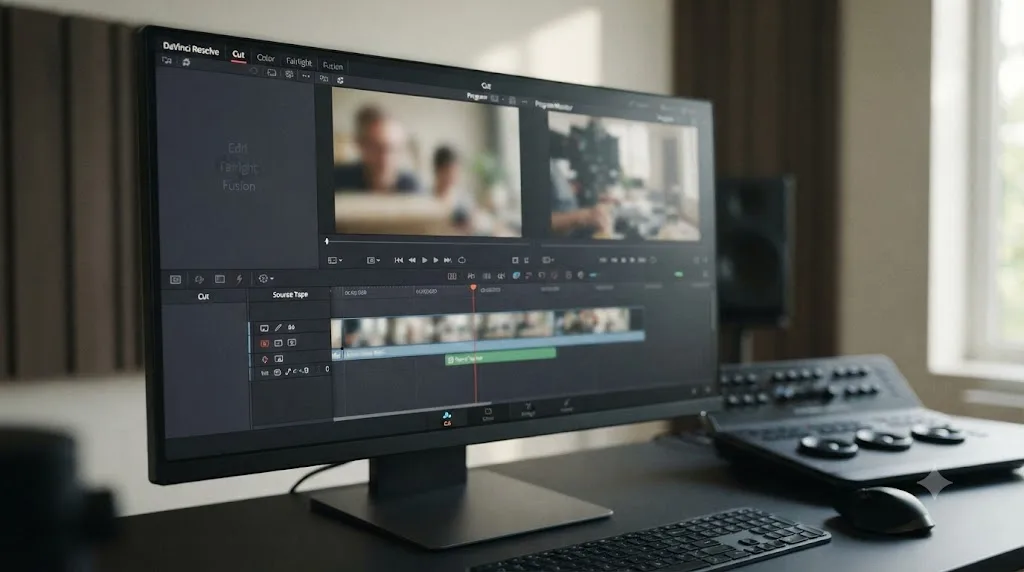
Resolve's closest equivalent is the Cut page, a simplified editing view sitting alongside the fuller Edit page, designed for fast, source-tape-style editing without needing to touch Color, Fairlight, or Fusion at all. It's genuinely more approachable than jumping straight into the full Edit page, but it's still one page among several, not the whole app, and a beginner will eventually bump into the page-tab structure the moment they want a title, an audio fix, or a color adjustment that lives somewhere else.
The honest comparison here isn't "Resolve has a Rush-equivalent simple mode." It's "Resolve's simplest mode is still more capable and less contained than Rush's entire interface was." That's a real tradeoff, not a wash. A beginner who wants the absolute lowest-friction path to a single finished video today will still find Rush's old design philosophy (now living on in Adobe's new Premiere app) faster to pick up cold. A beginner who wants that first video to be the start of an actual skill set, not just a one-off export, gets more out of Resolve's Cut page as a genuine first step into a much bigger toolset, even though it takes longer to feel effortless.
How do the color grading tools compare?
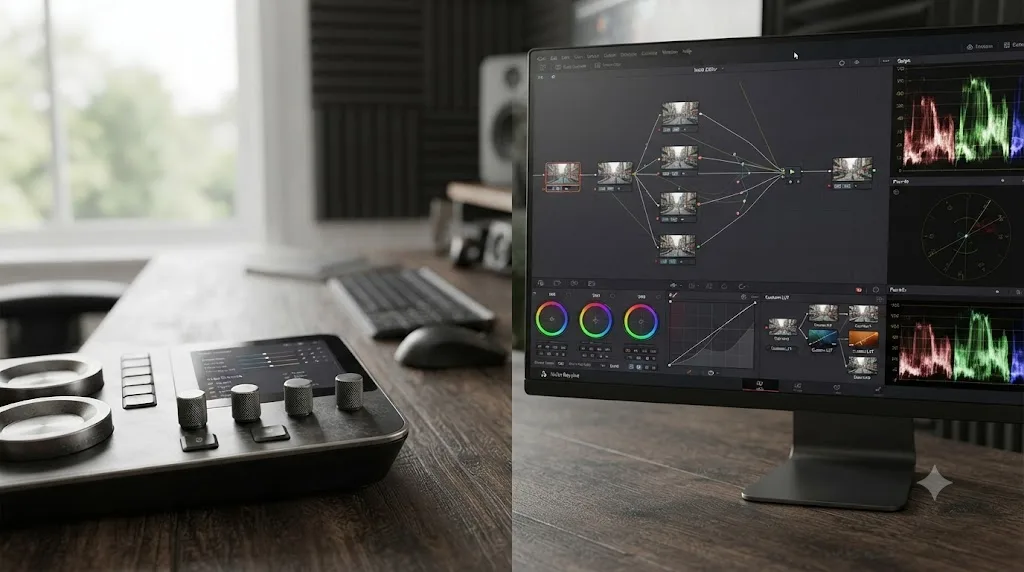
DaVinci Resolve, without a real contest. Rush's color tools were sliders: exposure, contrast, saturation, temperature, and a set of one-tap presets, applied broadly across a clip. That's genuinely useful for quickly making a talking-head shot look consistent, and it matched Rush's whole "get it done fast" philosophy well.
Resolve's Color page works entirely differently. It's built around nodes, discrete processing blocks wired together in whatever order a shot actually needs, backed by a full scopes suite (waveform, vectorscope, histogram, parade) docked right next to the graph. According to Blackmagic's own description, the free edition includes qualifiers, power windows, and tracking as core tools, not gated behind the paid Studio upgrade. You can isolate just a subject's skin tone, or just a blown-out sky, and grade each independently, something no slider panel, Rush's or otherwise, was ever built to do.
A slider that brightens a whole frame and a node graph that isolates one region of that same frame and grades it independently are not the same category of tool, even when both get called "color correction." If color grading is ever part of your actual work, a client project, a wedding video with mismatched cameras, a short film that needs a consistent look scene to scene, Resolve is the only one of these two tools built to get there.
How do the audio tools compare?
Also not close. Rush's audio tools covered the basics a solo creator actually needed most: auto-ducking to lower music under dialogue, some noise reduction, and a simple mixer for level and pan adjustments. For a voiceover-and-music-bed edit, that covered the real-world need well, and it did it with almost no manual setup.
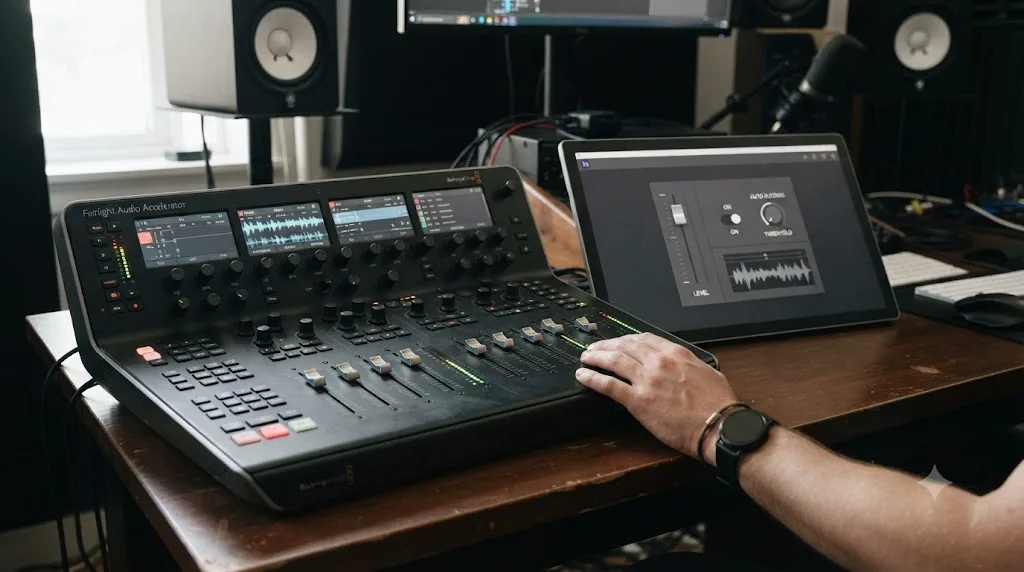
Fairlight, Resolve's dedicated audio page, is a different category of tool entirely. Described by Blackmagic as "the world's first and only audio post production software that's completely integrated with picture editing," Fairlight supports up to 2,000 tracks with realtime effects on a single system, a full channel-strip mixer with faders and panners, a 6-band parametric EQ and dynamics processing running on every track by default, and dedicated ADR and Foley recording tools built specifically for post-production sound work. Rush had nothing resembling a dedicated audio workspace; Fairlight is an entire application's worth of tools sitting one tab away in the same project file.
If your projects have never needed more than a clean voiceover and a ducked music bed, the practical gap won't hit hard in your first few edits, since both tools handle that specific case well. If you're doing anything approaching a real mix, multiple dialogue tracks, a client delivery spec, a proper podcast recording, Fairlight is materially deeper than anything Rush ever offered, not a renamed version of a panel you already know.
Can either app do real motion graphics or VFX?
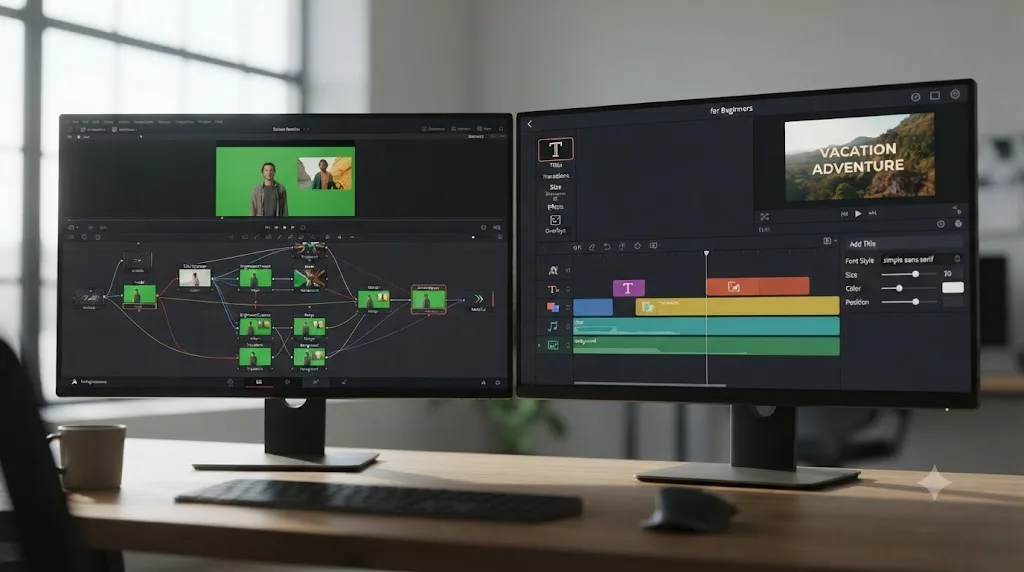
Only one of them ever tried. Fusion, Resolve's built-in compositor, is described by Blackmagic as a true node-based 3D compositing workspace with more than 250 tools covering keying, rotoscoping, and motion tracking, all inside the same project file as your edit and grade. That's a genuine, separate discipline worth learning on its own terms, not a checkbox feature.
Rush never had an equivalent. Its visual layer was limited to titles, simple overlays, and basic transitions, the toolset a fast, simple app for social content actually needs, but nothing approaching compositing. That wasn't a gap in Rush's execution, it was a deliberate scope decision, the same one that made it fast and approachable in the first place.
A tool that never tried to do compositing isn't a worse compositor than one that does. It's a tool that made a different bet about what its users would actually need. If your work ever grows to include a lower-third animation more complex than a title template, a green-screen composite, or motion-tracked text, Resolve's Fusion page is the only one of these two apps that has anywhere to take that request.
Which handles social media exports and captions better?
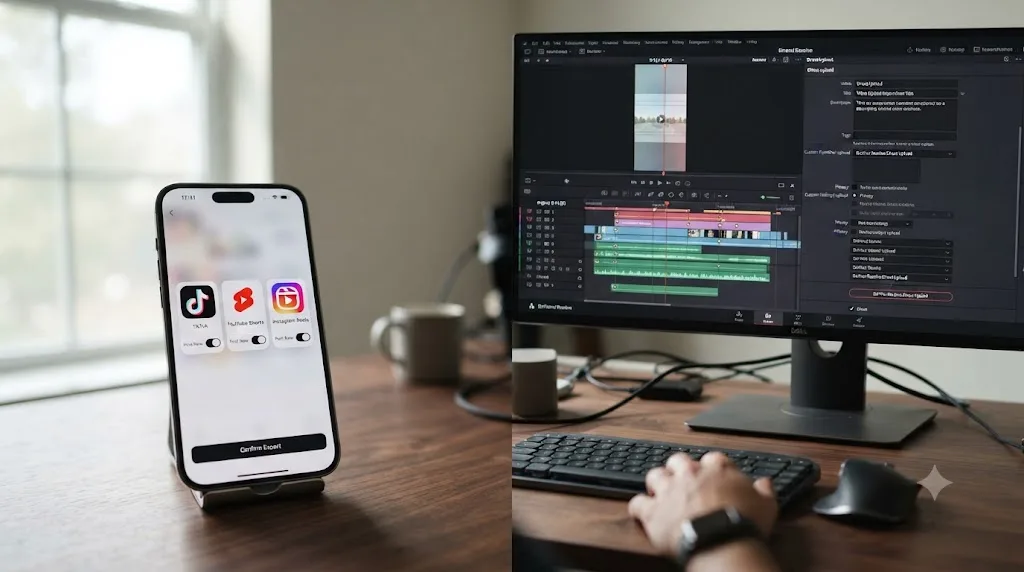
This is genuinely close, and it's the one category where Rush's design philosophy, now inherited by Adobe's new Premiere app, still holds a real edge. Rush was built with social platforms as a first-class destination, direct export presets and sharing tuned for YouTube, Facebook, and Instagram, according to Adobe's own overview of the app. The new Premiere app carries that forward and extends it, with one-tap publishing to TikTok, YouTube, and Instagram built directly into the export flow, per MacRumors' coverage.
DaVinci Resolve added its own automatic subtitle generation through the Timeline menu's "Create Subtitles from Audio" command, and DaVinci Resolve 20 specifically targeted short-form workflows with vertical video support and direct upload options to TikTok, Vimeo, X, and YouTube from inside the app. Setting a timeline to a vertical 1080x1920 format works on the free edition, with no watermark and no time limit. What Resolve doesn't have is Rush's (or the new Premiere app's) one-tap simplicity for the whole publish step, you're setting up a workflow deliberately rather than tapping a single button tuned to a specific platform.
For a beginner whose entire output is short-form social content and nothing else, the ease of a purpose-built social-export flow is a real, specific advantage, and it's honestly the strongest remaining case for using Adobe's ecosystem over Resolve's, just pointed at the new Premiere app instead of the discontinued Rush.
What if you already have unfinished Premiere Rush projects right now?
This is the practical question most people searching this comparison actually have, and it deserves a direct, concrete answer instead of general advice.
First, understand what doesn't travel. Neither DaVinci Resolve nor Adobe's new Premiere app can import a Rush project file directly. Rush's project format was never built with an export path to a different editor in mind, the same way most consumer-facing, simplified apps skip interchange formats like AAF, XML, or EDL entirely. Whatever cut order, titles, and color adjustments live inside an unfinished Rush project stay locked inside Rush, and inside Rush only, until the app itself stops working.
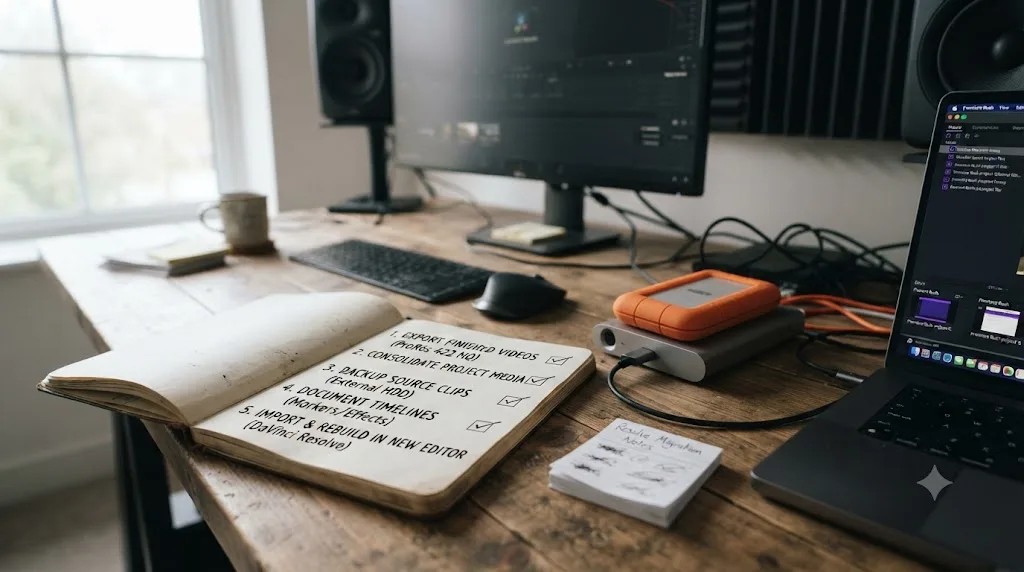
Here's the concrete action plan, in order, and worth doing well before September 2026, not the week of:
- Export a finished video from every Rush project you still care about, even a rough version, so you have a usable, permanent copy that doesn't depend on Rush's cloud services staying online.
- Locate and back up your original, unedited source clips, wherever you first imported them from (your phone's camera roll, an SD card, cloud storage), separately from anything inside Rush's own project structure.
- Decide whether an unfinished project is worth rebuilding, since there's no shortcut, you'll be reconstructing the cut order by eye using your finished Rush export (from step 1) as a visual reference, not importing anything automatically.
- Rebuild the ones worth rebuilding in your new editor of choice, DaVinci Resolve if you want real color and audio depth, the new Premiere app if speed and social publishing matter most, using the original source clips from step 2.
- Cancel any lingering Rush-related subscription on your Adobe account, since, as covered above, paid Rush tiers stopped renewing in September 2025 and aren't buying you anything the free Starter plan doesn't already include.
A finished export from a discontinued app is worth infinitely more than an unfinished project trapped inside it. If you only do one thing from that list today, export finished copies of everything, since that's the one step that becomes impossible the day Rush actually stops running.
Worked example: cutting a 90-second Instagram Reel in each tool
Theory is easier to trust once it plays out on one real task. Say you've recorded three clips on your phone for a 90-second product Reel, with a voiceover, a music bed, and a couple of text overlays.
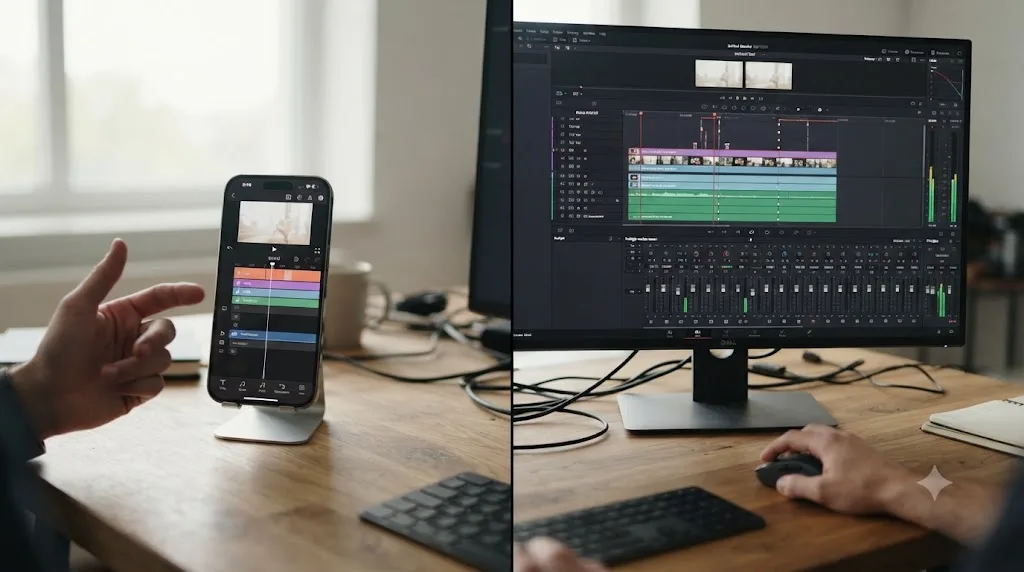
In Premiere Rush (back when it was a live option), you'd drag the three clips onto the single timeline, trim them by eye, drop your voiceover onto its own track, apply auto-ducking so the music dips under your voice automatically, add a title template, and hit export directly to Instagram. For a beginner with no editing background, that whole process could genuinely take fifteen or twenty minutes, most of it spent trimming rather than fighting the interface. That workflow now lives in Adobe's new Premiere app instead, with the same basic shape, plus automatic captions and one-tap publishing layered on top.
In DaVinci Resolve, you'd set your timeline to a vertical 1080x1920 format under Project Settings, import the three clips into the Media Pool, and build the same cut on the Edit or Cut page. Adding the voiceover and ducking the music takes a trip into Fairlight's mixer rather than a single automatic toggle, more control, more steps. Titles come from the Text+ tool rather than a preset library tuned specifically for Instagram. For a beginner's very first Reel, this path takes longer, not because Resolve is harder to use in any absolute sense, but because a purpose-built social app skips steps a general-purpose editor doesn't.
For that one specific task, a simple, single-platform short video with no color grade and no complex audio, a purpose-built social app (Rush, historically, or its new Premiere replacement now) gets a beginner to export faster. That's not a knock on Resolve. It's the entire point of this comparison: for a project that never needed real finishing depth, the fastest tool wins, but for anything beyond that one specific job, the finished-and-gone app was never going to be the one that scales with you.
Which one fits a specific beginner scenario?
Different starting points genuinely call for different answers, even with Rush off the table as a real ongoing option. Here's how the actual scenarios shake out.
| If you are | Best fit today | Why |
|---|---|---|
| A total beginner just starting to research editors | DaVinci Resolve | Rush cannot be downloaded new; starting on a discontinued app makes no sense |
| Someone who already has Rush installed with unfinished projects | Export everything now, then rebuild in Resolve or the new Premiere app | Rush's project format doesn't transfer anywhere; finished exports are the only safe asset |
| An iPhone-first creator who wants the closest thing to Rush's old workflow | Adobe's new Premiere app | Built as Rush's direct, currently-supported replacement |
| An Android creator who wanted Rush's mobile speed | Neither app is fully ready yet | Rush is gone; Adobe's Android app isn't live as of mid-2026 |
| Someone who wants real color grading or a proper audio mix eventually | DaVinci Resolve | Neither Rush nor the new Premiere app goes past basic sliders and ducking |
| Someone on a strict zero-recurring-cost budget | DaVinci Resolve (free edition) | No subscription, no watermark, no expiration date of any kind |
| Someone who wants to freelance or take client work eventually | DaVinci Resolve | Industry-standard skill and software; a mobile-first app's fluency doesn't transfer |
| Someone who just wants one simple Reel out the door today, nothing more | Adobe's new Premiere app | Purpose-built for exactly that single-platform, single-video job |
The right first editor in 2026 isn't the one with the gentlest learning curve in isolation, it's the gentlest curve among the tools that will still exist when you're halfway through learning them. That single filter removes Rush from serious consideration no matter how good its old interface was.
Is DaVinci Resolve's learning curve actually worth it if Rush was so much simpler?
This is genuinely contested, and it's worth naming the disagreement honestly instead of picking a side and pretending the other view doesn't exist.
The case for Rush's approach, echoed now in Adobe's new Premiere app, is real: Ryan Hill's direct test, described earlier, showed a complete beginner producing a finished, titled, color-corrected video within minutes, with "power isn't really the goal here" stated as the deliberate design philosophy behind it. For someone who wants one video posted today and doesn't have a longer editing ambition, that speed is a genuine, legitimate win, not a lesser experience dressed up as a compromise.
But that same review didn't pretend Rush was the deeper tool, and Hill's own conclusion is worth quoting directly, since it's the most honest single line in this entire comparison: "there isn't one end-all-be-all winner between DaVinci Resolve and Premiere Rush, just two different tools made for two different kinds of people." That conclusion was written in 2023, when both tools were live, ongoing products competing fairly on their actual merits. What's changed since then isn't the merits, Rush's simplicity was always real, it's that one of "two different tools" no longer exists as an option to choose.
After seven-plus years of professional, commercial video editing work, the pattern we see over and over with switchers is that the interface someone learns first rarely stays their only tool for long, once their ambitions grow even slightly past a single Reel. A tool can be genuinely faster to learn in week one and still be the wrong long-term investment, and those two facts don't contradict each other. Resolve's steeper curve buys durable, transferable skill. Rush's gentler curve, now inherited by Adobe's new Premiere app, buys speed on a single task. Neither claim cancels the other out; they're just answers to different questions, and only one of those questions still has a stable app attached to the answer.
Can an AI assistant make DaVinci Resolve's learning curve easier than Rush's simplicity ever was?
This is the question worth sitting with if the honest answer to "which tool should I actually learn" is DaVinci Resolve, but Rush's one-screen simplicity is what made your first video feel achievable in the first place. Switching from CapCut, Rush, or any single-window app is one of the recurring questions in our own 100,000+ member video editing community, and the pattern repeats constantly: the block isn't that Resolve is confusing in the abstract, it's that nothing in its multi-page layout looks like the single screen a Rush-trained beginner already knows.
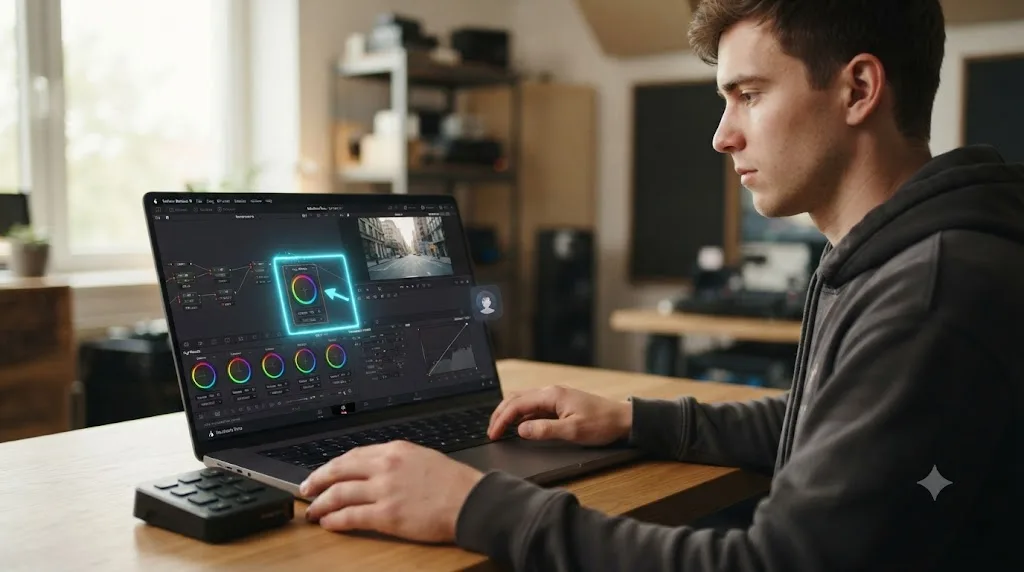
There's a different way to close that gap than switching to another simplified app. Keep Resolve's real timeline, color page, and node system exactly as they are, and get help finding where things live inside it, live, on your own project, instead of trading down to a tool with a smaller ceiling. TryUncle is the on-screen assistant for DaVinci Resolve on macOS, ask in plain words and Uncle points at the exact control on your screen. It doesn't touch your timeline or run an automated pass over your footage the way Rush's auto-ducking or the new Premiere app's Firefly tools do. It watches your actual Resolve screen and points at the button, node, or panel you're asking about, on the Edit, Color, and Fusion pages, in the moment you're stuck.
Worth being direct about what it isn't, the same way we'd want a Rush switcher to be told upfront rather than surprised later. TryUncle is a paid subscription, not free, at $39 a month with cancel-anytime billing, and it's macOS only, so if you're on Windows or Linux, this specific option isn't available to you regardless of how well it fits otherwise. Check TryUncle directly for the current rate.
It's also worth naming the wider category honestly rather than pretending TryUncle is the only AI tool touching Resolve. Tools like CutAgent, Sottocut, Eddie AI, and PremiereCopilot all promise some version of AI-assisted editing for Resolve or Premiere, but they execute edits or answer chat questions about your footage rather than teach you where things live in the interface itself. None of them replicate Rush's simplicity by simplifying Resolve, they automate a different, narrower task. Our full roundup of AI tools people actually use to learn DaVinci Resolve breaks that whole category down in more depth. If you're mid-project and genuinely stuck on where a Rush-era habit is supposed to live inside Resolve's fuller interface, that's exactly the moment an assistant that can point at the control in your own project, rather than a generic tutorial, actually earns its place.
What's the best way to learn DaVinci Resolve after Premiere Rush?
Start with the source, not a random tutorial. Blackmagic Design publishes six official training guides covering editing, color, Fairlight, and Fusion, each with downloadable lesson files, written by the people who actually built the software. That's the correct first stop regardless of which app you're coming from.
From there, the shift that matters most for a Rush switcher specifically is a mental one, not a technical one. Rush trained you to expect one screen holding everything. Resolve rewards learning one page at a time, deliberately, rather than trying to absorb Cut, Edit, Color, Fairlight, and Fusion all at once the way Rush's single window let you treat every tool as equally close at hand. Our full breakdown of the best way to learn DaVinci Resolve goes deeper into why guided, hands-on practice on a real project consistently beats passively watching a course straight through, and our DaVinci Resolve learning roadmap for beginners lays out the actual order to tackle it in.
Having taught more than 100,000 students on Udemy as an official Udemy Business Partner, and worked with teams ranging from solo freelancers to Fortune 500 companies, the single most consistent thing we see slow a switcher down isn't Resolve's depth itself, it's trying to learn all of that depth simultaneously instead of one page at a time. Give yourself permission to be a beginner at Color and Fairlight even after you're comfortable cutting on the Edit page. That's not a failure to match Rush's instant fluency, it's the normal shape of learning a tool with real range.
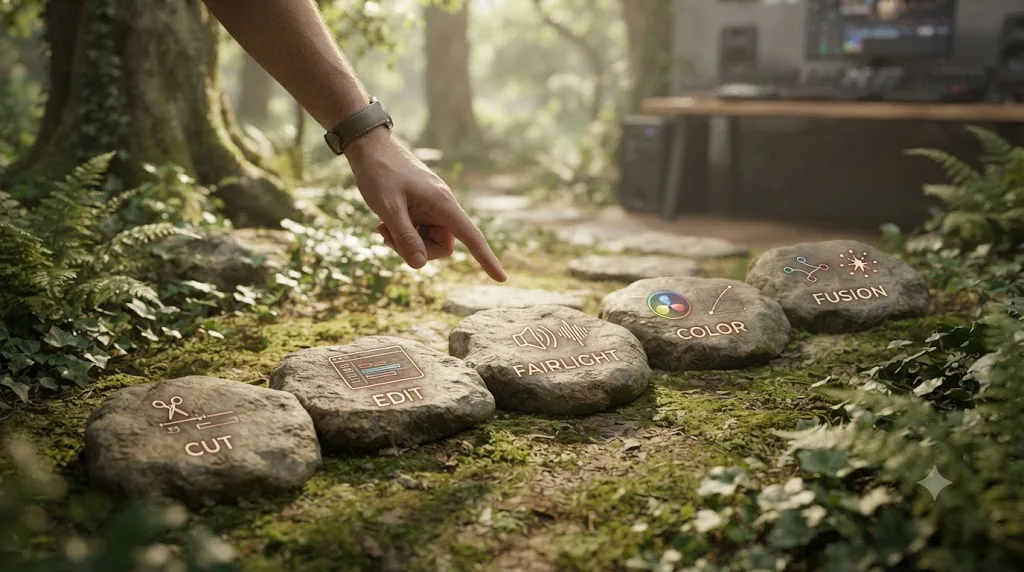
The full side-by-side comparison table
Here's every row from this article in one place, so you don't have to scroll back through each section to compare two specific details.
| Feature | Premiere Rush (as of 2026) | DaVinci Resolve |
|---|---|---|
| Downloadable for new users | No, pulled September 30, 2025 | Yes |
| Full shutdown date | September 30, 2026 | None |
| Free tier | Yes (Starter), unlimited exports, no watermark, 2GB cloud storage | Yes, Ultra HD (3840x2160) 60fps, no watermark, no time limit |
| Paid tier | Historically $4.99-$9.99/mo; stopped renewing September 2025 | $295 one-time (Studio), no subscription |
| Phone app | Discontinued (successor: new Premiere app, iPhone only so far) | None, ever |
| iPad app | New Premiere app runs on iPad | Yes, free base app, $94.99 Studio in-app purchase |
| Cross-device sync | Being retired with Rush | No equivalent; separate projects per device |
| Color grading | Sliders, presets | Node-based Color page, scopes, qualifiers, power windows |
| Audio tools | Basic ducking, denoise, simple mixer | Fairlight: full DAW, up to 2,000 tracks, 6-band EQ |
| VFX / compositing | None | Fusion, 250+ node-based tools |
| Social export | Direct presets for YouTube, Facebook, Instagram | Vertical timelines, direct upload since Resolve 20 |
| Learning curve, week one | Gentle (single window) | Steeper (multiple integrated pages) |
| Long-term viability | None; app is being discontinued | Actively developed, 21.0.2 released July 2026 |
So which one should a beginner actually pick?
Strip away the feature-list comparison and this decision is simpler than most editor-versus-editor debates, because one option has already been taken off the table by its own maker. Adobe Premiere Rush was a genuinely well-designed tool for a genuinely real beginner need, fast, simple, one screen, and Ryan Hill's honest 2023 assessment holds up: it was never trying to out-power Resolve, and for a huge number of quick, dialogue-light social videos, it didn't need to. But a tool you can no longer download, running toward a published shutdown date less than two months after this article's July 2026 publish date, cannot be the recommendation for anyone starting fresh.
DaVinci Resolve asks more of you in week one. It also isn't going anywhere, costs nothing at the tier that covers real color grading, audio mixing, and compositing, and is under active development right now, not counting down to an end-of-life notice. If your first project is a single simple Reel and nothing more, Adobe's new Premiere app on iPhone genuinely inherits Rush's old strengths and is worth trying. For everything past that, a channel you plan to grow, client work you might eventually take, or just the plain desire to learn a tool that will still be there in three years, DaVinci Resolve is the only honest recommendation left standing in this comparison, and it's worth treating the first few weeks of its learning curve as the real cost of picking the tool that's actually going to be around.
Frequently asked questions
- Is Adobe Premiere Rush still available in 2026?
- Barely, and not to new users. Adobe pulled Premiere Rush from Adobe.com and both app stores on September 30, 2025, according to Adobe's own end-of-life notice. If you already had it installed, you can keep using it, but the app shuts down entirely and technical support ends on September 30, 2026. A beginner starting fresh today cannot download it at all.
- What happened to Adobe Premiere Rush?
- Adobe retired it in favor of a new app simply called Premiere, built for iPhone and iPad first, with Android confirmed as coming but not yet released as of mid-2026. Premiere Rush's premium subscription tiers stopped renewing in September 2025, leaving existing users on the free Starter feature set until the whole app goes dark in September 2026.
- What's the best way to learn DaVinci Resolve if I'm coming from Premiere Rush?
- Start with Blackmagic Design's own free training, six official guides covering editing, color, Fairlight, and Fusion with downloadable lesson files, then move to a project of your own rather than following tutorials passively. Our full breakdown of the best way to learn DaVinci Resolve covers why guided, hands-on practice beats watching a course straight through, which matters even more for a Rush switcher relearning where things live.
- Can I still export my old Premiere Rush projects after September 2026?
- Not through Rush itself, once the app is fully discontinued and its cloud services shut down with it. The safe move, well before that date, is to export finished videos from every Rush project you care about and save the raw source clips separately, since neither DaVinci Resolve nor the new Premiere app can import a Rush project file directly. Do this now, not in August 2026.
- Is DaVinci Resolve harder to learn than Premiere Rush?
- Yes, in week one, and it's worth being honest about that instead of downplaying it. Premiere Rush was built as a single, simplified window with almost nothing to configure. DaVinci Resolve spreads real depth across Cut, Edit, Color, Fairlight, Fusion, and Deliver. That's more to absorb up front, and it's also the entire reason Resolve's skills transfer to real client and studio work in a way Rush's never did.
- What's the best AI tool to learn DaVinci Resolve for someone switching from Rush?
- Depends what's actually missing once you're inside Resolve. If you want Resolve's own built-in automation, its Neural Engine tools live in the app already. If what you need is help finding your way around an interface that's genuinely bigger than the one-screen app you're used to, TryUncle is a paid macOS app whose assistant watches your Resolve screen and points at the exact control you're asking about, live, instead of pausing your edit to search a forum.
Sources
- Premiere Rush discontinuation (Adobe official)
- Adobe Launches Premiere for iPhone and iPad (MacRumors)
- Adobe Premiere is coming to Android 'soon,' Google says (9to5Google)
- Mobile Editing Using DaVinci Resolve & Premiere Rush, by Ryan Hill (Lensrentals Blog)
- Adobe Premiere Rush | Common questions (Adobe official FAQ)
- Premiere Rush Free Download: What's Included in the Starter Plan? (ProDesignTools)
- Premiere Rush gets a new mobile-only plan (Creative Bloq)
- DaVinci Resolve - Studio (Blackmagic Design)
- In Depth: DaVinci Resolve Studio vs Free (Updated for 21) (Toolfarm)
- DaVinci Resolve - Fairlight (Blackmagic Design)
- DaVinci Resolve - Fusion (Blackmagic Design)
- DaVinci Resolve - Training (Blackmagic Design)
- Blackmagic Design releases DaVinci Resolve 21.0 (CG Channel)
- DaVinci Resolve 21.0.2 Update, by Matthew Allard ACS (Newsshooter)
- DaVinci Resolve 21 System Requirements (DaVinci Resolve Club)
- DaVinci Resolve for iPad 21.0: New Photo Page, AI Tools & More (Slatepad)
- DaVinci Resolve for iPad (App Store listing)
- DaVinci Resolve - Collaboration (Blackmagic Design)
- CutAgent (product site: features, pricing, FAQ)
- Sottocut (product site: features, pricing, platform requirements)
- Eddie AI for DaVinci Resolve (native integration workflow page)
- PremiereCopilot pricing
- TryUncle
Learn by doing, not watching
Stop translating tutorials to your timeline.
TryUncle stays beside Resolve on Mac and Windows. When you ask, Uncle sees your screen and points at the exact control you need. No hunting through tabs, timestamps, or mismatched tutorials.
Meet TryUncleKeep reading
 GuidesJul 17, 202621 min read
Does DaVinci Resolve Work on iPad? (2026 Guide)
DaVinci Resolve for iPad is real, free to download, and separate from desktop. What it can do, what's missing, pricing, requirements, and how projects sync.
 GuidesJul 12, 202641 min read
The Best Way to Learn DaVinci Resolve (What the Research Says)
Guided, hands-on practice inside DaVinci Resolve beats video courses and MOOCs. Here's the learning-science research behind why, and how to apply it.
 ComparisonsJul 11, 202626 min read
The Best AI Tools to Learn DaVinci Resolve in 2026
ChatGPT, Claude, Blackmagic's free training, Recut, and Resolve's Neural Engine compared for learning DaVinci Resolve, and the gap none of them close.