
Learn / DaVinci Resolveupdated for DaVinci Resolve 21.0.2 and Descript's 2026 pricing tiers (July 2026)
DaVinci Resolve vs Descript for Beginners: The Honest Verdict
Quick answer
DaVinci Resolve is free with professional color, audio, and VFX tools built in, but has a real learning curve. Descript costs $16 to $65+ a month and edits by deleting text, which is faster for podcasts and talking-head videos. Beginners doing dialogue-driven content should start with Descript; beginners wanting real editing skill should start with Resolve.
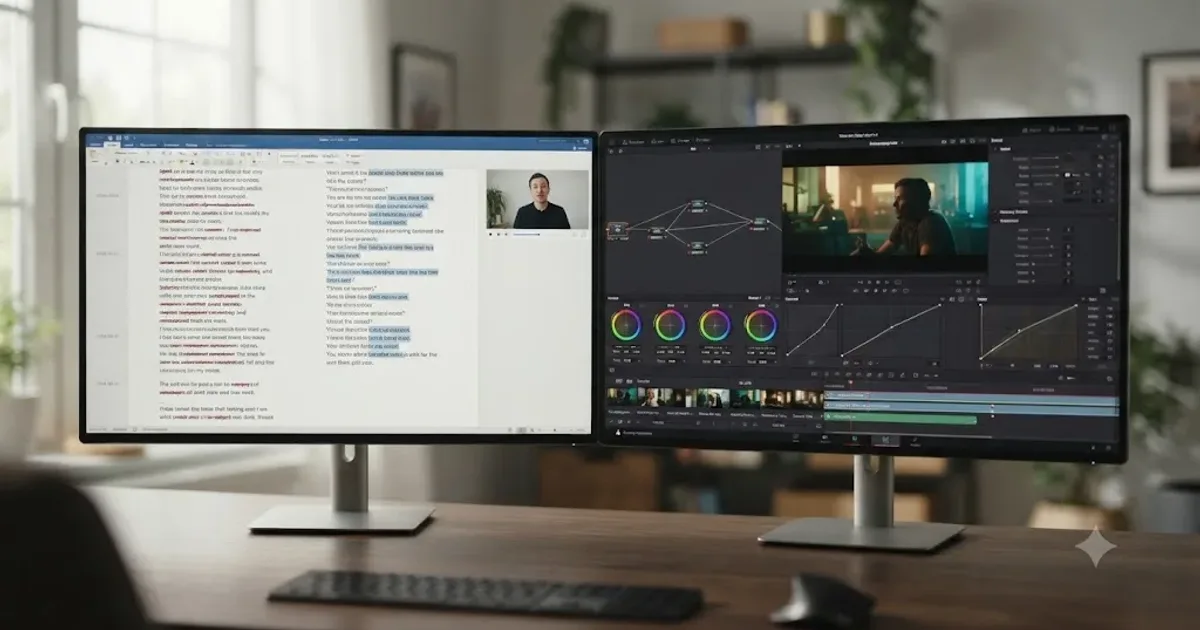
You've got a video to cut, and two very different tools open in two different browser tabs. One asks you to delete words in a document and calls that editing. The other asks you to learn five separate applications hiding behind one set of page tabs. Neither pitch tells you which one is right for the project actually sitting on your desk right now.
Here's the version with real pricing, real quotes from the people who built both philosophies, and an honest answer about which one a first-time editor should actually open first, depending on what you're editing.
DaVinci Resolve vs Descript for beginners: the quick verdict
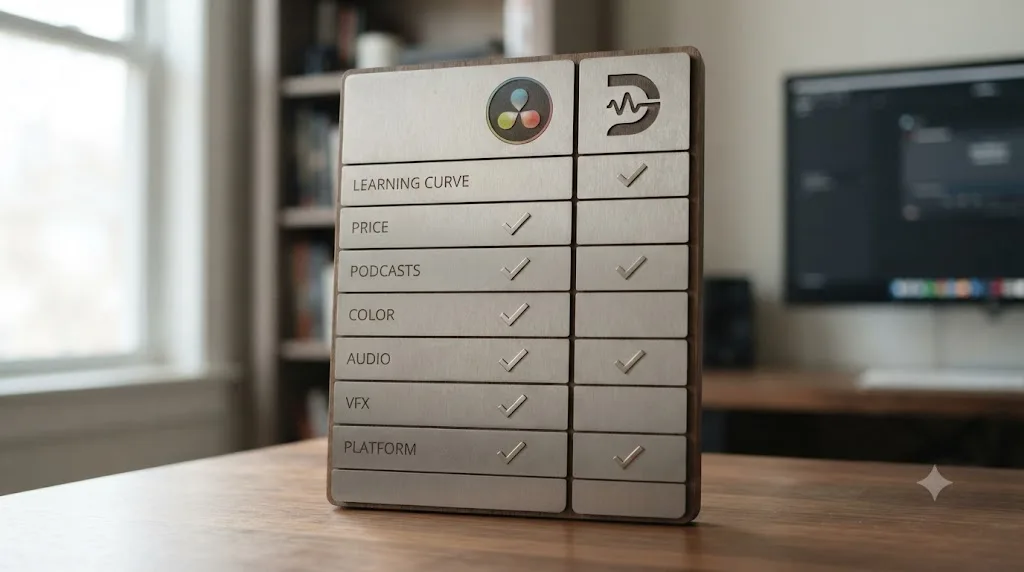
Before the details, here's the whole comparison in one table. Every row gets its own section below, with sources.
| Category | Winner for beginners | Why |
|---|---|---|
| Learning curve, week one | Descript | Document-style editing, almost nothing to configure before your first cut |
| Price to start | DaVinci Resolve | Genuinely free, no watermark, no time limit |
| Podcasts and talking-head video | Descript | Delete a sentence from the transcript, the clip disappears |
| Color grading | DaVinci Resolve | Node-based Color page, scopes, qualifiers, nothing comparable in Descript |
| Audio mixing | DaVinci Resolve | Fairlight is a full DAW; Descript's audio tools are cleanup, not a mix |
| VFX and motion graphics | DaVinci Resolve | Fusion is a built-in node compositor; Descript has none |
| Skill that transfers to pro work | DaVinci Resolve | Timeline, node, and scope literacy carries into every professional NLE |
| Platform support | Tie | Both run on Mac and Windows; Resolve also runs on Linux |
| Recurring cost | DaVinci Resolve | Free forever at the entry tier; Descript's usable tiers are $16 to $65+/month |
Neither tool is a worse version of the other. They're built for different first projects, and the honest answer depends entirely on what you're cutting this week.
What is Descript, and why do beginners like it so much?
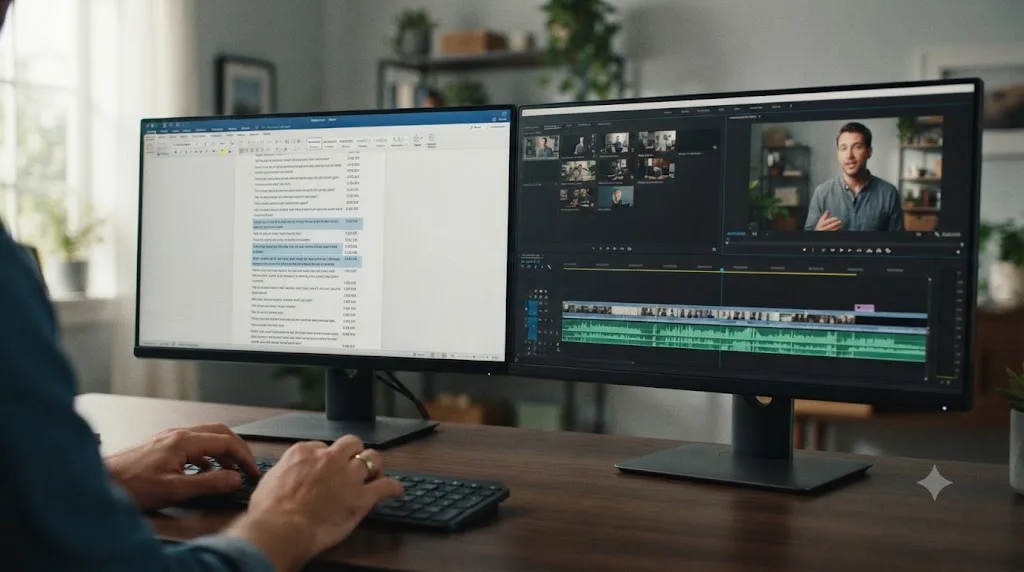
Descript is a video and audio editor built around a transcript instead of a timeline. Upload a recording, Descript transcribes it automatically, and you edit the video by editing the text. Delete a sentence, filler word, or awkward pause from the transcript, and that section vanishes from the underlying clip. There's no dragging a clip edge, no razor tool, no track management, at least not for a basic cut.
Andrew Mason, Descript's CEO and co-founder (previously the founding CEO of Groupon), has described the whole product as an attempt to close a specific gap he saw between how easy it is to write and how hard it still is to make video. In a press release announcing Descript's video-editing expansion, Mason put the choice facing creators plainly:
"For too long, creators have been faced with a choice: make video using simple tools with limited capabilities, or spend months if not years learning complex legacy tools that require extensive training."
His stated goal for the redesign was to remove that choice entirely, according to the same release:
"With the new Descript, we've replaced the drudgery of timeline editing with a tool that's as familiar as the word processor, so you can make, edit, and share video without breaking your creative flow."
That's not marketing filler, it's the actual mechanism. A tool that edits video by editing text isn't a simplified video editor, it's a different category of tool wearing video-editing clothes. Founded in 2017 and backed by a $50 million Series C led by the OpenAI Startup Fund in 2022 (bringing total funding to $100 million, according to TechCrunch's coverage of the round), Descript has spent years building specifically toward this document-first model, not bolting it onto a traditional NLE as an afterthought.
What is DaVinci Resolve, and why does everyone recommend it to beginners anyway?
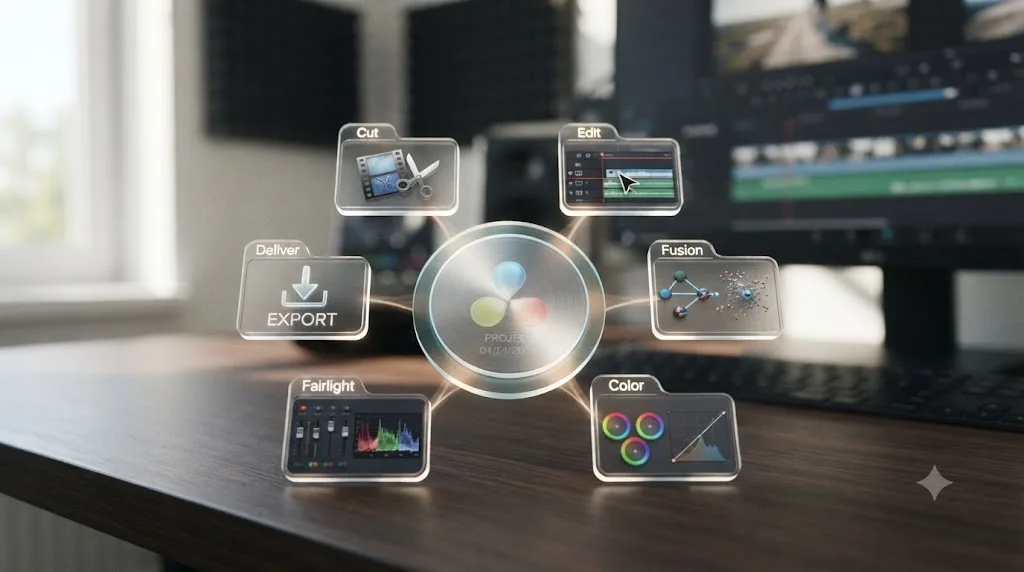
DaVinci Resolve is a professional, timeline-based non-linear editor that also happens to include a full color-grading suite (Color), a digital audio workstation (Fairlight), a node-based visual effects compositor (Fusion), and a delivery/export page (Deliver), all inside one application with one project file. It started life as color-grading software before Blackmagic Design added editing, which is part of why its color tools go deeper than almost anything else on the market, free or paid.
Beginners get pointed at Resolve constantly for one simple reason: its free edition is not a trial. According to Blackmagic Design's own product page, the free edition exports up to Ultra HD resolution (3840x2160) at up to 60fps, with no time limit and no recurring fee. A detailed breakdown from Toolfarm confirms the free edition carries no watermark either, which is a genuinely rare combination among professional-grade creative software. DaVinci Resolve Studio, the paid upgrade, adds the Neural Engine AI tools, multi-GPU acceleration, and a handful of advanced effects, for a single $295 payment with no subscription attached.
A free video editor with no watermark and no expiration date is a different kind of offer than a free trial dressed up to look permanent. That single fact is why Resolve shows up on every "best free editor" list, and why so many creators who'd never touch a $295 upgrade still end up building their entire workflow on the free tier.
The tradeoff, and it's a real one, is depth. Resolve is genuinely five applications behind one set of page tabs, and a first-time user has to learn where things live across all five before the app feels comfortable, not just the one page they actually need for a simple cut.
How much do DaVinci Resolve and Descript actually cost?
This is where the two tools stop looking like they're even competing in the same price category.
DaVinci Resolve's free edition costs nothing, forever, with the Ultra HD export cap and feature limits described above. DaVinci Resolve Studio removes those limits for one $295 payment, per Blackmagic's own pricing page. There's no monthly bill at any tier.
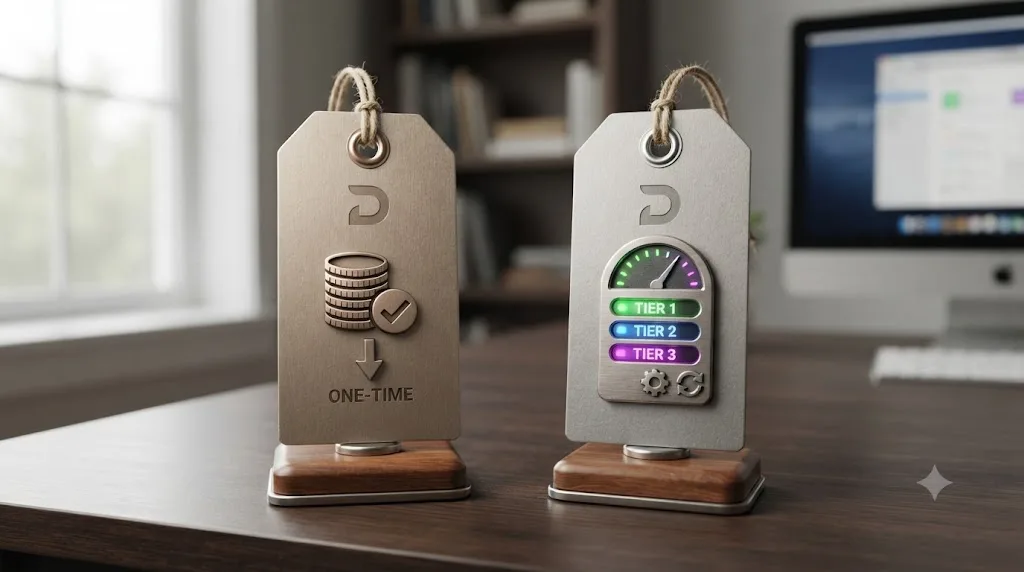
Descript runs on a subscription model with five tiers, according to Descript's own current pricing page:
| Plan | Monthly price | Annual price (per month) | Media minutes/month | AI credits |
|---|---|---|---|---|
| Free | $0 | $0 | 60 minutes | 100 (one-time) |
| Hobbyist | $24 | $16 | 10 hours | 400/month |
| Creator | $35 | $24 | 30 hours | 800/month |
| Business | $65 | $50 | 40 hours | 1,500/month |
| Enterprise | Custom | Custom | Custom | Custom |
The Free plan's 60 minutes a month sounds workable until you realize that's total media processed, not final runtime, so a single hour-long podcast recording can burn through an entire month's allowance in one upload. A 2026 breakdown of Descript's free tier notes that free-tier limits, including watermarked exports beyond a limited monthly allowance, push most regular users toward the paid Hobbyist or Creator tiers within a few projects.
A one-time $295 purchase that never expires is a fundamentally different financial commitment than a subscription you keep paying as long as you keep editing. Run the math on your own actual output before assuming either path is obviously cheaper. If you cut one podcast episode a month forever, Descript's Hobbyist tier at $16 to $24 a month adds up to $192 to $288 a year, every year, with no point where the meter stops. DaVinci Resolve's Studio upgrade pays for itself against that subscription math in well under two years, and after that, it's free.
Is Descript's transcript-based editing actually easier for a first-time editor?
Yes, and it's not a close call for the specific task of a rough cut. Upload a recording, wait for the automatic transcription, and you're looking at a document. Highlight a rambling tangent, hit delete, and it's gone from the video too, no timeline, no clip boundaries to find by eye, no razor tool. Filler words like "um" and "uh" can be stripped automatically. It's the single biggest reason podcasters and talking-head creators gravitate toward Descript specifically, and multiple independent reviews describe the same reaction: editing by editing text collapses a task that used to take real timeline literacy into something closer to using a word processor.
Where this breaks down is anything that isn't primarily dialogue. B-roll insertion, cutaways, split edits, and precise frame-level trims all still require dropping into a more traditional timeline view inside Descript, and that view is thinner than what a dedicated NLE offers. Transcript editing solves the specific problem of "cut out the parts where nothing useful was said." It doesn't solve "build a visually dynamic sequence with cutaways timed to specific words," at least not without real extra work layered on top of the text-editing shortcut.
Deleting a sentence from a document and deleting the matching seconds of video is the same action in Descript, and that single design choice is the entire product. Once you understand that one sentence, you understand what Descript is for and what it isn't.
Is DaVinci Resolve really too hard for beginners, or is that reputation overblown?
This is genuinely contested, and it's worth naming the disagreement honestly instead of picking a side and pretending the other view doesn't exist.
The case that Resolve is hard: it's five distinct applications (Edit, Color, Fairlight, Fusion, Deliver) behind one set of page tabs, each deep enough to be its own dedicated tool in a different editor's world. A 2026 comparison from Borumi, written by Federico, frames Resolve as "a professional-grade tool that matches the capabilities of industry standards like Adobe Premiere Pro," adding that "the trade-off for this power is a steeper learning curve" and that "new users should expect to spend time learning the interface and workflows before creating their first projects." That's a fair, specific claim from someone who's used both tools, not a vague dismissal.
But that framing doesn't go unchallenged, including from working professionals who've watched the free-tutorial ecosystem around Resolve grow for years. Responding directly to a similar claim about legacy editing tools requiring "months if not years" of training, longtime editor and colorist Oliver Peters pushed back in a comment on ProVideo Coalition:
"This is statement really isn't accurate: 'For too long, creators have been faced with a choice: make video using simple tools with limited capabilities, or spend months if not years learning complex legacy tools that require extensive training.' Just look at the number of YouTube video creators who are using the free version of Resolve quite successfully with no formal or lengthy training."
Both things are true at once, and that's the honest picture. A tool can have a genuinely steeper first-week learning curve than its competitor while still being learnable in a weekend by someone motivated enough to follow a free tutorial series. Resolve's five-page structure is more to absorb than Descript's single document view, full stop. But "more to absorb" and "requires months or years of formal training" are different claims, and the second one doesn't survive contact with the huge free YouTube ecosystem teaching Resolve to complete beginners every single day, backed by Blackmagic's own free training curriculum, six official guides covering editing, color, audio, and Fusion with downloadable lesson files. Our full DaVinci Resolve learning roadmap for beginners walks through the actual order to learn it in, which cuts a meaningful chunk off that curve regardless of which side of this disagreement you land on.
Which one edits podcasts and talking-head videos faster?
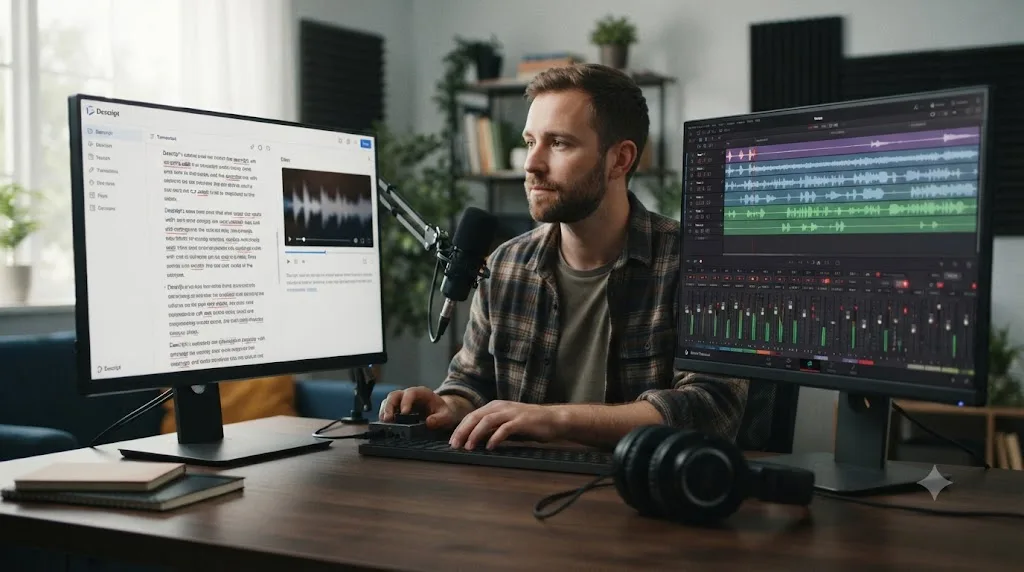
Descript, and it's not particularly close for this specific format. A podcast or talking-head video is, structurally, mostly dialogue with the occasional dead air, filler word, or tangent that needs trimming. That's exactly the shape of editing Descript's transcript model was built to compress. You read the transcript the way you'd proofread an article, deleting what doesn't belong, and the corresponding audio and video follow automatically.
DaVinci Resolve can absolutely edit the same podcast, and Resolve's own Text-Based Editing panel (available on the Edit page) shows a synced transcript next to your timeline specifically to help you navigate long dialogue-heavy footage. But it's a navigation aid, not an editing shortcut: you still select and delete clips on the timeline itself, the transcript just helps you find the right spot faster. That's a meaningfully different workflow than Descript's, where the transcript and the edit are the same action.
If your entire content output is one dialogue-driven format (a weekly podcast, a talking-head YouTube channel, an interview series), Descript's speed advantage compounds every single week. Our guide on recording a podcast directly inside DaVinci Resolve using Fairlight is worth reading regardless of which editor you land on for the cut, since Fairlight's multi-track patching and gain-staging tools solve a different, earlier problem: getting clean audio into the timeline in the first place, before any editing tool touches it.
Does either tool handle captions and subtitles automatically?
Both do, but they got there from different directions. Since Descript is transcript-first by design, captions are close to a free byproduct: generate a transcript, then one click turns it into styled captions, with font, color, size, and placement options you can save as a reusable template across projects, according to Descript's own caption-styling documentation. You can export either burned-in "hard" captions for social clips or standard SRT/VTT files for platforms that support soft subtitles.
DaVinci Resolve added its own automatic subtitle generation later, through the Timeline menu's "Create Subtitles from Audio" command, which analyzes your audio and drops a new subtitle track onto the timeline in one of roughly a dozen supported languages, according to a 2026 walkthrough of the feature from Checksub. The catch worth knowing before you rely on it: Resolve's automatic transcription and subtitle generation is a Studio-only feature, gated behind the $295 upgrade, not available on the free edition. Free-edition users can still add subtitles manually, typing and timing them by hand on the Edit page, but the automatic pass specifically needs Studio.
For a beginner choosing purely on captions, Descript's version is faster to reach (no separate paid upgrade needed) and more polished for social-style styling out of the box. Resolve's version is free to use manually, capable once you've paid for Studio, and lives inside the same project as your color grade and mix, so you're not exporting a separate captioned file from a second app.
Which has better color grading, audio mixing, and VFX tools?
DaVinci Resolve, without a real contest on any of these three fronts.
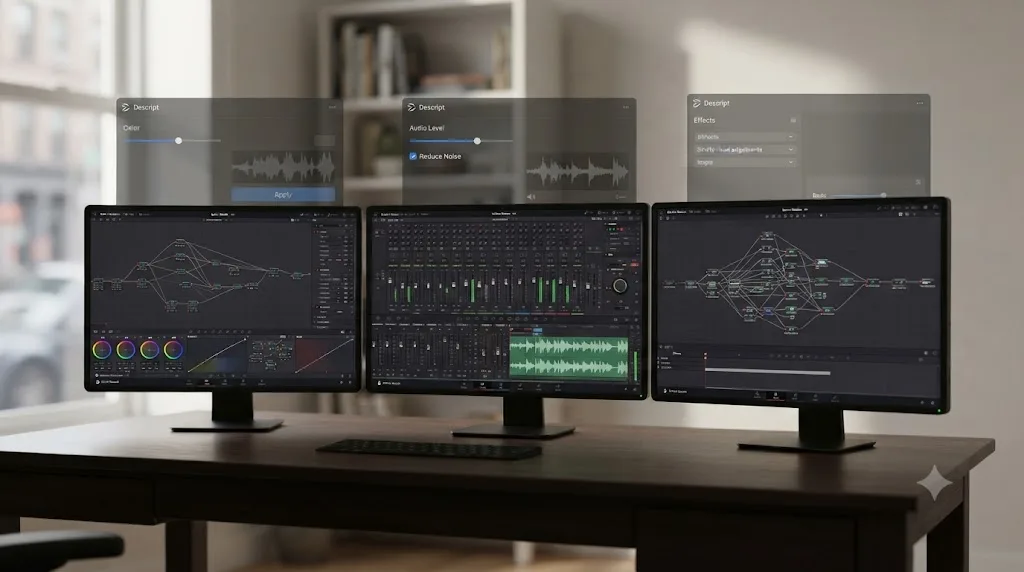
Resolve's Color page is built entirely around nodes, discrete processing blocks you wire together in whatever order a shot needs, with a full scopes suite (waveform, vectorscope, histogram, parade) docked right next to the graph. It's the tool Blackmagic describes as including qualifiers, power windows, and tracking built in, on the free edition, not gated behind the Studio upgrade for the core tools. Descript has basic color and exposure sliders, enough to correct a talking-head shot that's a little too warm or dark, but nothing resembling a node graph, scopes, or secondary color isolation.
Fairlight, Resolve's dedicated audio page, is a genuine digital audio workstation supporting up to 2,000 tracks with realtime effects, a full channel-strip mixer, and dedicated ADR and Foley tools, according to Blackmagic's Fairlight product page. Descript's audio tools focus on cleanup: Studio Sound noise reduction, filler-word removal, and loudness normalization, genuinely useful for a solo podcaster's rough mix, but not built for a real mix pass with multiple busses and sends.
Fusion, Resolve's built-in compositor, is described by Blackmagic as a true 3D compositing workspace with more than 250 tools covering keying, rotoscoping, and motion tracking, all inside the same project file as your edit and grade. Descript has no equivalent at all; its visual layer is limited to simple overlays, captions, and stock media, not compositing.
A basic color slider and a node-based grading page with scopes are not the same category of tool, even when both are technically called "color correction." If your work ever needs to leave the "quick fix" stage and become an actual grade, mix, or composite, Resolve is the only one of these two that goes there.
Can Descript do real color grading, or is that a myth?
Not in any sense a working colorist would recognize. Descript's built-in adjustments cover brightness, contrast, saturation, and white balance, applied per clip, which is enough to make a talking-head shot look consistent across a recording session or correct an obviously wrong white balance. That's real value for the exact use case Descript targets: get the footage looking clean enough to publish, fast, without opening a second app.
What it doesn't offer is anything resembling secondary correction. There's no way to isolate just the sky, just a subject's skin tone, or just a specific shadow region and grade it independently, the qualifier and power-window tools that make up the bulk of an actual color grading session in Resolve. If a client or a project genuinely needs graded footage, matched across multiple cameras or lighting setups, Descript's color tools simply don't reach that job, and no amount of familiarity with the interface changes that. Our deeper breakdown of Resolve's color management options versus ACES covers what a real color pipeline actually requires, which is a useful reality check if you're wondering whether Descript's sliders will eventually get you there. They won't, by design, not by oversight.
Can you record your screen for tutorials or courses in either tool?
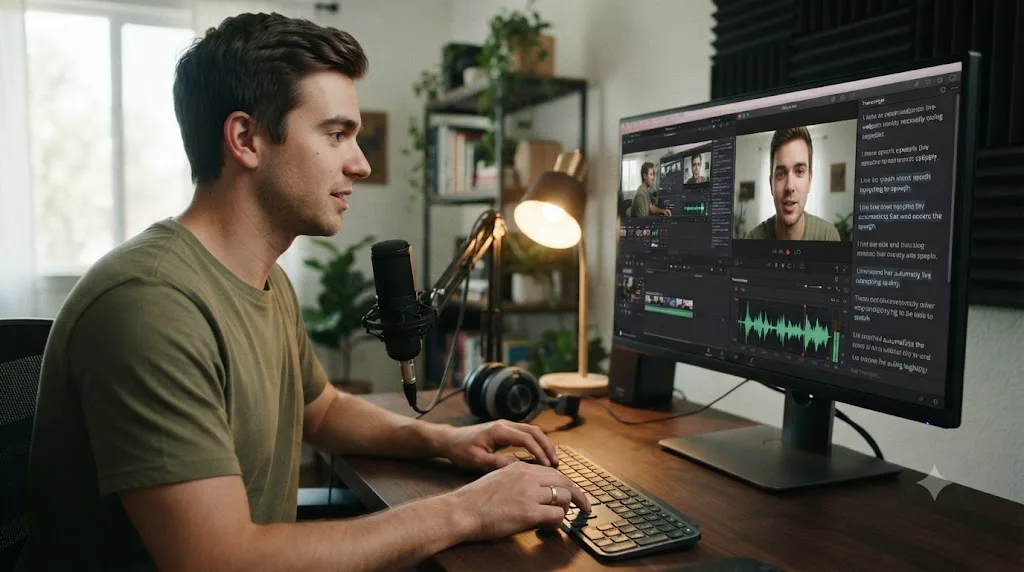
Descript can, natively and for free. Its built-in Screen Recorder captures your screen, webcam, and microphone at once, with picture-in-picture facecam placement, and drops the recording straight into the editor with an automatic transcript already attached, no separate capture app required. That's a genuine convenience for anyone making tutorials, course content, or software walkthroughs, since the record-to-edit pipeline never leaves one app.
DaVinci Resolve has no equivalent built-in screen recorder. If your workflow needs to capture your desktop for a tutorial or a reaction video, you'd need a separate tool (macOS's own Screenshot/Screen Recording utility, OBS Studio, or a dedicated capture app) and then import that footage into Resolve for editing, an extra step Descript skips entirely. This is a real, specific gap worth knowing about if screen-capture content is a meaningful part of what you make, not a knock on Resolve's editing depth once footage is actually inside the timeline.
How does team collaboration compare?
DaVinci Resolve's collaboration tools are built for a different scale of team than Descript's, and it's worth being specific about what each one actually offers rather than assuming "both have team plans" means they solve the same problem.
Resolve Studio's multi-user collaboration lets an editor, colorist, and sound engineer work inside the same project simultaneously, each on their own page, with bins and timelines locked read-only until whoever's working on them releases the lock, according to Blackmagic's collaboration page. It includes live incremental saving, shared markers, a built-in chat panel, and a timeline comparison tool showing exactly what changed between versions.
Descript's Business tier, at $50 to $65 a month for up to five team members, focuses on a lighter kind of team workflow: shared project access, brand-controlled caption and style templates, and centralized billing, aimed at marketing teams and agencies producing a high volume of similar-format content (social clips, course videos) rather than a full post-production pipeline with separate specialist roles.
Neither is objectively "more collaborative." Resolve's version assumes distinct specialist roles working on one complex deliverable at once. Descript's version assumes a smaller team churning through similar, simpler videos and wanting consistent branding across all of them. Pick based on which shape actually matches your team, not which one sounds more advanced on a pricing page.
Does either tool have a data-privacy consideration worth knowing about?
Yes, and it's the same underlying tradeoff that shows up with any AI-driven editing tool. Descript uploads your recordings to its servers to generate transcripts and run its AI features, and its own privacy documentation confirms it integrates with third-party transcription and AI providers to do that processing, while stating plainly that it doesn't sell your project data or use it for marketing, and that sharing your content for model training is opt-in and off by default.
DaVinci Resolve's core editing, color grading, and Fairlight audio work entirely locally on your own machine, no upload required, since none of that processing depends on a cloud service. The Neural Engine's AI tools (Magic Mask, Voice Isolation, and similar) run through Resolve's own on-device or GPU-accelerated models rather than routing your footage through a third party for a basic edit or grade.
If you're cutting a friend's wedding video or a YouTube thumbnail test, neither consideration is a meaningful risk. If you're editing footage covered by an NDA, a client contract that restricts third-party tools, or sensitive interview material, that's a real conversation to have with whoever owns that restriction before uploading anything to Descript's servers, not a decision to make from a comparison post alone.
Does either tool offer a real certification or resume credential?
Only one of them does, and it's the free one. Blackmagic Design runs a formal certification program: complete the official training materials, then pass a 60-minute, 50-question online exam (drawn from a pool of about 120 questions, with an 85% passing threshold) to earn a Certificate of Achievement and the "Certified End User" designation, according to Ripple Training's certification FAQ. The exam itself is free to attempt, backed by a network of official trainers and training centers worldwide.
Descript has no equivalent certification path. It isn't structured as a course with a curriculum or an end point to test against, so there's nothing to certify. If a resume line or a client-facing credential genuinely matters to you, Blackmagic's own program is the one of these two tools that offers it, and it's worth pursuing regardless of which editor ends up being your daily driver.
How do the two tools' AI features actually compare?
Both leaned hard into AI, but they built toward different jobs entirely, and it's worth being specific instead of just saying "both have AI now."
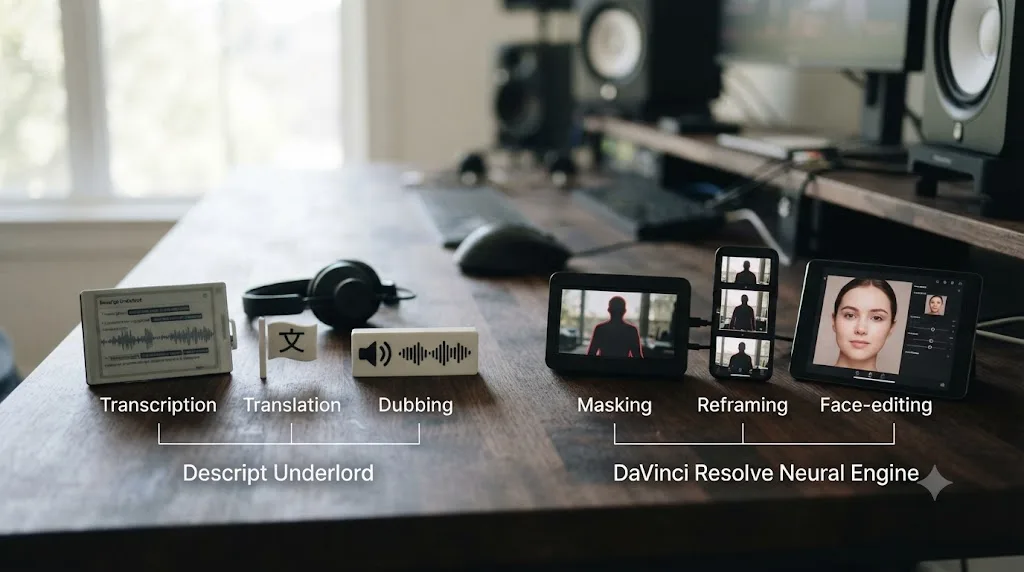
Descript's AI layer, marketed under the name Underlord, spans more than 20 tools depending on plan tier, according to Descript's own pricing page: automatic transcription across roughly 25 languages, filler-word removal, Studio Sound noise cleanup, AI-generated b-roll suggestions, and on the Business tier, video translation and dubbing into more than 30 languages plus custom AI avatars. Mason has described the underlying goal for Underlord as building a system that can reason across an entire edit rather than executing single, isolated commands, moving the product from a text editor with AI features bolted on toward something closer to an AI editor you direct in plain language.
DaVinci Resolve's Neural Engine, mostly gated to the Studio edition, covers a different set of jobs entirely: Magic Mask (paint a rough stroke, Resolve tracks and isolates the subject through the whole clip), Smart Reframe (auto-crop for vertical delivery), Speed Warp (AI frame generation for smoother slow motion), Voice Isolation, and Facial Recognition, with DaVinci Resolve 21 adding an AI Face Age Transformer, AI Blemish Removal, AI CineFocus, and AI IntelliSearch on top, according to CG Channel's coverage of the 21.0 release.
Line those two lists up and the pattern is obvious. Descript's AI automates the parts of editing that are fundamentally about language: transcription, translation, filler removal, dubbing. Resolve's AI automates the parts that are fundamentally visual and manual: masking frame by frame, reframing for aspect ratio, generating in-between motion frames. Neither company's AI toolkit teaches you the software underneath it. Both just remove a different category of manual labor.
It's also worth naming the wider category both tools sit inside honestly, since AI editing assistants for creators didn't stop at these two. Tools like CutAgent, Sottocut, Eddie AI, and PremiereCopilot all promise some version of AI-assisted editing specifically layered onto DaVinci Resolve or Premiere, executing edits or answering chat questions about your footage. None of them teach you the underlying interface the way a tutorial does, and none replace Descript's document-first model or Resolve's own native tools. They're a third category worth knowing exists, not a reason to skip evaluating Descript and Resolve on their own merits first.
Worked example: cutting a 20-minute talking-head video in each tool
Theory is easier to trust once it plays out on one real task. Say you've recorded a 20-minute solo talking-head video for YouTube, with a handful of rambling tangents, some "um"s, and one section where you stopped and restarted a point three times before getting it right.
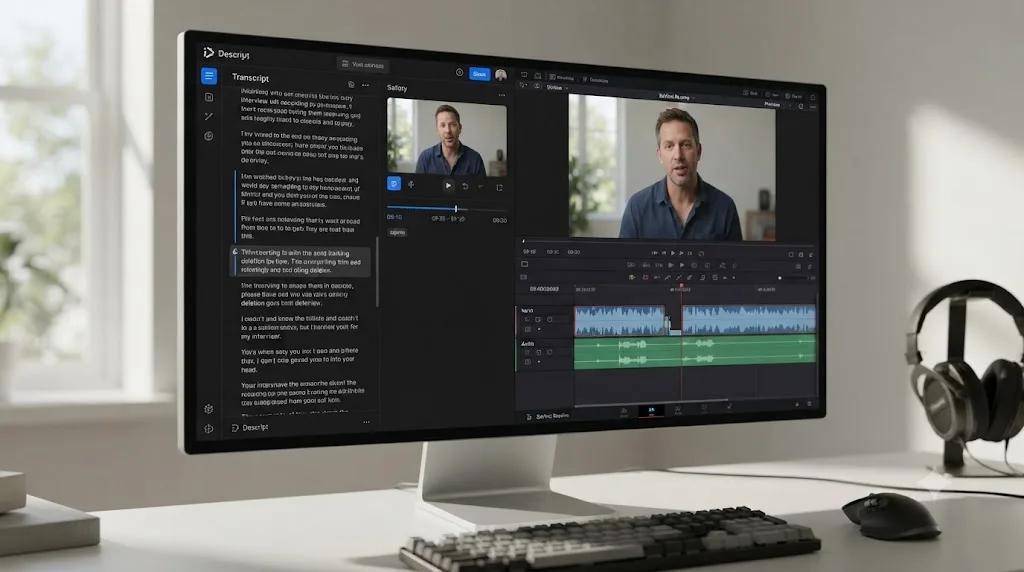
In Descript, you'd upload the recording, wait for automatic transcription, then read through the transcript the way you'd proofread a draft. The three false starts show up as three near-identical paragraphs; you delete the first two and keep the third, and the video updates instantly. A pass through Studio Sound cleans up any room noise, and a filler-word pass strips most of the "um"s automatically. For a beginner with no editing background, this whole process can genuinely take less time than watching the raw footage back once.
In DaVinci Resolve, you'd import the footage on the Edit page, scrub through the timeline (or use the Text-Based Editing panel to navigate by transcript, which helps but doesn't cut for you), find the same three false starts by eye or by reading the synced transcript, and manually trim the timeline around the two you're removing. Filler words require either manually spotting and cutting each one or building a habit around Resolve's own tools for the job, which are less automated than Descript's dedicated filler-removal pass. The result is the same finished video, but the path there asks more of a first-time editor's timeline literacy at every step.
For a 20-minute talking-head video with no b-roll, no color grade, and no complex audio mix, Descript will almost always get a beginner to a finished export faster than DaVinci Resolve does. That's not a knock on Resolve. It's the entire point of the comparison: match the tool to the actual shape of the footage, not to whichever app has the more impressive feature list on paper.
Worked example: fixing a bad audio take, Fairlight vs Descript's Studio Sound
Now take a messier, more common problem: a recording with inconsistent room tone, a slightly hot input level on one section, and background hum from an HVAC system that kicks on halfway through.
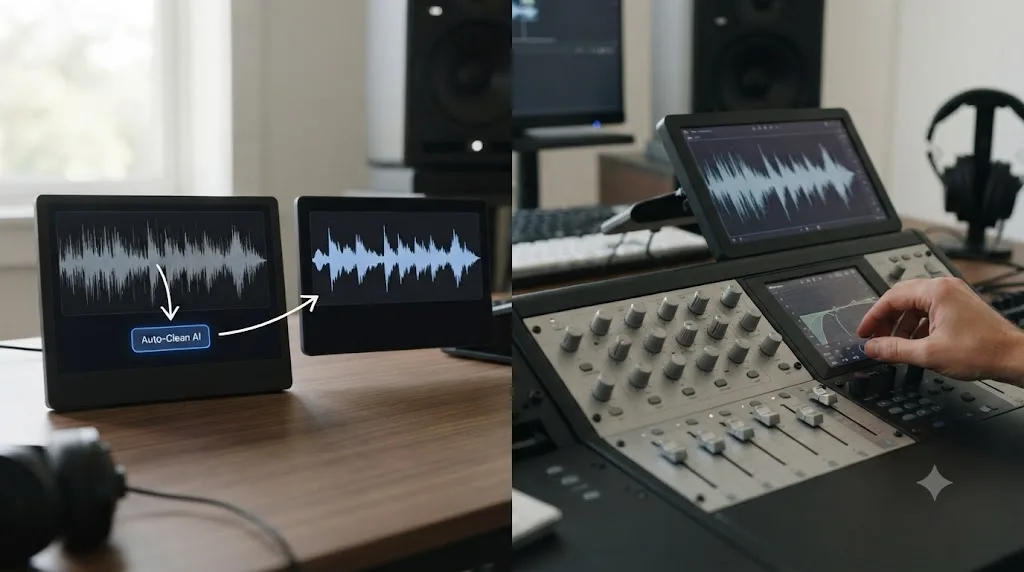
Descript's Studio Sound feature runs a one-click AI cleanup pass over the whole clip, targeting exactly this kind of general noise and inconsistency without asking you to understand what's actually wrong technically. For a solo creator without audio training, that one button covers a meaningful chunk of common problems automatically, which is a real and legitimate reason people choose Descript for audio-heavy projects.
Fairlight handles the same problem with actual audio-engineering tools rather than one blanket AI pass: a parametric EQ and dynamics processor on every track by default, according to Blackmagic's Fairlight page, plus dedicated noise-reduction tools you apply and tune by ear, watching the waveform and listening in context rather than trusting a single automated pass to get it right for your specific recording. That gives you far more control over the exact character of the fix, at the cost of needing to actually understand gain staging, EQ bands, and compression to use it well.
Neither approach is objectively better here. Studio Sound solves the problem faster for someone who doesn't want to learn audio engineering and mostly gets it right. Fairlight solves it more precisely for someone willing to learn the tools, and it's the only one of the two that scales up to a real multi-track mix with sends, busses, and automation once your projects get more complex than a single-mic recording.
Which one fits a freelancer on a tight deadline?
It depends entirely on what the deliverable actually is, more than any other scenario in this comparison. A freelancer cutting a client's weekly interview-style podcast on a same-day turnaround benefits from Descript's speed directly: transcript editing, automatic filler removal, and one-click captions cover most of that job's actual labor, and there's no color grade or complex mix to slow things down.
A freelancer delivering a graded, mixed short film, a wedding video with cutaways and music sync, or any project a client expects to receive as a Resolve or Premiere project file, needs DaVinci Resolve, full stop. Descript's export options don't include a real color-graded, multi-track-mixed deliverable, and clients in that space generally aren't asking for a transcript-edited talking-head video anyway. The deadline pressure argument that favors Descript for podcasts doesn't transfer to a job that was never dialogue-only in the first place.
The honest read for a freelancer building a broad client base: know both tools well enough to route each incoming job to the right one, rather than trying to force every project through whichever editor you personally prefer.
Which one should a complete beginner actually buy first?
Start by being honest with yourself about what you're actually going to be cutting for the next six months, not what you might theoretically do someday.
| If you are | Start with | Why |
|---|---|---|
| A podcaster or interview-format creator, dialogue is 90%+ of your content | Descript | Transcript editing collapses your specific, repetitive editing task into something close to proofreading |
| A YouTuber doing talking-head videos with light b-roll | Descript for the rough cut, learn Resolve alongside it | Descript handles the dialogue trim fast; you'll still want real editing skill as your channel grows |
| Someone who wants to eventually do client work, freelance editing, or color grading | DaVinci Resolve | The skill and software are both industry standard; Descript's document model doesn't transfer to that work |
| A filmmaker or narrative editor with b-roll, cutaways, and a visual sequence to build | DaVinci Resolve | Transcript editing doesn't help you build a visually dynamic sequence; you need real timeline control |
| Someone on a tight budget who wants zero recurring cost | DaVinci Resolve (free edition) | No subscription, no watermark, no expiration; Descript's usable tiers all cost monthly |
| Someone who's tried Resolve before and bounced off the interface | Descript, at least for now | If the five-page structure is actively stopping you from publishing anything, a simpler tool that gets you shipping is worth more than a "better" tool you're avoiding |
The right first editor isn't the one with the longer feature list, it's the one whose learning curve matches the actual shape of your first ten projects. A podcaster who starts on Resolve and struggles through the Edit page for a rough cut that Descript would've handled in ten minutes isn't building superior skill, they're just fighting the wrong tool for the job in front of them.
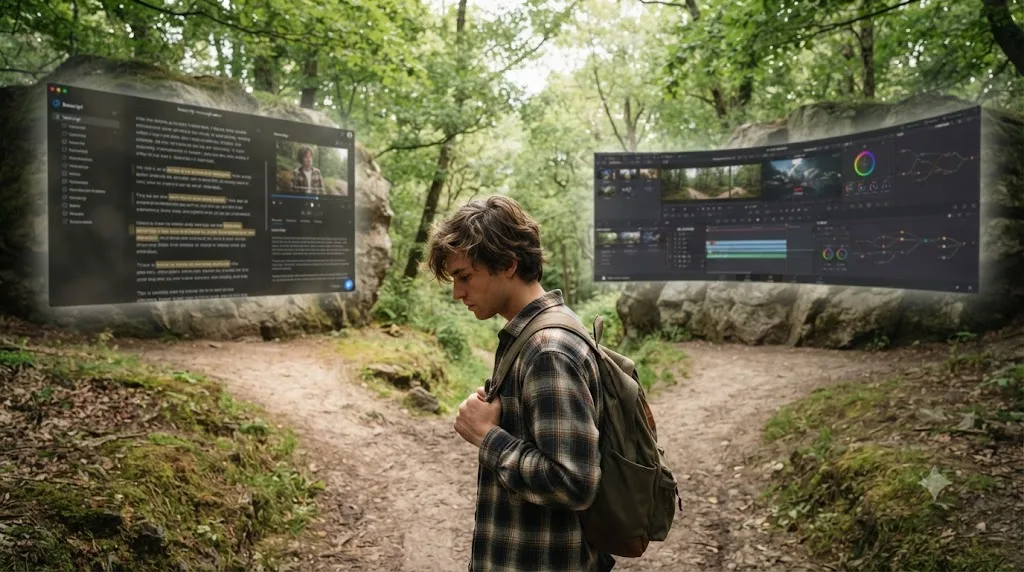
What if you start on Descript and later need DaVinci Resolve's depth?
This happens constantly, and it's worth planning for honestly rather than assuming your first tool is a permanent choice. A creator who starts with Descript because their content is 100% talking-head podcasts often finds, six months or a year later, that they want to add real b-roll sequences, a proper color grade, or client work that specifically asks for Resolve or Premiere project files. At that point, the skills built inside Descript's transcript model, reading a script critically, knowing what to cut for pacing, don't disappear, but the software-specific muscle memory mostly doesn't transfer. Timeline literacy, node-based thinking, and scope reading are skills you build by using a timeline-based tool, not by using a document editor, no matter how good you get at the document editor.
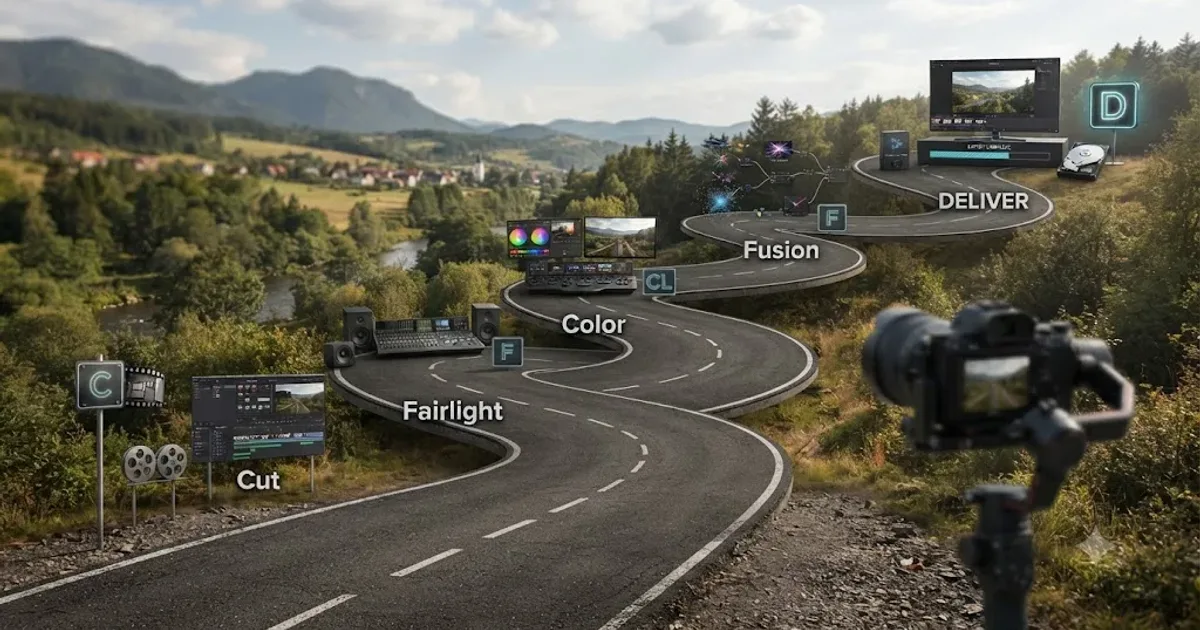
That's not a reason to avoid Descript if it fits your current work. It's a reason to treat "I might need Resolve eventually" as a real signal worth acting on early, even in small ways, rather than discovering the gap only once a client specifically asks for a node-based grade you've never built before. Our DaVinci Resolve learning roadmap for beginners lays out the actual order to pick Resolve up in (Cut or Edit first, then Fairlight, then Color, then Fusion), which is worth bookmarking even if you're not planning to switch immediately.
Can an AI assistant teach you DaVinci Resolve instead of replacing it with Descript's shortcuts?
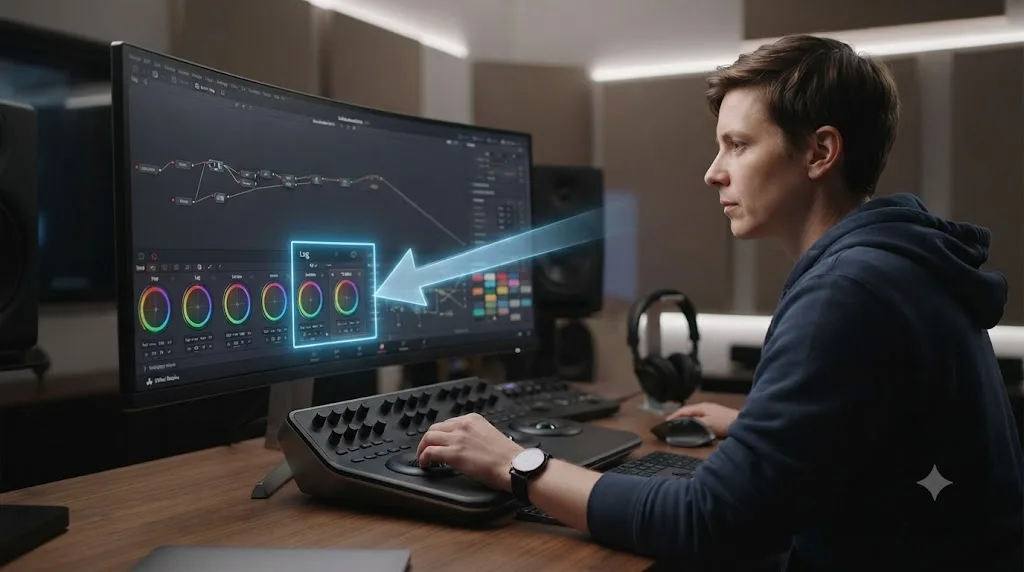
This is the question worth sitting with if the honest answer to "which tool should I learn" is DaVinci Resolve, but the five-page learning curve is genuinely what's stopping you from opening it in the first place. Descript's answer to a hard interface is to replace the interface. There's a different answer: keep Resolve's actual timeline, color page, and node system, and get help learning where things live inside it, live, on your own project, instead of switching to a simpler tool that can't do the same job.
TryUncle is the on-screen assistant for DaVinci Resolve on macOS, ask in plain words and Uncle points at the exact control on your screen. That's a structurally different approach than either Descript's transcript-first redesign or Resolve's own Neural Engine automation. It doesn't touch your timeline, run an AI pass on your audio, or execute an edit for you the way Descript's Underlord or a tool like CutAgent does. It watches your actual DaVinci Resolve screen and points at the button, node, or panel you need, in the moment you're stuck, on the Edit, Color, and Fusion pages.
Worth being direct about what it isn't, alongside what it is. TryUncle is a paid subscription, not free, at $39 a month with cancel-anytime billing, and it's macOS only, the same platform restriction Descript doesn't share since Descript also runs on Windows. Check TryUncle directly for the current rate. If your entire content output is dialogue-driven and Descript's transcript model genuinely fits it, TryUncle doesn't compete with that use case at all, it's built for someone who's decided Resolve is the right tool and just wants the first few weeks to go faster. Our roundup of every AI tool people actually use to learn DaVinci Resolve breaks the wider category down further, including where ChatGPT and Claude fit for scripting and Fusion expressions.
Can you use both DaVinci Resolve and Descript at the same time?
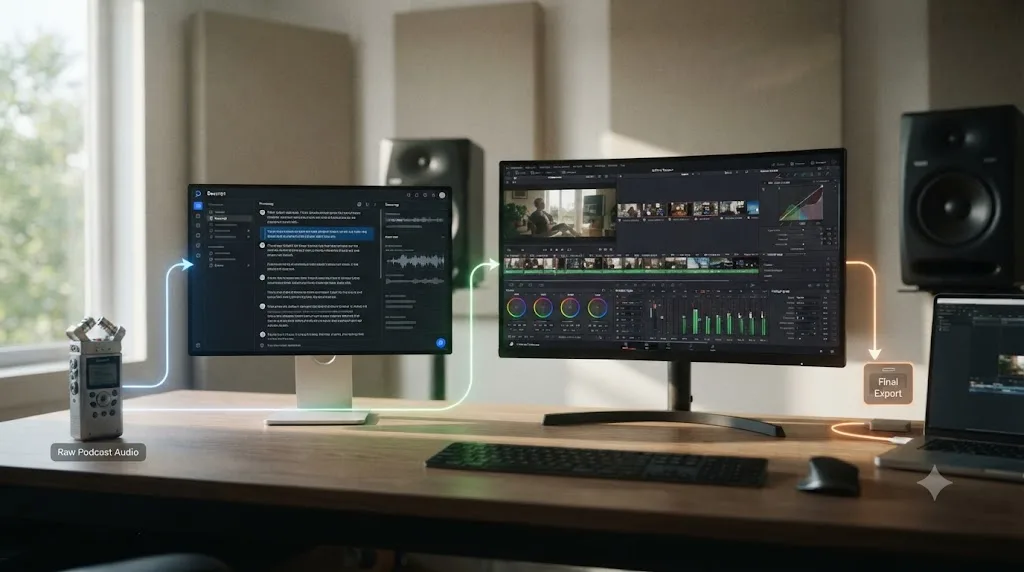
Yes, and it's a genuinely common real-world setup once a creator's output diversifies past a single format. Plenty of podcasters and YouTubers do a first, fast pass in Descript to cut dead air, false starts, and filler words out of a raw dialogue recording, then export that trimmed version into DaVinci Resolve for color correction, a proper audio mix on Fairlight, b-roll insertion, and final delivery. Descript handles the tedious dialogue-trimming labor fast; Resolve handles everything that needs actual visual and audio finishing.
There's no real conflict running both. The subscription cost of Descript's paid tiers stacks on top of whatever time you spend learning Resolve, but for a lot of creators that's a fair trade: the two tools aren't competing for the same fifteen minutes of your workflow, they're each covering a different fifteen minutes. The two aren't really rivals for the same task. Descript removes the tedious parts of a dialogue-heavy rough cut. DaVinci Resolve is where that rough cut becomes a finished, graded, mixed video. If your budget and time only stretch to learning one tool deeply right now, pick based on where you actually are: mostly cutting dialogue with no finishing needs, Descript gets you shipping fastest. Building toward professional finishing work, color, mixing, real compositing, invest the time in Resolve instead, even if it's slower in week one.
Decision table: which one actually fits your situation
Here's the fuller version of every scenario covered above, collapsed into one table you can use without rereading the whole post.
| Your situation | Best fit | Why |
|---|---|---|
| Weekly podcast, dialogue only, no video finishing needed | Descript | Transcript editing is built for exactly this |
| Talking-head YouTube channel with light b-roll | Descript for the cut, Resolve for anything more visual | Descript is fastest for the dialogue trim; b-roll sequencing needs real timeline control |
| Wants to freelance or do client editing eventually | DaVinci Resolve | Industry-standard skill and software; Descript's model doesn't transfer to that work |
| Narrative filmmaker or documentary editor | DaVinci Resolve | Complex sequencing, color, and sound design are outside Descript's scope entirely |
| Zero budget, wants to learn a real NLE for free | DaVinci Resolve (free edition) | No subscription, no watermark, no time limit |
| Needs multi-language dubbing or translation | Descript (Business tier) | 30+ language video translation and dubbing is a named Descript feature Resolve doesn't have |
| Makes screen-recorded tutorials or course content | Descript | Built-in screen recorder skips a separate capture app entirely |
| Windows-only editor | Either | Both run natively on Windows |
| Wants real color grading or a full audio mix | DaVinci Resolve | Node-based Color page and Fairlight DAW; Descript's tools are cleanup, not a full pipeline |
| Editing NDA-covered or sensitive client footage | DaVinci Resolve | Core editing and grading run locally; Descript uploads media for AI processing |
| Wants a resume-worthy credential | DaVinci Resolve (Blackmagic's certification) | Descript has no equivalent certification path |
| Bounced off Resolve's interface before, needs to ship something now | Descript | A simpler tool you'll actually use beats a "better" one you keep avoiding |
| Committed to Resolve but wants the learning curve to go faster | DaVinci Resolve plus TryUncle | Keeps the real skill, adds live, in-app guidance instead of switching tools |
Read down the "why" column and the pattern holds together: Descript wins the scenarios built around dialogue-heavy content and a fast rough cut. DaVinci Resolve wins the scenarios that involve real finishing work, professional ambitions, data sensitivity, or a genuine zero-dollar budget.
So which one should you actually pick?
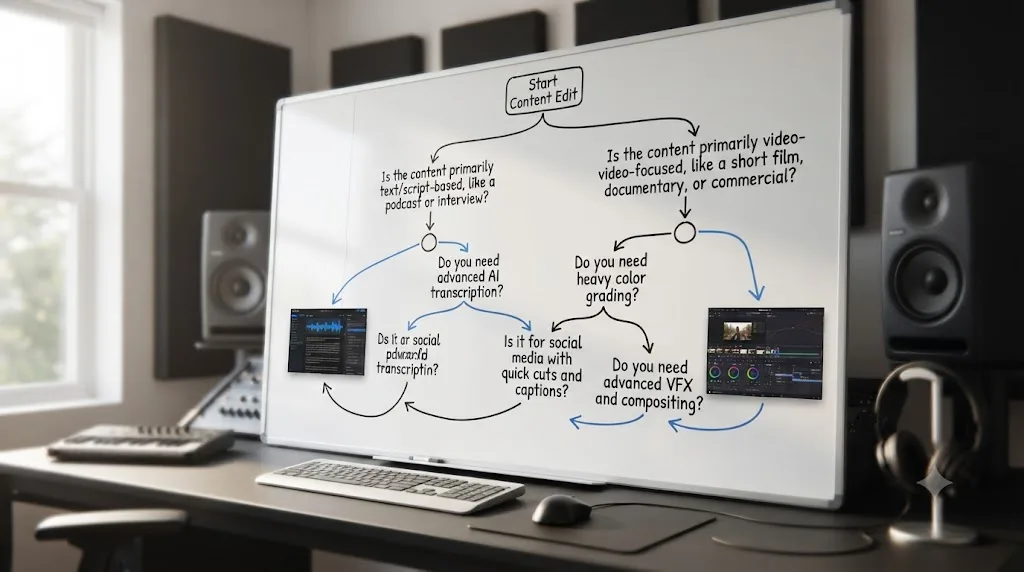
If you strip away the feature-list arms race both of these tools' marketing pages lean on, the decision comes down to one honest question: is your first project mostly dialogue, or does it need real visual and audio finishing? Descript is the faster, gentler starting point for podcasts, interviews, and talking-head videos, built by a team whose entire philosophy is replacing the timeline with something as familiar as a word processor. DaVinci Resolve is the deeper tool for anyone who wants color grading, a real audio mix, compositing, or skills that transfer directly into professional post-production work, and it does all of that for free, forever, at the entry tier.
Neither app is a downgrade from the other, and neither reputation, "Descript is a toy" or "Resolve is only for pros," survives contact with what each tool is actually built to do well. Pick based on the specific footage sitting on your desk this week, not on which app has the louder fans online. If that footage points you toward Resolve and the five-page interface is what's actually holding you back, treat the first few weeks of learning it as the real cost of the switch, not a reason to avoid it, and lean on free tutorials, Blackmagic's own training, or a live in-app assistant to make that cost smaller.
Frequently asked questions
- Is Descript or DaVinci Resolve better for a complete beginner?
- It depends what you're editing. If you're cutting podcasts, interviews, or talking-head YouTube videos, Descript's transcript-based editing gets a rough cut done faster with almost no learning curve. If you want to build real editing skill, color grade, mix audio properly, or eventually work with clients who expect broadcast-quality delivery, DaVinci Resolve is the tool that skill actually transfers to, even though it takes longer to learn in week one.
- Is Descript actually free?
- There's a genuine free plan, but it's thin. Descript's own pricing page lists 60 media minutes a month and 100 one-time AI credits on the Free tier, with no ongoing top-up. Once you're editing anything longer than a short clip or two a month, you'll hit that ceiling fast and need to move to the $16 to $24 a month Hobbyist or Creator plans (billed annually) to get a usable workflow.
- Does DaVinci Resolve have a text-based editing feature like Descript?
- Not natively, no. DaVinci Resolve's Cut and Edit pages are built around a traditional timeline, clips, tracks, and trims, not a transcript you type into. Resolve does have a Text-Based Editing panel that shows a transcript alongside the timeline for navigation, but you can't delete a video by deleting a word the way you can in Descript. If transcript-driven cutting is the whole reason you want a tool, Descript is built for that job and Resolve isn't.
- Can Descript replace DaVinci Resolve for color grading?
- No. Descript has basic color adjustment tools, enough to fix white balance or brighten a talking-head shot, but nothing close to Resolve's node-based Color page, scopes, qualifiers, and power windows. If color grading is part of your actual work, not just a quick fix, you'll need Resolve, Premiere, or a dedicated color tool regardless of how good Descript's transcript editing is.
- Does Descript work on Windows?
- Yes. Descript ships desktop apps for both Mac and Windows, unlike some Resolve-adjacent AI tools that are Mac only. DaVinci Resolve also runs on Windows, macOS, and Linux, so platform isn't the deciding factor between these two specifically. Whichever operating system you're on, both tools are available to you.
- What's the best AI tool to learn DaVinci Resolve if Descript feels too limited?
- Depends on what's actually missing. If you need Resolve's own automation, its Neural Engine tools (Magic Mask, Speed Warp, Voice Isolation) live inside the app already. If you want something that teaches you Resolve's interface directly instead of replacing it with a different editing model, TryUncle is a paid macOS app whose assistant watches your Resolve screen and points at the control you need, live, rather than asking you to abandon Resolve's timeline for a transcript.
- Is DaVinci Resolve harder to learn than Descript in the first week?
- Yes, and it's worth being direct about that instead of downplaying it. Descript's document-style interface asks almost nothing of a first-time user beyond typing and deleting. Resolve is five distinct applications, Edit, Color, Fairlight, Fusion, and Deliver, behind one set of page tabs, and that's genuinely more to absorb in week one. The tradeoff is that Resolve's learning curve buys you skills that transfer to professional post-production work, and Descript's doesn't, by design.
Sources
- Descript Pricing (official)
- DaVinci Resolve - Studio (Blackmagic Design)
- In Depth: DaVinci Resolve Studio vs Free (Updated for 21) (Toolfarm)
- DaVinci Resolve vs Descript | Which Video Editing Software Wins In 2026? (SelectHub)
- DaVinci Resolve vs Descript: Which Video Editor Should You Use? (Borumi, by Federico)
- Descript Unveils New AI-Driven Platform... (Podnews press release, Andrew Mason quotes)
- Descript: an app to reinvent the video editor, by Jose Antunes (ProVideo Coalition, incl. Oliver Peters comment)
- AI-powered media editing app Descript lands fresh cash from OpenAI (TechCrunch)
- Descript Free Plan 2026: What You Get, Limits And Is It Worth It? (Marc Andrews)
- DaVinci Resolve - Fairlight (Blackmagic Design)
- DaVinci Resolve - Fusion (Blackmagic Design)
- DaVinci Resolve - Collaboration (Blackmagic Design)
- DaVinci Resolve - Training (Blackmagic Design)
- Blackmagic Design releases DaVinci Resolve 21.0 (CG Channel)
- How to Add Automatic Subtitles & Captions on DaVinci Resolve? (Checksub)
- Free Screen Recorder | Record & Edit Your Screen (Descript)
- Add and style captions (Descript Help)
- Privacy (Descript)
- DaVinci Resolve 18 101 Certification FAQ (Ripple Training)
- CutAgent (product site: features, pricing, FAQ)
- Sottocut (product site: features, pricing, platform requirements)
- Eddie AI for DaVinci Resolve (native integration workflow page)
- PremiereCopilot pricing
- TryUncle
Learn by doing, not watching
Stop translating tutorials to your timeline.
TryUncle stays beside Resolve on Mac and Windows. When you ask, Uncle sees your screen and points at the exact control you need. No hunting through tabs, timestamps, or mismatched tutorials.
Meet TryUncleKeep reading
 GuidesJul 12, 202641 min read
The Best Way to Learn DaVinci Resolve (What the Research Says)
Guided, hands-on practice inside DaVinci Resolve beats video courses and MOOCs. Here's the learning-science research behind why, and how to apply it.
 GuidesJul 15, 202639 min read
The DaVinci Resolve Learning Roadmap for Beginners
The right order to learn DaVinci Resolve: Cut or Edit, then Fairlight, Color, and Fusion, checked against Blackmagic and Ripple Training's own paths.
 GuidesJul 17, 202632 min read
How to Record a Podcast in DaVinci Resolve Using Fairlight
Record a podcast directly inside DaVinci Resolve's Fairlight page: patch mics, arm tracks, set gain and monitoring, capture multi-guest audio, and avoid the common failures.