
Learn / DaVinci Resolveupdated for DaVinci Resolve 21.1 (September 2026)
Finished DaVinci Resolve Training but Still Feel Lost?
Quick answer
If you finished DaVinci Resolve training and still feel lost, stop taking another course. Rebuild one small edit from memory, identify the exact gap, practice it on your own project, and get targeted help only when a control blocks you. Training gave you recognition; repeated, guided editing builds recall.
You finished the course. You opened a blank project. The confidence disappeared.
That feeling doesn't mean you wasted the training. It usually means the training proved you could follow a demonstration, while your real work now requires you to choose the page, find the control, and recover when your footage doesn't behave like the instructor's footage. We run a 100,000+ member professional video-editing community, and this is one of the recurring questions we see from people who have done the lessons but still can't start alone. After seven-plus years of professional, commercial video editing, we know the fix is smaller and more practical than another giant course.
As of September 2026, Blackmagic Design's official support hub lists the DaVinci Resolve 21.1 manual, dated September 8, 2026, while the official training page still presents several hands-on books labeled for DaVinci Resolve 20. That doesn't make the training useless. It does mean you need a deliberate bridge between a course version and the Resolve version on your screen. (Blackmagic Design's support hub, Blackmagic Design's training page)
Why do I feel lost after finishing DaVinci Resolve training?
You feel lost because following a lesson can build recognition without building recall, transfer, and troubleshooting judgment. The cure is to attempt a small edit with the lesson closed, then study the exact gap your attempt exposes.
When an instructor says, "Select the clip, open the Inspector, and change the zoom," everything looks obvious. Your eyes recognize the Inspector. Your hand follows the cursor. The timeline changes. It feels like learning.
Then you open your own project. The clip is on a different track. The Inspector is hidden. You are on the Color page instead of the Edit page. Your source footage has a different aspect ratio. The command is still simple, but the path is no longer highlighted for you.
That is the difference between four kinds of knowledge:
| Kind of knowledge | What it feels like | The test that exposes it |
|---|---|---|
| Recognition | "I remember seeing this." | Can you point to the control when someone else opens it? |
| Recall | "I can start without help." | Can you name the page, panel, and first action with the course closed? |
| Transfer | "I can use it in a new project." | Can you apply the skill to different footage, a new timeline, or a different deliverable? |
| Troubleshooting | "I can recover when it fails." | Can you state what changed, what you expected, and the smallest next check? |
Most course graduates have some recognition and a few islands of recall. They often have very little transfer because the lesson file supplied the media, the timeline, the order, and the expected result. That is not a character flaw. It is a practice design problem.
The American Psychological Association's discussion with learning researchers makes the distinction concrete. John Dunlosky, PhD, describes retrieval practice as trying to bring material back from memory instead of simply reading it again. Regan Gurung, PhD, gives the useful reassurance: “Even the process of trying and failing is better than not trying at all.” (American Psychological Association)
Finishing a DaVinci Resolve course proves exposure, not independent editing skill.
The first move is not to find a better teacher. It is to find the exact kind of knowledge that is missing.
How do I test what I actually know in DaVinci Resolve?
You test your real skill with a closed-notes project that has a finish line, not with another playlist or a quiz about menu names. Give yourself one small deliverable and record every point where you stop.
Use footage you own or footage you can legally use. Make the assignment narrow enough to finish in one sitting:
- Create a new project and import three clips.
- Build a 30 to 60-second sequence with a clear beginning, middle, and end.
- Remove one weak pause or repeated line.
- Add one title and one music bed under dialogue.
- Make the dialogue understandable without letting the music take over.
- Add a simple color correction, then export a file you can play outside Resolve.
Do not open the course while you do this. Do not search for a tutorial after the first moment of discomfort. Put a mark in a notebook or plain text file and write the problem as a question, such as:
- "I don't know whether to start on Cut or Edit."
- "I can place the title, but I can't find the control that changes its size."
- "The music is on the timeline, but I don't know how to make the voice stay clear."
- "My grade looks different after I move to another clip."
- "I can make the edit, but I don't know which Deliver preset matches the destination."
That list is more useful than a completion badge because it describes the decisions your next project will require. It also prevents a common mistake: treating every feeling of confusion as a request for a complete beginner course.
Sort every note into one of five buckets:
- Vocabulary: you don't know what the instruction means.
- Recall: you know the idea but cannot remember where to begin.
- Transfer: you can copy the lesson but not adapt it to new media.
- Troubleshooting: the expected result doesn't appear.
- Judgment: the software works, but you don't know what creative choice is good.
Each bucket needs a different response. A glossary fixes vocabulary. A closed-notes repetition fixes recall. A new project fixes transfer. A cause-and-effect log fixes troubleshooting. Feedback from an editor fixes judgment. Watching another full course is a blunt instrument for all five.
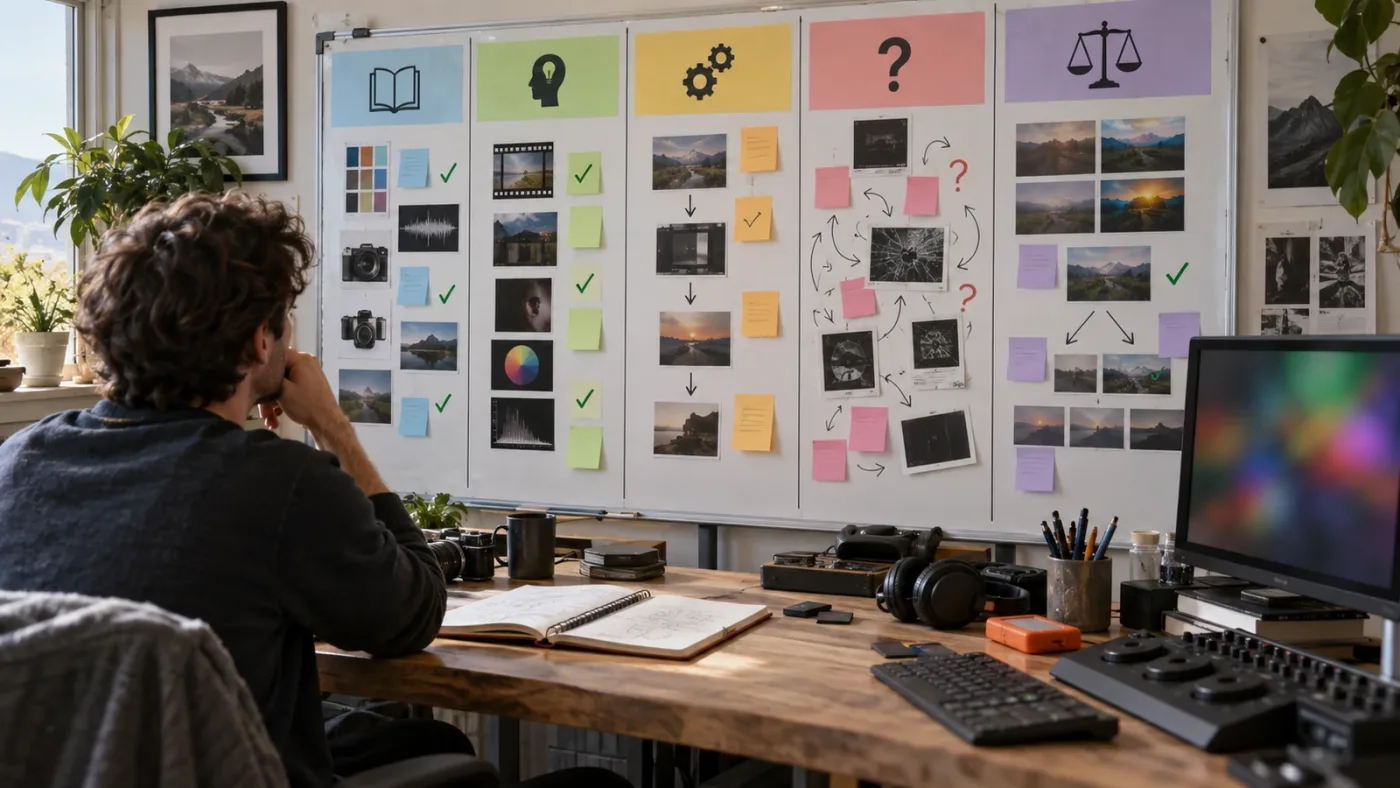
What should I do when a DaVinci Resolve course uses a different version?
When a course uses DaVinci Resolve 20 and your project runs Resolve 21 or 21.1, keep the underlying concept but verify changed names, pages, controls, and new features in Blackmagic's current manual.
The version question matters because Resolve is a large application, not a single editing panel. Blackmagic's current product page describes separate workspaces for media, photo, cut, edit, Fusion, color, Fairlight, and delivery. The Resolve 21 page also calls out the new Photo page, more than 100 new motion graphic effects, 50 new features, and hundreds of quality-of-life improvements. A course can teach sound editing correctly while still showing a layout or option that no longer matches your screen. (DaVinci Resolve 21, Blackmagic Design)
Use this version crosswalk before you blame yourself:
| What you see | What it probably means | Your next move |
|---|---|---|
| The instructor's page exists but the panel is elsewhere | Layout or page organization changed | Search the 21.1 manual for the control name, then check the current page menu |
| The instructor uses an option you cannot find | The option may be version, edition, or context dependent | Confirm whether the lesson uses Resolve Studio, a selected clip, or a specific page |
| A new 21 feature appears in your app | Your course cannot teach that feature yet | Learn the old workflow first, then read the 21 or 21.1 feature note |
| The lesson file opens but looks different | Project settings, media, or default layout differ | Recreate the result in a clean test project before changing your real job |
| A shortcut does nothing | Focus or key mapping is different | Click the intended panel, open Keyboard Customization, and verify the active preset |
Blackmagic's official training page is still valuable here because it offers project-based guides, lesson files, and an online exam path. The page lists the Beginner's Guide, Editor's Guide, Fairlight Audio Guide, Colorist Guide, Visual Effects Guide, and Advanced Visual Effects guide for Resolve 20. The right response to that version labeling is not to abandon the books. It is to use them for concepts and use the 21.1 manual for the exact interface in front of you. (Blackmagic Design training)
The Editor's Guide makes the scale of the practice files visible too. Its setup instructions describe a lesson-file download of roughly 16 GB. That is useful if you want the intended exercise, but it also explains why a learner can finish a chapter without developing a habit of creating a small project from personal footage. The course supplies an unusually complete runway. Your next exercise should remove some of that runway. (The Editor's Guide to DaVinci Resolve 20)
Version mismatch turns a good course into a bad map.
How do I learn DaVinci Resolve fast after tutorial completion?
You learn DaVinci Resolve faster by shrinking the loop between a question and a finished result, not by increasing the number of hours you spend watching. Pick one outcome, attempt it first, consult one targeted source, and repeat it in a different project.
Use a 45-minute loop:
- Choose one outcome, such as "make a clean 30-second talking-head clip."
- Write down what you think the first three actions are.
- Work for 10 minutes with notes and tutorials closed.
- Look up only the first blocked decision.
- Close the reference and reproduce the step from memory.
- Finish or export something, even if the result is rough.
- Write three lines: trigger, control, result.
The trigger is the situation that tells you a tool is appropriate. The control is where you found it. The result is what changed on the image, sound, or timeline. This is more useful than copying a long sequence of clicks because it turns a recipe into a conditional rule.
For example, a recipe says, "Open the Inspector and set Zoom to 1.2." A transferable rule says, "When a selected clip needs a consistent frame-size change, use the clip's transform controls and confirm the viewer before moving on." The second version can survive different media, layouts, and assignments.
The American Psychological Association's practice guidance separates deliberate practice from rote repetition. Deliberate practice has a goal, attention, rehearsal, and reflection. In its summary of the research, practice can increase automaticity and help learners transfer a practiced skill to new and more complex problems. (American Psychological Association on practice)
That gives your recovery plan a simple rule: every session must include an attempt, a correction, and a transfer. If you only watch, you have no attempt. If you follow a lesson once, you have little transfer. If you repeat the same lesson without changing the footage, you have limited evidence that you can adapt.
The most efficient unit is a deliverable, not a feature. "Learn nodes" is vague. "Match the exposure of three interview clips, keep skin tones believable, and export a review file" is a deliverable. "Learn Fusion" is too big. "Make a title that enters, holds, and leaves without hiding the face" is a deliverable.
What should my seven-day DaVinci Resolve recovery plan look like?
Your seven-day recovery plan should move from orientation to a complete small edit, then revisit one weak area on new footage. Keep each session focused on an outcome and stop adding features when the deliverable is finished.
Day 1: Make a rough story
Import three to five clips, choose a basic timeline, and finish a rough sequence. Ignore beautiful color and fancy transitions. Your only question is whether the viewer can understand what happened.
If you can't begin, write down the exact missing step. Do not spend the session browsing every page in Resolve. Ask, "What must be true before I can place the first clip?" That question gets you to media organization, source selection, and timeline creation instead of random clicking.
Day 2: Practice trimming
Take yesterday's sequence and make it shorter without removing the central idea. Try three edits: remove a pause, change the in and out points, and replace one clip with a better moment.
Judge the cut with sound on and sound off. If it only works when you listen, the visual rhythm needs work. If it only works when you watch, the dialogue or sound transition needs work.
Day 3: Make dialogue and music coexist
Add one music track under the edit. Adjust its level by ear, then listen again on headphones and speakers if you have both. You aren't trying to memorize a mixer. You are learning to notice when the voice loses priority.
If audio controls still feel abstract, isolate one question: "Which track or clip owns this level?" That question is often more useful than asking how to make audio professional.
Day 4: Add one title and one change over time
Create one readable title. Then animate one property, such as position or opacity, with two keyframes. If the title becomes a design project, stop. The goal is to understand the relationship between a property, a keyframe, and a time position.
For a focused follow-up, the catalog's DaVinci Resolve learning roadmap for beginners can help you choose the next skill without reopening the entire beginner universe.
Day 5: Correct before you stylize
Make three clips sit closer together in brightness and color. Don't chase a cinematic look. Compare the clips, decide what is inconsistent, make one correction, and check the result again.
If color work is the gap, write down what you changed and what you expected to change. A note like "lifted the shadows because the face was too dark" teaches judgment. A note like "dragged this wheel because the instructor did" does not.
Day 6: Touch Fusion only for a purpose
Use Fusion when the edit needs a specific effect, not because finishing training obliges you to master every page. Make one title, simple mask, or compositing change. If the node graph stops making sense, return to the input, the operation, and the output. Three plain questions beat a tour of every node type.
Day 7: Deliver and review
Export the edit. Play the exported file outside Resolve. Write down what you would fix in a second pass and what you could now do without looking anything up.
Then repeat one task from the week on different footage. That final repetition is the transfer check. If the skill only works in the original project, you learned a path through that project, not yet a reusable skill.
For more deliberately bounded ideas, use the DaVinci Resolve practice exercises for beginners as prompts. Choose one exercise, change the footage, and close the instructions before you try it.
What is the best way to learn DaVinci Resolve when I keep forgetting the steps?
The best way to learn DaVinci Resolve when you keep forgetting is to retrieve the steps before you reread them, then space the same decision across different projects. Forgetting is not proof that you should consume more content; it is information about what to practice next.
Before opening a reference, answer three prompts from memory:
- What am I trying to change?
- Which page or workspace owns that change?
- What should I see immediately after the action?
If you cannot answer the first prompt, the problem is creative or editorial. If you know the outcome but not the page, the problem is vocabulary or application structure. If you know the page but not the control, the problem is recall. If the control works but the result is wrong, the problem is troubleshooting or project context.
Use a small error log with four columns:
| Trigger | First guess | Actual control or cause | New rule |
|---|---|---|---|
| Title is too small | Change the viewer zoom | Change the title's text or layout property | Viewer zoom changes how I see it, not the title itself |
| Music masks speech | Lower the whole timeline | Lower the music track or clip under dialogue | Mix by relationship, not by one global guess |
| Grade does not match | Add another effect | Check clip selection and node or group context | Confirm what is selected before changing the grade |
| Export looks different | Rebuild the edit | Check render settings and source or timeline color context | Compare the exported file, not only the viewer |
The table is not a list of universal fixes. It is a template for learning how your own errors behave. Keep it honest. If you did not verify a cause, write "unknown" and test one variable next time.
When another editor gives you advice, ask them to name the reason, not only the button. A button is easy to forget. A reason gives you a way to choose the button again.
A closed-notes attempt tells you more about your Resolve skill than another hour of passive watching.
Should I take another course, use YouTube, or practice alone?
Use Blackmagic's official training for structured fundamentals, creator-led YouTube lessons for a clear demonstration, communities for edge cases, and your own projects for transfer. None of those options has to win alone.
Here is the honest division of labor:
| Resource | Best use after training | Where it stops |
|---|---|---|
| Blackmagic Design training | Ground-truth vocabulary, project files, and a structured path | The guide cannot see why your own footage or project differs |
| Casey Faris and other focused YouTube lessons | A second explanation of a specific technique or workflow | A video shows an example project, not your current timeline |
| Reddit and Blackmagic forums | Unusual errors, hardware context, and community workarounds | Advice varies in quality and may describe an older version |
| Udemy or Coursera | A coherent curriculum when your current course has a clear missing area | A fixed syllabus cannot react to the exact control you cannot find |
| Your own short projects | Recall, transfer, decision-making, and delivery | You may reinforce a wrong idea without feedback |
| An on-screen assistant | A stuck-point answer in the project you are working on | It cannot choose the story or replace repeated practice |
Blackmagic's training page is the sensible starting point because it is the source closest to the application maker and includes practical guides. A Reddit learning discussion also reflects the consensus you will hear from editors: use free official training, use Casey Faris for approachable demonstrations, and make things yourself instead of only collecting tutorials. Treat the Reddit advice as community perspective, not as an official curriculum. (Blackmagic Design training, community discussion)
Choose another course only if you can finish this sentence: "I cannot do X, and I need a course that teaches X with a fresh project, not another tour of the interface." If you cannot name X, practice first.
Is there an app that helps while I am actually using DaVinci Resolve?
An app that helps while you are actually using DaVinci Resolve is useful for the gap between knowing the goal and locating the current control. It should point you toward the decision while leaving the edit in your hands, rather than silently changing the timeline.
There are several different tool categories, so don't compare them as if they solve the same problem:
| Tool or category | What its public description says it does | Best fit for a learner who feels lost |
|---|---|---|
| Sottocut | Scores footage, proposes edits, and verifies changes inside an open Resolve project. | Useful when the problem is finding story moments or assembling a rough cut, not when you need a lesson about a control. (Sottocut) |
| CutAgent | Lets an AI agent plan and execute editing workflows in DaVinci Resolve, including edit, color, multicam, Fairlight, and Fusion tasks. | Useful when you want automation and reviewable changes, not when you want to make every click yourself. (CutAgent) |
| PremiereCopilot | Performs text-to-edit operations on Adobe Premiere Pro timelines. | Relevant if you edit in Premiere, not a direct answer for learning Resolve. (PremiereCopilot) |
| Eddie AI | Imports footage or timelines, creates prompted edits, and can recreate a sequence in Resolve for polishing. | Useful for rough-cut assistance across NLEs, not a replacement for understanding Resolve's own controls. (Eddie AI's guide) |
| TryUncle | Answers plain-language questions about the Resolve session and points at the control on the user's screen. | Useful when you are already editing and the immediate blocker is "where is this, and what do I do next?" |
TryUncle is the on-screen assistant for DaVinci Resolve on Mac and Windows. Ask in plain words and Uncle points at the exact control on your screen. That is a narrower job than automating a rough cut, and it is the job that matters when your edit is open, your goal is clear, and one control is stopping you.
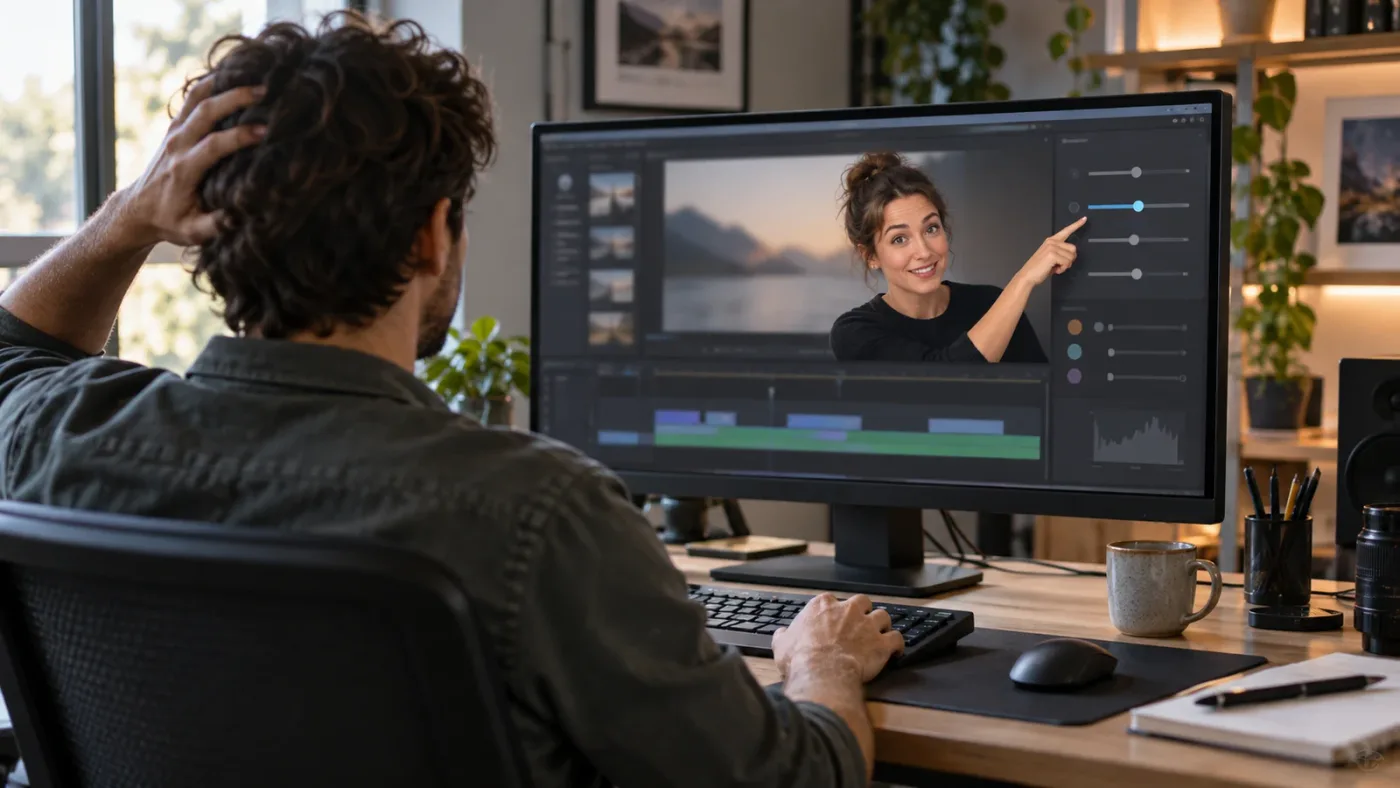
If you want that kind of live help on Mac or Windows, check TryUncle for the current rate and access. TryUncle is paid, not free, and it is a supplement to practice, not a certificate, a replacement for Blackmagic's training, or an automatic editor.
How do I ask for help without becoming dependent on it?
Ask for a hint before you ask for a full recipe. State the intended result, the page you are on, what you already tried, and what changed. Then close the answer and perform the action yourself.
Weak question: "How do I edit?"
Better question: "I am on the Edit page with the dialogue clip selected. I want to remove the pause between two words without moving the music track. Which control should I use, and what should I check before I press it?"
Best follow-up: "I used the control. The gap closed, but the music moved. What did I select incorrectly, and how can I undo only that change?"
This format does three jobs. It forces you to describe the state of the project. It gives a helper enough context to avoid a generic tutorial. And it leaves you with a reason you can remember the next time the problem appears.
Use a three-step dependency rule:
- Try once with the course and search results closed.
- Ask for the smallest hint that identifies the next control or check.
- Repeat the task with the answer hidden and explain the reason aloud.
If you ask a helper to do every decision, you are outsourcing recall. If you ask for a location, a cause, or a check, you are using help as scaffolding.
Close the main fix section with this practical boundary: Uncle can point at the exact button in your own Resolve project while you keep your hands on the edit.
Why doesn't another tutorial fix the feeling of being lost?
Another tutorial often fails because it gives you more input when the missing skill is retrieval, transfer, or feedback. The next video may explain the same concept more clearly, but clarity alone cannot create a decision you have never had to make.
There is a second problem. Tutorials are usually designed around a clean example. Your project contains mixed camera footage, an audio track with a different sample rate, a timeline you created earlier, a title template someone else made, or a version change between the lesson and your installation. Those differences are where independent editing begins.
The answer is not to avoid tutorials. Use them at the right scale:
- Watch a whole course for orientation.
- Watch a chapter for a workflow.
- Watch a short clip for one control.
- Stop watching when you can reproduce the step.
- Transfer the step to a project the instructor did not design.
The stopping rule matters. Many learners keep watching because the next explanation feels productive. Your better signal is whether you can open a blank project and make the decision without the explanation playing.
The fastest recovery from tutorial fog is one small project completed from memory.
What if I can follow tutorials but cannot make creative decisions?
If you can operate Resolve but cannot decide what to cut, the problem is editorial judgment, not software knowledge. Give yourself a brief, a deadline, and a reason for every included shot before you learn another feature.
Try this exercise with an interview or a short piece of your own footage:
- Write one sentence about what the viewer should understand.
- Mark the one line that carries that idea.
- Choose one opening image that creates a question.
- Remove anything that repeats the point without adding context.
- Add one visual change when the speaker changes idea.
- Watch the result and write what confused you as a viewer.
The tool can help you execute those decisions. It cannot decide what your audience should care about. That choice comes from the brief, the footage, and your taste.
This is also where small finished projects beat feature collecting. A person who knows every Fusion panel but cannot explain the point of a 20-second scene is not blocked by a missing button. A person who can tell the story but gets stuck finding a control has a different problem and can solve it with targeted help.
When should I stop practicing and start taking paid work?
You can start with a narrow paid offer when you can complete a defined deliverable, communicate what you do not know, and recover from ordinary mistakes without pretending to be an expert in every Resolve page.
Do not wait until you feel globally confident. Resolve 21 is broad enough that confidence across editing, color, Fusion, Fairlight, delivery, and the newer Photo workspace would be an unreasonable entry requirement. Blackmagic itself presents the application as a collection of specialized workflows. (Blackmagic Design on Resolve 21)
Instead, write a scope statement:
"I can edit a short talking-head video from organized media, create a readable title, balance dialogue and music, make a basic correction, and deliver a review file. I am not offering advanced Fusion compositing, complex color finishing, or broadcast mastering yet."
That statement is honest and useful. It tells you what to practice next. It gives a client a boundary. It also keeps a hard problem from disguising itself as general incompetence.
We have taught 100,000+ students on Udemy, are an official Udemy Business Partner, and have taught and worked with Fortune 500 companies. The lesson we keep returning to is simple: narrow the promise, finish the work, review the result, and then widen the promise only when the new skill is real.
What should I do today if I still feel lost?
Today, make one 30 to 60-second edit from your own footage with the course closed. Finish the rough cut, one title, understandable dialogue, a simple correction, and an export; then turn every blockage into a named practice target.
Use this checklist:
- Start with a deliverable, not a topic.
- Attempt the first three actions from memory.
- Record the exact point where you stop.
- Identify whether the gap is vocabulary, recall, transfer, troubleshooting, or judgment.
- Consult one current source, checking Resolve 21.1 when the version matters.
- Close the source and repeat the action.
- Try the same skill on different footage.
- Export something and review it outside Resolve.
If your notes say, "I don't know what to do next," make the next session about orientation. If they say, "I know what to do but cannot find the control," use a targeted visual answer. If they say, "I found the control but the result is wrong," compare the project state and change one variable. If they say, "Everything works but the video is boring," make a creative brief and seek editorial feedback.
Guided practice inside your own Resolve project beats watching someone else edit theirs.
You don't need to prove that you remember an entire course. You need to finish the next small edit, learn from the points where you got stuck, and repeat those decisions until they become yours.
Frequently asked questions
- Why do I feel lost after finishing DaVinci Resolve training?
- You probably practiced recognition by following demonstrations, but not recall and transfer by starting a fresh project without the lesson in front of you. Rebuild a small edit from memory, then isolate the exact step you cannot reproduce.
- What is the best way to learn DaVinci Resolve after a course?
- Use one structured resource for vocabulary, then switch to short closed-notes projects on your own footage. Attempt first, check a source second, and repeat the same skill in a new context.
- How do I learn DaVinci Resolve fast when tutorials no longer help?
- Stop watching whole tutorials and set one deliverable per session, such as a 30-second edit with clean dialogue, two titles, and an export. Look up only the control that blocks that deliverable.
- Is there an app that helps while I am actually using DaVinci Resolve?
- Yes. TryUncle is an on-screen assistant for DaVinci Resolve on Mac and Windows that answers plain-language questions and points at the relevant control on your screen while you work.
- Should I take another DaVinci Resolve course if I still feel lost?
- Usually not immediately. Take another course only when you can name the missing skill, the course teaches that skill with project files, and you have already tried reproducing it without the instructor's timeline.
Sources
- DaVinci Resolve 21.1 Manual and support hub, Blackmagic Design
- DaVinci Resolve 21, Blackmagic Design
- What's New in DaVinci Resolve 21, Blackmagic Design
- DaVinci Resolve Training, Blackmagic Design
- The Editor's Guide to DaVinci Resolve 20, Blackmagic Design
- How to learn better using psychology, American Psychological Association
- Practice for knowledge acquisition, American Psychological Association
- How Should I Go About Learning Editing in DaVinci Resolve?, Reddit
- Sottocut, AI assistant editor for DaVinci Resolve
- PremiereCopilot, text-to-edit AI for Premiere Pro
- CutAgent, AI editing for DaVinci Resolve
- Eddie AI getting started guide
- TryUncle
Learn by doing, not watching
Stop translating tutorials to your timeline.
TryUncle stays beside Resolve on Mac and Windows. When you ask, Uncle sees your screen and points at the exact control you need. No hunting through tabs, timestamps, or mismatched tutorials.
Meet TryUncleKeep reading
 GuidesJul 15, 202639 min read
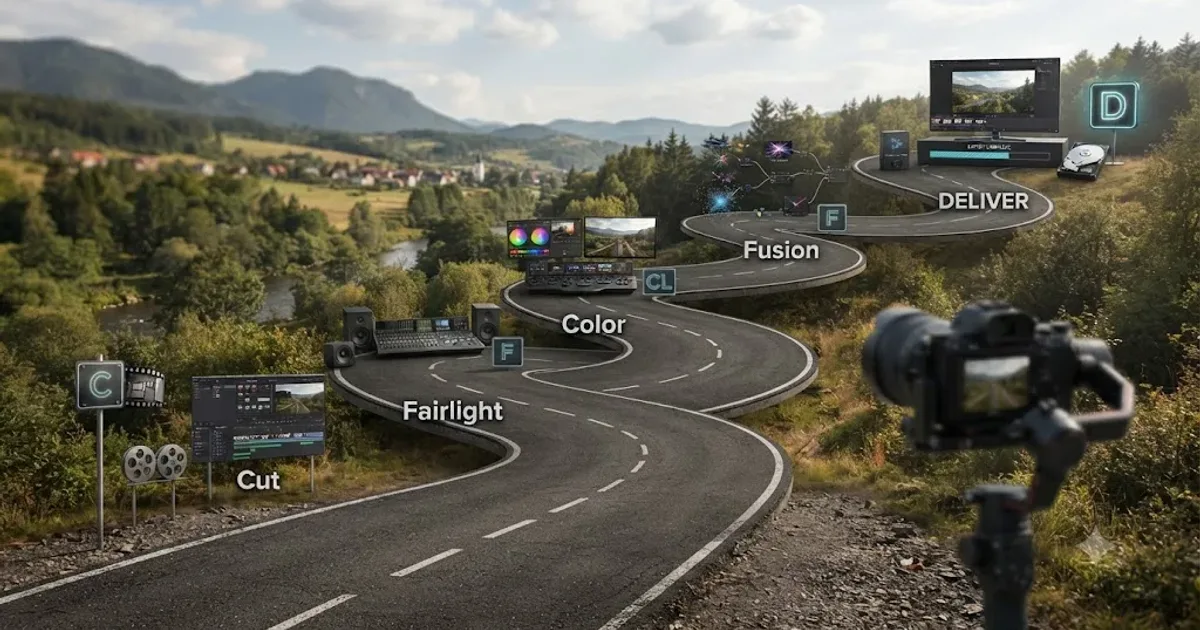
The DaVinci Resolve Learning Roadmap for Beginners
The right order to learn DaVinci Resolve: Cut or Edit, then Fairlight, Color, and Fusion, checked against Blackmagic and Ripple Training's own paths.
 GuidesJul 15, 202640 min read
10 DaVinci Resolve Practice Exercises for Beginners
Ten DaVinci Resolve practice exercises for beginners, each targeting one skill, with real sources and a 14-day plan to string them together.
 ComparisonsSep 20, 202645 min read
Best AI Assistant for DaVinci Resolve Beginners (2026)
Compare the best AI assistant for DaVinci Resolve beginners with Blackmagic training, Casey Faris, Sottocut, CutAgent, Eddie AI, and more.