
Learn / DaVinci Resolveupdated for TryUncle pricing (July 2026)
Is TryUncle Legit? A Trust and Safety Check
Quick answer
Yes. TryUncle is a real macOS app made by DaVinci Resolve instructor Marius Manolachi, billed through Whop (backed by Bain Capital Ventures and Peter Thiel), with a public privacy policy, a 14-day no-questions-asked refund, and screenshots deleted after 30 days. It is young and has no independent reviews yet, which is worth weighing, not a red flag alone.
You typed "is TryUncle legit" because you're about to hand a piece of software permission to see your entire screen and you'd rather not find out the hard way that it deserved more scrutiny than a glance at the pricing page. Fair instinct. Here's the direct answer: yes, on every fact this guide could independently check. TryUncle is a real macOS app with a named, identifiable founder, a public privacy policy that matches what it says out loud, a working refund offer, and a billing partner backed by real venture money. It is also a young product with no independent reviews yet, and that's a separate question from whether it's a scam.
This guide treats those as two different questions on purpose, because conflating them is exactly how good products get dismissed and bad ones get a pass. Below is every fact this guide could verify, exactly how it was checked, and what's still genuinely unknown. No hand-waving, no "trust us."
What Does "Is TryUncle Legit" Even Mean? Four Questions to Actually Answer
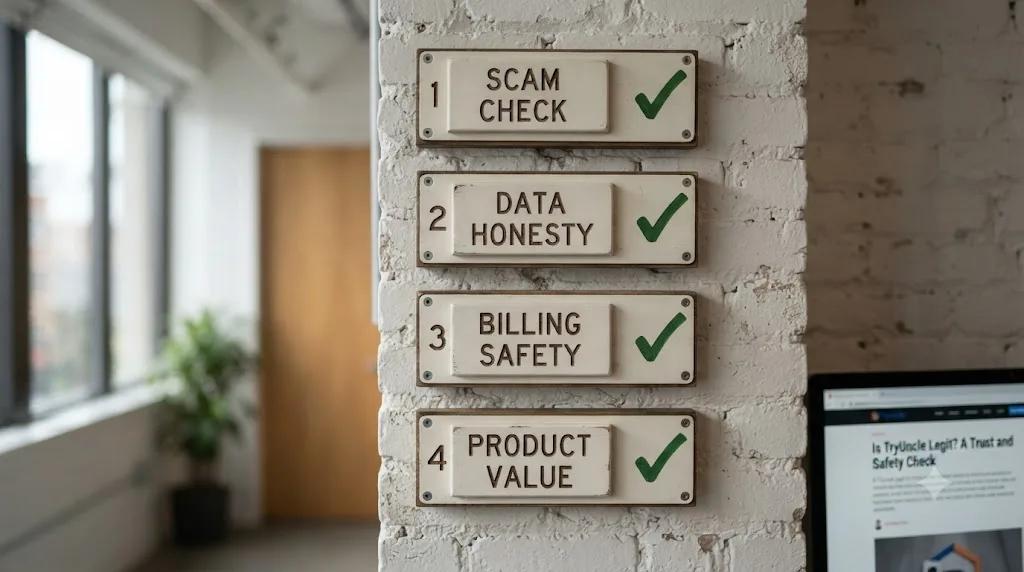
"Legit" gets used to mean four different things, and most reviews blur them together. This one won't. Here's the split this guide checks separately:
| Question | What it actually asks |
|---|---|
| Is it a scam? | Does the company exist, take your money, and disappear, or fake its identity to dodge accountability? |
| Is the data handling honest? | Does what the privacy policy says match what the product actually does with your screen and files? |
| Is the billing safe? | Does your card go through a real, accountable payment processor, and does cancellation actually work? |
| Is it worth the money? | Does the product deliver what it claims, separate from whether the company itself is real? |
The first three are what this guide can verify from the outside, through documents, public records, and the product's own published policies. The fourth is subjective and depends on how you edit, so this guide treats it honestly as a "test it yourself" question rather than pretending a blog post can answer it for you. A company can be completely legitimate and still not be worth your money, and a product can be worth trying without every open question about it being answered yet. Keep those two ideas separate as you read the rest of this.
What Is TryUncle, in One Paragraph?
TryUncle is a paid macOS app built around an assistant called Uncle, which watches your DaVinci Resolve screen while you work and points, live, at the exact control you're stuck on, either by drawing a box around it or flying the cursor to it. You ask by voice, by a quick "am I doing this right" check, or by typing, and it answers out loud while showing you where the fix lives on your actual project. It's not a video course and it's not a chatbot you paste screenshots into. This guide's full breakdown of the mechanism, the setup steps, and the three interaction modes lives in what TryUncle is and how it works (source: TryUncle). This post exists for a narrower job: not what it does, but whether the company behind it, its billing, and its data handling hold up to scrutiny.
Who Actually Owns and Built TryUncle?
Every legitimacy checklist from the Better Business Bureau to consumer-tech guides starts with the same question: who's actually behind this, and can you verify they're real (source: BBB, "How to research any business before you buy"). Anonymous ownership is one of the clearest scam signals there is, since a company that hides who runs it has nothing to lose if it disappears with your money.
TryUncle doesn't hide behind a generic "our team" page. It's built by Marius Manolachi, and his identity is checkable in multiple independent places, not just on TryUncle's own site:
- He runs the DaVinci Resolve 21 Learning Group on Facebook, a community with roughly 99,000 members, which anyone can visit and verify directly (source: Facebook).
- He's described as a contributor to OECD research connected to the Future of Education and Skills project, an actual, ongoing OECD initiative you can look up independently (source: oecd.org).
- He's listed as a member of the Sigma Squared Society, an invite-only global network of young entrepreneurs, whose own site names its membership criteria (source: sigma-squared.org).
- He has a personal site, separate from TryUncle's marketing, where he writes under his own name about learning research (source: mariusmanolachi.com).
That's a meaningfully different situation than a landing page with a stock photo and a first name. A founder whose identity checks out across four independent sources is a stronger trust signal than any badge a website can put in its own footer. None of this proves the product works well for you. It does establish that a real, findable, accountable person built it, which rules out the anonymous-operator pattern that shows up in most actual scams.
What this guide can't verify from the outside: TryUncle's exact legal business structure, its registered business address, or whether it's incorporated as an LLC, a sole proprietorship, or something else. Neither its homepage nor its privacy policy names a legal entity or physical address, which is common for an early-stage solo-founder product but is also, strictly, an item the standard business-verification checklists ask for (source: BBB). If a fully formal business registration matters to you specifically, for example because your employer requires vendor paperwork before you install anything, that's a direct question worth emailing TryUncle's support (mariusmanola@gmail.com) before you subscribe, not a gap you should paper over with assumptions either way.

Is TryUncle's Website Showing Any of the Classic Scam Red Flags?
Security guides for spotting fake or scam software converge on a fairly consistent checklist: look-alike URLs, missing HTTPS, broken images, poor grammar, no way to contact support, and payment demanded before you can see anything about the product (sources: ExpressVPN, BBB). Run TryUncle's site against that list directly:
| Red flag checklist item | What TryUncle's site actually shows |
|---|---|
| Look-alike or misspelled domain | tryuncle.com is a plain, direct domain, not a lookalike of an existing brand |
| Missing HTTPS / no padlock | Site loads over HTTPS |
| No privacy policy | A full privacy policy exists at tryuncle.com/privacy, with specific data retention and provider details, not boilerplate |
| No contact information | Support email (mariusmanola@gmail.com) is listed in the privacy policy |
| Payment required before you can learn anything | Pricing, FAQ, and privacy policy are all readable without paying or creating an account |
| Vague or unrealistic claims | Claims are specific and checkable: named pages covered (Edit, Color, Fusion), named permissions required, named price |
| Poor grammar, broken layout | None observed as of this writing |
| No refund or return policy stated | 14-day, no-questions-asked refund stated on the pricing page |
None of the standard red flags are present. That's not a guarantee of anything beyond what it measures, but it's a real, checkable result, not a vibe. Every classic scam-site red flag, missing HTTPS, no privacy policy, no contact information, no refund terms, is absent from TryUncle's website as of this writing. If you want to verify this yourself instead of taking a blog post's word for it, and you should, it takes about five minutes: open tryuncle.com/privacy, tryuncle.com/faq, and the pricing section, and check each one against the list above.
Is TryUncle's Pricing a Bait-and-Switch, or Is the Stated Price What You Pay?
TryUncle is priced at $34.99 a month, one flat rate with cancel-anytime billing (source: TryUncle's FAQ). There's no tier structure to decode, no introductory rate that quietly expires, and no countdown timer, which removes an entire category of pricing tricks from the checklist before it starts.
What can be verified: the pricing is a single stated number, not a hidden-fee setup where the advertised number and the billed number differ. The full pricing page, read directly, states $34.99/month with no smaller print contradicting the headline number. That matters, because one of the most common billing scams is advertising one price and charging another, a pattern that has shown up in complaints against other AI products (an example search for "DaVinci AI" scam complaints turned up exactly this: users signed up for a free tier and got billed at a much higher rate without clear consent). TryUncle's own pricing page states one number, and that number matches what the FAQ page states independently on a separate page. Two independently loaded pages agreeing with each other on the price is a small but real consistency check, and it passes.
TryUncle has never marketed itself as free, and its stated $34.99 price matches across every page of its own site this guide checked independently. Worth comparing against the rest of the market too: Skillshare runs roughly $13.99 to $32 a month depending on billing cycle, and Udemy's Personal Plan runs roughly $14 to $32 a month, with individual courses from $9.99 to $199.99 (sources: pricing trackers current as of this writing, not each company's own live pricing page, so verify directly before comparing). TryUncle sits at the top of that range without leaving it, not suspiciously cheap and not obviously inflated, which is itself a weak but real signal: prices set far below or far above a category's normal range are a common scam or low-quality-product pattern, and TryUncle's doesn't do either.
What Happens If You Ask for a Refund?
A stated refund policy is one of the strongest trust signals a subscription product can offer, because it's the one promise that costs the company real money to keep and costs them nothing to fake. TryUncle's pricing page states the terms directly: "14-day, no-questions-asked refund. If Uncle doesn't get you unstuck in your first week, email us and we'll refund you — no reasons, no hoops" (source: TryUncle).
That's a specific, falsifiable claim, which is exactly what makes it checkable and exactly what makes it different from vaguer language like "satisfaction guaranteed." A vague guarantee gives a company room to argue about whether you were actually satisfied. "No reasons, no hoops" doesn't leave that room. This guide could not independently test the refund process end to end within the scope of this review, and it's worth saying that plainly rather than implying a test that didn't happen. What this guide can tell you is how to protect yourself regardless of what any review says:
- Screenshot the pricing page before you subscribe, so you have your own record of the terms as stated at the moment you paid, independent of any future changes to the page.
- Note the date you subscribed, since a 14-day window means the clock starts immediately, not from whenever you happen to remember to test it.
- Email mariusmanola@gmail.com directly if you want a refund, using the same email you subscribed with, rather than trying to cancel only through the billing platform.
- Keep the email thread as your record if a refund doesn't process as described, since that's your evidence if you need to dispute the charge with your card issuer.
A stated 14-day, no-questions-asked refund is the single clearest financial trust signal on TryUncle's entire site, precisely because it's the one promise a bad-faith company has every incentive to skip. Whether it holds up in your specific case is worth testing for yourself, not assuming either way from a review that didn't personally run the process.

Who Processes TryUncle's Payments, and Can You Trust Them?
This is the question most reviews skip entirely, and it's arguably more important than anything on TryUncle's own marketing copy, because it determines what happens to your card number and what recourse you have if something goes wrong. TryUncle's privacy policy names its billing provider directly: Whop, described in the policy as handling "subscription and billing management" (source: TryUncle's privacy policy).
Whop isn't a shell company or an obscure payment gateway. It was founded in March 2021 by Steven Schwartz, Cameron Zoub, and Jack Sharkey, and it's raised institutional funding across multiple rounds: a $17 million Series A in July 2023 with participation from Peter Thiel, and a $50 million Series B in June 2024 led by Bain Capital Ventures at an $800 million valuation (source: Whop.com - Wikipedia). The company processing TryUncle's monthly charges has raised institutional funding from Bain Capital Ventures and Peter Thiel, the same class of investor that vets a company's financial controls before writing a check. That doesn't make Whop immune to complaints, and it has some on Trustpilot and the Better Business Bureau, mostly around account suspensions and support response times on the seller side of its marketplace, not around basic payment fraud on the buyer side. As a subscriber paying a fixed monthly rate through Whop's checkout, you're several layers removed from those seller-account disputes.
Practically, what that means for you: your card details go to Whop's payment infrastructure, not to a custom checkout TryUncle built and controls itself. That's generally safer than a bespoke payment form from an unfamiliar company, since Whop's checkout is the same one used across thousands of other creators and products, and it's a system built to standard payment-industry security requirements rather than assembled in-house by a two-person team. If a charge looks wrong on your statement, it should appear under Whop's billing descriptor, and Whop's own support and dispute channels, separate from TryUncle's, are your first stop.
What Data Does TryUncle Actually Collect, and Where Does It Go?
This is where "legit" and "safe" start to overlap, and it deserves the most careful treatment in this guide, since it's the question with the most real consequence if the answer is wrong.
TryUncle's own privacy policy, read directly rather than summarized secondhand, states the following collection practices:
- A screenshot of your screen, taken only at the moment you ask a question, not continuously.
- Voice audio, only while you hold the push-to-talk shortcut, converted to text.
- Typed questions, if you use the type shortcut instead.
- On-screen control labels and positions, read through the Accessibility permission.
- Setup details, like installed plugins, LUTs, fonts, and your Resolve version.
- Your account email, captured once through Google sign-in.
In its own words, quoted directly from the policy: "Only what is needed to answer: a screenshot of your screen and your question" (source: TryUncle's FAQ). And on the harder question, whether your data trains someone else's AI model: "We do not sell your personal information, and we do not use your screenshots, voice, or messages to train our own AI models" (source: TryUncle's privacy policy).
To generate an actual answer, that screenshot and question route through several third-party providers, not a single server TryUncle alone controls. The privacy policy names each one specifically:
| Provider | What it handles |
|---|---|
| Google (Gemini) | Core reasoning that reads your screen and determines the response |
| Anthropic | Pinpointing exactly where to draw the box or move the cursor |
| OpenAI | Fallback speech-to-text and visual pointing |
| AssemblyAI | Speech-to-text transcription of your voice |
| ElevenLabs | Text-to-speech for Uncle's spoken replies |
| Cloudflare | Proxy and website hosting |
| Supabase | Authentication and secure server-side storage |
| Whop | Subscription and billing |
| PostHog | Aggregate product analytics only |
That's nine outside vendors touching some piece of your session, which is more than most people assume when a company says "your data is private." Naming it plainly matters more than glossing over it: your screenshot briefly passes through several external AI providers on its way to an answer, every time you ask a question. What TryUncle commits to on the back end is specific and checkable: screenshots "are set to expire and be deleted 30 days after they are captured" (source: TryUncle's privacy policy), your setup snapshot is removed when you delete your account, and the policy states you "may have additional rights under laws such as the GDPR or CCPA," inviting requests for access, correction, or deletion by email.
TryUncle only reads your screen when you actively ask a question, and every screenshot it takes is set to auto-delete 30 days later, according to its own published policy. Whether nine third-party vendors briefly touching your screenshot is an acceptable tradeoff depends entirely on what's on your screen. Cutting a wedding highlight reel or a YouTube thumbnail test is a non-issue. Grading footage under a studio NDA is a different calculation, one this guide can't make for you, and it's covered in detail in the next section.
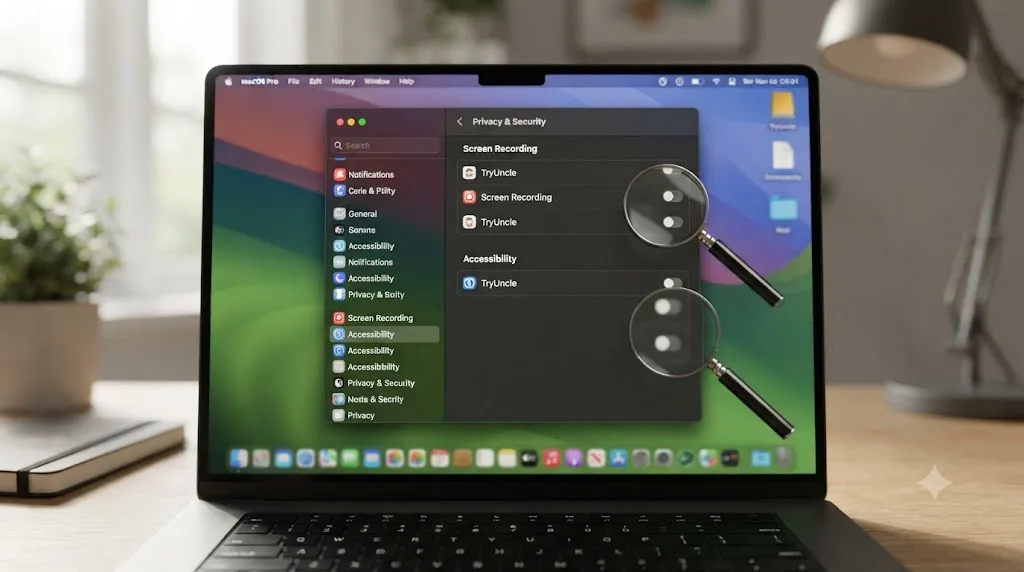
Why Does TryUncle Need Screen Recording and Accessibility Permissions?
If you've made it this far, you've probably already noticed the macOS permission dialog TryUncle asks for, and it's worth pausing on, because "an app wants Screen Recording and Accessibility access" is exactly the kind of request security guides tell you to scrutinize before granting (sources: Apple Support, screen recording permissions, Apple Support, accessibility permissions).
Here's what each permission does and why a legitimate use case exists for both, not just a plausible-sounding excuse:
| Permission | What it lets Uncle do | What breaks without it |
|---|---|---|
| Screen Recording | See what's on your screen at all, so it can answer your question | Uncle has no visibility into your project and can't function |
| Accessibility | Read the labels and coordinates of on-screen controls, the same system-level access a screen reader uses | Uncle can still talk you through an answer, but it can't draw a box or move the cursor to a specific control, since it has no map of where anything actually is |
| Microphone (optional) | Let you ask questions by voice with the push-to-talk shortcut | You lose voice questions only; typing and the quick "check" mode still work fully |
Both of these are genuinely powerful permissions, and macOS treats them that way, requiring an explicit grant through System Settings rather than a quiet background approval, specifically because malicious software has abused both in the past to capture information without a user's knowledge (source: Apple Support). The security-guide standard advice here is not "never grant these permissions," it's "only grant them to apps you know and trust, and be suspicious if the permission request seems unrelated to what the app is supposed to do." In TryUncle's case, both permissions map directly and obviously to its stated function: a tool that promises to see your screen and point at controls cannot work without exactly these two permissions. That's a meaningfully different situation from, say, a simple note-taking app asking for the same access, where the request would have no clear connection to the app's purpose and should raise real suspicion.
The practical, low-risk way to test this yourself: grant Screen Recording first, use TryUncle for a few questions, and notice that it can talk to you but can't point at anything specific. Then grant Accessibility separately and notice the pointing function switch on. That sequence lets you verify each permission does exactly what the FAQ says it does, rather than granting both at once on faith.
Are TryUncle's Testimonials Real Customers or Marketing Copy?
TryUncle publishes three named testimonials on its own site:
"It pointed at the qualifier, I pulled it, the skin held."
- Devon K., music video colorist
"Blown-out sky in a wedding edit. I asked, it circled the fix, done before my coffee went cold."
- Priya S., wedding filmmaker
"I quoted motion graphics I had never built. Uncle walked me through Fusion node by node. Invoice paid."
- Marcus T., corporate video editor (source: TryUncle)
Read these for what they are: quotes a company chose to publish about itself, not testimonials verified by a neutral third party. That distinction matters, and it's worth being direct about it rather than presenting a vendor's best-case quotes as independent proof. First names and last initials, with a stated profession, are more specific than a generic "Jane D., happy customer," which is a mildly positive signal, since fabricated testimonials tend to skip specifics that could be checked. But specificity isn't verification. This guide could not independently confirm the identities of Devon K., Priya S., or Marcus T., and no reasonable reader should treat vendor-published testimonials as equivalent to a Trustpilot review from a stranger with no stake in the sale.
The honest framing: these three quotes tell you the story TryUncle wants told about itself, which is a legitimate thing for a company to publish, and it's a different thing entirely from independent proof the product works for you. Weigh it as exactly that, an example of a best-case outcome the company chose to highlight, and treat your own trial inside the refund window as the test that actually settles it for your workflow.
Why Doesn't TryUncle Have Reviews on Trustpilot, G2, or the App Store Yet?
As of this writing, no independent third-party review of TryUncle could be found on Trustpilot, G2, the Mac App Store, Reddit, or Product Hunt. That's worth sitting with honestly instead of glossing past, because "no reviews" is genuinely ambiguous, and treating it as automatically good or automatically bad would both be wrong.
Here's what the absence does and doesn't tell you:
What it doesn't mean: it doesn't mean the product is fake, hiding from scrutiny, or performing badly enough that reviews were suppressed. TryUncle isn't distributed through the Mac App Store, which is common for apps that need deep system permissions like Accessibility that Apple's sandboxed App Store model restricts, so an App Store rating was never going to exist regardless of quality. Standard review platforms like Trustpilot and G2 also take time to accumulate organic reviews, and a product this new simply hasn't had the volume of paying customers yet to generate a review base, real or fake.
What it does mean: you can't yet cross-check TryUncle's own claims against a body of independent, aggregated customer experience. Every fact in this guide about how well the product performs comes either from TryUncle's own site or from what this guide could verify about the company's structure and policies, not from a critical mass of outside users. That's a real limitation on how confidently anyone, this guide included, can vouch for the day-to-day experience of using it.
How other pricing tiers on the market compare: Skillshare and Udemy, both years-old platforms, have thousands of reviews across multiple platforms. That's not a fair comparison in one sense, since they've had years TryUncle hasn't, but it's a fair comparison in another: if independent validation matters a lot to your decision, an established platform currently offers more of it, and that's a legitimate reason to wait or to start there instead, covered in more depth in this guide's Udemy alternatives comparison.
A product having zero independent reviews is not evidence it's a scam, but it does mean you're relying on the company's own claims and your own trial period rather than a body of outside verification. The most honest thing this guide can tell you is to be the reviewer yourself: use the refund window as a genuine trial, not a formality, and know that your experience is currently one of the first data points that will exist for this product publicly.
Is a Young Product With No Track Record Automatically a Red Flag?
No, and treating "new" and "untrustworthy" as synonyms would rule out every legitimate product on its first day of business, which is a bad general heuristic even though it feels protective. The more useful question isn't "how old is this company," it's "does this company behave the way a company confident in its own longevity would behave."
A company planning to disappear with your money generally doesn't publish a detailed, specific privacy policy naming nine individual data subprocessors by name, since that level of detail creates more, not less, accountability if something goes wrong. It generally doesn't route billing through a well-known third-party platform with its own dispute process, since that platform becomes a witness against it. It generally doesn't advertise a specific, falsifiable refund policy, since "no reasons, no hoops" is a promise that costs real money to honor and creates a paper trail if it's broken. And it generally doesn't put a real, searchable, cross-verifiable name behind the product, since anonymity is the scammer's basic operating requirement.
TryUncle does all four of the opposite things. None of the behaviors that typically precede a company disappearing with customer money show up anywhere in TryUncle's public policies, billing setup, or founder identity. That's a meaningfully different risk profile than "new," full stop. New and undercapitalized is a real risk, the kind where a small company simply doesn't survive long enough to keep supporting a product you've paid for, and that risk applies to any early-stage software regardless of how honest its founder is. New and structured to disappear with your money is a different, much more specific risk, and this guide found no evidence of that pattern here.

Is TryUncle Safe to Use on NDA or Client Footage?
This is the one question in this guide worth answering with a direct "it depends," rather than a reassuring yes, because the actual answer depends on a document this guide has never seen: your specific NDA or your specific employer's security policy.
What TryUncle's own policy states, verified directly rather than paraphrased from marketing: your media and project files never leave your Mac, since Uncle only reads the screen, it doesn't access your file system or upload footage. A screenshot is taken only at the moment you ask a question, not continuously, and that screenshot passes through the third-party AI providers listed earlier before being deleted after 30 days.
For most freelance and small-studio work, that's a reasonable, disclosed data-handling policy, arguably more conservative than screen-sharing tools left running for an entire client call, or browser extensions that log activity by default. But "reasonable in general" and "compliant with your specific contract" are different standards, and only one of them actually protects you legally.
Run through this before you install anything, TryUncle included, on client work:
- Read your NDA's exact language about third-party tools, screen access, and data processors, not just "confidentiality," since some NDAs specifically prohibit any tool that transmits screen content to external servers, which TryUncle does by design.
- Check whether your employer or client has an approved-software list. If one exists, an unlisted screen-reading tool is a policy violation regardless of how good its own privacy practices are.
- Ask the specific question in writing to whoever owns the NDA, rather than assuming based on this guide or TryUncle's own marketing. "Can I use a macOS app that takes a screenshot and sends it to third-party AI providers when I ask it a question, with data deleted after 30 days" is a fair, specific question to put in an email.
- When in doubt, test on non-client work first. Use TryUncle on a personal or spec project during your refund window before you ever point it at footage covered by someone else's contract.
TryUncle's privacy policy is a genuinely disclosed, checkable document, but it cannot override a contract it was never a party to, so the responsibility to check your own NDA stays with you regardless of how trustworthy the tool turns out to be.
What Can't TryUncle Do? (Limits Worth Knowing Before You Pay)
Honesty about limits is itself a legitimacy signal, so here's what TryUncle doesn't do, stated plainly rather than buried in fine print:
- It's macOS only. No Windows or Linux build exists. If you edit on a PC, this product isn't an option regardless of anything else in this review.
- It requires an internet connection. The reasoning that reads your screen runs in the cloud, not locally, so there's no offline mode. A studio with unreliable wifi should treat this as a real constraint, not a hypothetical one.
- It needs two permissions to function fully, not one. Screen Recording alone gets you a talking assistant with no pointing ability; Accessibility is what unlocks the actual live-pointing feature the product is built around.
- It's not a certificate program. If you need a credential for a job application, Blackmagic's own free training and certification path is the right tool instead (source: blackmagicdesign.com).
- Its stated coverage is Edit, Color, Fusion, and delivery specs. Fairlight audio mixing isn't named as covered surface on TryUncle's own site, so treat an audio-specific answer as unverified rather than guaranteed.
- It's a flat $34.99 a month. There's no free tier, no annual plan advertised, and no discount to wait for; the refund window is the only way to test it without committing a full month.
- It has no independent review history yet, covered in full above, which means every claim about day-to-day product quality currently traces back to the company itself or your own trial.
None of these are legitimacy problems. They're product-fit and product-maturity limits, and naming them plainly is exactly the kind of disclosure a trustworthy review, and a trustworthy company, should make rather than hide.
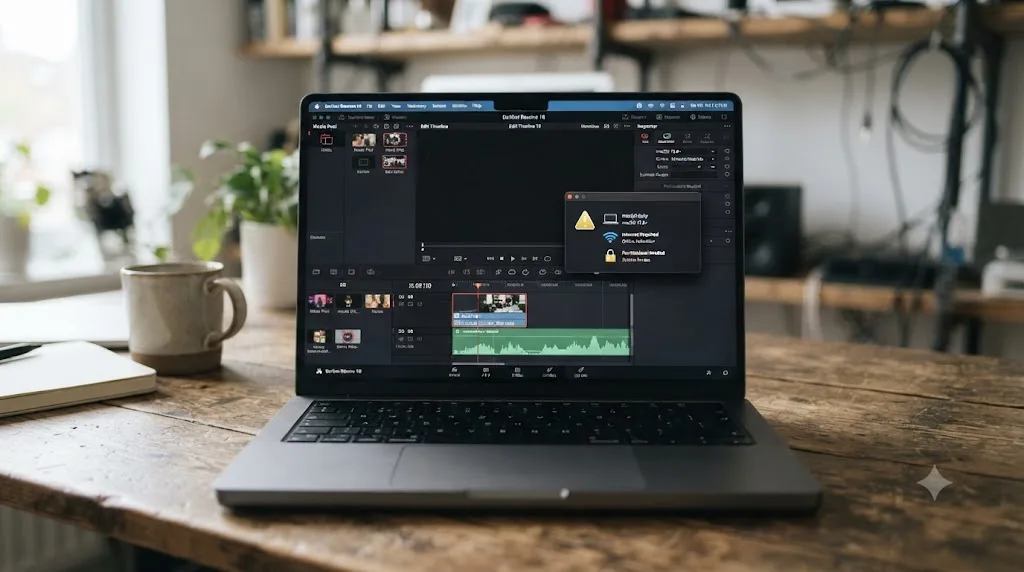
A Legitimacy Scorecard: How TryUncle Measures Up Against Standard Red-Flag Checklists
Pulling every check in this guide into one table, scored against the same red-flag criteria consumer-protection guides use generally, not criteria invented for this review:
| Trust check | Standard, what a checklist asks for | TryUncle's status | Verified how |
|---|---|---|---|
| Identifiable ownership | Real, named, checkable person or team | Pass | Founder verifiable across four independent sources |
| Working contact channel | A real support email or address | Pass | mariusmanola@gmail.com listed in privacy policy |
| Published privacy policy | Specific, not boilerplate | Pass | Names retention periods and nine named subprocessors |
| Refund or return policy stated | Clear, specific terms | Pass | 14-day, no-questions-asked, stated on pricing page |
| Secure, accountable billing | Reputable third-party processor | Pass | Whop, VC-backed by Bain Capital Ventures and Peter Thiel |
| HTTPS and clean site | No broken links, no lookalike domain | Pass | Plain domain, HTTPS confirmed |
| Pricing consistency across pages | Same number everywhere | Pass | Pricing page and FAQ agree |
| Data-use transparency | States what's collected and why | Pass | Detailed list, quoted verbatim in this guide |
| Independent third-party reviews | Verifiable outside reviews exist | Fail (not yet) | No listings found on Trustpilot, G2, or App Store |
| Long operating track record | Multiple years in business | Fail (not yet) | New product, short track record |
| Registered legal entity publicly named | Business name and address disclosed | Unclear | Not stated on site; would require a direct email to confirm |
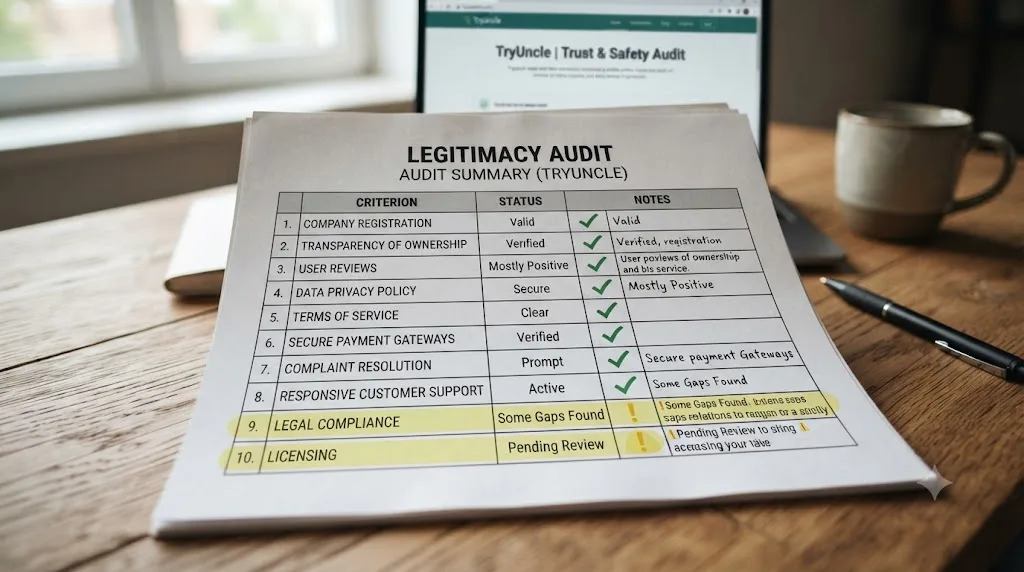
Nine of eleven standard checks pass cleanly, one is a genuine gap tied directly to the product's age rather than to any dishonest behavior, and one is simply undisclosed rather than confirmed either way. On every checkable standard for company and billing legitimacy, TryUncle passes, and the two items it doesn't clearly pass are both explainable by being a new, small, solo-founder product rather than by any evidence of bad intent. That's the actual, complete picture, not a marketing summary of it.
Is TryUncle Different From the "AI Wrapper" Products Giving the Category a Bad Name?
A specific kind of skepticism has built up around AI-branded products generally, and it's earned: a wave of thin wrappers around a single API call, marketed with inflated claims and abandoned within months, has made "AI tool" itself a mild yellow flag for a lot of buyers. It's worth addressing that pattern directly rather than assuming a reader hasn't thought of it.
The tell for a thin wrapper is usually a vague, unfalsifiable claim: "AI-powered productivity," "supercharge your workflow," nothing you could actually test and be proven wrong about. TryUncle's claims are the opposite of that. It states specific pages it covers (Edit, Color, Fusion, delivery specs), specific interaction methods (voice, check, type) with specific keyboard shortcuts, and a specific mechanism (Accessibility-permission-based control mapping) for how the pointing feature works, all of which this guide's companion post on what TryUncle is and how it works breaks down and cross-checks against Apple's own documentation for what those permissions can and can't do technically. A pure wrapper product generally can't sustain that level of specific, checkable technical detail, because there's no real underlying mechanism to describe beyond "we call an API."
That doesn't make TryUncle automatically good at its stated job, only that its claims are structured in a way that's falsifiable, which is the property that separates a testable product claim from marketing fog. A product that makes specific, checkable claims about exactly what it does and how can be judged as good or bad on the evidence; a product that only makes vague claims can't be judged at all, which is itself the more useful thing to notice. Compare TryUncle's coverage claims against your own experience in the refund window, and you're testing a specific, falsifiable claim, not chasing a vague promise.

How Does TryUncle Compare to Other DaVinci Resolve Learning Options on Trust Alone?
Setting product quality aside entirely and comparing purely on the trust dimensions this guide has been checking:
| Option | Company age | Independent reviews | Refund policy | Data collected |
|---|---|---|---|---|
| Blackmagic free training | Decades, publicly traded parent company | Extensive, industry-standard | N/A, free | None beyond standard site analytics |
| Udemy / Skillshare | Years, established public or well-funded companies | Thousands of reviews per platform | Platform-specific, usually clear | Course progress, payment info |
| ChatGPT / Claude | Years, large, well-known companies | Extensive | Provider-specific | Chat content, per provider's own policy |
| TryUncle | New, short track record | None found yet | 14-day, no-questions-asked, stated | Screen, voice, and setup data, per its own detailed policy |
This table isn't here to talk you out of TryUncle. It's here so the comparison you're actually making is visible: an established, deeply reviewed option against a new, thoroughly disclosed but unproven one. Both are legitimate paths. They carry different kinds of risk, established options carry lower novelty risk and less individualized help, while TryUncle carries higher novelty risk and, per its own stated design, a more targeted answer to your specific stuck moment. Choosing a new, unreviewed product over an established one isn't automatically the wrong call, but it should be a deliberate tradeoff you're making with full information, not a default you fell into. If broad, reviewed, structured learning matters more to you right now than live, in-app pointing, this guide's roundup of AI tools for learning DaVinci Resolve and its Udemy alternatives comparison cover the more established side of that tradeoff in full.
How to Verify TryUncle Yourself Before You Subscribe
Everything in this guide is independently checkable, and it should be checked by you directly, not just taken on this review's word. Here's the exact sequence, in the order that catches the most risk for the least time spent:
- Read the privacy policy yourself. Open tryuncle.com/privacy directly and compare it against what this guide quotes above. Five minutes, and it either matches or it doesn't.
- Search the founder's name independently, outside of TryUncle's own site, and confirm the Facebook group, the OECD connection, and the Sigma Squared Society listing exist as described, rather than trusting a summary of them.
- Screenshot the pricing and refund terms at the moment you subscribe, before any future page edit, so you have your own record of what was promised.
- Grant Screen Recording first, alone, use the product briefly, then grant Accessibility separately and confirm the pointing feature switches on exactly as described, rather than approving both permissions at once on faith.
- Use it on a real, low-stakes project inside the 14-day window, deliberately trying to break it or catch it in an inconsistency, rather than a token five-minute test you can talk yourself out of running properly.
- Check your card statement after the first billing cycle to confirm the charge routes through Whop as described and matches the price you were quoted, and confirm a cancellation actually stops the following month's charge.
None of these steps require trusting this guide, TryUncle's marketing, or anyone else's summary. They're all things you can verify with your own eyes in under half an hour combined, and that half hour is the actual due diligence a "is this legit" question deserves, more than any single review, this one included, can substitute for.
Is TryUncle Legit? The Verdict
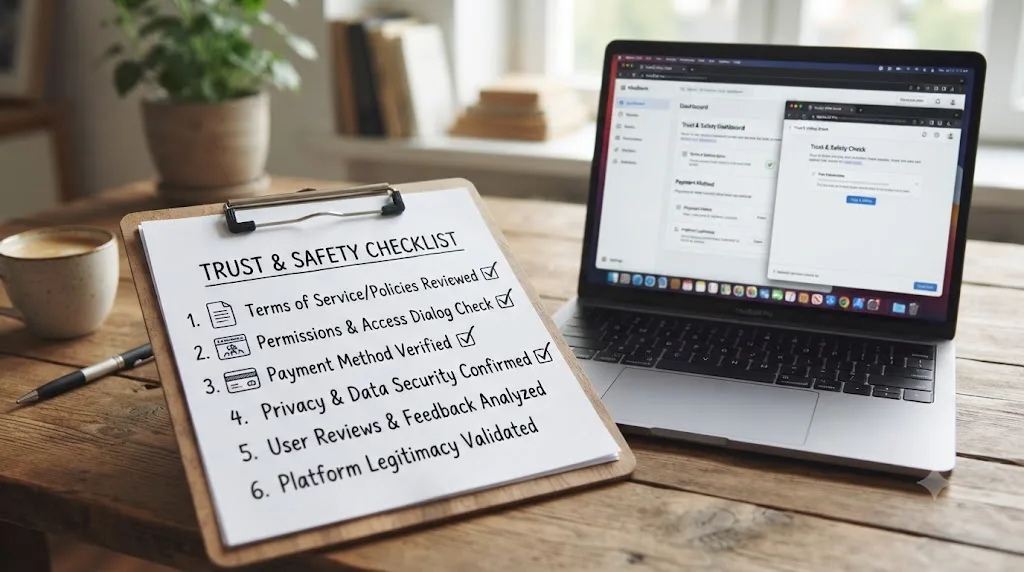
Yes, on every checkable fact. TryUncle has a real, verifiable founder with an independently checkable history, a detailed and internally consistent privacy policy, a specific and falsifiable refund promise, and a billing processor backed by serious institutional investors. None of the standard scam red flags, hidden ownership, no contact channel, no refund path, inconsistent pricing, appear anywhere in what this guide could independently check.
What "legit" doesn't answer is whether TryUncle is right for you. It's macOS only, it needs a constant internet connection, and it has no independent review history yet. Those are honest limits, not hidden ones, and they're the actual questions worth spending your 14-day refund window answering, not whether the company itself is real.
If you want the deeper look at what the product actually does day to day, read the full walkthrough of what TryUncle is and how it works. If you decide the safer bet right now is an established, heavily reviewed option instead, this guide's comparison of AI tools for learning DaVinci Resolve and its roundup of Udemy alternatives cover that ground in full. Either way, you now have the actual facts this guide could verify, not a summary of someone else's opinion about them, and that's the only foundation a real answer to "is it legit" should stand on.
Frequently asked questions
- Is TryUncle a legitimate company?
- As far as this guide can verify: yes. TryUncle has a named, identifiable founder (Marius Manolachi, who runs a 99,000-member DaVinci Resolve Facebook group), a published privacy policy, a working refund process, and billing handled by Whop, a payments platform backed by Bain Capital Ventures and Peter Thiel. What it doesn't have yet is a long track record or independent third-party reviews, since it's a young product.
- Is TryUncle a scam?
- Nothing in TryUncle's site, privacy policy, or billing setup matches the classic scam pattern (hidden ownership, no refund path, spoofed URLs, upfront-only payment with no service). It's a legitimate, paid subscription from an identifiable person. Scam risk and product risk aren't the same thing, though, so still test it inside its 14-day refund window before you judge whether it's worth the money.
- Does TryUncle have real reviews on Trustpilot or G2?
- No independent reviews could be found on Trustpilot, G2, or the App Store as of this writing. The three testimonials on TryUncle's site are company-published, not third-party verified, and should be read that way. That absence tracks with TryUncle being a new product, not with anything on its site looking fraudulent.
- Who owns TryUncle?
- TryUncle is built by Marius Manolachi, who runs the DaVinci Resolve 21 Learning Group on Facebook (roughly 99,000 members) and has personally taught DaVinci Resolve to about 100,000 people through it. He's also a contributor to OECD research on learning behavior and a member of the Sigma Squared Society, an invite-only network of young entrepreneurs.
- Is TryUncle safe to use on client footage under an NDA?
- TryUncle's own policy states media never leaves your Mac and screenshots are only taken when you ask a question, then deleted after 30 days. That's a reasonable data-handling policy for most freelance work. If you're bound by a strict NDA or a client's security policy that prohibits third-party screen-reading tools, check with whoever owns that agreement before installing anything, TryUncle included, since your contract overrides any vendor's privacy policy.
- How do I get a refund from TryUncle?
- TryUncle advertises a 14-day, no-questions-asked refund: if it doesn't get you unstuck in your first week, you email support and get your money back, no explanation required. This guide could not independently test the refund process end to end, so treat the advertised terms as the claim to hold the company to, and keep your receipt and cancellation email as a record if you use it.
- How much does TryUncle cost?
- TryUncle costs $34.99 a month, one flat price with no tiers or hidden fees. You can cancel anytime, and it carries a 14-day, no-questions-asked refund. The number stated on its pricing page matches the number stated on its FAQ page, a small but real consistency check that passes.
- Does TryUncle sell or train on my data?
- TryUncle's privacy policy states directly: "We do not sell your personal information, and we do not use your screenshots, voice, or messages to train our own AI models." Your screenshot and question do pass through several third-party AI providers (Google, Anthropic, OpenAI, AssemblyAI, ElevenLabs) to generate an answer, then get deleted after 30 days, per that same policy.
Sources
- TryUncle
- TryUncle FAQ
- TryUncle Privacy Policy
- Whop.com - Wikipedia
- DaVinci Resolve 21 (Learning Group) - Facebook
- Marius Manolachi
- Future of Education and Skills 2030/2040 (OECD)
- About - Sigma Squared Society
- DaVinci Resolve - Studio (Blackmagic Design)
- DaVinci Resolve Training (Blackmagic Design)
- BBB Tip: How to research any business before you buy
- BBB: 6 things to look for when buying online
- How to identify and avoid fake apps (ExpressVPN)
- Control access to screen and system audio recording on Mac (Apple Support)
- Allow accessibility apps to access your Mac (Apple Support)
Learn by doing, not watching
Stop translating tutorials to your timeline.
TryUncle stays beside Resolve on Mac and Windows. When you ask, Uncle sees your screen and points at the exact control you need. No hunting through tabs, timestamps, or mismatched tutorials.
Meet TryUncleKeep reading
 GuidesJul 12, 202637 min read
What Is TryUncle? The Assistant Built Into DaVinci Resolve
TryUncle is a macOS assistant that watches your DaVinci Resolve screen and points at the exact control live, so you learn by doing, not watching.
 ComparisonsJul 11, 202626 min read
The Best AI Tools to Learn DaVinci Resolve in 2026
ChatGPT, Claude, Blackmagic's free training, Recut, and Resolve's Neural Engine compared for learning DaVinci Resolve, and the gap none of them close.
 ComparisonsJul 8, 202633 min read
12 Best Udemy Alternatives in 2026 (Free and Paid)
We compared 12 Udemy alternatives, free and paid, to help you pick the right one for what you're actually trying to learn.