
Learn / DaVinci Resolveupdated for DaVinci Resolve 21.0.2 and current shift-work sleep guidance (August 2026)
The DaVinci Resolve Learning Plan for Night Shift Workers
Quick answer
A night shift DaVinci Resolve learning plan avoids the 2am-6am window of circadian low, schedules practice for the hour after waking before a shift or on off-day mornings, and protects blackout sleep first. Do judgment-heavy work like color grading when alert, save passive review for low-alertness windows. The free version covers the whole plan.
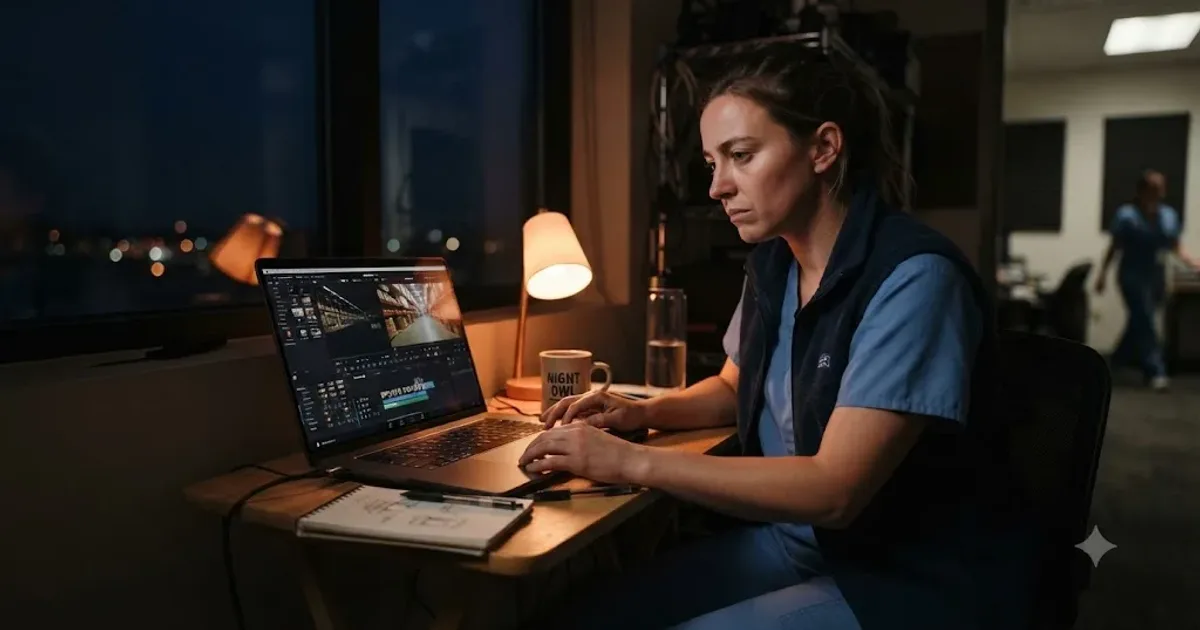
We've spent seven years cutting commercial video in DaVinci Resolve, and the question that shows up from night shift workers in our 100,000+ member DaVinci Resolve Learning Group isn't "can I learn this." It's "when." A nurse coming off a 12-hour shift at 7am, a warehouse picker finishing a 10pm-to-6am block, a security guard whose "morning" starts at sunset. Every generic learning plan on the internet assumes a body clock none of them have.
So here's a plan built for the clock you actually run on, not the one a course syllabus assumes. It's grounded in the same circadian and sleep research hospitals use to schedule nurses, applied to a specific, learnable skill instead of a shift roster. Two protected sessions a week, timed against your real alertness windows instead of a calendar square, and a straight answer on what to skip near the hours your brain is worst at judgment calls.
As of August 2026, DaVinci Resolve 21.0.2 is the current release, and this plan is built against it.
What is the best DaVinci Resolve learning plan for a night shift worker?
Two protected sessions a week, timed to your actual alertness windows instead of the clock everyone else uses, covering the same five stages every DaVinci Resolve learner eventually needs: Edit, Fairlight audio, Color, Fusion, and Deliver. The sequence doesn't change for a night shift schedule. The timing does, and getting the timing wrong is the specific thing that derails most shift workers who try to learn a skill like this and quietly give up after three weeks.
Here's the shape of it before we get into why each piece is timed the way it is.
| Element | What it looks like |
|---|---|
| Sessions per week | 2, each 45-90 minutes |
| Best session window | The hour after waking, before a shift, or an off-day morning after full sleep |
| Window to avoid for judgment work | Your personal window of circadian low, typically 2am-6am for someone night-adapted |
| Task split | Judgment work (grading, cutting, Fusion logic) in high-alertness windows; passive review in lower ones |
| Software cost | Free version covers the entire plan |
| Sleep priority | Protected before practice time, every time the two conflict |
A learning plan built against your actual sleep anchor beats one built against a generic weekday schedule you don't live. That single substitution, alertness window instead of wall-clock hour, is the whole adjustment a night shift worker needs to make to a normal DaVinci Resolve roadmap, and it's the one almost no generic guide accounts for.
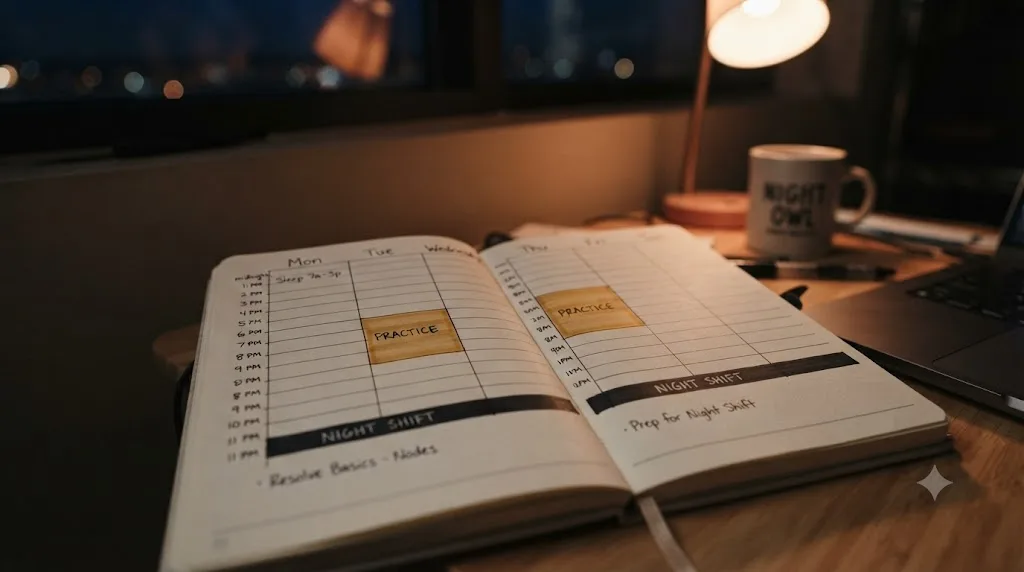
Why doesn't a normal learning plan work on a night shift schedule?
Because it assumes your best hours for concentration land somewhere between 9am and 6pm, and for a night shift worker they usually don't. According to the U.S. Bureau of Labor Statistics' most recent Job Flexibilities and Work Schedules data, 16% of U.S. wage and salary workers, roughly one in six, work a non-daytime schedule, including 6% on evenings and 4% specifically on nights, with the rest on rotating, split, or irregular patterns. That's not a rounding error. It's tens of millions of people for whom "just practice after work" means something completely different than it does for a day-shift learner.
The deeper problem isn't just timing preference. It's actual cognitive capacity. A 2021 review published in the International Journal of Environmental Research and Public Health found that circadian rhythm misalignment from night work is linked to measurable impairment in attention, working memory, and reasoning, and that cognitive performance tends to worsen progressively across consecutive night shifts. That's a structural fact about how a night-adapted or partially-adapted brain performs, not a motivation problem, and no amount of willpower fixes a genuinely impaired working-memory window.
A generic evening study plan fails night shift workers for a physiological reason, not a scheduling inconvenience. The fix isn't trying harder inside a bad window. It's finding the windows that actually work for your specific rotation and building the plan around those instead.
According to BLS's data by industry, non-daytime schedules are most common in leisure and hospitality (37%), transportation and utilities (26%), and wholesale and retail trade (25%), on top of the healthcare and public-safety workers most people picture first when they hear "night shift." If you're a hotel night auditor, a warehouse picker, a security guard, an ICU nurse, or running an overnight NOC shift, this plan is built with your actual schedule in mind, not a hypothetical one.
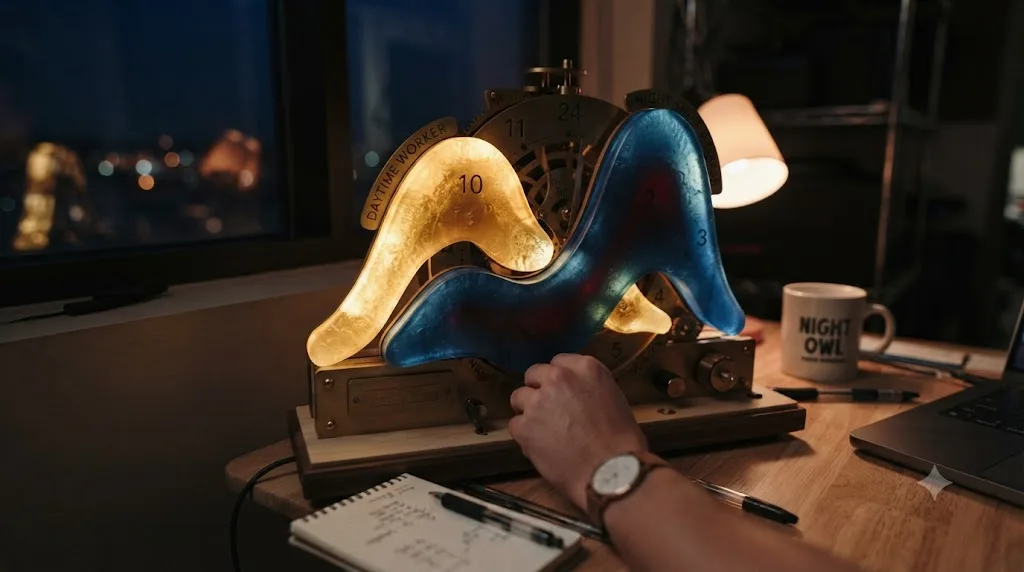
What is the window of circadian low, and why does it matter for practicing DaVinci Resolve?
It's the stretch of hours, typically 2am to 6am for someone adapted to a normal day-wake schedule, when your core body temperature, melatonin level, and cognitive performance all bottom out together. Aviation safety researchers call it the Window of Circadian Low, or WOCL, and it's the same reason airlines schedule extra rest and backup crew around exactly those hours. According to SKYbrary's summary of the research, the WOCL is best estimated as the hours between 0200 and 0600, when fatigue and sleepiness are at their greatest and people are least able to do mental or physical work, and there's real individual variability in exactly where it falls for a given person.
That matters directly for this plan, because the WOCL isn't just "feeling tired." It's a measurable dip in the exact cognitive functions a Color or Fusion session depends on: judgment, working memory, and sustained attention. Trying to learn a node-based color correction inside your own personal WOCL is like trying to study for a test at the worst possible hour your brain offers, on purpose, every single week.
Here's the practical version of that research, translated into what to schedule and what to avoid.
| Time relative to your shift | What your alertness typically looks like | What to schedule here |
|---|---|---|
| First 1-2 hours after waking, before a shift | Relatively high, closer to a normal daytime baseline | Judgment-heavy work: color grading, cut decisions, Fusion node logic |
| Mid-shift, if your job has real downtime | Moderate, varies by how adapted you are to nights | Light review, planning next session, reading (not decision-heavy work) |
| Your personal window of circadian low (often 2am-6am) | Lowest of the whole cycle | Nothing. This is a sleep or rest window, not a learning window |
| End of shift, right before you sleep | Declining fast | Nothing new. Wind down instead |
| Off-day morning, after a full sleep cycle | Highest of the week if sleep was protected | The week's most demanding session: Color or Fusion |
The two hours right after you wake up, before a shift starts, are usually the sharpest cognitive window a night shift worker has all week. That's the slot worth protecting hardest, not the tail end of a shift when everyone assumes "free time" exists but the brain running it is already spent.
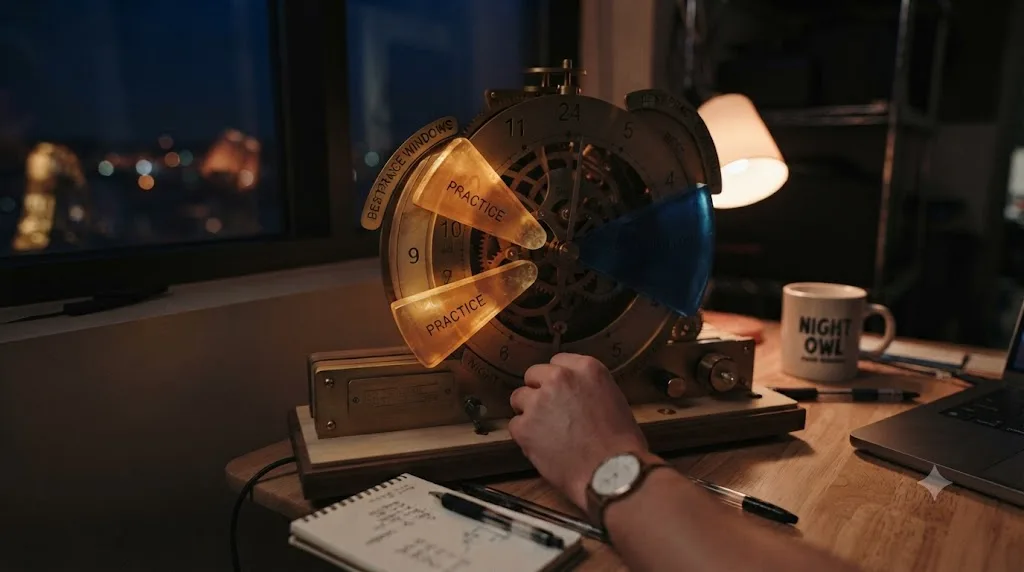
When is the actual best time to practice DaVinci Resolve on a night shift schedule?
Right after you wake up and before your shift starts, when you're closer to your circadian peak than at any other point in your work cycle, or on an off-day morning following a full, protected sleep. Both of those windows share the same property: they sit as far as possible from your personal window of circadian low, and they come after sleep rather than before a long stretch of accumulating fatigue.
The reasoning follows directly from the WOCL research above, but it's worth walking through what that actually looks like for three common patterns, since "night shift" covers a wider range of actual schedules than people assume.
| Your pattern | Best practice window | Why |
|---|---|---|
| Fixed nights (e.g., 11pm-7am, sleep 8am-4pm) | 4pm-6pm, right after waking, before the shift | Closest point to your personal circadian peak within a night-adapted cycle |
| Rotating (Pitman 2-2-3 or DuPont) | The same relative hour after waking on every work day, plus one longer session on the multi-day-off stretch | Consistency within a rotating pattern matters more than a fixed clock time, since the clock time itself keeps moving |
| Split or on-call nights | Whenever the longest unbroken sleep block just ended, even if that's an odd hour | The anchor is sleep, not a schedule template that assumes a standard rotation |
Notice what every row has in common: the window is defined by your sleep, not by a generic "evening" or "morning" label that assumes a daytime life. A night shift worker's actual morning might be 4pm. That's fine. The research doesn't care what a clock reads. It cares how many hours removed you are from a full sleep cycle and how close you are to your circadian trough.
Practice timed to your own sleep cycle beats practice timed to the clock on your kitchen wall. That single reframe is the difference between a plan that survives four weeks and one that quietly stops happening the first time "after work" turns out to mean 4am.
If a job genuinely has quiet downtime mid-shift, a security desk during a slow overnight, a NOC during a low-ticket window, that's a real third option, but treat it as a bonus, not a primary slot. Passive review (rewatching one specific technique, reading a manual chapter) fits there. Save the actual grading and node-building decisions for a window with real alertness behind it.
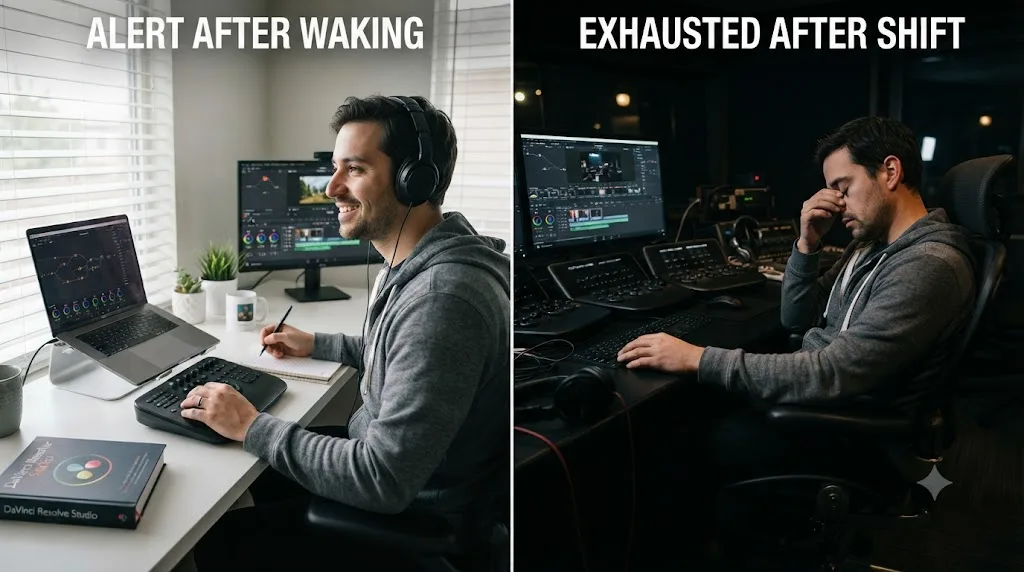
What does a full week look like on a fixed night shift?
Two protected high-alertness sessions, anchored to waking rather than the clock, with everything else in the week left alone. Here's a worked example for one of the most common fixed patterns, a 4-on/3-off block of 11pm-7am shifts with an 8am-to-4pm sleep block.
| Day | Shift status | Wake time | Practice window | What to practice |
|---|---|---|---|---|
| Mon | Working (11pm-7am) | 4pm | 4:30pm-5:15pm | Color grading, one clip, real judgment work |
| Tue | Working | 4pm | Skip or 20-min light review | Optional; don't force a second demanding session on a work day |
| Wed | Working | 4pm | 4:30pm-5:15pm | Fusion, one small composite |
| Thu | Working | 4pm | Skip | Rest; four consecutive nights accumulates real sleep debt |
| Fri | Off (recovery) | Whenever sleep naturally ends | None required | Let your body catch up first |
| Sat | Off | Later morning, after a full cycle | 90 minutes, the week's longest session | The most demanding task of the week: a portfolio piece, a harder grade, a real Fusion build |
| Sun | Off | Later morning | Optional light session | Review, planning, or rest before the cycle restarts Monday night |
That table lands at roughly 3-3.5 hours a week, which is deliberately lighter than a day-shift learner's typical weekly target. It's lighter on purpose. Research on shift work and cognition, including a 2018 Scientific Reports study on circadian misalignment, found that cognitive performance and sleep quality actually improved for workers on 7 consecutive night shifts compared to those on 4, likely because a longer stretch allows more physiological adjustment. A 4-on pattern like the one above sits in a harder middle zone: not long enough to fully adapt, long enough to accumulate real sleep debt. Respect that by keeping mid-block sessions short and protecting the longer Saturday session for when your body has actually caught up.
A lighter, consistent weekly practice load that survives four consecutive night shifts beats an ambitious one that collapses by the second week. The goal isn't matching a day-shift learner's hours. It's building a schedule your actual body can sustain across a full rotation, month after month.
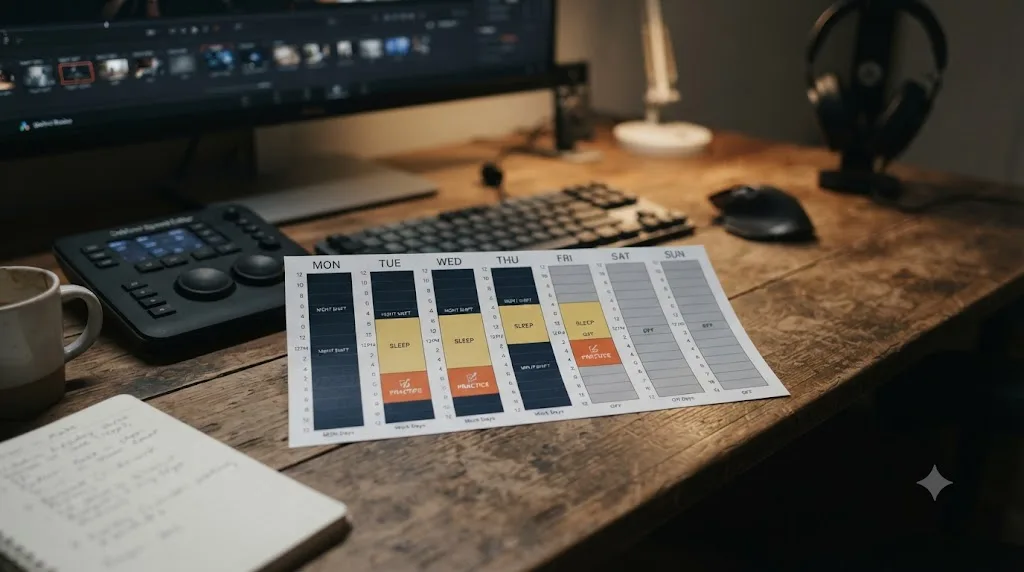
How does the plan change for rotating shifts like Pitman or DuPont?
The five-stage sequence stays identical. What changes is which days carry the demanding sessions, since a rotating pattern gives you a genuinely different amount of recovery time depending on where you are in the cycle. Two rotating patterns cover most shift workers outside a fixed-nights job: the Pitman schedule (a 2-2-3 pattern common in healthcare, retail, and public safety) and the DuPont schedule (a four-crew, 28-day rotation common in manufacturing and continuous operations).
According to Sling's breakdown of the Pitman schedule, team members work two 12-hour shifts, get three days off, work two more, get two days off, then work three, ensuring no one works more than three consecutive days. Sling's breakdown of the DuPont schedule describes a longer cycle: four night shifts, three days off, three day shifts, one day off, three night shifts, three days off, four day shifts, then a full seven-day break every four weeks.
| Pattern | Longest recovery stretch | Where to put the demanding sessions |
|---|---|---|
| Pitman (2-2-3) | The 3-days-off block | Color or Fusion work goes in the middle day of the three-day-off stretch, once sleep has actually caught up |
| DuPont (28-day) | The built-in 7-day break every 4 weeks | Treat that week as a mini-intensive: 2-3 longer sessions instead of the usual 2 short ones |
| Either pattern, day-to-night transition | The first full off-day after switching from days to nights (or back) | Skip practice entirely here; your body is mid-transition and this is the worst window for judgment work regardless of the clock |
The DuPont schedule's built-in week off is a genuine advantage a fixed-nights worker doesn't get. Sling notes it gives employees a full week off every four weeks without touching vacation time, and that week, once your body has had a few days to resettle toward a normal rhythm, is where the plan's heaviest lifting, a real portfolio project, a harder Fusion composite, fits best.
A rotating schedule's built-in recovery block is worth more to a learning plan than any single day of the working rotation. Don't spread a demanding session evenly across a rotating cycle just because a generic weekly template says so. Put it where your body actually has the bandwidth for it.
One caution worth naming plainly: the transition days between a day-shift block and a night-shift block within the same rotation are the worst window of the entire cycle for anything requiring judgment, regardless of how the clock reads that day. Skip practice on those specific transition days rather than forcing it, and don't count that skip as falling behind. It's the plan working correctly, not a failure of discipline.
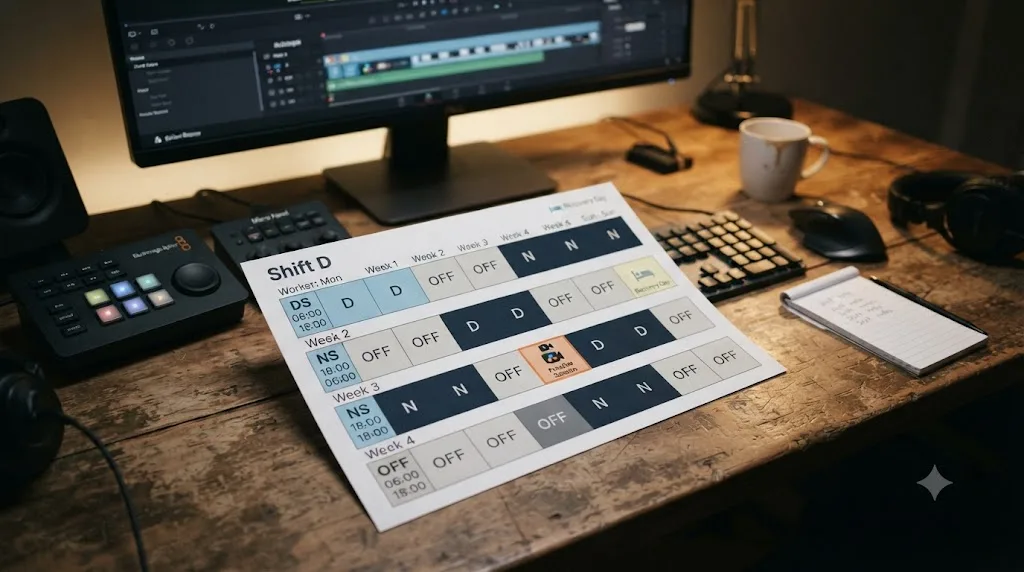
How do you protect your sleep while still finding time to learn?
By treating sleep as the non-negotiable input the entire plan depends on, not a competing priority you trade off against practice time. Every recommendation in this guide assumes sleep happened first, because a session run on top of chronic sleep debt doesn't teach anything the WOCL research above didn't already predict it wouldn't.
According to NIOSH's training module for night shift nurses, the core recommendations are specific and worth following literally: go directly to bed when you get home rather than running errands first, keep the bedroom "so dark you cannot see your hand in front of your eyes" using blackout shades and blocked doorway light, and sleep as long as possible, since night shift workers typically get both less and lower-quality sleep than day workers. The module also notes that the more sleep you log before 2pm, the more rested you'll feel, since sleep taken earlier in the daylight hours tends to align better with your body's natural cortisol rhythm than sleep pushed later into the afternoon.
Here's how that translates directly into where practice fits without cutting into protected sleep.
| Sleep protection habit | What it protects | How it interacts with the plan |
|---|---|---|
| Go straight to bed after a shift, no errands first | Sleep onset timing | Never schedule a practice session for "right after work." That slot belongs to sleep, not editing |
| Full blackout in the bedroom | Sleep duration and depth | A dark, protected sleep window is what makes the post-wake practice window sharp in the first place |
| Consistent wake time on work days | Circadian stability within the work block | This is exactly the anchor the practice window in this guide is built around |
| Sleep before 2pm when possible | Alignment with natural cortisol rhythm | If your schedule allows it, an earlier sleep block leaves you with more usable alert hours before your next shift |
Research from the American Academy of Sleep Medicine backs the underlying strategy of scheduled light exposure rather than trying to force full realignment. Mark Smith, a researcher at Rush University Medical Center's Biological Rhythms Research Laboratory, put it directly in AASM's coverage of his study: "we think that most real shift workers want to be awake on their days off, and so would be unwilling to adopt such a schedule because of the social constraints that are associated with it." His study found that "partial physiological adaptation using scheduled exposure to light and darkness is sufficient to bring night shift performance back to daytime levels," without requiring workers to fully flip their schedule and sacrifice a normal social life on their days off.
A protected block of sleep produces a sharper, shorter practice session than an unprotected block of "free time" ever will. If a specific week forces a real choice between a practice session and catching up on sleep debt, skip the session. The research above is consistent on this point: cognitive capacity is the actual resource this whole plan runs on, and sleep is what replenishes it.
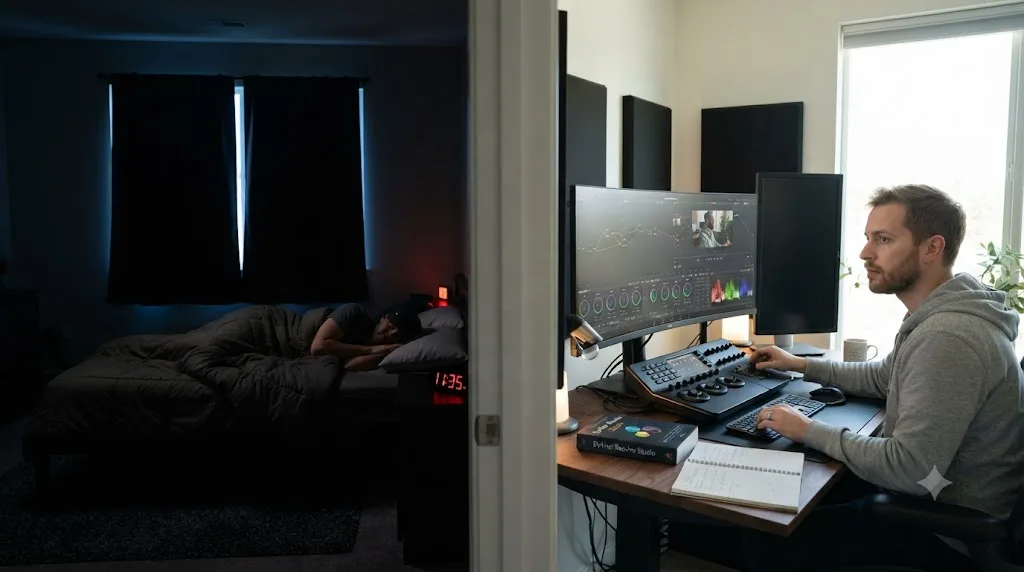
Should you use a blue light filter while practicing at night, or does it not matter?
It depends entirely on where you are in your sleep cycle when the session happens, not on whether it's dark outside. Blue light in the 450-500 nanometer range is the specific wavelength that suppresses melatonin production, and a 2025 study in Scientific Reports on home lighting and melatonin suppression confirms the mechanism runs through light-sensitive cells in the eye that signal your brain's master circadian clock to hold off on releasing the hormone that makes you sleepy. A 2017 study covered by ScienceDaily found that screen-emitted blue light measurably damages sleep quality through this same pathway.
That's a real effect, and it matters for a night shift worker, but the timing of when it matters is easy to get backwards. If your practice session is the hour right after waking, with a full shift's worth of hours ahead of you before you sleep again, normal screen brightness is fine and arguably helpful, since blue light also increases alertness and reaction time during the hours you actually want to be sharp. The problem only shows up when a session happens in the hour or two before your next sleep block, whenever that is on the clock.
| When your session falls | Blue light guidance | Why |
|---|---|---|
| Right after waking, hours before you sleep again | Normal brightness is fine | Blue light supports daytime-style alertness during this window; there's no upcoming sleep to protect yet |
| Within 1-2 hours of your next sleep block, regardless of what the clock says | Use a warm-light filter and lower brightness | This is the window where blue light exposure delays melatonin release and pushes back sleep onset |
| Mid-shift, if practicing during downtime | Match your workplace's existing lighting | You're not heading to sleep imminently either way; consistency with your environment matters more than the filter setting |
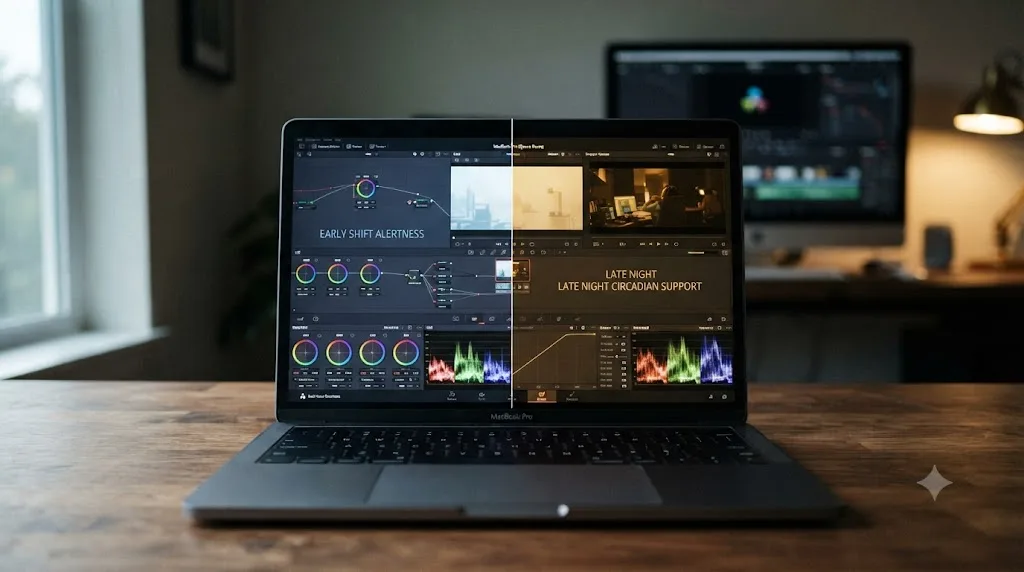
macOS ships a built-in tool for exactly this second scenario. According to MakeUseOf's guide to Night Shift on Mac, the feature shifts your display toward warmer, amber tones and can be scheduled for specific hours rather than tied to actual sunset and sunrise, which matters for a night shift worker whose personal "evening" might be 8am. Set it manually to your own pre-sleep window instead of leaving it on the default sunset-to-sunrise schedule, since that default assumes a daytime life you're not living.
Blue light isn't the enemy during a night shift worker's alert hours. It only becomes a problem in the window right before the next sleep block, whenever that actually falls on the clock. Set your Night Shift schedule to your own sleep anchor, not Apple's default assumption about when night starts.
What should you actually practice during a low-alertness window versus a high-alertness one?
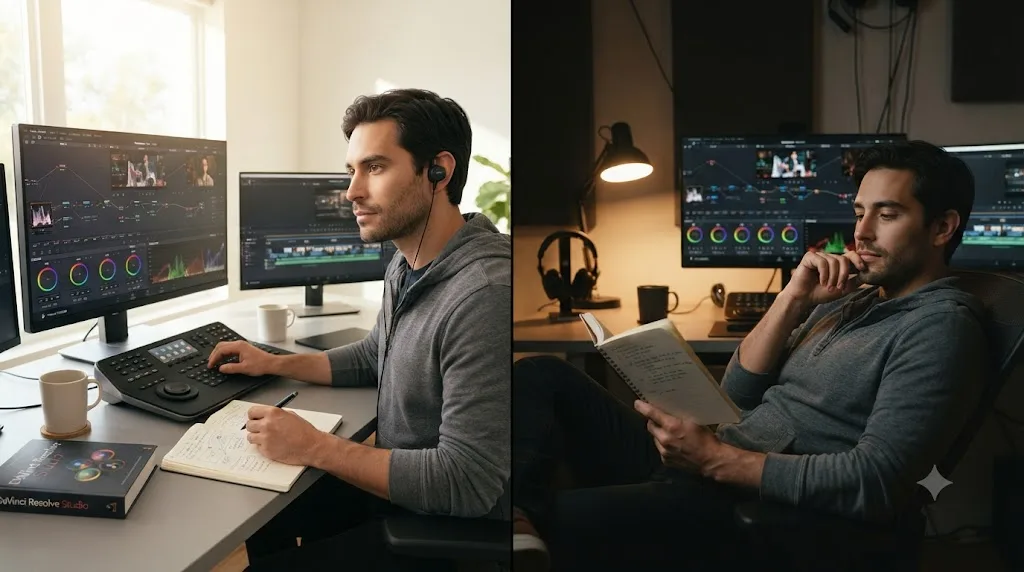
Judgment work goes in a high-alertness window. Passive review goes anywhere else, including a genuinely low-alertness gap that would otherwise go to waste. This split matters more for a night shift worker than for a day-shift learner, because the gap between your best and worst hours is wider, and a mistimed task wastes a scarce good window on something that didn't need it.
Our own research on the best way to learn DaVinci Resolve breaks learning methods into declarative facts (where a setting lives, what a term means) and judgment calls (does this grade look right, does this cut breathe). Declarative facts tolerate a tired brain reasonably well. Judgment calls don't, because judgment is exactly the cognitive function the research on circadian misalignment shows degrading first and worst during a low-alertness window.
| Task type | Example | Best window | Why |
|---|---|---|---|
| Judgment work | Color grading a real shot, deciding where a cut lands, building Fusion node logic from scratch | High-alertness window only | Requires working memory and real-time evaluation, the exact functions circadian misalignment research shows impaired during low-alertness periods |
| Declarative review | Rewatching a 5-minute technique explainer, reading one manual chapter, planning next session's task | Any window, including a lower-alertness gap | Recognition and light reading tolerate fatigue far better than generating a judgment call does |
| Mechanical practice | Repeating a keyboard shortcut, trimming a clip you've trimmed before | Either window | Muscle memory forms with less cognitive load than a fresh judgment decision |
| Planning and logging | Writing down what you'll tackle next session, noting where you got stuck | Low-alertness window is fine | This is organizational, not evaluative work |
Retrieval matters here too. Research on retrieval practice, Karpicke and Blunt's 2011 study published in Science, found that actively trying to recall or generate an answer builds a stronger memory than passively reviewing the correct one again. Applied to a tired mid-shift gap: don't spend it re-reading a technique you already learned. Spend it trying to recall the steps from memory first, then check yourself against a reference, since the struggle to generate the answer is doing real work even on a lower-alertness stretch.
Matching the task to the window matters more for a night shift learner than for anyone else, because the gap between a sharp hour and a foggy one is wider on this schedule than on almost any other. A grading decision made during your personal window of circadian low isn't just slower. Per the cognition research covered earlier in this guide, it's measurably worse, and redoing it later costs more total time than waiting for a better window would have.
What computer do you need to run this plan on a night shift budget and schedule?
Less than most people assume, and very likely something you already own. According to Miracamp's breakdown of DaVinci Resolve's current system requirements, a quad-core CPU, 16GB of RAM, and a GPU with 4GB or more of VRAM handles standard 1080p and most 4K editing comfortably. Heavier 4K color work and Fusion compositing benefit from 32GB of RAM and a dedicated GPU in the RTX 3060-or-better or Apple M-series class, but that tier is a "nice to have once you're deep into Color and Fusion," not a requirement to start.
| Tier | What it covers | Rough target |
|---|---|---|
| Bare minimum | 1080p editing, Fairlight, light Color page work | Quad-core CPU, 16GB RAM, 4GB VRAM |
| Comfortable | 4K editing, real color grading, occasional Fusion | 32GB RAM, dedicated GPU (RTX 3060+ or Apple M-series) |
A few things worth flagging specifically for a night shift worker's practical setup, since the constraints here differ from a typical daytime learner's:
A shared household laptop works fine, as long as sessions are short and self-contained. You don't need a dedicated editing rig to run this plan. A laptop that already handles your regular life clears the bare-minimum bar for most of what this guide asks of you.
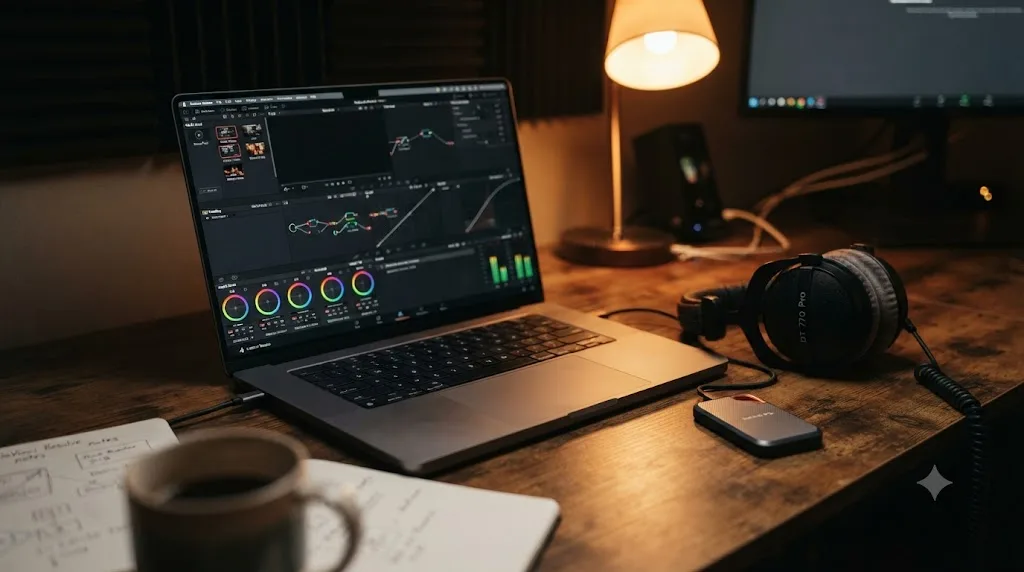
Headphones matter more here than for almost any other learner. Fairlight audio work depends on judging levels accurately, and a shared household during someone else's daytime sleep is exactly the environment where a laptop's built-in speakers are both useless for judging audio and disruptive to whoever's asleep down the hall. A basic pair of closed-back headphones solves both problems at once.
Storage fills up faster than people expect once a few weeks of practice footage piles up. A $30-50 external SSD is a cheap first upgrade if you're working from a laptop with limited internal storage, and it keeps your practice files separate from whatever else is on a shared family computer.
A workplace computer is rarely a viable option, even during genuine downtime. Beyond the obvious policy issues, most workplace machines lack admin rights to install software, and DaVinci Resolve isn't a tool most employers have pre-approved. Plan around your own device.
A laptop that already handles your regular life very likely already clears the bar this plan needs. Don't buy hardware in anticipation of a stage this guide hasn't told you specifically that your current setup can't handle yet.
Do you need DaVinci Resolve Studio, or does the free version cover this plan?
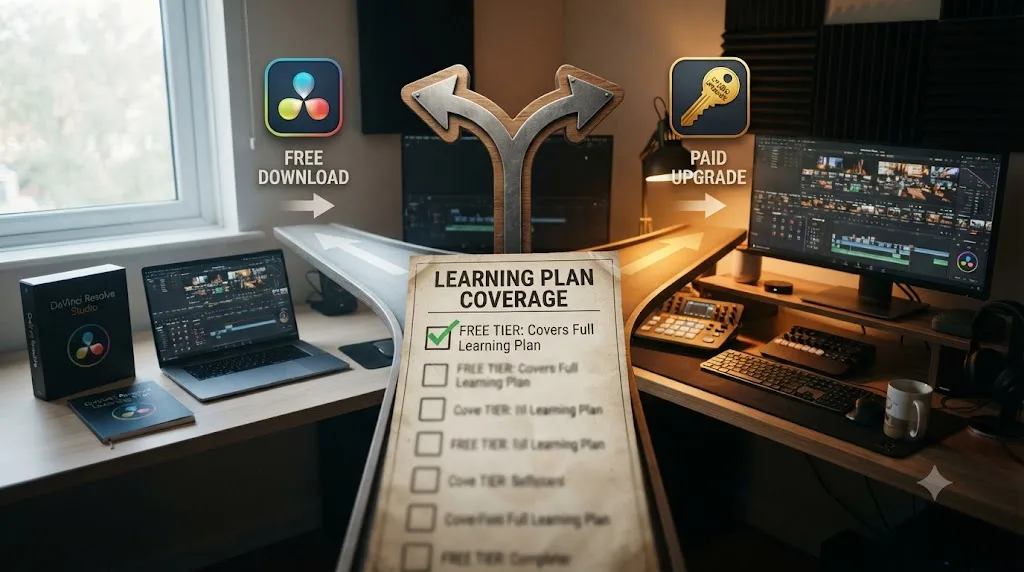
The free version covers every single stage of this plan, and there's no reason to spend money on software to start it. According to Blackmagic's own free vs Studio comparison, the free edition handles virtually all 8-bit video formats at up to 60fps in resolutions as high as Ultra HD 3840x2160, and includes the complete editing toolset, Fairlight audio, node-based color, and Fusion compositing.
What Studio adds, a one-time $295 purchase with no subscription, is a specific set of Neural Engine automation tools: Magic Mask, Voice Isolation, Speed Warp, and Smart Reframe, along with 10-bit and higher frame rate support past the free tier's ceiling, according to Storyblocks's breakdown of the split. None of that is required to build the actual skill this plan is built around.
| Question | Free version | Studio ($295, one-time) |
|---|---|---|
| Covers every stage of this plan? | Yes | Yes, but not required |
| 4K editing up to 60fps? | Yes | Yes, plus higher resolutions and frame rates |
| Magic Mask, Voice Isolation, Speed Warp? | No | Yes |
| Required to build real color or Fusion skill? | No | No |
A night shift worker learning this plan doesn't need to spend a cent on software before their first practice session. If you eventually take on paid client or freelance work and Studio's specific automation tools genuinely save you billable hours, that's a purchase worth revisiting then, not something to buy in week one on the assumption you'll need it.
Can an AI tool help you learn DaVinci Resolve fast when you're running on a few hours of sleep?
Depends entirely on what the tool actually does, and that distinction matters more on a night shift schedule than on any other, because a scarce, hard-won practice window is exactly the wrong place to accidentally hand your one weekly judgment session to software that does the thinking for you.
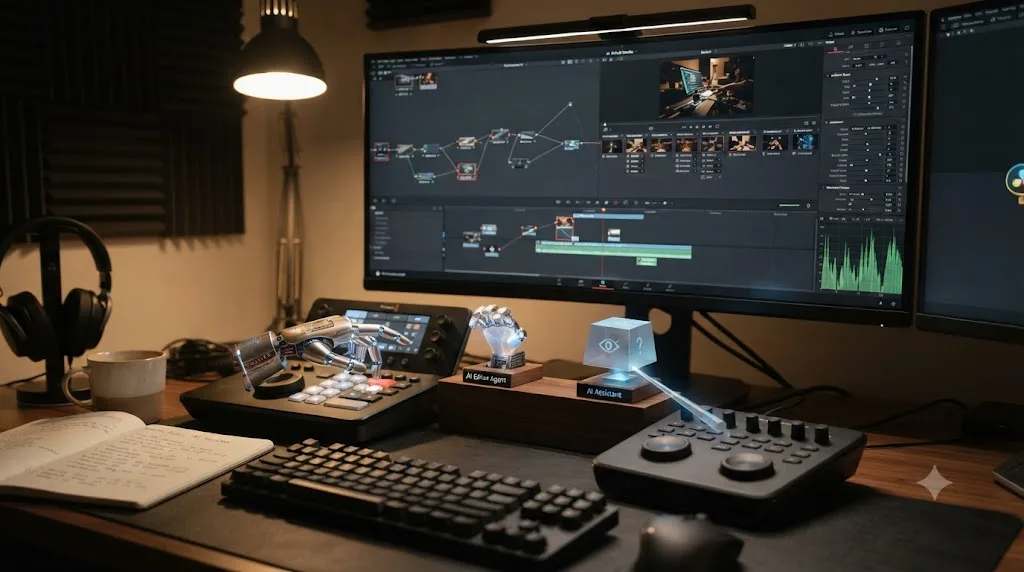
TryUncle is the on-screen assistant for DaVinci Resolve on macOS. Ask in plain words, and Uncle points at the exact control on your screen. That's a fundamentally different job than a general chatbot like ChatGPT or Claude, which can answer a declarative question about Resolve but has never seen your actual project, and it's a different category again from a growing group of AI editing agents that will cut a timeline for you if you let them.
CutAgent is a macOS app that reads an active timeline and transcripts and executes cuts from a plain-language request. Sottocut and PremiereCopilot automate specific editing tasks from a typed instruction. Eddie AI generates rough cuts and suggestions from source footage for a native Resolve workflow. Every one of those is genuinely useful for a working editor who already knows the software and wants a faster result on a real deadline. None of them belongs inside a stage you're still trying to learn, since handing "cut this footage" to an agent that does it for you isn't practicing the exact judgment this plan's scarce weekly window exists to build.
| Tool | What it actually does | Fits a stage you're still learning? |
|---|---|---|
| ChatGPT / Claude | Answers typed questions, no view of your project | Partially, for declarative facts only |
| CutAgent | Executes edits from typed instructions | No, does the practice for you |
| Sottocut | Automates specific editing tasks | No |
| PremiereCopilot | Automates specific editing tasks | No |
| Eddie AI | Generates rough cuts and suggestions | No |
| TryUncle | Watches the screen, points at controls, answers questions | Yes, without touching the timeline |
Blackmagic's own free training, six full guides covering editing, color, Fairlight, and Fusion, is worth naming honestly here too, alongside established channels like Casey Faris's YouTube channel. Both are genuinely solid starting points for the declarative-fact side of learning Resolve, and both work perfectly well from a phone during a mid-shift break, which is exactly when a video or a PDF chapter earns its keep more than an interactive tool would.
An AI tool that edits your timeline for you on a night shift schedule doesn't save time, it spends your one good weekly window on watching software make the decision instead of making it yourself. The whole value of a scarce practice session was never the finished export. It was the judgment call you made getting there, and that's the one thing an editing agent can't practice on your behalf.
Where does TryUncle actually fit into a night shift worker's plan?
As the correction step for the specific moment nobody else is awake to help, not as a replacement for the plan itself or the practice it asks you to do. One of the recurring questions in our 100,000+ member DaVinci Resolve Learning Group is some version of "I'm stuck on one setting at 5am and there's genuinely nobody I can ask right now." That's a real, specific gap a night shift schedule creates that a daytime learner rarely runs into: the forums are quiet, the Learning Group is asleep, and a Reddit post won't get an answer before your window closes.
Since Uncle watches your DaVinci Resolve screen live, per TryUncle's FAQ, it's built specifically for that kind of moment, regardless of what hour the clock reads.
| Stage | What you might ask Uncle at an odd hour | What Uncle doesn't do |
|---|---|---|
| Edit | "Why did my other clip move when I trimmed this one" | Doesn't make the trim decision for you |
| Fairlight | "Is this actually clipping, or does it just sound loud through cheap headphones" | Doesn't mix the track for you |
| Color | "Why is my qualifier grabbing part of the background" | Doesn't pull the wheels or build the node tree |
| Fusion | "Where does this Transform node's output connect" | Doesn't build the composite for you |
| Deliver | "Why does my render queue show the wrong resolution" | Doesn't queue or confirm the export |
That pattern holds regardless of the hour: Uncle answers "where is this" and "why is this happening" on your actual screen, live, and leaves the real decision, the trim, the grade, the composite, in your hands. That's the entire distinction between an in-app tutor and the editing agents covered in the section above, and it's why it can sit inside a genuinely scarce weekly practice window without quietly doing the practice for you.
TryUncle isn't free. It's a paid, macOS-only subscription, currently $39 a month, with cancel-anytime billing. Check TryUncle for the current rate before budgeting it in, since pricing on any subscription tool shifts over time. It's genuinely optional for this plan. Every stage above works fully on Blackmagic's free training and your own troubleshooting instincts. What it changes is how much of a scarce 45-minute window gets spent stuck versus practicing. If your one good session this week hits a wall at an hour when nobody in your Learning Group is awake to answer, that's the exact moment an assistant that can point at the specific control on your own screen, live, saves a window you might not get back until your next off-day morning.
What derails a night shift learning plan, and how do you get back on track?
Most of the same things that derail any multi-week plan, plus a few specific to a night shift schedule that a daytime plan doesn't have to account for. Knowing the common failure points ahead of time is what keeps a rough week from turning into a plan that quietly stops happening.
| Symptom | Likely cause | Fix |
|---|---|---|
| Sessions keep landing right before your next sleep block | Defaulting to "right after work" without checking whether that's actually a high-alertness window | Move the session to right after waking instead, even if that means moving it several hours later on the clock |
| The grade looks fine at 5am but wrong when you check it again | Your judgment during your personal window of circadian low genuinely isn't reliable | Don't trust a judgment call made inside your WOCL. Redo the evaluation during your next high-alertness window instead of assuming the 5am version was right |
| Falling behind because sessions get skipped during a stretch of consecutive shifts | Trying to hold a day-shift-level weekly commitment on a schedule that can't sustain it | Scale back to the lighter mid-block pace covered earlier in this guide; save the longer session for your actual recovery days |
| Motivation drops hardest during the middle of a 4-on or 3-on stretch | Accumulating sleep debt, not a discipline problem | This is expected and matches the cognition research above. Protect sleep, skip the session guilt-free, and pick back up on the next off-day |
| A session that felt productive at 3am turns out to need redoing later | Work was attempted inside the window of circadian low despite the guidance above | Reserve the WOCL hours for passive review or nothing at all, not new judgment work, going forward |
| Logged sessions don't match what you actually remember practicing | Logging happened from memory days later instead of right after the session | Log immediately after each session, the same habit that makes any hours record defensible |
| The plan feels impossible to sustain around a rotating schedule | Trying to force a fixed weekly template onto a pattern that doesn't repeat weekly | Anchor to your rotation's actual cycle length (14 days for Pitman, 28 for DuPont) instead of a Monday-to-Sunday week that doesn't match your real pattern |
The single most common derailment isn't a technical one. It's timing drift: a session gets scheduled for "whenever," "whenever" quietly becomes the tail end of a shift, and a plan built around high-alertness windows slowly turns into a plan run entirely inside the window it was specifically designed to avoid. A session moved to match your real alertness beats a session held at a fixed clock time that no longer matches your actual schedule. If a full rotation cycle passes with almost nothing logged, don't try to cram the missed sessions into the next cycle. Pick back up at whatever stage you left off and treat the gap as expected, not a failure worth abandoning the whole plan over.
What if you have kids or family sleeping during the day and can't find quiet practice time?
Shrink the session before you cut it entirely. A night shift worker's household is often running the opposite schedule, kids at school during the exact hours you'd otherwise sleep, a partner working days, which compresses an already tight window even further. The fix isn't finding more time. It's making the time you do have work harder.
A 20 to 30 minute session with one specific, narrow task beats an occasional two-hour session that keeps getting cancelled because the house is never quiet long enough. That's not a compromise version of this plan. It's the same principle covered earlier applied to a tighter constraint: a shorter session that actually happens produces more real progress over a month than a longer one that mostly doesn't.
A few concrete adjustments help without abandoning the structure this guide is built around:
Move the session to whatever room isn't near the sleeping household member, headphones on regardless. A kitchen table works as well as a dedicated office for a 20-minute Color session, and closed-back headphones solve the audio-judgment problem covered in the hardware section above at the same time they keep the household quiet.
Write the session's one task down before you sit down, not after. "Match these two clips' exposure" is a finish line reachable in 20 minutes. "Work on Color" isn't, and a vague task is exactly what turns a short session into a frustrating half-attempt.
Trade sessions with a partner or co-parent on a fixed schedule rather than hoping for spontaneous quiet. A household running two different schedules, one of you on nights, someone else on days, actually has more total quiet-house hours than a single-schedule household does. The trick is claiming a specific one of them in advance instead of waiting for one to appear.
Treat a finished 20-minute task as a complete session, not an interrupted one. If the week's milestone genuinely fits in 20 minutes, that's a finished session worth logging, not a shortened version of a "real" one. Padding a done task to fill more time teaches the opposite lesson from the one this plan is trying to build.
None of this changes the underlying plan. The five stages, the alertness-window timing, the task split between judgment work and passive review, all of it still applies. It just runs in shorter, more tightly scoped blocks, fit around a household that's asleep on a different clock than you are.
Is learning DaVinci Resolve actually worth it for a night shift worker, career-wise?
For a specific, honest reason: it's a real, transferable skill you can build in scarce hours without needing to leave your current job or income while you do it. We've taught DaVinci Resolve to roughly 100,000 people through our Learning Group, worked with editors moving into everything from wedding videography to Fortune 500 internal video teams, and the pattern holds regardless of what shift someone started on. The skill doesn't care what hours you learned it during. A finished, well-graded piece looks identical whether it was built at 2pm or 4am.
The realistic outcomes worth naming honestly, without overselling any of them:
A genuine second income stream, built slowly. A night shift worker with a finished portfolio piece, even a modest one, has something to show a local business, a wedding client, or a small production company looking for affordable freelance editing. This isn't a fast path to quitting a day job. It's a real skill that compounds the way any freelance craft does, one finished project at a time.
A transferable skill inside your current field. Hospitals, logistics companies, and public safety departments increasingly need internal training and recruitment video, and a shift worker who already understands the institution from the inside has a real advantage over an outside contractor who doesn't.
A creative outlet that doesn't require daylight. Not every reason to learn this needs to be economic. A skill you can practice and finish real projects with during hours the rest of the world treats as dead time is worth something on its own, independent of what it does for a resume.
What it isn't: a guaranteed fast track to a full-time editing career, and no honest guide should frame it that way. The value compounds the same way it does for any day-shift learner, through finished projects and real correction, just paced against a tighter, more protected set of weekly hours.
The skill you build at 4am on a genuinely alert brain is exactly as real as the skill built at 4pm by someone on a normal schedule. DaVinci Resolve doesn't grade the hours you logged. It only reflects the decisions you made while you were logging them, and a night shift worker following the timing guidance in this plan is making those decisions on a genuinely sharp brain, not a compromised one.
How does this compare to just watching tutorials on your phone during breaks?
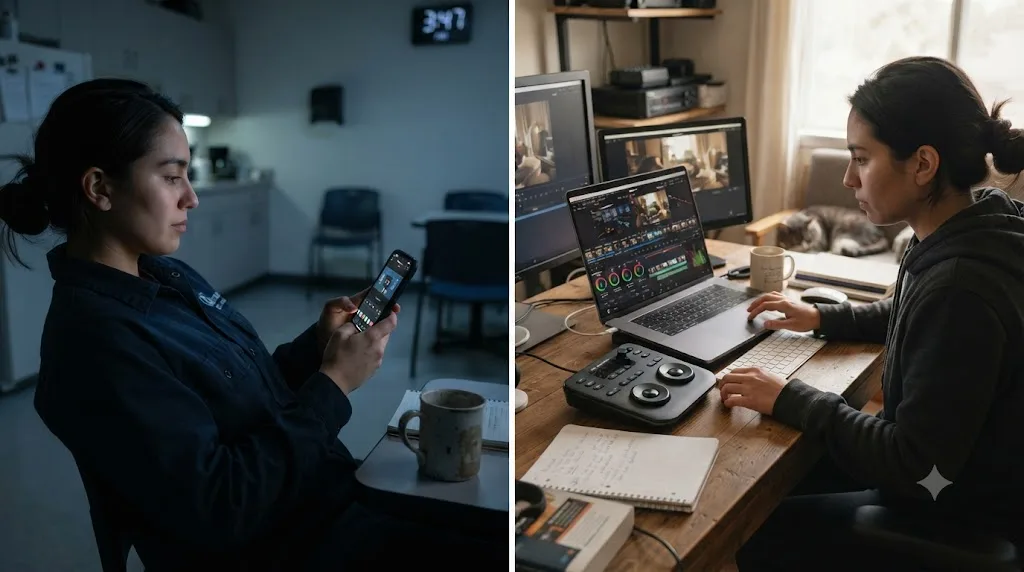
Fairly, and it's worth being honest about where a mid-shift tutorial break genuinely helps and where it quietly substitutes for the practice this plan is actually built around. A short video watched during a slow stretch is a legitimate use of otherwise-dead time. It's not a replacement for a protected practice session, and conflating the two is one of the quieter ways a night shift learner ends up with weeks of "study time" logged and very little actual skill to show for it.
The research on this isn't kind to passive watching as a primary method regardless of schedule. A University of Pennsylvania study covered by Higher Ed Dive found an average completion rate of just 4% across sixteen free online courses, and our own deeper research on the best way to learn DaVinci Resolve covers why: watching builds recognition of a decision someone else already made, not the judgment you need to make your own.
| Activity | Where it fits | What it doesn't replace |
|---|---|---|
| A 5-10 minute tutorial clip during a mid-shift break | Genuinely useful for declarative facts: where a setting lives, what a term means | A real attempt at grading your own footage, which only happens in a protected practice window |
| Rewatching a technique you've already tried once | Reinforces recognition, fine for a low-alertness gap | Doesn't build new judgment the way a fresh, corrected attempt does |
| A protected 45-90 minute session with real footage | Builds the actual skill this plan is designed around | Nothing else on this list substitutes for it |
A tutorial clip watched during a work break is a fine appetizer. It was never meant to be the meal. Use mid-shift downtime for the declarative, recognition-building side of learning covered in the task-split section earlier in this guide, and protect your two weekly high-alertness sessions for the judgment work only a real, corrected attempt can build.
So what should you actually do tonight or this week?
Download the free version, if you haven't already, and figure out your actual sleep anchor before you touch a calendar template. That's the entire first move, and everything else in this guide exists to support it once it's done.
Write down your real shift pattern, fixed nights, Pitman, DuPont, or genuinely unpredictable, and identify the hour right after you wake up on a work day as your first protected session. Don't schedule anything for the tail end of a shift or inside your personal window of circadian low, even if that's when a generic weekly template would put it. Start the log on day one, since a reconstructed memory of what you practiced is far less useful for spotting what's working than a record kept in real time.
A learning plan that respects your actual sleep and alertness cycle produces more real skill in three protected hours a week than a generic evening schedule produces in five hours fought against your own body clock. DaVinci Resolve gives a night shift worker the exact same software, the exact same node system, the exact same node-based grading a working colorist uses on a paying job during daylight hours. The only thing this guide changes is when you sit down with it, and getting that one variable right is the difference between a plan that's still running in three months and one that quietly stopped in week two.
Frequently asked questions
- What is the best DaVinci Resolve learning plan for someone who works night shifts?
- A plan built around your actual sleep anchor, not the clock: practice in the hour after you wake up before a shift, or on off-day mornings after a full sleep cycle, and avoid the 2am-6am window of circadian low for anything that needs judgment. Protect blackout sleep first, log two 45-90 minute sessions a week, and use the free version of Resolve for the entire plan.
- When is the best time of day to practice DaVinci Resolve on a night shift schedule?
- Right after you wake up, before fatigue and the accumulated hours of a shift set in, or on an off-day morning after a full daytime sleep. Avoid your personal window of circadian low, typically 2am to 6am for someone adapted to a night schedule, for anything requiring a real decision, like grading a shot or judging a cut.
- Does working night shifts actually hurt your ability to learn new skills?
- It can, but the mechanism is specific: circadian misalignment and accumulated sleep debt impair attention, working memory, and reasoning, according to a 2021 review in the International Journal of Environmental Research and Public Health. The fix isn't avoiding practice. It's timing practice for your actual high-alertness windows instead of fighting your body clock.
- Should I use a blue light filter while practicing at night, or does it not matter?
- It depends on when in your sleep cycle you're practicing. Right after waking with hours until you sleep again, normal bright light actually helps alertness. In the hour or two before you go to sleep, whether that's 7am or midnight, warmer light and a lower brightness setting like macOS Night Shift reduce the blue light known to suppress melatonin and delay sleep onset.
- Do night shift workers need DaVinci Resolve Studio, or is the free version enough?
- The free version covers every stage of this plan: editing, Fairlight audio, node-based color, and Fusion compositing at up to 4K 60fps. Studio is a one-time $295 purchase that adds Neural Engine automation like Magic Mask and higher frame rate ceilings, neither of which this plan requires to build a real skill.
- Can an AI tool help you learn DaVinci Resolve fast when you're running on a few hours of sleep?
- Some AI tools help and some do the opposite. Timeline-editing agents like CutAgent or Sottocut will cut the footage for you, which defeats a learning plan built around your own logged practice. An app that helps you while using DaVinci Resolve, like TryUncle, which only points at controls and answers questions without touching your timeline, can shorten the guessing part of a tired 45-minute session without doing the work for you.
- What if my shift schedule rotates and I don't have a fixed 'night' pattern?
- Anchor the plan to your sleep, not a fixed clock time. On a rotating schedule like Pitman (2-2-3) or DuPont, practice during the same relative window every work block, the hour after waking before a shift, and use the longer stretch of days off in each cycle for the more demanding Color and Fusion sessions, since that's when your circadian rhythm has the most time to partially resettle.
- What if I have kids or family sleeping during the day and can't find quiet practice time?
- Shrink the session instead of skipping it. A 20 to 30 minute block with one specific task, done consistently, beats an occasional 2-hour session that never happens because the house is never quiet long enough. Headphones and a laptop in any room besides the bedroom protect a shared household's daytime sleep while you still get a session in.
Sources
- Job Flexibilities and Work Schedules News Release, 2017-2018 data (U.S. Bureau of Labor Statistics)
- Job Flexibilities and Work Schedules in 2017-18 (U.S. Bureau of Labor Statistics, Spotlight on Statistics)
- Impact of Shift Work and Long Working Hours on Worker Cognitive Functions: Current Evidence and Future Research Needs (IJERPH, 2021)
- Window of Circadian Low (WOCL) (SKYbrary Aviation Safety)
- Module 9: Coping with the Night and Evening Shifts, Sleep (NIOSH/CDC)
- Shift Work and Sleep, NIOSH Science Bulletin (CDC)
- Study Shows How Shift Workers Can Improve Job Performance and Implement a Realistic Sleep Schedule (American Academy of Sleep Medicine)
- Effects of circadian misalignment on cognition in chronic shift workers (Scientific Reports, 2018)
- Home lighting, blue-light filtering, and their effects on melatonin suppression (Scientific Reports, 2025)
- Blue light emitted by screens damages our sleep, study suggests (ScienceDaily)
- What Is Night Shift on a Mac? (and How to Use It) (MakeUseOf)
- DuPont Shift Schedule: Definition, Pros, Cons, and Best Practices (Sling)
- Pitman Schedule: How It Works, Pros, Cons and Best Practices (Sling)
- DaVinci Resolve Training (Blackmagic Design)
- DaVinci Resolve free vs Studio comparison (Blackmagic Design)
- DaVinci Resolve System Requirements (Miracamp)
- DaVinci Resolve free vs Studio: What's included in each version (Storyblocks)
- MOOC completion rate just 4%, study says (Higher Ed Dive)
- Retrieval Practice Produces More Learning than Elaborative Studying with Concept Mapping (Science, 2011)
- Casey Faris (YouTube channel)
- CutAgent (product site)
- Sottocut (product site)
- PremiereCopilot pricing
- Eddie AI for DaVinci Resolve (native integration workflow page)
- DaVinci Resolve 21 (Learning Group) - Facebook
- TryUncle
- TryUncle FAQ
Learn by doing, not watching
Stop translating tutorials to your timeline.
TryUncle stays beside Resolve on Mac and Windows. When you ask, Uncle sees your screen and points at the exact control you need. No hunting through tabs, timestamps, or mismatched tutorials.
Meet TryUncleKeep reading
 GuidesJul 15, 202639 min read
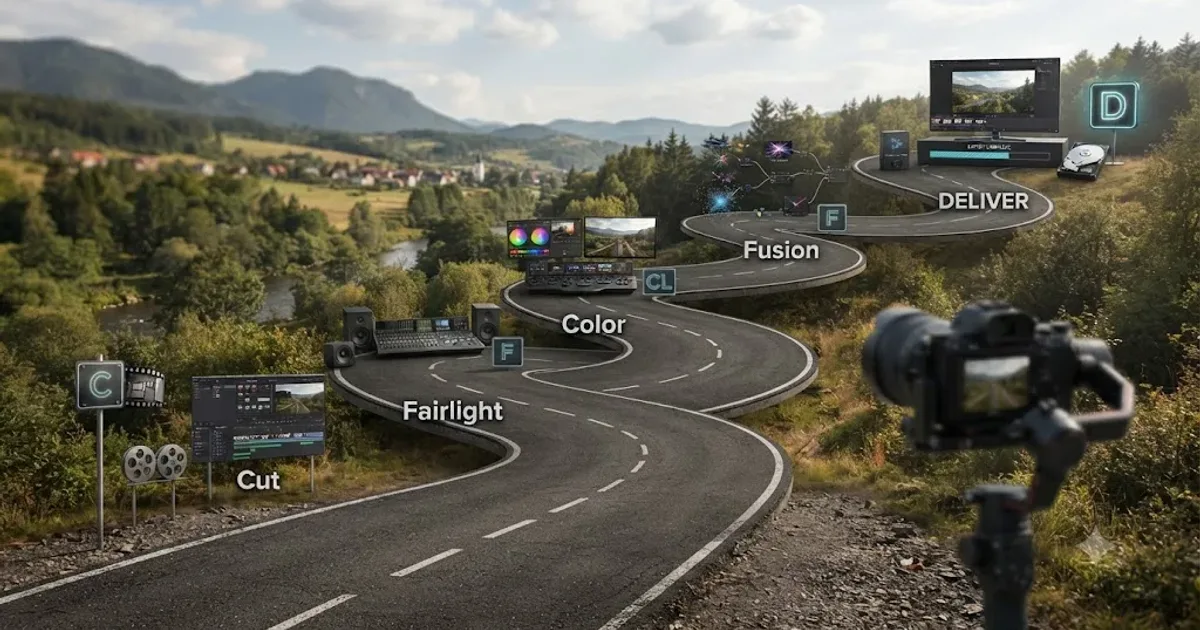
The DaVinci Resolve Learning Roadmap for Beginners
The right order to learn DaVinci Resolve: Cut or Edit, then Fairlight, Color, and Fusion, checked against Blackmagic and Ripple Training's own paths.
 GuidesJul 12, 202641 min read
The Best Way to Learn DaVinci Resolve (What the Research Says)
Guided, hands-on practice inside DaVinci Resolve beats video courses and MOOCs. Here's the learning-science research behind why, and how to apply it.
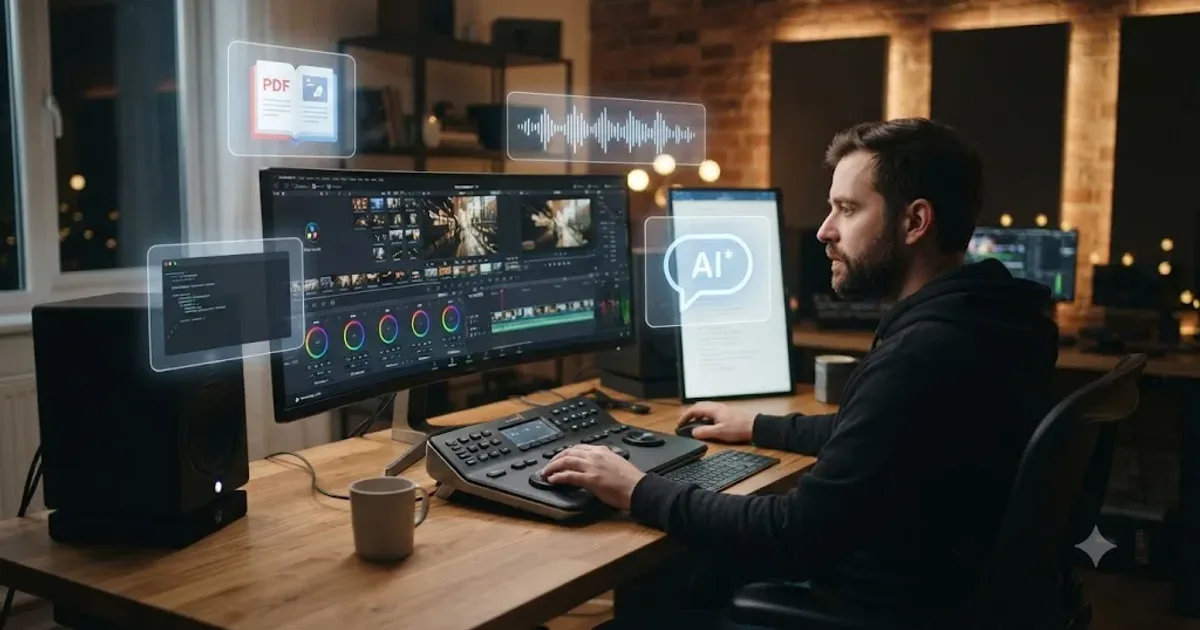 ComparisonsJul 11, 202626 min read
The Best AI Tools to Learn DaVinci Resolve in 2026
ChatGPT, Claude, Blackmagic's free training, Recut, and Resolve's Neural Engine compared for learning DaVinci Resolve, and the gap none of them close.