
Learn / DaVinci Resolveupdated for DavinciClaude pricing and tool list, DaVinci Resolve 21, and TryUncle pricing (July 2026)
DavinciClaude vs TryUncle: Editing Agent or Assistant?
Quick answer
DavinciClaude is a free-to-start plugin, paid tiers from $6.39/month, that lets Claude cut silences, add captions, and edit your DaVinci Resolve timeline from a chat box. TryUncle is a $34.99/month macOS assistant that watches your screen and points at the control you need, live. One automates the edit. The other teaches you to make it yourself.
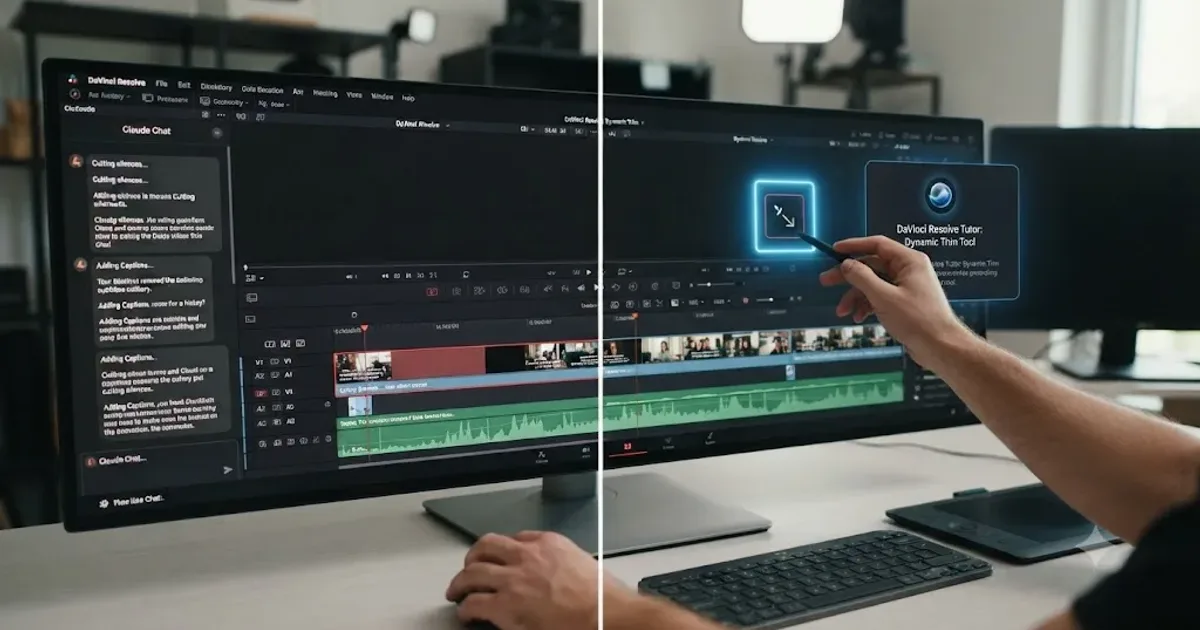
Two names keep showing up in the same search results lately: DavinciClaude, a plugin that lets Claude edit your DaVinci Resolve timeline for you, and TryUncle, the assistant that watches your screen and points at the control you need. They both put "AI" and "DaVinci Resolve" in the same sentence. They don't do the same job.
I built TryUncle, so I'll say that plainly instead of burying it in a bio at the bottom. That doesn't make DavinciClaude a bad product. It's a real, working plugin with a genuine free tier, and this comparison treats it that way, not as a strawman to knock down. What it means is you should read the honest differences below and decide for yourself which gap you actually have.
What is DavinciClaude, exactly?
DavinciClaude is a third-party plugin for DaVinci Resolve, built by PremiereCopilot, that bundles 12 AI editing tools behind a single subscription, with a genuine free tier attached. It installs into Resolve's Workspace menu and adds a panel where you can type an instruction in plain language, something like "cut every silence over half a second, then add word-by-word captions," and Claude reads your sequence, plans the edit, and applies it as a real, undoable change on your timeline, according to DavinciClaude's own guide to using Claude AI in DaVinci Resolve.
That's the core pitch: you're not exporting a transcript to a separate app and reimporting an XML. The plugin sits inside Resolve, and the editing happens on the project you already have open. PremiereCopilot, the company behind it, also makes a similarly-shaped plugin for Adobe Premiere Pro under its own name, so DavinciClaude is best understood as that same company's dedicated bet on DaVinci Resolve specifically, not a side project.
According to DavinciClaude's own download page, the plugin supports DaVinci Resolve versions from 2022 onward, which lines up with Resolve 18, the version Blackmagic Design shipped that year, and it runs on both macOS (Apple Silicon and Intel) and Windows 10/11. It works with the free version of Resolve as well as the paid Studio edition, so you don't need to have already spent $295 on Studio before the plugin will even open, according to the same page and DavinciClaude's own homepage.
DavinciClaude's core promise is that you type what you want and the timeline changes, without you clicking a single menu yourself. That's a genuinely different interaction model than any AI feature built into Resolve's own Neural Engine, which automates one specific task at a time rather than responding to an open-ended instruction.
What is TryUncle, and how is it a fundamentally different kind of tool?
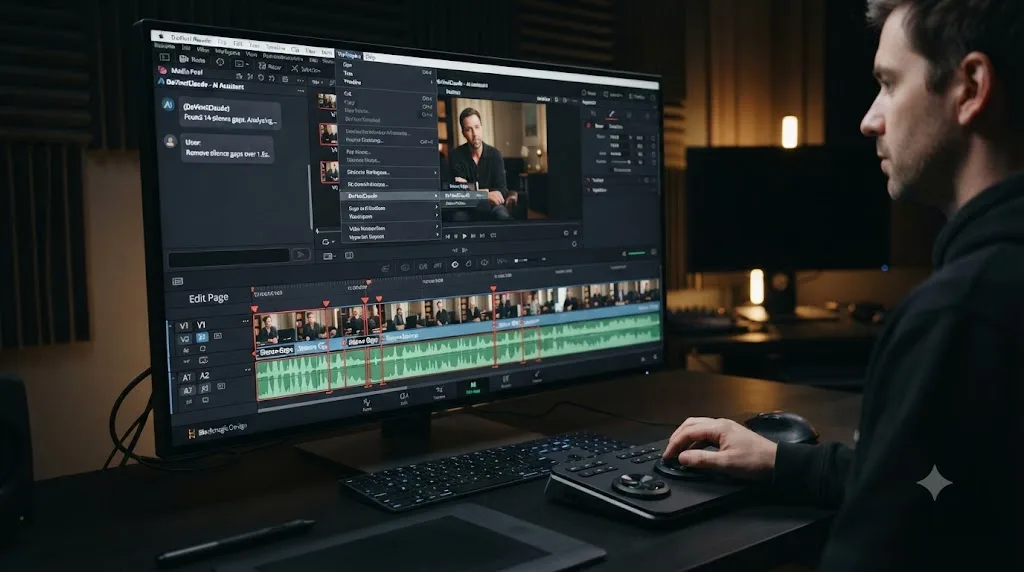
TryUncle is the on-screen assistant for DaVinci Resolve on macOS, ask in plain words and Uncle points at the exact control on your screen. It watches your actual project while you work and answers by drawing a hand-drawn box or moving a cursor to the button, node, or panel you're looking for, on the Edit, Color, and Fusion pages, according to TryUncle's own site and TryUncle FAQ. You can ask it by typing, by voice, or by a quick "am I doing this right" check.
Here's the mechanical difference that matters more than anything else in this comparison: TryUncle never touches your timeline. It has no editing engine, no ability to cut a clip, remove a silence, or add a caption on your behalf. It only points. The edit still happens because you make it, with your own hand on your own mouse, which is a deliberate design choice, not a missing feature.
TryUncle is a paid macOS subscription at $34.99 a month, with a 14-day refund and cancel-anytime billing, according to TryUncle's own pricing breakdown. It's never been free, and it isn't positioned as something you outgrow once you know Resolve better. It's built for the moment you're stuck, at any skill level, on your own actual project.
A tool that points at a control can be wrong without doing any damage. A tool that executes the change itself can be wrong in a way that's already landed on your timeline before you notice. That single distinction is the spine of everything else in this post, and it's worth holding onto before the pricing tables and feature lists start to blur the two products together.
What are DavinciClaude's 12 tools, one by one?
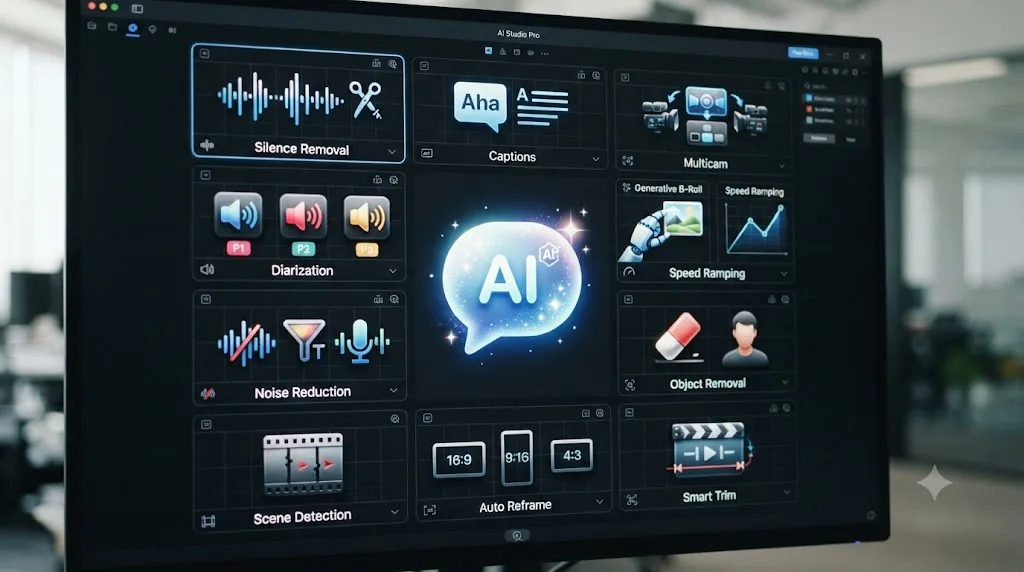
Twelve is the number DavinciClaude leads with, and it's worth breaking apart instead of taking on faith, because "12 tools" hides a lot of variation in how mature and how load-bearing each one actually is.
| Tool | What it does |
|---|---|
| Claude | Chat-based editor: type an instruction, Claude plans and applies the timeline change |
| Claude Cut | Removes bad takes and repetitions by cross-referencing a transcript against your script, with an aggressiveness slider from light trim to surgical cut |
| Smart Silences | Detects and removes silence and filler words automatically |
| Smart Captions | Generates word-by-word animated captions as native Resolve titles |
| Smart Subtitles | Transcribes and generates subtitles in 99 languages |
| Podcast / Multicam | Active speaker detection and auto-cut across up to 10 cameras |
| Smart Virals | Extracts 9:16 vertical clips from a longer timeline |
| Auto Chapters | Generates YouTube chapter markers from the edit |
| Diarization | Separates speaker audio onto isolated tracks |
| Auto Zoom | Applies emotion-driven zoom effects automatically |
| Vibe Motion | Generates motion design from a text prompt |
| GenAI | Multi-model B-roll generation, routed through Fal.AI, covering 1,000-plus underlying models |
Source: DavinciClaude's own site and Claude Cut product page.
Notice the split: five of these (Smart Silences, Smart Captions, Smart Subtitles, Auto Chapters, Diarization) are single-purpose automations that don't need a conversation at all, closer in spirit to Resolve's own Neural Engine features than to a chatbot. Two (Claude and Claude Cut) are where the actual language model does the reasoning, reading a transcript or a typed instruction and deciding what to change. The rest sit somewhere in between, generative add-ons layered on top of the same panel.
That matters because "12 tools" and "an AI editor" aren't quite the same claim. A silence-remover doesn't need Claude's judgment to work well, and DavinciClaude's own materials confirm Claude Cut specifically lets you swap between Claude and Gemini per project, noting Claude "tends to follow scripts more strictly" while Gemini "is faster and better at handling long-form content," according to the Claude Cut page. The model choice is a real, disclosed tradeoff, not marketing gloss.
How much does DavinciClaude actually cost?
The free tier is real, not a disguised trial, and that's worth stating plainly before the paid tiers, since it's the more unusual claim.
| Plan | Price | What's included |
|---|---|---|
| Free | $0 | Smart Silences, Captions, Subtitles, Auto Reframe, Auto Zoom, Virals, Auto Chapters, Vibe Motion, all with daily caps; no watermark; commercial use allowed |
| Pro+ | $6.39/month billed annually (about $77/year), or $7.99/month billed monthly | Everything in Free, plus Podcast multicam, Claude Cut, GenAI with 1,000-plus models, 10x the daily usage caps, priority support |
| Creator | $15.99/month billed annually (about $192/year) | Everything in Pro+, unlimited usage with no daily caps, premium support, early access to new tools |
| Studio | $63/month billed annually (about $756/year), 4 seats included | Everything in Creator, times 4 seats, centralized billing |
| Podcast & Jump Cut (lifetime) | $59 one time | Multicam auto-cut and active speaker detection, no subscription |
| GenAI Studio (lifetime) | $24 one time | The 1,000-plus model B-roll generator, no subscription |
Source: DavinciClaude's pricing page.
The free tier's daily caps are specific: 2 Jump Cut or Smart Silences passes a day, 4 Smart Captions, 5 Smart Subtitles, 4 each of Auto Zoom, Smart Virals, and Auto Chapters, and 2 Vibe Motion generations, per the same pricing page. That's enough to genuinely test every tool on a short project without paying anything, and it's enough for a lot of casual, low-volume creators to never need to upgrade at all.
A free tier with no watermark and no time limit is a genuinely rare combination for a plugin this ambitious, and it's the single most consumer-friendly thing about DavinciClaude's pricing. Where the free tier stops is Podcast multicam and Claude Cut specifically, the two tools that need the most compute per run, which pushes anyone doing regular podcast or long-interview editing toward at least the $6.39-a-month Pro+ tier or the $59 lifetime Podcast license.

How much does TryUncle cost?
One plan, no tiers, no free option. That's a much simpler pricing page than DavinciClaude's, and it reflects a different kind of product: there's no "light" version of watching your screen and pointing at a control, the way there's a lighter version of a silence-removal tool with a daily cap.
| Plan | Price | Notes |
|---|---|---|
| TryUncle | $34.99/month | Cancel anytime, 14-day no-questions-asked refund |
Source: TryUncle's pricing breakdown.
There's a 14-day, no-questions-asked refund window, and billing cancels anytime with no lock-in contract.
Set the two products side by side on pure cost and DavinciClaude's Pro+ tier at $6.39 a month is meaningfully cheaper than TryUncle's $34.99, and that's worth being honest about rather than glossing over. But the two aren't buying the same thing. DavinciClaude's cheapest paid tier buys you more usage of tools that execute an edit. TryUncle's single price buys unlimited live pointing on your own project, on whatever you're stuck on that day, with no per-feature cap to track. If your actual need is a handful of silence cuts and captions on a monthly project, DavinciClaude's free or Pro+ tier is the better dollar value outright. If your need is "I don't know where this control is, and it changes every session," a flat, uncapped subscription is the simpler thing to budget against.

Is DavinciClaude an official Blackmagic Design plugin?
No, and it's worth clearing this up directly, since "DaVinci" in the name reads to a lot of people as an implied partnership. DavinciClaude's own download page carries no claim of Blackmagic certification anywhere on it. The DaVinci Resolve name appears only as a trademark credit in the site's footer, the same way any third-party plugin has to acknowledge the software it plugs into, according to DavinciClaude's own download page.
That's not a knock on the product. Plenty of genuinely useful DaVinci Resolve plugins, from silence removers to caption generators, are third-party extensions with no formal Blackmagic partnership, distributed through a developer's own installer rather than Blackmagic's own store. What it means practically is that DavinciClaude's roadmap, support, and long-term compatibility with future Resolve versions rest entirely on PremiereCopilot as a company, not on any guarantee from Blackmagic Design itself.
TryUncle is in the same position, worth naming for consistency rather than singling DavinciClaude out. It isn't a Blackmagic-built or Blackmagic-certified product either. It's a separate macOS app that watches Resolve's window through standard screen-recording and accessibility permissions, according to TryUncle's FAQ, rather than a plugin that installs inside Resolve's own extension system the way DavinciClaude does.
Neither of these tools ships from Blackmagic Design, and neither should be mistaken for one. If an official partnership matters to you specifically, for compliance reasons or just peace of mind, that's a reasonable thing to verify directly with Blackmagic before adopting either product for a studio-wide workflow, rather than assuming it from either company's own marketing copy.
What's the real mechanical difference between an editing agent and an assistant?
Strip away the marketing and the two products sit in genuinely different categories of software, not two brands competing for the same click.
| DavinciClaude | TryUncle | |
|---|---|---|
| What it delivers | Executed edits on your timeline | A live pointer at the control you need |
| Sees your project? | Yes, reads your sequence and transcripts | Yes, watches your screen |
| Touches your timeline? | Yes, directly | No, never |
| Structure | 12 discrete tools, plus an open chat editor | No syllabus, question by question |
| Underlying model | Claude or Gemini, user's choice, per project | Not disclosed which specific model powers Uncle |
| Platform | macOS and Windows | macOS only |
| Resolve edition required | Free or Studio | Free or Studio |
| Pricing model | Free tier, then $6.39-$63/month, or lifetime one-time options | $34.99/month, no free tier |
| Teaches you the control's location? | No, it clicks it for you | Yes, that's the entire product |
DavinciClaude edits your timeline. TryUncle only points at it. That's the whole comparison in one sentence, and it decides which product actually fits your situation better than any pricing table can. A plugin that clicks the button for you and a tutor that shows you which button to click are solving two different problems, and treating them as interchangeable because both mention Claude and both mention DaVinci Resolve is the single most common mistake anyone researching this comparison will make.
Here's the practical test to apply to yourself: if you already know what a good silence cut, a good caption pass, or a good rough multicam assembly looks like, and your actual bottleneck is the hours it takes to do that manually, an agent that executes the work is the right category of tool. If you don't yet know what you're looking at when you open a page in Resolve, and the thing slowing you down is not knowing where a control lives or why your own attempt looks wrong, an agent that silently does the work for you skips the exact skill you're trying to build, and a tutor that points instead of acting is the tool built for that specific gap.

Worked example: cutting a 90-minute podcast episode, DavinciClaude versus TryUncle
Theory holds up better against one concrete task. Take a 90-minute two-camera podcast interview, full of dead air, filler words, and a few genuinely bad takes where a guest restarts an answer.
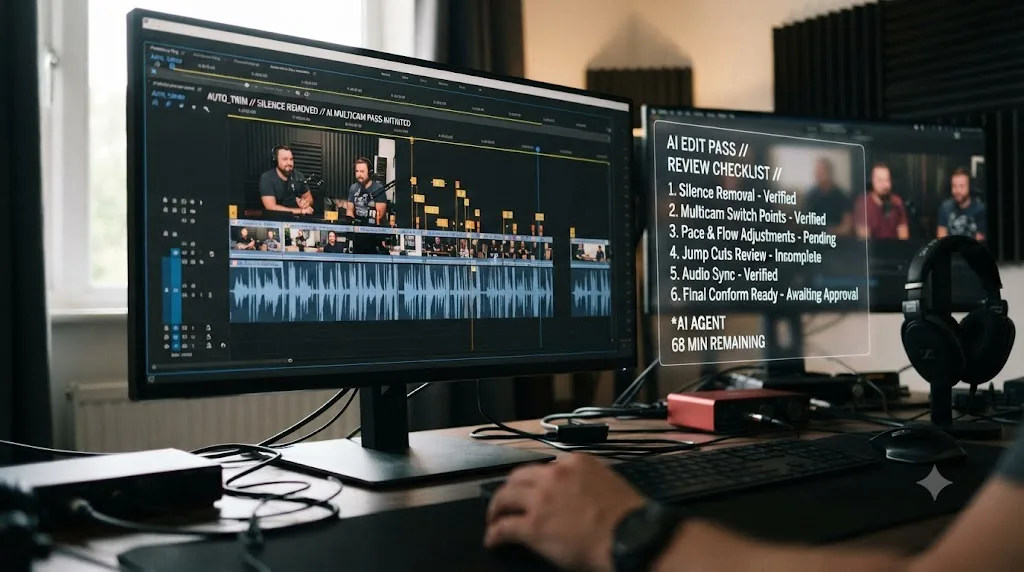
With DavinciClaude, you'd open the Podcast/Multicam tool first, letting it detect who's speaking and cut between the two cameras automatically across the full session, according to DavinciClaude's own tool list. Then you'd run Smart Silences to remove dead air and filler words, and optionally Claude Cut, feeding it the episode's rough outline or script so it can flag and remove full bad takes, using the aggressiveness slider to control how surgical the cut is. In principle, that's three automated passes turning 90 raw minutes into a tightened rough cut without you scrubbing through the footage by hand.
With TryUncle, none of that happens automatically, because that's not what the product does. You'd still need to do the actual multicam cutting and silence removal yourself, manually or with Resolve's own tools, and TryUncle's role is answering the specific questions that come up while you do: which button on the Fairlight or Cut page actually triggers a scene detection pass, why your multicam angle sync looks off by a frame, or where the setting lives that controls automatic gain on the isolated speaker tracks.
For a mechanical, repetitive pass like a podcast rough cut, an automation tool built for exactly that job is the faster path, and pretending otherwise would be dishonest. Where the comparison gets more interesting is what happens after the automated pass, when you're reviewing what Claude Cut removed and deciding whether it actually caught the right takes. That review step is still entirely your judgment, on both products, and it's the piece no automation replaces regardless of which brand's Claude integration is doing the cutting.
Worked example: fixing a bad color grade, DavinciClaude versus TryUncle
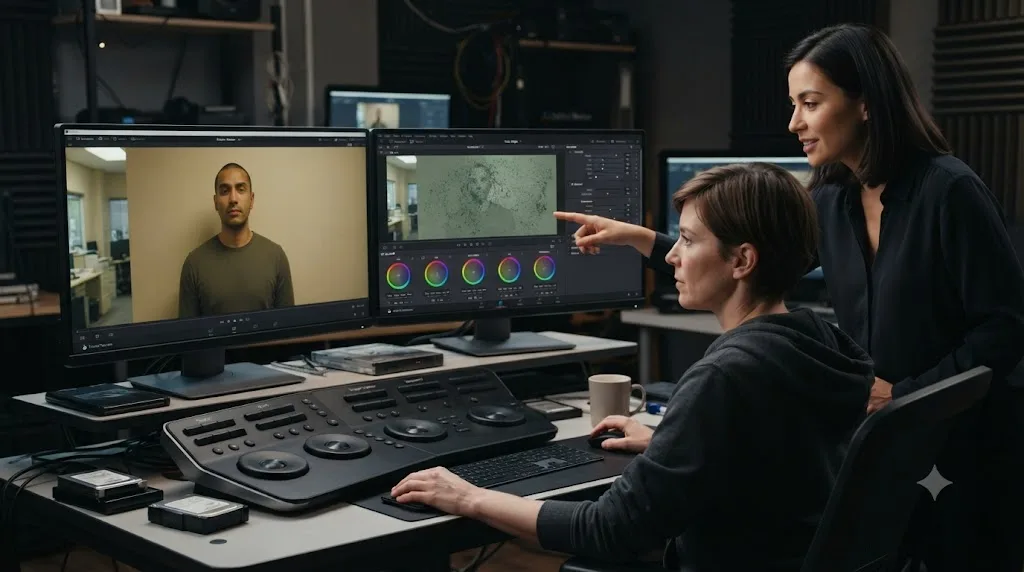
Now take the opposite kind of problem: a color qualifier pull that's grabbing a wall along with a subject's skin tone because the two are almost, but not quite, the same shade.
DavinciClaude's own tool list has no color-grading feature anywhere on it. None of the 12 tools touch the Color page, the qualifier tool, node structure, or scopes, according to DavinciClaude's own site. That's a real, disclosed gap, not a hidden one, and it means this exact scenario is simply outside what the plugin is built to help with, however good its silence-cutting and captioning tools are.
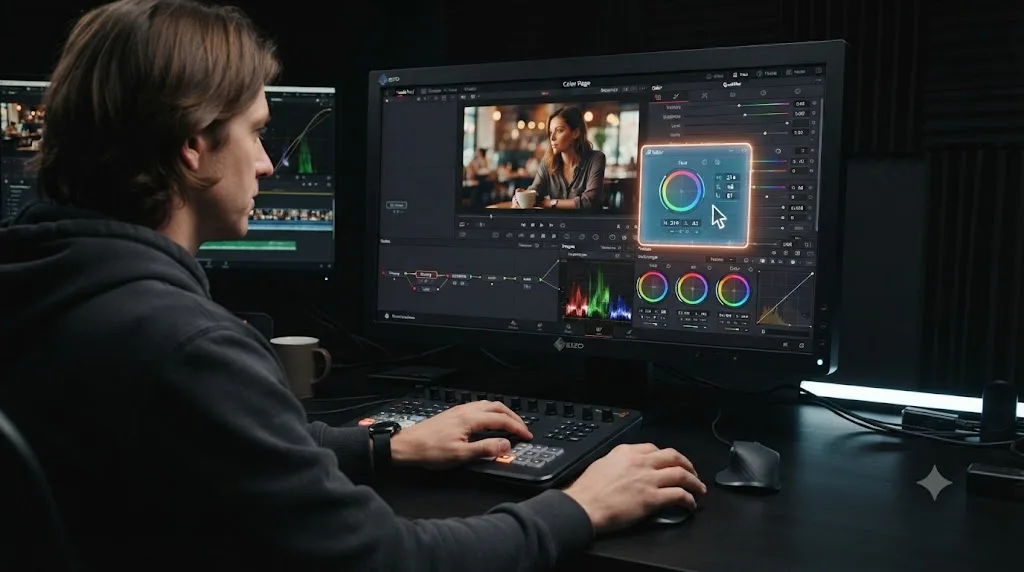
TryUncle is built for exactly this moment. You'd hit the Check shortcut and ask if the selection looks right. Uncle looks at your current node and your actual matte, sees it's grabbing the wall along with the skin, and points at the edge-softening control that fixes it, on your shot, in your project, without you first having to figure out what the problem is even called.
A silence-remover and a caption generator, however well built, were never going to catch a mis-qualified color mask, because color grading isn't the job either tool claims to do. This is the clearest single scenario for deciding between these two products: if your actual editing bottleneck lives in Color or Fusion, DavinciClaude's 12 tools don't reach there at all, and TryUncle's coverage of the Color and Fusion pages is the more relevant fit. If your bottleneck lives in trimming, captions, and multicam assembly on the Edit page, that's DavinciClaude's whole reason for existing, and TryUncle would be answering questions about pages you may not even need help with that day.
Does DavinciClaude work on Windows? Does TryUncle?
This is where the comparison resolves itself immediately for a large share of readers, so it's worth answering before anything else.
| DavinciClaude | TryUncle | |
|---|---|---|
| macOS | Yes, Apple Silicon and Intel | Yes, only option |
| Windows | Yes, Windows 10/11 | No |
| Linux | Not stated | No |
Sources: DavinciClaude's download page and TryUncle FAQ.
If you edit DaVinci Resolve on Windows, TryUncle isn't available to you today, full stop, regardless of how the rest of this comparison shakes out. DavinciClaude's cross-platform support is a genuine, structural advantage for anyone outside the Mac ecosystem, and it's worth naming plainly rather than downplaying it because this post is published on TryUncle's own site. A comparison that pretends a Windows editor has a real choice here isn't being honest with its reader.
If you're on macOS, both products are on the table, and the platform question stops mattering. The decision comes back to the mechanical difference covered above: whether you want the edit executed for you, or whether you want the control pointed out so you make the click yourself.
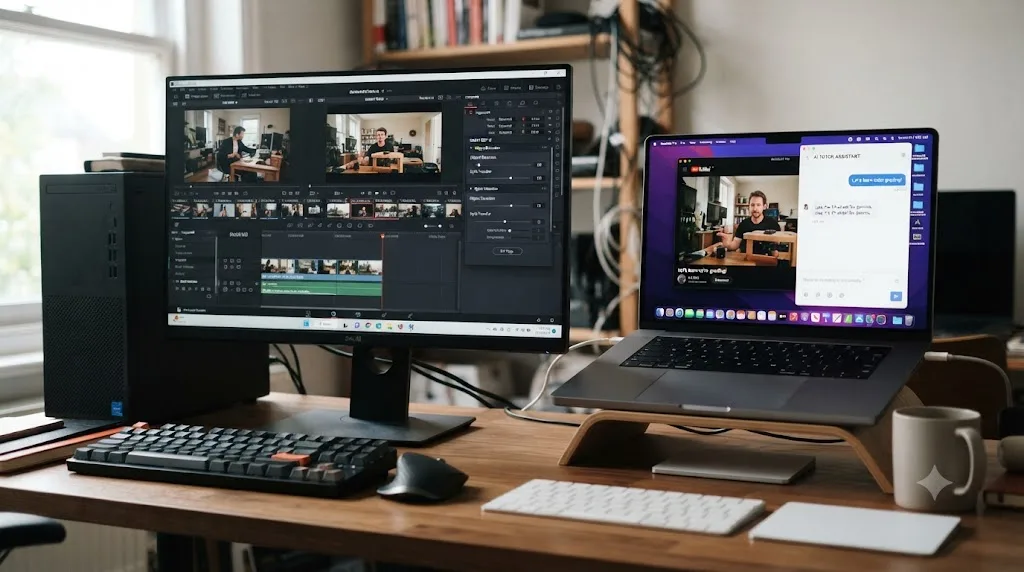
What does the industry actually say about AI agents editing video for you?
There's a real, fast-moving trend behind DavinciClaude's chat-editor category, not just marketing language, and it's worth grounding this comparison in what people actually building and covering this space are saying.
a16z general partner Justine Moore has been direct about the timing of this shift, writing, quoted verbatim: "2025 was the year of video. 2026 is the year we let agents edit it," in her piece on agentic video editing, per a16z's coverage. DavinciClaude's Claude and Claude Cut tools fit squarely inside the category Moore is describing: software that doesn't just suggest an edit but plans a sequence of timeline operations and executes them directly, the same shift coding tools like Cursor went through first, where an AI stopped just suggesting code and started writing it directly into your files.
At NAB 2026, the video industry's biggest annual trade show, ProVideo Coalition's Scott Simmons spent time talking to founders behind several AI editing assistants, and offered a framing worth sitting with, quoted verbatim: "the logging, the searching, and the organizing, is what leads editors to their first love: the story," per ProVideo Coalition's NAB 2026 coverage. His point isn't that AI should tell the story. It's that tools like DavinciClaude are trying to strip out the tedious front-end work, so more of an editor's actual time goes toward the creative decisions a machine still can't make for them.
The honest read on agentic video editing tools in 2026 is that the trend is real, the founders building it are candid about what it's actually solving, and the category is still young enough that independent, hands-on testing hasn't caught up to the marketing yet. One review of DavinciClaude specifically does exist: Poul Waligora, a senior colorist and finishing supervisor at Wild Lion Media, published a hands-on account of giving Claude direct access inside DaVinci Resolve, describing the experience as still rough, not especially fast, prone to mistakes, and requiring real time to learn what it can and can't reliably do, concluding that anyone expecting a polished, out-of-the-box experience will be disappointed, according to Waligora's review on Wild Lion Media. That's a useful, sobering counterweight to the product's own marketing copy, from someone who's actually opened the plugin rather than read its landing page.
What does the research say about live correction versus an automated result, when the actual goal is learning?
This is the research that matters most if your goal with either tool is to get better at DaVinci Resolve yourself, not just to ship the next video faster.
In 1984, Benjamin Bloom published a paper built on dissertation research by two of his University of Chicago PhD students, comparing conventional classroom instruction against one-to-one tutoring paired with mastery learning. Quoted directly from the paper: "the average tutored student was above 98% of the students in the control class," a two-standard-deviation improvement, according to the summary of Bloom's findings on Wikipedia. The paper is still cited today as "Bloom's 2 Sigma Problem" precisely because of how large that gap was.
Bloom's own finding wasn't about automation versus manual work. It was about correction delivered live, on your own specific attempt, versus a general explanation delivered to a whole class the same way regardless of who's actually struggling with what. That's the more relevant frame for this comparison than "which tool saves more time," because DavinciClaude's automated tools and TryUncle's live pointing sit on opposite sides of exactly this line. An automated silence cut or caption pass doesn't correct your understanding of anything, it just produces a result. A live pointer, by design, only works because it's reacting to your specific mistake, on your specific project, the moment you're making it, which is the mechanism Bloom's research measured.
None of this means DavinciClaude's automation teaches nothing, or that it shouldn't be used. Watching Claude Cut remove a bad take doesn't build the judgment to spot a bad take yourself next time, the same way watching any tutorial trains recognition rather than the recall you need later, a gap covered in more depth in our piece on why watching tutorials doesn't work. If your goal this week is a finished podcast episode, that gap doesn't matter much. If your goal is to stop needing the automation eventually, it matters a great deal, and it's the honest reason a tutor and an automation tool answer genuinely different questions.

What happens to your footage and data with each tool?
Worth answering directly, since both tools work by reading something private, your project, your transcripts, or your screen, and they don't handle that the same way.
DavinciClaude processes audio waveforms, transcripts, and metadata on its own servers to power tools like Smart Silences, Claude Cut, and Smart Subtitles, according to DavinciClaude's own materials. Your raw footage itself isn't described as being uploaded for most tools, only the derived data needed for each specific pass, and error logs are described as kept short-term rather than indefinitely. DavinciClaude's own site doesn't publish a full, itemized privacy policy in the same depth as some competitors, so if you're editing under a strict NDA, it's worth emailing the plugin's own support directly to get specifics in writing before you run client footage through Claude Cut or the multicam tool.
TryUncle works the opposite way mechanically, since watching your screen is the entire product, not a side feature. It reads your screen through standard macOS Screen Recording and Accessibility permissions, but only at the moment you actually ask a question, not continuously in the background. What it captures at that moment is a screenshot, your typed or spoken question, and the labels and positions of on-screen controls, according to TryUncle's own privacy policy. That data briefly passes through third-party AI providers to generate an answer, then gets automatically deleted after 30 days, and TryUncle states directly that it doesn't use your data to train its own models.
If you're cutting a wedding video or a YouTube thumbnail test, neither product's data handling is a meaningful risk worth losing sleep over. If you're grading footage under a studio NDA, or your employer prohibits third-party tools from touching production media, that's a real conversation to have with whoever owns the NDA before installing either plugin, not a decision to make from a comparison post alone.

What can DavinciClaude do that TryUncle can't?
Plenty, and it's worth naming these plainly rather than pretending TryUncle wins on every axis, because it doesn't.
DavinciClaude actually executes edits. It cuts silences, generates captions, assembles a multicam rough cut, and removes bad takes, all without you clicking through the manual version of any of those tasks. TryUncle has no editing engine at all. It can point at the button that does a task, but it can never do the task for you.
DavinciClaude runs on Windows as well as macOS. If you're not on a Mac, this alone decides the comparison, since TryUncle simply isn't an option.
DavinciClaude has a genuine, generous free tier. TryUncle has none, and its single paid plan is the only way to use it at all, even for a quick test.
DavinciClaude's GenAI tool can generate original B-roll and motion graphics from a text prompt, routed through more than 1,000 underlying models via Fal.AI. TryUncle has no generative capability whatsoever; it only reasons about controls that already exist on your screen.
Every tool DavinciClaude offers is aimed at speed on tasks you already understand well enough to review afterward. That's a real, valuable job, and it's one TryUncle isn't built to do at all.
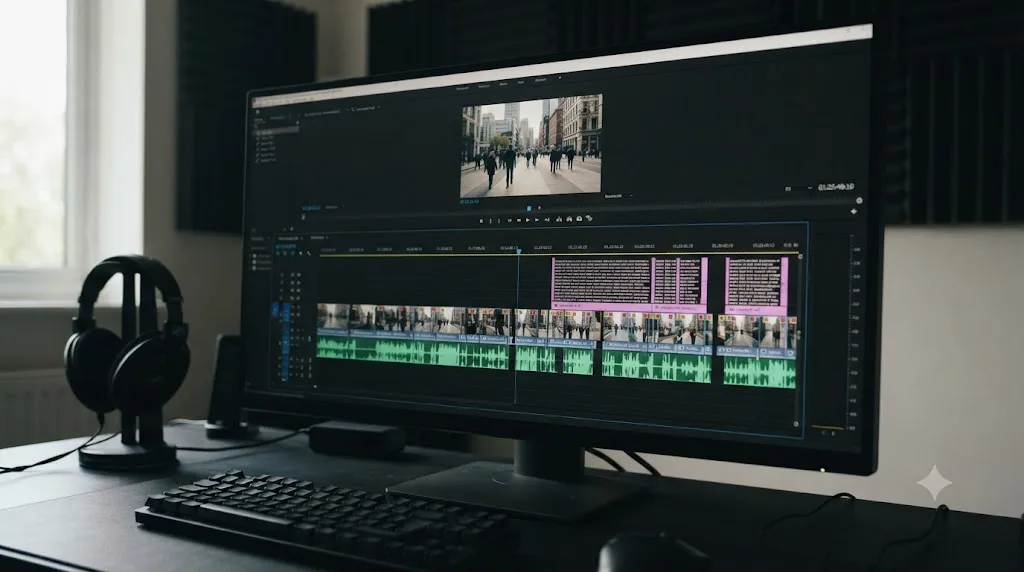
What can TryUncle do that DavinciClaude can't?
The list runs the other direction just as clearly, and it circles back to the same distinction this whole comparison keeps returning to from different angles.
TryUncle covers the Color and Fusion pages, where DavinciClaude has no tools at all. If your actual bottleneck is a qualifier pull, a node order problem, or a power window that's lost tracking, DavinciClaude's 12 tools don't reach any of it, because none of them are built for grading or compositing work.
TryUncle answers an open-ended question about anything visible on your screen, not just the 12 specific tasks DavinciClaude's tools are built for. Ask it about an export setting, a Fairlight routing question, or a keyboard shortcut you can't remember, and it can look at what's actually on your screen and respond, rather than being limited to a fixed menu of pre-built automations.
TryUncle builds your own judgment over time, the way the Bloom's research covered above describes, because every answer is tied to correcting something you were actually doing wrong, in the moment. DavinciClaude's automated tools produce a result without ever diagnosing why your manual attempt would have gone differently.
TryUncle never risks landing a wrong automated change on your live timeline, because it never touches the timeline at all. The worst outcome from a wrong answer is that you don't click anything and ask again; the worst outcome from a wrong automated cut is that it's already applied by the time you notice.
Every alternative for getting faster at DaVinci Resolve, DavinciClaude's automation included, is still something you execute or review yourself, with the gap between watching a result and understanding it left entirely in your hands. TryUncle is built specifically to close that gap, live, on whatever you're actually stuck on.
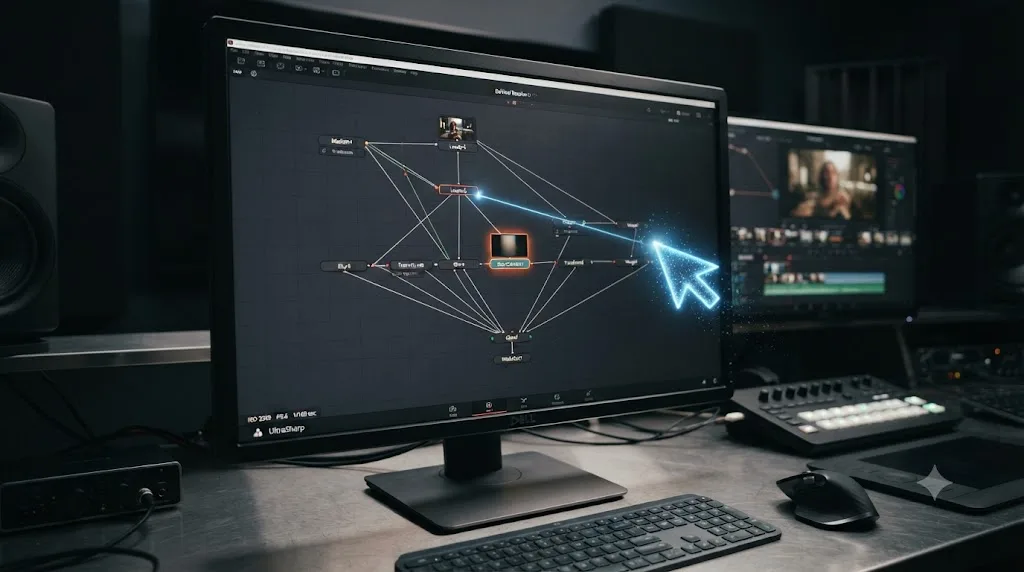
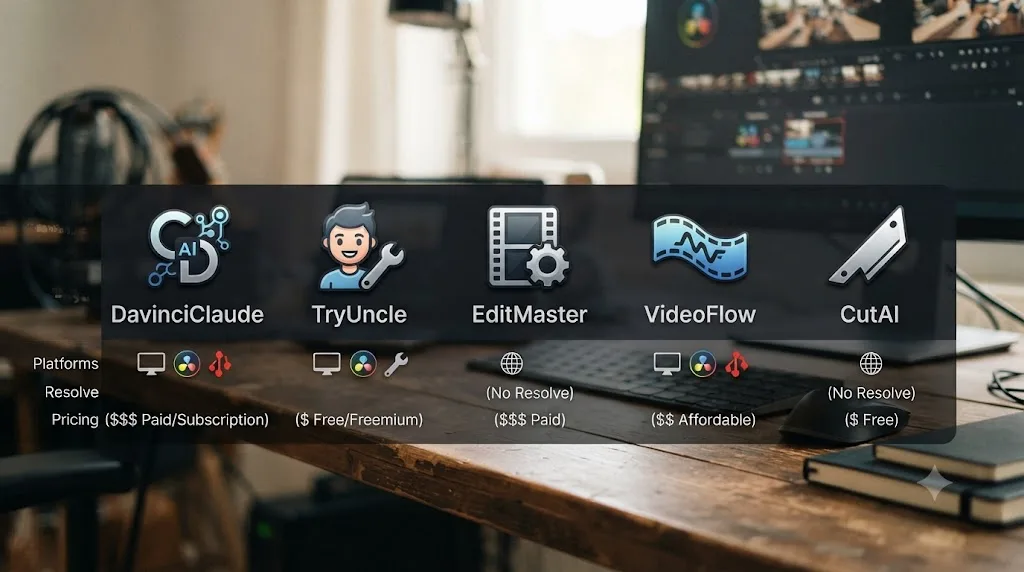
Where do Sottocut, Eddie AI, and CutAgent fit next to these two?
Neither DavinciClaude nor TryUncle is the only name in this category, and naming the real alternatives honestly is worth doing before recommending either one.
| Tool | Platform | Resolve support | What it does | Price |
|---|---|---|---|---|
| DavinciClaude | macOS and Windows | Free and Studio, Resolve 2022+ | Executes edits from chat: silences, captions, multicam, B-roll | Free tier, then $6.39-$63/month, or lifetime options |
| Sottocut | Apple Silicon Mac only | Resolve Studio 21 only | AI editing assistant built specifically for Resolve | $15/month bring-your-own-key or $129 lifetime; $29-119/month managed |
| Eddie AI | Mac and PC | Bridges to Resolve via an installed extension | Logs footage, spots soundbites, assembles a rough cut across NLEs | Free Starter (2 exports/month); Plus $25/month or $250/year |
| CutAgent | macOS only | Resolve Free and Studio, version 20+ | Executes edit plans from natural-language instructions, with a review step before changes land | 29-299 euros/month, no free tier |
| TryUncle | macOS only | Free and Studio | Live pointer at the control you need; never edits your timeline | $34.99/month, no free tier |
Sources: Sottocut, Eddie AI's DaVinci Resolve workflow page, CineD's coverage of Eddie's extension release, and CutAgent's own site.
Read the table by what each tool actually does, not by name recognition. DavinciClaude, Sottocut, and CutAgent are all agents that execute changes on a Resolve timeline directly, and they mostly split the market by which Resolve edition and which operating system they'll accept, DavinciClaude being the most permissive on both fronts. Eddie AI plays a different role entirely; it's not native to any one NLE, bridging into Resolve, Premiere Pro, and Final Cut Pro alike, which matters if you switch editors depending on the project. No Film School's Jourdan Aldredge, reviewing Eddie hands-on, landed on a cautiously positive verdict, quoted verbatim: "If you're someone who is open to trying new AI tools to help your workflows, Eddie could definitely be that," per No Film School's review.
Every tool in this table except TryUncle shares the same fundamental job: execute an edit faster than you'd do it by hand. TryUncle is the one row built to teach you instead, and that's not a gap in the table, it's the entire reason it exists as a separate category rather than a thirteenth competitor trying to out-automate the rest.
What happens when DaVinci Resolve 21, or a future version, changes the interface?
Worth walking through concretely, since it's a real, structural difference between an automation plugin and a live-reasoning tutor, not a hypothetical.
DaVinci Resolve 21 shipped in June 2026 after a record seven-week public beta, adding an entirely new Photo page, AI tools like IntelliSearch and CineFocus, an AI voice generator, more than 100 new Fusion motion graphics effects, and a new Fairlight folder function, according to Blackmagic's own What's New page and PetaPixel's coverage of the release. Updates on that scale are exactly where automation plugins and live-reasoning tools diverge in how much rework they need.
DavinciClaude's tools are built against Resolve's scripting API and internal panel structure. When Blackmagic changes how a page is organized or adds a new panel, a plugin author has to update the code that reads and writes to that structure, a real engineering task with its own release cycle, the same way any Resolve automation script has to be maintained across major version jumps.
TryUncle's mechanism is different in kind. Because Uncle reasons about whatever's actually visible on your screen in the moment, rather than calling a fixed set of API endpoints, it doesn't need the same kind of structural rework every time a menu moves. That's a genuine advantage over an API-dependent plugin. What it can't guarantee is instant, perfect coverage of a page that's brand new in a given release, like Resolve 21's Photo page; a feature that new may not yet be reflected in whatever training or documentation grounds Uncle's answers, the same caution that applies to any AI tool answering outside its stated coverage.
A plugin that calls a fixed API has a real, specific maintenance cost every time that API's surface changes underneath it. A tool reasoning about your live screen has a different failure mode, not zero risk, just a different one. Treat both honestly: ask whichever tool you're using about a brand-new feature, and fall back to Blackmagic's own release notes if the answer seems uncertain.
Decision table: which one actually fits your situation
Here's every scenario covered above, collapsed into one table you can actually use to decide.
| Your situation | Best fit | Why |
|---|---|---|
| You edit on Windows | DavinciClaude | TryUncle isn't available on Windows at all |
| You want to automate silence cuts, captions, and a multicam rough cut | DavinciClaude | That's exactly what its 12 tools are built for |
| You're stuck on a color grade, a Fusion node, or an unfamiliar control | TryUncle | DavinciClaude has no tools on the Color or Fusion pages |
| You want to test something for free before paying | DavinciClaude | It has a genuine free tier; TryUncle has none |
| You want the tool to generate original B-roll or motion graphics | DavinciClaude | GenAI and Vibe Motion are built for exactly this; TryUncle has no generative capability |
| You want to actually get better at Resolve, not just ship faster | TryUncle | Live correction on your own attempt is what builds the judgment, per the tutoring research above |
| You're editing a long podcast or interview with a lot of dead air | DavinciClaude | Smart Silences and Podcast/Multicam are purpose-built for this exact task |
| You're a complete beginner who's never opened Resolve | Neither yet | Both tools react to something already on your screen or timeline; start with Blackmagic's free training first |
| You want one flat, predictable monthly price with no usage caps to track | TryUncle | DavinciClaude's free and mid tiers carry daily limits per tool |
| You're worried about an AI silently changing your client's timeline | TryUncle | It never touches the timeline; the worst case is a wrong answer, not a wrong edit |
Read down the "why" column and the pattern holds: DavinciClaude wins the scenarios that involve a mechanical, repetitive task you already know how to judge. TryUncle wins the scenarios that involve genuinely not knowing where something is, wanting to build that knowledge, or wanting zero risk of an automated change landing somewhere you didn't intend.

Can you run DavinciClaude and TryUncle at the same time?
Yes, and there's no real conflict between owning both, since one never touches what the other does. DavinciClaude installs as a Resolve extension panel; TryUncle runs as a separate macOS app watching your screen. Nothing about either product's design assumes the other one isn't also open.
The practical workflow that makes sense for a lot of editors: run DavinciClaude's Smart Silences and Podcast tools first to clear the mechanical grunt work off a long interview or podcast episode fast, then use TryUncle for the parts DavinciClaude's 12 tools were never built to touch, a color grade that isn't reading right, a Fusion composite doing something unexpected, or a keyboard shortcut you can't remember mid-session. A finished DavinciClaude automation pass doesn't expire or conflict with anything TryUncle does afterward, since TryUncle is reasoning about whatever's on your screen regardless of how the timeline got there.
The only real cost of running both is stacking DavinciClaude's paid tier, if you need one, on top of TryUncle's $34.99 a month, which is worth weighing against how often you actually need automated multicam and silence cuts versus how often you get stuck on a specific control. For a working podcast editor doing both jobs weekly, both subscriptions together still cost less per month than a single hour of most freelance editing rates.
Buying both isn't redundant the way subscribing to two nearly identical caption tools would be. They solve different problems on the same project, and the combination shows up naturally for anyone whose editing work spans both mechanical assembly and genuine grading or compositing decisions.
Which one should a complete beginner try first?
Neither, on day one, and it's worth being honest about that instead of steering a beginner toward either subscription too early. Both products react to something already in front of them, DavinciClaude to a timeline with actual clips on it, TryUncle to a screen with an actual project open. On day one, before you've built anything, there's nothing for either tool to react to.
Start with Blackmagic Design's own free training guides, six downloadable PDFs covering editing, color, Fairlight, and visual effects, with lesson project files and a free certification exam attached, according to Blackmagic's own training page. That gets you oriented on the interface and vocabulary at no cost, before you spend anything on either product covered in this post.
Once you've built a real project, even a rough one, and you hit your first genuine snag, that's the moment to bring one of these tools in, and which one depends on the shape of the snag. If you're staring at forty minutes of raw footage and dreading the manual trim, DavinciClaude's free tier will get you a usable rough cut without costing anything. If you're staring at a control you don't recognize and can't find in the manual fast enough, that's the moment TryUncle's live pointing earns its subscription.
A beginner buying either tool before ever opening DaVinci Resolve is buying the wrong tool for that specific moment, regardless of which one it is. Both need a real project with a real problem to react to. Neither one teaches you what to build from a blank timeline on day one.
Which one fits a working freelancer or podcast editor on deadline?
Both, honestly, and probably in that exact order if you have to reach for just one under real time pressure.
A freelancer with a podcast episode due tomorrow doesn't have time to manually scrub 90 minutes for dead air and bad takes. That's the scenario DavinciClaude's Smart Silences, Podcast/Multicam, and Claude Cut tools are built for directly, according to DavinciClaude's own materials, and it's the clearest case where paying $6.39 a month for Pro+, or the $59 lifetime Podcast license, earns back its cost in the first deadline it saves.
Where TryUncle earns its keep on the same deadline is the moment something goes wrong that DavinciClaude's automated tools were never going to catch: an export setting a specific client platform requires, a Fairlight routing question you've never hit before, or a color mismatch across two cameras that needs a live, specific fix rather than an automated pass. TryUncle names delivery specs and Color-page guidance directly as covered surface, and it's built around exactly this scenario: ask a question from wherever you're working, get an answer about your current project, keep moving.
A deadline doesn't care which product's marketing page you read first. It cares whether the specific thing slowing you down right now has a tool built for it. For the mechanical grunt work, DavinciClaude's automation is the faster path. For the specific, unfamiliar snag that automation doesn't cover, that's the moment a live tutor answers faster than searching a settings menu you've never needed before.
So which one should you actually get?
If your bottleneck is hours spent manually trimming silences, captioning, or assembling a multicam podcast rough cut, and you already know what a good version of that result looks like well enough to review it, start with DavinciClaude's free tier and see how far its daily caps take you before paying anything.
If your bottleneck is not knowing where a control lives, why your own attempt on a color grade or a Fusion composite isn't working, or you want to actually get better at DaVinci Resolve instead of routing around the parts you don't understand yet, that's the specific gap TryUncle was built to close, and it's the one product in this comparison that's macOS only, paid from day one, and honest about being a tutor, not a shortcut.
Don't take either recommendation purely on this post's word. DavinciClaude's real value shows up in whether its automated cuts and captions actually match your own editorial judgment once you review them, and at least one hands-on account describes the experience as still rough around the edges. TryUncle's real value shows up in whether getting corrected live, on your own project, actually gets you unstuck faster than digging through a settings menu alone. If you're still weighing where TryUncle fits against the broader field of AI tools for learning Resolve, our deeper look at the best AI tools to learn DaVinci Resolve covers the wider category, and our comparison of TryUncle against Udemy's course catalog covers the same honest tradeoffs against a completely different kind of alternative. Test whichever one you pick against your own actual footage before committing real money to either.
Frequently asked questions
- What is DavinciClaude?
- DavinciClaude is a third-party plugin, made by PremiereCopilot, that bundles 12 AI editing tools into DaVinci Resolve, including a Claude-powered chat editor that cuts silences, adds captions, and edits your timeline from typed instructions. It has a genuine free tier, and paid plans start at $6.39/month billed annually.
- What is TryUncle?
- TryUncle is the on-screen assistant for DaVinci Resolve on macOS, ask in plain words and Uncle points at the exact control on your screen. It never touches your timeline. It costs $34.99/month, cancel anytime, and it's built to teach you Resolve, not edit it for you.
- Is DavinciClaude actually free?
- Partly. The free tier covers most of its 12 tools, silence cuts, captions, subtitles, and more, with daily usage caps and no watermark, according to DavinciClaude's own pricing page. The Podcast multicam tool and the GenAI B-roll generator are locked to paid plans or a separate lifetime purchase.
- Is DavinciClaude an official Blackmagic Design plugin?
- No. It's a third-party extension built by PremiereCopilot that installs into DaVinci Resolve's Workspace menu. DavinciClaude's own site doesn't claim Blackmagic certification anywhere, and the DaVinci Resolve name appears only as a trademark credit in its footer.
- Does DavinciClaude work on Windows? Does TryUncle?
- DavinciClaude works on both macOS (Apple Silicon and Intel) and Windows 10/11, according to its own download page. TryUncle is macOS only, with no Windows or Linux build, so if you edit on a PC, DavinciClaude is the only one of these two you can actually run.
- Can DavinciClaude teach me DaVinci Resolve the way TryUncle does?
- Not really. DavinciClaude executes the edit for you from a typed instruction, silence cuts, captions, a rough multicam assembly, and hands back a finished timeline. TryUncle never makes the edit. It points at the control and waits for you to click it, which is the entire mechanism behind whether you learn anything from the interaction.
- Which one should a complete beginner try first?
- Neither, until you've opened a real project and hit a real, specific snag. DavinciClaude's chat editor and TryUncle's live pointing both work by reacting to something already on your timeline or screen. On day one, with nothing built yet, start with Blackmagic's own free training guides, then bring in whichever of these two tools matches what you actually need once you're stuck.
- Can you use DavinciClaude and TryUncle together?
- Yes, and it's not a redundant combination. DavinciClaude can clear the mechanical grunt work, silences, captions, a first multicam pass, off your plate fast. TryUncle can then answer the specific question DavinciClaude's automation doesn't touch, like why a color qualifier is grabbing the wrong tone or where a Fusion node belongs in the tree.
Sources
- DavinciClaude
- DavinciClaude: How to Use Claude AI in DaVinci Resolve (2026 guide)
- DavinciClaude pricing
- DavinciClaude: Claude Cut
- DavinciClaude download and system requirements
- PremiereCopilot: 7 Best AI Plugins for DaVinci Resolve in 2026
- Wild Lion Media: I Gave Claude Direct Access to DaVinci Resolve, Here's What Happened (Poul Waligora)
- Sottocut (product site: pricing and platform requirements)
- Eddie AI for DaVinci Resolve (native integration workflow page)
- CineD: Eddie AI Extension for DaVinci Resolve Released, Virtual Editing Assistant
- No Film School: Reviewing Eddie, Your Secret AI-Powered Assistant Video Editor? (Jourdan Aldredge)
- CutAgent (product site: features, pricing, FAQ)
- a16z: It's Time for Agentic Video Editing (Justine Moore)
- ProVideo Coalition: NAB 2026, Eddie AI, Quickture, Selects, the AI Editing Assistants (Scott Simmons)
- Bloom's 2 sigma problem - Wikipedia
- DaVinci Resolve 21 Officially Released With New Photo Editing, AI Tools, and Much More (PetaPixel)
- DaVinci Resolve - What's New (Blackmagic Design)
- DaVinci Resolve - Studio (Blackmagic Design)
- TryUncle
- TryUncle FAQ
- TryUncle Privacy Policy
- TryUncle Pricing Plans (this hub's own pricing breakdown)
Learn by doing, not watching
Stop translating tutorials to your timeline.
TryUncle stays beside Resolve on Mac and Windows. When you ask, Uncle sees your screen and points at the exact control you need. No hunting through tabs, timestamps, or mismatched tutorials.
Meet TryUncleKeep reading
 ComparisonsJul 11, 202626 min read
The Best AI Tools to Learn DaVinci Resolve in 2026
ChatGPT, Claude, Blackmagic's free training, Recut, and Resolve's Neural Engine compared for learning DaVinci Resolve, and the gap none of them close.
 ComparisonsJul 13, 202636 min read
TryUncle vs Udemy for DaVinci Resolve: Which Actually Teaches You?
TryUncle's live assistant and Udemy's video bootcamps solve different problems. Here's an honest, sourced comparison of cost, completion, and what each is good for.
 GuidesJul 12, 202637 min read
What Is TryUncle? The Assistant Built Into DaVinci Resolve
TryUncle is a macOS assistant that watches your DaVinci Resolve screen and points at the exact control live, so you learn by doing, not watching.