
Learn / DaVinci Resolveupdated for TryUncle pricing, DaVinci Resolve 21, and current YouTube DaVinci Resolve tutorial landscape (July 2026)
TryUncle vs YouTube Tutorials for DaVinci Resolve
Quick answer
YouTube DaVinci Resolve tutorials are free, made by real editors, and teach the fundamentals well. TryUncle is a $34.99/month macOS assistant that watches your live project and points at the exact control you need, on your own footage instead of a demo clip. They solve different problems: orientation versus in-the-moment correction.
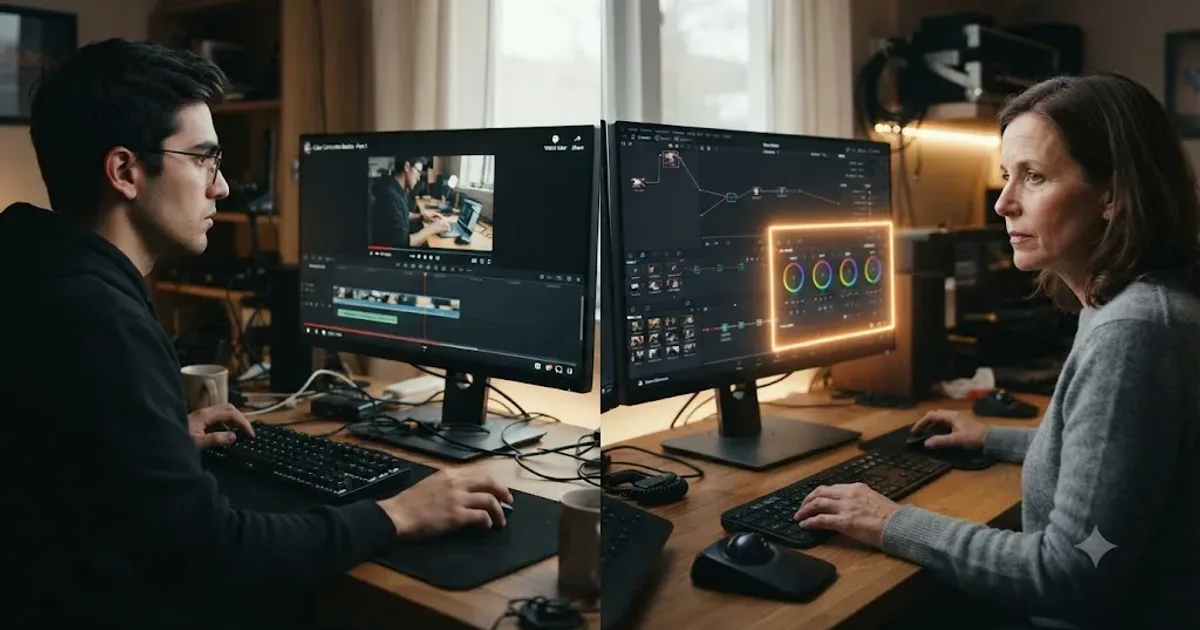
Somebody asks this in the DaVinci Resolve Learning Group at least once a week, usually with a paused YouTube tutorial sitting in another tab. Why would I pay for TryUncle when there's already a free video for this? It's a fair question. It deserves a real answer, not a pitch dressed up as one.
I built TryUncle. I'll say that up front, because it changes what you should do with everything below. I've also spent years watching editors get stuck on DaVinci Resolve inside a Facebook group with close to 100,000 members, and nearly all of them found their first tutorial on YouTube, free, no card required. Some of those tutorials were genuinely excellent. This is the comparison I'd give a Learning Group member who asked me straight, not the version with a discount code at the bottom.
What's actually on YouTube when you search "davinci resolve tutorial"?
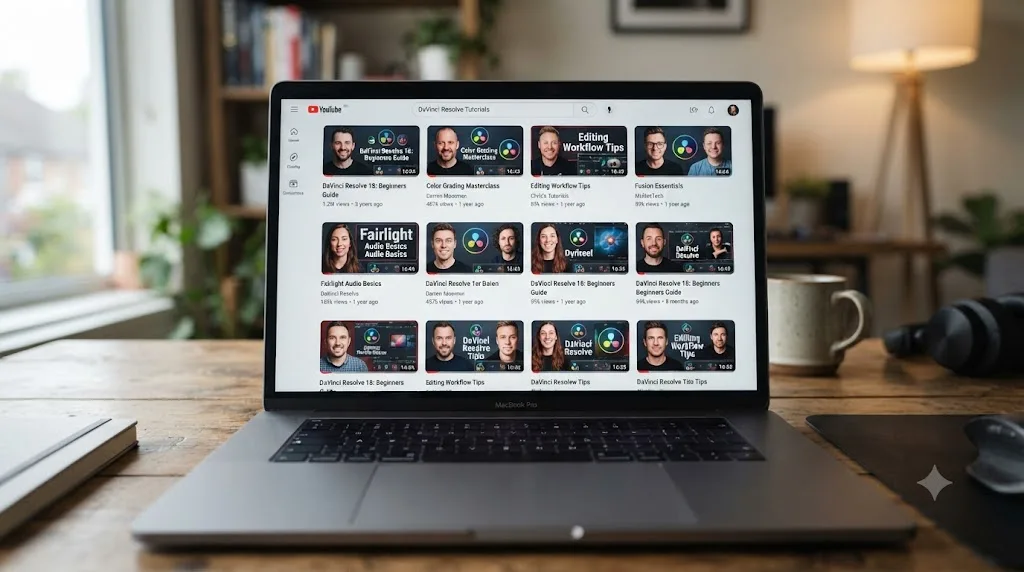
More than you can watch in a lifetime, and it keeps growing every week. Real working editors and colorists post free DaVinci Resolve tutorials regularly, from full beginner walkthroughs to narrow, technical deep dives on a single tool. Casey Faris has spent years teaching Resolve and Fusion on his channel, covering everything from color correction fundamentals to motion graphics builds, according to his own YouTube channel. Cullen Kelly, a professional colorist and image scientist, runs a channel built almost entirely around color grading in Resolve, from scopes and primary correction through advanced node structures, per his channel's own content. Neither of these is a fringe creator. They're the kind of names that come up unprompted whenever the topic turns to learning Resolve for free.
That density of free, high-quality content is the entire reason this comparison exists. Nobody asks "should I pay for TryUncle instead of learning Fusion from a $40 textbook," because textbooks aren't the alternative anyone actually reaches for first. YouTube is. It's free, it's instant, and it's staffed by people who are genuinely good at DaVinci Resolve and genuinely good at explaining it on camera.
The demand behind all of this is real too, not just a marketing assumption. The DaVinci Resolve subreddit sits at roughly 221,000 members and added about 67,000 of them in a single year, a 43.3 percent jump, according to GummySearch's tracked subreddit statistics. That's not a community running out of things to ask. It's one still growing fast, which tells you something about how many people are still hitting a wall that a video, on its own, didn't fully resolve.
A YouTube tutorial is recorded once and plays back identically to everyone who clicks it. That's the format's whole appeal and its whole limitation, and it's the thread running through every section below. Nothing about the video changes based on what's actually happening on your own timeline.
What is TryUncle, and how is it mechanically different from a video?
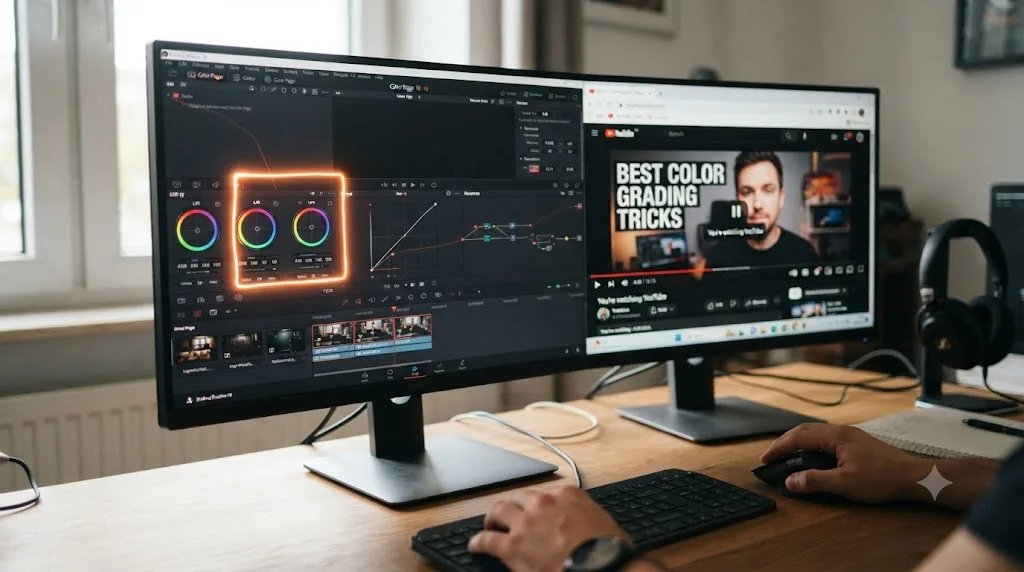
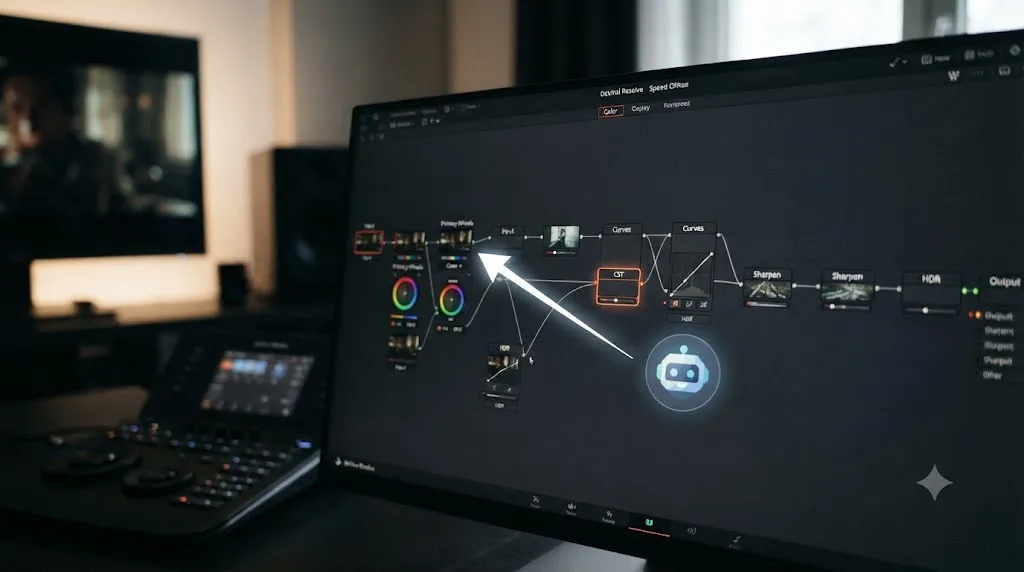
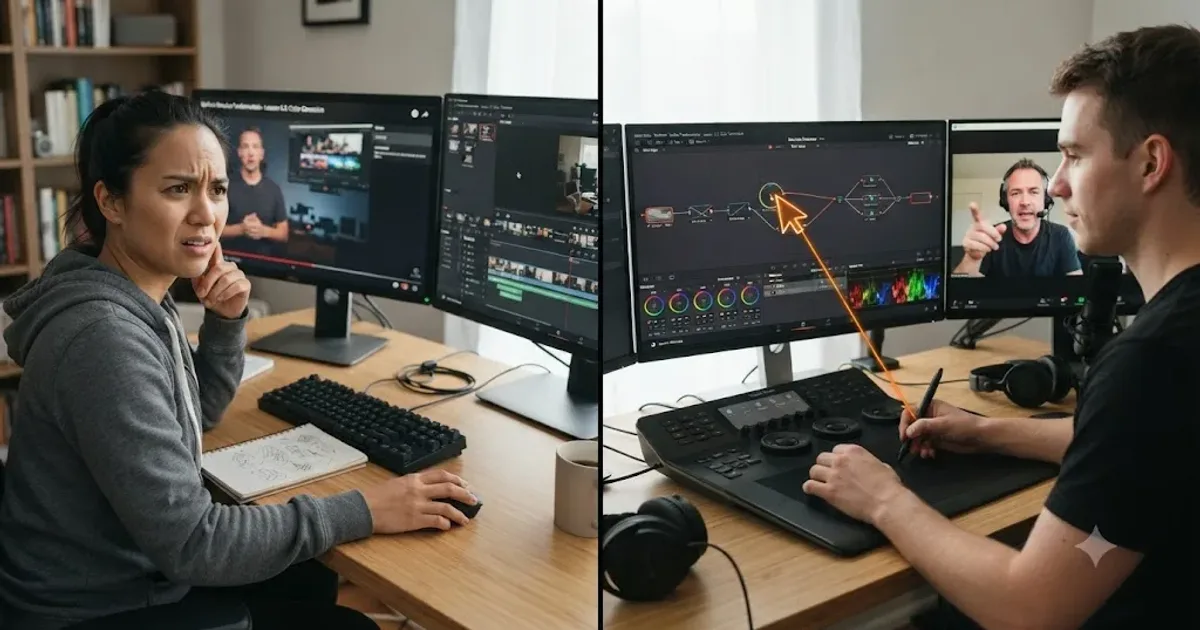
TryUncle is a paid macOS app with an assistant, called Uncle, that watches your actual DaVinci Resolve screen while you edit and points at the exact control you need, live, using a hand-drawn box or a cursor that flies to it. You ask by voice, by typing, or with a quick "am I doing this right" check, and it answers about your project, on your footage, at the moment you're stuck, according to TryUncle's own site and FAQ.
That's a structurally different thing from a YouTube video, not a fancier version of one. A tutorial is filmed once and uploaded once. Every viewer who clicks it gets the identical sequence of clicks, in the identical order, on the identical demo clip the creator happened to pick that day. TryUncle has no fixed sequence at all, because it isn't playing anything back. It's reasoning, live, about whatever's actually on your screen right now, which means two editors using it on the same afternoon get two completely different sessions, shaped entirely by what's actually wrong with their own timeline.
Here's the plain mechanical difference, side by side:
| YouTube tutorial | TryUncle | |
|---|---|---|
| What it delivers | Pre-recorded video, fixed order | Live answers about your actual project |
| Sees your project? | No | Yes, your screen, while you ask |
| Cost per use | Free | $34.99/month |
| Corrects your specific mistake | No, only the demo's mistakes | Yes, in the moment |
| Platform | Any device with a browser | macOS only |
| Works offline | Yes, once downloaded | No, needs internet |
| Funded by | Ad revenue and watch time | Your subscription |
| Covers Fairlight audio | Often, at least briefly | Not confirmed as covered surface |
A video needs to be re-filmed every time it goes out of date. A tool reasoning about your live screen doesn't have that specific failure mode, even if it has others. That single structural difference explains most of what follows in this comparison, and it's worth keeping in mind as the reference point every other section circles back to.
Why pay when YouTube tutorials are free? The honest answer.
This is the real objection, and it deserves a straight answer instead of a dodge. YouTube tutorials really are free. There's no asterisk on that. You can learn a large share of DaVinci Resolve's interface, at no cost, from creators who are genuinely skilled at both editing and teaching.
What "free" doesn't include is your time, and time is the actual currency this comparison is about. Watching a tutorial costs nothing in dollars and something real in minutes: finding the right video among dozens of similarly-titled ones, sitting through the parts that don't apply to your footage, and then doing the hardest part yourself anyway, translating what worked on the instructor's clean demo clip onto your own messy, uncooperative one. None of that shows up on the price tag, but all of it shows up in how long you're stuck.
TryUncle's cost is the inverse trade. You pay $34.99 a month, and in exchange it skips the search, the scrubbing, and the translation step, because it's already looking at your actual screen and your actual mistake. It doesn't know more about DaVinci Resolve than Casey Faris or Cullen Kelly do. It knows more about your specific project than either of them ever will, because neither of them has seen it.
Free doesn't mean fast. It means somebody else already decided what you'd watch, in what order, and your specific problem was never part of that decision. That's not a knock on the creators. It's just what a pre-recorded video, by definition, can't do. The honest framing isn't "YouTube is bad and TryUncle is good." It's "these two things spend your time differently, and only one of them has ever seen your timeline."
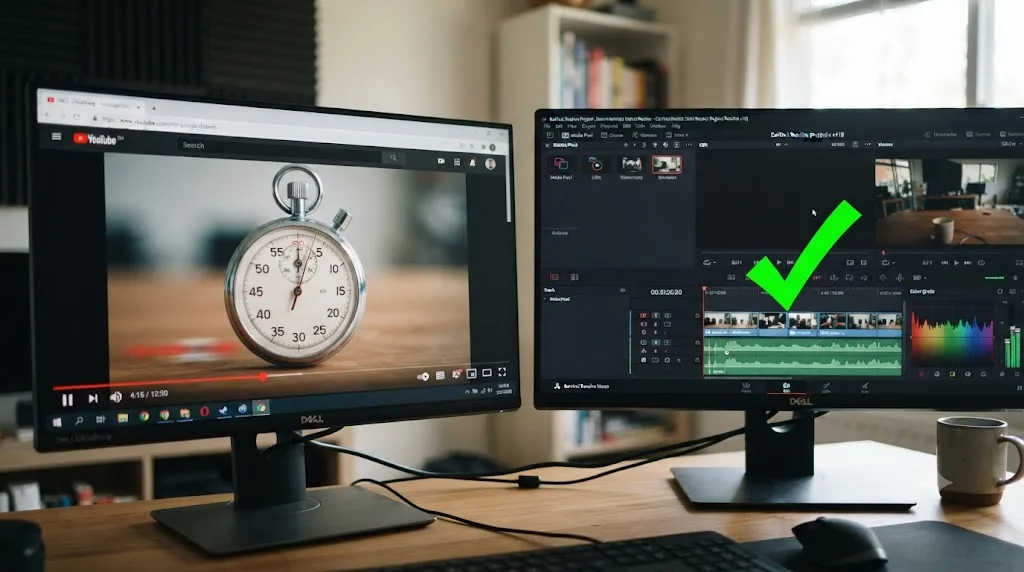
What does each one actually cost you, all in?
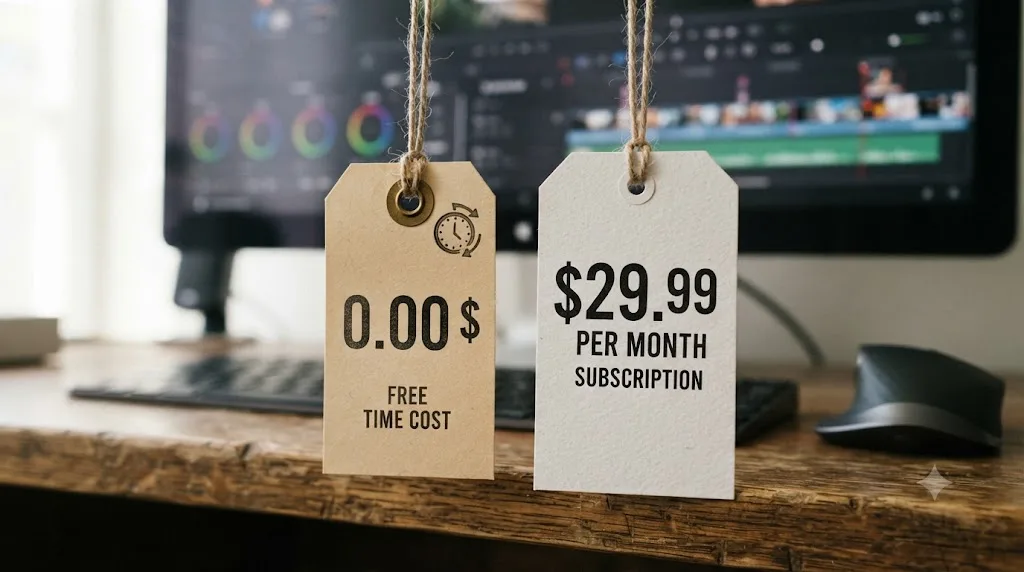
The sticker prices aren't close, and pretending otherwise would be dishonest. But "all in" means counting more than the number on the price tag.
| Option | Dollar cost | What it doesn't count |
|---|---|---|
| YouTube tutorials | $0 | Your time spent searching, scrubbing, and translating a demo fix onto your own footage |
| TryUncle | $34.99/month, cancel anytime | Requires macOS and an internet connection every time you ask |
| DaVinci Resolve Studio | $295 one time, no subscription | The free edition already covers most of what a beginner needs |
DaVinci Resolve Studio is worth naming here for scale, since it's a one-time $295 purchase with no recurring bill at all, according to Blackmagic's own Studio page. A full year of TryUncle runs about $420, which is more than the one-time price of the entire paid version of the software it's teaching. That's a real number worth sitting with before subscribing, not a detail to gloss over.
Where the math shifts is what each dollar is actually buying. YouTube's cost is zero and stays zero, but it's a flat, one-time transfer of information: watch the video once, and it's given you everything it's going to give you about that specific technique. TryUncle's cost recurs every month, but what it delivers recurs with it, a new answer to a new question on a new project, for as long as you keep paying. Comparing $0 to $34.99 in isolation misses that one of these is a fixed asset and the other is a service you keep drawing on.
None of this means the subscription is automatically worth it for you specifically. If you watch two or three tutorials a year and that genuinely covers what you need, $0 forever beats $420 a year by any measure. The people for whom the math actually flips are covered in the worked examples below, where the cost isn't really the dollar amount, it's how long you stay stuck.
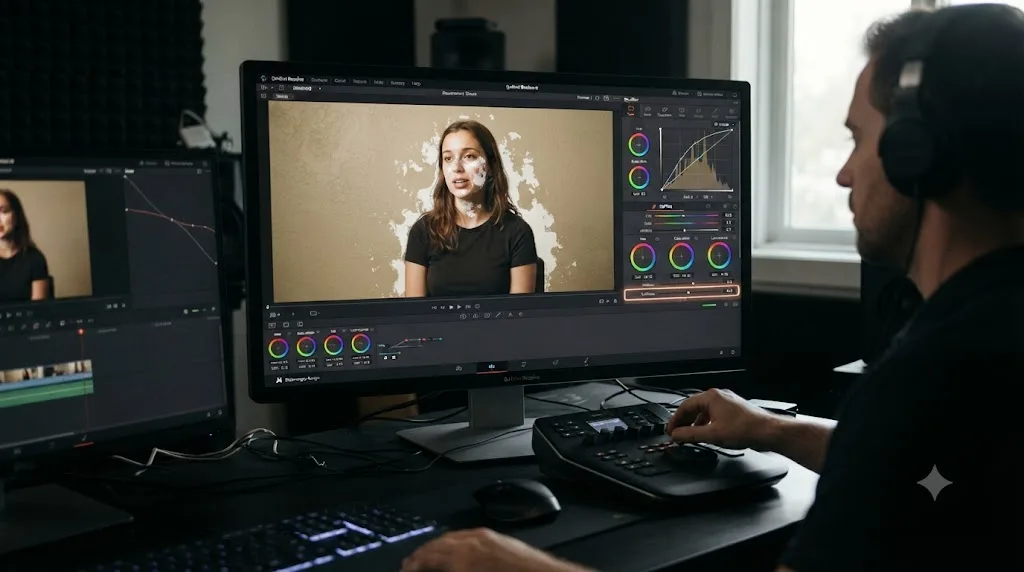
Worked example: fixing a bad color qualifier pull
Theory is easier to trust once it plays out on one real control. Take the qualifier, the tool that isolates a color range so you can adjust just the sky or just a face without touching the rest of the frame. Both YouTube and TryUncle can teach it. Here's what actually happens when your own footage doesn't cooperate.
On YouTube, you search "davinci resolve qualifier tutorial" and land on a solid, well-reviewed video. The instructor pulls a qualifier on a shot with a saturated red jacket against a plain gray background, because that's what makes for a clean five-minute lesson. The hue range tightens perfectly on screen. You nod along, maybe pause once to copy the node order, and move on feeling like you understand the tool.
On your own project, the subject is standing in front of a wall that's almost, but not quite, the same tone as their skin. The qualifier grabs both. The video never warned you about this, because the instructor's demo clip was chosen specifically to avoid exactly this problem. If you're working alone, this is where the real time cost of "free" shows up: you rewind the tutorial, watch the pull again, confirm it still doesn't apply to your shot, and either start guessing at edge-softening settings or open a new tab to search for someone else who's hit the same wall.
With TryUncle open, you hit the Check shortcut and ask whether the selection looks right. Uncle looks at your current node and your actual matte, sees it's pulling in the wall along with the skin, and points at the softening control that fixes it, on your shot, in your project, without you first having to figure out what the problem is even called. That correction lands the way live correction always does, on the exact decision you were making, at the moment you were making it.
The qualifier tool itself doesn't care which path taught you. Your ability to handle the next unpredictable shot does, and that's the entire gap between a demo clip built to look clean on camera and a real subject that never agreed to cooperate with anyone's five-minute lesson plan.
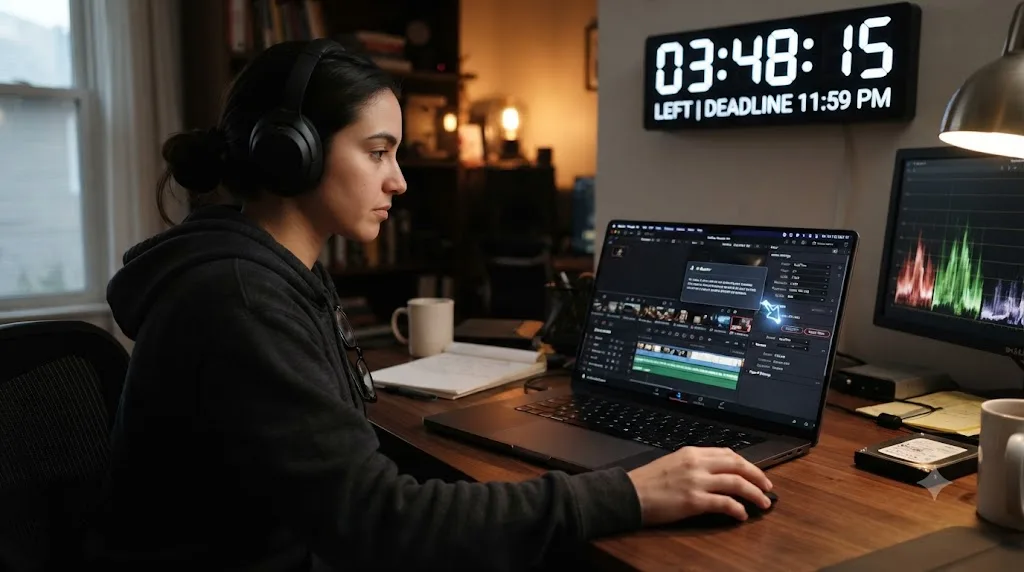
Worked example: matching an export setting to a client's platform on deadline
Take a second, more common scenario: a client emails at 4pm asking for a vertical cut optimized for a specific platform's current spec, due in two hours. You've exported for that platform before, on an older project, but the settings you remember might not be current.
The YouTube path starts with a search: "davinci resolve export settings [platform] 2026." You land on a video, maybe a good one, and you're now watching someone talk through general export theory, codecs, bitrate tradeoffs, container formats, for several minutes before they get to the specific numbers you actually need. You scrub forward, find the settings, pause, and copy them into your own delivery page, hoping the video's upload date means the numbers are still current and the platform hasn't quietly changed its spec since it was filmed.
TryUncle names delivery specs directly as covered surface on its own site, and this is precisely the scenario it's built around. You ask from inside your own project, get pointed at the specific fields to set, and keep moving without leaving the deliver page to go watch someone else's general explainer. The time saved isn't in dollars. It's in the gap between a two-hour deadline and a video that spends its first ninety seconds on background you already know.
Where a tutorial still wins here is if your gap is genuinely educational rather than urgent: you don't just want this export to work, you want to understand codecs and bitrate well enough that you never have to look it up again. That's a real, legitimate goal, and it's one a good YouTube explainer serves better than a quick pointed answer does. TryUncle solves the deadline. A tutorial, watched later with no deadline attached, builds the underlying knowledge.
Do people actually finish the YouTube tutorials they start?
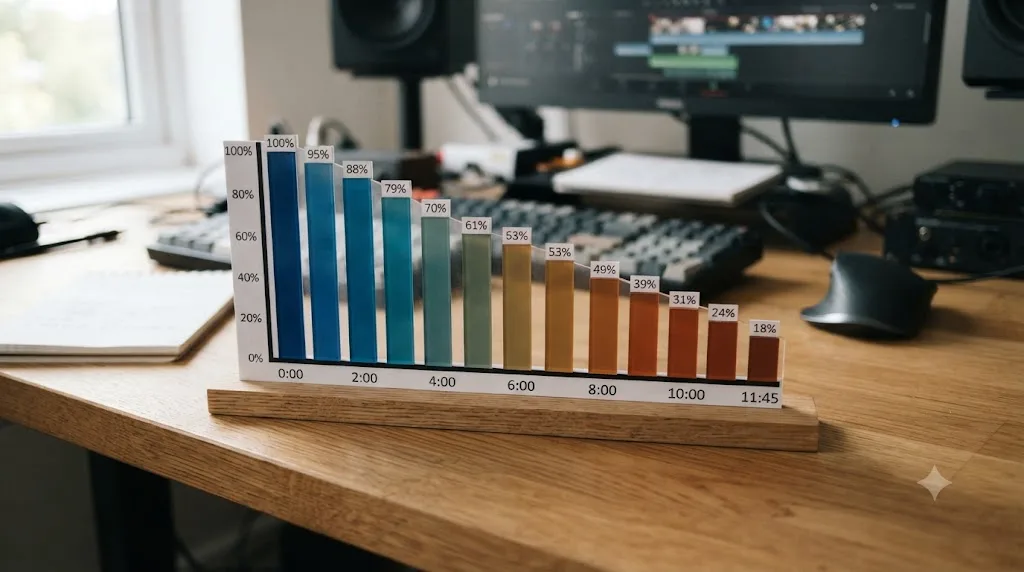
Often not past the first few minutes, and this matters more than it sounds like it should. Educational and tutorial content on YouTube typically holds a healthy 45 to 55 percent audience retention across an 8 to 12 minute video, according to Prepublish's 2026 YouTube retention benchmarks. That's the range creators aim for as a good outcome, which means even a well-produced, well-reviewed tutorial is losing something close to half its viewers before the video ends.
That's not a failure specific to DaVinci Resolve content, or to any one creator. It's a structural fact about how people watch instructional video generally: they watch until they've gotten what they came for, or until they lose patience, whichever comes first. A viewer who searched "davinci resolve node order tutorial" because their grade looks flat isn't watching for entertainment. They're watching to solve a specific problem, and the moment either the problem gets solved or the video stops feeling relevant to their situation, a large share of them leave.
None of this means the videos are badly made. A 45 to 55 percent retention on educational content is described as the healthy range precisely because full completion isn't the realistic bar for this kind of content in the first place. It means the format itself, a fixed sequence covering one instructor's chosen path through a topic, only ever holds a portion of its audience through to the specific minute that applies to any individual viewer's actual problem.
TryUncle doesn't have a completion metric at all, because there's no video to complete. That's not automatically a point in its favor. A tool with no fixed content and no finish line can't give you the sense of progress a tutorial's own runtime and thumbnail at least imply, even if most viewers never reach the part that matters to them specifically. If you're the kind of learner who needs a visible finish line to stay engaged, a tutorial's structure, even one you're statistically likely to abandon partway through, might still suit you better than an open-ended tool with no defined ending.
Why isn't YouTube's algorithm actually optimizing for your learning?
This is worth naming plainly, because it's the piece most comparisons skip. YouTube's recommendation system doesn't exist to get you unstuck as fast as possible. It exists to keep you on YouTube.
Guillaume Chaslot, a former Google engineer who worked directly on YouTube's recommendation engine, put it in blunt terms in his own writing on the subject:
"At YouTube, we used a complex AI to pursue a simple goal: maximize watch time."
That's from Chaslot's own account of the system he helped build, and it's not a hostile outsider's guess about YouTube's incentives. It's a description from someone who worked on the actual code. Watch time, not resolution speed, is the metric the recommendation system was built to chase, because watch time is what keeps ad impressions flowing.
That incentive shapes what gets surfaced above your search results in small, easy-to-miss ways. A tutorial that's longer, more entertaining, or better at holding attention past the point where your actual question was answered can rank above a shorter, more efficient video that solves your problem faster and then stops. Nobody's accusing DaVinci Resolve tutorial creators of padding their content maliciously. But the platform they're publishing on rewards watch time first, and a creator who understands that incentive, even unconsciously, tends to build videos shaped by it.
YouTube's recommendation engine was never built to get you unstuck. It was built to keep you watching. That's not a reason to avoid the platform entirely, since plenty of tutorials are excellent regardless of the incentive underneath them. It's a reason to treat "the top result" as a popularity signal, not a speed-to-answer signal, and to keep that distinction in mind the next time a forty-minute video promises to cover something that should take four.
What happens when DaVinci Resolve updates and the top result is two versions old?
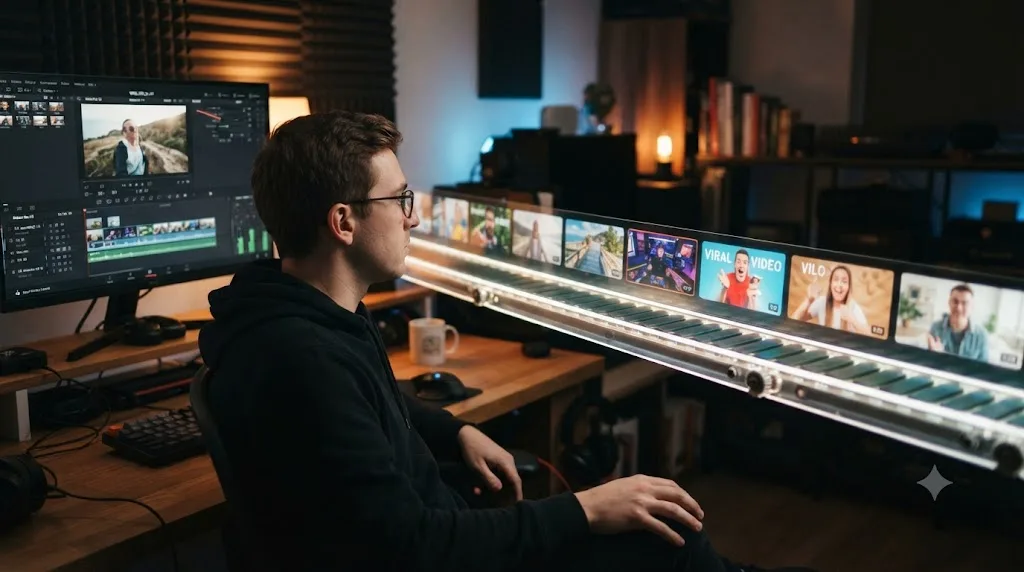
This is where the two formats age in genuinely different ways. DaVinci Resolve 21 shipped in June 2026 after a seven-week public beta, and it wasn't a small update. It added an entirely new Photo page for still-image workflows, new AI tools like IntelliSearch for content search and CineFocus for focal adjustment, an AI voice generator, more than 100 new Fusion motion graphics effects, and a new folder function in Fairlight, according to Blackmagic's own "What's New" page and PetaPixel's coverage of the release.
When that happens, a YouTube tutorial's ranking doesn't automatically reset to favor freshness. A video with tens of thousands of views and years of accumulated watch time can keep outranking a brand new one made specifically for the current interface, simply because the older video has more history behind it. That's not a flaw unique to DaVinci Resolve content. It's how YouTube search generally weighs engagement against recency, and it means the top search result for a given query isn't reliably the one that matches what's actually on your screen today.
A creator does have one option here that a course doesn't: re-record or update the affected section, republish, and let the algorithm's engagement signals carry over. Plenty of the established DaVinci Resolve YouTubers do exactly this, refreshing beginner walkthroughs every major version. The gap isn't that creators are lazy. It's that nothing on the viewer's side signals when a top-ranked, popular video has quietly drifted out of sync with the interface actually in front of them, short of watching closely enough to notice a panel that's moved.
TryUncle's situation is different in kind. Because Uncle reasons about whatever's actually on your screen in the moment, it doesn't need a re-filming pass to keep functioning when a menu moves, since it was never playing back a fixed recording in the first place. What this guide can't confirm is how well Uncle's live pointing handles a page that's brand new in Resolve 21, like the Photo page, since that surface is new enough that TryUncle's own public materials don't specifically address it. Treat a very new feature the way you'd treat any edge case: ask, see if it finds the control, and check Blackmagic's own release notes if it doesn't.
A video needs a human to notice it's outdated and go re-film it. A tool reasoning about your live screen skips that entire failure mode, even if it can still have others. Before trusting any top-ranked tutorial blindly, check its upload date against the version number showing in your own Resolve window, and skim the first minute for anything that already looks visually off.
Comments, Reddit, and Facebook groups versus asking Uncle directly
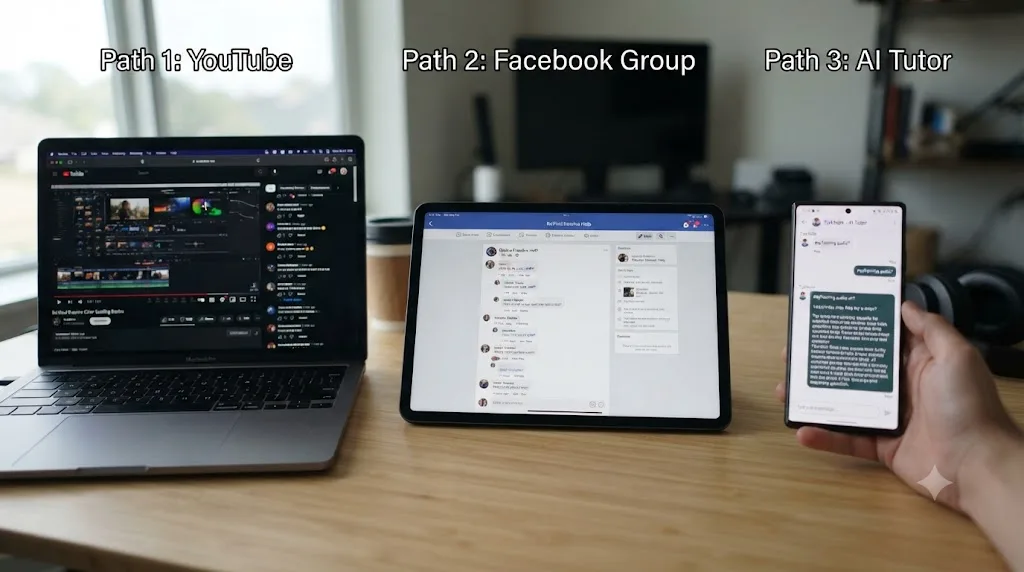
A YouTube tutorial isn't entirely silent once you're stuck, and it's worth being fair about what the platform offers beyond the video itself. Most tutorials have an open comments section, and on a popular video, someone else has usually hit your exact problem before and asked about it there. Sometimes the creator answers directly. More often, another viewer does, days or weeks later, with no guarantee the answer is correct or still current.
A community like the DaVinci Resolve subreddit, at roughly 221,000 members, or the DaVinci Resolve 21 Learning Group on Facebook, sits a step up from a comments thread. Post your timeline, describe what's wrong, and you'll usually get a real answer from another working editor within a day, sometimes much faster, because there's a large, actively engaged pool of people checking in regularly. The tradeoff is the same one that applies to any community: response time depends on when you post and who happens to be online, and answer quality depends on who sees it first.
TryUncle collapses that whole wait into seconds, on your specific screen, without needing anyone else to be awake at the same time you are. That's the clearest structural advantage it has over both a comments section and a community post: correction arrives the moment you ask, not whenever a human gets around to it. What it can't replicate is the second opinion a genuinely subjective creative call sometimes needs, the "does this feel warm enough" question three different colorists might answer three different ways. A fast tutor answers fast. A community of working editors sometimes answers better, precisely because more than one perspective weighs in.
What happens to your data on each one?
Worth answering directly, because YouTube and TryUncle handle this in opposite ways, and one of them is worth pausing on before you install anything.
A YouTube tutorial never sees your screen, your project, or anything else on your machine. It's a video playing in a browser or an app, one direction only: it plays, you watch. There's genuinely nothing to weigh on the privacy front with a tutorial, since the entire interaction never touches your files.
TryUncle works the opposite way by design, since watching your screen is the entire mechanism. It reads your screen through standard macOS Screen Recording and Accessibility permissions, but only at the moment you actually ask a question, not continuously in the background. What it captures at that moment is a screenshot, your typed or spoken question, and the labels and positions of on-screen controls, according to TryUncle's own privacy policy. That screenshot briefly passes through third-party AI providers to generate an answer before being automatically deleted after 30 days, and TryUncle states it does not use your data to train its own models.
If you're cutting a wedding video or testing a YouTube thumbnail, none of this is a meaningful risk. If you're grading footage under a studio NDA, or your employer prohibits third-party screen-reading tools outright, that's a real conversation to have with whoever owns the NDA before installing TryUncle, not a decision to make from a comparison post alone. A YouTube tutorial carries none of this consideration, since it never looks at your screen in the first place, and that's a genuine point in its favor for anyone in a locked-down production environment.
What can YouTube do that TryUncle can't?
Plenty, and naming these plainly matters more here than in most comparisons, because free, high-quality video content is a genuinely strong alternative, not a weak one propped up by price alone.
YouTube gives you a full, ordered walkthrough from absolute zero, at no cost, from a creator who's often spent years refining exactly how to explain a given concept. TryUncle has no syllabus by design, since it reacts to your questions rather than teaching a sequence. If you've never opened DaVinci Resolve and don't know what a node is, a well-structured beginner tutorial walks you through the whole interface in an order somebody thoughtfully designed. TryUncle can answer "what does this button do" the instant you point at it, but it won't tell you what to look at next if you don't have a project open yet.
A tutorial works on any operating system, and offline once downloaded. TryUncle is macOS only, and it needs an internet connection at all times, since the reasoning that understands your screen runs in the cloud. If you're on Windows or Linux, or you edit somewhere with unreliable wifi, YouTube simply works in situations TryUncle can't touch.
YouTube is free forever, with no recurring bill. Watch a tutorial once, rewatch it as many times as you want, at no additional cost, ever. That's a real advantage for anyone on a tight budget who wants to pick up a skill once and move on, rather than pay monthly for as long as they keep editing.
YouTube's own transcript feature lets you search inside a video's spoken content and jump straight to the relevant timestamp, a real, if partial, workaround for the scrubbing problem, according to YouTube's own help documentation. It's not as fast as asking a live tutor, but it's a meaningfully better experience than blind scrubbing, and it costs nothing extra to use.
A tutorial can be watched at 2am with no internet and no monthly bill, which matters more than it sounds for some people's actual circumstances. That alone is a legitimate reason to reach for YouTube instead of, or alongside, a subscription tutor.
What can TryUncle do that YouTube can't?
Just as much runs the other direction, and it's the same list this comparison keeps circling back to from different angles.
TryUncle sees your actual project, not a demo clip chosen for how cleanly it grades on camera. No tutorial, however well made, can watch your specific footage and tell you why your specific grade looks flat. It can only show you what flat looks like on someone else's shot and hope the lesson transfers.
TryUncle answers the exact question you have in seconds, without scrubbing through minutes of video to find it, even with the transcript search feature covered above. A general tutorial buries the answer to "why is my node order wrong" somewhere inside a broader color-grading video, alongside plenty of things you already know. TryUncle skips straight to the part that applies to you right now.
TryUncle never goes stale the way a fixed video can, for the reasons covered in the version-drift section above. A popular tutorial recorded against an older interface can outrank a fresher one simply on accumulated watch time, and there's no reliable signal telling you which is which until you're already watching. TryUncle is reasoning about whatever's actually on your screen today, whichever version that happens to be.
TryUncle corrects the mistake you didn't know you were making. The qualifier example earlier is the clearest case: a tutorial can't see that your saturation node landed before your contrast node in the wrong order, because it was never looking at your node tree in the first place. TryUncle catches it because that's the only thing it's looking at.
A tutorial gives you a working answer for someone else's shot. A live tutor gives you a working eye for your own. Every hour spent watching someone else grade a demo clip is an hour not spent training the specific judgment that only shows up when the clip is yours and nobody's paused a video to point at the fix.
What does the research say about watching versus live correction?
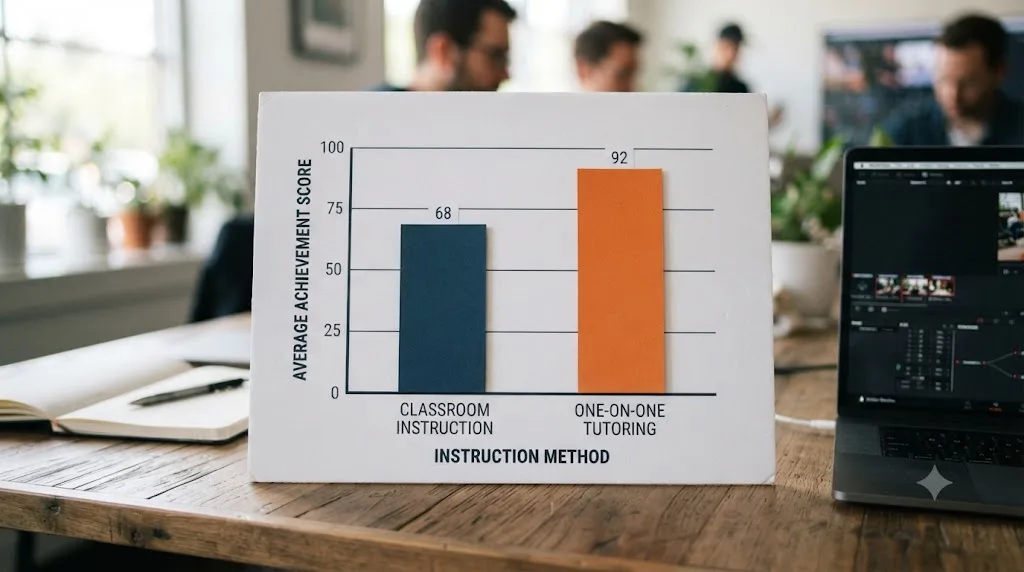
There's a sturdier body of research behind this than either format's marketing usually admits, and it predates online video entirely. In 1984, Benjamin Bloom published a paper comparing conventional classroom instruction against one-to-one tutoring, and the result became famous for how large it was: the average tutored student scored above 98 percent of students in the untutored control group, a two standard deviation improvement, according to the summary of Bloom's findings. Bloom himself was careful to flag the practical catch, that one-to-one tutoring is too costly to deliver at the scale that matters, a caveat that's aged into almost exactly the question an assistant is built to answer, four decades later.
That finding isn't a perfect match for YouTube versus TryUncle specifically, since Bloom's research measured tutoring against a live classroom lecture, not a pre-recorded video watched alone. But the underlying mechanism, correction on your specific attempt, in the moment, rather than a general explanation delivered identically to everyone, is exactly the gap between a fixed tutorial and a tool reasoning about your live screen. Our own deeper look at the research behind the best way to learn DaVinci Resolve walks through this study, and several others, in full.
None of this means a tutorial teaches nothing, and it would be dishonest to imply otherwise. Watching a skilled colorist explain their thinking out loud builds real orientation and vocabulary that a silent, corrective tool doesn't provide on its own. What the research consistently points at is that orientation and correction are different jobs, and only one of them scales the way a subscription tutor is built to.
Which one should a complete beginner start with?
Start free, every time, before spending anything. Blackmagic Design publishes its own full training curriculum, six downloadable guides covering editing, color, Fairlight, and visual effects, with lesson project files and a free certification exam attached, according to Blackmagic's own training page. Pair that with a solid beginner playlist from a creator like Casey Faris and you have a genuinely complete, zero-cost first pass through the entire interface.
Once you've done that and you're sticking with it, the honest split looks like this:
| If you are | Start with |
|---|---|
| Completely new to editing software of any kind | Blackmagic's free training plus a beginner YouTube playlist first |
| Comfortable with computers but new to Resolve specifically | A beginner tutorial for the ordered fundamentals, TryUncle once you're stuck on your own project |
| Already editing in another app, just new to Resolve | TryUncle first, since your judgment already transfers and you mostly need Resolve's specific menus pointed out live |
A beginner buying TryUncle alone, on day one, before ever opening the app, is buying the wrong tool for that specific moment. TryUncle answers questions about something already on your screen. On day one, nothing meaningful is on your screen yet, so there's nothing for it to react to. Get the fundamentals from free video first. Bring TryUncle in once you have a real project open and a real, specific thing going wrong.
Which one fits a working freelancer on deadline?
TryUncle, almost always, and the reason is time, not quality. A freelancer with a client delivery due in two hours doesn't have twenty minutes to search for, click through, and scrub to the right section of a video covering a spec question they've never hit before. They need the answer to "what export setting does this specific client's platform need" right now, on the project already open in front of them, which is exactly the deadline scenario worked through earlier in this post.
Where YouTube still helps a freelancer is off the clock, between projects, filling in a real structural gap discovered mid-deadline. If you hit a wall on Fusion node logic you've genuinely never learned, that's worth scheduling proper time for a tutorial later, once the immediate deadline pressure is off, rather than trying to absorb a whole new page of the app in the fifteen minutes before a client call.
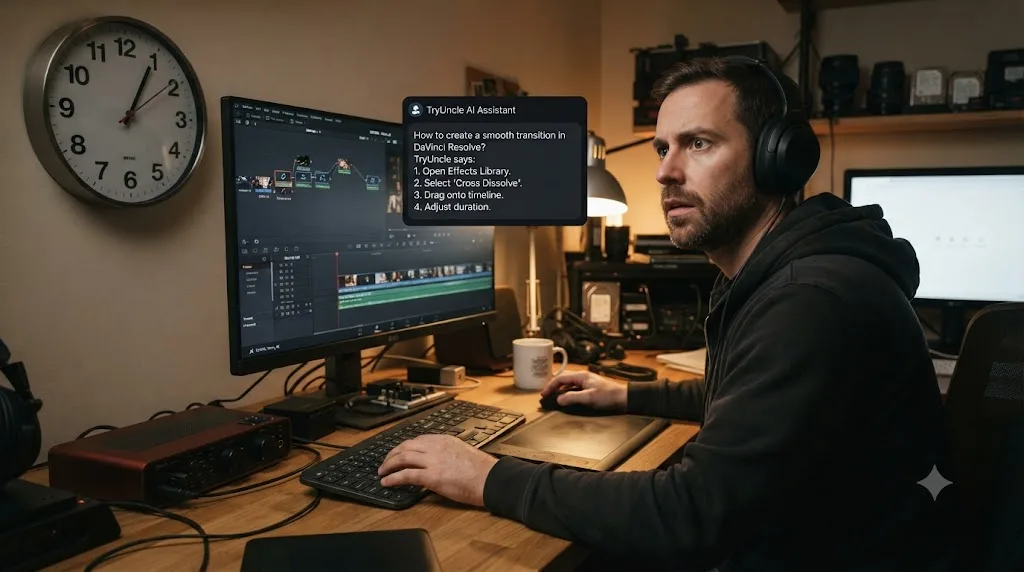
What if you're a colorist or Fusion artist specifically?
Then the comparison narrows to a more specific pair worth treating on its own: a dedicated color-grading or Fusion channel like Cullen Kelly's against TryUncle's live pointing on the Color and Fusion pages.
A dedicated colorist channel has a real advantage a general beginner tutorial doesn't: it was built by a working colorist specifically to teach color judgment, not just button locations, moving from scopes and primary correction through secondary qualifiers, windows, and shot matching in a deliberate sequence. If you want a structured education in how a professional colorist actually thinks about a grade, start to finish, that sequencing is genuinely hard to replicate by asking a tutor scattered questions one at a time.
Where TryUncle earns its keep for a colorist specifically is the exact scenario covered in the qualifier worked example earlier: your node tree, on your actual shot, doing something the tutorial's clean demo footage never had to deal with. A misplaced node, a qualifier grabbing the wrong tone, a power window that's lost tracking mid-clip, all of these are diagnosable from a forum post or a comments thread only with real difficulty, and TryUncle is watching the live, moving node graph instead. Our roundup of the best AI tools for learning DaVinci Resolve covers how TryUncle's coverage compares to other AI options on this exact front.
The honest recommendation for a serious colorist is closer to "both, in sequence" than either one alone: a dedicated color YouTuber, or several, for the underlying judgment and vocabulary, TryUncle for catching the specific thing going wrong on this week's actual grade.
What if you're on Windows or Linux, or need help with Fairlight?
Then this comparison mostly resolves itself in one direction, and it's worth saying plainly rather than dancing around it. TryUncle is macOS only, with no Windows or Linux build in progress as far as its own public materials confirm, and Fairlight audio isn't named as covered surface in its FAQ or homepage copy. If either of those describes you, TryUncle isn't a live option right now, regardless of how it compares on every other axis in this post.
YouTube works identically on any operating system, since it's just video playing in a browser, and there's no shortage of dedicated Fairlight tutorials covering noise reduction, dialogue leveling, and basic mixing. For Windows and Linux editors, and for anyone whose main stuck point is audio mixing rather than color or Fusion, the honest recommendation is YouTube, Blackmagic's free training, or both, not a product this comparison can pretend fits you.
That's also true for deep Fusion and motion graphics work some YouTube creators cover in far more depth than TryUncle's own stated coverage claims fully match. If your specific gap is a corner of the app TryUncle hasn't named as covered, verify the answer against Blackmagic's own documentation before trusting it blind, the same caution that applies to any AI tool answering outside its confirmed strengths.
What if you've watched a dozen tutorials and still feel stuck?
This describes a lot of the people who ask this exact comparison question, and it deserves a direct answer instead of an assumption that everyone reading this is starting from zero. Watching a dozen tutorials, or even fifty, and still not feeling confident on your own footage isn't a sign you did something wrong. It's the gap this whole comparison has been describing: a video teaches recognition of someone else's decisions, and recognition doesn't automatically convert into judgment on unfamiliar footage. Our deeper piece on why watching tutorials specifically doesn't build the skill you think it does breaks that mechanism down in full, and it applies to DaVinci Resolve as directly as it applies to anything else.
If that's you, the fix usually isn't another, different tutorial covering mostly the same ground again. It's adding a feedback loop the videos never had: post your actual timeline somewhere people will react to it specifically, whether that's a community like r/davinciresolve, a colleague, or a tool built to watch your own attempt and correct it live. Rewatching a similar tutorial a second time mostly reinforces the same recognition you already have. Opening your own stalled project and getting corrected on the specific thing actually wrong with it is the step most stuck editors skip, not because they don't know it would help, but because a video never asked them to do it and never showed them what "corrected" would actually feel like.
That's also the honest reason to consider TryUncle specifically at this stage rather than at the very beginning. You already have the vocabulary and the muscle memory the tutorials gave you. What's missing is someone, or something, looking at the actual project that's stalled and telling you what's wrong with it, which is precisely the piece a watched video can't provide on its own.
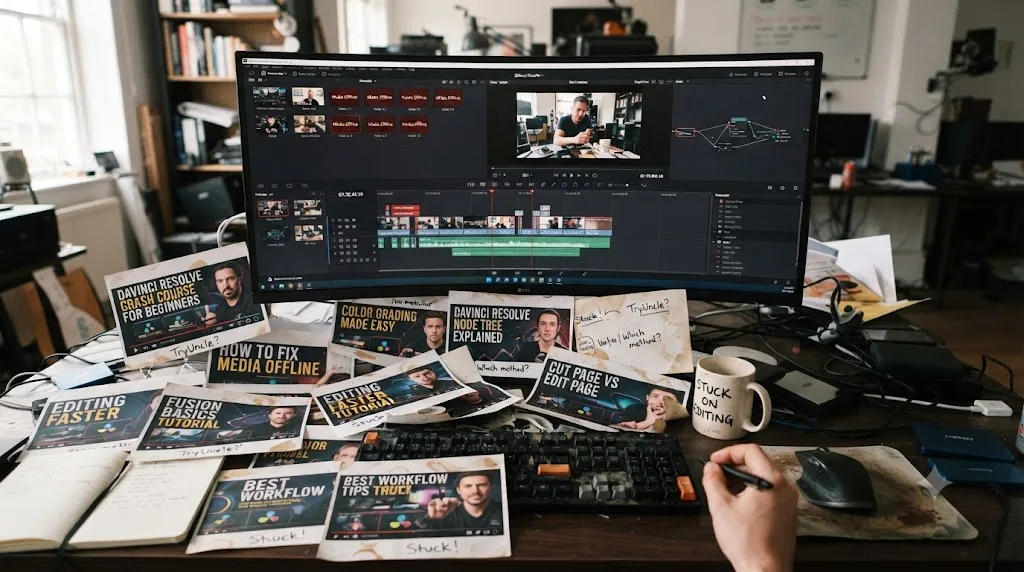
Decision table: which one actually fits your situation
Here's the fuller version of every scenario covered above, collapsed into one table you can actually use.
| Your situation | Best fit | Why |
|---|---|---|
| Never opened Resolve before | Blackmagic's free training plus a beginner YouTube playlist | Free first and structured first, nothing to correct live yet since no real project exists |
| Comfortable with software, new to Resolve | A beginner tutorial, then TryUncle | Video gives ordered fundamentals free, TryUncle picks up once you're stuck on your own footage |
| Switching from Premiere or Final Cut | TryUncle first | Editing judgment already transfers, you mostly need Resolve's specific menus shown live |
| Freelancer on a deadline | TryUncle | Answers your specific delivery-spec or grading question now, on the project that's actually open |
| Serious colorist wanting deep judgment training | A dedicated color YouTube channel, then TryUncle | Structured color theory first, live correction on your actual grades second |
| Windows or Linux editor | YouTube or Blackmagic's free training | TryUncle isn't available on either platform |
| Needs Fairlight audio help specifically | YouTube | Not confirmed as covered surface for TryUncle |
| Editing NDA-covered client footage | YouTube, or TryUncle only after checking with the NDA holder | Video never touches your screen; TryUncle reads it by design |
| Budget is genuinely zero | YouTube plus Blackmagic's free training | Costs nothing, forever |
| Already watched a dozen tutorials, still stuck | TryUncle, or an active community | The gap is feedback, not more content to watch |
| Stuck mid-project right now, today | TryUncle | Live, in seconds, on the actual mistake |
| Wants full entertainment-grade production value while learning | YouTube | Established creators invest real production quality TryUncle doesn't attempt to replicate |
Read down the "why" column and the pattern holds together: TryUncle wins the scenarios involving an existing project and a specific stuck moment. YouTube wins the scenarios involving starting from nothing, working offline, editing outside macOS, needing deep audio help, or wanting free, well-produced content with no bill attached.
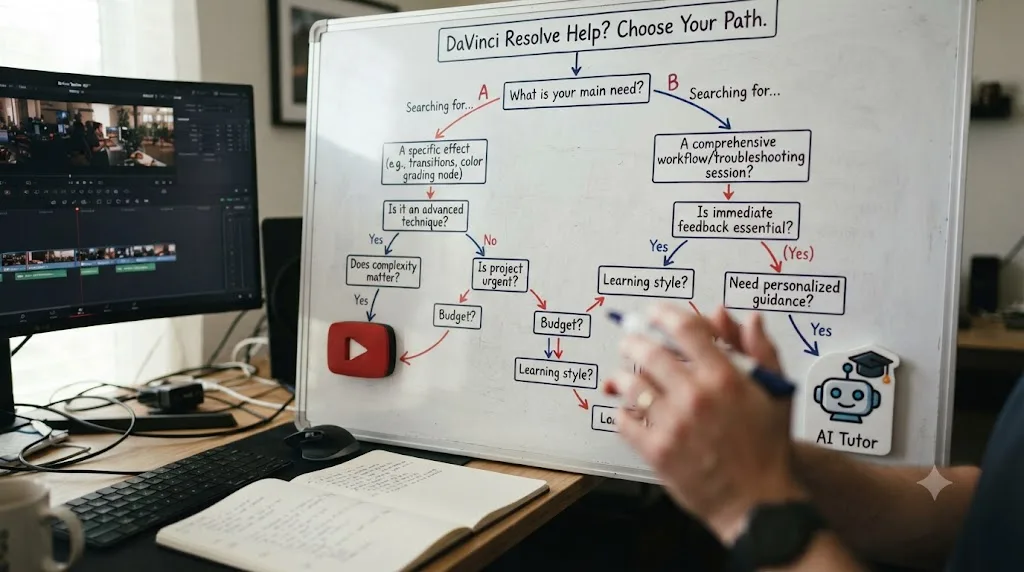
Can you use both at the same time?
Yes, and it's the combination that shows up most often among the more experienced editors in the Learning Group, not a compromise answer invented to avoid picking a side. YouTube gives you the ordered fundamentals for free, from creators who are genuinely good at teaching. TryUncle picks up exactly where that ends: weeks later, on a real client project, when you hit a specific problem no tutorial ever covered because the creator's demo clip was never going to have your exact lighting mismatch.
There's no real conflict between using both. A tutorial you've already watched doesn't stop working once you subscribe to TryUncle, and TryUncle doesn't need you to have watched any particular video first, since it's reasoning about whatever's on your screen regardless of how you got there. The only real cost of running both is the subscription price of TryUncle stacked on top of the time you've already spent watching free content, which is worth weighing against how often you actually get stuck mid-project versus how much you'd rather search for a tutorial you half-remember.
The two aren't really rivals for the same moment. A tutorial is something you watch once and move past. TryUncle is something you keep needing, differently, every time your footage does something no video ever showed you. If your budget only stretches to one, pick based on where you actually are: brand new, start with free video. Mid-project and stuck on something specific, TryUncle answers it faster than searching for the right timestamp in a tutorial you half-remember watching.
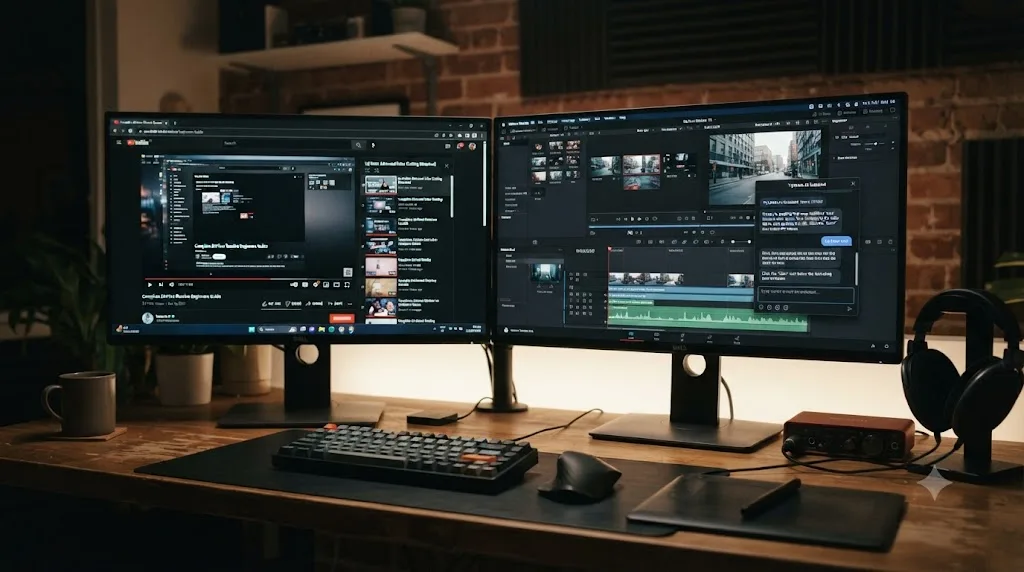
So which one should you actually use?
If you've never opened DaVinci Resolve, start with Blackmagic's free training and a well-reviewed beginner tutorial, both free, before spending anything at all. If you already know your way around a timeline and you're stuck on something specific, right now, on a project that actually matters, try TryUncle.
Don't take either recommendation purely on this post's word. YouTube's real value shows up in whether a tutorial actually gets you unstuck faster than guessing on your own, and the retention data above says a meaningful share of viewers never make it to the part that would. TryUncle's real value shows up in whether getting corrected live, on your own footage, actually beats searching a video for the right timestamp. Test both against your own habits before committing real time or money to either, and if you're still not sure which gap you actually have, our comparison of TryUncle against paid Udemy courses covers the same question from the paid-video side, in case free isn't the format you were weighing against in the first place.
Frequently asked questions
- Is TryUncle better than YouTube tutorials for learning DaVinci Resolve?
- Better at a different job, not better across the board. YouTube tutorials are free and give you a structured first look at the interface. TryUncle costs $34.99 a month and watches your actual project, so it corrects the specific mistake you're making right now instead of showing you a demo clip where nothing goes wrong. Most people who get real value out of both use them at different stages, not as competitors for the same moment.
- Why would I pay for TryUncle when DaVinci Resolve tutorials on YouTube are free?
- Because free and fast aren't the same thing. A YouTube tutorial costs nothing to watch but costs you the time to find the right one, scrub to the relevant part, and translate a demo clip's fix onto your own footage. TryUncle skips those three steps by looking at your actual screen and pointing at the control directly, for $34.99 a month.
- Can TryUncle fully replace YouTube tutorials for DaVinci Resolve?
- Not for a total beginner on day one. TryUncle reacts to what's already on your screen, so it has nothing to react to before you've opened a project and started working. A free YouTube orientation video, or Blackmagic's own training guides, are still the better first step. TryUncle earns its keep once you have a real project open and a specific thing going wrong.
- Do YouTube DaVinci Resolve tutorials actually get finished?
- Often not past the first few minutes. Tutorial and how-to content on YouTube generally holds a healthy 45 to 55 percent audience retention across an 8 to 12 minute video, which means a meaningful share of viewers leave before the video reaches the part relevant to their actual problem, even on well-made tutorials.
- Is DaVinci Resolve tutorial content on YouTube outdated after a version update?
- Some of it, and it's not always obvious which. YouTube's ranking rewards watch time and accumulated view count, so a tutorial recorded against DaVinci Resolve 18's interface can still outrank a fresh video made for 21, even after panels have moved. Check the upload date and skim the first minute before trusting a top result blindly.
- Does TryUncle work offline the way a downloaded YouTube video does?
- No. TryUncle needs an internet connection every time you ask it something, because the reasoning that understands your screen runs in the cloud. A downloaded YouTube video keeps working with no connection at all. If you edit somewhere with unreliable internet, that's a genuine point in YouTube's favor.
- What's the honest way to combine YouTube and TryUncle for learning DaVinci Resolve?
- Use YouTube for orientation, the first pass that tells you roughly where things live and what order to do them in. Switch to TryUncle once you have a real project open and hit something specific that a general tutorial was never going to cover, because it wasn't filmed on your footage.
Sources
- Many Turn to YouTube for Children's Content, News, How-To Lessons (Pew Research Center)
- YouTube Retention Benchmarks 2026: What's Good? (Prepublish)
- How Algorithms Can Learn to Discredit 'the Media', by Guillaume Chaslot (Medium)
- r/davinciresolve Subreddit Stats & Analysis (GummySearch)
- DaVinci Resolve 21 Officially Released With New Photo Editing, AI Tools, and Much More (PetaPixel)
- DaVinci Resolve - What's New (Blackmagic Design)
- DaVinci Resolve Training (Blackmagic Design)
- DaVinci Resolve - Studio (Blackmagic Design)
- View video transcripts (YouTube Help)
- Bloom's 2 sigma problem - Wikipedia
- Casey Faris (YouTube)
- Cullen Kelly (YouTube)
- DaVinci Resolve 21 (Learning Group) - Facebook
- TryUncle
- TryUncle FAQ
- TryUncle Privacy Policy
Learn by doing, not watching
Stop translating tutorials to your timeline.
TryUncle stays beside Resolve on Mac and Windows. When you ask, Uncle sees your screen and points at the exact control you need. No hunting through tabs, timestamps, or mismatched tutorials.
Meet TryUncleKeep reading
 ComparisonsJul 13, 202636 min read
TryUncle vs Udemy for DaVinci Resolve: Which Actually Teaches You?
TryUncle's live assistant and Udemy's video bootcamps solve different problems. Here's an honest, sourced comparison of cost, completion, and what each is good for.
 GuidesJul 8, 202629 min read
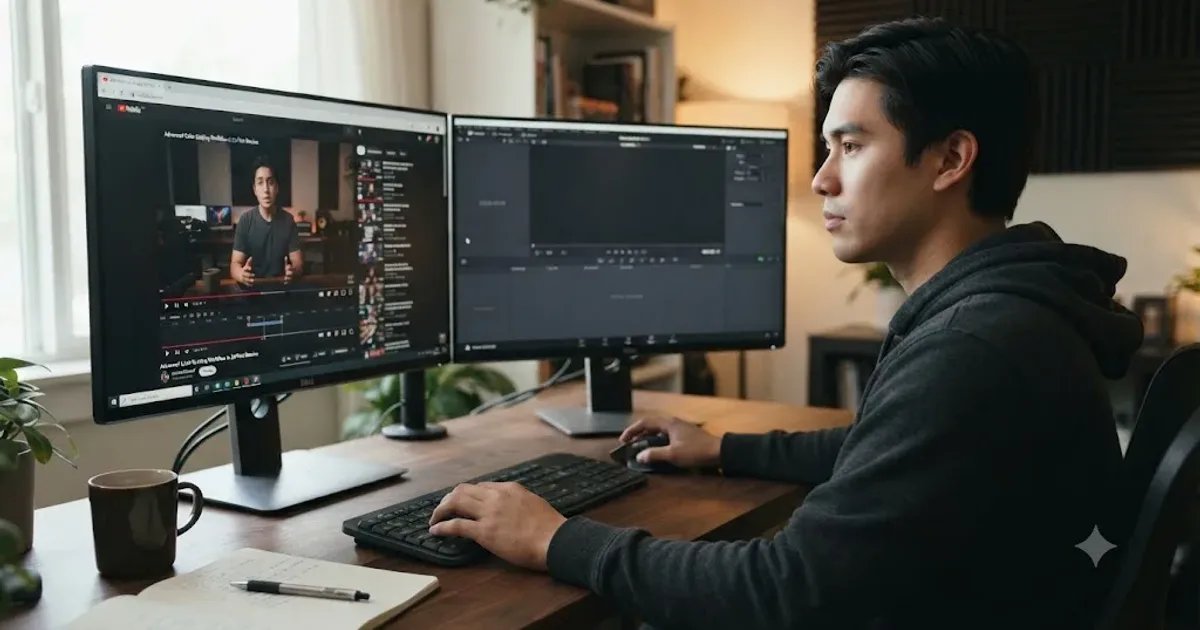
Why Watching Tutorials Doesn't Work (And What Actually Builds Skill)
Why watching tutorials doesn't work: it trains recognition, not recall. The research on active practice, retrieval, and how to actually break out of tutorial hell.
 GuidesJul 12, 202641 min read
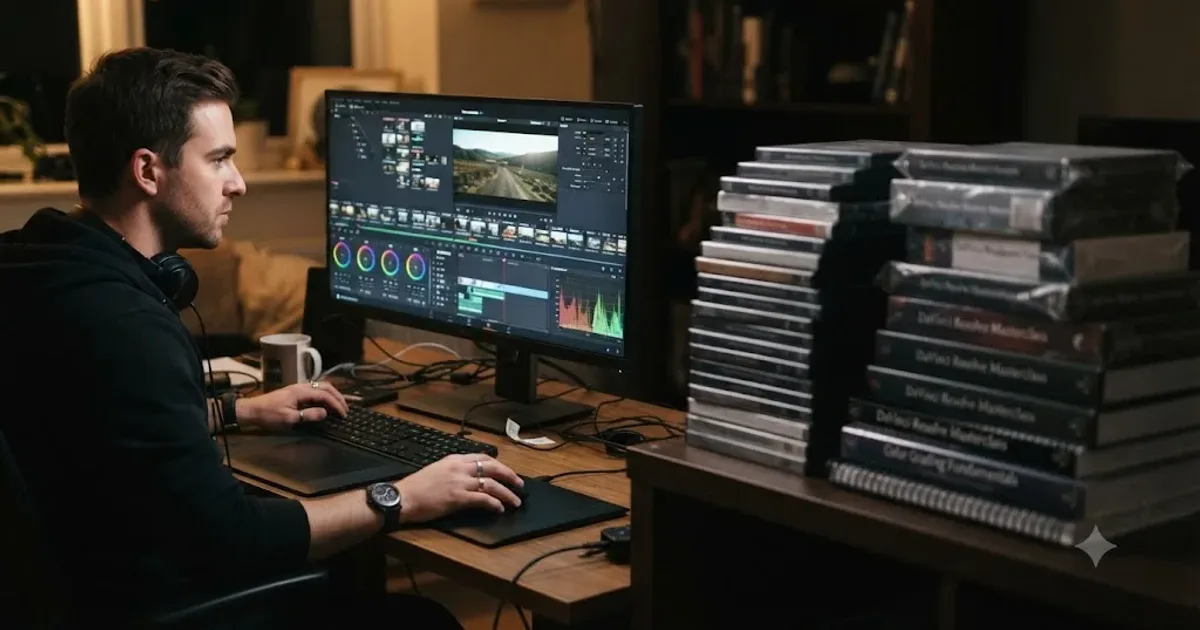
The Best Way to Learn DaVinci Resolve (What the Research Says)
Guided, hands-on practice inside DaVinci Resolve beats video courses and MOOCs. Here's the learning-science research behind why, and how to apply it.