
Learn / Claude Code & AI Codingupdated for Claude Code sessions documentation (July 2026)
How to Resume a Previous Claude Code Session
Quick answer
Run `claude --continue` to reopen your most recent Claude Code session, or `claude --resume` to pick any saved session by name or ID from an interactive list. Claude Code saves conversations automatically to `~/.claude/projects/`, so history, model, and permission mode restore on their own. Use `/resume` inside an active session to switch conversations without exiting.
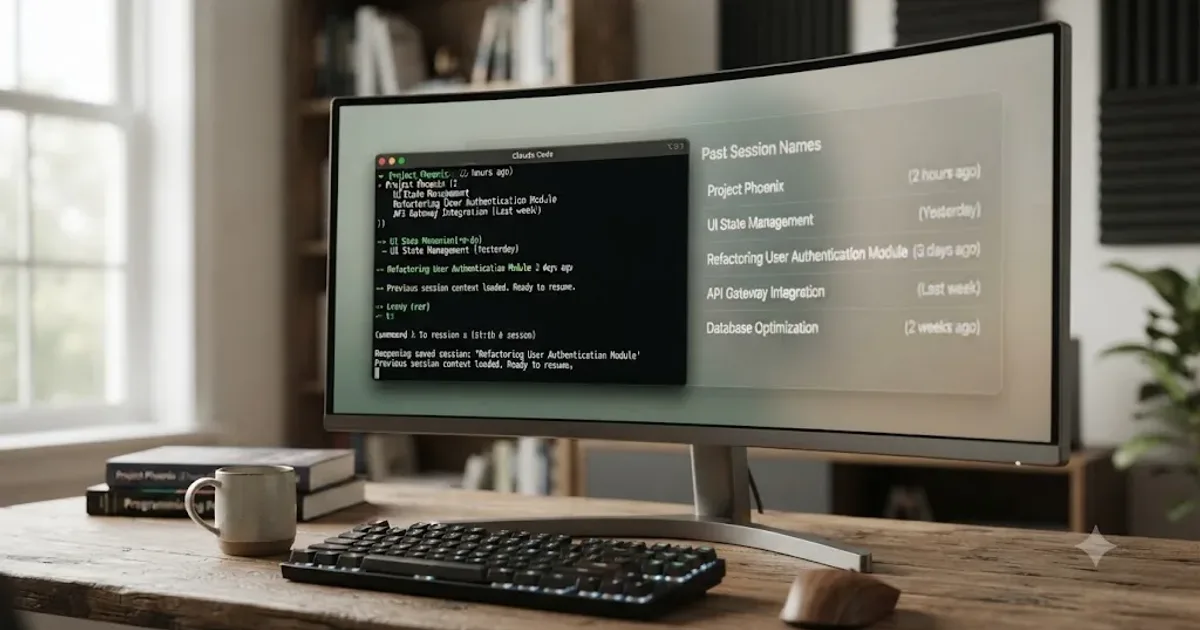
You closed your terminal, or you ran /clear, or Claude Code crashed mid-tool-call, and now you need the conversation back. The short answer is one command: claude --continue for the session you were just in, claude --resume for anything older. Everything past that command is a handful of decisions Claude Code already made for you, and a couple it makes you remake on purpose.
This guide covers the full mechanism, not just the two flags: what a resumed session actually restores and what it quietly drops, where the transcripts live on disk, how naming and the session picker work, how to pull a session across devices, how to resume one from a script, what happens when SSH, tmux, or a container sits between you and the session, and what to do when a session you know exists refuses to show up in the list.
How do I resume my last Claude Code session?
Run claude --continue, or the short form claude -c, from the same project directory you were working in. It resumes the single most recent session tied to that directory, according to Claude Code's own documentation on managing sessions, and that includes any session that added the current directory with /add-dir partway through, not only ones started there.
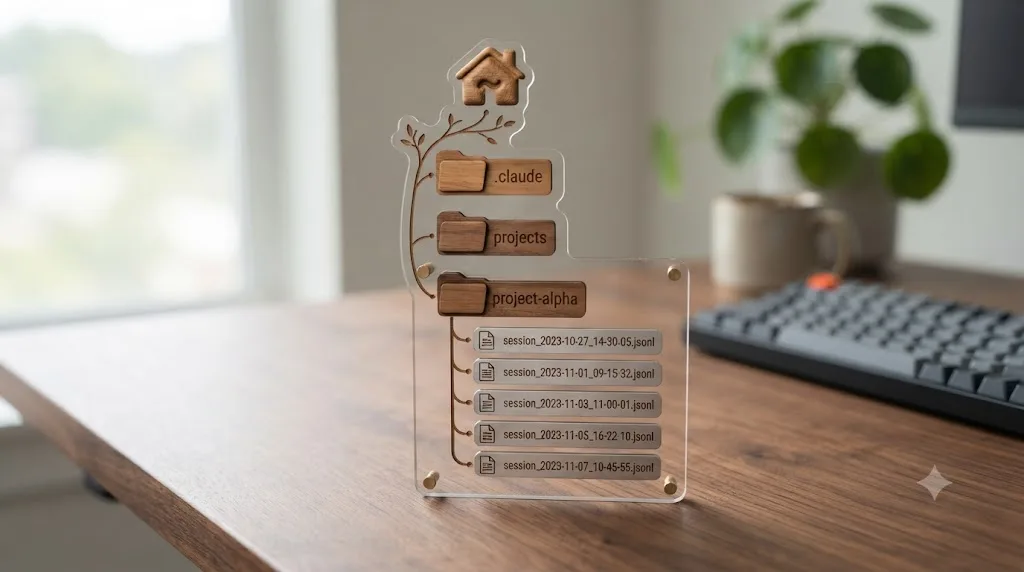
Claude Code saves every session to disk automatically, so closing your terminal never deletes a conversation. There's no separate "save" step to remember. As you work, Claude Code writes the conversation continuously to a local transcript file, which is exactly what --continue and --resume read back from.
--continue takes no name, no ID, no picker. It's the fastest path back into a conversation, and it's the right tool exactly when you know you want "the last thing I was doing here," not "one of several things I've been doing here." If you're juggling more than one workstream in the same directory, or you want a specific conversation from last week rather than yesterday afternoon, you want --resume instead, covered next.
What's the difference between --continue, --resume, and /resume?
They solve three related but distinct problems: reopening the most recent conversation, reopening a specific one, and switching conversations without leaving Claude Code at all.
| Command | What it does | When to reach for it |
|---|---|---|
claude --continue / claude -c | Resumes the most recent session in the current directory, no picker | You want the last thing you were doing here, and only that |
claude --resume / claude -r | Opens an interactive picker of saved sessions across this directory and its worktrees | You're not sure which session you want, or you want to browse |
claude --resume <name> | Resumes a named session directly, no picker | You already named the session and remember the name |
claude --resume <session-id> | Resumes by exact ID, scoped to the current project directory and its git worktrees | The name search is ambiguous, or the session doesn't show in the picker at all |
/resume (inside a session) | Opens the same picker without exiting the current conversation | You're mid-session and need to switch to a different saved conversation |
/resume <name> (inside a session) | Resumes a named session directly, or reports an error if the name is ambiguous | Same as the CLI form, without leaving Claude Code |
claude --from-pr <number> | Opens the picker filtered to sessions linked to that pull request | You remember the PR, not the session name |
That claude --from-pr entry is easy to miss and genuinely useful: if the session you want produced a specific pull request, you can find it by PR number instead of trying to remember what you named the conversation three days ago, per Claude Code's documentation on managing sessions.
One scoping detail matters more than it looks: passing a session ID directly, either to --resume <session-id> or from inside /resume, searches only the current project directory and its git worktrees. Run the resume command from a different directory than the one the session started in, and Claude Code reports No conversation found with session ID: <session-id>, even though the session file still exists on disk somewhere. That single fact explains most "my session vanished" reports that turn out not to be data loss at all, just a directory mismatch.
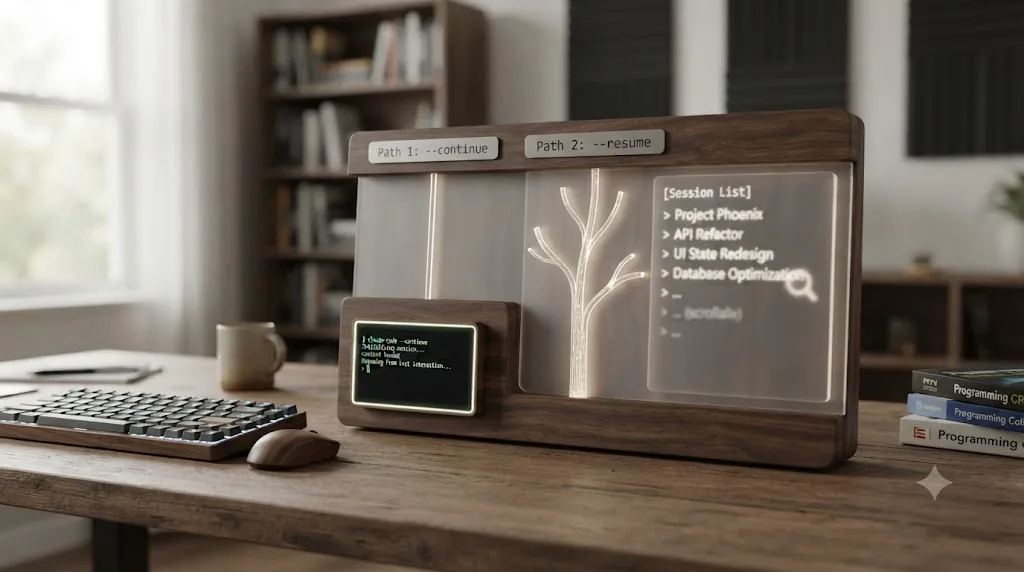
How does the claude --resume session picker actually work?
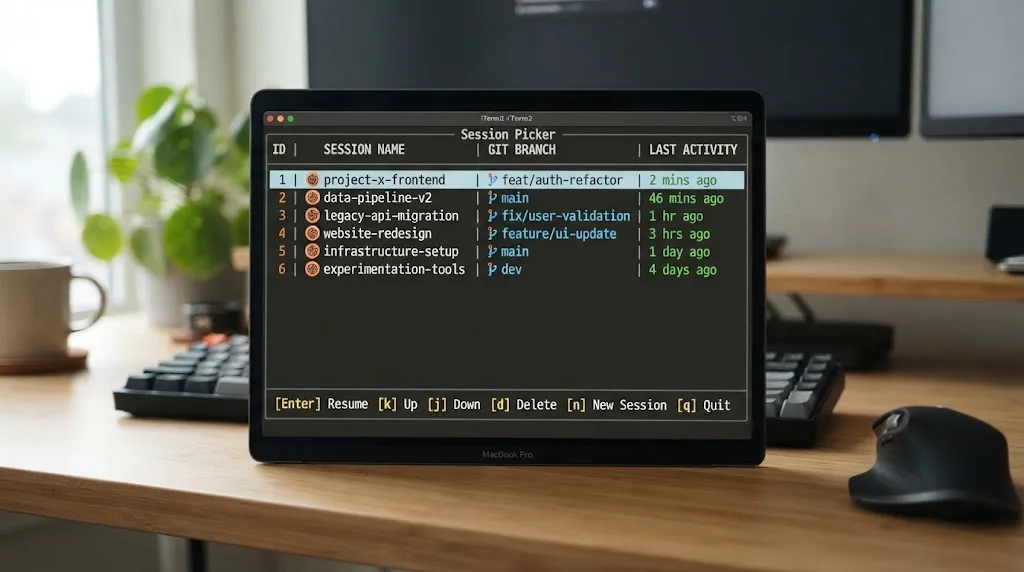
Run claude --resume with no argument, or /resume from inside a session, and Claude Code opens an interactive list: session name or generated title, time since last activity, git branch, and file size, according to Claude Code's sessions documentation.
By default the picker only shows two things: sessions from your current worktree, including background sessions marked bg, and sessions started elsewhere that added your current directory with /add-dir. That's a deliberately narrow default, and it's widenable with a keypress rather than a flag:
| Shortcut | Action |
|---|---|
↑ / ↓ | Navigate between sessions |
→ / ← | Expand or collapse grouped sessions |
Enter | Resume the highlighted session |
Space (or Ctrl+V on some terminals) | Preview the session's content without resuming it |
Ctrl+R | Rename the highlighted session |
/ or any printable character | Enter search mode; paste a GitHub, GitLab, or Bitbucket PR/MR URL to jump straight to the session that created it |
Ctrl+A | Widen to sessions from every project on this machine; press again to narrow back |
Ctrl+W | Widen to sessions from every worktree of the current repository (only shown when the repo has more than one worktree) |
Ctrl+B | Filter to sessions from the current git branch only |
Esc | Exit the picker or search mode |
That PR-URL search is worth calling out on its own: paste a GitHub, GitHub Enterprise, GitLab, or Bitbucket pull or merge request URL into search mode and Claude Code finds the session that produced it, according to the documentation. That's a faster path back to a session than trying to reconstruct what you named it.
Selecting a session changes behavior depending on where it lives. Pick one from another worktree of the same repository and Claude Code resumes it in place. Pick one from an unrelated project instead, and Claude Code copies a cd and resume command to your clipboard rather than jumping there directly, since resuming across unrelated project directories isn't a single-step operation.
If Claude Code can't load the session you selected, it prints Failed to resume the conversation along with a retry command and exits with status code 1, per the documented error reference. That failure behaves differently depending on where you triggered it: from the standalone claude --resume picker, Claude Code exits entirely. From /resume inside an already-running session, Claude Code reports the failure and your current conversation keeps running unaffected, so a bad resume attempt from inside a session never costs you the one you were already in.
There's one quiet exclusion worth knowing about. As of Claude Code v2.1.211, a session whose very first prompt was a /loop command doesn't appear in the picker at all, though running /loop later in an otherwise normal conversation doesn't hide it. Before v2.1.211, any /loop run early in a session hid it from the picker permanently, which is a version delta worth checking if you're troubleshooting on an older build.
What actually gets restored when you resume a session?
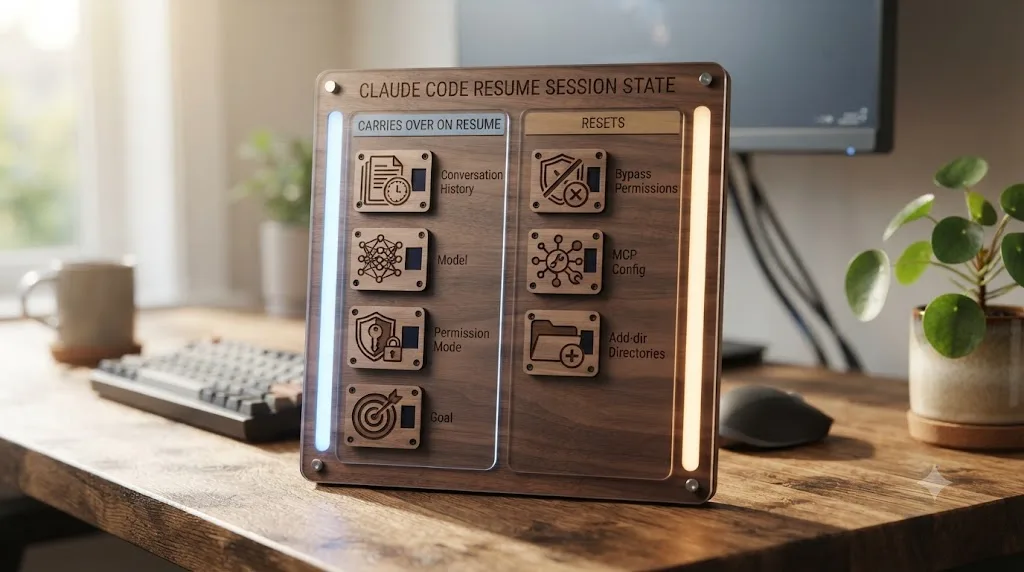
A resumed session restores more than just the text of the conversation, and it deliberately does not restore everything. Here's the full breakdown, straight from Claude Code's own sessions documentation.
| What | Restored? | Detail |
|---|---|---|
| Conversation history | Yes, in full | Every message, tool call, and tool result from the original session |
| Model | Usually | Continues on the same model, unless it's been retired, isn't allowed by your organization's availableModels setting, or a --model flag / ANTHROPIC_MODEL-family variable picks one at launch |
| Agent (subagent persona) | Usually | A session started with --agent continues as that agent, including its tools and system prompt; as of v2.1.216, Claude Code checks the session's original directory first, then your resume directory, so a project-scoped agent still loads even resumed from elsewhere |
| Permission mode | Partially | The saved mode restores, except plan and bypassPermissions, which are never auto-restored; auto mode restores only if your account still meets its requirements |
Active /goal | Yes | Carries over, though its turn count, timer, and token-spend baseline reset to zero |
| Scheduled tasks | Partially | Non-expired scheduled tasks restore; background Bash tasks and monitor tasks do not |
| Checkpoints | Yes | Saved with the conversation, so a resumed session can still /rewind to a checkpoint from before it was resumed |
A resumed session restores the full conversation history, including every tool call and result, exactly as it happened. That's the part people take for granted and shouldn't: it means Claude picks back up with complete memory of what it already tried, not a vague summary of it, unless that history was compacted before you resumed.
Two restrictions deserve their own callout because they trip people up in exactly the same way every time. Bypassing permissions never survives a resume; you must re-enable it explicitly every time. If you launched a session with --dangerously-skip-permissions or an equivalent flag, resuming it drops straight back into normal permission prompts, and you have to pass the bypass flag again or set permissions.defaultMode: "bypassPermissions" in your settings. That's not a bug. It's Claude Code refusing to let a stale, unattended permission state silently persist across a resume.
The other restriction is configuration, not permissions. If the original session depended on --mcp-config, --settings, --plugin-dir, --fallback-model, or directories added with --add-dir, none of that carries over automatically. Pass those flags again when you resume, and see our MCP server setup tutorial if you need a refresher on the claude mcp add syntax before you retype it. Directories added mid-session with /add-dir don't restore either, though the picker still uses them to locate the session in the first place, which is a subtle enough distinction that it's worth reading twice. Standard settings files, settings.json and settings.local.json, are the exception: they're re-read fresh at launch every time, so anything configured there needs no re-passing at all.
Where are Claude Code sessions stored on disk?
By default, as JSONL transcript files at ~/.claude/projects/<project>/<session-id>.jsonl, where <project> is your working directory's path with every non-alphanumeric character replaced by a dash, according to Claude Code's own sessions documentation. Each line in that file is a JSON object representing one message, tool use, or metadata entry.
That format is explicitly internal and undocumented at the field level, and it changes between Claude Code releases. The documentation is direct about this: a script that parses those JSONL files line by line can break on any release, so if you need to build on session data programmatically, use /export for a human-readable transcript, or one of the structured interfaces instead: claude -p --output-format json for a one-off run's result and session ID, claude -p --resume <id> to send a follow-up prompt to an existing session and capture its structured response, or the transcript_path field that hooks and status line commands receive as input.
Four settings control where and how long that storage actually persists:
| To | Set | Where |
|---|---|---|
Move storage off ~/.claude | CLAUDE_CONFIG_DIR | Environment variable |
| Change the 30-day default retention | cleanupPeriodDays | settings.json |
| Suppress transcript writes in every mode | CLAUDE_CODE_SKIP_PROMPT_HISTORY | Environment variable |
| Suppress writes for a single non-interactive run | --no-session-persistence | CLI flag with claude -p |
That 30-day default matters more than it sounds like it should. Checkpoints, the file snapshots behind /rewind, get cleaned up along with their session on the same schedule. If you're the kind of person who occasionally needs to resume a genuinely old conversation, weeks rather than days old, and you rely on that, raise cleanupPeriodDays in settings.json before you need it, not after the session's already gone.
How do you name a session so you can find it later?
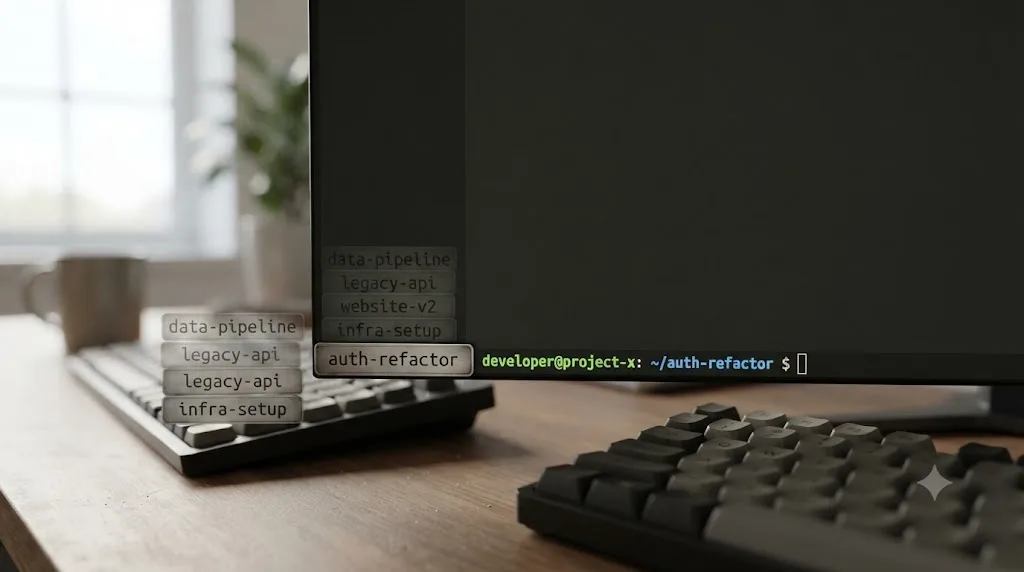
Four different moments let you set a session's name, and any of them beats hunting through an unnamed list later.
| When | How |
|---|---|
| At startup | claude -n auth-refactor or claude --name auth-refactor |
| During a session | /rename auth-refactor |
| From the session picker | Highlight a session and press Ctrl+R |
| On plan accept | Accepting a plan in plan mode names the session from the plan's content, unless you already set one |
If you never name a session, Claude Code doesn't leave it blank. It generates a short title from your first prompt using a background request to a small, fast model, and shows that generated title in the picker and in the session_name statusline field. As of v2.1.196, even an unnamed interactive session gets a default display name at startup too, one that combines your working directory's name with a two-character suffix, like my-app-3f, used in listings such as agent view. Neither the AI-generated title nor that default display name is a resume handle, though: claude --resume <name>, /resume <name>, and the picker only match a name you deliberately set with --name or /rename.
Name sessions as you create them, and treat each one like a git branch: a name for the workstream, not the day you happened to start it. oauth-migration survives being useful for three weeks. tuesday-work doesn't survive past Wednesday.
Resuming by name resolves across the current repository and its worktrees, but the two entry points behave slightly differently on an ambiguous match. claude --resume <name> resumes directly on an exact match, and opens the picker with the name pre-filled as a search term if the match is ambiguous. /resume <name> resumes directly on an exact match too, but reports an error on an ambiguous one instead of falling back to a picker; you have to run bare /resume and search from there.
Can you resume a session from a different computer, the web, or your phone?
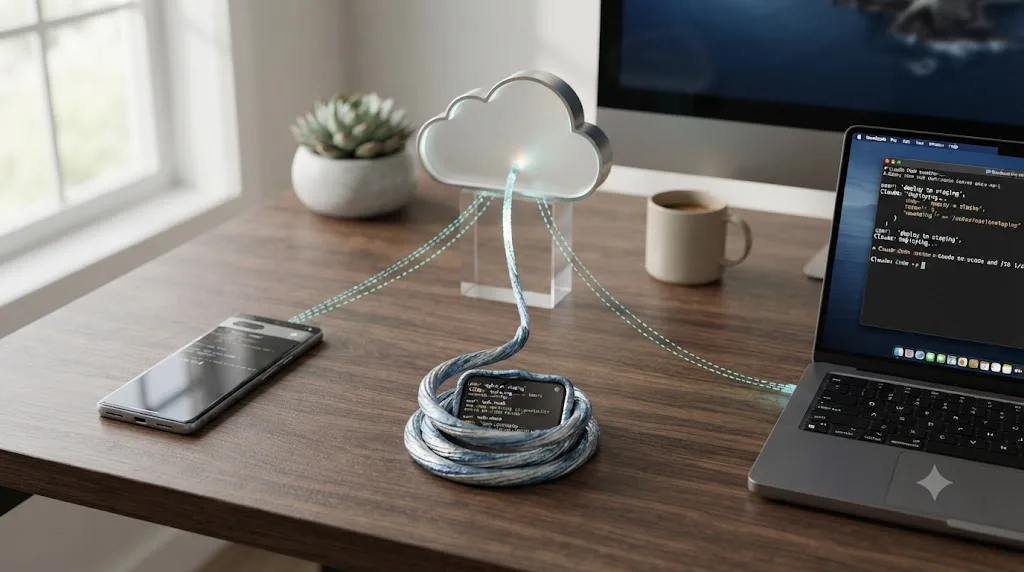
Yes, through a set of commands built specifically to move a session across devices rather than only across time. Boris Cherny, who leads Claude Code at Anthropic, described the core pair of them plainly on Threads: "Run 'claude --teleport' or /teleport to continue a cloud session on your machine. Or run /remote-control to control a locally running session from your phone/web. Personally, I have 'Enable Remote Control for all sessions' set in my /config."
Those two commands solve opposite directions of the same problem:
| Direction | Command | What it does |
|---|---|---|
| Cloud session to your machine | claude --teleport or /teleport (/tp) | Pulls a cloud session running on claude.ai onto your local machine, checks out its branch, and loads full conversation history |
| Local session to your phone or a browser | /remote-control | Lets you keep steering an already-running local session from another device |
| Local repository to a new cloud session | claude --cloud | Starts a brand-new cloud session on claude.ai from your current directory's GitHub remote |
| VS Code extension to claude.ai's cloud sessions | Session history panel, Web tab | Downloads a claude.ai cloud session and continues it locally, one-way |
From the official commands documentation: "/teleport pulls a web session into this terminal, and /remote-control lets you continue this local session from another device." It's worth being precise about the direction here, since it's easy to assume symmetry that doesn't exist: from the CLI, session handoff only runs one way. You can pull a cloud session into your terminal with --teleport, but you cannot push an existing terminal session up to the web with a CLI flag. The Desktop app's "Continue in" menu is the one interface that can send a local session to the cloud directly.
--teleport and --resume are not the same command wearing two names. --resume reopens a conversation from this machine's own local history and never lists cloud sessions at all. --teleport pulls a session that's currently running on Anthropic's cloud infrastructure and its associated git branch onto your machine instead. Teleport checks four things before it lets you in: a clean git working directory (it offers to stash changes for you if not), that you're in a checkout of the same repository rather than a fork, that the cloud session's branch has actually been pushed to the remote, and that you're signed in with the same claude.ai account the cloud session used. Miss any of those and you get a specific, named error rather than a silent failure, like Unable to get organization UUID if you're authenticated with an API key instead of a claude.ai account, or Cloud sessions aren't available with <provider> if you're routed through Amazon Bedrock, Google Cloud's Agent Platform, or Microsoft Foundry, since cloud sessions only run on Anthropic's own infrastructure.
The VS Code extension adds a fourth cross-surface path worth knowing about if you split time between a terminal and an IDE: its Session history panel has a Web tab, separate from its Local tab, that lists cloud sessions from claude.ai. Selecting one downloads it and continues the conversation locally in the editor, but only sessions that were started with a GitHub repository show up there, and the sync only runs one direction; changes made after resuming locally aren't pushed back to claude.ai.
If a cloud session sits idle long enough, its underlying environment gets reclaimed. Resuming it locally then surfaces as Could not resume session ... its environment has expired. Creating a fresh session instead. The fix is simply reopening it from claude.ai/code, which provisions a fresh environment and restores your conversation history into it.
How do you resume a session non-interactively, in a script?
The same --continue and --resume flags work with claude -p, Claude Code's non-interactive print mode, and that's what makes scripted follow-up prompts possible, per Claude Code's headless-mode documentation.
For the simple case, -c picks up the most recent session without you tracking an ID at all:
# First request
claude -p "Review this codebase for performance issues"

# Continue the most recent conversation
claude -p "Now focus on the database queries" --continue
claude -p "Generate a summary of all issues found" --continue
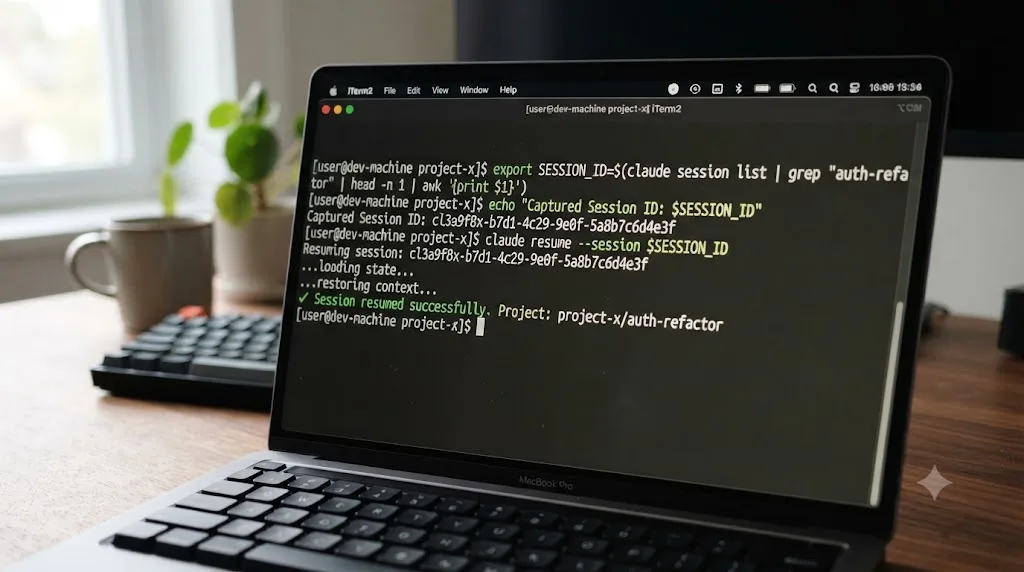
If you're running more than one conversation at once, capture the session ID from the first call's structured JSON output and resume that specific one explicitly:
session_id=$(claude -p "Start a review" --output-format json | jq -r '.session_id')
claude -p "Continue that review" --resume "$session_id"
Run both commands from the same directory. That scoping rule from earlier applies here too, and it applies more strictly in scripts, since there's no interactive picker to fall back on if you get it wrong: session ID lookup only searches the current project directory and its git worktrees, so a script that changes directories between the two calls will fail to find the session at all.
Two flags change whether a headless run creates a resumable session in the first place. --no-session-persistence suppresses saving for that one run. CLAUDE_CODE_SKIP_PROMPT_HISTORY does the same thing for every mode, interactive or not, if you set it as an environment variable. Sessions created with claude -p or the Agent SDK also don't appear in the interactive session picker at all, by design, but you can still resume one the same way: pass its session ID directly to claude --resume <session-id> or claude -p --resume <session-id>.
How do you export or share a session transcript?
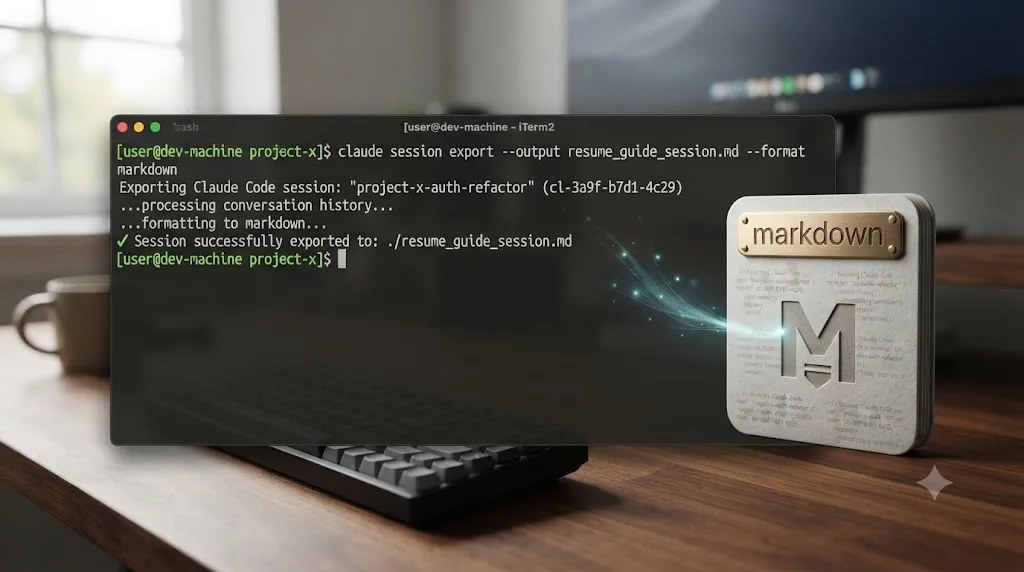
Run /export inside a session to open a menu with three output formats instead of copying raw text to your clipboard. Point Claude Code straight at a file with /export json <path> or /export markdown <path>, and it writes there directly, per Claude Code's commands documentation.
Each format solves a different problem, and picking the wrong one is the most common way this goes sideways:
| Format | What it contains | Best for |
|---|---|---|
| JSON | Every message, tool call, and metadata field, structured as data | Feeding a session into your own tooling or an analysis script |
| Markdown | Formatted headers, timestamps, and syntax-highlighted code blocks | Documenting a decision, or dropping a debugging session into a wiki page |
| Transcript | Plain, readable conversation text with no markup | Pasting into a Slack message or a code review comment |
This is the practical answer to a point made earlier in this guide: the raw .jsonl transcript format is internal, undocumented at the field level, and it changes between releases, so it's not something you should parse by hand or hand off to a teammate directly. /export is the supported door out of a session, not a workaround for one.
Exporting a session and resuming it solve two different problems, and doing one doesn't replace the other. Export gives you a static copy a human, or a script, can read later without Claude Code running at all. Resume gives you back a live conversation Claude can keep working in, with full tool-call history intact. If a session's work is worth keeping past the 30-day retention window, export it before that window closes. A retained session can still be resumed right up until cleanup deletes it, but a transcript you never exported and then lost to retention is gone the same way a manually deleted file is gone: for good.
Does resuming work the same over SSH, tmux, or a remote server?
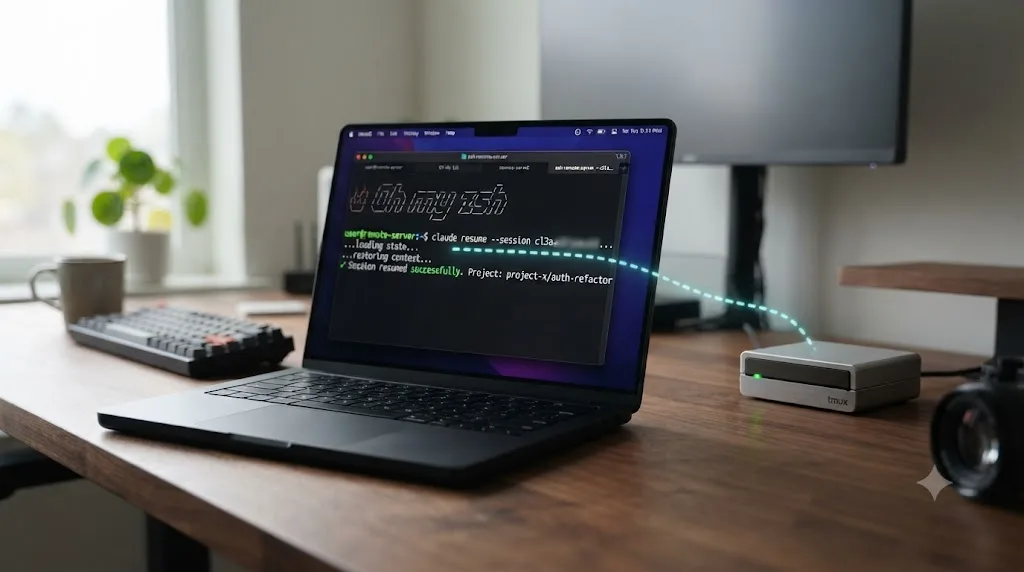
Mostly, with one gap worth planning around before you hit it. --continue, --resume, and /resume all read the same on-disk transcript whether Claude Code is running on your laptop or on a box you SSH into, so nothing about the resume mechanism itself changes.
What changes is what happens the instant your connection drops. Claude Desktop's built-in SSH remote client kills the remote Claude Code process the moment the client disconnects, whether that's an intentional quit, a dropped network, or your laptop lid closing, and there's an open feature request specifically asking Anthropic to make a server-side session survive that disconnect the way tmux already does, with a --detach and --attach pair proposed for headless use. As of this writing that request is still open and unresolved, and the current workaround it documents is exactly the one experienced users already reach for: wrap claude in tmux yourself before you ever connect.
tmux solves the disconnect problem, but it isn't resuming a Claude Code session, it's reattaching to a process that never actually stopped. That distinction matters because it changes what recovery looks like. Start Claude Code inside a named tmux session before you SSH into anything you plan to walk away from:
tmux new -s claude-refactor
claude
# work normally, then detach without killing anything:
# Ctrl+b, then d
Close your laptop, lose your wifi, walk away for the afternoon. When you reconnect, tmux attach -t claude-refactor drops you back into the exact same terminal, mid-thought, with Claude still working if it was working when you left. You never touch --resume at all, because the process itself never went away. It's a different mechanism than everything else in this guide: not "reload a saved conversation," but "look at the same live one again."
That protection has a real limit worth knowing before you rely on it for something important. tmux keeps the terminal session alive across a network drop, but it can't keep a dead process alive. If Claude Code itself crashes, gets killed for running out of memory, or hits an unhandled error while you're disconnected, the tmux session survives and reattaching just drops you into an empty shell prompt with nothing running in it. At that point tmux has done everything it can, and you're back to the normal recovery path covered throughout this guide: run claude --resume or claude --continue from the same directory, and the transcript that was already saved to disk up to the point of the crash is exactly what you'd expect it to be, no more and no less.
Does resuming work the same inside Docker or a dev container?
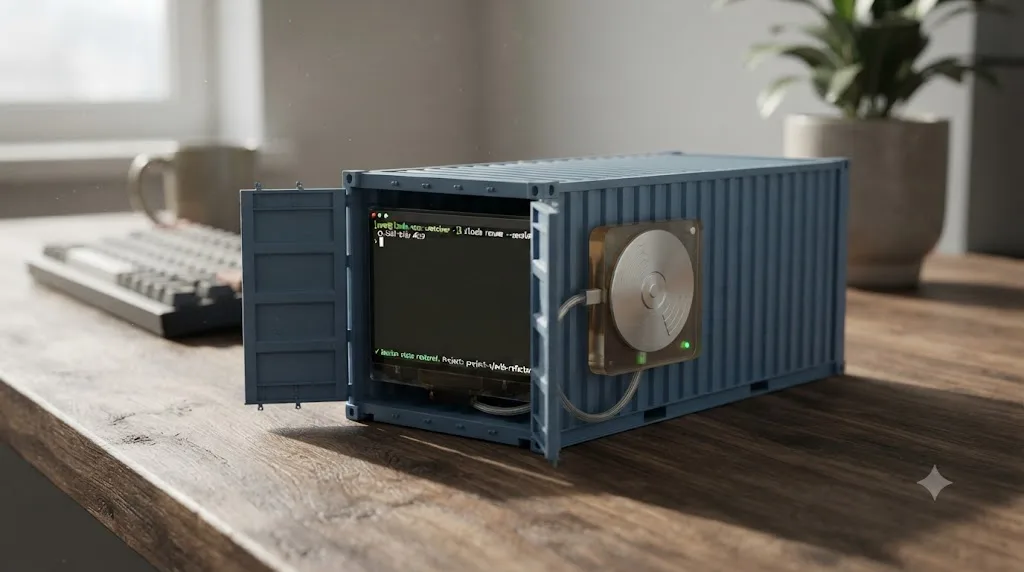
The mechanics are identical once you account for one fact: a container's home directory is ephemeral by default, and Claude Code's session history lives inside it. Rebuild a dev container without persisting ~/.claude, and you don't lose one session, you lose the entire directory that would have let you resume any of them.
The fix is the volume mount Anthropic's own dev container documentation recommends for keeping authentication alive across rebuilds, and it happens to carry your session history along with it since both live under the same path:
"mounts": [
  "source=claude-code-config,target=/home/node/.claude,type=volume"
]
Mount that volume once, using the home directory of your container's actual remote user, and both your login and your session history survive a rebuild. Skip it, and every rebuild starts you from a blank slate, no matter how carefully you named sessions beforehand. GitHub Codespaces behaves slightly differently from a plain local container: ~/.claude survives a plain stop and start of the same codespace, but a full rebuild still clears it, so the same volume mount still applies there.
There's a second, more specific failure mode worth knowing before it confuses you, one that shows up even with the volume correctly mounted. It's a documented bug where /resume loses sessions in containers specifically. Claude Code indexes sessions using metadata files named after the process ID that created them, something like 8743.json. A container restart resets the PID namespace, so a fresh process can easily land on a PID an old session already used. The new metadata file overwrites the old one at that filename, and the mapping from that PID back to the actual session UUID is gone. The conversation itself was never touched in that failure mode. Only the index pointing at it was. The full .jsonl transcript under ~/.claude/projects/ sits there completely intact; /resume's picker just can't find it through the broken PID mapping anymore. Anthropic closed the report as "not planned," and it's specifically flagged as a Linux and WSL issue, which covers the large majority of container setups.
That means the fix is the same one that works for the ordinary stale-index case covered later in this guide: skip the picker and go straight to the session ID. If you noted a session's ID before restarting the container, or you can find its .jsonl file directly under ~/.claude/projects/<project>/, claude --resume <session-id> reads the transcript straight off disk and never touches the broken PID index at all.
Why doesn't my session show up in claude --resume?
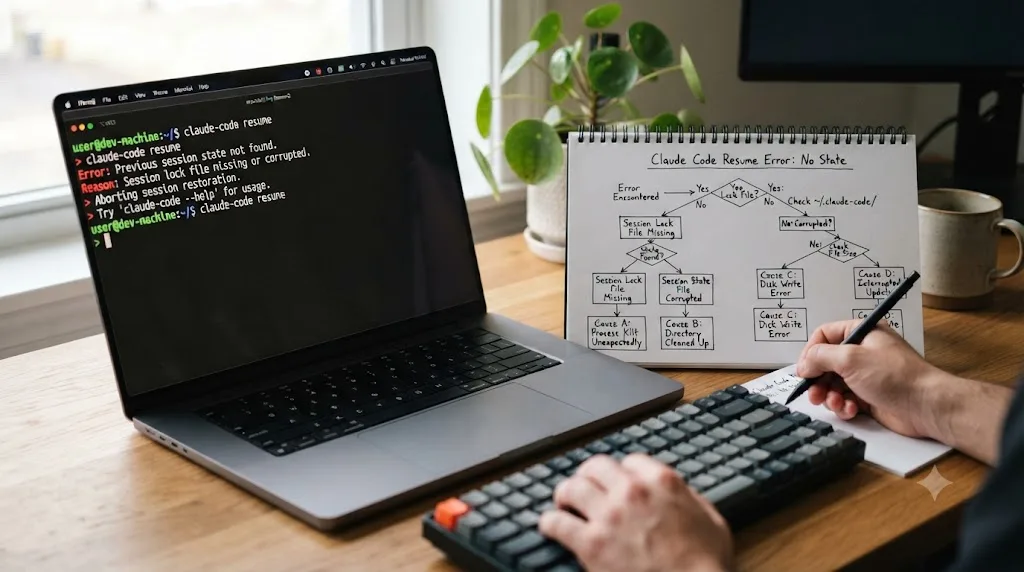
Almost always a stale local index, not a deleted conversation. This is common enough to have its own open, acknowledged bug report against Claude Code's GitHub repository. Issue #57203 describes the exact symptom: "When a session ends, Claude prints a resume command like: Resume this session with: claude --resume "session title here" But when you run claude --resume, the session does not appear in the list at all, it is simply absent, not a search issue." The report notes it reproduces across multiple sessions and projects on macOS, with the full list sometimes showing a suspiciously limited count, like "1 of 23."
A missing session almost always means a stale index, not a deleted conversation. Here's why: /resume and claude --resume's picker both read from a local index file that's separate from the actual transcript files on disk. If that index falls out of sync, whether from a failed background update, a custom config directory, or something else entirely, the session's .jsonl transcript is still sitting on disk exactly where it always was. The picker just isn't looking at it correctly.
Mansi Mutreja, writing on Enqurious's blog about exactly this problem, put the mechanism plainly: "Your sessions are still being saved as .jsonl files... But the index that /resume reads from just stops getting new entries." She also flags the most common root cause of the index going stale in the first place: "If Claude Code fails to auto-update... this index can stop being written to."
Work through these in order when a session you know exists won't show up:
- Try the direct ID first, since it needs no index at all. If you have the session ID, or you can find the transcript file on disk,
claude --resume <session-id>reads the transcript directly and bypasses the picker's index entirely. This is the single most reliable fix, and it works even when the index is completely broken. - Check for a custom config directory. If you've ever set
CLAUDE_CONFIG_DIR, or you're using a shell alias that points at an alternate profile, your sessions are stored under a completely different path than the default~/.claude/. A session that "vanished" is often just living somewhere your current invocation ofclaudeisn't checking. - List the project's session files directly, sorted by date. Something like
ls -lt ~/.claude/projects/<your-project>/shows every transcript file on disk regardless of what the index thinks exists, which tells you immediately whether the file is actually gone or just unindexed. - Run
claude doctor. It diagnoses update failures, which is the most commonly cited cause of an index that stopped updating in the first place. - Widen the picker before assuming the session is gone. Press
Ctrl+Ain the picker to search every project on the machine, orCtrl+Wto search every worktree of the current repository. A session started from a slightly different path, or an old worktree you forgot still exists, is a much more common explanation than an actual deletion.
If none of those turn up the session, check whether it fell outside the 30-day retention window covered earlier, since that's the one case where the transcript genuinely is gone rather than merely unindexed. If you're inside a container, jump back to the section above: a missing session there is more likely the PID-index bug than any of the five steps above.

What do Claude Code's resume error messages actually mean?
A missing session is one failure mode. A resume that starts and then goes wrong is a different one, and it's worth telling them apart, because the fixes don't overlap. Here's what the specific error text actually means and what to do about each one.
| You see | It means | Do this |
|---|---|---|
No conversation found with session ID: <id> | You resumed from a different directory than the one the session started in, or a worktree it doesn't recognize | cd back to the original project directory (or its worktree) and retry the same command |
Failed to resume the conversation (exit code 1) | Claude Code found the session but couldn't load its data | Retry the printed command once; if it fails again, treat it as corruption, covered below |
Could not resume session ... its environment has expired. Creating a fresh session instead. | A cloud session's underlying environment was reclaimed after sitting idle | Reopen it from claude.ai/code, which provisions a fresh environment and restores history into it |
Unable to get organization UUID | You're authenticated with an API key instead of a claude.ai account while trying --teleport | Sign in with the claude.ai account that owns the cloud session |
Cloud sessions aren't available with <provider> | You're routed through Amazon Bedrock, Google Cloud's Agent Platform, or Microsoft Foundry | None; cloud sessions only run on Anthropic's own infrastructure, use local --resume instead |
The session resumes and accepts input, but the per-session .jsonl quietly stops growing after an auto-update | A documented bug where a session left idle through a Claude Code version upgrade keeps running but its writer never reinitializes, so only metadata entries get logged from then on | Kill the process and run claude --resume <id> fresh; that reinitializes the writer and normal logging resumes |
| Resume loads only a handful of messages, or the session goes silent right after resuming | A broken link in the transcript's internal message chain, often from an interrupted write mid-session | There's no official recovery tool; treat that history as gone and start fresh. Community-built repair tools exist for advanced users willing to hand-edit an unsupported file format, but they aren't something Anthropic maintains or documents |
That silent-writer bug is worth a specific callout, because it's the one on this list that gives you no error at all. The session looks completely normal. It answers your prompts. It just stops saving them. The report describing it was closed without an official fix, and the only workaround anyone found was killing the process and resuming again from scratch, which reinitializes whatever internal state stopped writing correctly the first time. If a session survived a Claude Code auto-update while it sat idle, don't trust its transcript is still growing until you've verified it. A quick way to check: after your next prompt, look at whether the session's .jsonl file's modification time actually moved. If it didn't, you're in this failure mode, and a fresh resume is the fix.
What's the difference between resuming, branching, and forking a session?
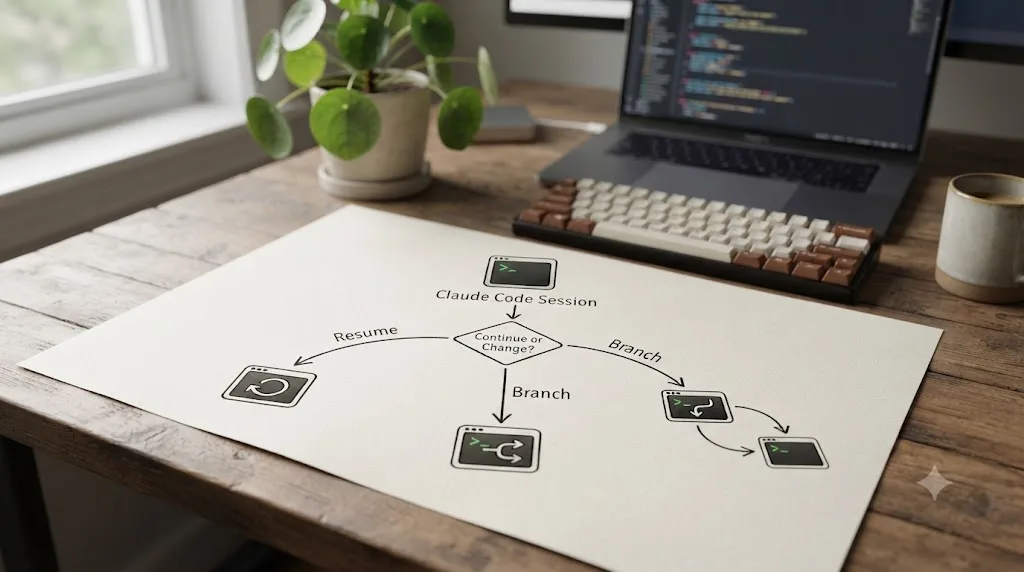
Resuming reopens a saved conversation exactly as it was. Branching and forking both start a new, separate conversation from an existing one's history, and they differ in whether you stay in the original.
/branch, run from inside a session with an optional name, copies the conversation so far and switches you directly into the copy, leaving the original untouched on disk in the session picker. If you skip the name, Claude Code names the branch after the conversation's first prompt, and as of v2.1.198, it does this correctly even after a compaction, looking past the summary to find the original first prompt; earlier versions fell back to the unhelpful literal name "Branched conversation" instead. From the command line, the equivalent is combining --continue or --resume with --fork-session, which creates a new session ID rather than reusing the original one.
Branching's confirmation message prints two session IDs, the new branch you're now in and the original, unchanged one, so you can return to whichever path didn't pan out with /resume <original-name>. What actually carries into the branch depends on whether it stays in the same process or forks into a new one: conversation history copies over up to the branch point either way, "allow for this session" permission grants carry over only if the branch stays in the same running process (a separate --fork-session invocation starts fresh and needs re-approving), and any in-flight background subagents or background Bash commands keep running, with their output landing in the branch you switched into rather than the original session.
Claude Code's own commands documentation summarizes the third option in a single line: "/fork copies it into a new background session," letting the copy run in the background while you keep working in the conversation you're already in, rather than switching your terminal over to it the way /branch does.
| Command | Where you end up | What happens to the original |
|---|---|---|
claude --resume <name> | Back inside the exact original conversation | N/A, it's the same session |
/branch [name] | Switched into a new copy, same terminal | Unchanged, findable later via its name |
--continue --fork-session | New session ID, same terminal | Unchanged, same as /branch |
/fork | You stay in the current conversation | Copied into a new background session running in parallel |
One edge case worth flagging: if you resume the exact same session in two separate terminals without forking either of them, messages from both interleave into a single shared transcript rather than staying separate. If you want an actual second, independent copy to experiment in, branch or fork it first.
Should you resume, compact, or clear instead?
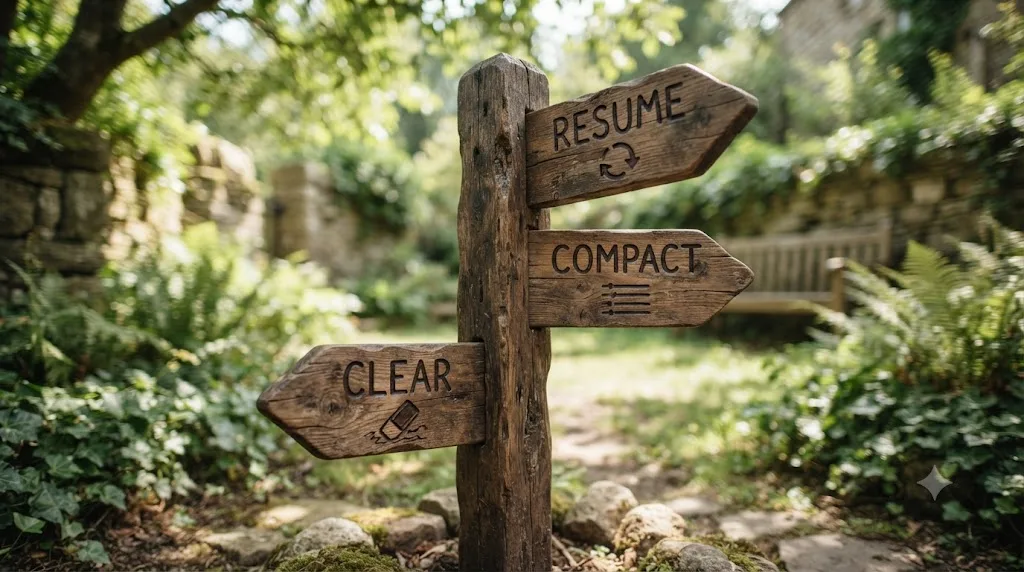
These three solve different problems, and reaching for the wrong one is a common way to lose more of a session's value than necessary.
| Your situation | Reach for | Why |
|---|---|---|
| You closed the terminal, or the machine restarted, but the work isn't done | claude --continue or claude --resume | The conversation and its history are already saved; nothing about ending the process discards them |
| The session is open, context is filling up, but the current task still has value worth keeping | /compact, optionally with focus instructions | Summarizes in place without ending the session at all |
| You're switching to something completely unrelated in the same open session | /clear | Starts fresh context, but Claude Code still saves the previous conversation, resumable later with /resume |
| You want to try a different approach without losing the path you were on | /branch | Copies the conversation so the original stays intact and resumable separately |
| You need to undo specific edits or roll back to an earlier point, not just reload text | /rewind (or double-tap Esc) | Checkpoints are saved with the conversation, so even a resumed session can rewind to points from before you resumed it |
If context filling up is what's actually pushing you toward /clear or a fresh resume in the first place, rather than the session simply ending on its own, our guide on Claude Code running out of context mid-session covers the compaction mechanics, the difference between /compact and auto-compaction, and what a "thrashing" context error actually means in more depth than fits here.
Resuming a session never conflicts with compacting or clearing it first. A session you ran /clear on mid-conversation is still resumable afterward; Claude Code's own documentation is explicit that /clear saves the previous conversation and offers two separate ways back into it. /resume finds it in the normal picker. And if you're still in the same Claude Code process that ran the /clear, as of v2.1.191 the rewind menu (/rewind or double-Esc) shows an extra entry at the top labeled /resume <session-id> (previous session), which jumps straight back into the pre-clear conversation without you needing to know its name or ID at all. On earlier versions, running plain /resume and picking the previous session from the list does the same thing.
Does resuming work the same in VS Code and the desktop app?
Mostly yes, since the CLI, the VS Code extension, and the desktop app all read from largely the same underlying session mechanism, but each surface wraps it in its own interface with its own quirks worth knowing before you switch between them.
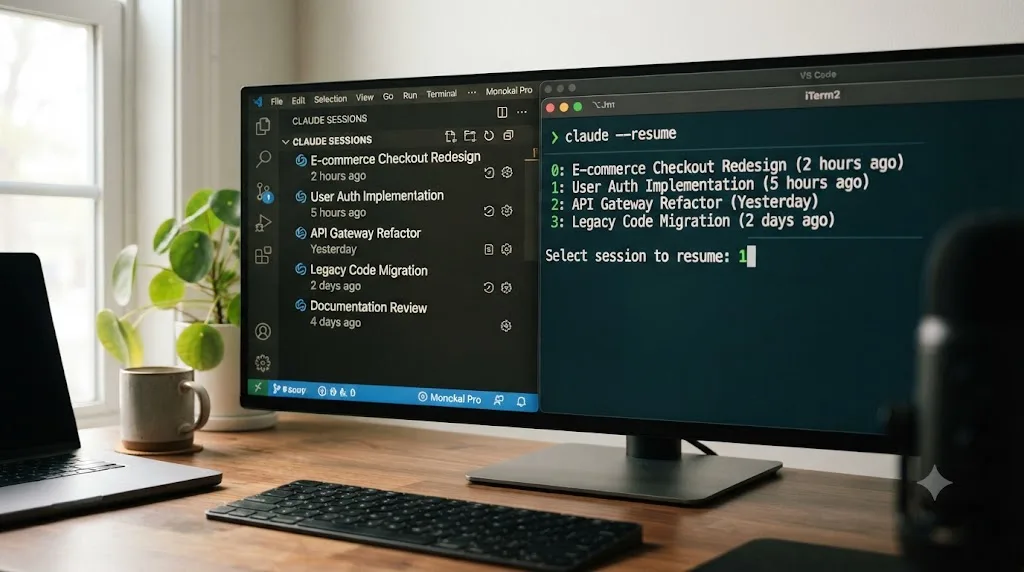
In the VS Code extension, click the Session history button at the top of the Claude Code panel to browse past conversations, searchable by keyword or by time range like Today, Yesterday, or Last 7 days. Click any conversation to resume it with full message history, and hover over a session in the list to reveal rename and remove actions right there, no separate command needed. Since the extension and the standalone CLI share the same conversation history, you can start a conversation in the graphical panel and continue it in a terminal, or the reverse: running claude --resume in VS Code's integrated terminal opens the same interactive picker, searchable for the exact conversation you started in the panel.
The VS Code extension's Session history dialog also has a separate Web tab alongside its Local one, covered above, for pulling in cloud sessions from claude.ai directly, distinct from the CLI's --teleport.
One thing does not carry across surfaces automatically: each interface, the CLI, the desktop app, and Claude Code on the web, maintains its own separate session history rather than one universal list you can browse from anywhere. The CLI and the VS Code extension's Local tab are the exception, since they share the same on-disk history. --teleport and the extension's Web tab exist specifically because a cloud session and a local one are otherwise two genuinely separate lists, not because resuming works differently once you're inside one.
Does any of this change if you're also editing in DaVinci Resolve?
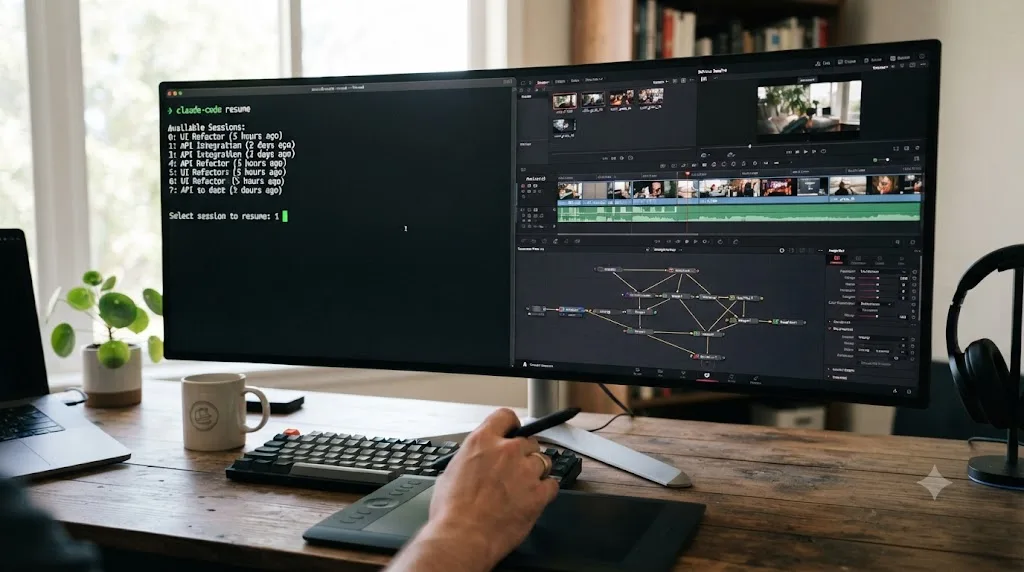
Not the mechanics. If your Claude Code sessions are mixed in with actual editing work, maybe scripting a batch export, wiring up a Fusion macro through Resolve's Python scripting API, or automating a render queue overnight, every command and behavior above works exactly the same way. A session that reads a large exported timeline XML or walks your whole media pool fills context the same way any other large file read does, and it resumes with the same --continue and --resume commands.
Where it's worth pausing is naming discipline, because Resolve-adjacent scripting sessions tend to sprawl faster than pure coding ones. "Fix the batch export script" and "debug the Fusion macro" and "wire up the render queue automation" are three different workstreams that all live in the same project directory if you're not careful, and an unnamed session three days later is a coin flip between them. Name each one the moment you start it, the same claude -n <name> habit that pays off in any codebase, and the picker sorts itself out for you later.
More editors are scripting around Resolve now than clicking through every panel by hand, and that shift is exactly why session hygiene matters here too: the discipline that keeps a coding session resumable is the same discipline that keeps a scripting-heavy edit session from turning into an unnamed mess you can't find again.
TryUncle is the on-screen assistant for DaVinci Resolve on macOS. Ask in plain words and Uncle points at the exact control on your screen. It solves a different problem than anything in this guide: Claude Code writes and runs scripts against your project, and a resumed session picks that work back up exactly where it left off, but neither one has an opinion on where a node belongs in your color grade or why a Power Window keeps drifting off a subject's face. If you're the kind of editor who keeps a terminal open next to Resolve, our roundup of AI tools for learning DaVinci Resolve covers where a scripting bridge like Claude Code fits alongside an in-app tutor like TryUncle. TryUncle is a paid macOS app at $39 a month, cancel anytime; see TryUncle for the current rate.
If you're stuck mid-edit while a Claude Code session runs its scripting job in another window, Uncle can point at the exact control you're looking for in your own project without you ever tabbing away from the terminal to search for it.
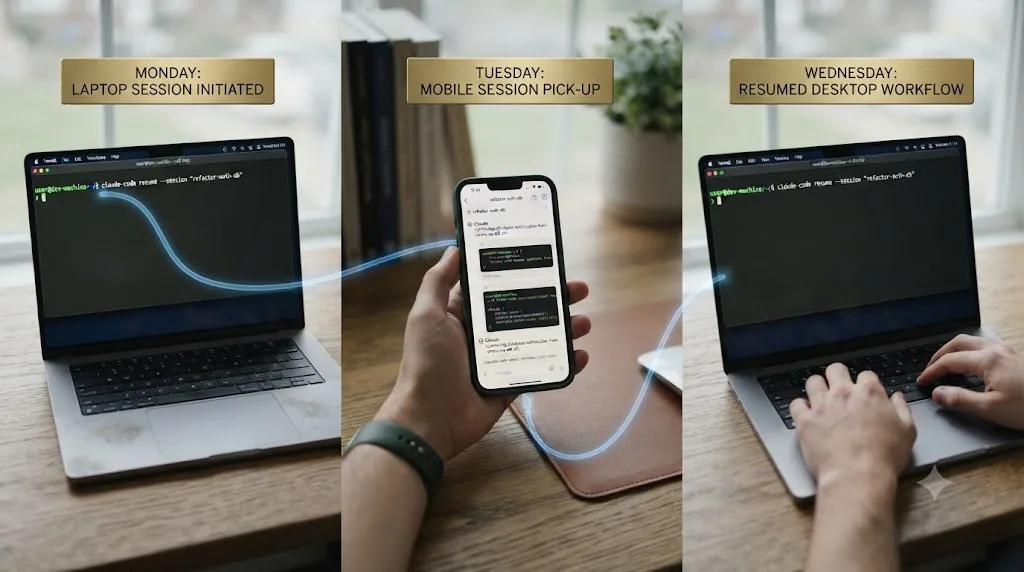
A worked example: resuming a multi-day feature across three surfaces
Say you start a feature on Monday from your laptop's terminal, hit a wall Tuesday and want to keep working from your phone during a commute, and finish it Wednesday back at your desk. Here's how that actually plays out with the commands above. Long, multi-day, multi-device work like this is also exactly the kind of usage that adds up on a metered plan, so if you're tracking spend across a project that spans this many surfaces, our breakdown of how much Claude Code costs is worth reading alongside this one.
- Monday, terminal. You start with
claude -n payment-refactorso the session has a real name from the first keystroke, not an auto-generated title you'll have to guess at later. You make progress, hit a natural stopping point, and close the terminal. Nothing to save manually; the transcript is already on disk. - Tuesday morning, still at your desk. You reopen with
claude --resume payment-refactor, an exact name match, so it resumes directly with no picker involved. You keep working, then before leaving for your commute you run/remote-controlso the running session accepts steering from another device. - Tuesday, on your phone. You check in on the same session through Remote Control, answer a question Claude's waiting on, and let it keep working while you're away from a keyboard entirely.
- Wednesday, back at your desk. You reopen
payment-refactoragain with--resume. The conversation history is complete, including everything that happened while you were steering it from your phone, because Remote Control was steering the same session the whole time, not a separate copy of it.
Nothing in that sequence required tracking a session ID by hand, because the name you set on Monday stayed the resume handle through all three surfaces. That's the entire payoff of naming a session on day one instead of trusting the auto-generated title: a name survives every device you touch it from, and a generated title only survives until the next one replaces it in the picker's summary line.
A variant worth knowing if your Monday-to-Wednesday stretch runs through a remote server instead of your own laptop: wrap step one in tmux new -s payment-refactor before you SSH in, and steps two through four collapse into a single tmux attach -t payment-refactor every time you reconnect, no --resume needed at all, as covered above. The two approaches aren't mutually exclusive. Plenty of people name the session for the cases where they do need --resume, tmux crashing or a fresh machine, while relying on tmux day to day for the common case of just reconnecting to a live process.
The verdict
Resuming a Claude Code session is one command for the common case, claude --continue for the last thing you were doing, claude --resume for anything older or more specific, and the picker's keyboard shortcuts handle everything past that: widening the search, renaming on the spot, jumping straight to the session behind a specific pull request. Name sessions the moment you start them, not after you've lost track of three of them, and remember that plan mode and bypassed permissions never survive a resume on purpose, so you'll re-approve those explicitly every time.
If a session goes missing from the picker, don't assume it's gone. Resume it by its exact session ID first, since that reads the transcript directly and skips the index that's usually the actual problem, and only treat it as deleted once you've confirmed it's past the 30-day retention window. If you're working inside a container, check the PID-index bug before anything else. The conversation almost always outlives whatever briefly hid it from the list.
Frequently asked questions
- How do I resume my last Claude Code session?
- Run `claude --continue` (or the short form `claude -c`) from the same project directory you were working in. It reopens the most recent session in that directory, including sessions that added the directory with `/add-dir`, with the full conversation history intact.
- How do I resume a specific Claude Code session, not just the last one?
- Run `claude --resume` with no argument to open an interactive picker of every saved session, or `claude --resume <name>` if you already named it. Inside a running session, `/resume` does the same thing without exiting Claude Code first.
- What's the difference between --continue and --resume?
- `--continue` always reopens the single most recent session in the current directory with no picker involved. `--resume` either resumes one specific session by name or ID, or opens a searchable list when you don't specify one, and it can reach sessions from other worktrees or the whole machine with a keypress.
- Where does Claude Code store my past sessions?
- As JSONL transcript files at `~/.claude/projects/<project>/<session-id>.jsonl`, where `<project>` is your working directory path with non-alphanumeric characters replaced by dashes. You can move this location with the `CLAUDE_CONFIG_DIR` environment variable, and Claude Code deletes sessions older than 30 days by default, adjustable with the `cleanupPeriodDays` setting.
- Why doesn't my session show up in claude --resume?
- Usually a stale local index rather than a deleted conversation. Claude Code has an open, acknowledged GitHub issue about sessions vanishing from the picker's list, and the most reliable fix is resuming by the exact session ID, which bypasses the index entirely, or running `claude doctor` to check for a broken auto-update.
- Does resuming a session restore the exact model and permission mode it was using?
- The model restores unless it was retired, blocked by your organization's `availableModels` setting, or overridden by a `--model` flag at launch. Permission mode mostly restores too, except `plan` and `bypassPermissions`, which Claude Code never restores automatically and which you have to turn back on explicitly every time.
- Can I resume a Claude Code session from a different computer or the web?
- Yes, with `--teleport`, which pulls a cloud session from claude.ai onto your local machine, checks out its branch, and loads the full history. It requires a clean git working directory and claude.ai account authentication, and it is a one-way pull: you cannot push an existing terminal session to the web from the CLI.
- Can I resume a Claude Code session non-interactively, in a script?
- Yes. Pass a captured session ID to `claude -p --resume "$session_id" "your follow-up prompt"`, or use `claude -p --continue` to pick up the most recent one. Run both commands from the same project directory, since session ID lookup only searches the current directory and its git worktrees.
Sources
- Manage sessions - Claude Code Docs
- CLI reference - Claude Code Docs
- Commands - Claude Code Docs
- Checkpointing - Claude Code Docs
- Best practices for Claude Code - Claude Code Docs
- Run Claude Code programmatically - Claude Code Docs
- Use Claude Code in VS Code - Claude Code Docs
- Use Claude Code on the web - Claude Code Docs
- Errors reference - Claude Code Docs
- Development containers - Claude Code Docs
- bug: Sessions missing from claude --resume list - Issue #57203, anthropics/claude-code
- /resume loses sessions in containers due to PID-keyed session index - Issue #47128, anthropics/claude-code
- Feature request: Claude Desktop SSH remote session should survive client disconnect - Issue #49790, anthropics/claude-code
- Resumed sessions silently stop writing to session JSONL after claude.exe version upgrade - Issue #53417, anthropics/claude-code
- cc_jsonl_fix: repair tool for corrupted Claude Code session JSONL files - ymonster (GitHub)
- Where Did My Claude Code Session Go? How to Find Any Lost Session - Enqurious (Mansi Mutreja)
- Boris Cherny on Threads: moving Claude Code sessions between mobile, web, desktop, and terminal
- TryUncle
Learn by doing, not watching
Stop translating tutorials to your timeline.
TryUncle stays beside Resolve on Mac and Windows. When you ask, Uncle sees your screen and points at the exact control you need. No hunting through tabs, timestamps, or mismatched tutorials.
Meet TryUncleKeep reading
 GuidesJul 11, 202617 min read
Claude Code Running Out of Context Mid-Session? Here's the Fix
Why Claude Code's context window fills up and cuts off progress mid-task, what auto-compaction actually saves, and the exact commands to stop losing work.
 GuidesJul 18, 202636 min read
Claude Code MCP Server Setup: The Complete Tutorial
How to add, configure, and troubleshoot MCP servers in Claude Code: the claude mcp add syntax, scopes, transport types, auth, and real worked examples.
 GuidesJul 18, 202634 min read
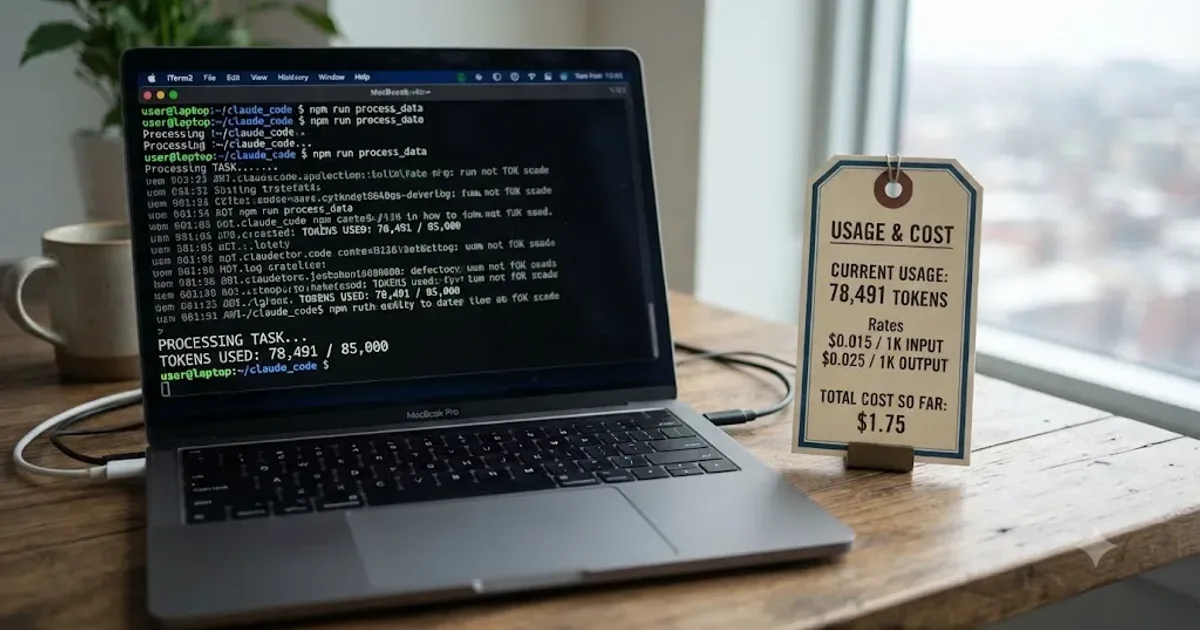
How Much Does Claude Code Cost? Every Plan and Price
Claude Code pricing explained: Pro at $17-20/month, Max at $100-200, raw API token rates, and what Anthropic's own data says developers actually spend.