
Learn / Claude Code & AI Codingupdated for Claude Code documentation (July 2026)
Claude Code Running Out of Context Mid-Session? Here's the Fix
Quick answer
Claude Code runs out of context when file reads, tool outputs, and messages fill its context window, 200,000 tokens on most models or 1 million on Sonnet 5 and other 1M-capable models. It auto-compacts by summarizing the conversation before that happens, but you get better results running /compact yourself at a checkpoint, using /clear between unrelated tasks, and offloading research to subagents.
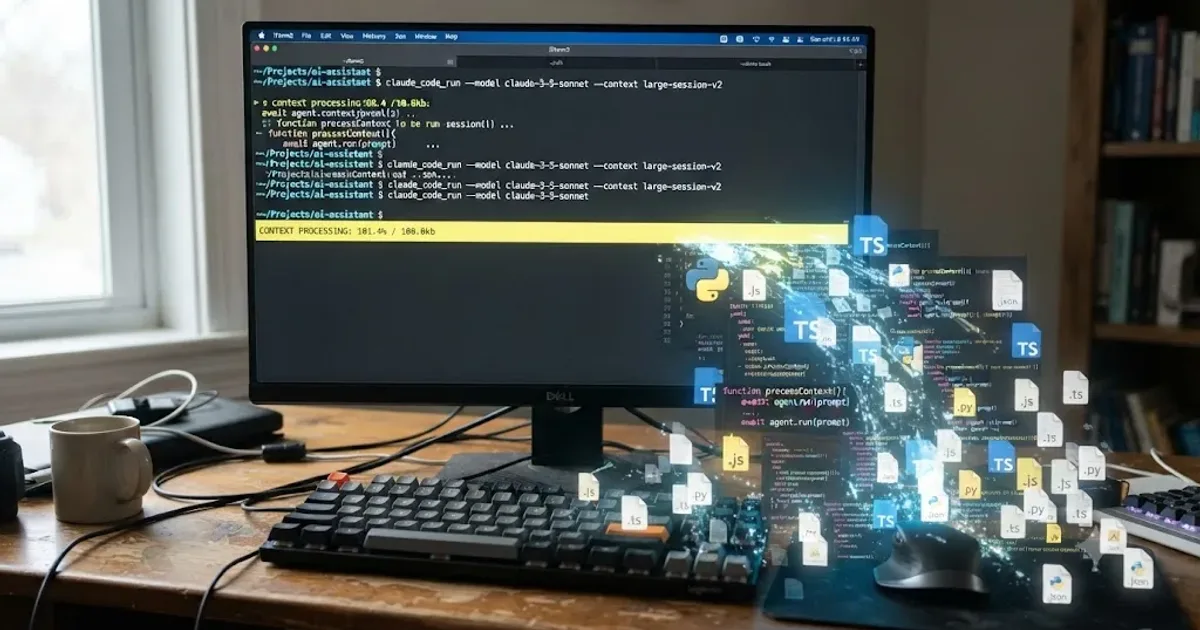
Claude Code was three tool calls into fixing a bug I'd already described twice, and it asked me what the bug was. That's the moment. Context full, older instructions gone, Claude now working from whatever survived the summary. It isn't broken. It's just out of room, and the fix depends on which kind of "out of room" you're actually in.
This happens to video editors too, not just full-time developers. If you're the kind of person who edits in DaVinci Resolve and also asks Claude Code to write a Fusion script, batch-rename a folder of exports, or wire up a scripting-API automation against Resolve's Python bridge, you'll hit this exact wall. The fix is the same either way.
What does "running out of context mid-session" actually mean?
Claude Code's context window is not memory in the human sense. It is everything the model can see in this exact moment, and it forgets everything outside that window the instant your turn ends. Your messages, every file Claude reads, every command it runs, every hook that fires, all of it lives in one shared space that has a hard limit.
Anthropic's own documentation puts it plainly: "as the number of tokens in the context window increases, the model's ability to accurately recall information from that context decreases." Anthropic's platform docs give this effect a name: context rot. It's not a bug. It's a property of how transformer attention works at scale, and it means the practical ceiling on a useful session is usually lower than the technical ceiling on the model.
So "running out of context mid-session" covers two related but different situations:
- The hard limit. The window fills completely and Claude Code has to summarize (compact) or stop.
- The soft limit. The window is technically not full, but it's crowded enough with old, irrelevant, or contradictory material that Claude starts making mistakes, forgetting earlier instructions, or repeating corrections you already gave it.
Most people only notice the hard limit, because that's when Claude Code visibly interrupts with a "Conversation compacted" message. The soft limit is the one that actually costs you time, because it degrades quietly for several turns before you notice the pattern.
Why does the context window fill up so fast?
A single large file read can cost more tokens than an entire multi-turn conversation about a small bug. That's the part people underestimate. You don't fill the window by typing a lot. You fill it by asking Claude to look at a lot.
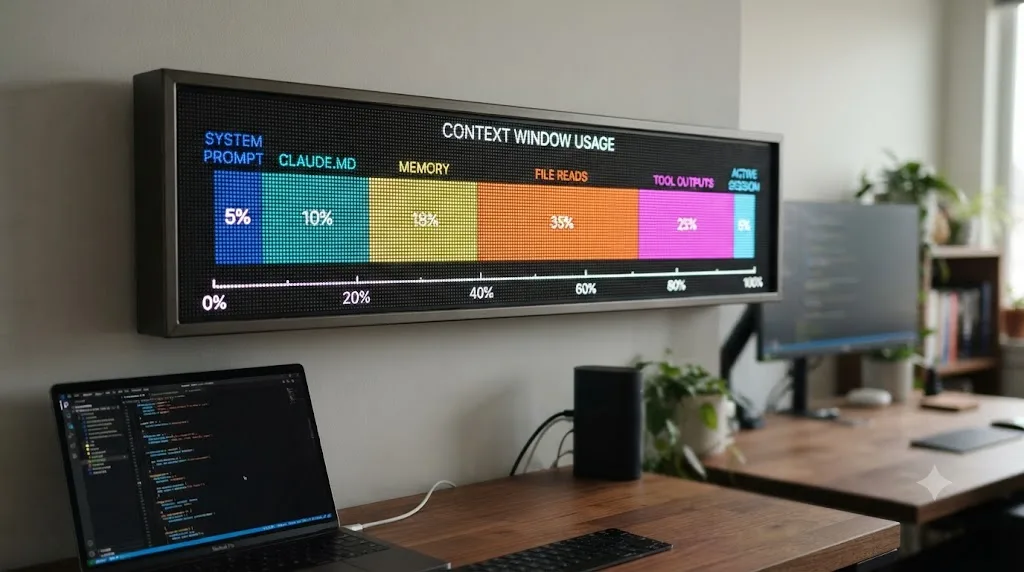
Anthropic's interactive walkthrough of a real session shows what loads before you even type your first message, using representative token counts for a typical setup:
| What loads | Approximate cost | When |
|---|---|---|
| System prompt | ~4,200 tokens | Always, first |
| Auto memory (MEMORY.md) | ~680 tokens | If you have one |
| Environment info (OS, shell, git state) | ~280 tokens | Always |
| MCP tool names (schemas deferred) | ~120 tokens | If MCP servers are connected |
| Skill descriptions | ~450 tokens | If skills are installed |
Global ~/.claude/CLAUDE.md | ~320 tokens | If you have one |
Project CLAUDE.md | ~1,800 tokens | If you have one |
Those numbers are illustrative, Anthropic says as much in the walkthrough, and your real figures shift with the size of your CLAUDE.md and how many MCP servers you've connected. But the shape of the problem holds: before you've typed a single word, a well-configured session can already be five to eight thousand tokens deep. From there, every file Claude reads to understand your bug, every path-scoped rule that loads alongside a matching file, every hook that reports back through additionalContext, and every command's output adds more. A single debugging session that reads five or six files, runs a test suite, and iterates twice can burn tens of thousands of tokens without anyone typing anything unusual.
What happens automatically when Claude Code hits the limit?
You don't get cut off mid-response. Claude Code manages this for you, in two stages, according to its own documentation on how the tool works.
First, it clears older tool outputs, the verbose stuff like full test-suite logs or long grep results that already did their job informing an earlier decision. Second, if that isn't enough, it summarizes the conversation itself: your requests, the technical decisions made, and key code snippets get compressed into a structured summary that replaces the verbatim history.
This is why a compacted session still "remembers" the gist of what you were doing but sometimes loses a specific detail, like the exact error message from four turns ago, or a constraint you mentioned once in passing. The summary keeps intent. It doesn't keep everything.
There's a failure mode inside this process worth knowing about before you hit it: if a single file or tool output is so large that it refills the window again immediately after Claude Code just finished summarizing it, Claude Code detects the loop and stops retrying rather than burning API calls on a compaction that can't make progress. You'll see an error that starts with "Autocompact is thrashing." More on that below, because it has a specific, documented fix.
What survives compaction, and what quietly disappears?
This is the part most people get wrong, because it's not "everything after the last compaction is gone." Some things reload from disk automatically. Others only reload when triggered again. Here's the actual breakdown, straight from Claude Code's documentation:
| Mechanism | After compaction |
|---|---|
| System prompt and output style | Unchanged, not part of message history |
| Project-root CLAUDE.md and unscoped rules | Re-injected from disk |
| Auto memory (MEMORY.md) | Re-injected from disk |
Rules with paths: frontmatter | Lost until a matching file is read again |
| Nested CLAUDE.md in subdirectories | Lost until a file in that subdirectory is read again |
| Invoked skill bodies | Re-injected, capped at 5,000 tokens per skill and 25,000 total; oldest dropped first |
| Hooks | Not applicable, they run as code, not context |
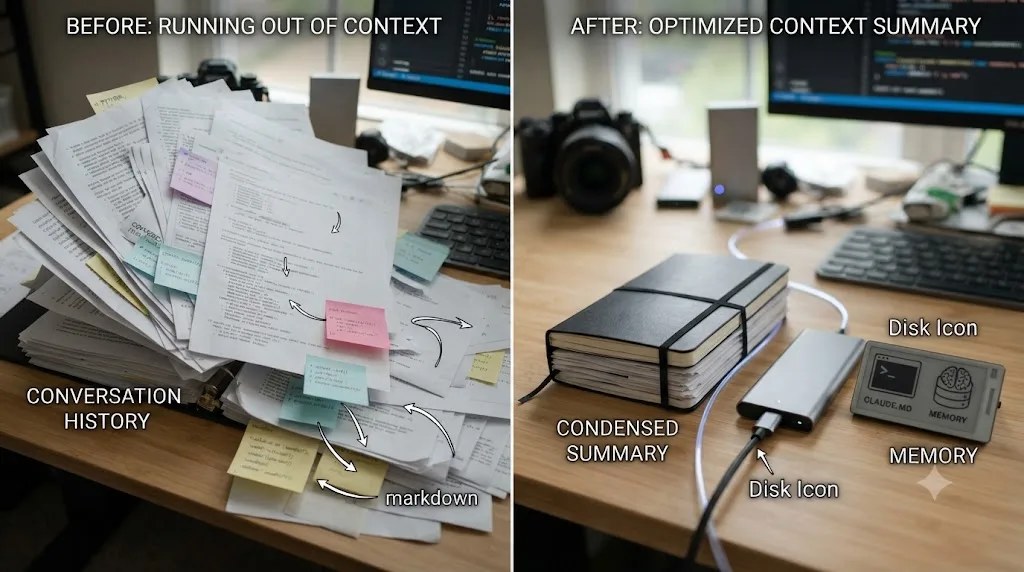
Anything you only said out loud in the conversation is what compaction is compressing. Anything written to a file on disk, CLAUDE.md, a rule, a skill, survives because it reloads from the file, not from memory of the conversation. That's the whole trick to making compaction hurt less: move anything that must persist out of the conversation and into a file Claude reads back in automatically.
Anthropic's Applied AI team describes the broader technique this way, in the company's engineering blog: "Compaction is the practice of taking a conversation nearing the context window limit, summarizing its contents, and reinitiating a new context window with the summary." It's a deliberate architectural choice, not a fallback, and it's one of three long-horizon strategies Anthropic documents, the other two being structured note-taking (writing state to persistent files outside the window) and sub-agent delegation, which we'll get to.
One more nuance worth flagging for anyone customizing skills: skill bodies are truncated to fit that per-skill cap, and truncation keeps the start of the file. If you write a SKILL.md, put the instructions that must survive a compaction near the top, not buried at the bottom.
/compact vs. /clear vs. subagents: which one do you actually need?
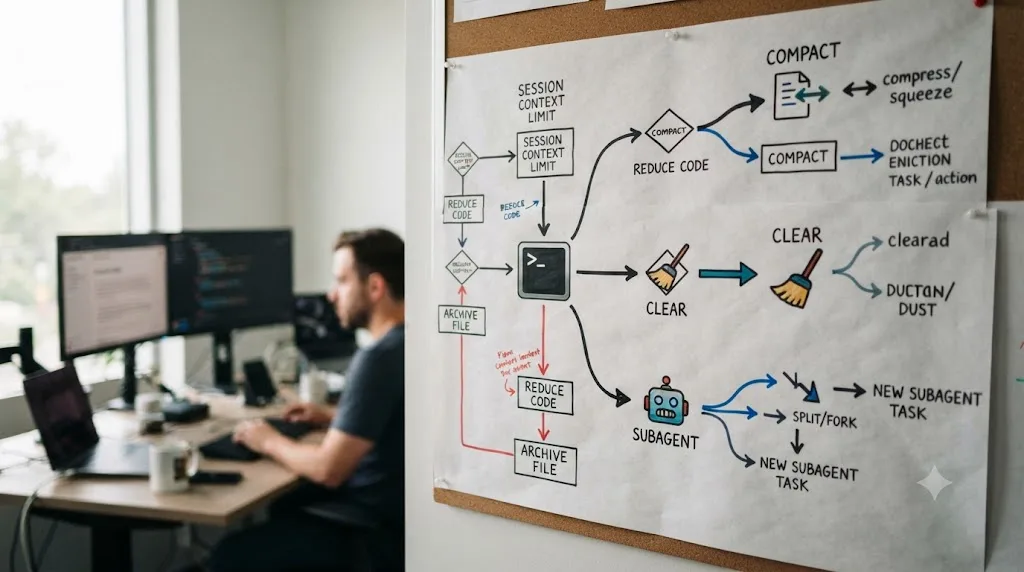
These three tools solve different problems, and picking the wrong one is the single most common context-management mistake. Auto-compaction is a safety net, not a feature you should rely on for good results, because you don't get to choose what it prioritizes. Running it yourself, at a moment you pick, produces a cleaner summary because there's less accumulated noise to compress.
| Your situation | What to run | Why |
|---|---|---|
| Mid-task, context filling, work going well | /compact, optionally with a focus like /compact focus on the auth fix | Keeps momentum, drops what you don't need, keeps what you specify |
| Switching to a completely unrelated task | /clear | Old files and dead ends from the last task won't pollute the new one |
| You've corrected Claude twice on the same mistake | /clear and a more specific prompt | The context itself has become the problem; a clean session with a better prompt usually beats a long one full of failed attempts |
| You need Claude to read many files just to answer one question | Delegate to a subagent | The reads happen in a separate window and never touch yours |
| Compaction keeps immediately refilling ("thrashing") | Chunk the file, /compact with a narrow focus, or /clear | The single artifact is bigger than compaction can meaningfully shrink |
| You're deep in one complex, genuinely valuable conversation | Let it ride, or switch to a 1M-context model | Sometimes the accumulated history is the value, not the noise |
| You only need to check one detail without growing context | /btw | The answer appears in a dismissible overlay and never enters conversation history |
There's also a middle option between /compact and /clear that a lot of people don't know exists: press Esc twice, or run /rewind, to open the rewind menu, select a checkpoint, and choose "Summarize from here" or "Summarize up to here." The first condenses everything from that point forward while keeping earlier context intact. The second does the reverse, condensing earlier messages while keeping recent ones in full. It's a scalpel where /compact is a broad brush.
If you've corrected Claude more than twice on the same issue in one session, the context is cluttered with failed approaches, and no amount of compacting fixes that, because the summary will faithfully preserve the confusion along with everything else. Clear it and start over with what you learned baked into the new prompt.
How do you stop losing context before it happens?
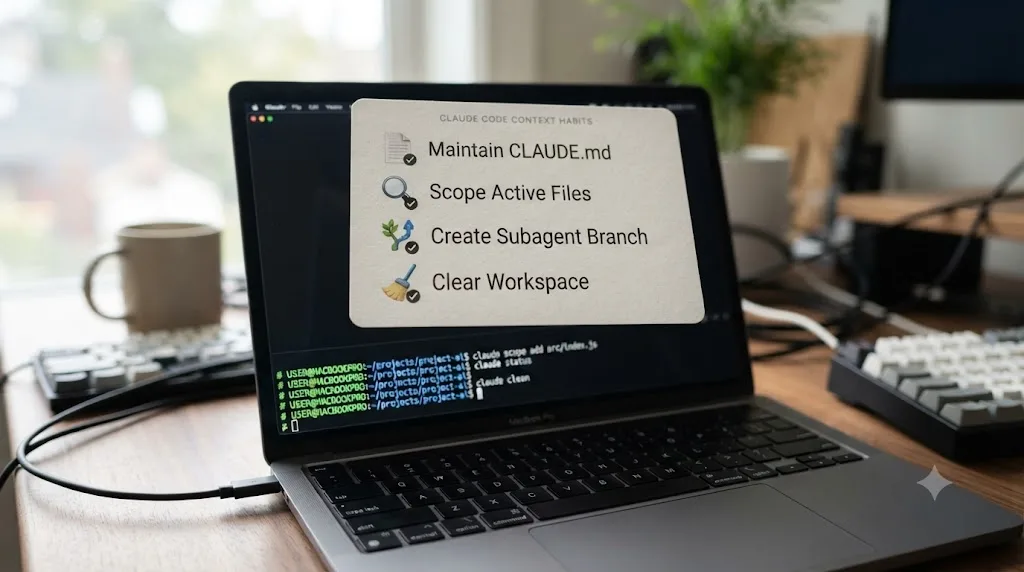
Reactive fixes matter, but the sessions that never run into trouble share a few habits.
Put persistent rules in CLAUDE.md, not in the conversation. Build commands, code style, testing preferences, anything Claude needs every session belongs in a file that reloads from disk after every compaction. Anything you only ever typed as an instruction mid-conversation is exactly what gets compressed away first.
Scope your prompts instead of asking Claude to "investigate." An unscoped investigation can read hundreds of files and fill your window before it even starts the actual task. "Fix the login bug" leaves Claude guessing where to look. "Users report login fails after session timeout, check the auth flow in src/auth/, especially token refresh" gives Claude a target, which means fewer files read and less context spent finding the problem in the first place.
Delegate research, not implementation, to subagents. A subagent gets its own fresh context window, completely separate from your main conversation. When Claude needs to understand how an unfamiliar part of a codebase works before making a change, tell it to use a subagent for that research. Only the subagent's final summary, typically a fraction of what it actually read, comes back into your window.
Run /clear between unrelated tasks on purpose, before you notice a problem. The "kitchen sink session," starting one task, asking about something unrelated, then returning to the first, is one of Claude Code's own documented failure patterns. The fix documented for it is simple: clear between tasks, every time, not just when things start going wrong.
Check /context periodically instead of waiting for a compaction notice. It gives you a live breakdown by category with concrete suggestions, so you can compact or clear on your own schedule instead of the automatic pass's.
For long or multi-day work, name and resume sessions instead of re-explaining. Claude Code saves conversations locally. claude --continue picks up the most recent one; claude --resume lets you choose from a list; /rename gives a session a name like oauth-migration so you can find it again. Treating each workstream as its own named session avoids stuffing unrelated history into one giant conversation in the first place.
A worked example: a debugging session that runs out of context mid-fix
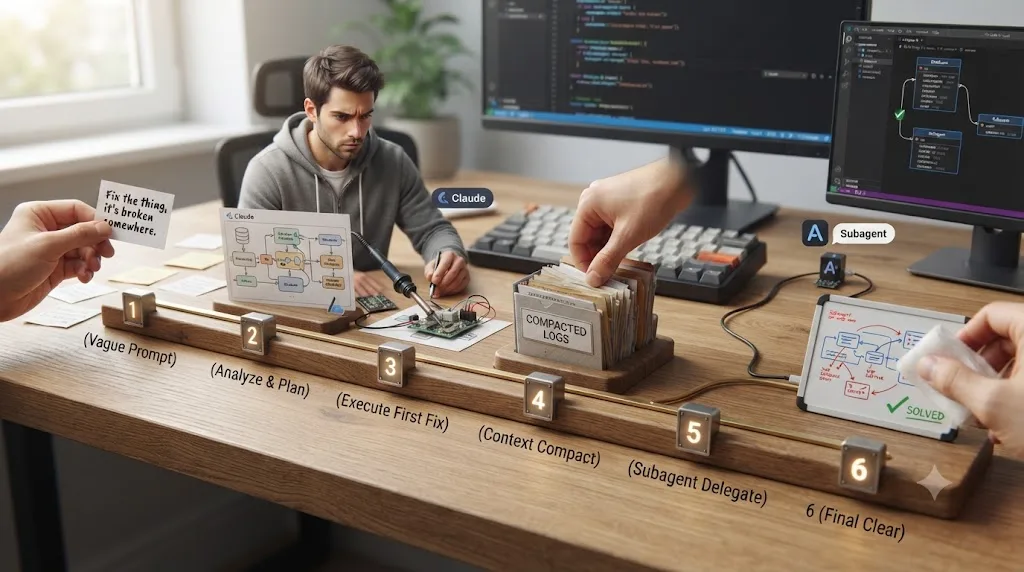
Say you're chasing a bug where users get logged out randomly after their session token refreshes. Here's how context actually accumulates through a realistic session, and where each decision point falls.
- You open with a vague prompt: "fix the login bug." Claude has no target, so it starts reading broadly: the main auth file, the token module it imports, middleware, the test file. Four files in, you're already several thousand tokens deep before Claude has said anything back to you.
- Claude explains what it found and proposes a fix. This is a good checkpoint. If the explanation and the diff look right, this is a natural moment to run
/compactbefore continuing, not because you're forced to, but because the summary produced here will be clean: request, root cause, fix, done. - You ask a follow-up in the same session: "also check session timeout handling." This is exactly where telling Claude to "use a subagent to investigate session timeout handling" pays off. The subagent reads the relevant files in its own window; only its findings, typically a few hundred tokens, come back to you.
- You run
!git statusto ground Claude in what actually changed on disk. This is a useful pattern: the shell command and its output both enter your context as part of your message, which is a deliberate way to give Claude verified information instead of relying on its memory of what it edited. - You invoke a commit skill. If it has
disable-model-invocation: true, its content costs zero context until this exact moment, then loads in full to do the commit. - You keep going into a third, unrelated feature in the same session. This is the kitchen-sink pattern starting to form. The right move here is
/clear, not another/compact, because the new feature doesn't need the auth bug's history at all.
Notice where the actual decision points are: not "when do I run out of context," but "which of these five moments should have been a /compact, a subagent hand-off, or a /clear." Get those right and you rarely hit the hard limit at all.
What's the "thrashing" error, and how do you recover from it?
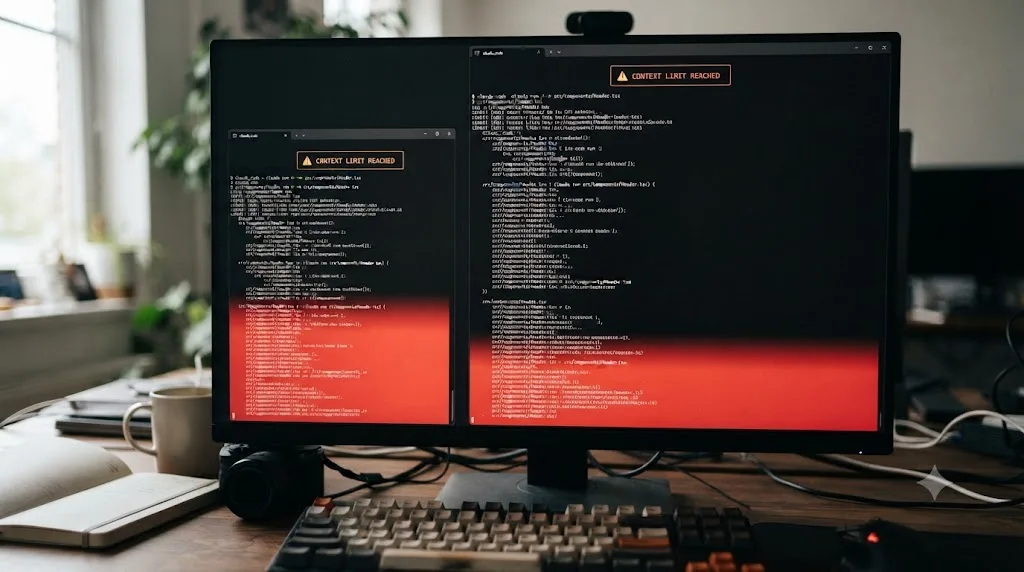
This is the specific failure that looks scariest and has the most concrete fix. You'll see an error message that starts: Autocompact is thrashing: the context refilled to the limit...
According to Claude Code's troubleshooting documentation, this means automatic compaction actually succeeded, but a file or tool output immediately refilled the window several times in a row afterward. Claude Code stops retrying on purpose, to avoid wasting API calls looping on a compaction that isn't making progress. It's usually one oversized artifact, a massive log file, a huge generated file, an enormous grep result, not a general "you've used too much context over time" problem.
The documented recovery path has four options, roughly in order of how surgical they are:
- Chunk the input. Ask Claude to read the oversized file in smaller pieces, a specific line range or a single function, instead of the whole thing at once.
- Compact with a focus that explicitly drops the large output. Something like
/compact keep only the plan and the difftells the summarizer what to discard rather than letting it guess. - Move the large-file work to a subagent. It runs in a separate context window, so the oversized artifact never threatens your main session's budget again.
- Run
/clearif the earlier conversation isn't needed anymore. Sometimes the fastest fix is accepting the loss and restating only what still matters.
If you hit this more than once with the same kind of file, like a generated lockfile or a build log, that's a signal to add it to .gitignore or point Claude away from it by default, rather than solving it fresh every time.
Should you just switch to a 1-million-token model instead?
It's tempting to treat a bigger window as the real fix, and for some workloads it genuinely is. Here's what Anthropic's platform documentation actually says the ceilings are, as of its current model lineup:
| Model | Context window |
|---|---|
| Claude Opus 4.8, 4.7, 4.6 | 1,000,000 tokens |
| Claude Sonnet 5 | 1,000,000 tokens |
| Claude Sonnet 4.6 | 1,000,000 tokens |
| Claude Fable 5, Claude Mythos 5 | 1,000,000 tokens (up to 128k output tokens per request) |
| Claude Sonnet 4.5, Claude Haiku 4.5, and other current models | 200,000 tokens |
That's a real, five-times-larger ceiling for the models that support it, and Anthropic's pricing documentation notes that for these models, 1M is the default with no beta header required, billed at standard rates rather than a long-context premium. So switching isn't inherently a cost penalty per token. But it doesn't repeal context rot. A model with a 1-million-token window can still lose the plot at 600,000 tokens if that window is full of stale file reads and abandoned approaches. The Anthropic engineering team's own framing is blunt about this: more context isn't automatically better, and curating what's in context matters as much as how much space is available.
There's also a newer, quieter feature worth knowing about if you're on Sonnet 5, Sonnet 4.6, Sonnet 4.5, or Haiku 4.5: context awareness. These models track their own remaining token budget throughout a conversation via tags the API injects automatically, so the model can manage a long task against the space that's actually left instead of guessing. It's automatic, there's nothing to turn on, but it explains why these specific models tend to degrade more gracefully as they approach their limit than older ones did.
The honest verdict: a bigger context window buys you more runway before the hard limit, and it's genuinely useful for large, single-pass tasks like reviewing an entire codebase at once. It is not a substitute for scoping prompts, clearing between tasks, and delegating research to subagents. Treat it as more headroom, not a reason to stop curating.
What about automated, non-interactive runs?
If you're running Claude Code headless, claude -p "prompt" in a script, CI pipeline, or pre-commit hook, there's no terminal session to run /compact in partway through. That changes the strategy from "manage context as you go" to "keep each invocation small enough that it never needs managing."
The documented pattern for large-scale work, like migrating thousands of files, is to fan out: generate a list of what needs doing, then loop through it calling claude -p once per item with a tightly scoped prompt and --allowedTools restricting what that invocation can touch. Each call gets a fresh context window sized to one file's worth of work, which sidesteps the mid-session problem entirely rather than solving it reactively. If you're scripting a batch job against a large codebase or a folder of exported footage, this is the pattern to reach for before you reach for a bigger model.
Does this affect vibe-coders who also edit video?
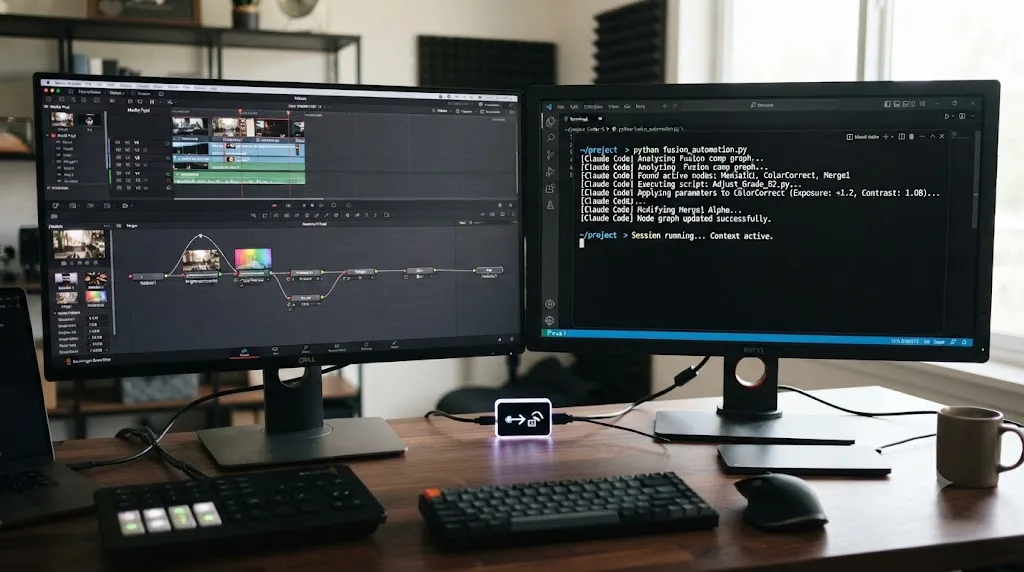
If your Claude Code sessions are mixed in with editing work, writing a Fusion macro here, automating a render queue there, scripting batch exports against Resolve's Python API, you'll hit context limits at oddly specific moments: right after Claude reads a large exported XML timeline, or partway through debugging a script that walks your whole media pool. The mechanics are identical to any other codebase; the trigger is just footage-adjacent files instead of source files.
There's a real, community-maintained bridge here worth knowing about if that's your workflow: Model Context Protocol servers like samuelgursky/davinci-resolve-mcp connect Claude to Resolve's official scripting API, so Claude Code can run Python commands against your actual project instead of just reasoning about code in the abstract. We cover the full landscape of AI tools people actually use for Resolve, including this scripting bridge, its Studio-only requirement, and where it breaks, in our roundup of AI tools for learning DaVinci Resolve.
It's the same discipline that pays off inside the app itself, not just in the terminal. If you're pairing a Claude Code session with actual editing work, the reason tutorials feel productive but don't build lasting skill is a related problem: passive exposure feels like progress right up until you're on your own. We go deep on why in our piece on why watching tutorials doesn't work. TryUncle's assistant, Uncle, takes the opposite approach inside DaVinci Resolve itself: it watches your actual project on the Edit, Color, and Fusion pages and points at the specific control you need, live, so you're not tabbing between a terminal transcript and the app trying to remember which panel had the setting you wanted. It's a paid macOS app at $34.99 a month, cancel anytime, so check TryUncle for the current rate rather than trusting a number that might be stale by the time you read this.
The verdict
Claude Code running out of context mid-session isn't a defect you work around forever. It's a predictable resource limit with a documented, three-part answer: compact when the current task still has value worth keeping, clear when it doesn't, and delegate large reads to subagents so they never threaten your main window in the first place. Put anything that must survive a compaction into CLAUDE.md, where it reloads from disk instead of relying on a summary to remember it for you.
The next time Claude asks you to re-explain something you already said, don't just answer it and move on. Check /context, figure out which of the three tools actually fits the moment you're in, and use it. That's the difference between a session that quietly degrades for twenty minutes before you notice, and one where you never lose the thread at all.
Frequently asked questions
- What does it mean when Claude Code says it's compacting or running out of context?
- It means the context window, everything Claude can currently see, including your messages, every file it read, and every command output, is full or nearly full. Claude Code compacts automatically by replacing older conversation with a structured summary so the session can keep going, but details that weren't in that summary are gone until you re-supply them.
- How big is Claude Code's context window?
- 200,000 tokens on most Claude models, including Claude Sonnet 4.5 and Haiku 4.5. Claude Opus 4.6 and later, Claude Sonnet 5, Claude Sonnet 4.6, and Claude Fable 5 support a 1 million token window instead, according to Anthropic's platform documentation.
- What's the actual difference between /compact and /clear?
- /compact summarizes the existing conversation and keeps working from that summary, so recent context survives in condensed form. /clear deletes the conversation entirely and starts from zero. Use /compact when the current task still needs its history; use /clear when you're switching to something unrelated.
- Does switching to a 1-million-token model fix the running-out-of-context problem?
- It raises the ceiling, but it doesn't fix context rot, the well-documented drop in a model's recall accuracy as token count grows. A curated, relevant 200,000-token window frequently outperforms a bloated 1-million-token one, so treat the bigger window as more headroom, not a reason to stop curating.
- What is the Claude Code 'thrashing' error and how do I fix it?
- It appears as "Autocompact is thrashing: the context refilled to the limit..." and means a single file or tool output is so large that it re-fills the window immediately after each compaction attempt. Anthropic's fix is to have Claude read the oversized file in smaller chunks, run /compact with a narrow focus, hand the file to a subagent, or just /clear.
- Do subagents actually save context, or do they just move the cost somewhere else?
- They genuinely save your main context. A subagent runs in its own separate context window, so every file it reads counts against its budget, not yours. Only its final summary, plus a small metadata trailer, returns to your conversation.
- Will I lose my code if Claude Code compacts or clears mid-session?
- No. Compaction and /clear only affect the conversation transcript, not your files. Every edit Claude makes is already on disk (and reversible through checkpoints or git), so a compaction or a /clear costs you conversational memory, not code.
Sources
- Explore the context window - Claude Code Docs
- Best practices for Claude Code - Claude Code Docs
- How Claude Code works - Claude Code Docs
- Troubleshooting - Claude Code Docs
- Context windows - Claude Platform Docs
- Effective context engineering for AI agents, by Anthropic's Applied AI team (Prithvi Rajasekaran, Ethan Dixon, Carly Ryan, Jeremy Hadfield)
- GitHub - samuelgursky/davinci-resolve-mcp
- TryUncle
Learn by doing, not watching
Stop translating tutorials to your timeline.
TryUncle stays beside Resolve on Mac and Windows. When you ask, Uncle sees your screen and points at the exact control you need. No hunting through tabs, timestamps, or mismatched tutorials.
Meet TryUncleKeep reading
 ComparisonsJul 11, 202626 min read
The Best AI Tools to Learn DaVinci Resolve in 2026
ChatGPT, Claude, Blackmagic's free training, Recut, and Resolve's Neural Engine compared for learning DaVinci Resolve, and the gap none of them close.
 GuidesJul 8, 202629 min read
Why Watching Tutorials Doesn't Work (And What Actually Builds Skill)
Why watching tutorials doesn't work: it trains recognition, not recall. The research on active practice, retrieval, and how to actually break out of tutorial hell.
 ComparisonsAug 2, 202638 min read
Claude Code SDK vs API: Which Should I Use?
The Agent SDK runs Claude's tool loop for you in Python or TypeScript. The raw API makes you write that loop yourself. Here's which fits your build.