Stuck on the Edit page
Ask how to trim, ripple, or drop in that transition — Uncle points at the exact spot on your timeline.
 TryUncleCommunity
Built with a 100,000-editor community
Uncle lives on your Mac
tryuncle.com · founder pricing
The official community
7+ years in the edit, and a 100,000-strong DaVinci Resolve community.
Ask how to trim, ripple, or drop in that transition — Uncle points at the exact spot on your timeline.
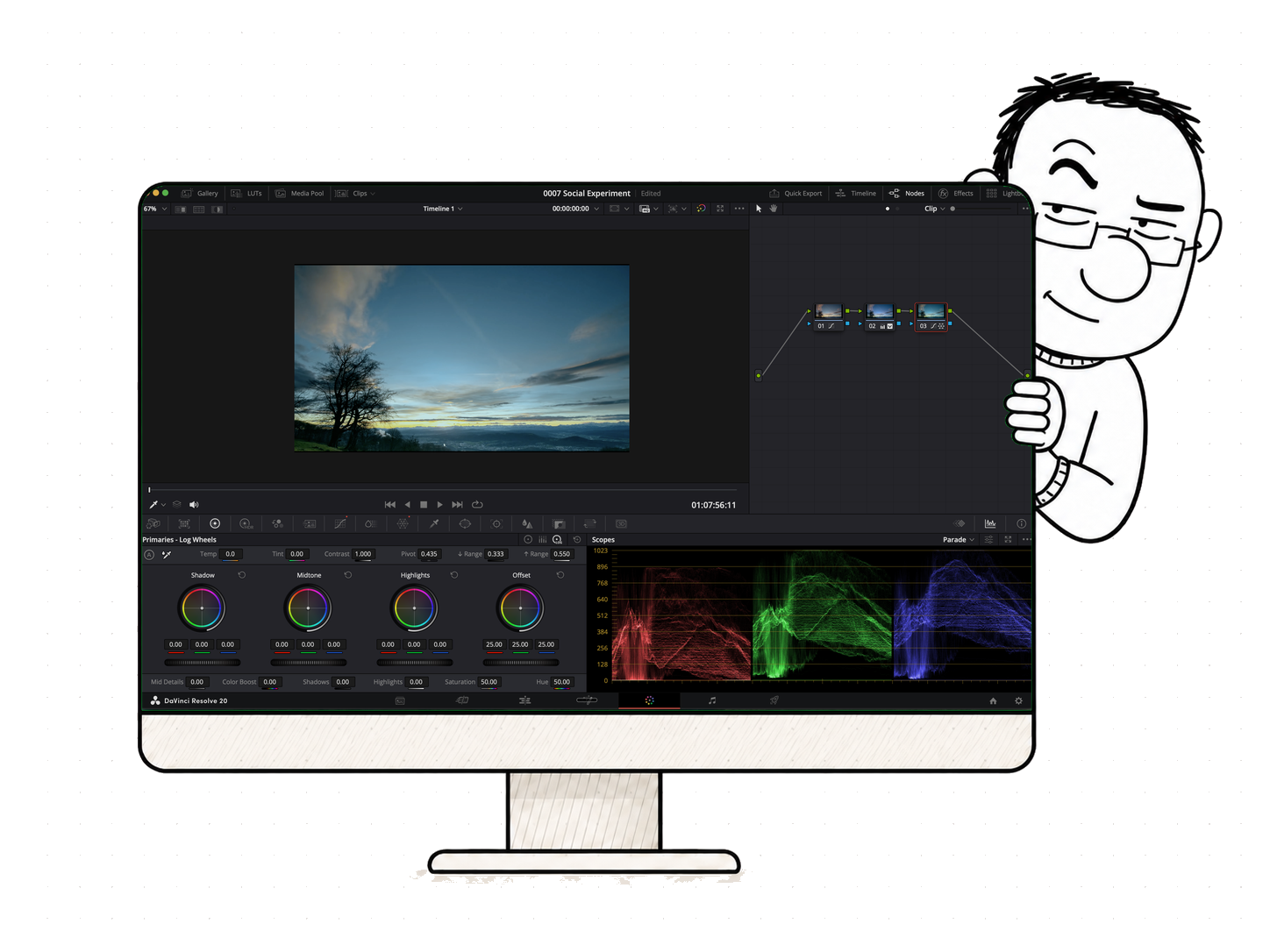
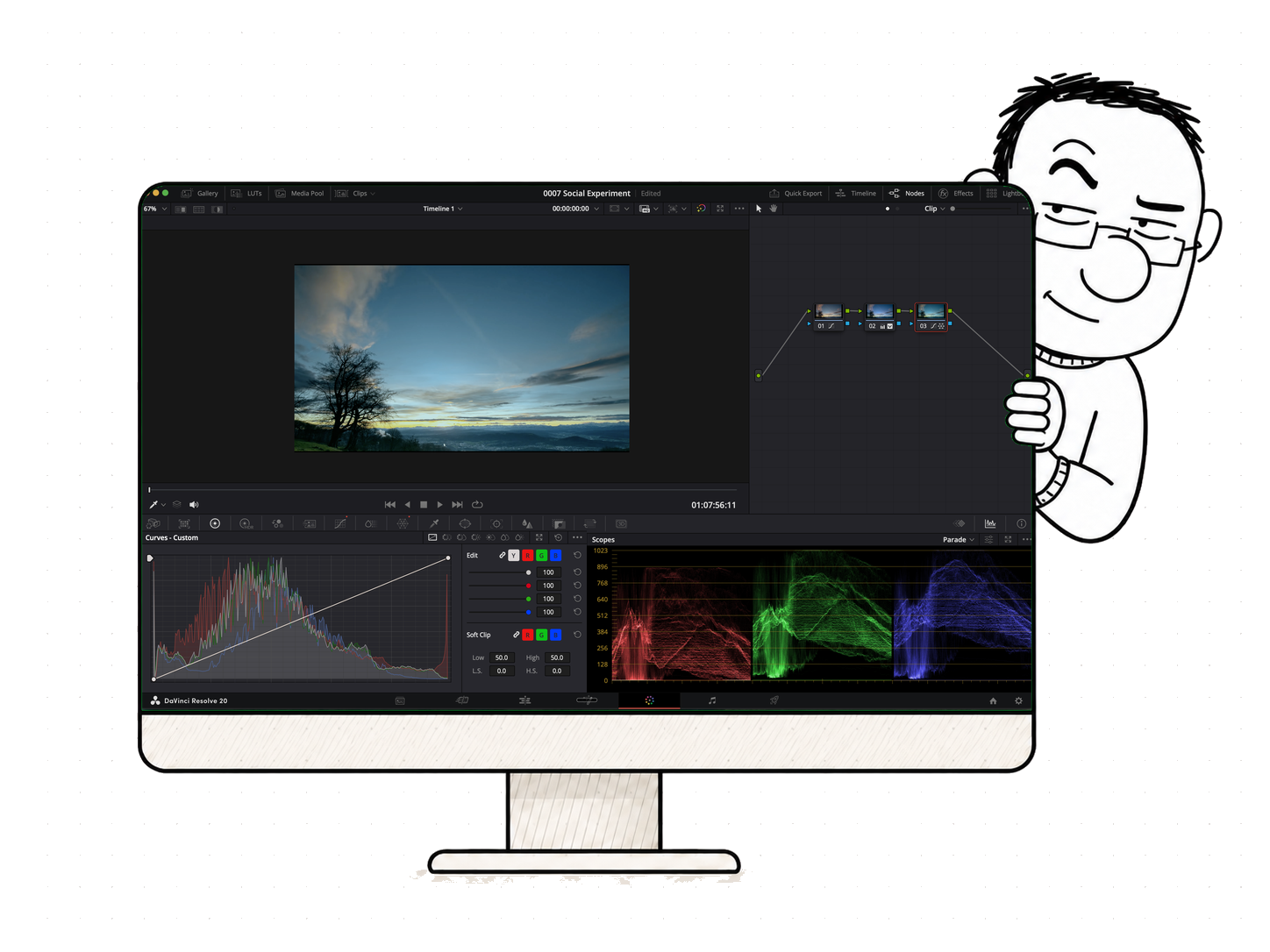
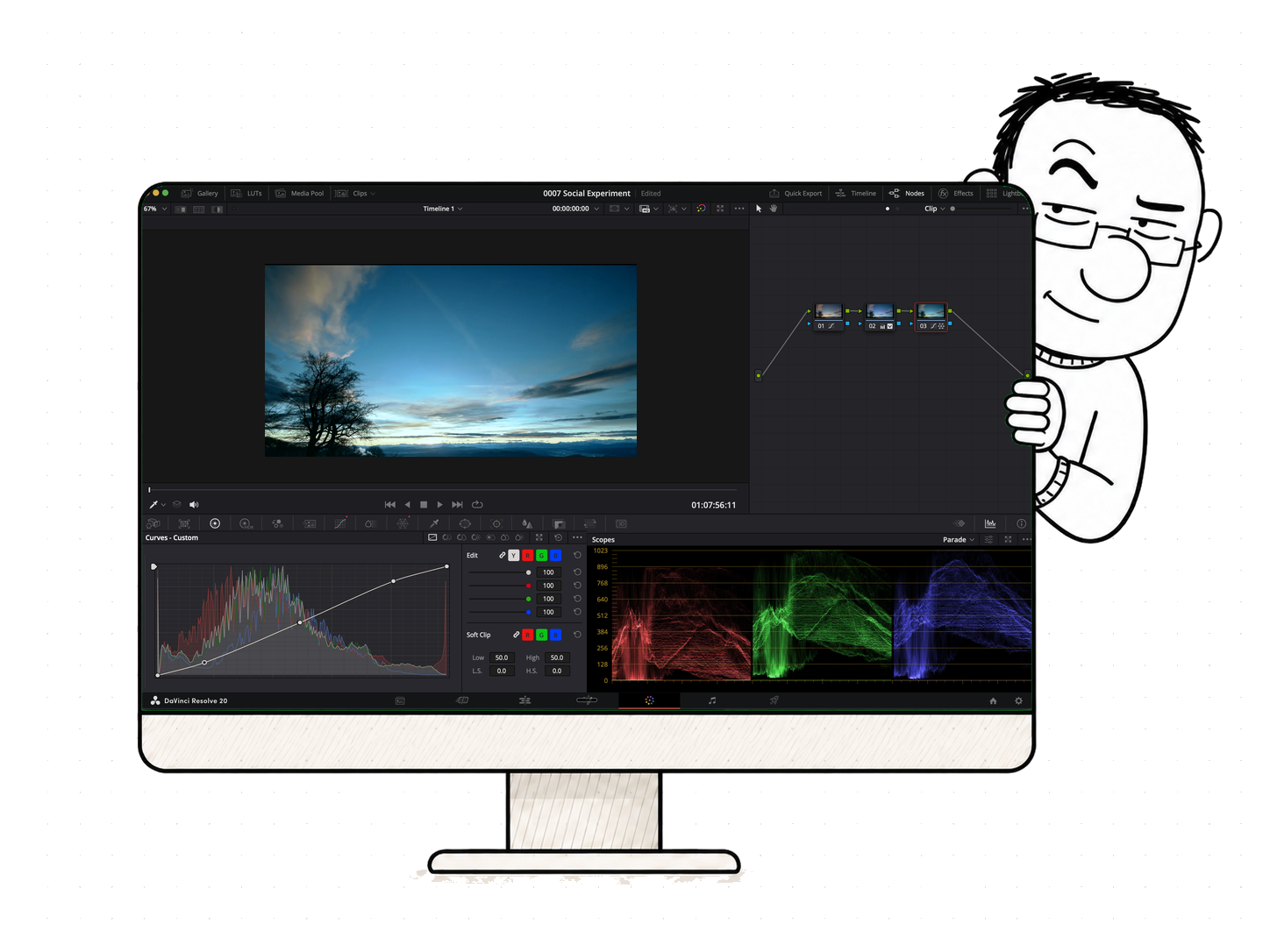
Nodes, wheels, curves — Uncle shows you which one to grab to get the look you actually want.
Building a node tree? Uncle walks you node by node until the graph finally makes sense.
“It pointed at the qualifier, I pulled it, the skin held.”

$29.99/month founder rate · cancel anytime.
Meanwhile, join 100k editors in the community →Built for DaVinci Resolve · macOS
Windows beta — needs the free Microsoft .NET 8 Desktop Runtime (the installer will prompt you, or run: winget install Microsoft.DotNet.DesktopRuntime.8)
2 / 4
3 / 4
4 / 4
Done
Node 03
Curves
Curve
Done
every page, same Uncle →
Ask how to trim, ripple, or drop in that transition — Uncle points at the exact spot on your timeline.
Nodes, wheels, curves — Uncle shows you which one to grab to get the look you actually want.
Building a node tree? Uncle walks you node by node until the graph finally makes sense.
three ways to ask →
Made by people who teach this
founder pricing →
Founder’s price · first 100 seats
TryUncle Pro
$29.99/month
$49.99 founder rate for the first 100 members · cancel anytime
14-day, no-questions-asked refund.Change your mind? Email us and we’ll refund you — no reasons, no hoops.
Free to download — open Uncle, sign in with Google, and subscribe in two taps.
FAQ
Uncle watches your screen, listens to what you are trying to do, and points at the exact button, slider, wheel, or node you need next — on your own screen. The answer comes as a spoken reply plus a hand-drawn box or a cursor that flies to the control, so you are never translating words back into clicks.
No. A general chatbot cannot see your screen, so it guesses and hands you a menu path you then have to find. Uncle sees your actual timeline, your actual node tree, and your actual stuck point, answers that specific situation, and circles the control on screen so there is nothing to translate.
Three shortcuts, all rebindable: hold Shift + Fn to talk to it, press Shift + Option to type a question, and press Shift + Control to ask “am I doing this right — what’s next?” Ask the way you would ask an editor sitting next to you.
Your media never leaves your Mac. Uncle reads your screen to understand what you are looking at — the same screen-recording permission any capture or streaming app uses — but it does not upload, store or share your footage or your project files.
TryUncle Pro is $29.99/month at the founder rate ($49.99 after the first 100 members), and you can cancel anytime. It is built by a DaVinci Resolve instructor who has taught 100,000 people online, and it is shaped by the app’s official community of editors.